The thought of an interview can be nerve-wracking, but the right preparation can make all the difference. Explore this comprehensive guide to Projector Alignment interview questions and gain the confidence you need to showcase your abilities and secure the role.
Questions Asked in Projector Alignment Interview
Q 1. Explain the keystone effect and how to correct it.
The keystone effect is a trapezoidal distortion of the projected image that occurs when the projector is not perpendicular to the screen. Imagine shining a flashlight at an angle onto a wall – the light doesn’t create a perfect rectangle, right? That’s the keystone effect. It happens because the image is projected at an angle, causing the sides to appear shorter or longer than they should be.
Correcting the keystone effect involves adjusting the projector’s position or using its built-in keystone correction feature. Manual adjustment means physically moving the projector to be perfectly square to the screen. Many projectors offer digital keystone correction, which uses software to digitally reshape the image, compensating for the distortion. While digital keystone correction is convenient, it can slightly reduce image quality. The best approach is always to minimize the need for keystone correction by proper projector placement.
Q 2. Describe different methods for projector alignment (e.g., manual, motorized).
Projector alignment methods fall into two main categories: manual and motorized.
- Manual Alignment: This involves physically adjusting the projector’s position using its tilt, pan, and zoom controls. It’s a hands-on approach, requiring careful observation and adjustment. Think of fine-tuning a telescope to get a clear view – it takes precision and patience.
- Motorized Alignment: Higher-end projectors often feature motorized lens shifting and focus. This allows for precise adjustments using a remote control or software interface. This is particularly useful in large installations or when fine adjustments are needed without physically accessing the projector.
Some systems even use advanced techniques like warping and blending software for multiple projectors, which allows for highly precise alignment and correction of imperfections across larger projection surfaces.
Q 3. What tools and equipment are essential for projector alignment?
Essential tools and equipment for projector alignment vary depending on the complexity of the setup, but generally include:
- Measuring Tape: For accurate distance measurements between the projector and screen.
- Level: To ensure the projector is perfectly horizontal and vertical.
- Screwdrivers (various sizes): For manual adjustments if motorized controls are unavailable.
- Alignment tools (optional): Some specialized tools assist in aligning multiple projectors for edge blending.
- Remote Control (if applicable): For controlling motorized adjustments.
- Software (if applicable): For controlling digital keystone correction, warping, and blending.
- Test Pattern Generator (optional but recommended): Creates a grid pattern for easy alignment verification.
For edge blending, you will also need specialized software for seamless image stitching.
Q 4. How do you ensure proper focus and image sharpness?
Ensuring proper focus and image sharpness is crucial for a high-quality projection. It’s like focusing a camera – you need the image to be crisp and clear. This is achieved by using the projector’s focus ring. This usually involves a manual adjustment, but some higher-end projectors have motorized focus. The process starts with positioning the projector at the optimal distance from the screen. Then, carefully rotate the focus ring until the image is as sharp as possible. The ideal focus point is typically determined by visually inspecting the image for maximum clarity, potentially aided by using a test pattern for finer adjustments. This requires careful observation and iterative adjustment until the image is perfectly sharp across its entire surface. Using a test pattern with sharp lines and high contrast is extremely helpful here.
Q 5. Explain the process of aligning multiple projectors for edge blending.
Aligning multiple projectors for edge blending involves several steps and requires specialized software. This creates a seamless, large-scale image by overlapping the projections from multiple projectors. Imagine creating a massive panoramic photo by stitching together several smaller photos – that’s essentially what edge blending does.
- Initial Placement: Position projectors carefully to ensure overlap and desired overall image size.
- Geometric Correction: Use the blending software to correct any geometric distortions in the individual images. This usually involves adjusting the edges to ensure seamless transitions.
- Color Matching: Adjust the color and brightness of each projector to ensure a consistent image across the entire surface.
- Edge Blending Adjustment: Use the blending software to carefully adjust the overlap region, creating a seamless transition between the images. This often requires precise control over brightness and color at the edges.
- Fine-tuning: Make final adjustments for brightness, color, and sharpness to achieve a perfectly unified image.
Calibration is iterative. You’ll need patience and attention to detail to achieve a perfectly seamless blend.
Q 6. How do you troubleshoot common projector alignment issues (e.g., misalignment, color inconsistencies)?
Troubleshooting projector alignment issues involves a systematic approach:
- Misalignment: Check the projector’s position using a level and measuring tape. Adjust the projector’s placement or use keystone correction (digital or manual).
- Color Inconsistency: Ensure all projectors are using the same color settings and that there aren’t any issues with the projector’s color balance. Calibration tools and software can be very helpful here.
- Blurry Image: Check the focus and zoom settings. Adjust the focus ring until the image is sharp. Ensure the projector is positioned at the optimal distance from the screen.
- Incomplete Edge Blending: Check the settings in the edge blending software. Ensure that the overlap region is properly adjusted for seamless transitions.
For more complex issues, consult the projector’s documentation or seek professional help.
Q 7. What are the safety precautions you take when working with projectors?
Safety precautions when working with projectors include:
- Never look directly into the projector’s light beam. This can cause serious eye damage.
- Ensure proper ventilation. Projectors generate heat, so adequate ventilation is essential to prevent overheating.
- Use caution when handling heavy projectors. Get assistance if needed to prevent injury.
- Follow manufacturer’s instructions. Always read and follow the manufacturer’s safety guidelines and instructions.
- Use appropriate personal protective equipment (PPE) when necessary, such as safety glasses.
Always prioritize safety when working with any equipment. It’s better to take extra precautions than to risk injury or damage.
Q 8. Describe your experience with different types of projector mounts.
My experience with projector mounts spans a wide range, from simple ceiling mounts to complex motorized systems for large-scale installations. I’m proficient with various types, including:
- Ceiling mounts: These are common for standard installations, offering flexibility in placement and often including tilt and swivel adjustments for fine-tuning the projected image.
- Wall mounts: Ideal for space-saving setups, these provide a secure and stable platform. I’ve worked with both fixed and adjustable wall mounts, selecting the appropriate type based on the room’s layout and the projector’s specifications.
- Floor stands: These are portable and versatile, perfect for temporary setups or situations where ceiling or wall mounting isn’t feasible. I’ve used various floor stands, considering factors like height adjustability, stability, and overall sturdiness.
- Motorized mounts: For larger venues or installations requiring complex adjustments, motorized mounts offer remote control capabilities for precise positioning, lens shift, and even keystone correction. I’m experienced in programming and troubleshooting these sophisticated systems.
Choosing the right mount is critical for optimal image quality and ease of maintenance. For instance, on one project involving a high-lumen projector in a large auditorium, a motorized mount was crucial for precise alignment and ease of access for lamp replacement.
Q 9. How do you ensure accurate color calibration during projector alignment?
Accurate color calibration is paramount for a professional projector installation. My process involves a multi-step approach:
- Using a colorimeter or spectrophotometer: These instruments provide objective measurements of color accuracy, ensuring consistent color reproduction across the projected image. I’m proficient in using various models and interpreting the data they provide.
- Employing calibration software: Many projectors have built-in calibration features or are compatible with specialized software. This allows for fine-tuning color temperature, gamma, and other color parameters to match a specific color space (e.g., sRGB, Rec.709).
- Comparing the projected image to a reference: I often use a reference image or video with known color characteristics to visually assess the accuracy of the calibration. This helps me fine-tune adjustments made using the colorimeter or software.
- Considering ambient lighting: The surrounding environment plays a significant role in perceived color accuracy. I adjust the projector’s brightness and color settings to compensate for the impact of ambient light.
For example, in a museum setting, precise color calibration was crucial to accurately display artwork. By using a professional colorimeter and specialized calibration software, we ensured the projected images matched the original artwork’s colors as faithfully as possible.
Q 10. Explain your experience with different projector control systems.
My experience with projector control systems extends across several platforms. I’m comfortable working with:
- RS-232 and LAN control: I can program and troubleshoot control protocols for remote operation, integrating projectors into larger automation systems. This includes using Crestron, AMX, and other control systems.
- Control software interfaces: I’m proficient in using various software interfaces to manage projector settings, including power on/off, input selection, lens adjustments, and image parameters.
- Third-party control apps: Many projectors offer smartphone or tablet control apps. I’m familiar with these and can use them for quick adjustments or remote management.
In a recent corporate presentation, using a networked control system allowed us to seamlessly switch between different sources and adjust the projector settings remotely, ensuring a smooth and professional presentation without any on-site adjustments needed during the event.
Q 11. How familiar are you with different projector technologies (e.g., DLP, LCD)?
I have extensive experience with different projector technologies, including:
- DLP (Digital Light Processing): Familiar with DLP’s high contrast ratios and sharp images. I understand the advantages and limitations, such as potential for the ‘rainbow effect’ in some individuals.
- LCD (Liquid Crystal Display): Experienced with LCD’s color accuracy and smooth grayscale performance. I’m aware of LCD’s potential limitations in contrast ratio compared to DLP.
- LCOS (Liquid Crystal on Silicon): I’m knowledgeable about LCOS technology, understanding its strengths in terms of high resolution and potentially better black levels than LCD.
The choice of technology depends on the specific application. For a home theater, DLP’s high contrast might be preferred, while for a demanding presentation environment, LCD’s color accuracy could be more critical.
Q 12. How do you handle projector alignment in challenging environments (e.g., uneven surfaces, difficult lighting)?
Challenging environments require adaptability and specialized techniques. Here’s how I handle projector alignment in difficult situations:
- Uneven surfaces: For uneven surfaces, I use adjustable mounts or create a stable platform to ensure the projector is level and the image is properly projected. This might involve custom-built mounts or using specialized leveling feet.
- Difficult lighting: High ambient light can wash out the projected image. To counteract this, I increase the projector’s brightness, use a screen with a higher gain, or implement light-control measures in the room, such as darkening the windows or using blackout curtains.
- Obstructions: I carefully plan the projector placement, taking into account any potential obstructions. This might involve using longer throw lenses or adjusting the projector’s position to avoid interference.
- Geometric correction: I use keystone correction features on the projector and/or specialized software to compensate for trapezoidal distortions caused by off-axis projection or uneven surfaces.
In one instance, I had to project onto a curved wall in a museum exhibit. Careful planning, custom mounting, and the use of geometric correction software were essential to achieving a sharp and distortion-free image.
Q 13. Describe your experience with geometric correction software.
Geometric correction software is invaluable for handling image distortions. My experience includes using several programs that allow for:
- Keystone correction: Correcting trapezoidal distortion resulting from off-axis projection.
- Warping and edge blending: Adjusting the image shape to conform to non-rectangular screens or blending multiple images for large displays.
- Lens distortion correction: Compensating for inherent distortions in the projector lens.
These software packages vary in complexity and features. Some are integrated into the projector itself, while others are standalone applications. Selecting the appropriate software depends on the needs of the project. I’m proficient in using both built-in and external geometric correction tools and can select the optimal solution based on project requirements.
Q 14. Explain your process for documenting projector alignment settings.
Thorough documentation is crucial for future reference and troubleshooting. My documentation process involves:
- Detailed diagrams: Creating scaled drawings of the projector setup, including the projector’s position, screen dimensions, and distances.
- Photographs: Capturing images of the final setup, including the projector position and the projected image.
- Record of settings: Noting down all relevant projector settings, including brightness, contrast, color calibration parameters, lens adjustments, and any geometric correction values.
- Software configurations: Documenting the configurations of any control systems or geometric correction software used.
- Client communication: Clear and concise communication with the client, summarizing the final setup and settings, and providing contact information for any future support.
This comprehensive approach ensures that the alignment settings can be easily replicated if necessary and simplifies troubleshooting in the future. It also demonstrates professionalism and attention to detail.
Q 15. How do you maintain accurate alignment over time?
Maintaining accurate projector alignment over time requires a multi-pronged approach. It’s not a set-it-and-forget-it process. Think of it like carefully leveling a painting – a slight shift can ruin the whole effect. Key strategies include:
Regular Inspection: Periodically check the image for keystone distortion (trapezoidal warping), misalignment, and focus. Even slight temperature changes in the room can affect alignment over time.
Secure Mounting: Ensure the projector is mounted securely to prevent vibrations or accidental bumps from shifting its position. A sturdy mount is crucial, especially in high-traffic areas.
Environmental Controls: Minimize environmental factors that could cause shifts. Avoid placing the projector in direct sunlight or areas with significant temperature fluctuations. Consistent temperature is key.
Calibration Tools: Use the projector’s built-in alignment tools and test patterns to fine-tune the image regularly. Many projectors offer keystone correction and lens shift adjustments to compensate for minor misalignments.
Preventative Maintenance: Regularly clean the projector lens to ensure optimal image clarity, as dust can impact focus and alignment.
For example, in a conference room setting, I’d schedule a monthly quick check of alignment and a quarterly more thorough inspection, including cleaning the lens and adjusting as needed. This ensures optimal image quality and minimizes disruption during important presentations.
Career Expert Tips:
- Ace those interviews! Prepare effectively by reviewing the Top 50 Most Common Interview Questions on ResumeGemini.
- Navigate your job search with confidence! Explore a wide range of Career Tips on ResumeGemini. Learn about common challenges and recommendations to overcome them.
- Craft the perfect resume! Master the Art of Resume Writing with ResumeGemini’s guide. Showcase your unique qualifications and achievements effectively.
- Don’t miss out on holiday savings! Build your dream resume with ResumeGemini’s ATS optimized templates.
Q 16. What are the common causes of projector misalignment?
Projector misalignment stems from several common causes. Think of it like a wobbly tripod – several things can make it unstable. These include:
Improper Installation: Incorrect mounting, improper leveling, or using an unstable surface can all contribute to misalignment. This is frequently the most common cause.
Physical Impacts: Accidental bumps, vibrations from nearby equipment (like speakers), or even someone brushing against the projector can knock it out of alignment.
Temperature Fluctuations: Changes in room temperature can affect the projector’s internal components and subtly shift the image projection.
Lens Issues: Dust or debris on the lens can affect focus and alignment. Internal lens malfunctions are less common but can significantly impact alignment.
Software Glitches: Rarely, software issues within the projector itself can cause alignment problems. A simple reboot often resolves these.
For instance, I once had a projector in a school auditorium misaligned due to vibrations from the nearby stage lighting system. Remounting it on a more stable platform completely solved the issue.
Q 17. How do you determine the appropriate throw distance for a projector?
Determining the appropriate throw distance is crucial for achieving the desired image size and optimal focus. It’s like choosing the right lens for a camera – it impacts the final image significantly. The process involves:
Projector Specifications: Consult the projector’s specifications, which provide a throw ratio (the ratio of throw distance to image width) and a throw distance range for different image sizes.
Desired Image Size: Decide on the desired image width or diagonal size for your presentation. This will be the primary driver of throw distance.
Screen Size and Aspect Ratio: Consider the screen size and aspect ratio (e.g., 16:9, 4:3) to calculate the required throw distance accurately. These influence the image’s overall dimensions and position.
Throw Distance Calculator: Use an online throw distance calculator or the projector’s own calculation tools to determine the ideal throw distance based on the desired image size and projector specifications.
For example, if you want a 100-inch diagonal image with a projector having a throw ratio of 1.5:1, you’d need to adjust the throw distance accordingly. This involves substituting the numbers into the calculation formula provided in the manual or online calculator.
Q 18. Explain your understanding of aspect ratios and their impact on alignment.
Aspect ratios define the proportional relationship between the width and height of an image. Think of it like the shape of a photograph – it impacts how the image fits on the screen. Common aspect ratios are 4:3 and 16:9. They directly affect alignment because:
Image Scaling: Different aspect ratios require different scaling to fit the screen properly. Mismatched aspect ratios can result in letterboxing (black bars on top and bottom) or pillarboxing (black bars on the sides), impacting the image’s perceived alignment and position on the screen.
Keystone Correction: Incorrect aspect ratio settings can exacerbate keystone distortion (trapezoidal warping), making alignment more challenging. The correction must match the aspect ratio.
Screen Choice: Selecting a screen with a compatible aspect ratio is crucial. A 16:9 projector on a 4:3 screen will result in either a cropped image or black borders, affecting the overall perceived alignment.
For example, using a 16:9 projector on a 4:3 screen often necessitates cropping the image, potentially resulting in a misplaced or distorted presentation in alignment with the screen’s borders.
Q 19. How do you troubleshoot connectivity issues related to projector alignment?
Connectivity issues rarely directly impact *alignment* but can prevent an image from displaying properly, making it *seem* misaligned. Troubleshooting involves:
Cable Checks: Verify that all cables (HDMI, VGA, etc.) are securely connected to both the projector and the source device. Try different cables to rule out faulty connections.
Source Device Check: Ensure the source device (laptop, computer, Blu-ray player) is correctly configured to output to the projector. Check the resolution and refresh rate settings.
Projector Input Selection: Make sure the projector is set to the correct input source (HDMI 1, VGA, etc.).
Power Cycles: Try restarting both the projector and the source device to resolve any temporary software glitches.
Signal Strength: For wireless connections, check the signal strength and ensure there’s no interference from other devices.
In a recent project, I had a projector that wouldn’t display a signal despite being connected. I discovered the projector’s input source was incorrectly set. Switching to the appropriate HDMI input resolved the problem instantly. The image, now displayed, was perfectly aligned as expected.
Q 20. Describe your experience with different types of projection screens.
I have extensive experience with various projection screens, each with its own characteristics affecting alignment considerations. Key types include:
Fixed Frame Screens: These offer a rigid, stable surface that provides consistent image quality and alignment. They’re ideal for permanent installations because they require little to no adjustment.
Retractable Screens: These offer convenience but require careful installation and maintenance to ensure proper alignment and minimize wrinkles. Their alignment can be impacted by improper casing or tension.
Portable Screens: These are highly convenient for temporary presentations but typically offer a less rigid surface, potentially causing minor wrinkles that impact image alignment. Maintaining a flat surface is essential.
Ambient Light Rejecting (ALR) Screens: These screens are designed to minimize the impact of ambient light, enhancing image quality and contrast. Alignment on these screens is especially important because even small misalignments can affect the light-rejecting properties.
My experience shows that proper screen selection and careful installation are crucial for maintaining alignment regardless of the screen type. A poorly mounted retractable screen, for instance, might need frequent adjustments.
Q 21. What are the different types of projector lenses and how do they impact alignment?
Projector lenses significantly impact alignment. Different lens types offer varying throw ratios, zoom capabilities, and focus adjustments. Key types include:
Fixed Focal Length Lenses: These offer a fixed throw distance, which simplifies alignment but limits flexibility in image size and positioning. The alignment is relatively straightforward due to the lack of zoom.
Zoom Lenses: These allow adjustment of the throw distance and image size, offering greater flexibility. However, precise alignment can be more challenging as zoom can affect the image’s geometry and keystone correction needs.
Short Throw Lenses: These project large images from short distances, beneficial for smaller rooms. Alignment can be crucial as even small deviations can cause significant keystone distortion.
Ultra-Short Throw Lenses: These project images from incredibly close distances, often mounted directly above or below the screen. Precise alignment is critical in this setup.
For example, using a zoom lens offers flexibility, but it’s essential to carefully adjust the zoom for optimal focus and minimal keystone distortion. Misusing a short throw lens could result in a severely distorted image requiring significant keystone correction and potentially being uncorrectable.
Q 22. How do you adjust the projector’s convergence settings?
Adjusting a projector’s convergence settings involves aligning the images from multiple projectors to create a seamless, single image on a screen. This is crucial for multi-projector setups like large-scale displays or immersive environments. The process typically involves accessing the projector’s on-screen display (OSD) menu or using specialized software.
For example, in a three-projector setup, you’d need to individually adjust the horizontal and vertical positioning of each projector’s image to eliminate any visible seams or misalignments between them. This often involves fine-tuning adjustments using controls for keystone correction (adjusting trapezoidal distortions), lens shift (moving the image without changing the projector’s position), and geometrical correction (precisely adjusting the image’s shape and position). Some advanced projectors offer automated convergence features that simplify this process, but manual fine-tuning is usually required for optimal results. Think of it like aligning three puzzle pieces—you need precise movements to create a perfect fit.
The exact steps vary depending on the projector model and its features, but generally involve navigating the OSD menu, selecting the convergence settings, and then using the directional controls (buttons or a remote) to subtly shift the image. The complexity increases with the number of projectors involved and the screen size.
Q 23. What is your experience with working with different types of signal sources for projectors?
My experience with projector signal sources spans a wide range of technologies, including HDMI, DVI, DisplayPort, and even older VGA connections. I’ve worked with various signal formats such as 1080p, 4K, and even higher resolutions, along with different color spaces (e.g., sRGB, Adobe RGB). Each source requires careful consideration to ensure compatibility and optimal image quality. For instance, using an HDMI 2.1 cable with a 4K projector at 120Hz is essential for smooth, high-framerate content, while a lower-bandwidth connection might result in image artifacts or lag.
In one instance, we encountered compatibility issues with a new 8K projector and an older media server that only supported HDMI 2.0. We had to use signal converters and carefully manage the signal bandwidth to achieve a stable, high-resolution display. Troubleshooting such scenarios often involves checking cable quality, verifying signal integrity with specialized testing equipment, and ensuring correct settings on both the source device and the projector.
Q 24. Explain your experience with remote diagnostics and troubleshooting for projectors.
Remote diagnostics and troubleshooting of projectors are essential for minimizing downtime in large installations or when physical access is limited. I’m proficient in using various network-based tools and protocols like Crestron, AMX, and SNMP to monitor projector status, collect diagnostic logs, and remotely control settings. This includes checking lamp life, temperature sensors, image quality parameters, and connectivity issues.
One memorable case involved a projector in a remote conference room exhibiting intermittent display problems. Through remote diagnostics, I identified a loose connection in the power supply unit, which was then easily addressed by the on-site technician. Remote diagnostics not only speeds up troubleshooting but also significantly reduces the need for expensive on-site visits, especially in geographically dispersed installations.
Q 25. How do you ensure optimal image quality after alignment?
Ensuring optimal image quality after alignment is a multi-faceted process that goes beyond mere convergence. It involves fine-tuning several factors including color calibration, brightness and contrast adjustments, sharpness settings, and image processing options (like noise reduction or edge enhancement). I typically use colorimeters and specialized software for precise color calibration, ensuring accurate color reproduction and consistency across the entire displayed image.
Moreover, evaluating the ambient lighting conditions of the room is critical. A bright room might require increased projector brightness, potentially at the cost of image contrast. Conversely, a dark room might allow for better black levels and contrast settings. Think of it like a painter choosing the right lighting for their canvas to best appreciate their work.
Q 26. How would you handle a situation where a projector is significantly misaligned?
Handling a significantly misaligned projector requires a systematic approach. First, I’d identify the cause of the misalignment. This might involve checking the projector’s physical mounting, verifying correct lens settings, or investigating any potential damage to the optical components. Next, I’d carefully adjust the projector’s position and lens settings using the appropriate controls. If the misalignment is severe, it may require using geometrical correction or keystone correction features to compensate for distortions. In some extreme cases, recalibration or even minor physical adjustments to the projector’s mounting may be necessary. It is always important to remember that excessive adjustments could damage the projector and should be avoided.
Remember to take before and after pictures to monitor progress and ensure no unexpected issues arise.
Q 27. Explain your understanding of image warping and how to correct it.
Image warping refers to distortions in the projected image, often appearing as a trapezoidal shape or curved edges. It’s commonly caused by the projector’s angle relative to the screen. Keystone correction is the most common method used to fix this, digitally adjusting the image’s shape to counteract the distortion. However, keystone correction can sometimes degrade image quality, so it’s essential to use it judiciously. More advanced techniques, such as lens warping or geometric correction, offer finer control and minimize image quality loss, often utilized in high-end installations where maintaining image integrity is critical.
Imagine projecting onto a wall that isn’t perfectly perpendicular to the projector. You’d likely see a trapezoidal distortion, and keystone correction is like digitally ‘straightening’ the image within the projector’s settings. But it is important to remember that keystone correction is not an ideal solution for correcting extreme warping. It’s best to correct warping through precise projector positioning and, if needed, to apply less aggressive keystone settings.
Q 28. Describe your experience with projector alignment in large-scale installations.
My experience with large-scale projector alignments includes installations for events, museums, and control rooms. These projects typically involve multiple projectors, high-resolution displays, and complex configurations. Challenges often include managing signal routing, ensuring precise color matching across multiple projectors, and dealing with environmental factors such as ambient light and temperature fluctuations. Effective communication and meticulous planning are essential for success. This typically involves using specialized alignment tools, software, and sophisticated calibration techniques to guarantee a seamless, high-quality display across the entire screen.
One notable project involved aligning twelve 4K projectors for a panoramic display at a science museum. The alignment process required the use of advanced software and precise measurements to achieve a seamless, edge-to-edge image across the entire screen. The final result was stunning!
Key Topics to Learn for Projector Alignment Interview
- Understanding Projection Geometry: Mastering concepts like keystone correction, aspect ratio, and image distortion is crucial for effective alignment.
- Calibration Techniques: Learn various methods for aligning projectors, including manual adjustments, automated systems, and software-based calibration tools. Familiarize yourself with the pros and cons of each.
- Troubleshooting Common Issues: Develop your problem-solving skills by understanding common alignment problems (e.g., blurry images, color inconsistencies, mismatched aspect ratios) and their solutions.
- Different Projector Types and their Alignment Needs: Gain familiarity with various projector technologies (e.g., DLP, LCD, LCOS) and how their unique characteristics influence alignment procedures.
- Working with Different Screen Types: Understand how screen materials and sizes impact projector alignment and image quality. This includes considerations for curved screens or specialized projection surfaces.
- Safety Precautions and Best Practices: Demonstrate awareness of safety protocols when handling projectors and associated equipment.
- Software and Hardware Integration: Understand how projectors integrate with control systems, audio-visual equipment, and other components in a larger setup.
Next Steps
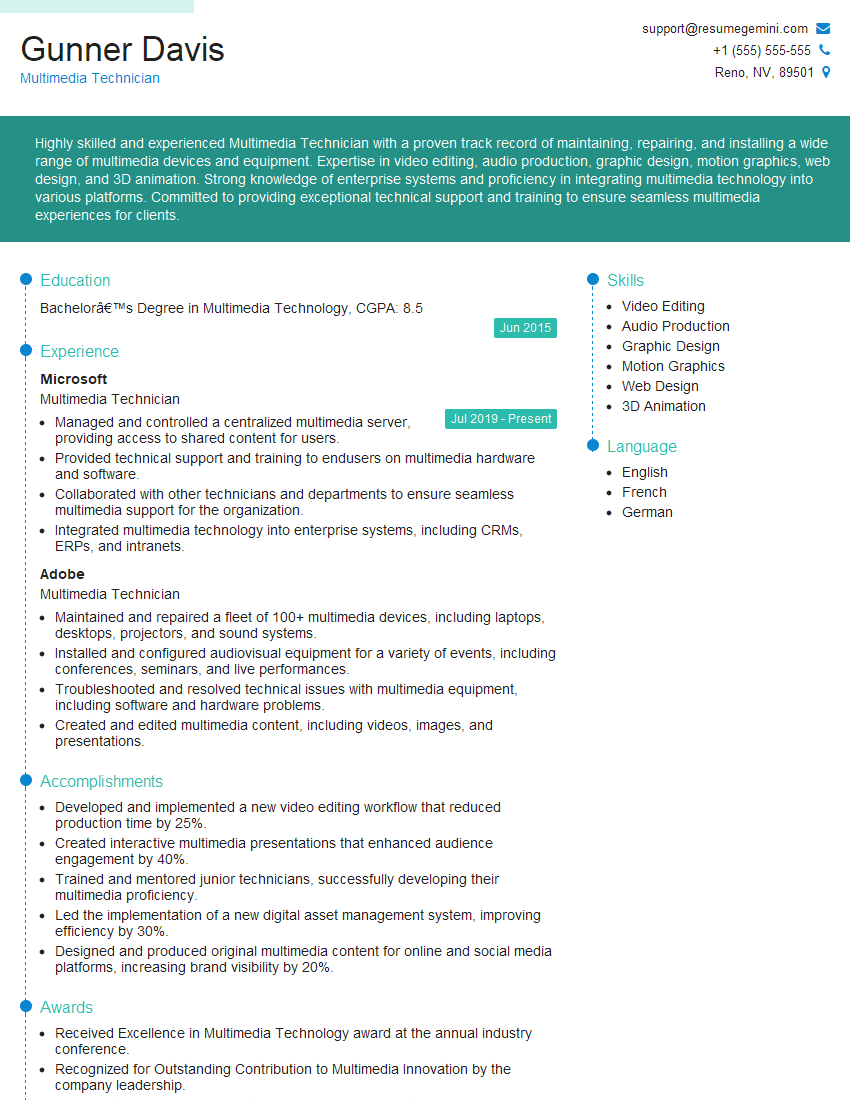
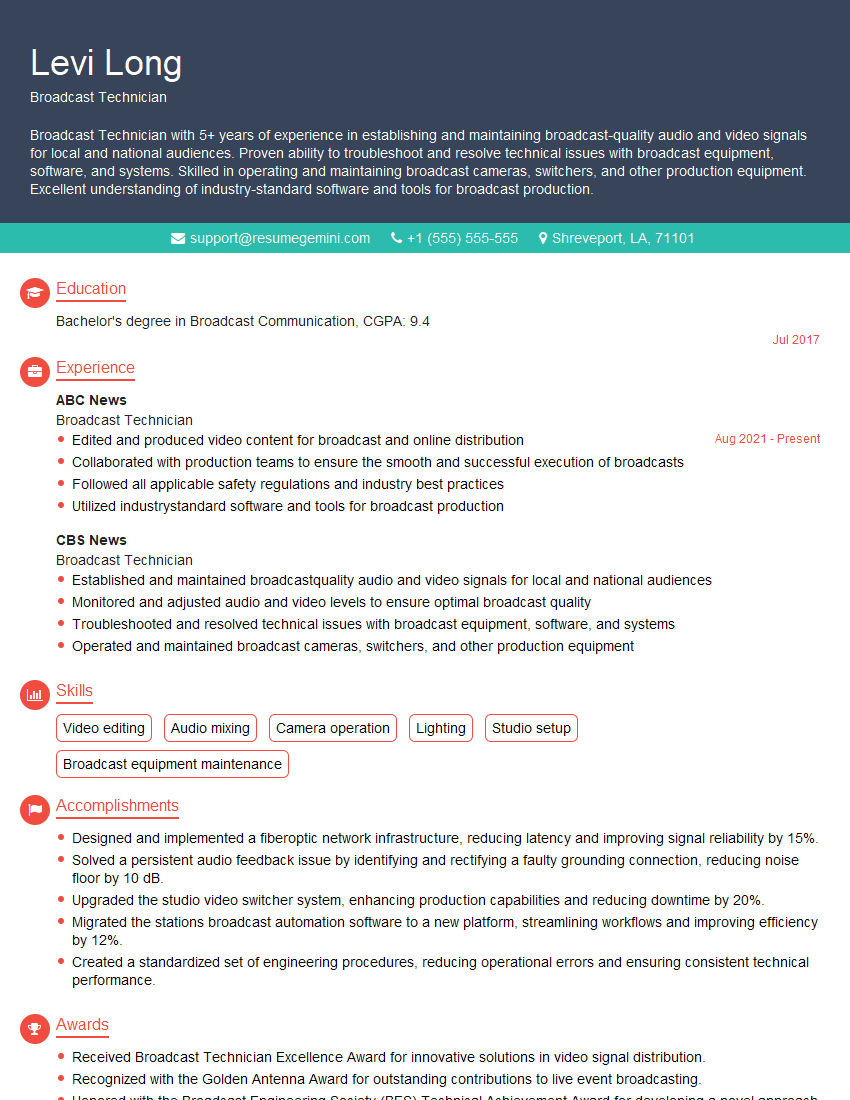
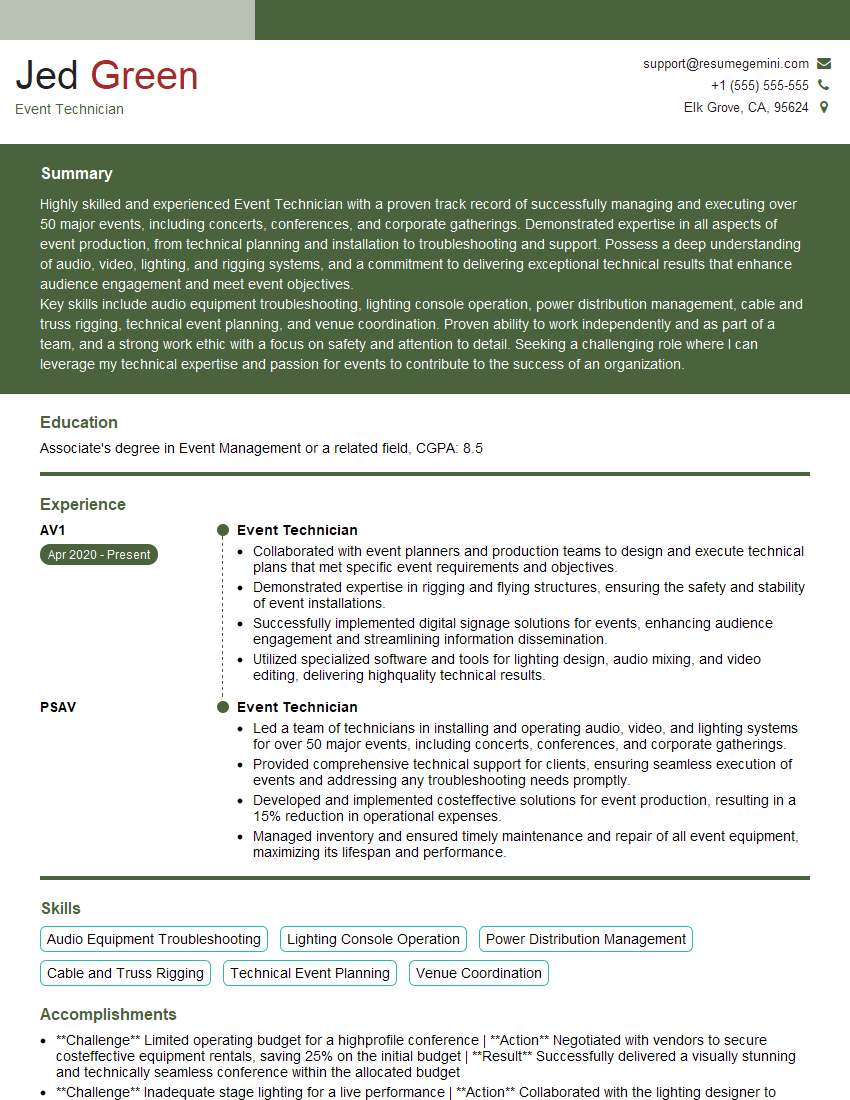
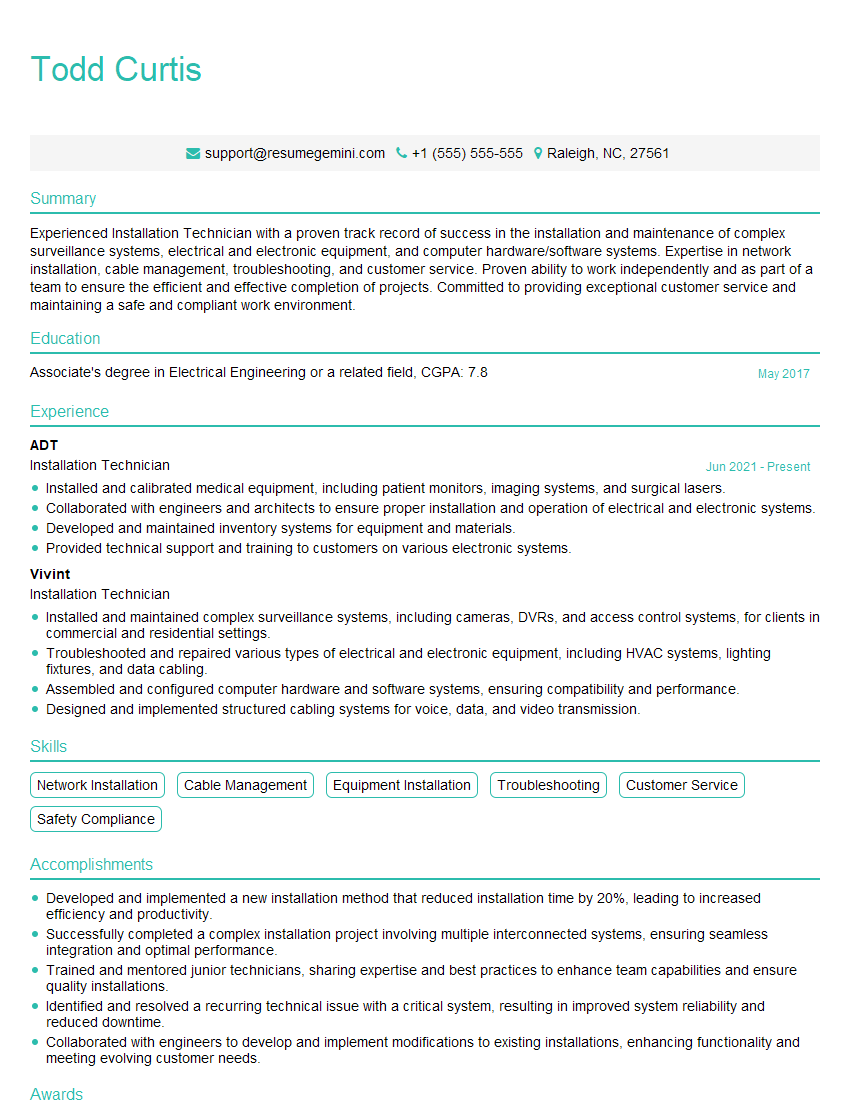
Mastering Projector Alignment opens doors to exciting opportunities in AV technology, event production, and various other fields requiring precise image projection. To maximize your job prospects, crafting an ATS-friendly resume is essential. ResumeGemini is a trusted resource to help you build a professional resume that highlights your skills and experience effectively. We provide examples of resumes tailored to Projector Alignment to guide you through the process, ensuring your qualifications shine.
Explore more articles
Users Rating of Our Blogs
Share Your Experience
We value your feedback! Please rate our content and share your thoughts (optional).
What Readers Say About Our Blog
hello,
Our consultant firm based in the USA and our client are interested in your products.
Could you provide your company brochure and respond from your official email id (if different from the current in use), so i can send you the client’s requirement.
Payment before production.
I await your answer.
Regards,
MrSmith
hello,
Our consultant firm based in the USA and our client are interested in your products.
Could you provide your company brochure and respond from your official email id (if different from the current in use), so i can send you the client’s requirement.
Payment before production.
I await your answer.
Regards,
MrSmith
These apartments are so amazing, posting them online would break the algorithm.
https://bit.ly/Lovely2BedsApartmentHudsonYards
Reach out at [email protected] and let’s get started!
Take a look at this stunning 2-bedroom apartment perfectly situated NYC’s coveted Hudson Yards!
https://bit.ly/Lovely2BedsApartmentHudsonYards
Live Rent Free!
https://bit.ly/LiveRentFREE
Interesting Article, I liked the depth of knowledge you’ve shared.
Helpful, thanks for sharing.
Hi, I represent a social media marketing agency and liked your blog
Hi, I represent an SEO company that specialises in getting you AI citations and higher rankings on Google. I’d like to offer you a 100% free SEO audit for your website. Would you be interested?