Feeling uncertain about what to expect in your upcoming interview? We’ve got you covered! This blog highlights the most important Experience in Troubleshooting Technical Issues interview questions and provides actionable advice to help you stand out as the ideal candidate. Let’s pave the way for your success.
Questions Asked in Experience in Troubleshooting Technical Issues Interview
Q 1. Describe your process for troubleshooting a network connectivity issue.
Troubleshooting network connectivity issues requires a systematic approach. I begin by verifying the most basic elements, moving progressively to more complex solutions. Think of it like a detective investigating a crime scene – you start with the obvious and work your way inwards.
- Check the physical connections: Ensure cables are securely plugged into both the device and the network infrastructure (router, modem, wall jack). A loose cable is the most common culprit!
- Verify the device itself: Is the device turned on? Does it show a network connection icon? Check the device’s network settings to ensure it’s configured correctly. For example, is it attempting to connect to the correct Wi-Fi network with the correct password?
- Test other devices: Can other devices connect to the network? This helps isolate whether the problem is with the network itself or a specific device.
- Check the router/modem: Is the router’s power light on? Are the internet lights indicating a connection? Try restarting the router and modem (unplug them, wait 30 seconds, plug them back in).
- Inspect the network configuration: This step involves checking DHCP settings (ensures devices get an IP address automatically), DNS settings (allows your device to translate website addresses into IP addresses), and firewall rules (could be blocking access).
- Ping the gateway/DNS server: Use the
pingcommand (available in most operating systems’ command prompts) to check connectivity to the router’s gateway IP address and DNS servers. This helps determine if the problem is local or further upstream. - Contact your internet service provider (ISP): If all else fails, contact your ISP to report the outage. They can check for issues on their end.
For example, I once solved a network issue for a client by simply noticing a loose Ethernet cable behind their desk. It was a quick fix, but highlights the importance of starting with the basics.
Q 2. How do you prioritize multiple technical issues simultaneously?
Prioritizing multiple technical issues requires a structured approach. I use a combination of urgency, impact, and effort to determine the order of resolution. I think of it as a triage system, similar to what happens in a hospital emergency room.
- Urgency: Issues that are causing immediate disruption or impacting critical systems take precedence. For example, a server outage affecting a key business process needs immediate attention.
- Impact: Assess the extent to which the issue affects users or the business. A widespread system failure has a higher impact than a minor bug in a rarely used application.
- Effort: Consider how much time and resources are needed to resolve each issue. Sometimes, a quick fix might address a seemingly critical issue, freeing up resources for more complex problems.
I often use a ticketing system or project management tool to log, track, and prioritize issues. This allows for clear communication and transparency with stakeholders and ensures no issues are overlooked.
For instance, I might address a critical system outage first, even if it requires less time to fix a less critical issue. The impact of the system outage outweighs the other considerations.
Q 3. Explain your experience with remote troubleshooting techniques.
Remote troubleshooting is a core skill for me. I utilize several techniques to diagnose and resolve issues remotely, including:
- Remote desktop software: Tools like TeamViewer or AnyDesk allow me to control a user’s computer directly, enabling real-time troubleshooting and problem-solving.
- Screen sharing: This allows me to see the user’s screen and guide them through steps without direct control, useful for issues that require user interaction.
- Log file analysis: Accessing and analyzing log files provides valuable clues about errors, performance bottlenecks, and other issues. I can often pinpoint the problem before even getting on a call with the user.
- Command-line interface (CLI): I frequently use the CLI (like PowerShell or bash) to run diagnostic commands and execute solutions remotely. This is particularly useful for server-side issues.
- Communication tools: Clear communication is key. I use tools like Slack, email, and video conferencing to collaborate effectively with users, collect information, and explain solutions clearly.
For example, I recently resolved a network configuration problem for a remote user by guiding them through a series of commands via screen sharing, ultimately updating their network adapter settings.
Q 4. What tools and techniques do you use for debugging software applications?
Debugging software applications involves a systematic approach using a variety of tools and techniques. My toolkit includes:
- Debuggers: Integrated Development Environments (IDEs) like Visual Studio or Eclipse have built-in debuggers that allow setting breakpoints, stepping through code, inspecting variables, and identifying the source of errors.
- Loggers: Implementing logging mechanisms in the code allows me to track events, errors, and the flow of execution. Analyzing logs is crucial for understanding what happened during a crash or malfunction.
- Profilers: Profilers help identify performance bottlenecks by measuring the execution time of different parts of the code. This is invaluable for optimizing application performance.
- Version control systems: Git or similar systems allow me to track code changes and easily revert to previous versions if a new code change introduces a bug. This is essential for collaborative development.
- Unit testing and integration testing: Writing tests is essential for catching bugs early in the development process and ensuring that changes don’t break existing functionality.
A recent example involved using a debugger to step through a recursive function to find an off-by-one error that caused an unexpected program crash.
//Example code snippet showing a simple error that can be found using debugging tools. for (int i = 0; i <= 10; i++){ // Should be i < 10 to prevent array out of bounds errors. System.out.println(myArray[i]); }
Q 5. How do you identify the root cause of a recurring technical problem?
Identifying the root cause of a recurring technical problem is crucial for preventing future occurrences. My approach involves a combination of data analysis and systematic investigation.
- Gather data: Collect information about the problem, including error messages, logs, timestamps, and user reports. The more data you have, the better you can understand the issue.
- Analyze patterns: Look for patterns in the data. Is the problem consistently occurring at a specific time, under certain conditions, or after a specific event?
- Reproduce the problem: If possible, try to reproduce the problem in a controlled environment. This allows for detailed observation and analysis without impacting users.
- Isolate variables: Systematically test different components or configurations to identify which element is causing the issue. The process of elimination can be very effective here.
- Document findings: Record all findings and solutions to build a knowledge base that can prevent future problems.
For example, a recurring application crash led me to investigate log files, revealing a specific database query was causing a deadlock under high load. By optimizing the query, the root cause was solved, eliminating the recurring issue.
Q 6. Describe a situation where you had to troubleshoot a complex technical issue. What was your approach?
I once encountered a complex issue where a critical business application intermittently failed with cryptic error messages. The application utilized a combination of microservices, databases, and external APIs. My approach was methodical and involved several phases:
- Information Gathering: I began by collecting all available data: logs from all microservices, database error logs, and API response times. I also interviewed users to understand the circumstances surrounding the failures.
- Log Analysis: I analyzed the logs, identifying patterns and correlations between the error messages and the application's activity. This revealed that failures often occurred during peak usage hours, suggesting a resource contention issue.
- Load Testing: I conducted load tests to simulate high user traffic, replicating the failure conditions. This isolated the issue to a specific microservice struggling with high resource consumption.
- Code Review and Profiling: This helped identify a memory leak in the problematic microservice. The application was consuming memory without releasing it, eventually exhausting system resources.
- Solution Implementation: I identified and resolved the memory leak. Thorough testing confirmed the fix prevented future application crashes.
This experience taught me the value of a multi-faceted approach, combining log analysis, load testing, and code review to successfully troubleshoot a highly complex issue.
Q 7. How do you handle situations where you're unable to immediately resolve a technical issue?
When I'm unable to immediately resolve a technical issue, my approach focuses on escalation, communication, and temporary workarounds.
- Escalation: I determine if the issue requires expertise beyond my own. This might involve consulting colleagues, seeking assistance from senior engineers, or engaging vendors for support.
- Communication: I maintain clear and proactive communication with all stakeholders, including users and management, providing regular updates on my progress and outlining potential solutions or workarounds.
- Workarounds: I explore and implement temporary workarounds where possible to minimize disruption while the root cause is being investigated and resolved. This might include temporary service downgrades or alternative procedures.
- Documentation: I meticulously document every step taken, the findings, and any proposed solutions. This helps to track progress, prevent future issues, and facilitates effective collaboration.
For instance, if I encountered a complex network issue beyond my immediate expertise, I would escalate to the network team, communicate the problem and its impact to relevant parties, and suggest temporary solutions such as using a backup network connection or implementing a temporary VPN to maintain critical access until the main issue is addressed. Transparency and proactive communication are key in these situations.
Q 8. What is your experience with using diagnostic tools and logs?
Diagnostic tools and logs are essential for effective troubleshooting. My experience encompasses a wide range, from using system-level utilities like Event Viewer (Windows), syslog (Linux), and Console (macOS) to specialized network monitoring tools such as Wireshark and application-specific logs. I'm proficient in analyzing these logs to identify error messages, performance bottlenecks, and security vulnerabilities. For example, I once used Wireshark to pinpoint a network latency issue caused by a faulty router configuration, which was easily identifiable through the packet capture and analysis. I can then correlate these findings to find the root cause of the problem. My approach includes filtering logs based on timestamps, error codes, and specific keywords to quickly isolate relevant information, saving significant time and effort.
Q 9. How familiar are you with different operating systems (Windows, Linux, macOS)?
I'm highly familiar with Windows, Linux (specifically Ubuntu and CentOS), and macOS operating systems. My experience extends beyond basic usage to include command-line proficiency, system administration tasks, and troubleshooting complex issues within each environment. For instance, on Linux, I regularly use commands like top, ps, and netstat for system monitoring and troubleshooting network connectivity. On Windows, I leverage PowerShell extensively for scripting and automation of repetitive tasks. Understanding these different operating systems is vital for effective troubleshooting because the methods and tools vary significantly between them.
Q 10. Explain your understanding of TCP/IP networking.
TCP/IP is the foundation of the internet, defining how data is transmitted across networks. TCP (Transmission Control Protocol) provides a reliable, ordered, and error-checked delivery of data streams, while IP (Internet Protocol) handles the addressing and routing of data packets. I understand the crucial role of ports, IP addresses, subnets, and DNS in network communication. Think of it like sending a package: IP is the address on the package, ensuring it gets to the right location, while TCP is the delivery service, guaranteeing the package arrives intact and in order. I have hands-on experience troubleshooting TCP/IP related problems, such as resolving connectivity issues by checking IP configurations, firewall rules, and routing tables using tools like ping, traceroute, and nslookup. I’ve successfully resolved numerous network connectivity issues by diagnosing problems at different layers of the TCP/IP model.
Q 11. How do you document your troubleshooting process?
Thorough documentation is vital for efficient troubleshooting and future reference. My documentation process includes detailed notes on the initial problem description, steps taken during the troubleshooting process, tools used, results obtained, and the final resolution. I use a structured approach, often employing a numbered list to maintain a clear chronological order. For example, I might document steps like: 1. Checked system logs for errors; 2. Ran a network trace using Wireshark; 3. Verified network connectivity using ping; 4. Restarted the service; 5. Issue resolved. I might also include screenshots or code snippets for better clarity. This ensures that colleagues can easily understand the issue and resolution, reducing time spent resolving similar problems in the future.
Q 12. How do you effectively communicate technical information to non-technical users?
Communicating technical information clearly to non-technical users requires a different approach than communicating with technical experts. I avoid jargon and technical terms whenever possible, opting for simple language and analogies. For instance, instead of saying "The DNS server is unreachable," I might say, "The system can't find the website's address, similar to not knowing someone's street address." I also use visual aids, like diagrams or flowcharts, to explain complex concepts, and I always aim for concise and direct communication. I make sure to actively listen to their concerns and tailor my explanations to their level of understanding. I’ve found that patience and empathy are key in this process. I always focus on explaining the impact of the problem and the solution's benefits in terms they understand.
Q 13. Describe your experience with ticketing systems.
I have extensive experience with various ticketing systems, including Jira, ServiceNow, and Zendesk. I'm proficient in using these systems to log, track, and manage technical issues. I understand the importance of providing accurate and detailed descriptions of problems, including relevant error messages, steps to reproduce the issue, and expected outcomes. I also utilize the ticketing system's features for status updates, escalation, and collaboration with other team members. Effective ticket management allows for efficient prioritization and resolution of issues, ensuring a high level of service and accountability.
Q 14. What's your approach to resolving escalated technical issues?
My approach to escalated technical issues involves a structured and methodical process. First, I thoroughly review existing documentation and logs to understand the issue's history and any previous attempts at resolution. Then, I gather additional information from users and other teams involved. I prioritize critical issues based on their impact and urgency. If the issue is beyond my expertise, I involve senior engineers or specialists. Throughout the process, I keep all stakeholders informed of my progress and any roadblocks encountered. I aim to find a quick and effective solution while keeping a focus on preventing the same issue from occurring again by identifying the root cause. Transparency and communication are crucial during escalation, building trust and confidence in my ability to resolve the problem.
Q 15. How do you handle pressure and tight deadlines when troubleshooting?
Handling pressure and tight deadlines in troubleshooting is crucial. My approach is multifaceted and relies on a combination of prioritization, efficient communication, and methodical problem-solving. When faced with a high-pressure situation, I immediately assess the urgency and impact of the issue. This helps me prioritize tasks effectively. For example, if a critical system is down impacting numerous users, that takes precedence over a less urgent issue. I then break down the problem into smaller, manageable tasks, creating a checklist to track progress and ensure nothing is overlooked. Open communication with my team and stakeholders is vital. I keep everyone informed of progress, potential roadblocks, and any changes to the timeline. Finally, I leverage my experience and skillset to rapidly analyze the situation, focusing on the most likely causes first. This targeted approach helps avoid wasting time on less probable solutions.
I find that maintaining a calm and organized mindset is key. Panicking only hinders progress. Practicing mindfulness techniques even helps in stressful situations. Using tools like task management software aids organization and visibility for the team.
Career Expert Tips:
- Ace those interviews! Prepare effectively by reviewing the Top 50 Most Common Interview Questions on ResumeGemini.
- Navigate your job search with confidence! Explore a wide range of Career Tips on ResumeGemini. Learn about common challenges and recommendations to overcome them.
- Craft the perfect resume! Master the Art of Resume Writing with ResumeGemini's guide. Showcase your unique qualifications and achievements effectively.
- Don't miss out on holiday savings! Build your dream resume with ResumeGemini's ATS optimized templates.
Q 16. Describe your experience with incident management.
My experience with incident management spans several years and diverse environments. I’ve been involved in the entire lifecycle, from initial detection and escalation to resolution and post-incident review. I am proficient in using ticketing systems like Jira and ServiceNow to manage incidents, ensuring proper documentation and tracking. A typical incident management process for me involves:
- Incident Recognition and Logging: Immediately documenting the issue, collecting initial details, and assigning a severity level.
- Initial Diagnosis and Escalation: Determining the scope and potential impact, escalating to the appropriate team if needed.
- Troubleshooting and Resolution: Employing methodical troubleshooting techniques, using logs, monitoring tools, and collaborating with other engineers.
- Communication and Updates: Regularly updating stakeholders on the progress, keeping them informed of any delays or changes.
- Post-Incident Review: Analyzing the root cause, identifying areas for improvement in processes and procedures, and documenting lessons learned to prevent future occurrences.
For example, I was once involved in an incident where a critical database server went down. By leveraging monitoring tools, we quickly isolated the issue to a hardware failure. Through swift coordination with the infrastructure team, we implemented a failover to a redundant server, minimizing downtime. The subsequent post-incident review led to improvements in our monitoring system and disaster recovery plan.
Q 17. How do you stay up-to-date on the latest technologies and troubleshooting techniques?
Staying current with technologies and troubleshooting techniques is an ongoing process, and I actively pursue it through various means. I regularly follow industry blogs, podcasts, and online communities focused on system administration and DevOps. Attending conferences and workshops allows me to network with other professionals and learn about the latest advancements. Online courses and certifications, such as those offered by platforms like Coursera and Udemy, provide structured learning opportunities. I also actively contribute to open-source projects, which provides practical experience and exposure to different technologies. I make a point of reading technical documentation for new software and hardware I encounter, focusing on potential failure points and best practices.
For example, recently I completed a course on containerization technologies (Docker and Kubernetes), enhancing my ability to troubleshoot cloud-based systems. I also frequently explore new tools related to log analysis and monitoring, which helps in proactively identifying and resolving issues before they impact users.
Q 18. What is your approach to troubleshooting hardware issues?
My approach to hardware troubleshooting is systematic and follows a structured process. It starts with a thorough assessment of the symptoms and collection of relevant information, such as error messages, system logs, and any environmental factors. I then proceed with a visual inspection to look for any signs of physical damage, loose connections, or overheating components. Next, I use diagnostic tools, like POST (Power On Self Test) utilities, to identify potential hardware failures. I might also employ specialized hardware testing tools, depending on the device in question.
For instance, if a server is experiencing intermittent crashes, I'd begin by checking the system logs for any indications of hardware errors. If the logs don't provide clear clues, I would then perform a visual inspection, looking for any obvious issues like loose cables or damaged components. If necessary, I would then use specialized diagnostic tools to test the RAM, hard drives, and other critical components. Throughout the process, I maintain a detailed record of my findings and actions taken to help in future troubleshooting.
Q 19. How familiar are you with various scripting languages (e.g., Python, Bash)?
I’m proficient in several scripting languages, including Python and Bash. These are invaluable for automation, system administration, and troubleshooting tasks. Python's versatility allows me to write scripts for automating repetitive tasks, parsing logs, and interacting with APIs. Bash is my go-to language for automating system administration tasks, creating custom scripts for managing processes and performing system checks. I’ve used these languages extensively in my previous roles to streamline workflows and improve troubleshooting efficiency. For example, I created a Python script to automate the process of checking server logs for specific error patterns and sending alerts via email if issues were detected. Another example includes a Bash script to automate the process of deploying updates across multiple servers.
# Example Python snippet for parsing log files import re log_file = open('/path/to/log.txt', 'r') for line in log_file: match = re.search(r'error: (.+)', line) if match: print(f'Error found: {match.group(1)}') log_file.close() Q 20. Describe your experience with database troubleshooting.
My database troubleshooting experience includes working with various database systems like MySQL, PostgreSQL, and SQL Server. My approach is similar to other troubleshooting scenarios, starting with identifying the symptoms and gathering relevant information. This includes checking the database logs for errors, examining query performance, and assessing resource utilization. I use a variety of tools to diagnose and resolve problems, including database monitoring tools, query analyzers, and performance tuning utilities.
For example, I’ve encountered situations where slow query performance impacted application functionality. By using a query analyzer, I identified specific queries causing bottlenecks. I then optimized those queries by adding indexes or rewriting them for better efficiency. Another scenario involved resolving database connection issues. Through meticulous analysis of database logs and network settings, I identified a misconfiguration in the firewall, which was preventing proper client connections.
Q 21. How do you determine if a problem is hardware or software related?
Determining whether a problem is hardware or software-related often involves a systematic approach that combines observation, testing, and elimination. I start by gathering information about the symptoms, such as error messages, system behavior, and any recent changes made to the system. This helps narrow down the potential causes. Then, I would perform basic checks, like ensuring all connections are secure and that the system has sufficient resources (RAM, disk space, etc.). If these checks don't reveal the cause, I'd then resort to more advanced techniques, such as running memory tests, stress testing the system, and checking hardware diagnostics. A key strategy involves isolating components. For example, if a system component fails only when a specific application is running, it suggests a software problem. Conversely, persistent errors, irrespective of the software running, often point towards a hardware issue.
I also utilize techniques like booting into safe mode (for operating systems) to rule out software conflicts. This helps determine if the problem persists even with minimal software running, indicating a potential hardware problem. If the issue resolves in safe mode, it strongly suggests the problem is software-related. Documenting every step of the process is crucial for reproducibility and future reference.
Q 22. Explain your experience with security-related troubleshooting.
Security-related troubleshooting requires a methodical approach, combining technical expertise with a strong understanding of security protocols and best practices. My experience encompasses identifying and resolving a wide range of security vulnerabilities, from simple misconfigurations to complex attacks. This includes:
- Access Control Issues: Troubleshooting problems with user permissions, authentication failures, and unauthorized access attempts. For example, I once investigated a case where unauthorized users were accessing sensitive data. By analyzing server logs and network traffic, I discovered a misconfigured firewall rule that allowed access from unexpected IP addresses. The resolution involved tightening the firewall rules and implementing multi-factor authentication.
- Malware and Virus Infections: Identifying and removing malware, viruses, and other malicious software. This involves using antivirus software, analyzing system logs, and isolating infected systems to prevent further spread. I remember a situation where a ransomware attack was detected. I immediately isolated the affected systems, backed up critical data, and worked with a cybersecurity firm to safely remove the malware and restore data.
- Vulnerability Management: Identifying and addressing security vulnerabilities in software and hardware. This often involves using vulnerability scanners, patching systems, and implementing security controls. I regularly perform vulnerability scans on our systems and proactively apply patches to mitigate identified risks.
- Data Breaches: Investigating data breaches to determine the cause, scope, and impact. This involves working with forensic experts, law enforcement, and other stakeholders to contain the breach, mitigate the damage, and prevent future incidents. My experience in incident response is key to managing these critical situations.
Throughout my career, I've consistently prioritized security best practices, ensuring that systems are configured securely and that vulnerabilities are addressed promptly.
Q 23. How do you balance speed and accuracy when troubleshooting?
Balancing speed and accuracy in troubleshooting is crucial. Rushing can lead to overlooking critical details and potentially exacerbating the problem. Conversely, excessive deliberation can cause delays and frustration. My approach involves a structured methodology:
- Prioritization: I first assess the impact of the issue. Critical systems requiring immediate attention are prioritized over less urgent problems. Think of it like triage in a hospital - the most critical cases get addressed first.
- Quick Diagnosis: I use a combination of tools and techniques to quickly gather information about the problem. This might involve checking logs, running diagnostics, or interviewing users. It's like asking a patient about their symptoms to quickly narrow down the possible causes.
- Systematic Investigation: Once I have a preliminary understanding of the problem, I conduct a systematic investigation, breaking the issue down into smaller, manageable components. This helps me avoid getting bogged down in details and prevents me from overlooking a crucial piece of the puzzle.
- Verification: Before declaring the issue resolved, I thoroughly verify the solution. This ensures that the fix is effective and doesn't introduce new problems. It's like a doctor checking that a treatment is working before dismissing the patient.
This approach helps ensure that I resolve issues efficiently and accurately, minimizing downtime and frustration for all parties involved.
Q 24. What is your experience with cloud-based troubleshooting?
My experience with cloud-based troubleshooting is extensive, spanning various platforms such as AWS, Azure, and GCP. Troubleshooting in the cloud presents unique challenges due to its distributed nature and the abstraction of underlying infrastructure. My expertise involves:
- Cloud Monitoring: Using cloud monitoring tools to identify and diagnose performance issues, security threats, and other problems. I'm proficient in using tools like CloudWatch, Azure Monitor, and Stackdriver.
- Resource Management: Optimizing cloud resources to ensure cost-effectiveness and performance. This includes scaling instances, managing storage, and monitoring resource usage. For example, I recently optimized an application's database performance by resizing its instance type and improving query optimization.
- Networking Issues: Troubleshooting network connectivity problems, including VPN configurations, DNS resolution, and network security groups. Identifying and resolving latency issues are crucial, utilizing tools like `traceroute` and `ping` to pinpoint network bottlenecks.
- Security in the Cloud: Ensuring that cloud resources are configured securely and that security best practices are followed. This includes managing IAM roles, securing virtual networks, and configuring security groups.
I understand the importance of leveraging cloud-native tools and services to efficiently troubleshoot cloud-based applications and infrastructure.
Q 25. Describe your experience with virtual machine troubleshooting.
Virtual machine (VM) troubleshooting requires a solid understanding of virtualization technologies and guest operating systems. My experience includes:
- Resource Allocation: Diagnosing performance issues related to CPU, memory, and disk I/O. This might involve adjusting VM resource allocations, optimizing guest operating system configurations, or identifying resource contention.
- Network Connectivity: Troubleshooting network connectivity problems between VMs and with the host system. I am experienced with network configurations such as virtual switches, VLANs, and virtual networking. For example, recently I had to troubleshoot a situation where a VM couldn't access the internet. By checking the VM's network configuration and the virtual switch settings, I discovered the VM was assigned to the wrong virtual network.
- Guest OS Issues: Diagnosing and resolving problems within the guest operating system, such as driver conflicts, application errors, and operating system instability. This often involves using remote access tools to troubleshoot guest OS issues and utilize the same troubleshooting methodology as on-premise machines.
- VM Snapshots and Cloning: Using VM snapshots and cloning to restore VMs to a known good state or create copies for testing and development.
I am familiar with various virtualization platforms (VMware vSphere, Hyper-V, etc.) and understand how to effectively manage and troubleshoot virtualized environments.
Q 26. How do you handle user frustration when troubleshooting technical issues?
Handling user frustration is a critical aspect of technical troubleshooting. Empathy and clear communication are essential. My approach involves:
- Active Listening: I start by carefully listening to the user's description of the problem, asking clarifying questions to gain a complete understanding. This helps to build rapport and show that I value their input.
- Clear and Concise Explanation: I explain the troubleshooting process clearly and concisely, avoiding technical jargon whenever possible. I use analogies and simple explanations to make complex concepts easier to understand.
- Regular Updates: I provide regular updates on the progress of the troubleshooting process, keeping the user informed of what I'm doing and when they can expect a resolution. This helps manage expectations and reduces frustration.
- Realistic Expectations: I set realistic expectations about the time required to resolve the issue. Honesty and transparency are key to building trust.
- Escalation: If I'm unable to resolve the issue myself, I escalate it to the appropriate team or individual. This ensures that the user receives the necessary support in a timely manner.
By consistently applying these strategies, I strive to provide excellent customer service and build positive relationships with users.
Q 27. Describe a time you failed to resolve a technical issue. What did you learn from it?
One instance where I struggled to immediately resolve a technical issue involved a complex network connectivity problem across multiple data centers. The symptoms were intermittent outages affecting a critical application.
Initially, I focused on the most likely causes: network hardware failures, misconfigurations, and software bugs. After days of investigation, using various network monitoring and diagnostic tools, I couldn't identify the root cause. The problem was particularly challenging due to the complexity of the network architecture and the fact that the outages were sporadic.
What I learned from this experience was the importance of collaborative troubleshooting and the value of systematic documentation. I eventually solved the problem by collaborating with network engineers from other teams. By combining our expertise and systematically documenting every step, we identified a subtle timing issue in a network synchronization protocol that was causing the intermittent outages.
The lesson was clear: even with extensive experience, some problems require a collaborative approach and detailed record-keeping to avoid wasting time on unproductive paths and to ensure that the solution can be efficiently implemented and easily replicated in the future.
Key Topics to Learn for Experience in Troubleshooting Technical Issues Interview
- Identifying the Problem: Learn to systematically gather information, ask clarifying questions, and accurately define the technical issue. This includes understanding the context of the problem and its impact.
- Root Cause Analysis: Master techniques for isolating the source of the problem. Practice using diagnostic tools and interpreting log files to pinpoint the root cause, not just the symptoms.
- Troubleshooting Methodologies: Familiarize yourself with common troubleshooting approaches like the binary search, divide and conquer, or top-down methods. Be prepared to discuss your preferred methodology and why it's effective.
- Problem-Solving Strategies: Develop your ability to think critically and creatively to devise solutions. Practice breaking down complex problems into smaller, manageable parts.
- Documentation and Communication: Understand the importance of clear and concise documentation of the troubleshooting process, including steps taken, results, and solutions implemented. Practice explaining technical concepts to both technical and non-technical audiences.
- Utilizing Resources: Demonstrate familiarity with using online resources, documentation, and support communities effectively to find solutions and enhance your troubleshooting skills.
- Prevention and Mitigation: Discuss strategies for preventing future occurrences of similar issues. This includes identifying potential vulnerabilities and implementing proactive measures.
Next Steps
Mastering troubleshooting skills is crucial for career advancement in virtually any technical field. It demonstrates problem-solving abilities, critical thinking, and a proactive approach to challenges – highly valued attributes by employers. To significantly boost your job prospects, create an ATS-friendly resume that effectively highlights your troubleshooting experience. ResumeGemini is a trusted resource to help you build a professional and impactful resume that stands out to recruiters. Examples of resumes tailored to showcase experience in troubleshooting technical issues are available to help you get started.

Compliance Officer Resume Sample
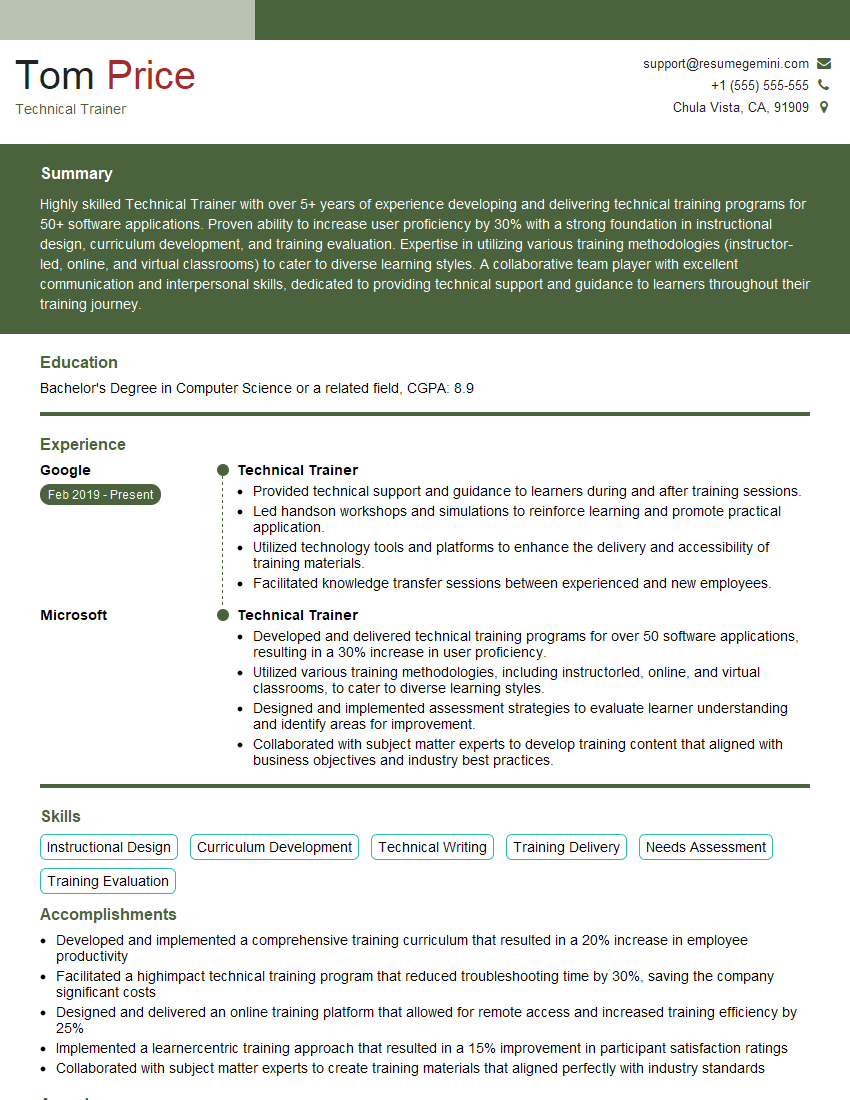
Technical Trainer Resume Sample
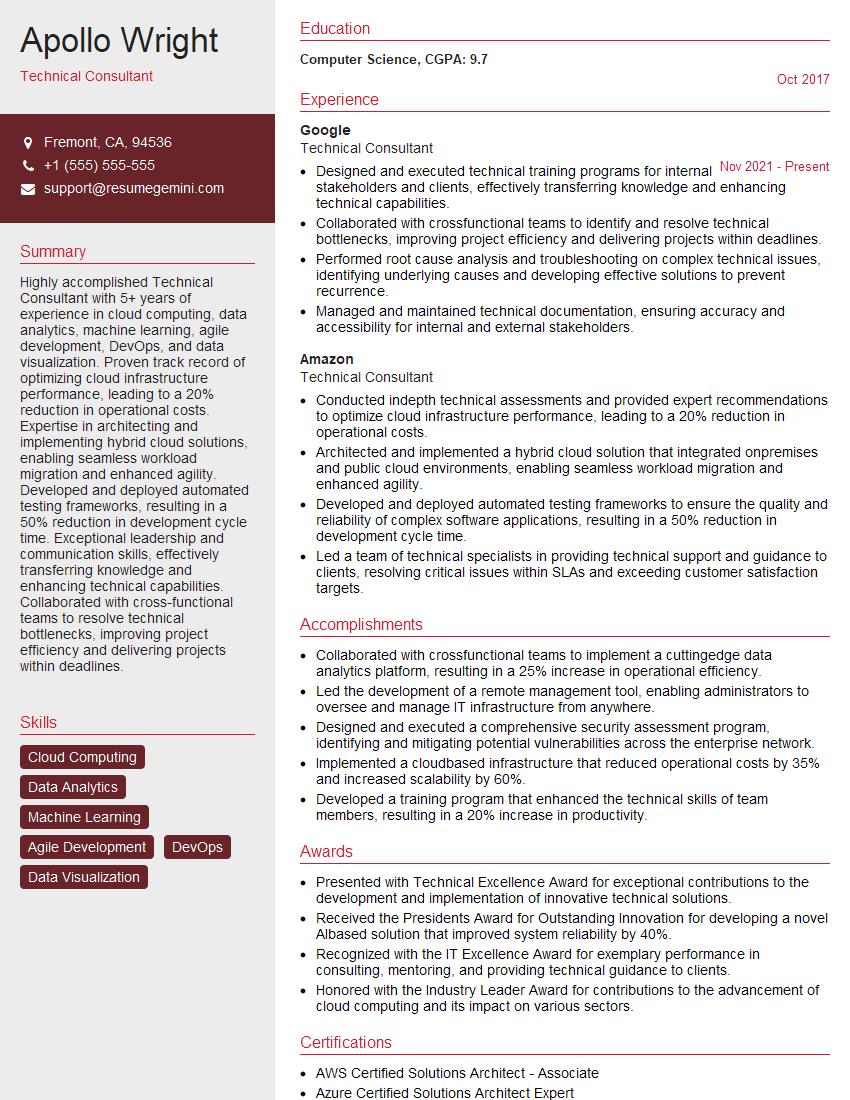
Technical Consultant Resume Sample

Security Engineer Resume Sample

Data Scientist Resume Sample

Software Engineer Resume Sample

Network Engineer Resume Sample

Network Security Engineer Resume Sample

Solutions Architect Resume Sample

Infrastructure Engineer Resume Sample

System Administrator Resume Sample

Technical Support Specialist Resume Sample

Help Desk Analyst Resume Sample
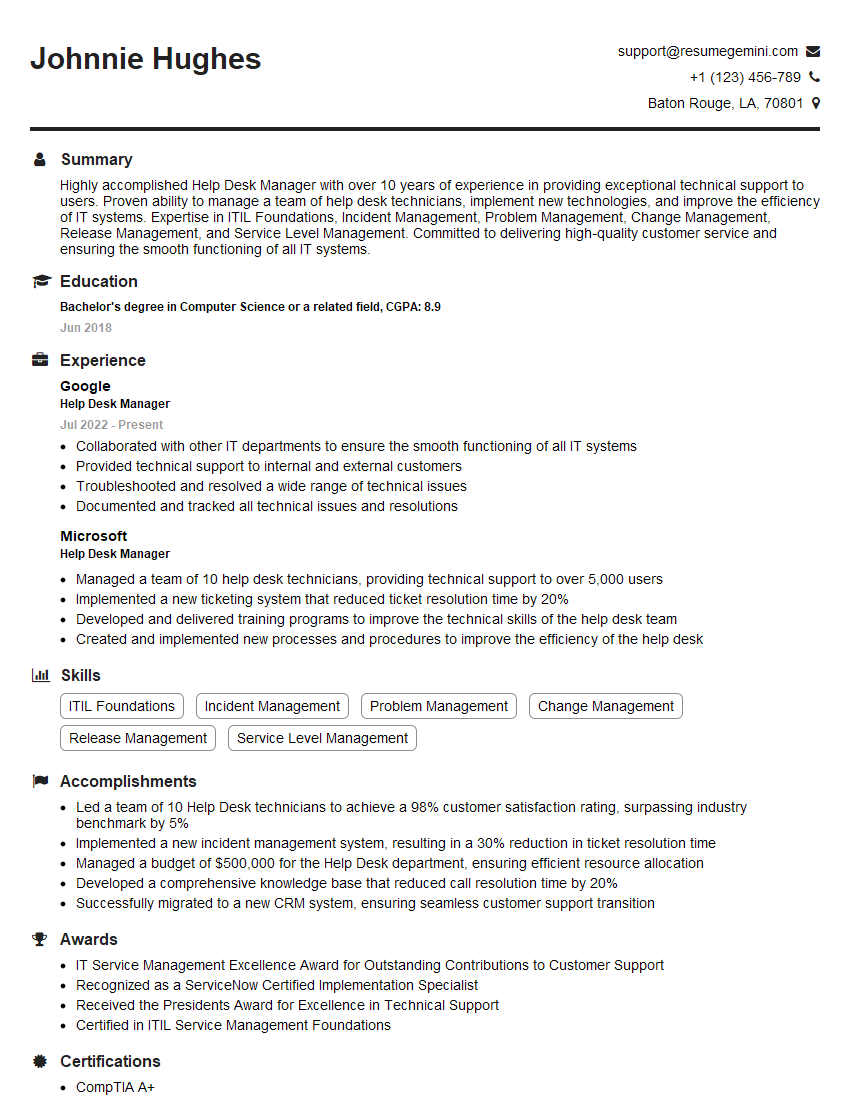
Help Desk Manager Resume Sample

IT Manager Resume Sample

IT Project Manager Resume Sample

Field Service Engineer Resume Sample

Technical Writer Resume Sample

Database Administrator Resume Sample

DevOps Engineer Resume Sample

Cloud Engineer Resume Sample

Cybersecurity Analyst Resume Sample
- Compliance Officer
- Technical Trainer
- Technical Consultant
- Security Engineer
- Data Scientist
- Software Engineer
- Network Engineer
- Network Security Engineer
- Solutions Architect
- Infrastructure Engineer
- System Administrator
- Technical Support Specialist
- Help Desk Analyst
- Help Desk Manager
- IT Manager
- IT Project Manager
- Field Service Engineer
- Technical Writer
- Database Administrator
- DevOps Engineer
- Cloud Engineer
- Cybersecurity Analyst
Explore more articles
Users Rating of Our Blogs
Share Your Experience
We value your feedback! Please rate our content and share your thoughts (optional).
What Readers Say About Our Blog
Amazing blog
Interesting Article, I liked the depth of knowledge you’ve shared.
Helpful, thanks for sharing.