Preparation is the key to success in any interview. In this post, we’ll explore crucial Bug Tracking Tools (e.g., Bugzilla, Mantis) interview questions and equip you with strategies to craft impactful answers. Whether you’re a beginner or a pro, these tips will elevate your preparation.
Questions Asked in Bug Tracking Tools (e.g., Bugzilla, Mantis) Interview
Q 1. Explain the difference between Bugzilla and MantisBT.
Bugzilla and MantisBT are both popular open-source bug tracking systems, but they differ in several key aspects. Bugzilla, developed by the Mozilla Foundation, is a robust and feature-rich system known for its power and extensive customization options. It excels in managing large, complex projects with many users and intricate workflows. MantisBT, on the other hand, is considered more user-friendly and easier to set up and learn. It’s a good choice for smaller teams or projects that require a simpler, more straightforward bug tracking solution. Think of it like this: Bugzilla is a powerful, fully customizable sports car, while MantisBT is a reliable and easy-to-drive sedan. The best choice depends on your specific needs and project scale.
Here’s a table summarizing key differences:
| Feature | Bugzilla | MantisBT |
|---|---|---|
| Complexity | High | Low |
| Customization | Extensive | Limited |
| Scalability | Excellent | Good |
| Ease of Use | Steeper learning curve | User-friendly |
| Reporting & Analytics | Powerful | Basic |
Q 2. Describe your experience using Bugzilla’s workflow.
My experience with Bugzilla’s workflow involves navigating its various stages, from initial bug report creation to resolution and closure. Typically, a bug report begins with a detailed description, including steps to reproduce, expected vs. actual results, and relevant attachments like screenshots or logs. It’s then assigned to a developer, who may change its status to ‘ASSIGNED’ or ‘IN PROGRESS’. Once the developer has worked on the fix, they’ll often mark the bug as ‘RESOLVED’ and provide a detailed explanation of the changes. The reporter then verifies the fix, marking the bug as ‘VERIFIED’ or requesting further modifications. Finally, the bug is marked as ‘CLOSED’ upon successful verification.
I’ve found Bugzilla’s workflow customizable; we often adapt its stages to better suit our specific needs. For instance, we might add a ‘PENDING QA’ stage before ‘VERIFIED’ to ensure that quality assurance checks are explicitly performed before the bug is closed. This structured approach ensures accountability and provides a clear history of each bug’s lifecycle.
Q 3. How do you prioritize bugs in MantisBT?
MantisBT offers several ways to prioritize bugs. The most common method involves using priority levels, usually defined as ‘urgent,’ ‘high,’ ‘normal,’ and ‘low.’ These levels reflect the impact of the bug on the system’s functionality and user experience. ‘Urgent’ bugs might cause a system crash or severe data loss, while ‘low’ priority bugs might be minor cosmetic issues.
Beyond priority levels, MantisBT also allows for customization. We often use custom fields or categories to further refine prioritization. For instance, we might add a ‘release blocking’ field that flags bugs that absolutely must be fixed before a specific software release. Effective prioritization involves a combination of severity (impact of the bug), priority (urgency of fixing it), and business value (how crucial is the fix for the product/company).
Q 4. What are the key features of Bugzilla you find most useful?
Bugzilla’s most useful features for me include its powerful search functionality, robust reporting capabilities, and detailed bug tracking history. The search allows me to quickly find bugs based on various criteria, such as status, priority, severity, component, or assigned user. This is especially valuable when working on large projects with hundreds or thousands of bugs.
The reporting features provide insights into the overall health of the project. For example, I can generate reports showing the number of open bugs per component, the bug resolution time, or the overall bug density. The detailed history of each bug is essential for understanding its lifecycle and the reasoning behind various status changes. This comprehensive audit trail helps resolve conflicts and improve collaboration within the development team.
Q 5. How do you handle duplicate bug reports in a bug tracking system?
Handling duplicate bug reports efficiently is crucial for avoiding wasted time and resources. In any bug tracking system, I begin by thoroughly comparing new reports with existing ones. This involves using the system’s search functionality to find potentially matching entries. Key criteria for comparison include the description, steps to reproduce, and error messages.
If a duplicate is found, I usually link the new report to the existing one, marking the new one as a duplicate. The original report then acts as the central point for updates and progress tracking. In some cases, I might contact the reporter to confirm the duplication and gather any additional information that could enhance the original report. Clear communication and a well-defined process are key to resolving duplicates promptly and effectively.
Q 6. Explain the concept of bug severity and priority.
Bug severity and priority are often confused, but they represent distinct aspects of a bug’s impact. Severity describes the impact of the bug on the system or application’s functionality. A high-severity bug might cause a system crash or data loss, while a low-severity bug might only result in a minor cosmetic issue. Imagine a car—a high-severity bug would be a flat tire, while a low-severity bug might be a loose button on the dashboard.
Priority, on the other hand, reflects the urgency of fixing the bug. A high-priority bug needs immediate attention, even if its severity is relatively low. For example, a minor cosmetic bug might have high priority if it’s highly visible on a crucial marketing website. So, severity is the impact, and priority is the urgency.
Q 7. How do you ensure accurate bug reporting?
Accurate bug reporting is paramount. To ensure accuracy, I always follow a structured approach:
- Reproducible Steps: Provide clear, concise, and numbered steps to reproduce the bug consistently. Avoid vague terms; use precise language.
- Expected vs. Actual Results: Clearly state what the expected behavior is and what actually happens. Screenshots or videos are invaluable.
- Environment Details: Specify the operating system, browser version, hardware specifications, and any relevant software versions.
- Error Messages: Include any error messages, codes, or stack traces displayed.
- Attachments: Include screenshots, logs, or videos to provide visual evidence and support the report.
- Verification: After the bug is fixed, thoroughly verify that the issue has been resolved.
By adhering to these guidelines, we ensure clarity, allowing developers to understand and address the issue efficiently. In my experience, clear communication and precise reporting significantly reduce the time spent on bug resolution.
Q 8. Describe your experience with bug tracking system reporting and analysis.
My experience with bug tracking system reporting and analysis spans several years and various projects, utilizing both Bugzilla and MantisBT extensively. I’m proficient in not just logging bugs accurately but also in analyzing trends to identify patterns and areas needing improvement in the development process. This includes identifying recurring bugs, understanding their root causes, and using that information to improve testing strategies and development practices. For example, if I notice a high concentration of bugs related to a specific module or functionality, I’d flag that for the development team to prioritize and potentially refactor. I also use the data to create reports showcasing bug resolution times, severity distribution, and other key metrics to help monitor the overall health of the project and measure the effectiveness of our QA processes.
My analysis often involves creating custom reports using the built-in reporting features of these systems. I leverage data visualization tools to represent the information effectively, making it easier for stakeholders to understand the project’s progress and identify potential risks. A visual representation of bug severity over time, for instance, helps immediately pinpoint periods of increased instability or the effectiveness of bug-fixing sprints.
Q 9. How do you use custom fields in Bugzilla or MantisBT?
Custom fields in Bugzilla and MantisBT are incredibly useful for tailoring the bug tracking system to the specific needs of a project. They allow us to capture information beyond the standard fields, ensuring we have all the context needed to effectively resolve issues. Imagine working on a project with multiple platforms (web, iOS, Android): a custom field like ‘Platform’ would be crucial for filtering and organizing bugs efficiently. Similarly, a ‘Priority’ field allows for effective prioritization based on impact rather than just severity.
In Bugzilla, adding a custom field often involves administrative privileges to configure the field type (text, dropdown, date, etc.), and its visibility within the system. MantisBT offers similar functionality through its configuration settings. Once defined, these custom fields can be included in bug reports, search filters, and reports, making analysis much more precise. For instance, we could add a custom field ‘Reproducibility Steps’ to ensure consistent and easily reproducible bug reports from testers. This minimizes the back-and-forth with developers, improving efficiency.
Q 10. How do you manage bug dependencies in a project?
Managing bug dependencies is critical, especially in large and complex projects. A bug might depend on another bug being fixed first; for example, a UI bug might be impossible to fix until a backend API bug is resolved. Both Bugzilla and MantisBT provide mechanisms to link bugs, establishing these dependencies. This is typically achieved using a ‘blocks’ or ‘depends on’ relationship between bug reports.
My process involves meticulously documenting these dependencies when filing bug reports. If bug A needs to be resolved before bug B can be addressed, I’ll clearly state this relationship in bug B’s description and link bug A to it within the system. This ensures that developers understand the order of operations and prevents wasted time trying to fix bugs that are currently blocked. Furthermore, reports and dashboards can then be generated to track the resolution of dependent bugs, giving a better picture of overall project progress.
Q 11. What is your process for verifying bug fixes?
Verifying bug fixes is a crucial step to ensure quality. My process involves a structured approach that goes beyond simply checking if the reported issue is gone. It’s about confirming the fix doesn’t introduce new problems and that the solution is robust. I typically follow these steps:
- Reproduce the original bug: First, I make sure I can still reproduce the bug as originally reported to ensure the fix addresses the correct problem.
- Test the fix: I carefully test the fix in the context of the application. This might involve various test cases – including edge cases and boundary conditions – to verify the solution is effective under different circumstances.
- Regression testing: This is vital to ensure that the fix hasn’t unintentionally broken other parts of the application. I test functionalities related to the fixed bug to rule out any unintended consequences.
- Documentation: I meticulously document the testing process, including the steps taken, results obtained, and any observations. This is crucial for traceability and future reference.
- Status update: Finally, I update the bug report’s status in the tracking system to reflect the test results and my assessment (e.g., ‘Verified’, ‘Reopened’, or ‘Closed’).
Q 12. How do you handle conflicts between developers and testers regarding bug reports?
Conflicts between developers and testers are inevitable, but effective communication is key to resolving them. When disagreements arise regarding bug reports, I act as a facilitator and focus on finding a common understanding. My approach involves:
- Neutral Fact-Finding: Carefully review all the information provided in the bug report, including the steps to reproduce, screenshots, and logs.
- Open Communication: I initiate a discussion between the developer and tester, ensuring a safe and respectful environment for both parties to explain their perspectives. The goal is collaborative problem-solving, not blame assignment.
- Reproducibility Demonstration: If possible, I’ll arrange a live demonstration of the bug to ensure both parties see the same issue. This removes any ambiguity and establishes a common baseline.
- Clearly Defined Criteria: We agree on clear criteria for what constitutes a valid bug and its resolution. This ensures consistent standards and avoids future disputes.
- Documentation and Resolution: Once a resolution is reached, it’s documented clearly in the bug report, ensuring a clear record for future reference.
Q 13. How do you integrate a bug tracking system with other development tools?
Integrating a bug tracking system with other development tools enhances efficiency and streamlines workflows. I have experience integrating Bugzilla and MantisBT with various tools, including version control systems (like Git), continuous integration/continuous delivery (CI/CD) pipelines, and communication platforms (like Slack). This integration often involves using APIs provided by the bug tracking system and the other tools.
For example, I’ve used APIs to automatically create bug reports from failed CI/CD builds, linking the build logs directly to the bug report. This enables developers to quickly access all relevant information. Similarly, I’ve set up integrations to automatically update the bug status in the tracking system when code changes related to the bug are committed. These integrations help maintain consistency and provide real-time visibility into the development process.
Q 14. Explain your experience with different bug reporting statuses (e.g., Open, In Progress, Resolved, Closed).
Bug reporting statuses are essential for tracking the progress of a bug throughout its lifecycle. My experience with statuses like ‘Open’, ‘In Progress’, ‘Resolved’, and ‘Closed’ is extensive and involves understanding their precise meanings and applications.
- Open: A new bug report that has been submitted but not yet assigned to a developer.
- In Progress: The developer is actively working on resolving the bug.
- Resolved: The developer believes the bug has been fixed. It now awaits verification by a tester.
- Closed: The bug has been verified as fixed and is considered completed.
Proper status management is key to accurate project tracking and clear communication. Misuse or inconsistent use of these statuses can lead to confusion and inefficiencies. I always ensure that the correct status is applied at each stage of the bug’s lifecycle and provide comments explaining any status changes to maintain a clear audit trail.
Q 15. How do you track the resolution time of bugs?
Tracking bug resolution time is crucial for assessing team efficiency and product quality. Most bug tracking tools, like Bugzilla and Mantis, offer built-in features to manage this. The process typically involves recording the timestamps for key events in a bug’s lifecycle.
- Report Date: The date and time the bug was initially reported.
- Assigned Date: The date and time the bug was assigned to a developer or team.
- Resolved Date: The date and time the bug was fixed.
- Closed Date: The date and time the bug was verified as fixed and closed.
The difference between the Report Date and the Resolved Date (or Closed Date) gives us the resolution time. Many tools provide reports and dashboards visualizing this metric, allowing for analysis and identification of bottlenecks. For example, consistently long resolution times might indicate a need for improved process, more resources, or better documentation.
Career Expert Tips:
- Ace those interviews! Prepare effectively by reviewing the Top 50 Most Common Interview Questions on ResumeGemini.
- Navigate your job search with confidence! Explore a wide range of Career Tips on ResumeGemini. Learn about common challenges and recommendations to overcome them.
- Craft the perfect resume! Master the Art of Resume Writing with ResumeGemini’s guide. Showcase your unique qualifications and achievements effectively.
- Don’t miss out on holiday savings! Build your dream resume with ResumeGemini’s ATS optimized templates.
Q 16. How do you create effective bug reports?
An effective bug report is concise, clear, and reproducible. It’s like providing a detailed map to the problem. Think of it as guiding a developer to the exact location of the issue.
- Summary: A brief, accurate title describing the bug. (e.g., “Login button unresponsive on Chrome”)
- Steps to Reproduce: A clear, numbered list of steps to reliably reproduce the bug. This is crucial. Ambiguous steps are the biggest enemy of effective bug reporting.
- Actual Result: What actually happened after following the steps.
- Expected Result: What should have happened.
- Environment: Operating system, browser, device, and any relevant software versions. (e.g., “Windows 10, Chrome 110, Firefox 102”)
- Screenshots/Videos: Visual evidence is invaluable, especially for UI issues.
- Severity: How critical is the bug? (e.g., Blocker, Critical, Major, Minor).
- Priority: How urgently should the bug be fixed?
Consider adding logs, network traces, or any other relevant debugging information. The more details you provide, the easier it is for the developers to fix the issue quickly and efficiently. Always strive for clarity and accuracy; a poorly written report can cause significant delays.
Q 17. Describe a time you identified a critical bug. How did you report it?
During a project involving a new e-commerce platform, I discovered a critical bug in the payment gateway integration. Users were able to successfully place orders, but the payment wouldn’t process, leading to lost revenue and frustrated customers.
I immediately reported it using our Bugzilla instance. My report included:
- Summary: “Payment gateway failure – orders not processing”.
- Steps to Reproduce: 1. Add item to cart. 2. Proceed to checkout. 3. Enter payment details. 4. Click ‘Place Order’. 5. Observe payment failure.
- Actual Result: Order placed but payment failed. Error message displayed: “Payment processing error”.
- Expected Result: Successful order placement and payment processing.
- Environment: Production environment, all major browsers.
- Severity: Blocker (completely prevented core functionality).
- Priority: Critical (immediate action required).
- Attachments: Screenshots of the error message and failed payment logs.
I marked the bug as critical and immediately notified my team lead and the project manager. We quickly implemented a temporary workaround and then prioritized fixing the root cause.
Q 18. What metrics do you use to measure the effectiveness of your bug tracking process?
Measuring the effectiveness of a bug tracking process requires a multi-faceted approach. I use several key metrics:
- Resolution Time: Average time taken to resolve bugs. High average times suggest process inefficiencies.
- Bug Density: Number of bugs found per line of code or feature. A high density points to potential quality issues.
- Bug Severity Distribution: Proportion of critical vs. minor bugs. A high proportion of critical bugs reveals systemic issues.
- Open Bug Count: Total number of unresolved bugs. High numbers signal backlog and potential delays.
- Bug Resolution Rate: Number of resolved bugs compared to the total number of reported bugs.
- Customer Satisfaction (if applicable): Feedback on the effectiveness of bug fixes.
Analyzing these metrics over time reveals trends and areas for improvement. For example, a consistently high resolution time for a specific module might indicate a need for additional training for the team working on that module.
Q 19. How familiar are you with different bug lifecycle models?
I am familiar with several bug lifecycle models, including:
- Linear Model: Simple, sequential process; New -> Assigned -> Resolved -> Closed. This model is suitable for smaller projects.
- Workflow Model: Allows for more complex transitions between states, such as adding ‘Pending Testing’ or ‘Reopened’ statuses to improve tracking.
- Waterfall Model: Bugs are handled within specific phases (requirements, design, etc.) of a Waterfall project life-cycle. This aligns with the project phases.
- Agile Model: Incorporates quick feedback loops and iterative development. Bugs often get tracked through tools like Scrum boards and are prioritized alongside user stories.
My preference depends on the project’s methodology and complexity. I find the workflow model provides the best flexibility for handling various scenarios effectively. I can customize it to add states as needed to reflect the unique aspects of the project.
Q 20. How do you handle bugs that are difficult to reproduce?
Dealing with hard-to-reproduce bugs requires a systematic and collaborative approach. It’s like hunting a ghost – you need all the clues you can get.
- Gather Detailed Information: Ask the reporter for as much information as possible: environment, specific steps, error messages, timings. The smallest detail can be crucial.
- Reproduce the Bug (If Possible): Try replicating the issue on different machines and configurations.
- Utilize Logging and Monitoring Tools: Enhance application logging to capture more details about the system’s state when the issue occurs.
- Use Debugging Tools: Employ debuggers or profilers to examine the system’s behavior in real-time.
- Collaborate with the Reporter: Work closely with the person who reported the bug to observe their actions and steps.
- Consider External Factors: Network conditions, third-party libraries, or specific hardware could be involved.
- Isolate the Problem: Create a minimal reproducible example. This helps focus on the specific cause.
Persistence is key. Often, these bugs require creative problem-solving and patience. Don’t be afraid to ask for help from other team members or experts.
Q 21. Describe your experience working with large-scale bug tracking systems.
I have extensive experience managing and working with large-scale bug tracking systems, particularly Bugzilla and Jira. Working with these systems in large projects presents unique challenges that need a structured approach.
- Customization: Configuring workflows, custom fields, and notifications to match specific project needs is crucial. This helps keep track of thousands of bugs and ensures clarity.
- Workflow Management: Establishing clear processes for bug triage, prioritization, and resolution helps in managing a large volume of bugs.
- Reporting and Analysis: Leveraging the reporting and analysis features to track key metrics and identify trends is vital for ongoing process improvement and resource allocation.
- Integration with other tools: Integrating with source code management systems (like Git) and CI/CD pipelines allows for automation and better collaboration.
- User Training and Support: Proper training for all team members ensures efficient use of the system, preventing data inconsistencies and misunderstandings.
In one project, we used Bugzilla to manage over 5000 bugs across multiple teams. We established detailed workflows, implemented custom fields for better organization, and configured regular reports to monitor progress and identify bottlenecks. This allowed us to effectively track and manage issues across a large and complex project.
Q 22. What are some common challenges you face when using bug tracking tools?
Common challenges with bug tracking tools often stem from insufficient training, improper configuration, or a lack of consistent usage across teams. For instance, inconsistent bug reporting (missing details, unclear steps to reproduce) makes debugging incredibly difficult. Another challenge is managing a large volume of bugs, especially in large projects. Prioritization becomes critical, and effective filtering and searching are essential to quickly locate relevant issues. Finally, integration issues with other development tools can create bottlenecks and reduce efficiency. For example, a lack of integration with version control systems can lead to difficulties tracking code changes associated with bug fixes.
In one project, we struggled with an overwhelming backlog due to poorly defined bug severity levels. We implemented a clearer severity scale (Critical, Major, Minor, Trivial) with accompanying definitions, leading to better prioritization and improved workflow.
Q 23. How do you use bug tracking tools to improve software quality?
Bug tracking tools are vital for improving software quality by providing a structured approach to identifying, tracking, and resolving defects. This structured process improves communication, reduces ambiguity, and enhances accountability. By logging every bug, its status, and its resolution, we create a comprehensive history that allows us to analyze trends, understand common sources of errors, and identify areas needing improvements in the development process.
For example, using reports generated by the bug tracker, we identified a significant number of bugs linked to a specific module. This data highlighted a potential flaw in the module’s design, leading to a redesign and preventing similar bugs in the future. This proactive approach to addressing systemic issues is key to improved quality.
Q 24. How do you contribute to effective team collaboration using a bug tracking system?
Effective team collaboration hinges on clear communication and shared responsibility. A well-managed bug tracking system facilitates both. It serves as a central repository, ensuring everyone is aware of the current status of all bugs. Features like assigning bugs to specific developers, adding comments, and using custom fields for categorizing bugs improve team communication. Additionally, workflows like bug status transitions (e.g., New, Assigned, In Progress, Resolved, Closed) promote transparency and accountability.
In a past project, we implemented a system where developers were required to add a comment upon changing a bug’s status, providing an audit trail of actions and decisions. This ensured that everyone was informed about progress and minimized misunderstandings.
Q 25. What are some best practices for managing a bug tracking system?
Best practices for managing a bug tracking system include: establishing clear workflows, defining standardized bug reporting procedures (using templates), implementing a consistent severity and priority system, regular system cleanup (closing resolved bugs), conducting periodic reviews to evaluate system effectiveness, and providing training to all users. Furthermore, choosing a system that integrates well with other development tools is crucial for streamlined workflows.
Regular reporting and dashboards providing high-level overviews of bug counts, trends, and resolution times aid in early identification of potential issues and facilitate proactive planning.
Q 26. Describe your experience with customizing bug tracking system workflows.
I have extensive experience customizing bug tracking workflows, particularly in adapting them to specific project needs. This often involves configuring custom fields to capture project-specific information (e.g., a field for ‘Client Name’ in client-facing projects or a field for ‘Module Affected’). Workflow customizations may also involve creating custom statuses to reflect the unique phases of our development process. I have also worked on integrating the bug tracker with other platforms, such as our version control system or project management software, enabling automation of certain tasks.
For example, in one project, we customized the workflow to include an additional ‘Testing’ status, ensuring that every bug went through thorough testing before closure. This added step significantly reduced the number of bugs re-emerging after the ‘Resolved’ status.
Q 27. How do you use bug tracking data to inform decision-making?
Bug tracking data offers invaluable insights into the development process and overall software quality. By analyzing this data, we can identify areas needing improvement. For instance, recurring bugs in specific modules might indicate design flaws. A high volume of bugs reported by a particular client could suggest usability problems. Monitoring resolution times helps identify bottlenecks in the development or testing processes. This data-driven approach informs strategic decisions related to resource allocation, process improvement, and prioritization of tasks.
In one instance, we used bug tracking data to demonstrate to management the need for additional testing resources. The data clearly showed that the current team was struggling to keep up with the volume of bugs and resolution times were exceeding acceptable limits.
Q 28. What are your preferred methods for filtering and searching bugs?
My preferred methods for filtering and searching bugs combine keyword searches with advanced filtering options. I leverage keywords related to the bug’s description, status, assigned developer, module affected, or severity level. Most bug tracking systems allow for Boolean operators (AND, OR, NOT) to refine search results. For example, status:open AND severity:critical AND module:authentication would efficiently locate all critical bugs in the authentication module that are still open.
Regular use of saved searches and filters also greatly improves efficiency by allowing for quick access to specific subsets of bugs. For instance, I might have saved searches for ‘my assigned bugs’, ‘bugs requiring immediate attention’, and ‘bugs reported by a specific client’.
Key Topics to Learn for Bug Tracking Tools (e.g., Bugzilla, Mantis) Interview
- Understanding the Bug Lifecycle: Master the stages of a bug report, from creation and assignment to resolution and closure. Understand the importance of each stage and how they contribute to effective bug tracking.
- Workflow and Processes: Familiarize yourself with different workflows within Bugzilla and Mantis. Learn how to prioritize bugs, manage severity levels, and track progress effectively.
- Reporting and Tracking Bugs Effectively: Practice writing clear, concise, and reproducible bug reports. Learn how to effectively use fields like summary, description, steps to reproduce, and expected vs. actual results.
- Searching and Filtering: Understand how to efficiently search and filter bug reports based on various criteria (e.g., status, severity, priority, assigned user). This is crucial for managing large numbers of bugs.
- Customizations and Configurations (if applicable): Explore any customization options available in the tools you are interviewing for. Understanding these features demonstrates a deeper understanding of the tool.
- Integration with other tools: Many bug tracking tools integrate with other development tools (e.g., version control systems). Learn about potential integrations and how they improve the overall development workflow.
- Best Practices for Bug Reporting and Management: Learn and understand industry best practices related to effective bug reporting and management to demonstrate professional competency.
- Problem-solving using bug tracking data: Prepare to discuss how you’d analyze bug data to identify trends, prioritize efforts, and improve overall software quality.
Next Steps
Mastering bug tracking tools like Bugzilla and Mantis is essential for a successful career in software development and quality assurance. These skills demonstrate your ability to work effectively within a team, manage complex projects, and contribute to delivering high-quality software. To significantly boost your job prospects, create an ATS-friendly resume that clearly highlights your expertise. We highly recommend using ResumeGemini to build a professional and impactful resume. ResumeGemini provides valuable resources and examples of resumes tailored to showcase Bug Tracking Tools experience like Bugzilla and Mantis, ensuring your skills shine through to potential employers.

Product Manager Resume Sample

QA Manager Resume Sample

Technical Project Manager Resume Sample
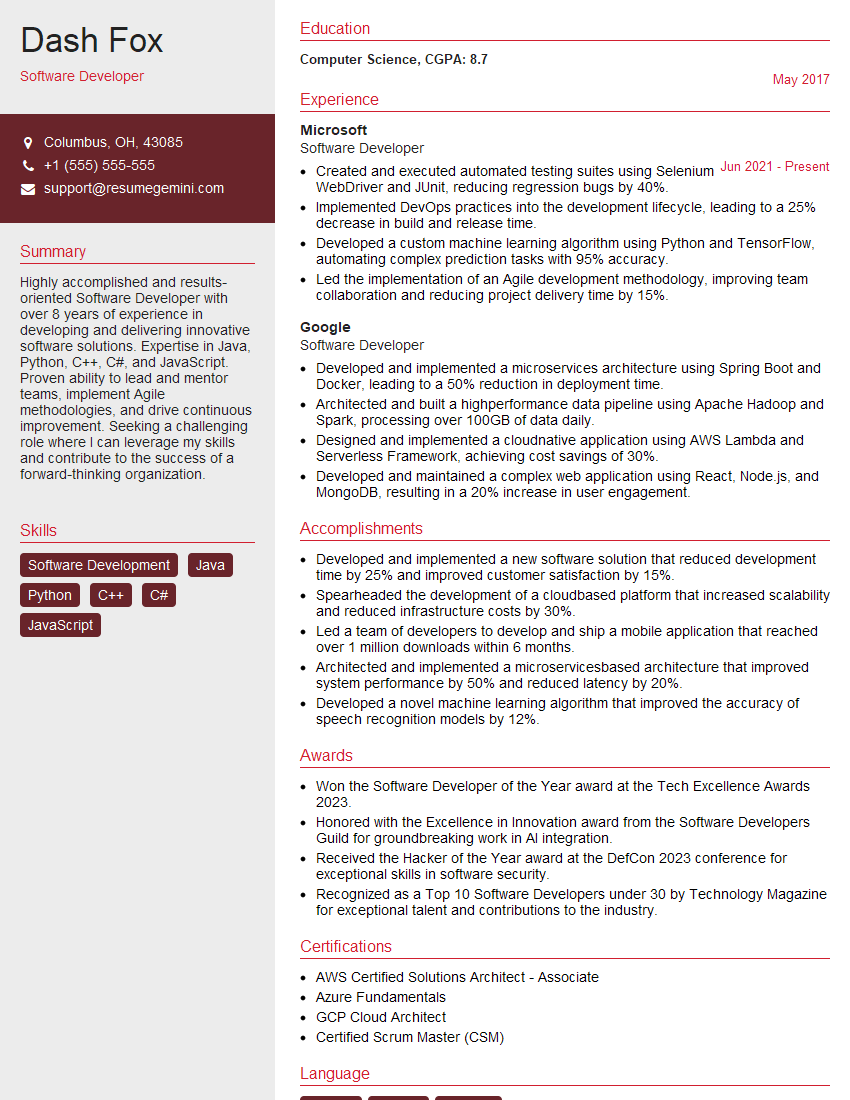
Software Developer Resume Sample
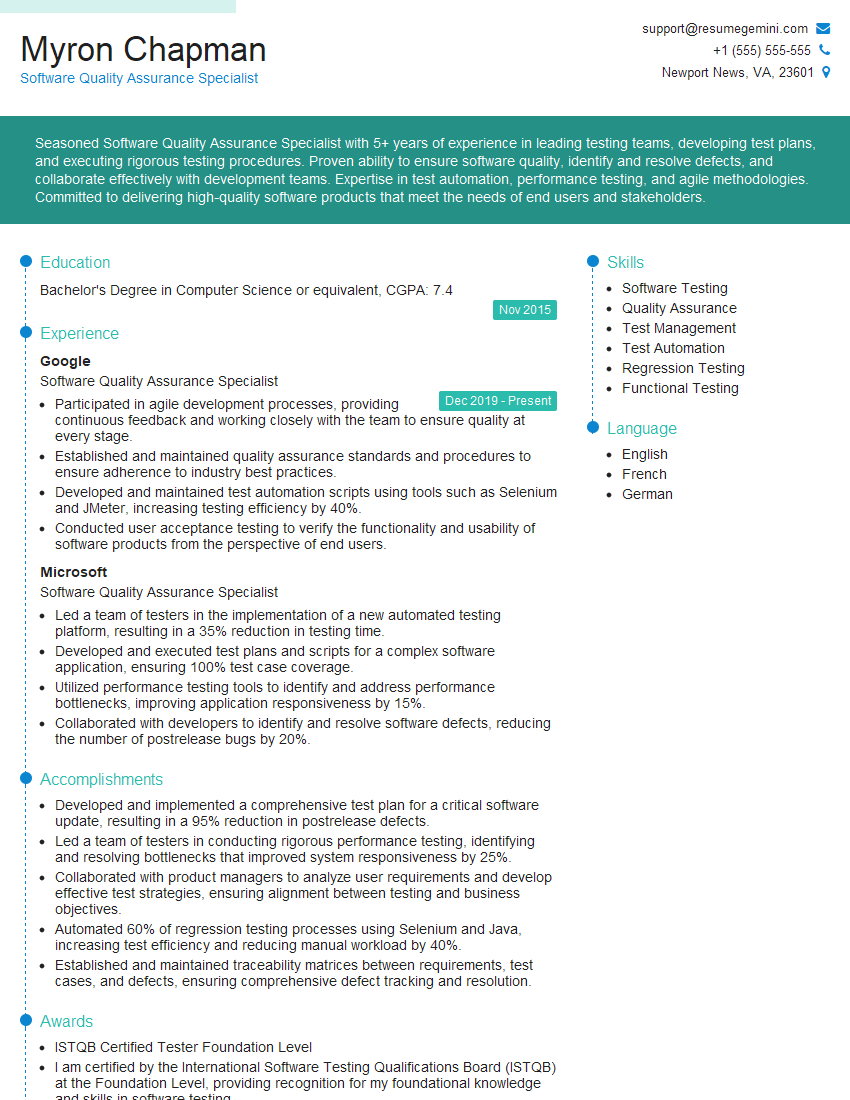
Software Quality Assurance Specialist Resume Sample

Software Test Engineer Resume Sample

IT Manager Resume Sample

Release Manager Resume Sample
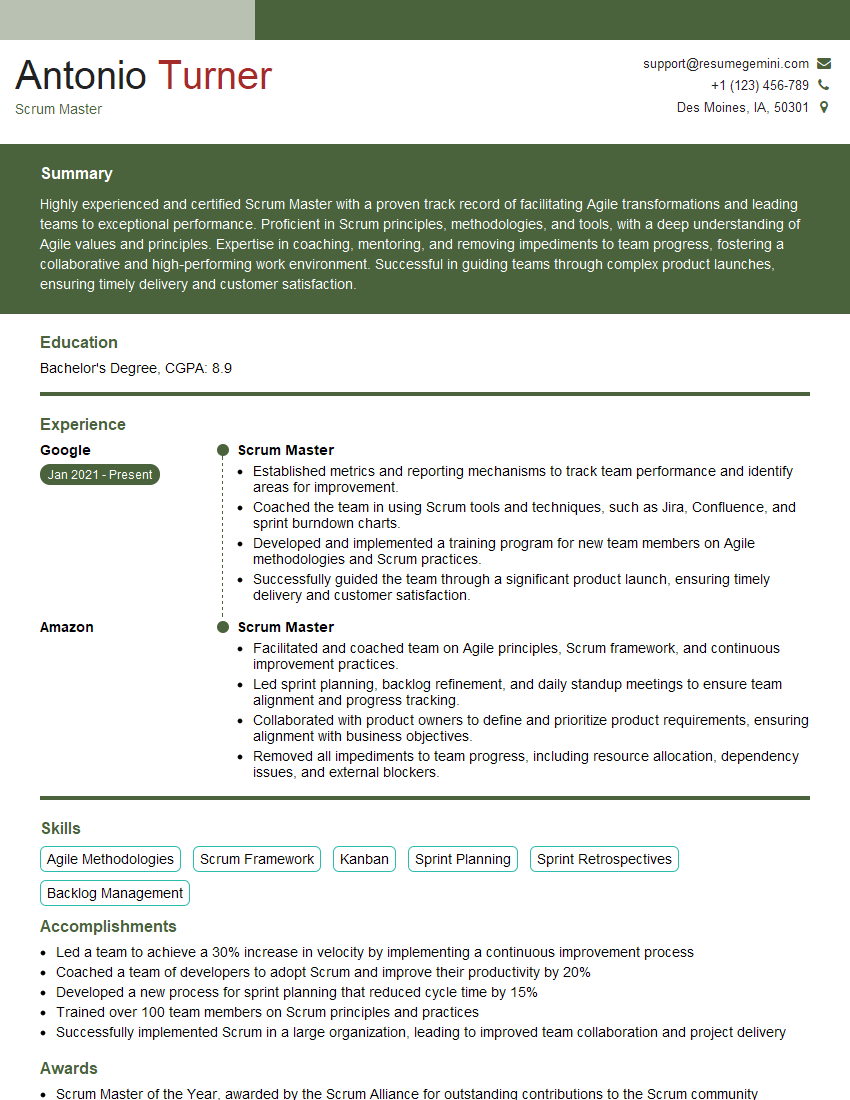
Scrum Master Resume Sample
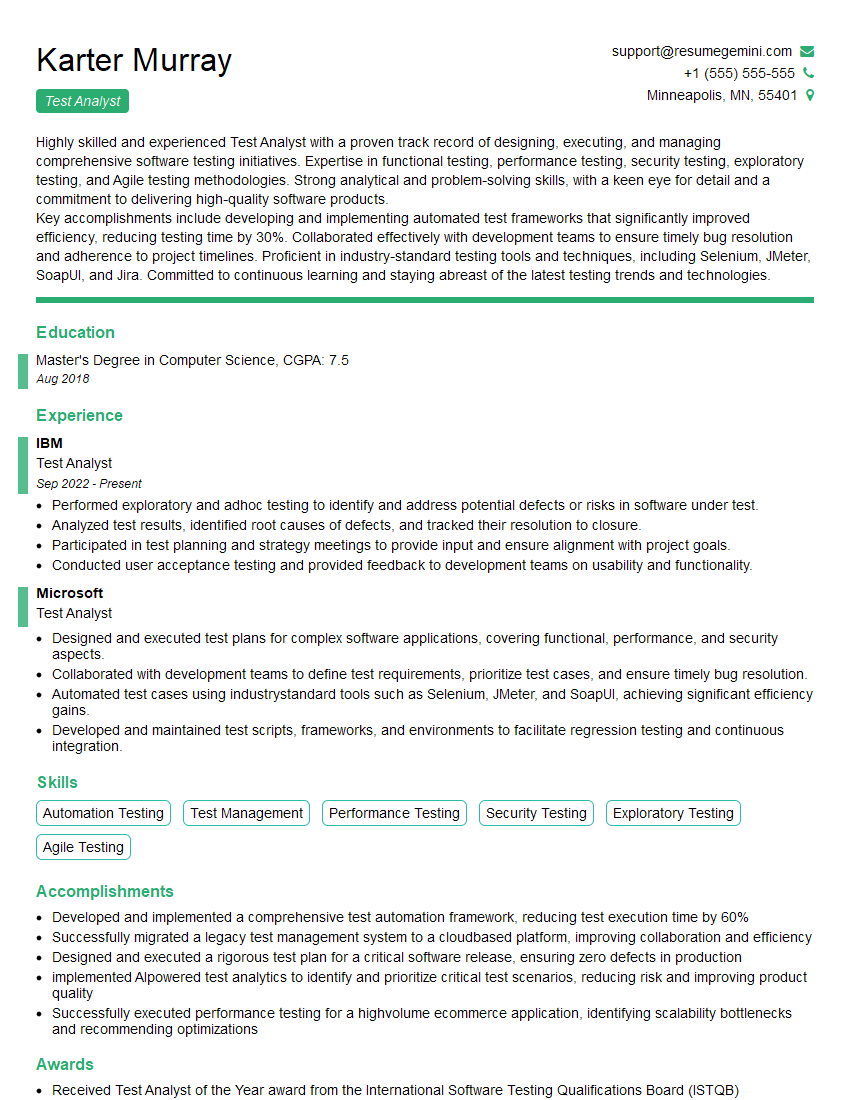
Test Analyst Resume Sample
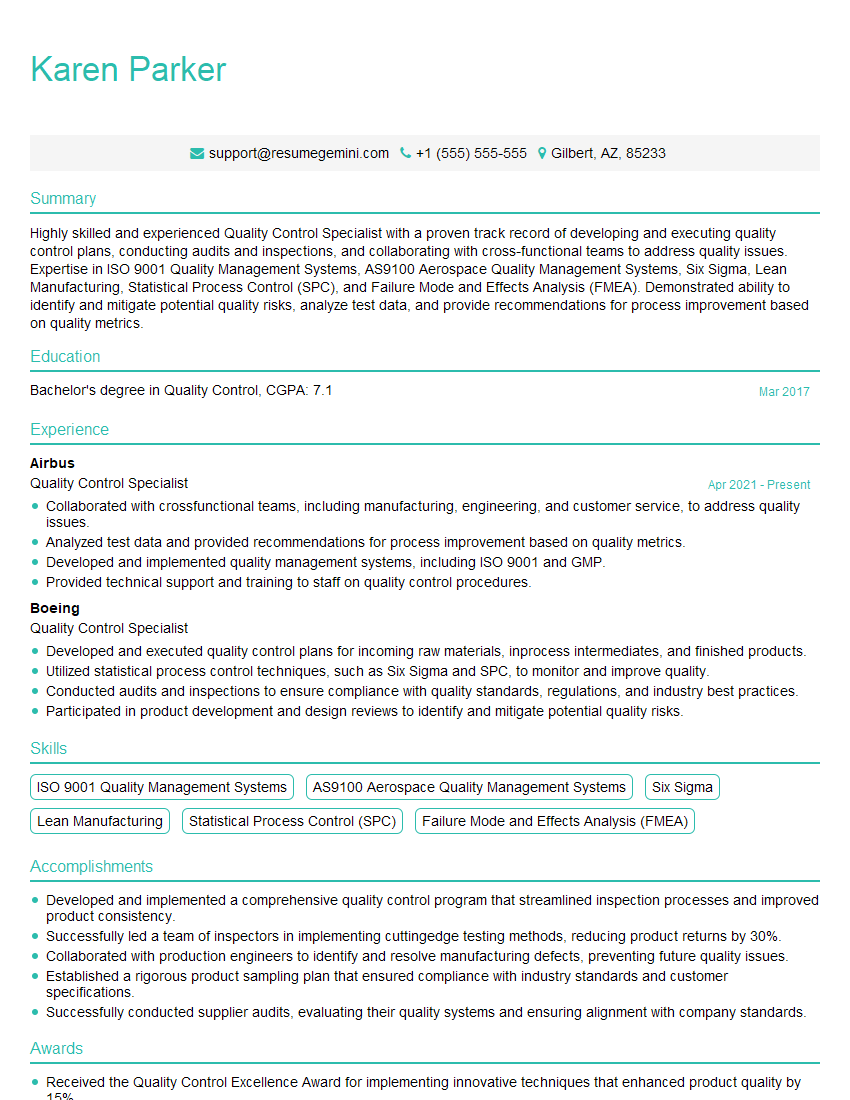
Quality Control Specialist Resume Sample
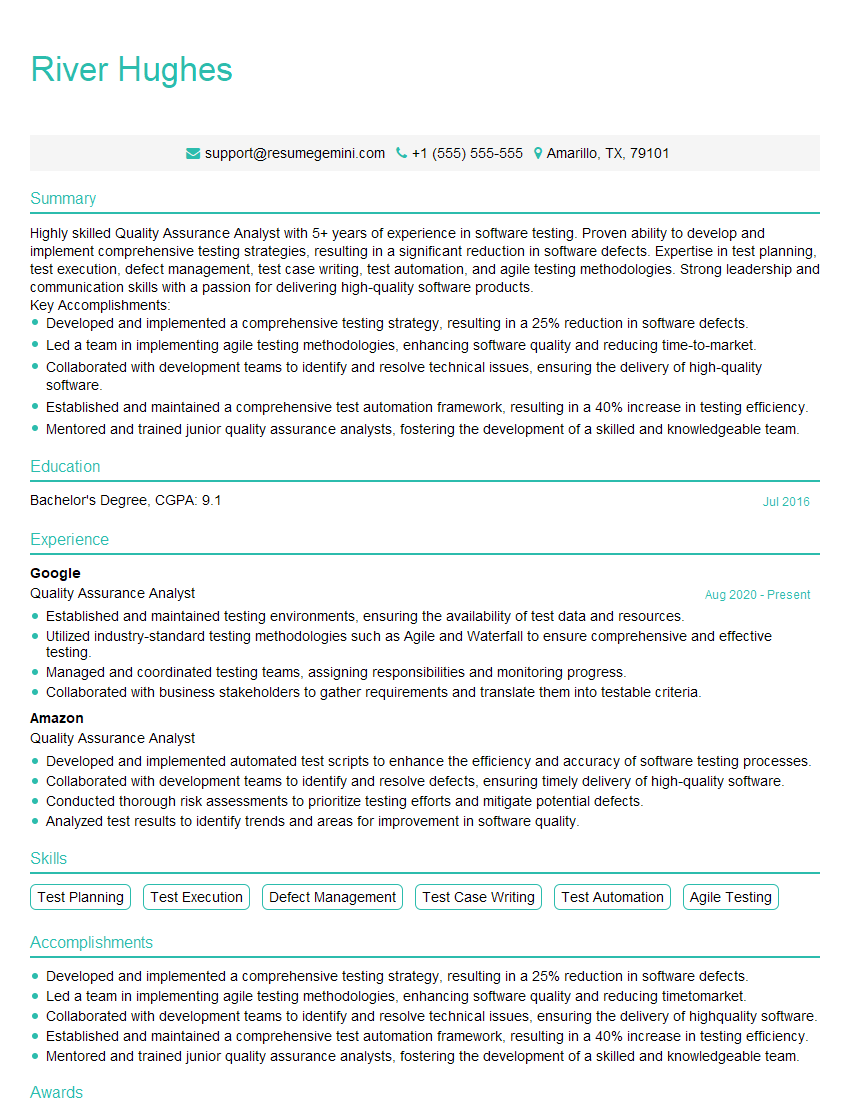
Quality Assurance Analyst Resume Sample

DevOps Engineer Resume Sample
Explore more articles
Users Rating of Our Blogs
Share Your Experience
We value your feedback! Please rate our content and share your thoughts (optional).
What Readers Say About Our Blog
Amazing blog
Interesting Article, I liked the depth of knowledge you’ve shared.
Helpful, thanks for sharing.