The right preparation can turn an interview into an opportunity to showcase your expertise. This guide to CMS Proficiency interview questions is your ultimate resource, providing key insights and tips to help you ace your responses and stand out as a top candidate.
Questions Asked in CMS Proficiency Interview
Q 1. Explain the difference between a CMS and a website builder.
A CMS (Content Management System) and a website builder are both tools for creating websites, but they differ significantly in their functionality and target users. Think of a website builder as a pre-packaged meal – easy to assemble, limited customization. A CMS, on the other hand, is more like a fully equipped kitchen – you have complete control over ingredients and the final dish, but requires more expertise.
Website builders offer a simple drag-and-drop interface, ideal for users with minimal technical skills. They provide pre-designed templates and limited customization options. Examples include Wix and Squarespace. They are excellent for simple websites with basic functionalities.
CMSs, however, are far more powerful and flexible. They offer a wider range of features, customization options, and extensibility through plugins and themes. They require more technical knowledge but provide unmatched control over the website’s design, functionality, and content. Popular examples include WordPress, Drupal, and Joomla. They’re suited for complex websites with unique requirements and high levels of customization.
Q 2. What are the advantages and disadvantages of using a CMS?
Using a CMS offers several advantages, but also presents some disadvantages. It’s a trade-off between power and ease of use.
- Advantages:
- Ease of Content Management: Updating and managing content is significantly easier than coding everything from scratch.
- Flexibility and Customization: Themes and plugins allow for extensive customization without needing advanced coding skills.
- Scalability: CMSs can handle large amounts of content and traffic, scaling as your website grows.
- SEO Friendliness: Most CMSs offer built-in SEO features or support plugins that enhance search engine optimization.
- Cost-Effectiveness: Many open-source CMSs are free to use, reducing initial development costs.
- Disadvantages:
- Security Risks: Popular CMSs are frequent targets for hackers, necessitating regular security updates and maintenance.
- Technical Expertise: Although user-friendly, managing a CMS requires some technical understanding, especially for complex customizations.
- Performance Issues: Poorly optimized websites can lead to slow loading times and negatively impact user experience.
- Dependency on Plugins and Themes: Relying on third-party extensions can introduce vulnerabilities or compatibility issues.
Q 3. Describe your experience with WordPress, Drupal, or Joomla.
I have extensive experience with WordPress, having used it to build and maintain dozens of websites ranging from simple blogs to complex e-commerce platforms. My experience includes:
- Theme Development and Customization: I’ve created custom themes from scratch and modified existing ones to meet specific client requirements. This included working with child themes to ensure updates don’t overwrite customisations. For example, I recently developed a custom theme for a client’s photography portfolio, integrating a lightbox gallery and a contact form.
- Plugin Development and Integration: I have experience developing custom plugins to extend WordPress functionality and integrating third-party plugins to add features such as e-commerce, membership management, and SEO optimization. I’ve successfully troubleshooted conflicts between plugins and optimised plugin usage to maintain performance.
- WordPress Security: I’m well-versed in securing WordPress websites against common vulnerabilities, including implementing strong passwords, using security plugins, regularly updating core files, themes, and plugins, and implementing website backups.
- Performance Optimization: I’ve optimized WordPress websites for speed and performance by using caching plugins, optimizing images, and improving database queries.
Beyond WordPress, I’ve worked with Drupal on a smaller scale, primarily focusing on content migration and site maintenance projects. My experience highlights my adaptability and problem-solving skills across different CMS platforms.
Q 4. How familiar are you with different CMS architectures (e.g., MVC)?
I’m very familiar with different CMS architectures, particularly the Model-View-Controller (MVC) architecture, which is commonly used in many popular CMS platforms like WordPress, Drupal, and Laravel. Understanding MVC is crucial for efficient CMS development and troubleshooting.
In an MVC architecture:
- Model: Represents the data layer. It handles data storage, retrieval, and manipulation (e.g., database interactions).
- View: Handles the presentation layer. It displays the data to the user (e.g., the website’s front-end).
- Controller: Acts as the intermediary between the Model and the View. It receives user requests, interacts with the Model to retrieve data, and then sends the data to the View for display. It’s responsible for managing the application’s logic.
Understanding MVC helps in efficiently debugging issues by isolating problems to specific layers – a database error would fall under the Model, while a display issue would be in the View. This structured approach simplifies maintenance and development.
Q 5. What are some common security vulnerabilities in CMS platforms and how to mitigate them?
CMS platforms, due to their popularity, are frequent targets for security vulnerabilities. Some common ones include:
- SQL Injection: Malicious code injected into input fields to manipulate database queries.
- Cross-Site Scripting (XSS): Injecting client-side scripts into a website to steal user data or manipulate their browser.
- Cross-Site Request Forgery (CSRF): Tricking a user into performing unwanted actions on a website they’re already authenticated to.
- Outdated Software: Using outdated versions of the CMS, themes, and plugins leaves the website vulnerable to known exploits.
- Weak Passwords: Using simple or easily guessable passwords weakens security.
Mitigating these risks involves:
- Regular Updates: Keeping the CMS, themes, and plugins up-to-date is paramount.
- Secure Coding Practices: Implementing proper input validation and sanitization to prevent SQL injection and XSS.
- Strong Passwords and Two-Factor Authentication: Enforcing strong passwords and using two-factor authentication for added security.
- Security Plugins: Using reputable security plugins to monitor and protect the website.
- Regular Security Audits: Conducting regular security audits to identify and address vulnerabilities.
- Web Application Firewall (WAF): Using a WAF to filter malicious traffic.
Q 6. Explain your process for troubleshooting a CMS-related issue.
My troubleshooting process for CMS-related issues follows a systematic approach:
- Identify the Problem: Clearly define the issue. Is it a front-end display problem, a back-end functionality issue, or a performance problem?
- Gather Information: Collect relevant information such as error messages, browser console logs, server logs, and user reports. This helps pinpoint the source of the problem.
- Reproduce the Issue: Try to reproduce the issue consistently. This helps eliminate random occurrences and isolates the root cause.
- Check for Updates: Ensure the CMS core, themes, and plugins are updated to the latest versions to rule out known vulnerabilities and bugs.
- Deactivate Plugins: Deactivate plugins one by one to see if any are causing conflicts or issues.
- Check Server Resources: Monitor server resources (CPU, memory, disk space) to rule out server-side limitations.
- Review Logs: Analyze server logs, database logs, and error logs for clues about the problem.
- Test on Different Browsers and Devices: Ensure compatibility across different browsers and devices.
- Consult Documentation: Refer to the official documentation for the CMS, themes, and plugins for troubleshooting tips and solutions.
- Search for Solutions Online: Search online forums and communities for solutions to similar problems.
- Seek Expert Help: If the problem persists, seek help from experienced developers or support teams.
Q 7. How do you optimize a CMS website for SEO?
Optimizing a CMS website for SEO involves a multifaceted approach focusing on both on-page and off-page optimization.
On-Page Optimization:
- Keyword Research: Identifying relevant keywords to target.
- Content Optimization: Creating high-quality, engaging, and keyword-rich content.
- Title Tags and Meta Descriptions: Crafting compelling title tags and meta descriptions that accurately reflect the page’s content.
- URL Structure: Creating clean and descriptive URLs.
- Image Optimization: Optimizing images with descriptive alt text and proper file names.
- Header Tags (H1-H6): Using header tags to structure content and highlight important keywords.
- Internal Linking: Linking relevant pages within the website to improve navigation and distribute link equity.
- Sitemaps: Submitting sitemaps to search engines to help them crawl and index the website.
Off-Page Optimization:
- Link Building: Acquiring high-quality backlinks from reputable websites.
- Social Media Marketing: Promoting the website on social media platforms to increase visibility.
CMS Specific Considerations:
- SEO Plugins: Utilizing SEO plugins like Yoast SEO or Rank Math to further optimize the website.
- Performance Optimization: Ensuring fast loading times, as Google considers site speed a ranking factor.
By combining these strategies, you can significantly improve a CMS website’s search engine rankings and visibility.
Q 8. Describe your experience with CMS plugins/extensions/modules.
My experience with CMS plugins, extensions, and modules is extensive. I’ve worked with a wide variety of them across different CMS platforms like WordPress, Drupal, and Joomla. Think of plugins/extensions/modules as the app store for your CMS. They add functionality beyond the core system, allowing you to tailor the website to specific needs. For example, in WordPress, I’ve used plugins for SEO optimization (like Yoast SEO), e-commerce functionality (WooCommerce), form creation (Gravity Forms), and security enhancements (Wordfence). In Drupal, I’ve leveraged modules for advanced content management, user authentication, and custom workflows. My approach always prioritizes selecting plugins from reputable sources, checking for compatibility, and understanding the plugin’s dependencies to avoid conflicts. I regularly review and update plugins to maintain security and functionality. For instance, on a recent e-commerce project using WooCommerce, I implemented a custom shipping plugin to cater to the client’s specific regional requirements, dramatically improving the user experience.
Q 9. How do you manage content updates and revisions in a CMS?
Managing content updates and revisions is crucial for maintaining a clean and efficient CMS. Most CMS platforms offer version control, allowing you to track changes and revert to previous versions if needed. In WordPress, for example, the built-in revision system automatically saves multiple versions of each post and page. This is akin to using Google Docs’ version history. You can easily compare revisions and restore older versions if required. For more complex projects, I often utilize Git for version control, integrating it with the CMS workflow. This provides a more robust system for tracking changes, collaboration among team members, and allows for rollback capabilities even beyond the CMS’s built-in features. A well-defined content update process, including testing in a staging environment before pushing to live, is also vital to prevent unexpected issues.
Q 10. How do you handle user roles and permissions in a CMS?
User roles and permissions are fundamental for security and efficient content management. Each CMS handles this differently, but the core concept remains the same: defining access levels for various user groups. For instance, in WordPress, you can assign roles such as Administrator, Editor, Author, Contributor, and Subscriber, each with specific capabilities. An administrator has full control, while a subscriber might only be able to view content. In Drupal, the system is more granular, allowing for the creation of custom roles and the assignment of permissions to individual modules and content types. Properly configured roles and permissions prevent unauthorized access and maintain data integrity. For a recent project, I implemented a custom role with restricted access to sensitive client data, ensuring only authorized personnel could view and manage it. This multi-layered security approach is crucial for compliance and protecting sensitive information.
Q 11. What are some best practices for CMS website maintenance?
Best practices for CMS website maintenance are vital for performance, security, and user experience. Regular backups are paramount – I recommend automated daily or weekly backups stored offsite. Regular security updates are critical to patching vulnerabilities. This includes updating the CMS core, plugins/extensions/modules, and the server software. Performance optimization involves techniques like caching (using plugins or server-side caching), image optimization, and database maintenance. Monitoring website traffic and performance using analytics tools provides insights into potential issues. Finally, a well-defined maintenance schedule helps prevent problems and keeps the website running smoothly. For example, I regularly conduct performance audits, optimizing database queries and image sizes to improve page load times. This proactive approach is far better than reacting to problems.
Q 12. Describe your experience with database management within a CMS context.
My experience with database management within a CMS context involves working directly with the database (usually MySQL or PostgreSQL) to optimize performance, troubleshoot issues, and perform data migrations. I’m comfortable using SQL to query, update, and manage data. Understanding database structure is key, including tables, relationships, and indexes. For example, I’ve optimized database queries by adding indexes to improve search speed and used SQL to clean up outdated or unnecessary data. I’ve also migrated data between different CMS platforms, ensuring data integrity throughout the process. I always prioritize backing up the database before making any significant changes, and I have a solid understanding of database normalization and optimization techniques to maintain efficiency.
Q 13. How do you ensure the scalability and performance of a CMS website?
Ensuring scalability and performance of a CMS website involves several strategies. Content Delivery Networks (CDNs) distribute content across multiple servers, improving load times for users worldwide. Caching mechanisms reduce server load by storing frequently accessed data. Database optimization, as mentioned earlier, plays a crucial role. Load testing helps determine the website’s capacity and identify bottlenecks. Choosing the right hosting provider with sufficient resources is also vital. Finally, proper code optimization and efficient use of resources within the CMS theme or plugins are essential for maintaining performance as the website grows. For instance, on a high-traffic e-commerce site, I implemented a CDN and database caching, resulting in a significant reduction in page load times and improved user experience.
Q 14. Explain your experience with integrating a CMS with other systems.
Integrating a CMS with other systems is a common requirement in many projects. I have experience integrating CMS platforms with CRM systems (like Salesforce), marketing automation platforms (like HubSpot), and e-commerce platforms (like Shopify). This often involves using APIs (Application Programming Interfaces) to exchange data between systems. For example, I’ve used the WordPress REST API to connect it with a custom CRM, enabling automatic synchronization of customer data. Understanding API documentation and using appropriate tools (like Postman for API testing) is essential for successful integration. Security considerations, such as authentication and authorization, are crucial when integrating systems. A well-planned integration process, including thorough testing, is key to ensuring seamless data flow and maintaining data integrity.
Q 15. What are some common challenges you have faced while working with a CMS?
Working with CMSs presents various challenges, often stemming from the interplay between content management, technical limitations, and user needs. One common issue is managing content across multiple authors or contributors, ensuring consistency and brand voice. This requires robust workflow management within the CMS, potentially involving custom permissions and approval processes. Another challenge lies in optimizing website performance. A poorly structured CMS or a lack of optimization can result in slow loading times and a negative user experience. This might involve optimizing images, utilizing caching mechanisms, or even refactoring code within the CMS framework itself. Finally, integrating with third-party services can be problematic. Seamless integration with CRM systems, marketing automation tools, or e-commerce platforms often necessitates custom development or the use of specific plugins, potentially adding complexity and maintenance overhead. For instance, integrating a new payment gateway into a Shopify store may require significant configuration and testing to ensure secure and reliable transactions.
Career Expert Tips:
- Ace those interviews! Prepare effectively by reviewing the Top 50 Most Common Interview Questions on ResumeGemini.
- Navigate your job search with confidence! Explore a wide range of Career Tips on ResumeGemini. Learn about common challenges and recommendations to overcome them.
- Craft the perfect resume! Master the Art of Resume Writing with ResumeGemini’s guide. Showcase your unique qualifications and achievements effectively.
- Don’t miss out on holiday savings! Build your dream resume with ResumeGemini’s ATS optimized templates.
Q 16. How do you approach website design considerations within the CMS framework?
Website design within a CMS framework requires a careful balance between creativity and functionality. I start by understanding the client’s goals and target audience to define a clear visual direction and user experience. Then, I thoroughly examine the CMS’s capabilities, including its templating engine, available plugins, and customization options. This helps me determine which design elements can be implemented directly using built-in features and which require custom development. For example, if the CMS offers a drag-and-drop interface for page building, I’ll leverage that for quicker development and easier content updates by non-technical users. If custom coding is needed, I would ensure the design is responsive and adapts smoothly across different devices, employing techniques such as CSS media queries and mobile-first approaches. Throughout this process, I prioritize accessibility considerations, adhering to WCAG guidelines for usability and inclusivity. Testing across browsers and devices is crucial to ensure a consistent experience for all users. A recent project involving a WordPress site required me to balance the client’s desire for a visually rich design with the need for optimal performance on various devices. This involved careful optimization of images, code minification, and the use of a caching plugin.
Q 17. How would you implement custom functionalities in a CMS?
Implementing custom functionalities in a CMS hinges on understanding its architecture and extending its capabilities. This often involves creating custom modules, plugins, or themes, depending on the CMS. The approach varies based on the CMS; for example, WordPress allows for plugin development using PHP and its API, while Drupal uses modules and custom themes. I typically begin by carefully defining the requirements of the custom functionality, designing the architecture, and then writing efficient and well-documented code. Testing is paramount, involving unit testing, integration testing, and user acceptance testing to ensure reliability and performance. For example, I once developed a custom plugin for a WordPress site to integrate with a third-party marketing automation platform. This involved creating custom database tables, developing an API interface, and handling data synchronization between the two systems. I prioritized security measures to prevent vulnerabilities and wrote detailed documentation for future maintenance and upgrades.
Q 18. Describe your experience with front-end technologies in relation to CMS development.
My experience with front-end technologies is intrinsically linked to CMS development. I am proficient in HTML, CSS, and JavaScript, using these to build responsive and user-friendly interfaces within the CMS framework. I’m adept at using various JavaScript frameworks like React, Vue, or Angular to create dynamic and interactive elements. These frameworks enable the construction of complex user interfaces with efficient data handling and component reusability. I frequently work with preprocessors like Sass or Less to enhance the maintainability and scalability of CSS code. Furthermore, I ensure that the front-end code is optimized for performance, employing techniques like code minification and image optimization to improve load times. I also utilize version control systems like Git to track changes and collaborate effectively with other developers. A recent project involved building a custom e-commerce theme for a Shopify store using React. This enabled a seamless user experience with dynamic product displays and interactive shopping cart functionalities.
Q 19. Explain your process for migrating a website to a new CMS platform.
Migrating a website to a new CMS platform is a multifaceted process that demands meticulous planning and execution. I begin by conducting a thorough audit of the existing website, documenting all functionalities, content, and integrations. Then I choose the new CMS platform based on the client’s requirements and the website’s needs. This often involves comparing features, pricing, and ease of use. Next, I create a detailed migration plan, outlining the steps involved, including content migration, database migration, template development, and testing. The migration process typically involves exporting content from the old CMS, transforming it to the format required by the new CMS, and importing it into the new system. This might require custom scripts or third-party tools depending on the complexity of the content. Rigorous testing is crucial throughout the process to ensure data integrity and functionality. Finally, I deploy the new website, monitoring its performance and addressing any unforeseen issues. I recently migrated a large e-commerce website from Magento to Shopify, a process that involved developing custom scripts to handle product data, customer data, and order history.
Q 20. How do you handle content migration from one CMS to another?
Content migration between CMS platforms can range from straightforward to extremely complex depending on the source and target CMSs and the volume of content. Simple migrations might involve exporting data in a standard format like XML or CSV and then importing it into the new platform. However, for more complex migrations, custom scripts or third-party tools might be necessary to handle data transformations and address differences in data structures. For example, migrating from a proprietary CMS to WordPress might require writing custom scripts to map content fields and handle data relationships. I always focus on data integrity and accuracy during the migration process, verifying the content after the migration to ensure no data loss or corruption. Testing is critical, focusing on the migrated content’s accurate display and functionality within the new platform. In one project, I migrated content from a legacy system to a modern headless CMS using a combination of custom scripts and API calls to ensure a smooth and accurate transfer of thousands of blog posts and product pages.
Q 21. What experience do you have with version control systems (e.g., Git) in a CMS development environment?
Version control systems, especially Git, are indispensable in CMS development. They are essential for collaborative development, tracking changes, and managing different versions of the website. I utilize Git for all my CMS projects, employing branching strategies for feature development, bug fixes, and content updates. This allows for parallel development and prevents conflicts. I regularly push and pull code to remote repositories like GitHub or Bitbucket to ensure collaboration and backups. Furthermore, Git helps in tracking changes made by different developers, facilitating seamless collaboration and simplifying the process of resolving conflicts. I use Git workflows like Gitflow to streamline the development process and maintain a consistent workflow. This also provides a safety net; reverting to a previous version is possible in case of unexpected errors. For instance, during the development of a custom theme for a large e-commerce site, Git helped me manage changes across different features, enabling multiple developers to work concurrently without overwriting each other’s work and allowing for easy rollback in case of errors.
Q 22. How familiar are you with responsive design principles in the context of CMS websites?
Responsive design ensures a website adapts seamlessly to different screen sizes and devices (desktops, tablets, smartphones). In a CMS context, this means using themes or templates that are built with responsive frameworks like Bootstrap or Foundation. These frameworks utilize techniques such as fluid grids, flexible images, and media queries to achieve responsiveness. For example, a responsive CMS website might use CSS media queries to adjust column layouts based on screen width. @media (max-width: 768px) { .column { width: 100%; }} This ensures the website remains usable and visually appealing regardless of the device. I have extensive experience implementing and troubleshooting responsive designs across various CMS platforms, ensuring optimal user experience across all devices.
Q 23. Describe your experience with template customization within a CMS.
Template customization within a CMS is a core skill. My experience ranges from minor tweaks like changing colors and fonts to more complex modifications such as altering layouts, adding custom modules, and integrating third-party plugins. I’m proficient in working with both visual editors and directly editing template files (depending on the CMS). For instance, in WordPress, I’ve extensively customized child themes to preserve updates while making unique design changes. I’ve also worked with more complex CMS platforms where direct template editing requires a deep understanding of the underlying templating language (e.g., Twig in Drupal or Liquid in Shopify). In one project, I customized a Shopify theme to incorporate a bespoke product filtering system, significantly improving user navigation and sales conversion.
Q 24. How do you optimize images for web performance within a CMS?
Optimizing images is crucial for web performance. Within a CMS, I typically use a multi-pronged approach. First, I compress images using tools like TinyPNG or ImageOptim before uploading them. This reduces file size without significant quality loss. Second, I use the CMS’s built-in image resizing features to generate multiple versions of each image (thumbnails, different aspect ratios) to avoid loading unnecessarily large files. Third, I utilize lazy loading techniques, where images only load when they’re about to be visible in the viewport. Many modern CMSs have built-in support for lazy loading, or plugins can easily add this functionality. Lastly, I always use appropriately sized images for their intended use. Using a 2MB image for a thumbnail is inefficient. Following these steps drastically improves page load times and the overall user experience, leading to improved SEO ranking and conversions.
Q 25. What are your preferred methods for testing a CMS website?
My testing methods are thorough and cover various aspects. I always start with browser compatibility testing across major browsers (Chrome, Firefox, Safari, Edge) and devices. I use responsive design testing tools to ensure the layout works correctly on different screen sizes. I also conduct functional testing to verify that all features and functionalities are working as expected, including forms, navigation, search, and e-commerce features (if applicable). Performance testing using tools like Google PageSpeed Insights is critical to assess loading speed and identify areas for improvement. Lastly, user acceptance testing (UAT) involves letting end-users test the website to identify usability issues and ensure it meets their needs. This holistic approach ensures a high-quality and user-friendly website.
Q 26. How do you stay up-to-date with the latest CMS trends and technologies?
Staying current in the fast-paced world of CMS is essential. I actively follow industry blogs, publications, and podcasts dedicated to CMS development and web technologies. I participate in online communities and forums to engage with other developers and learn from their experiences. Attending webinars and conferences, as well as completing relevant online courses and certifications, provides valuable insights into new trends and best practices. Experimenting with new CMS features and plugins on personal projects allows me to gain hands-on experience with cutting-edge technologies. This continuous learning process keeps my skills sharp and ensures I’m always using the most efficient and effective techniques.
Q 27. Explain your understanding of caching mechanisms in a CMS.
Caching mechanisms significantly improve website performance by storing frequently accessed data temporarily. In a CMS context, caching can occur at various levels: browser caching (the browser stores static assets like images and CSS), server-side caching (the web server stores frequently accessed pages), and CMS-level caching (the CMS itself caches data). Effective caching reduces server load, speeds up page loading times, and improves overall user experience. Different CMSs have different caching strategies and configurations. For instance, WordPress offers various caching plugins (like WP Super Cache or W3 Total Cache), while Drupal provides built-in caching capabilities. Understanding the nuances of each CMS’s caching system is essential for optimal performance optimization. I frequently leverage and fine-tune caching strategies in my projects to achieve maximum performance gains.
Q 28. Describe your experience with creating and managing custom content types within a CMS.
Creating and managing custom content types is a crucial aspect of many CMS projects. It allows me to tailor the CMS to specific project needs by defining custom fields and relationships between different pieces of content. For instance, in a real-estate website, I might create a custom content type for “Properties” with fields like “address,” “price,” “images,” and “bedrooms.” In Drupal, this is done using the “Content Type” feature, while WordPress utilizes Custom Post Types. Understanding the data model and relationships is crucial. I’ve designed and implemented complex custom content types in various projects, which have simplified content management for clients and enhanced the overall site functionality. For example, I created a custom content type for “Events” with a recurring event feature, significantly reducing administrative overhead for a client’s event-based website.
Key Topics to Learn for CMS Proficiency Interview
- Content Management & Workflow: Understanding the core principles of content creation, editing, approval, and publishing workflows within a CMS environment. Practical application includes optimizing content workflows for efficiency and collaboration.
- Template & Theme Customization: Modifying existing templates or creating custom themes to match specific design requirements. Practical application includes understanding CSS, HTML, and potentially templating languages (e.g., Twig, Jinja) used by your target CMS.
- Content Structure & Organization: Designing and implementing effective content taxonomies, categories, and tags for optimal searchability and user experience. Practical application includes understanding how to structure content for SEO and user navigation.
- User Roles & Permissions: Managing user accounts, assigning roles, and controlling access permissions within the CMS. Practical application includes configuring security settings and managing user access based on job responsibilities.
- Plugin/Extension Management: Installing, configuring, and troubleshooting plugins or extensions to enhance CMS functionality. Practical application includes evaluating the security and performance implications of different plugins.
- Data Migration & Import/Export: Transferring content between different CMS platforms or importing/exporting data for backups and archiving. Practical application includes understanding data formats and migration strategies.
- Troubleshooting & Debugging: Identifying and resolving common CMS issues, such as broken links, display errors, or performance bottlenecks. Practical application includes using debugging tools and understanding common error messages.
- SEO Optimization within CMS: Implementing SEO best practices within the CMS environment, such as optimizing meta descriptions, image alt text, and URL structures. Practical application involves understanding how to use CMS features to improve search engine rankings.
Next Steps
Mastering CMS proficiency is crucial for career advancement in web development, digital marketing, and content management roles. It demonstrates valuable technical skills and a deep understanding of website functionality. To increase your chances of landing your dream job, create an ATS-friendly resume that showcases your expertise effectively. ResumeGemini is a trusted resource that can help you build a professional and impactful resume. Examples of resumes tailored to CMS Proficiency are available to guide you through the process.
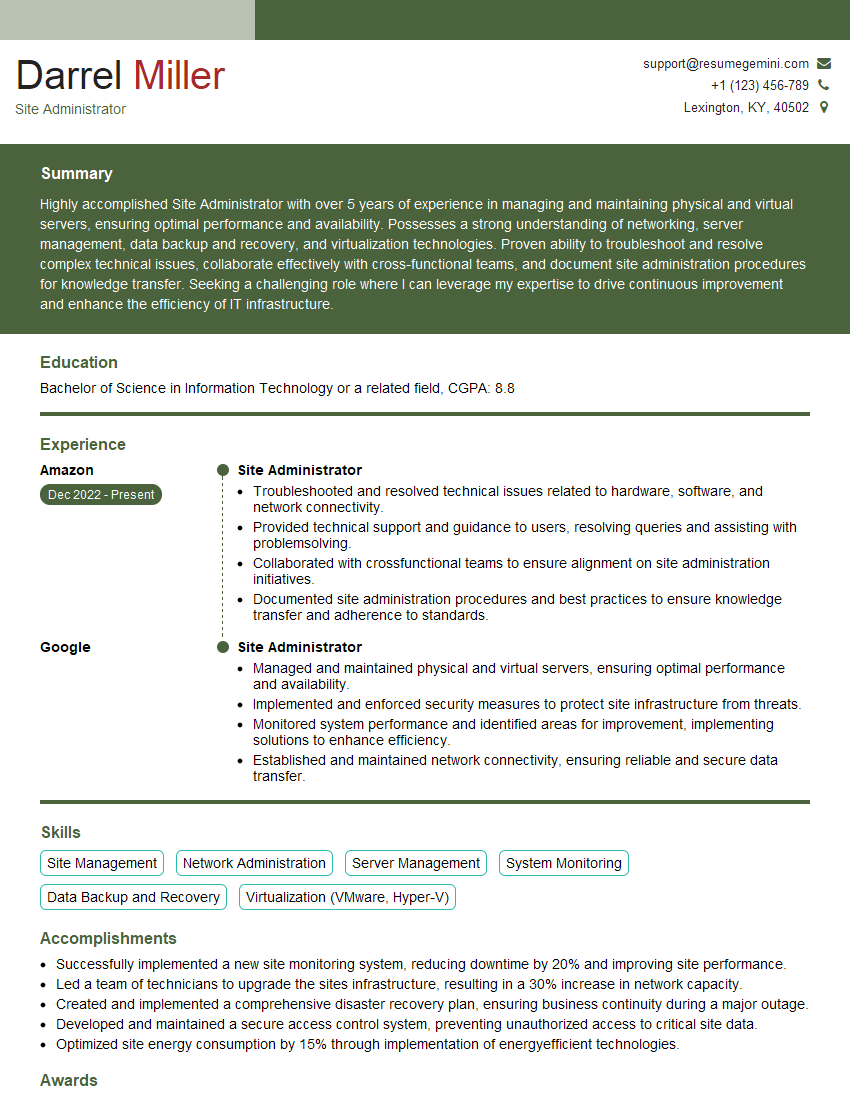
Site Administrator Resume Sample
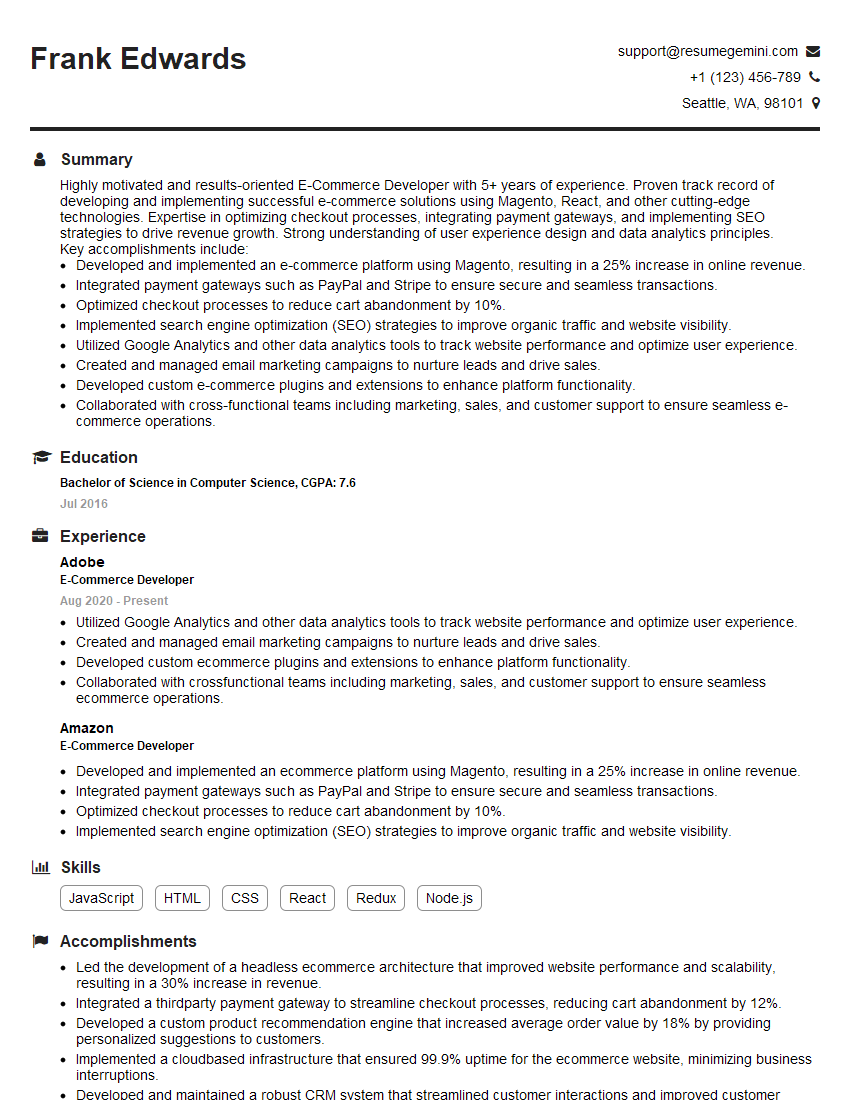
E-Commerce Developer Resume Sample

Systems Administrator Resume Sample
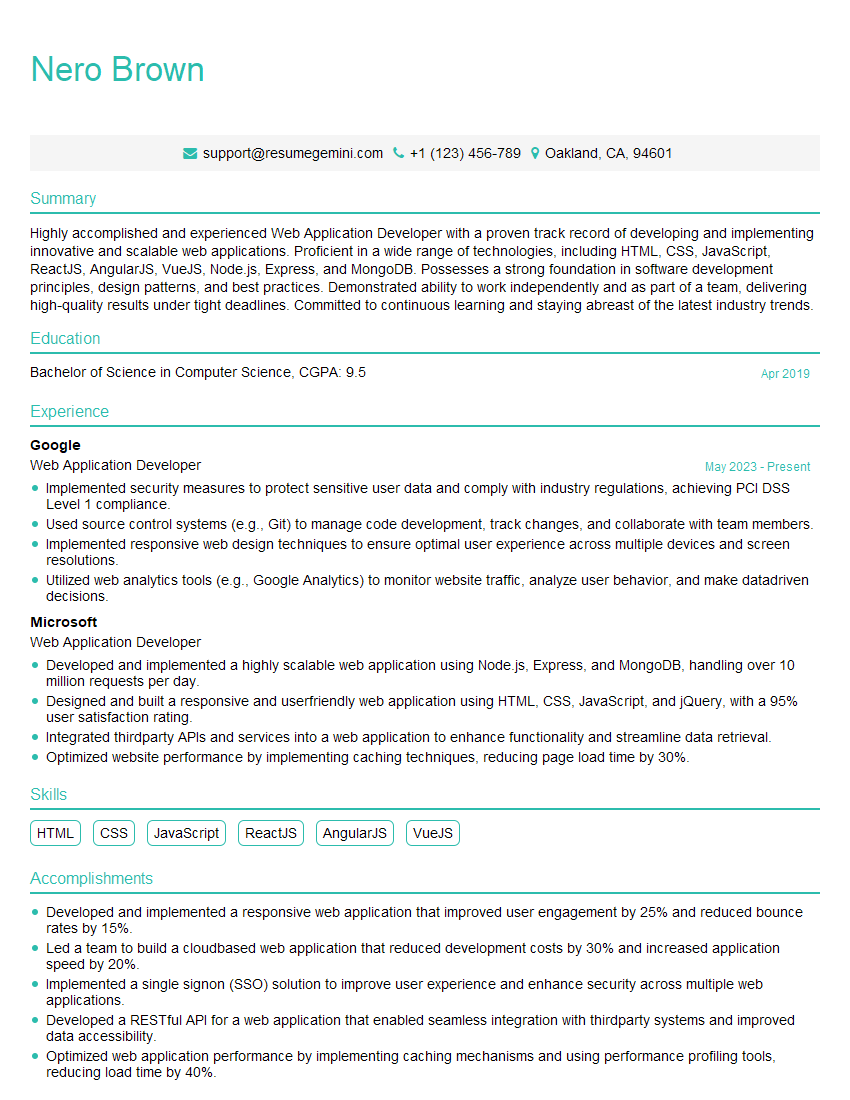
Web Application Developer Resume Sample
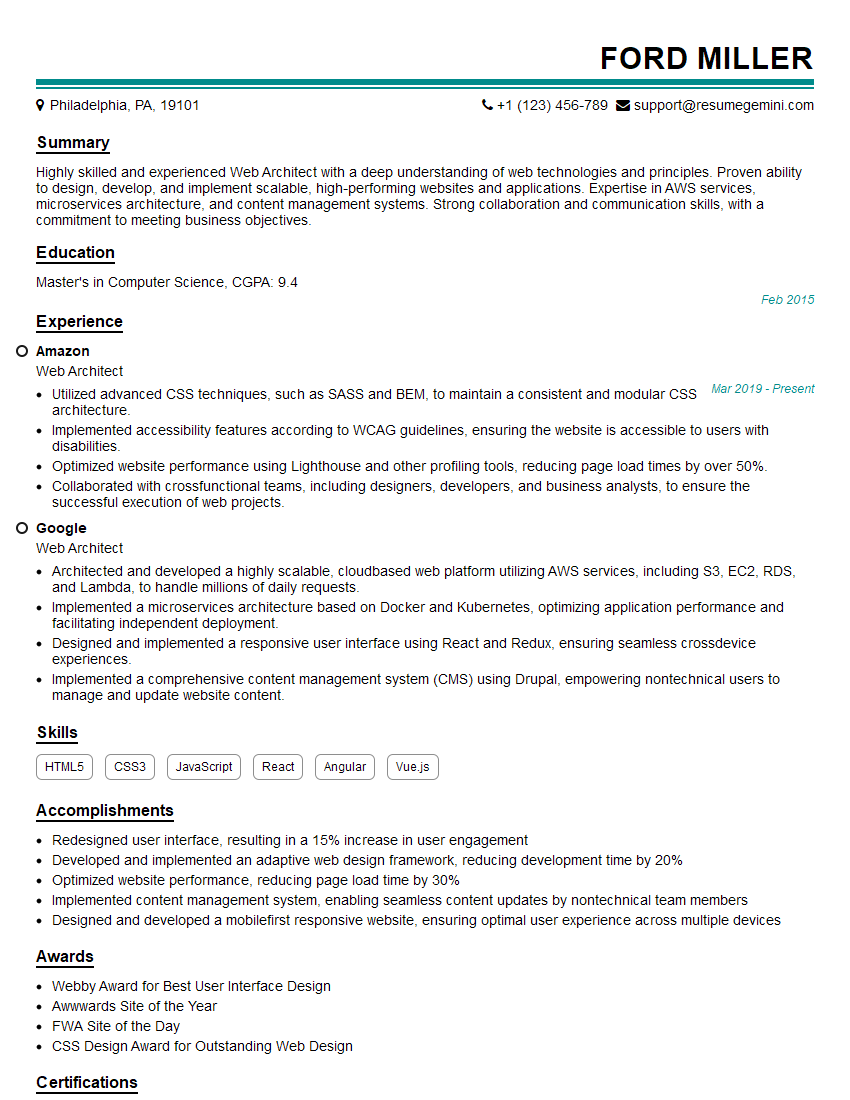
Web Architect Resume Sample

Web Designer Resume Sample
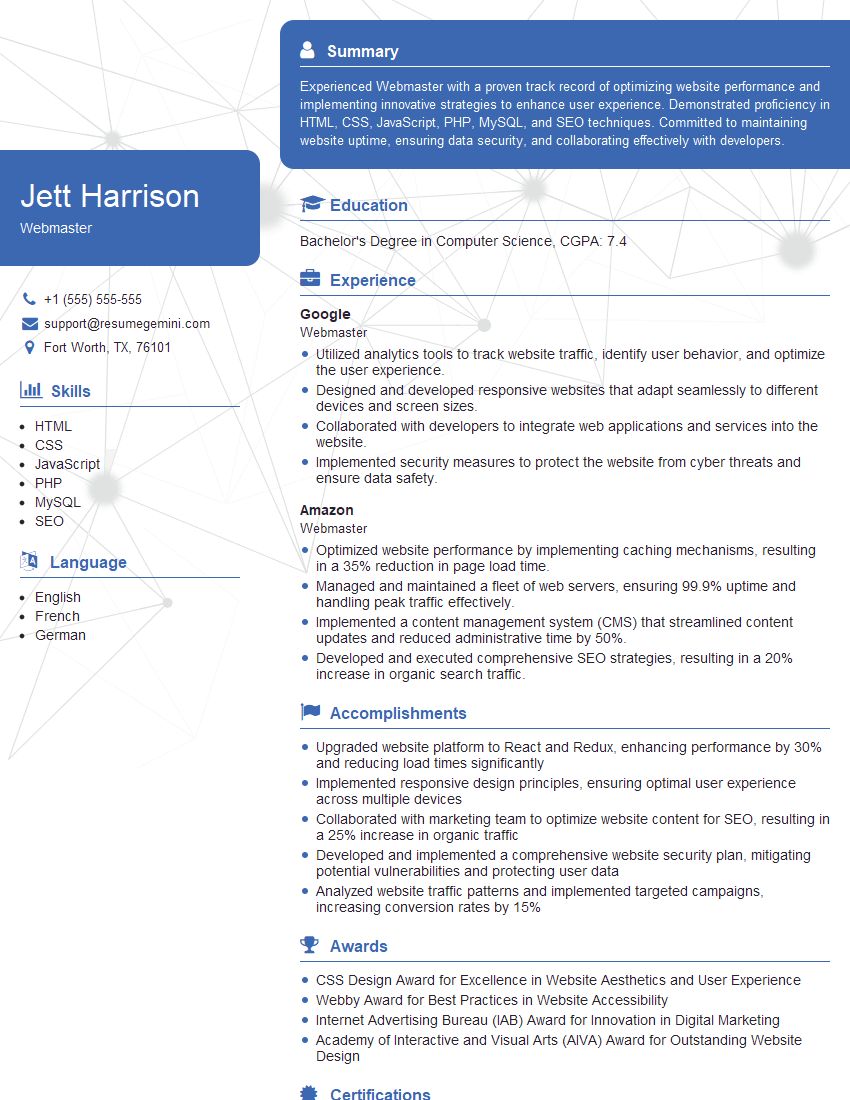
Webmaster Resume Sample
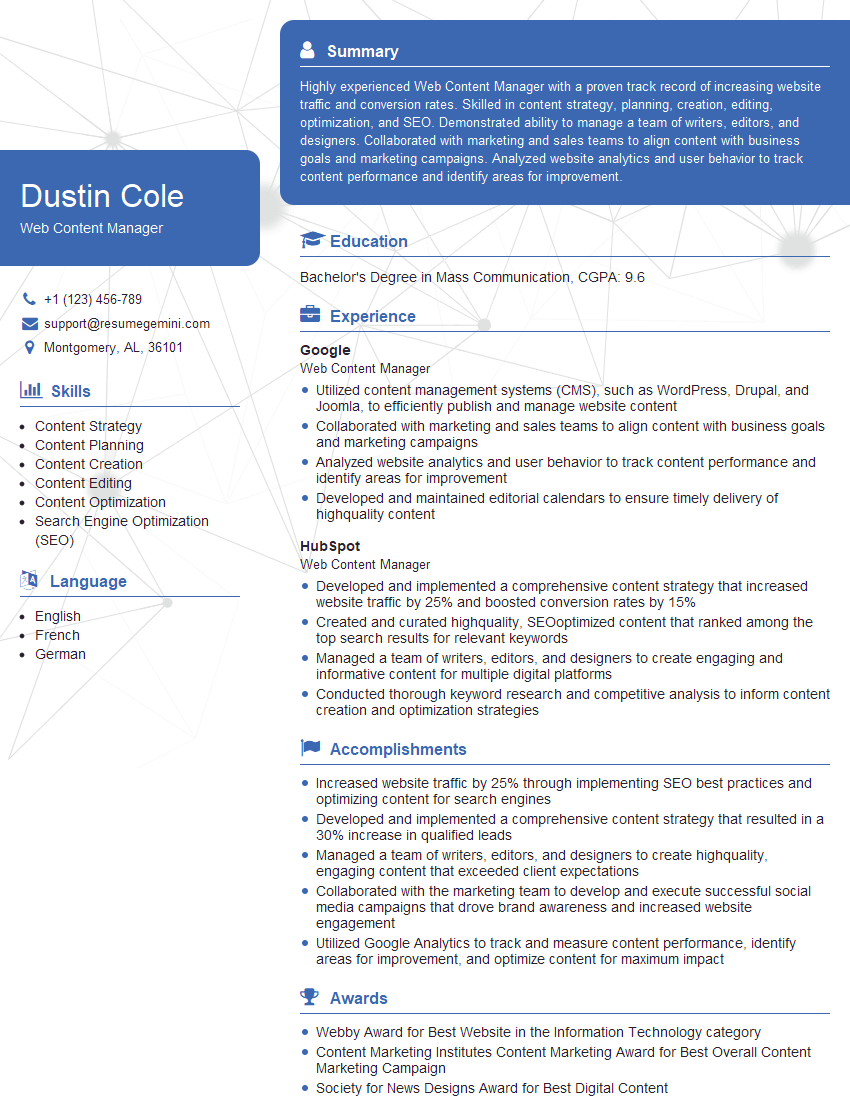
Web Content Manager Resume Sample

Content Strategist Resume Sample
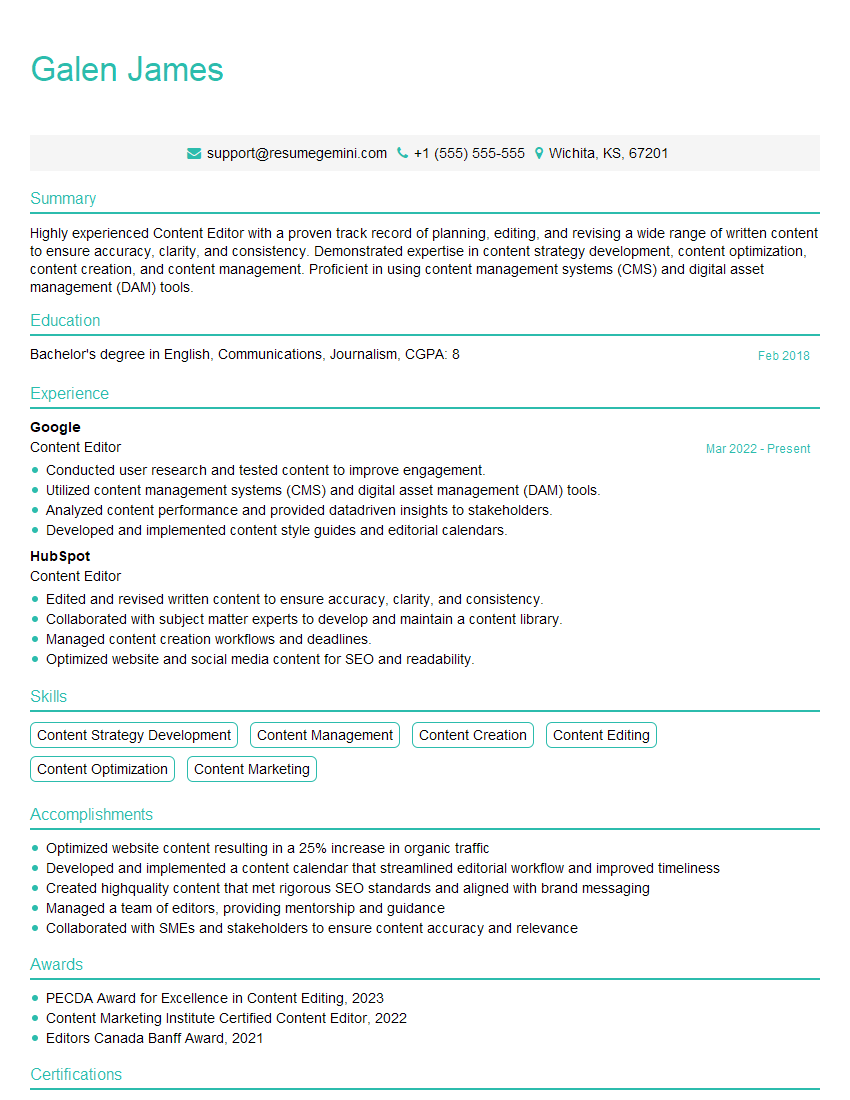
Content Editor Resume Sample

Technical Writer Resume Sample

Database Administrator Resume Sample

Front-End Developer Resume Sample
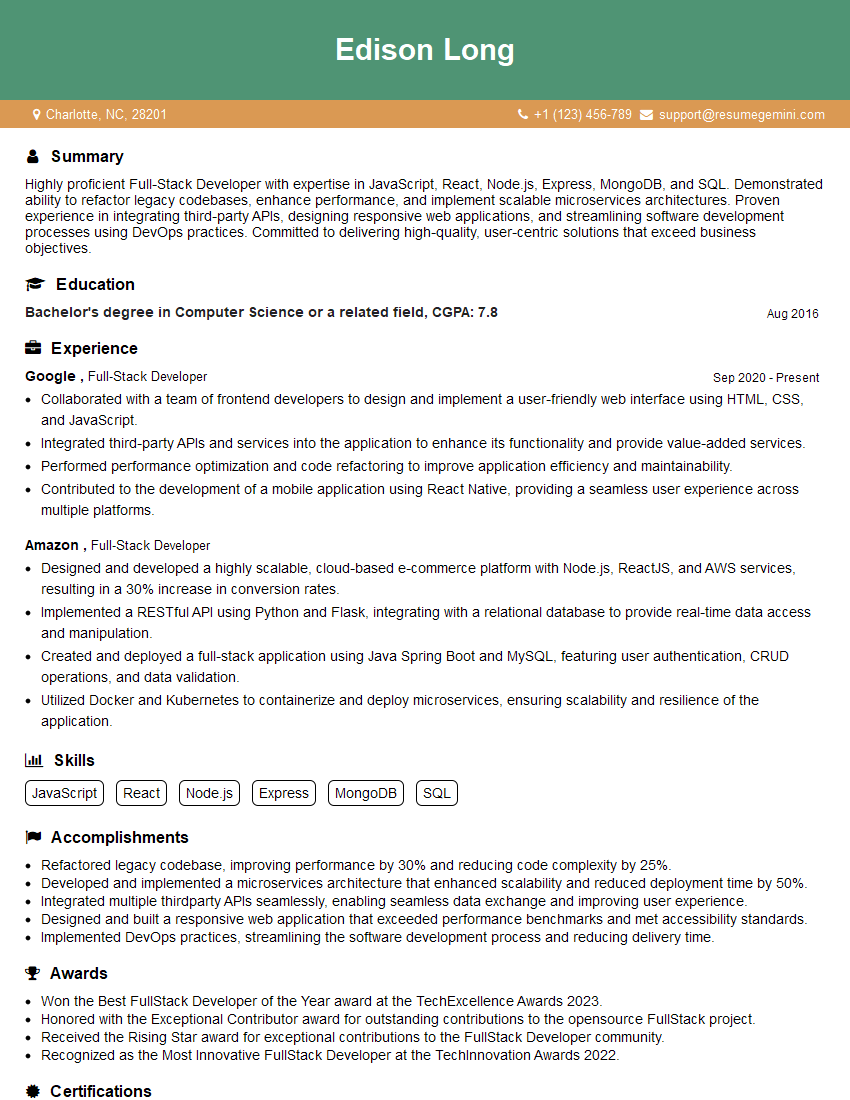
Full-Stack Developer Resume Sample
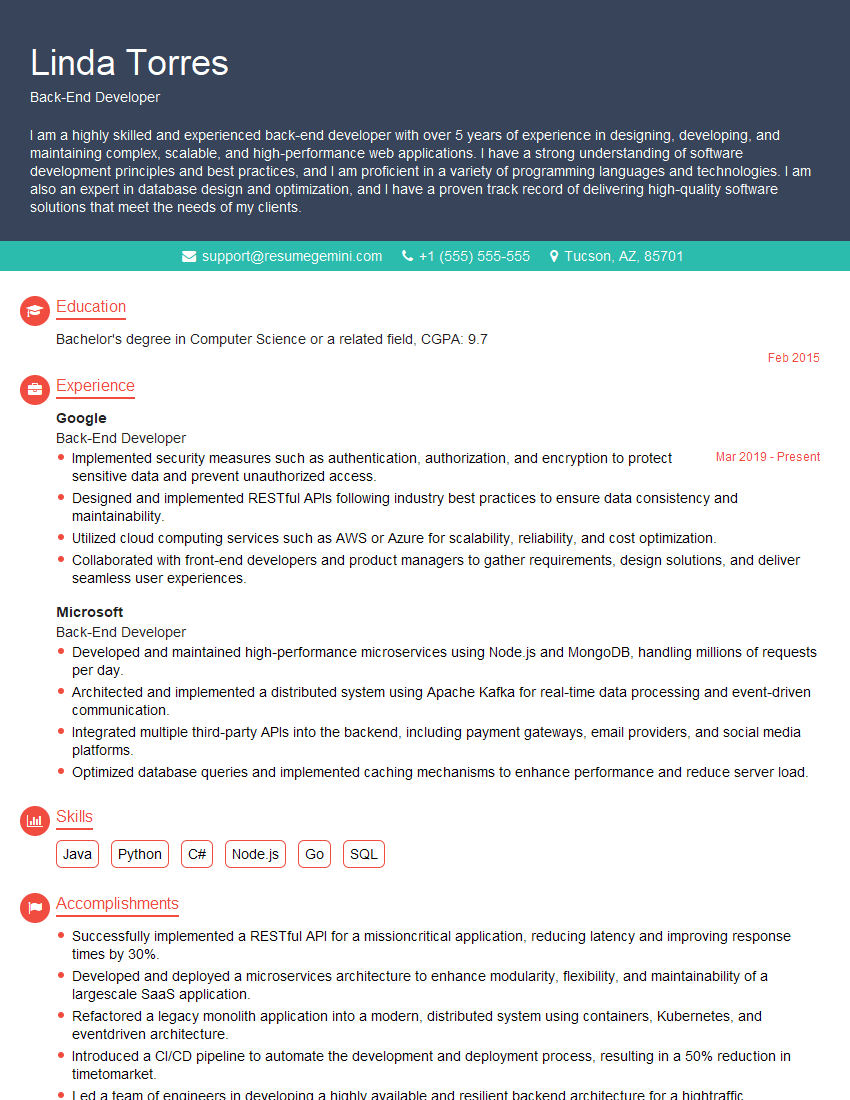
Back-End Developer Resume Sample
Explore more articles
Users Rating of Our Blogs
Share Your Experience
We value your feedback! Please rate our content and share your thoughts (optional).
What Readers Say About Our Blog
Amazing blog
hello,
Our consultant firm based in the USA and our client are interested in your products.
Could you provide your company brochure and respond from your official email id (if different from the current in use), so i can send you the client’s requirement.
Payment before production.
I await your answer.
Regards,
MrSmith
hello,
Our consultant firm based in the USA and our client are interested in your products.
Could you provide your company brochure and respond from your official email id (if different from the current in use), so i can send you the client’s requirement.
Payment before production.
I await your answer.
Regards,
MrSmith
These apartments are so amazing, posting them online would break the algorithm.
https://bit.ly/Lovely2BedsApartmentHudsonYards
Reach out at BENSON@LONDONFOSTER.COM and let’s get started!
Take a look at this stunning 2-bedroom apartment perfectly situated NYC’s coveted Hudson Yards!
https://bit.ly/Lovely2BedsApartmentHudsonYards
Live Rent Free!
https://bit.ly/LiveRentFREE
Interesting Article, I liked the depth of knowledge you’ve shared.
Helpful, thanks for sharing.
Hi, I represent a social media marketing agency and liked your blog
Hi, I represent an SEO company that specialises in getting you AI citations and higher rankings on Google. I’d like to offer you a 100% free SEO audit for your website. Would you be interested?