Feeling uncertain about what to expect in your upcoming interview? We’ve got you covered! This blog highlights the most important DMX Programming interview questions and provides actionable advice to help you stand out as the ideal candidate. Let’s pave the way for your success.
Questions Asked in DMX Programming Interview
Q 1. Explain the function of a DMX512 protocol.
DMX512, or Digital Multiplex, is a standard protocol used to transmit control data for lighting and other stage equipment. Think of it as the ‘nervous system’ of a lighting rig, allowing a central control console to communicate with numerous lights and effects simultaneously. It sends digital data over a single cable, meaning you only need one cable to control multiple lights, unlike older analog systems which required numerous separate cables. This data dictates the color, intensity, and other functions of each fixture. It’s a robust and reliable system used globally in theaters, concerts, and events of all sizes.
Q 2. What are the different DMX universes and how do they work?
A DMX universe represents a single communication channel capable of controlling up to 512 channels of data. Each fixture is assigned a range of channels (addresses) within a universe. Imagine a universe as a large apartment building; each fixture is an apartment, with each channel representing a specific feature, like brightness (channel 1), red color (channel 2), and green color (channel 3). Larger shows often require multiple universes; to handle thousands of fixtures, we could use multiple DMX universes. The key here is that each universe needs its own dedicated cable and controller output. We can combine multiple universes using various methods including DMX splitters and network switches. These splitters effectively copy the DMX signal to send to multiple universes. The number of universes required depends entirely on the scale of the lighting design.
Q 3. Describe the process of patching fixtures in a DMX setup.
Patching fixtures involves assigning DMX addresses to each lighting fixture. This process maps a specific range of channels in a DMX universe to a particular light. This is usually done through the lighting console’s patching software or interface. For example, you might assign channels 1-8 to a moving head, channels 9-12 to a wash light, and so on. Each fixture’s manual will specify how many channels it needs. The process involves physically connecting each fixture to a DMX cable and then ‘telling’ the console which fixture is on which DMX address. Incorrect patching can result in malfunctions or lights not responding correctly. I often use a spreadsheet to organize my patching, making it easier to track the channels assigned to each fixture and ensuring everything works smoothly.
Q 4. How do you troubleshoot DMX signal loss?
Troubleshooting DMX signal loss involves a systematic approach. First, check the cables for any damage (physical breaks, crimps, etc.). Then, verify the DMX connections at both ends; from the console output, through any splitters, and ultimately to the fixtures themselves. If cable integrity is confirmed, look at the DMX interfaces (the ports on the console and fixtures). Make sure they are firmly seated and working correctly. If there are multiple universes, isolate the problem by removing certain sections or universes from the chain. Using a DMX signal tester, that shows data levels, is invaluable for pinpointing the exact location of a break or weak signal. Also examine the DMX equipment for error messages or indicators that may provide a clue. Sometimes, a simple reboot of the console or fixtures can solve minor glitches.
Q 5. What are common DMX cable types and their limitations?
Common DMX cable types include 3-pin XLR cables and fiber optic cables. 3-pin XLRs are standard and cost-effective, but have limitations on length and can be susceptible to noise interference, particularly in noisy environments. Longer runs require special XLR cables and may necessitate signal boosters. Fiber optic cables offer superior performance with longer distances and immunity to electromagnetic interference. However, they’re usually more expensive and require specialized connectors and interfaces. Choosing the right cable type depends on the specific needs of the project, considering the distance, environment, and budget. For example, a small stage show might only require standard 3-pin XLRs, while a large outdoor festival might benefit from using fiber optic cables for reliability.
Q 6. Explain the concept of DMX addressing.
DMX addressing is the process of assigning a unique numerical address (channel) or range of addresses to each fixture or control parameter within a fixture. Each DMX universe has addresses ranging from 1 to 512. This address determines which fixture receives what control data. For example, a light might have its intensity controlled by channel 1, color by channels 2-3, and pan/tilt by channels 4-5. Addresses are sequential – address 1 typically precedes address 2, and so forth. Proper addressing is crucial for avoiding conflicts and ensuring that each fixture is controlled correctly. Incorrect addressing can result in incorrect fixture behaviors or even damage to some types of fixtures.
Q 7. How do you handle DMX data collisions?
DMX data collisions occur when two or more devices attempt to send data on the same DMX universe simultaneously. This can cause unpredictable behavior or loss of signal. The most common cause is incorrect addressing, where multiple devices are assigned the same address. This can be avoided using a systematic approach when patching and by double-checking the address assignments. Other causes include using two DMX transmitters on the same universe without proper isolation. Addressing this requires careful review of all DMX addresses assigned to the system and ensuring that only one device is the master controller per universe. Using a DMX network that allows for data prioritization and routing can also help to mitigate the risk of collisions in larger or complex setups. For example, using a DMX network switch allows to prioritize data from certain controllers.
Q 8. What are the differences between RDM and DMX?
DMX512 is a standard protocol for transmitting data to lighting and other stage equipment, while RDM (Remote Device Management) is a *bi-directional* communication protocol built *on top* of DMX. Think of DMX as a one-way street – the console sends data to the lights. RDM adds a two-way capability, allowing for the control and monitoring of devices remotely.
- DMX: Sends control data (intensity, color, etc.) from a console to lighting fixtures. It’s a relatively simple protocol, focusing on data transmission.
- RDM: Enables remote configuration, diagnostics, and monitoring of DMX devices. This includes features like device discovery, firmware updates, and error reporting. It uses the same cabling as DMX but adds the ability to receive feedback from the devices.
For example, imagine a large concert. DMX would control the lighting effects during the show. RDM would allow technicians backstage to check the status of each light, diagnose problems remotely (like a burned-out bulb), or even update the firmware of a specific fixture without needing to physically access it.
Q 9. Describe your experience with DMX programming consoles.
I have extensive experience programming various DMX consoles, ranging from smaller, self-contained units to large, networked systems. I’m proficient with consoles from manufacturers such as ETC, MA Lighting, and ChamSys. My experience encompasses a wide variety of applications, including theatre productions, concerts, corporate events, and architectural lighting installations. I’m comfortable working with both traditional and touchscreen interfaces and have a solid understanding of programming methodologies like cue lists, palettes, and submasters.
One memorable project involved programming a large-scale theatrical production with over 500 DMX channels. I utilized the ETC EOS console to create a highly complex, dynamic lighting design, incorporating intricate timing sequences, colour mixing, and moving light effects. I successfully managed the complexity of the show through careful organization of cue lists, effective use of macros, and meticulous attention to detail. This project really emphasized the importance of careful planning and efficient workflow management within the console’s environment.
Q 10. Explain the importance of DMX timing and synchronization.
Precise DMX timing and synchronization are crucial for creating smooth, professional lighting designs. DMX data is transmitted as a stream of packets, and even small timing inconsistencies can lead to noticeable glitches, especially with moving lights or effects that rely on precise coordination.
- Smooth Transitions: Accurate timing ensures that changes in lighting levels or effects happen smoothly and without abrupt jumps. This is essential for creating a visually pleasing and professional result.
- Moving Light Coordination: In shows using moving lights, precise timing is essential for synchronized movement and effects. A slight delay in one light’s position can ruin the carefully choreographed visual effect.
- Avoiding Conflicts: Synchronization is vital in large installations where multiple DMX universes might be in use. Improper synchronization can lead to data collisions, unpredictable behavior, and equipment failure.
Imagine a stage show with several moving lights programmed to create a complex pattern. If the timing isn’t perfectly synchronized, the lights will appear to move independently, resulting in a disjointed and unprofessional effect. Careful attention to timing ensures a seamless and spectacular light show.
Q 11. How do you manage large-scale DMX networks?
Managing large-scale DMX networks requires a systematic approach and the use of appropriate networking technologies. Strategies include:
- DMX Splitters/Merge Units: Breaking down a large network into smaller, manageable universes using splitters and then merging them back together for the final output is a common solution.
- Networked DMX Systems: Using Art-Net, sACN (Streaming ACN), or similar protocols enables distribution of DMX data across a larger network, reducing the physical cable load and allowing for more complex designs.
- DMX Routers/Switchers: These devices allow flexible routing of DMX signals, facilitating redundancy and isolation of network segments.
- Careful Cable Management: Proper labeling and organization of cables are essential for troubleshooting and maintenance in large installations. Incorrect cabling can lead to significant delays in troubleshooting.
A recent project involved a large outdoor event with multiple lighting zones controlled by a single console. We used Art-Net to distribute DMX data across the network, providing redundancy and flexibility in managing different lighting areas. Careful cable management and clear labeling prevented any confusion and ensured a successful event.
Q 12. What are your preferred methods for DMX data backup and recovery?
Data backup and recovery are essential in DMX programming to protect against data loss and ensure the smooth operation of a show. My preferred methods include:
- Regular Backups: I regularly back up show files to multiple locations, including external hard drives and cloud storage services. I usually set up scheduled automatic backups for maximum safety.
- Version Control: For larger projects, I use version control systems to track changes and allow for easy rollback to previous versions if needed. This enables easy comparison between design iterations.
- Console-Specific Backup Options: Many consoles have built-in backup functionality, which I always utilize. This often involves exporting the show file in a console-specific format.
- Documentation: Beyond digital backups, I maintain detailed documentation of the show file structure, including notes on the design and functionality. This ensures that even without the original files, the show can be recreated in case of catastrophic data loss.
In a real-world scenario, a sudden power outage could corrupt a show file. Having multiple backups in different locations ensures that the show can be restored quickly with minimal disruption.
Q 13. Explain your understanding of DMX standards and protocols.
My understanding of DMX standards and protocols is comprehensive. I’m well-versed in DMX512, the foundation of lighting control, and its limitations (512 channels, one-way communication). I also understand the evolution to overcome these limitations with Art-Net, sACN (Streaming ACN), and RDM (Remote Device Management).
- DMX512: The fundamental standard, specifying the data structure and transmission method for lighting control. I understand the 512-channel limitation and how it impacts large-scale projects.
- Art-Net: A widely-used networking protocol that extends DMX over Ethernet, allowing for control of larger numbers of channels and greater flexibility in network design.
- sACN (Streaming ACN): A more robust and reliable networking protocol than Art-Net, offering better error correction and improved performance in large networks. This offers better bandwidth and reliability in larger environments.
- RDM (Remote Device Management): A bi-directional protocol built on DMX that enables remote configuration, monitoring, and diagnostics of lighting fixtures.
Understanding these protocols is essential for creating robust and scalable lighting control systems that are suitable for a range of applications, from small theaters to large-scale concerts.
Q 14. Describe your experience with various DMX software packages.
My experience with DMX software packages spans several platforms. I’m proficient in using console-specific software, as well as independent design and visualization tools. This includes:
- Console-Specific Software: I have experience with software packages provided by manufacturers such as ETC (EOS, Nomad), MA Lighting (MA2 onPC, grandMA3 onPC), and ChamSys (MagicQ). This knowledge includes creating and managing show files, programming lighting cues and effects, and using visualization tools within the software.
- Independent Lighting Design Software: I have experience using software like WYSIWYG and Vectorworks Spotlight for pre-visualization of lighting designs, creating 3D models of venues, and ensuring proper fixture placement and lighting coverage.
- Network Monitoring Tools: I’m also familiar with network monitoring software used to manage large-scale DMX networks and troubleshoot connectivity issues. This involves familiarity with protocols and the network hardware used.
The ability to seamlessly transition between different software packages based on project needs is crucial for adapting to various production environments. This ensures efficiency and professional outputs.
Q 15. How do you create and implement lighting cues?
Creating and implementing lighting cues in DMX involves several steps. First, you need a DMX console or software. This is your control center. Then you address each lighting fixture uniquely. Think of this address as the fixture’s ‘house number’ on the DMX network – each fixture needs a unique number between 1 and 512 (or more depending on the universe size). Next, you program each cue by selecting the fixtures, then setting their parameters like intensity, color, and gobo (pattern) using the console or software. Each cue is essentially a snapshot of your entire lighting state. For example, Cue 1 might be a soft wash of amber light, Cue 2 a focused spotlight on a specific performer, and Cue 3 a dramatic chase sequence across several lights. Finally, you sequence these cues, defining how they transition, the timing, and the overall flow of your lighting design. This sequence can be played back manually or automatically, based on your show’s needs. Imagine it like creating a recipe – each cue is an ingredient, and the sequence is the recipe that brings it all together.
For example, in a concert, Cue 1 might be a low-level amber wash during the intro, then Cue 2 could be a bright white spotlight on the lead singer, with Cue 3 being a fast-paced strobe effect during the chorus, all precisely timed to the music. This is all controlled and sequenced within your DMX setup.
Career Expert Tips:
- Ace those interviews! Prepare effectively by reviewing the Top 50 Most Common Interview Questions on ResumeGemini.
- Navigate your job search with confidence! Explore a wide range of Career Tips on ResumeGemini. Learn about common challenges and recommendations to overcome them.
- Craft the perfect resume! Master the Art of Resume Writing with ResumeGemini’s guide. Showcase your unique qualifications and achievements effectively.
- Don’t miss out on holiday savings! Build your dream resume with ResumeGemini’s ATS optimized templates.
Q 16. Explain your process for troubleshooting DMX lighting issues.
Troubleshooting DMX lighting issues requires a systematic approach. My process starts with isolating the problem. Is it a single fixture, a group of fixtures, or the entire system? I begin by checking the obvious: are the fixtures powered on and correctly wired? Are the DMX cables properly connected and undamaged? A common problem is loose connections or faulty cables. Next, I use my DMX console or software to check the DMX addresses. Are fixtures receiving the correct data? Are there any address conflicts? I might use a DMX monitor to check the signal strength and integrity of the DMX signal across the entire network. For software-based solutions, log files are invaluable in pinpointing errors. If the issue persists, I would check the dimmer packs themselves – are they functioning correctly and adequately powered? Testing the individual components one by one helps pinpoint the problem quickly. If the problem still persists, I will contact the manufacturers for support or check for firmware updates that may resolve issues.
For instance, if only red lights aren’t working, I would first check the red channels on the console, then the wiring to the affected fixtures, and finally, the fixtures themselves to identify whether the issue lies within the wiring, the console programming, or the fixture.
Q 17. What are your strategies for efficiently managing complex DMX shows?
Managing complex DMX shows efficiently requires meticulous organization and the right tools. I utilize DMX software with cue lists and palettes. These allow for easy management, recall, and modification of large numbers of cues. I use a layered approach, separating my cues into logical groups (e.g., stage washes, specials, backlights). This helps in creating a clear structure and avoids confusion. Good labeling is critical. Clear, descriptive cue names are essential for quick identification and recall. Additionally, regular backups are mandatory, and version control helps in tracking changes and reverting to previous versions if necessary. Pre-programming and testing are also important to minimize issues during the actual show.
For example, in a large-scale theatrical production, dividing cues into ‘Act 1 Scene 1’, ‘Act 1 Scene 2’ groups provides a clear hierarchy. This aids in quickly finding the right lighting setup for each scene, rather than searching through hundreds of cues.
Q 18. How do you integrate DMX with other control systems?
Integrating DMX with other control systems often involves using gateways or protocols that translate between different communication standards. For instance, you can integrate DMX with MIDI for controlling lighting based on music, or with a media server for synchronized lighting and video effects. Many consoles and software packages support these integrations directly, using protocols like MIDI, Art-Net, or sACN for communication. Specific methods vary depending on the systems involved, but the fundamental principle is establishing a common communication pathway. Often, this involves setting up communication ports and configuring the relevant parameters in both the DMX and the other control systems.
A common scenario is integrating DMX with a media server to synchronize lighting changes with video playback, creating a more immersive and cohesive experience. This typically involves using a protocol like Art-Net or sACN to bridge the communication gap.
Q 19. Describe your experience with DMX networking protocols such as Art-Net or sACN.
Art-Net and sACN are widely used networking protocols for extending the reach of DMX. Art-Net is a proprietary protocol that transmits DMX data over a standard Ethernet network. It’s relatively easy to implement and widely supported, but it’s not as robust as sACN. sACN (Streaming ACN) is an open standard and is known for its reliability and ability to handle larger networks and more data. It’s better suited for large-scale productions where network stability and redundancy are critical. My experience includes using both extensively. Art-Net is suitable for smaller-scale shows, while sACN is preferable for larger events requiring higher reliability and potentially multiple universes. Both protocols allow for the transmission of multiple DMX universes over a single Ethernet network, significantly increasing the number of lights that can be controlled from a single console.
I’ve used Art-Net in smaller theatre productions where a few nodes were enough, and sACN for large concert settings where network redundancy and high bandwidth were crucial for hundreds of lighting fixtures across multiple stages.
Q 20. How do you handle DMX fixture conflicts?
DMX fixture conflicts occur when multiple fixtures are assigned the same DMX address. This leads to unpredictable behavior—the lights may not respond correctly, or only one of the fixtures will react. The solution is straightforward: check the DMX addresses of all fixtures and ensure each has a unique address. DMX addressing software or tools can help detect and resolve conflicts. Most DMX consoles have address discovery features, helping you identify and correct address conflicts. Systematic checking, along with carefully planning fixture addresses before connecting the system, is vital in preventing conflicts. Double-checking the address assignments before running a show is critical to preventing these issues.
A simple example: If two wash lights are both assigned address 1, only one will receive data correctly—the other will be unresponsive. Careful attention to address assignment eliminates this.
Q 21. Explain your understanding of DMX power requirements and distribution.
Understanding DMX power requirements and distribution is crucial for reliable operation. DMX itself requires very little power; it’s a data signal, not a power signal. However, the lighting fixtures and dimmer packs connected to the DMX network require significant power. Incorrect power distribution can lead to blown fuses, damaged equipment, and even safety hazards. I always check the power requirements of each fixture and ensure the dimmer packs and power supplies are adequately rated for the total power draw. Proper wiring and grounding are essential to prevent short circuits and ensure safety. Power distribution should be planned to balance the load across multiple circuits and avoid overloading any single circuit. Using appropriate breakers and surge protection is also important to protect the system and prevent damage.
For example, before a large concert, I would calculate the total power draw of all fixtures, and then ensure that the power distribution system is capable of providing sufficient power, using multiple power circuits to avoid overloading.
Q 22. What is your experience with DMX personality files?
DMX personality files are essentially digital representations of lighting fixtures. They tell the DMX controller exactly how many channels each fixture uses and what each channel controls – intensity, color, gobo, etc. Think of them as a digital instruction manual for each light. Without a personality file, the controller wouldn’t know how to talk to the fixture properly. For example, a simple LED PAR can have a personality file defining channel 1 as intensity and channel 2 as color. A more complex moving head might have dozens of channels controlling pan, tilt, gobo selection, color mixing, and more. My experience spans working with personalities from various manufacturers, including using software to create custom personalities when needed for unique or legacy fixtures.
I’ve extensively used personality files from manufacturers like ETC, MA Lighting, and Chauvet, importing them into various consoles and software packages. In instances where a personality was unavailable or inaccurate, I’ve created and tested custom ones, ensuring seamless integration into the overall lighting design.
Q 23. How do you ensure the safety of DMX equipment and cabling?
DMX safety is paramount. It involves both equipment and cabling. For equipment, regular inspection is key – checking for loose connections, damaged cables, and overheating components. Never overload circuits; always ensure the amperage of your power supply and distribution is adequate for the total load. I always ensure that fixtures are properly grounded and that power cables are appropriately rated for the amperage they carry. Damaged or frayed cables are immediately replaced, avoiding the risk of electrical shock or fire.
Cabling safety involves using high-quality, shielded DMX cable to prevent signal interference and noise. I prefer to use 5-pin XLR cables, which are industry standard, properly terminated, and checked for continuity regularly. Never bundle DMX cables with high-power cables to prevent electromagnetic interference that can affect the signal reliability. Proper cable management, using appropriate cable ties and strain relief, prevents tripping hazards and cable damage.
In larger installations, I always consult electrical drawings and work with qualified electricians to ensure that all power and data distribution complies with relevant safety codes. Think of it like driving – regular maintenance and safe practices prevent accidents.
Q 24. How do you troubleshoot DMX communication errors?
Troubleshooting DMX communication errors starts with a systematic approach. First, I’d check for obvious physical issues: are all cables securely connected? Are the power supplies functioning correctly? A simple visual inspection often reveals loose connections or damaged cables. Then, I use a DMX tester to check signal strength and identify potential breakpoints along the cable run. A DMX monitor can also be helpful. If the signal is good at the console but not at the fixture end, the problem is likely in the cabling. If the signal is weak, there could be interference or cabling faults.
I also check the DMX addresses of the fixtures, ensuring no address conflicts. Sometimes, faulty DMX splitters or mergers can cause signal issues and those are checked thoroughly. If the problem persists, I check the controller settings, verifying that the correct universe and DMX output port are being used. Firmware updates on the console and fixtures might be necessary. Finally, I’ll check the personality files to ensure they are correct and compatible with the hardware. It’s a process of elimination, starting from the most obvious causes and progressively working towards more complex issues. It’s a bit like detective work, following the clues to find the culprit!
Q 25. Describe your experience working with different DMX controllers and interfaces.
My experience with DMX controllers and interfaces is quite extensive. I’ve worked with a wide range of consoles, from small, standalone units for simpler applications to large, networked systems capable of controlling thousands of channels in complex shows. I’m proficient with consoles from manufacturers like ETC (Eos family), MA Lighting (grandMA2, onPC command), and ChamSys. I’ve also used various interfaces like Enttec Open DMX USB dongles and Art-Net nodes for integrating different hardware elements into the same system. This allows flexibility in choosing appropriate controllers based on the size and complexity of the lighting design.
For instance, a small theater production might only need a basic console and a few DMX universes. In contrast, a large concert tour will require a powerful networked console with numerous universes and potentially multiple network switches to handle the larger scale. My familiarity with various interfaces and protocols allows me to adapt seamlessly to different systems and integrate legacy equipment with modern technologies.
Q 26. Explain your approach to testing and validating DMX configurations.
Testing and validating DMX configurations is crucial to prevent on-site issues. My approach is multi-faceted. First, I perform a thorough desk check of the DMX addresses and personalities, verifying no conflicts and that the correct files are loaded into the console. Then, I conduct a patch test, physically connecting all the fixtures and verifying that they are receiving DMX data correctly using a DMX tester and physically checking the signal at all splitters/mergers. Following that, I’ll run a series of individual tests on each fixture type or light ensuring that the correct channels are functioning as expected. A full system test involves running a complete lighting cue sequence to ensure everything works together flawlessly under normal operating conditions.
I also create documentation that includes patch sheets detailing the fixture layout, addresses, and personalities. This documentation facilitates future maintenance and troubleshooting. For large projects, I use a patch software solution to manage addresses and personalities which increases accuracy and efficiency. By systematically testing at each stage, I can isolate problems early and avoid delays during a production. It is like building with LEGOs; each piece needs to fit perfectly before you construct the final model.
Q 27. What are some best practices for maintaining a DMX system?
Maintaining a DMX system involves preventative measures and regular checks. This includes routine inspections of all cables and connections for damage and wear. Regular cleaning of the equipment is crucial, particularly in dusty environments. I also recommend storing cables correctly to avoid crimping or damage to the connectors. Firmware updates for controllers and fixtures should be done when released by the manufacturer to ensure optimal performance and bug fixes. This ensures optimal efficiency and longevity of the system.
Creating backups of show files is equally important; having a recent copy of your configuration greatly helps in restoring the system in case of data loss or corruption. Regularly documenting the system’s configuration, including patch sheets and system diagrams, allows anyone to understand and maintain the installation. Proactive maintenance minimizes downtime and ensures the smooth operation of the lighting system. It’s analogous to car maintenance – regular servicing prevents costly breakdowns later.
Q 28. Describe your experience with DMX-related safety regulations and standards.
DMX safety regulations and standards vary depending on the region and the specific application. However, adherence to relevant electrical codes, such as NEC (National Electrical Code) in the USA, is crucial. This includes proper grounding, appropriate cable sizing, and safe power distribution. Understanding and complying with these codes is essential for preventing electrical hazards and ensuring the safety of personnel. I’m familiar with local and international safety regulations, ensuring that all my installations meet the required standards.
For larger scale installations, working with certified electricians is paramount. I always collaborate closely with them to ensure all electrical work complies with safety regulations. This is especially vital for high-power applications or in venues with strict safety guidelines. I approach this aspect with utmost seriousness, understanding that any safety lapse can result in severe consequences. I always prioritise safety first above all else during the whole process.
Key Topics to Learn for DMX Programming Interview
- DMX Protocol Fundamentals: Understanding the DMX512 protocol, its structure, and data transmission methods. This includes learning about addressing, data packets, and the importance of timing.
- DMX Hardware: Familiarity with various DMX interfaces (e.g., USB-DMX, Art-Net), controllers, and lighting fixtures. Practical application includes understanding the connection process and troubleshooting common hardware issues.
- DMX Software and Programming Environments: Gaining experience with popular DMX programming software (mentioning specific software names is avoided to remain general and applicable to various tools). This involves learning how to create and manage lighting cues, sequences, and shows.
- Lighting Design Principles: Understanding the principles of color mixing, color temperature, and light intensity is crucial. Practical application involves translating design concepts into DMX programming commands.
- Troubleshooting and Debugging: Develop problem-solving skills to diagnose and resolve DMX communication errors, fixture malfunctions, and software glitches. This includes understanding signal flow and using diagnostic tools.
- Data Structures and Algorithms (relevant to DMX): While not directly DMX, understanding data structures and algorithms will help you in optimizing your DMX code and managing large lighting shows efficiently.
- Network Protocols (relevant to DMX): Familiarity with network protocols like Art-Net and sACN is beneficial for larger scale installations and network-based DMX control.
Next Steps
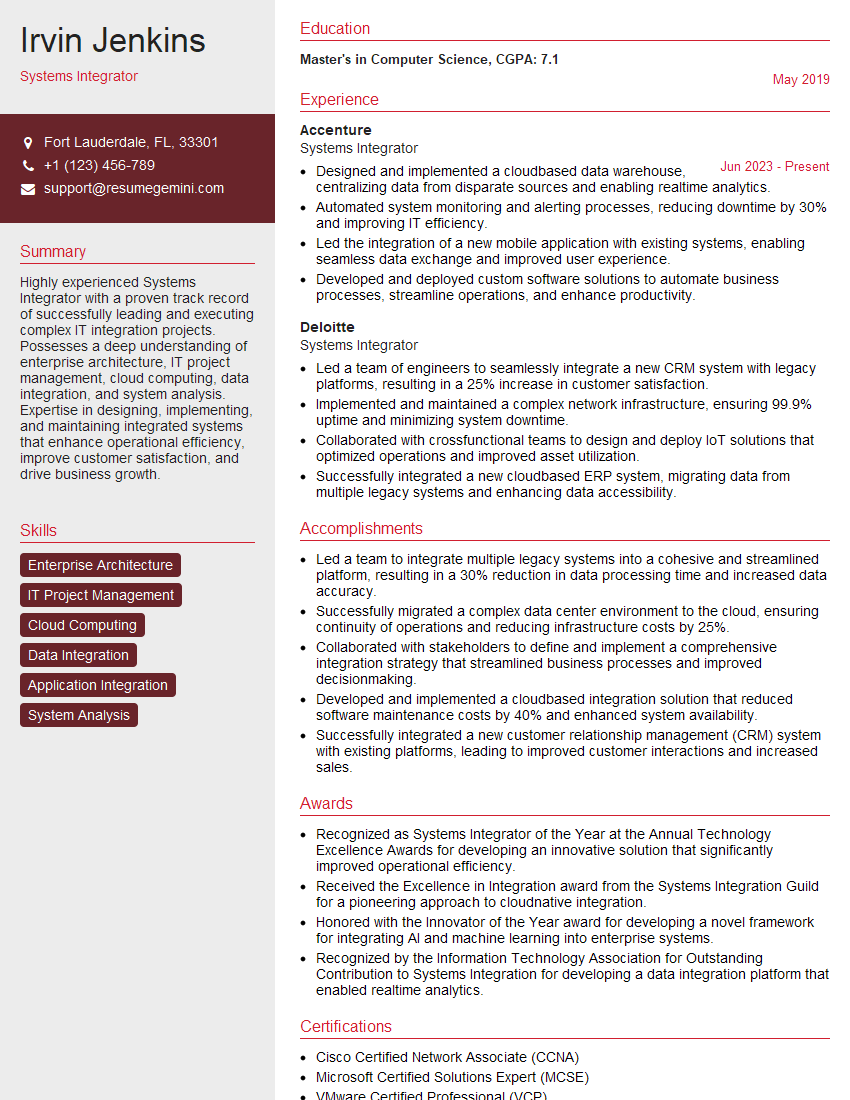
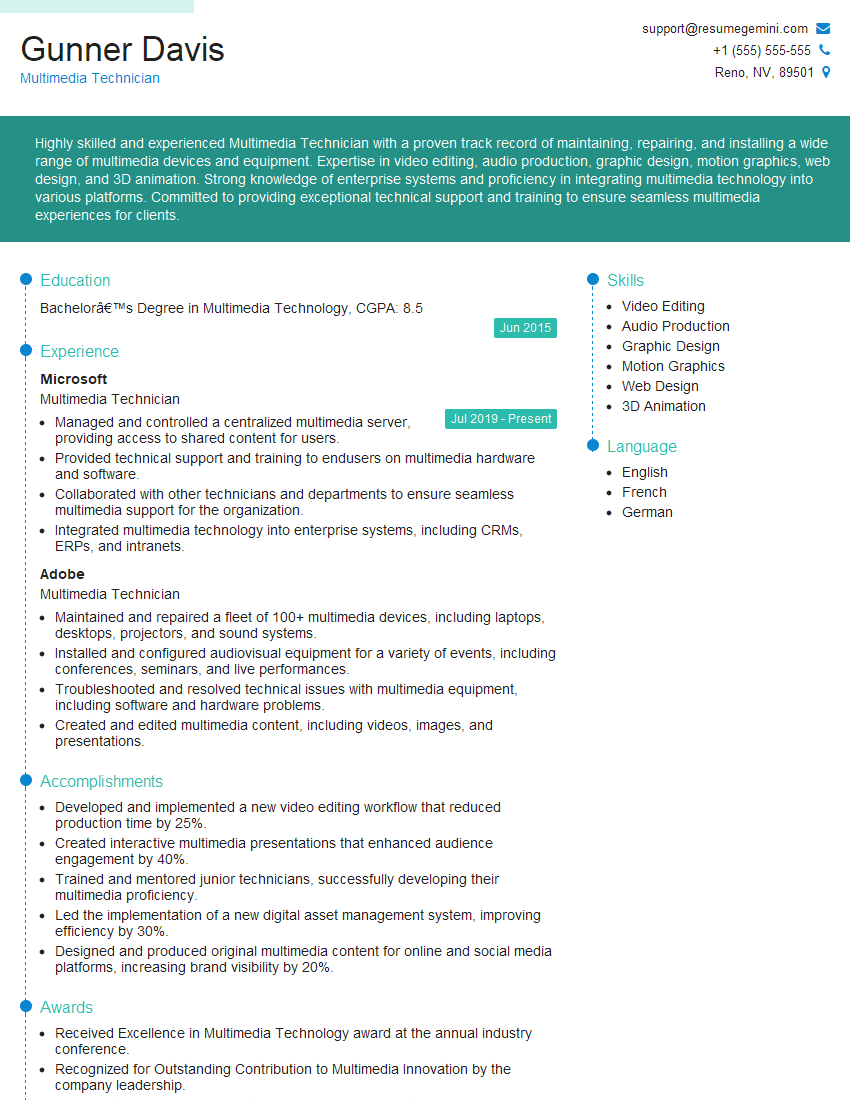
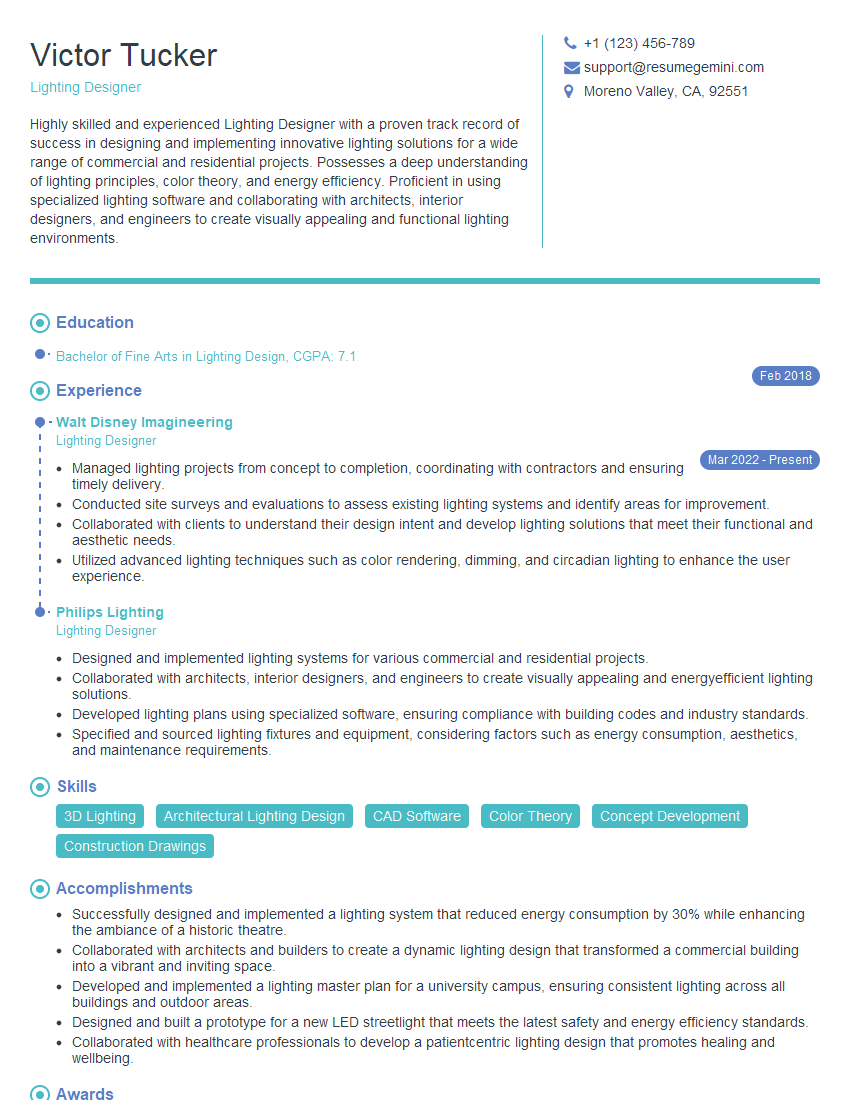
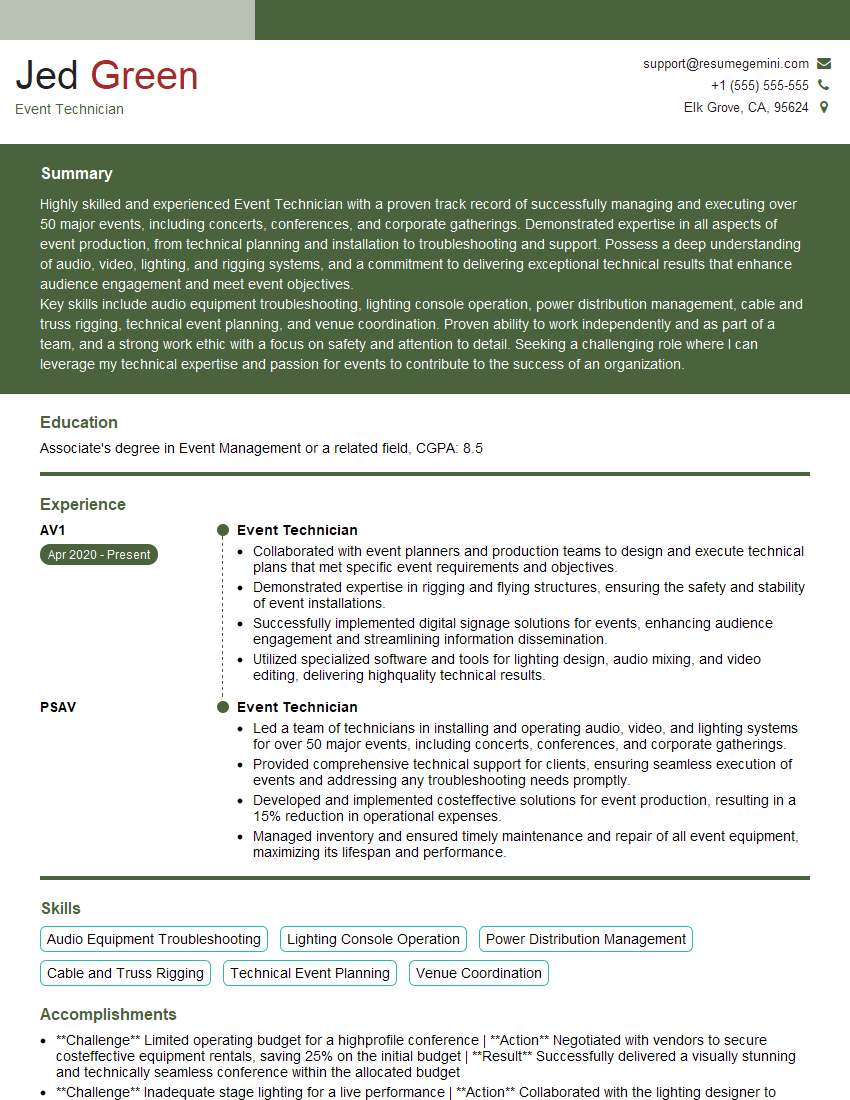
Mastering DMX programming opens doors to exciting career opportunities in stage lighting, architectural lighting, and themed entertainment. A strong foundation in DMX significantly enhances your value to potential employers. To maximize your job prospects, create an ATS-friendly resume that highlights your skills and experience effectively. ResumeGemini is a trusted resource to help you build a professional resume that showcases your abilities. Examples of resumes tailored to DMX Programming are provided to guide you through this process. Invest time in crafting a compelling resume—it’s your first impression on potential employers!


Explore more articles
Users Rating of Our Blogs
Share Your Experience
We value your feedback! Please rate our content and share your thoughts (optional).
What Readers Say About Our Blog
Amazing blog
hello,
Our consultant firm based in the USA and our client are interested in your products.
Could you provide your company brochure and respond from your official email id (if different from the current in use), so i can send you the client’s requirement.
Payment before production.
I await your answer.
Regards,
MrSmith
hello,
Our consultant firm based in the USA and our client are interested in your products.
Could you provide your company brochure and respond from your official email id (if different from the current in use), so i can send you the client’s requirement.
Payment before production.
I await your answer.
Regards,
MrSmith
These apartments are so amazing, posting them online would break the algorithm.
https://bit.ly/Lovely2BedsApartmentHudsonYards
Reach out at BENSON@LONDONFOSTER.COM and let’s get started!
Take a look at this stunning 2-bedroom apartment perfectly situated NYC’s coveted Hudson Yards!
https://bit.ly/Lovely2BedsApartmentHudsonYards
Live Rent Free!
https://bit.ly/LiveRentFREE
Interesting Article, I liked the depth of knowledge you’ve shared.
Helpful, thanks for sharing.
Hi, I represent a social media marketing agency and liked your blog
Hi, I represent an SEO company that specialises in getting you AI citations and higher rankings on Google. I’d like to offer you a 100% free SEO audit for your website. Would you be interested?