Cracking a skill-specific interview, like one for Live Streaming and Recording, requires understanding the nuances of the role. In this blog, we present the questions you’re most likely to encounter, along with insights into how to answer them effectively. Let’s ensure you’re ready to make a strong impression.
Questions Asked in Live Streaming and Recording Interview
Q 1. Explain the difference between RTMP and SRT protocols.
RTMP (Real-Time Messaging Protocol) and SRT (Secure Reliable Transport) are both protocols used for streaming media, but they differ significantly in their approach to reliability and security. Think of them as two different roads leading to the same destination – a live stream reaching your audience.
RTMP, the older protocol, is connection-oriented but doesn’t inherently guarantee delivery. It’s like driving a fast car on a less-maintained road; you might get there quickly, but you risk encountering potholes (packet loss). It also lacks built-in encryption, making it less secure. It’s widely supported, but its shortcomings have led to the rise of alternatives.
SRT, on the other hand, is a more modern, robust protocol designed for reliable, low-latency streaming. It’s like driving a reliable truck on a well-maintained highway; you might not be as fast, but you’re guaranteed to arrive with your cargo intact (data). It incorporates features like forward error correction and encryption, making it ideal for scenarios where reliability and security are paramount, such as professional broadcasting or remote production.
- RTMP: Widely supported, simpler to implement, but less reliable and less secure.
- SRT: More reliable, secure, and suitable for low-latency applications, but may require more configuration.
Q 2. Describe your experience with various streaming platforms (e.g., YouTube Live, Facebook Live, Twitch).
I have extensive experience with various streaming platforms, including YouTube Live, Facebook Live, and Twitch. Each platform has its own strengths and weaknesses, influencing my approach to streaming based on the target audience and the event’s goals.
YouTube Live is excellent for reaching a broad audience and leveraging YouTube’s built-in community features. It offers robust analytics and integrates well with other Google services. However, its monetization features can be complex.
Facebook Live excels at fostering direct interaction with viewers through live comments and reactions. It’s particularly effective for reaching audiences already engaging with your Facebook page. Its simplicity is a major advantage, but its analytics are less sophisticated than YouTube’s.
Twitch is the undisputed king for gaming and interactive content. It boasts a highly engaged community and features geared towards gaming streamers, such as chat integration, game overlays, and subscriptions. However, it’s less suitable for content outside the gaming sphere.
My experience encompasses managing streams across these platforms, optimizing settings for each, and adapting content strategies to maximize engagement on each unique platform.
Q 3. What are some common video codecs used for live streaming, and what are their pros and cons?
Several video codecs are commonly used for live streaming, each offering a trade-off between quality, compression efficiency, and processing power. Choosing the right codec depends heavily on your bandwidth constraints, target audience devices, and desired quality level.
- H.264 (AVC): A widely compatible and mature codec. It offers a good balance between quality and compression, but can be computationally intensive. It’s a reliable choice for broader reach, but its efficiency isn’t as high as newer options.
- H.265 (HEVC): Offers significantly better compression than H.264, resulting in higher quality at lower bitrates. However, it demands more processing power and isn’t as universally supported by older devices.
- VP9: Google’s codec, known for its excellent compression efficiency and good quality. It’s a strong contender, especially for streaming to devices supporting it, but compatibility might be a slight hurdle compared to H.264.
- AV1: A royalty-free codec aiming to replace H.265. It offers even better compression and quality but has higher encoding demands and limited hardware acceleration at the moment. Its future potential is significant.
The best codec is always a balance. Consider factors such as your audience’s devices, available bandwidth, and your encoding hardware’s capabilities.
Q 4. How do you troubleshoot audio issues during a live stream?
Troubleshooting audio issues during a live stream is crucial for maintaining viewer engagement. My approach is systematic, involving checking various components in a sequence.
- Check Microphone Input: Ensure your microphone is properly connected, selected as the audio input source in your streaming software (like OBS Studio or Wirecast), and has sufficient input gain (not too quiet or distorted).
- Monitor Audio Levels: Watch the audio meters in your streaming software to identify clipping (peak levels exceeding 0dBFS) or excessively low levels. Adjust accordingly.
- Test Audio Routing: Confirm that the audio is correctly routed from your microphone to your streaming software and then to your streaming platform.
- Check for Background Noise: Eliminate any unwanted background noise like keyboard clicks, fan noise, or environmental sounds. Use noise-gate or noise reduction tools in your audio software.
- Verify Platform Settings: Ensure your streaming platform’s audio settings are correctly configured, and check if any platform-specific issues might be affecting your audio.
- Test with Alternative Microphone: If possible, test with a different microphone to rule out hardware problems.
Often, the solution is simple, like a loose connection or an incorrect setting. Systematic troubleshooting ensures a swift resolution.
Q 5. What are your preferred methods for encoding and streaming video?
My preferred methods for encoding and streaming video depend on the specific requirements of the project. For professional broadcasts demanding high quality and reliability, I favor using a dedicated hardware encoder combined with SRT for transport.
For less demanding situations, I often use OBS Studio or a similar software encoder. OBS Studio’s flexibility and open-source nature make it a versatile choice for various scenarios. It offers a broad range of features and allows for customization to meet specific requirements. For streaming protocols, I select based on the platform’s capabilities and the need for reliability. RTMP works well for established platforms like YouTube and Facebook, while SRT becomes critical when dealing with less reliable network conditions or wanting secure transmission.
My workflow involves optimizing encoding settings (bitrate, resolution, frame rate, and codec) based on the available bandwidth and desired quality. This often involves testing different settings before the actual stream to fine-tune the balance between quality and bandwidth consumption.
Q 6. Describe your experience with streaming encoders (e.g., OBS Studio, Wirecast).
I’ve worked extensively with OBS Studio and Wirecast, each offering distinct advantages.
OBS Studio is a powerful and versatile open-source encoder. Its free nature makes it accessible, and its large community provides a wealth of support and plugins. It’s ideal for those who appreciate flexibility and customization. However, its interface can seem daunting for beginners.
Wirecast is a professional-grade, paid encoder with a user-friendly interface. Its streamlined workflow makes it easier to manage complex streams, and it offers robust features for professional productions. However, its cost can be a barrier for some.
My choice between the two depends on the project’s complexity and budget. For simple streams, OBS Studio’s flexibility and cost-effectiveness are hard to beat. For professional productions requiring a polished and efficient workflow, Wirecast’s intuitive interface and advanced features are invaluable.
Q 7. How do you handle unexpected technical difficulties during a live broadcast?
Handling unexpected technical difficulties during a live broadcast requires a calm and methodical approach. My strategy involves a combination of preparation, quick thinking, and communication.
Preparation: Having a backup plan is crucial. This might involve using a secondary streaming setup, a pre-recorded segment to bridge gaps, or having a designated backup person who can assist.
Quick Thinking: When issues arise, my first step is to identify the source of the problem. Is it a network connection, encoder settings, platform issues, or something else? Once identified, I attempt a quick fix. This might involve restarting the encoder, checking network connections, or adjusting settings.
Communication: Keeping the audience informed is essential. If a problem is prolonged, a brief, honest update to viewers lets them know you’re addressing the situation. This is far better than radio silence which can be frustrating.
For example, during a corporate event, a sudden internet outage occurred. I quickly switched to a pre-recorded video segment bridging the gap while simultaneously contacting the internet service provider. Keeping the audience informed throughout maintained their engagement and minimized disruption.
Q 8. Explain your understanding of bandwidth and its impact on live streaming quality.
Bandwidth is the amount of data that can be transmitted over a network connection in a given amount of time. Think of it like the width of a pipe – a wider pipe (higher bandwidth) allows more water (data) to flow through faster. In live streaming, sufficient bandwidth is crucial for both uploading (from the encoder to the streaming server) and downloading (from the server to the viewer). Insufficient upload bandwidth results in dropped frames, pixelation, and buffering, significantly impacting the viewer experience. Insufficient download bandwidth on the viewer’s end leads to the same issues. For example, streaming a high-definition video requires considerably more bandwidth than streaming a low-resolution video. A slow internet connection with limited bandwidth will struggle to stream high-quality video, resulting in a poor viewing experience. Conversely, a high-bandwidth connection allows for smooth, high-quality streaming, even with complex scenes.
Q 9. What are some best practices for optimizing video quality for different network conditions?
Optimizing video quality for different network conditions involves adapting the bitrate and resolution of the stream. Bitrate refers to the amount of data used per second to encode the video. Higher bitrates result in better quality but require more bandwidth. Adaptive bitrate streaming (ABR) is a key technology here. ABR allows the streaming platform to dynamically adjust the bitrate based on the viewer’s network conditions. If the connection is slow, the stream automatically switches to a lower resolution and bitrate to ensure smooth playback. Conversely, if the connection improves, the quality scales up.
Best practices include:
- Utilizing ABR technology: This is fundamental for a positive user experience across varied network conditions.
- Offering multiple quality levels: Provide viewers with options to choose between different resolutions (e.g., 720p, 1080p, 4K), allowing them to select a quality suitable for their bandwidth.
- Implementing robust buffering strategies: Enough buffering ensures smooth playback even during temporary bandwidth drops. However, excessive buffering can cause delays.
- Utilizing Content Delivery Networks (CDNs): CDNs distribute the streaming content across multiple servers globally, minimizing latency and improving delivery speeds for viewers in different geographical locations.
For instance, a live stream of a sporting event might start at 1080p but dynamically adjust to 720p or even 480p if a viewer’s connection struggles to keep up.
Q 10. How do you ensure the security and stability of a live stream?
Ensuring security and stability of a live stream involves multiple layers of protection. Security focuses on preventing unauthorized access and tampering, while stability ensures uninterrupted playback.
- Secure Streaming Protocols: Using protocols like HTTPS ensures encrypted communication between the streaming server and the viewers, protecting against eavesdropping and data interception.
- Access Control: Implement robust authentication and authorization mechanisms to restrict access to the live stream to authorized users only. This might involve using passwords, tokens, or other forms of user verification.
- Redundancy and Failover: Employing redundant servers and failover mechanisms ensures that the stream continues uninterrupted even if one server fails. This provides high availability and minimizes downtime.
- Content Protection: Using digital rights management (DRM) technology prevents unauthorized recording or redistribution of the live stream.
- Regular Monitoring and Maintenance: Continuously monitor the stream’s health and performance using analytics tools. Regularly update streaming software and hardware to patch security vulnerabilities.
For example, a high-profile conference might use DRM to prevent unauthorized recording and distribution of the presentation, while multiple servers ensure the stream remains live even if one server experiences an outage.
Q 11. Describe your experience with live stream monitoring and analytics tools.
My experience with live stream monitoring and analytics tools is extensive. I’ve used various platforms, including those offered by CDN providers and dedicated analytics platforms. These tools provide real-time insights into crucial metrics such as:
- Viewership: Total viewers, concurrent viewers, and viewership distribution across different platforms.
- Bitrate and Latency: Monitoring these allows for the detection of quality issues and helps to optimize streaming parameters.
- Geolocation: Understanding viewer locations helps to identify regions with connectivity challenges and plan CDN distribution strategies accordingly.
- Stream Health: These tools alert on potential issues like dropped frames, high latency, or server errors, enabling proactive intervention.
These tools are invaluable for optimizing stream performance, identifying and resolving issues, and measuring the effectiveness of streaming strategies. For example, a low bitrate might indicate a network bottleneck, prompting investigation into bandwidth limitations or server capacity. High latency might signal geographical challenges, suggesting the need for additional CDN points of presence.
Q 12. Explain the process of setting up a multi-camera live stream.
Setting up a multi-camera live stream involves coordinating several components. The core elements are:
- Cameras: Choose cameras with the appropriate resolution and features based on your needs. They could range from professional broadcast cameras to simpler webcams, depending on the context.
- Switching System: A video switcher allows you to seamlessly transition between different camera angles. This can be a hardware switcher or software-based virtual switcher.
- Audio Mixer: This is necessary if you have multiple audio sources (microphones, music, etc.). The audio mixer manages levels and routing for audio inputs.
- Encoder: An encoder takes the video and audio signals from the cameras and mixer and transforms them into a format suitable for streaming. The encoder is often software-based but can also be hardware-based.
- Streaming Platform: Choose a streaming platform that supports multi-camera streaming (e.g., YouTube Live, Facebook Live, Vimeo Live, custom solutions).
The process typically involves connecting each camera to the video switcher, connecting microphones and other audio sources to the audio mixer, then routing the combined video and audio feeds through the encoder to the chosen streaming platform. The switching is done live during the stream, controlled either by a dedicated switcher operator or using software controls.
Q 13. How do you manage multiple audio sources during a live stream?
Managing multiple audio sources during a live stream necessitates using an audio mixer. The mixer allows for controlling individual audio levels, routing, and effects. Common scenarios involve:
- Microphone inputs: Multiple microphones for speakers, guests, or ambient sound capture.
- Music or sound effects: Adding background music or sound effects to enhance the stream.
- Call-in audio: Incorporating audio from remote participants through telephone or VoIP.
The audio mixer ensures that each audio source is at the appropriate level and that no audio source overpowers another. It’s crucial to monitor audio levels to prevent clipping (audio distortion) and to achieve a balanced mix. Professional mixers often include features like equalization (EQ), compression, and reverb, which help refine the audio quality. For example, a panel discussion might use individual microphones for each panelist, plus a microphone for ambient sound, all mixed together before sending the audio to the encoder.
Q 14. What are your experience with various streaming equipment?
My experience encompasses a wide range of streaming equipment, including:
- Cameras: From entry-level webcams to professional cameras like Sony, Canon, and Blackmagic Design models. This includes both traditional cameras and PTZ (pan-tilt-zoom) cameras often used in remote productions.
- Encoders: I’ve worked with both hardware encoders (like Teradek and Datavideo) and software encoders (OBS Studio, xSplit, Wirecast). Hardware encoders generally offer better performance and stability for demanding streams.
- Mixers: Experience with audio mixers from various manufacturers, from small compact mixers suitable for individual streamers to larger professional mixers with extensive features.
- Switching Systems: Used both hardware switchers (like those from Blackmagic Design) and software-based virtual switchers (like vMix and OBS Studio).
- Streaming Platforms: Extensive familiarity with popular platforms such as YouTube Live, Facebook Live, Twitch, and Vimeo Live, as well as experience with custom streaming solutions.
My experience allows me to choose the right equipment based on the specific needs of each production, balancing cost, performance, and technical complexity. For example, a large-scale event might demand professional-grade hardware encoders and switchers, whereas a smaller-scale stream might use software-based solutions. The choice of equipment always depends on the budget and the requirements of the stream.
Q 15. Explain your understanding of video and audio synchronization.
Video and audio synchronization in live streaming refers to the precise alignment of the video and audio tracks, ensuring they play simultaneously without any noticeable delay or drift. Imagine watching a movie where the actor’s lips move several seconds before you hear their words – that’s a synchronization problem. In live streaming, this is crucial for a positive viewer experience. Even minor discrepancies can be distracting and detract from the professionalism of the broadcast.
Achieving perfect sync relies on several factors: accurate clock synchronization between the encoding and decoding devices, proper configuration of the streaming software and hardware, and consistently low latency in the network. Issues often arise from network jitter (irregular packet arrival times), encoding delays, or problems with the audio and video capture devices themselves. Debugging involves checking the latency at various points in the streaming pipeline, ensuring proper clock synchronization, and testing different encoding settings to find the optimal balance between quality and latency.
For example, in a live concert stream, a noticeable delay between the musician’s performance and the audio would ruin the viewing experience. Careful setup and monitoring are essential to maintain flawless synchronization.
Career Expert Tips:
- Ace those interviews! Prepare effectively by reviewing the Top 50 Most Common Interview Questions on ResumeGemini.
- Navigate your job search with confidence! Explore a wide range of Career Tips on ResumeGemini. Learn about common challenges and recommendations to overcome them.
- Craft the perfect resume! Master the Art of Resume Writing with ResumeGemini’s guide. Showcase your unique qualifications and achievements effectively.
- Don’t miss out on holiday savings! Build your dream resume with ResumeGemini’s ATS optimized templates.
Q 16. What are the advantages and disadvantages of using cloud-based vs. on-premise streaming solutions?
The choice between cloud-based and on-premise streaming solutions depends heavily on your specific needs and resources. Both have advantages and disadvantages.
- Cloud-based solutions: Offer scalability, flexibility, and reduced infrastructure costs. You don’t need to invest in and maintain expensive servers and equipment. They also often provide built-in features like content delivery networks (CDNs) for wider reach and better performance. However, you’re reliant on the cloud provider’s infrastructure and may face limitations on customization and potentially higher costs for extensive usage.
- On-premise solutions: Offer greater control over your infrastructure, allowing for more customized configurations and potentially lower long-term costs if you have high and consistent streaming needs. You have complete control over your data and security. The downside is the significant upfront investment in hardware and software, ongoing maintenance responsibilities, and the need for specialized technical expertise to manage the system effectively.
For instance, a small YouTube channel might benefit from a cloud-based solution’s ease of use and scalability, while a large television network might prefer the control and customization offered by an on-premise setup.
Q 17. How do you ensure the accessibility of your live streams?
Ensuring accessibility in live streams means making them viewable and understandable by people with disabilities. This involves several key strategies:
- Closed Captions/Subtitles: Providing accurate and timely captions is crucial for deaf and hard-of-hearing viewers. This requires using captioning software or services during the live stream or post-processing.
- Audio Description: For visually impaired viewers, audio description narrates the visual elements of the stream, giving context to the action.
- Keyboard Navigation: The player interface needs to be navigable using a keyboard, accommodating users who can’t use a mouse.
- Alternative Text for Images: If images are used in overlays or graphics, alt text should describe the image for screen readers.
- High-Contrast Themes: Offering high-contrast themes can aid viewers with visual impairments.
Many streaming platforms have built-in features to support accessibility, but it’s crucial to actively utilize them and ensure the content creator is following best practices. For example, integrating with a professional captioning service can greatly improve the accuracy and timeliness of captions.
Q 18. Describe your experience with video editing software (e.g., Adobe Premiere Pro, Final Cut Pro).
I have extensive experience with both Adobe Premiere Pro and Final Cut Pro, using them for various post-production tasks including editing live stream recordings. Premiere Pro’s powerful features and extensive plugin ecosystem make it ideal for complex projects, while Final Cut Pro offers a more streamlined, user-friendly interface suitable for quicker turnaround times. I’m proficient in tasks like color correction, audio mixing, adding graphics, and creating highlight reels from longer recordings.
For instance, I used Premiere Pro to edit a multi-camera live event recording, synchronizing audio and video from different sources and applying professional-grade color grading. In another project, I utilized Final Cut Pro’s efficient workflow to create short promotional clips from a live stream archive quickly.
Q 19. How do you plan and prepare for a live streaming event?
Planning and preparing for a live streaming event is critical for a successful broadcast. My process involves several key stages:
- Define Objectives & Target Audience: What’s the goal of the stream? Who are we trying to reach?
- Content Planning: Develop a detailed schedule outlining the flow of the event, including segments, speakers, and activities.
- Technical Setup: Test all hardware and software, ensuring proper connectivity, audio and video quality, and backup systems.
- Team Coordination: Assign roles and responsibilities within the team, establishing clear communication channels.
- Pre-Event Promotion: Promote the event across different platforms to build anticipation.
- Contingency Planning: Develop a plan to handle potential technical issues or unexpected events during the live stream.
For example, before a recent online conference, we conducted thorough technical rehearsals, including network speed testing and backup equipment checks. This allowed us to identify and resolve potential issues before the actual event.
Q 20. Explain your experience with live stream graphics and overlays.
I’m experienced in creating and incorporating live stream graphics and overlays using various tools, such as OBS Studio, Streamlabs, and Adobe After Effects. These elements enhance the viewer experience by adding branding, information, and visual appeal. I understand the importance of keeping overlays clean, concise, and unobtrusive, ensuring they don’t clutter the screen or distract from the main content.
For example, I’ve designed branded lower thirds for a news program, showcasing the speaker’s name and title. I’ve also created animated transitions and intro sequences to add a more professional feel to live streams. My expertise extends to incorporating real-time data, such as viewer count and social media interactions, into dynamic overlays.
Q 21. What are your experience with live stream archiving and storage?
Live stream archiving and storage is essential for providing on-demand content, analyzing performance, and creating future assets. My experience includes using cloud storage services like AWS S3 and Azure Blob Storage, as well as local storage solutions. The choice of storage method depends on factors such as budget, storage capacity requirements, access needs, and data security considerations. I also have experience with various encoding formats and resolutions to optimize storage space and streaming quality.
For example, I’ve implemented a system for automatic archiving of live streams to cloud storage, ensuring redundancy and easy access for on-demand viewing. This system also automatically generates different versions of the recordings for different bandwidths, providing a better viewing experience for users with varying internet speeds.
Q 22. How do you handle copyright issues related to live streaming?
Copyright is paramount in live streaming. Handling it effectively involves a multi-pronged approach. First, I always ensure I have the right to use any copyrighted material, whether music, visuals, or even snippets of other broadcasts. This often means obtaining licenses or permissions directly from copyright holders. For example, I might use a royalty-free music library for background audio or obtain a license for using a specific song. Secondly, I meticulously review my content before and during a live stream to ensure compliance. This involves checking for any unauthorized use of copyrighted material, including clips from movies or TV shows. Thirdly, I understand the importance of content ID systems used by platforms like YouTube. These systems automatically scan for copyrighted content and can flag or even mute your stream if infringement is detected. Finally, I always include clear copyright notices and attributions where appropriate, giving credit to the original creators.
For instance, if using a clip from a public domain film, I would state this explicitly in the stream description. Ignoring copyright is risky; it can lead to copyright strikes, content takedowns, and even legal action. A proactive, careful approach is always the best strategy.
Q 23. Describe your familiarity with various streaming formats (e.g., H.264, H.265).
I’m proficient with a variety of streaming formats, and my choice depends heavily on the context—bandwidth limitations, desired quality, and the capabilities of the encoding and decoding hardware. H.264 (AVC) remains widely compatible, offering a good balance between quality and compression. It’s suitable for many platforms and devices. However, H.265 (HEVC) offers significantly better compression ratios at comparable quality, meaning higher resolutions or lower bitrates can be achieved with the same bandwidth. This makes it ideal for higher-resolution streams or situations where bandwidth is limited. I also have experience with VP9 (from Google) and AV1 (open-source), which are newer codecs offering advantages in terms of efficiency and quality, but adoption is still evolving.
The selection process also considers the target audience’s devices. Older devices might not support the latest codecs, necessitating a format like H.264 for broader compatibility. I often choose between these formats based on a cost/benefit analysis, weighing quality against the demands on encoding and decoding resources and the bandwidth requirements of the viewers.
Q 24. Explain your experience with live streaming and recording on mobile devices.
I’ve extensive experience with live streaming and recording on mobile devices, utilizing both iOS and Android platforms. This includes using dedicated live streaming apps like OBS Mobile and professional-grade apps offering more control over parameters. The challenges with mobile streaming often involve managing battery life, heat dissipation, and network stability. I’ve successfully employed strategies to address these – including external batteries, cooling mounts, and network optimization techniques like using a dedicated mobile hotspot for consistent connectivity. I also optimize bitrates and resolutions to accommodate varying network conditions. For recording, I utilize various apps providing features such as high-quality encoding, multi-track audio, and seamless storage options.
For example, while streaming a live event from a remote location using a smartphone, I’ve used a portable tripod, an external microphone for better audio, and a network extender for reliable upload speeds. The success of mobile live streaming hinges on optimizing for available resources while maintaining quality.
Q 25. How do you monitor and adjust the audio levels and video quality in real-time?
Real-time monitoring and adjustment are crucial for a high-quality live stream. I use professional streaming software (such as OBS Studio or vMix) which provide audio meters and visual representations of video quality parameters like bitrate and frame rate. For audio, I monitor levels to avoid clipping (distortion from excessively loud signals) and ensure a balanced mix. I might use a compressor or limiter to control dynamic range and prevent sudden loud spikes. For video, I keep a close eye on the bitrate to ensure it matches the available bandwidth. Too high a bitrate can lead to buffering for viewers, while too low a bitrate compromises quality.
I utilize tools for real-time feedback, sometimes integrating viewer comments to understand if there are any quality issues from their perspective. Adapting to changing conditions is essential – for example, adjusting audio levels if a guest speaker’s microphone is too quiet or reducing the bitrate if the upload speed drops. This constant monitoring and adjustment are vital to ensuring a smooth and engaging viewing experience.
Q 26. How do you manage and troubleshoot network connectivity issues during a live stream?
Network connectivity is the lifeblood of live streaming. I have a robust set of strategies to manage and troubleshoot issues. Prior to the stream, I conduct thorough network testing, checking upload and download speeds, latency, and jitter. I use tools to monitor network performance in real-time during the stream. A sudden drop in upload speed could indicate a problem that requires immediate attention. My troubleshooting approach is systematic: first, I identify the problem—is it a local network issue, a problem with the internet service provider (ISP), or a problem with the streaming platform?
I then try various solutions. If it’s a local network issue, I might restart my router or switch to a different network connection (such as a mobile hotspot). If the problem is with the ISP, I contact my provider for assistance. If the issue lies with the streaming platform, I attempt to determine if it’s a widespread problem or an issue specific to my setup. Having backup internet connections and a strategy for handling unexpected outages is key to preventing disruptions.
Q 27. Describe your experience with remote collaboration tools during live streaming production.
Remote collaboration is essential in many live streaming productions. I have experience using a variety of tools including video conferencing platforms (such as Zoom or Google Meet) for communication and coordination with remote crew members and guests. We often use cloud-based project management tools (such as Asana or Trello) to keep track of tasks, schedules, and assets. For sharing files and assets during the stream, cloud storage services are indispensable for collaboration. I’m also comfortable using intercom systems specifically designed for live productions, enabling direct communication between individuals on the production team.
For example, in a recent remote production, we used Zoom for pre-show meetings, Google Drive for sharing scripts and graphics, and a dedicated production intercom system for clear communication during the live broadcast. This ensures smooth workflow despite geographical distances.
Q 28. What are your strategies for creating engaging and high-quality live stream content?
Creating engaging and high-quality live streams requires a well-defined strategy. I start by clearly defining the target audience and the overall goal of the stream. This guides decisions regarding content, format, and tone. High-quality visuals and audio are fundamental – clear video, well-lit scenes, and balanced audio are non-negotiable. I use engaging visual elements such as graphics, lower thirds, and transitions to improve the overall viewing experience. Interactive elements such as polls, Q&A sessions, and live chat functionality are critical for viewer engagement.
Furthermore, a strong promotional strategy is essential to attract an audience before and during the stream. This might include social media marketing, email campaigns, and collaborations with other content creators. Post-stream analysis is crucial to understand what worked, what didn’t, and how to improve future streams. Regularly evaluating audience metrics such as viewership, engagement, and comments helps fine-tune the content strategy for greater impact.
Key Topics to Learn for Live Streaming and Recording Interview
- Video Encoding and Compression: Understanding codecs (H.264, H.265, VP9), bitrates, resolutions, and their impact on streaming quality and file sizes. Practical application: Choosing the optimal settings for different platforms and bandwidths.
- Streaming Protocols: RTMP, RTSP, HLS, WebRTC – their functionalities, advantages, and disadvantages. Practical application: Troubleshooting streaming issues based on protocol limitations.
- Live Streaming Platforms and Software: Familiarity with popular platforms (YouTube Live, Facebook Live, Twitch) and software (OBS Studio, vMix, Wirecast). Practical application: Configuring and managing live streams on different platforms.
- Audio Engineering for Live Streaming: Microphone techniques, audio mixing, noise reduction, and monitoring. Practical application: Ensuring high-quality audio in live broadcasts.
- Video Production Techniques: Composition, lighting, camera angles, and storytelling in live environments. Practical application: Creating engaging and visually appealing live streams.
- Live Streaming Workflow & Troubleshooting: Understanding the entire process from encoding to delivery and common issues (latency, buffering, dropped frames). Practical application: Identifying and resolving technical difficulties during a live stream.
- Recording Software and Post-Production: Experience with video editing software (Adobe Premiere Pro, DaVinci Resolve, Final Cut Pro). Practical application: Editing and enhancing recorded videos for optimal quality.
- Cloud Storage and Content Delivery Networks (CDNs): Understanding the role of cloud storage for archiving and CDNs for efficient content delivery. Practical application: Optimizing video storage and delivery for scalability and accessibility.
- Live Streaming Analytics and Monitoring: Utilizing tools to track viewer engagement, performance metrics, and identify areas for improvement. Practical application: Analyzing data to refine your streaming strategy.
- Security and Privacy Considerations: Understanding the importance of securing live streams and protecting viewer data. Practical application: Implementing appropriate security measures and complying with relevant regulations.
Next Steps
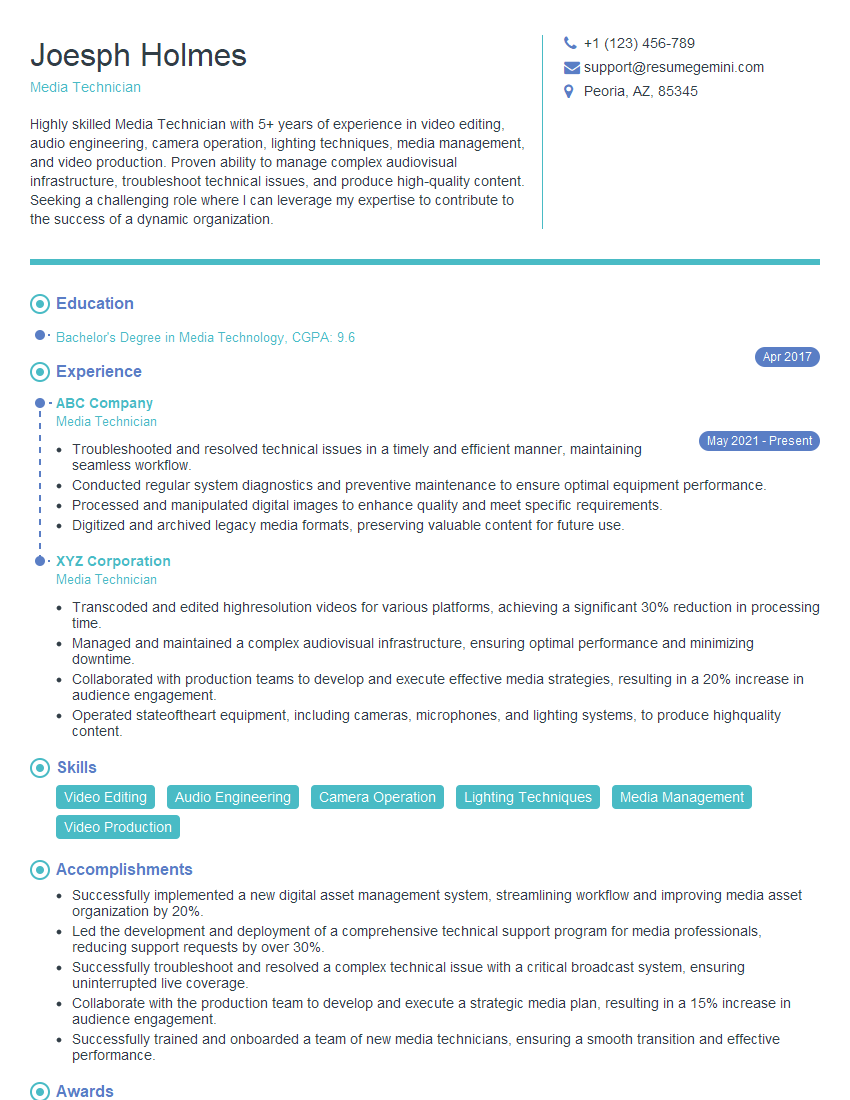
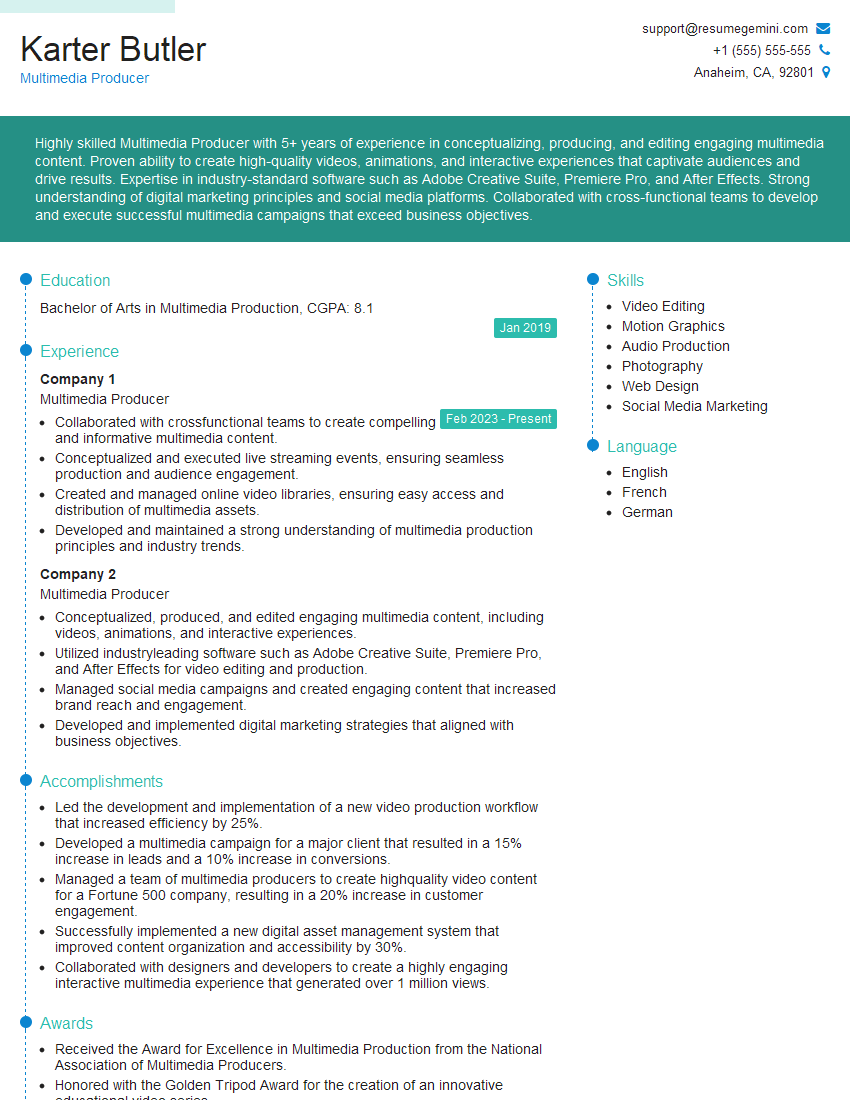
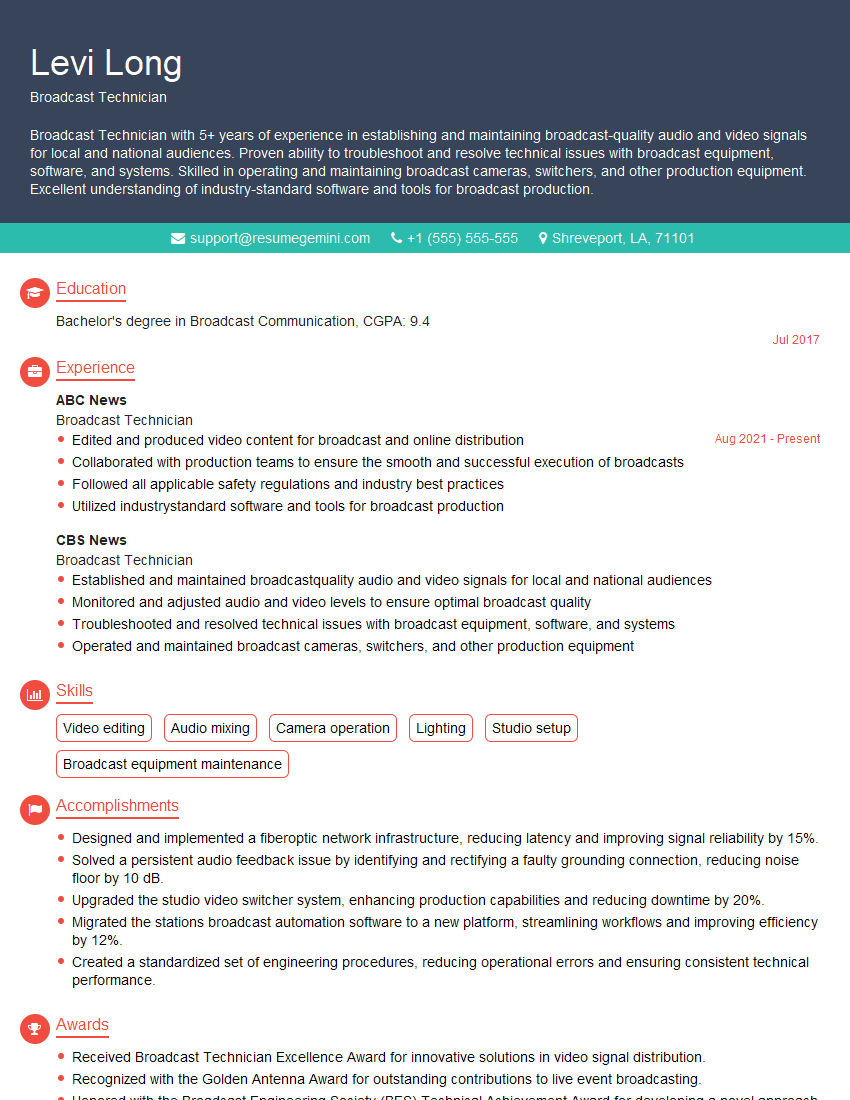
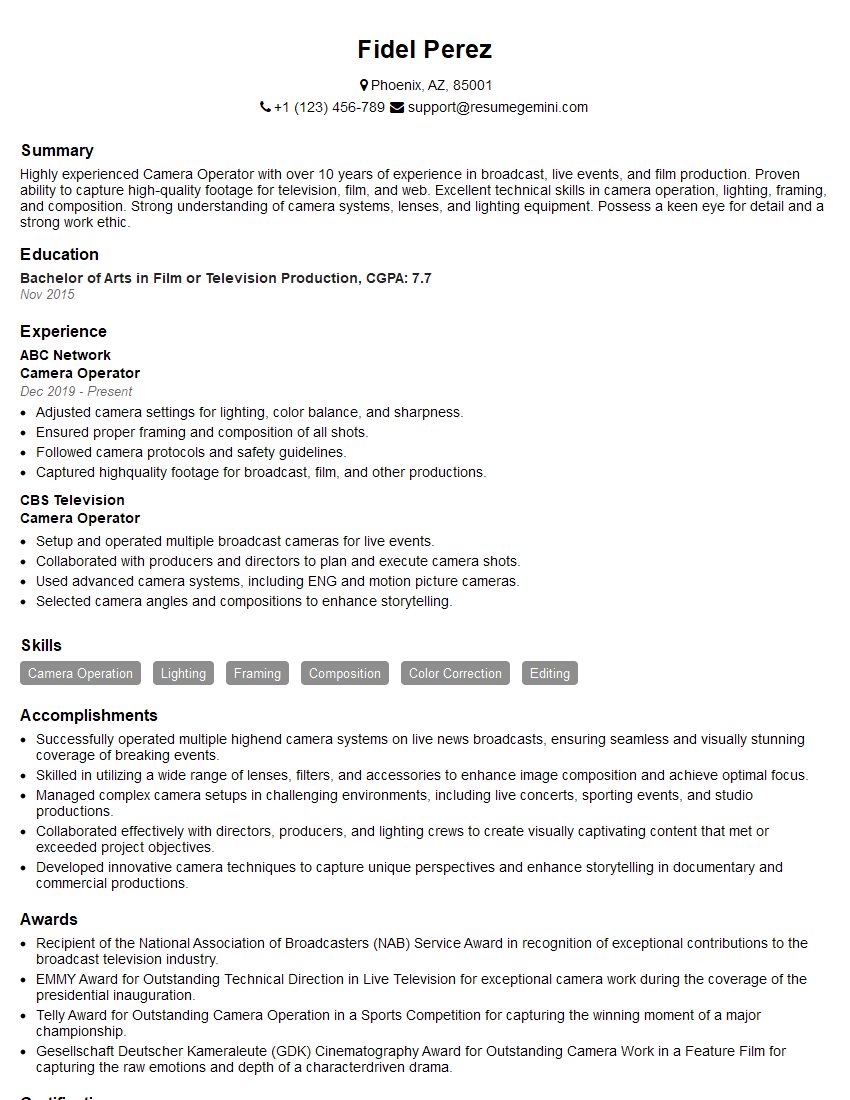
Mastering live streaming and recording is crucial for a successful career in today’s digital landscape, opening doors to exciting opportunities in broadcasting, content creation, and online education. To maximize your job prospects, focus on crafting an ATS-friendly resume that highlights your skills and experience effectively. ResumeGemini is a trusted resource that can help you build a professional and impactful resume. Examples of resumes tailored to Live Streaming and Recording are available to guide you through this process.




Explore more articles
Users Rating of Our Blogs
Share Your Experience
We value your feedback! Please rate our content and share your thoughts (optional).
What Readers Say About Our Blog
Amazing blog
hello,
Our consultant firm based in the USA and our client are interested in your products.
Could you provide your company brochure and respond from your official email id (if different from the current in use), so i can send you the client’s requirement.
Payment before production.
I await your answer.
Regards,
MrSmith
hello,
Our consultant firm based in the USA and our client are interested in your products.
Could you provide your company brochure and respond from your official email id (if different from the current in use), so i can send you the client’s requirement.
Payment before production.
I await your answer.
Regards,
MrSmith
These apartments are so amazing, posting them online would break the algorithm.
https://bit.ly/Lovely2BedsApartmentHudsonYards
Reach out at BENSON@LONDONFOSTER.COM and let’s get started!
Take a look at this stunning 2-bedroom apartment perfectly situated NYC’s coveted Hudson Yards!
https://bit.ly/Lovely2BedsApartmentHudsonYards
Live Rent Free!
https://bit.ly/LiveRentFREE
Interesting Article, I liked the depth of knowledge you’ve shared.
Helpful, thanks for sharing.
Hi, I represent a social media marketing agency and liked your blog
Hi, I represent an SEO company that specialises in getting you AI citations and higher rankings on Google. I’d like to offer you a 100% free SEO audit for your website. Would you be interested?