The right preparation can turn an interview into an opportunity to showcase your expertise. This guide to Network Fundamentals interview questions is your ultimate resource, providing key insights and tips to help you ace your responses and stand out as a top candidate.
Questions Asked in Network Fundamentals Interview
Q 1. Explain the difference between TCP and UDP.
TCP (Transmission Control Protocol) and UDP (User Datagram Protocol) are both communication protocols used on the internet, but they differ significantly in how they handle data transmission. Think of them as two different delivery services: TCP is like FedEx, ensuring reliable delivery with tracking and confirmation, while UDP is like sending a postcard – faster but with no guarantee of arrival.
- TCP: Connection-oriented, reliable, and ordered. It establishes a connection between sender and receiver before transmitting data, guaranteeing delivery and order. It uses acknowledgments (ACKs) to confirm receipt and retransmits lost packets. This makes it ideal for applications requiring reliable data transfer, such as web browsing (HTTP), email (SMTP), and file transfer (FTP).
- UDP: Connectionless, unreliable, and unordered. It doesn’t establish a connection; data is sent as individual packets without confirmation of receipt. This makes it faster but less reliable. Lost packets are not retransmitted. UDP is preferred for applications where speed is prioritized over reliability, like online gaming (where a slightly delayed packet is better than a delayed game), streaming video (where minor packet loss is less noticeable), and DNS queries.
In short, choose TCP when reliability is paramount and UDP when speed is critical, even at the cost of some data loss.
Q 2. What is the purpose of a subnet mask?
A subnet mask is a 32-bit number that, along with an IP address, determines the network address and host address portions of an IP address. Imagine you have a large apartment building; the subnet mask helps divide this building into smaller apartments (subnets). It essentially acts as a filter, separating the network address (the building) from the host address (the specific apartment within the building).
For example, consider the IP address 192.168.1.100 and a subnet mask of 255.255.255.0. The subnet mask identifies the first three octets (192.168.1) as the network address and the last octet (.100) as the host address. This means that all devices with an IP address starting with 192.168.1 belong to the same subnet and can communicate directly without the need for a router. A different subnet mask would result in a different network and host address division.
Subnet masks are crucial for efficient IP address allocation and network routing within larger networks. They ensure that routers only need to forward packets to other networks, optimizing network traffic and performance.
Q 3. Describe the OSI model and its layers.
The OSI (Open Systems Interconnection) model is a conceptual framework that standardizes the functions of a telecommunication or computing system without regard to its underlying internal structure and technology. It’s a layered model, meaning that each layer performs specific functions and interacts with the layers above and below it. Think of it like a layered cake, each layer having a unique role.
- Layer 1: Physical Layer: Deals with the physical transmission of data, including cables, connectors, and signal encoding.
- Layer 2: Data Link Layer: Provides error-free transmission of data frames between two directly connected nodes. Includes protocols like Ethernet.
- Layer 3: Network Layer: Responsible for routing data packets between networks. IP addressing and routing protocols operate here.
- Layer 4: Transport Layer: Provides reliable end-to-end data transfer, manages segmentation and reassembly of data. Includes TCP and UDP.
- Layer 5: Session Layer: Establishes, manages, and terminates communication sessions between applications.
- Layer 6: Presentation Layer: Handles data formatting and encryption/decryption.
- Layer 7: Application Layer: Provides network services to applications, such as HTTP, SMTP, and FTP.
Understanding the OSI model is crucial for troubleshooting network issues as it provides a structured approach to identifying the layer where a problem might occur.
Q 4. What are the different types of network topologies?
Network topologies refer to the physical or logical layout of nodes and connections in a network. Several common topologies exist:
- Bus Topology: All devices are connected to a single cable (the bus). Simple but susceptible to single points of failure.
- Star Topology: All devices are connected to a central hub or switch. Most common topology today, offering easy expansion and centralized management.
- Ring Topology: Devices are connected in a closed loop. Data travels in one direction. Less common now due to its susceptibility to single points of failure.
- Mesh Topology: Devices are connected to multiple other devices, offering redundancy and high reliability. Used in critical networks.
- Tree Topology: A hierarchical structure resembling an inverted tree. Combines elements of bus and star topologies.
The choice of topology depends on factors such as network size, cost, and required reliability.
Q 5. Explain the concept of routing protocols (e.g., RIP, OSPF, BGP).
Routing protocols are algorithms that determine the best path for data packets to travel across a network. They enable routers to exchange information about network topology and routes. Different protocols are suited to different network sizes and complexities.
- RIP (Routing Information Protocol): A distance-vector protocol, simple and easy to configure but only suitable for smaller networks due to its hop count limitations (maximum 15 hops).
- OSPF (Open Shortest Path First): A link-state protocol that uses Dijkstra’s algorithm to determine the shortest path. Scalable and efficient for larger networks, offering faster convergence compared to RIP.
- BGP (Border Gateway Protocol): The routing protocol of the internet. Used to exchange routing information between autonomous systems (ASes), making the internet work.
Choosing the appropriate routing protocol depends on network size, complexity, and performance requirements. Larger networks typically use OSPF or BGP, while smaller networks might use RIP.
Q 6. What is DNS and how does it work?
DNS (Domain Name System) is the internet’s phonebook. It translates domain names (like www.example.com) into IP addresses (like 192.168.1.1) that computers use to communicate. Without DNS, you would have to remember the IP address of every website you visit.
Here’s how it works: When you type a domain name into your browser, your computer first queries a local DNS server (often provided by your ISP). If the server knows the IP address, it returns it. Otherwise, it recursively queries other DNS servers until the IP address is found. The process involves multiple levels of DNS servers: Root servers, Top-Level Domain (TLD) servers, and Authoritative Name Servers.
DNS is a critical part of the internet’s infrastructure, enabling users to easily access websites and other online services without needing to know their IP addresses.
Q 7. How does DHCP work?
DHCP (Dynamic Host Configuration Protocol) automatically assigns IP addresses and other network configuration parameters (like subnet mask, gateway, and DNS server) to devices on a network. It eliminates the need for manual configuration, simplifying network administration.
The process typically involves a four-step exchange between a DHCP client (e.g., your computer) and a DHCP server:
- DHCP Discover: The client broadcasts a message asking for an IP address.
- DHCP Offer: The server responds with an offer of an IP address and other configuration parameters.
- DHCP Request: The client accepts the offer and requests the IP address.
- DHCP ACK: The server acknowledges the request and assigns the IP address.
DHCP simplifies network administration and allows for efficient IP address management, particularly in larger networks. It’s essential for ease of use and automatic configuration of devices.
Q 8. What is IP addressing and subnetting?
IP addressing is the system used to assign unique numerical addresses to every device on a network, enabling communication between them. Think of it like street addresses for houses – each house needs a unique address for mail delivery, and similarly, each device on a network needs a unique IP address to send and receive data. IP addresses are typically written in dotted decimal notation, like 192.168.1.100.
Subnetting is the process of dividing a larger network (represented by a single IP address range) into smaller, more manageable subnetworks. This improves network efficiency, security, and scalability. Imagine a large city divided into smaller neighborhoods – each neighborhood is a subnet, making it easier to manage traffic and resources. It involves borrowing bits from the host portion of the IP address to create additional network addresses. For example, a Class C network (192.168.1.0/24) can be subnetted into smaller networks, such as 192.168.1.0/25 and 192.168.1.128/25.
Q 9. Explain the difference between a router and a switch.
Routers and switches are both essential networking devices, but they operate at different layers of the network model and serve distinct purposes. A switch operates at Layer 2 (Data Link Layer) of the OSI model. It learns MAC addresses and forwards data frames only to the intended destination port, minimizing network congestion. Think of it as a highly efficient mail sorter in a post office, ensuring that each letter reaches the correct mailbox.
A router, on the other hand, operates at Layer 3 (Network Layer) and forwards data packets based on IP addresses. It connects different networks together, routing traffic between them. Imagine it as the postal service itself, responsible for transporting mail across cities and countries. Routers are crucial for internet connectivity, enabling communication between different networks.
Q 10. What are firewalls and how do they protect networks?
Firewalls are security systems that monitor and control incoming and outgoing network traffic based on predetermined security rules. They act as a barrier between a trusted internal network and an untrusted external network (like the internet). Think of it as a gatekeeper at a castle, inspecting everyone who wants to enter and preventing unauthorized access. Firewalls protect networks by inspecting packets for malicious content or suspicious activity, blocking or filtering them according to the configured rules. They can prevent malware infections, unauthorized access attempts, and data breaches.
Firewalls utilize various techniques, including packet filtering, stateful inspection, and application-level gateways, to achieve robust network security. They can be hardware-based devices or software-based applications.
Q 11. Describe the concept of VLANs.
VLANs (Virtual LANs) are logical subdivisions of a physical network. They allow you to segment a network into multiple broadcast domains, improving security and performance. Imagine a large office building where different departments occupy different floors – each floor is like a VLAN, isolating traffic and improving management. VLANs are created and managed using switches that support VLAN tagging. Data packets within a VLAN are only forwarded to devices within the same VLAN, preventing broadcast storms and improving network security.
VLANs are particularly useful in larger networks to improve performance, security, and manageability. For instance, a company might create separate VLANs for different departments (marketing, sales, IT) to isolate network traffic and improve security.
Q 12. What is NAT and why is it used?
NAT (Network Address Translation) is a technique used to map multiple private IP addresses to a single public IP address. This conserves public IP addresses and enhances network security. Imagine a large apartment building sharing a single mailbox for mail delivery – NAT acts as that mailbox, translating the internal addresses to the external address and vice versa. Without NAT, each device in a home network would require a unique public IP address, a scarce and expensive resource.
NAT is widely used in home networks and smaller businesses to conserve IP addresses and improve security by hiding internal network addresses from the internet.
Q 13. Explain network security best practices.
Network security best practices involve a multi-layered approach to protect network assets from threats. These include:
- Strong passwords and authentication: Using complex and unique passwords for all accounts.
- Firewall implementation: Deploying firewalls to control network traffic and prevent unauthorized access.
- Intrusion Detection/Prevention Systems (IDS/IPS): Monitoring network activity for malicious behavior and automatically blocking or alerting on threats.
- Regular updates and patching: Keeping software and firmware updated to address security vulnerabilities.
- Security awareness training: Educating users about phishing scams, malware, and other social engineering attacks.
- Data encryption: Protecting sensitive data using encryption technologies both in transit and at rest.
- Regular backups: Creating regular backups of important data to protect against data loss.
- Network segmentation: Dividing the network into smaller, isolated segments to limit the impact of security breaches.
A holistic approach, combining these measures, provides robust network security.
Q 14. What are common network troubleshooting techniques?
Network troubleshooting involves a systematic approach to identify and resolve network issues. Common techniques include:
- Ping: Checking connectivity between devices using the
pingcommand (e.g.,ping 8.8.8.8). - Traceroute/Tracert: Tracing the path of packets to identify network bottlenecks or connectivity problems.
- Network monitoring tools: Using tools like Wireshark or SolarWinds to capture and analyze network traffic for diagnosing issues.
- Checking cable connections: Ensuring physical cables are properly connected and not damaged.
- Checking device configurations: Reviewing device settings (routers, switches, firewalls) to verify correct configurations.
- Restarting devices: Often a simple restart can resolve temporary issues.
A methodical approach, starting with the simplest checks and progressing to more complex ones, is crucial for effective network troubleshooting. Documenting the steps taken helps in future troubleshooting and prevents recurrence.
Q 15. What is a VPN and how does it work?
A Virtual Private Network (VPN) creates a secure, encrypted connection over a less secure network, like the public internet. Imagine it as a secret tunnel for your data. Instead of your data traveling openly across the internet, a VPN encrypts it, protecting it from prying eyes. This encryption is vital for securing sensitive information like banking details, passwords, and personal communications.
How it works:
- Connection: You connect to a VPN server operated by a VPN provider. This server acts as the gateway to the internet.
- Encryption: Your data is encrypted before it leaves your device, making it unreadable to anyone intercepting the traffic.
- Tunneling: The encrypted data travels through the VPN server, creating a secure tunnel.
- Decryption: The VPN server decrypts your data before sending it to its final destination, ensuring secure communication.
- Masking IP Address: Your IP address is masked by the VPN server’s IP address, protecting your online privacy and anonymity.
Real-world example: Using a VPN on public Wi-Fi at a coffee shop protects your online activity from potential eavesdroppers. Your banking transaction is secured by the VPN tunnel, preventing unauthorized access.
Career Expert Tips:
- Ace those interviews! Prepare effectively by reviewing the Top 50 Most Common Interview Questions on ResumeGemini.
- Navigate your job search with confidence! Explore a wide range of Career Tips on ResumeGemini. Learn about common challenges and recommendations to overcome them.
- Craft the perfect resume! Master the Art of Resume Writing with ResumeGemini’s guide. Showcase your unique qualifications and achievements effectively.
- Don’t miss out on holiday savings! Build your dream resume with ResumeGemini’s ATS optimized templates.
Q 16. Explain the concept of network redundancy.
Network redundancy is the design of a network with backup components and paths to maintain functionality even if some parts fail. It’s like having a spare tire in your car – you don’t need it until you have a flat, but it’s crucial for getting back on the road. In networks, it prevents outages and ensures continuous operation.
Redundancy can be implemented at different layers:
- Multiple internet connections: Using two different internet service providers ensures that if one goes down, the other takes over seamlessly.
- Redundant servers: Having multiple servers running the same application ensures high availability. If one server crashes, another immediately takes over.
- Redundant network devices: Using multiple switches, routers, and firewalls allows the network to continue functioning even if a device fails.
- Backup power supplies: Using Uninterruptible Power Supplies (UPS) provides backup power to critical network devices during power outages.
Example: A large company might use redundant fiber optic cables for its network backbone. If one cable is cut, the other automatically takes over, preventing a service interruption.
Q 17. Describe different types of network cables and their uses.
Network cables are the physical medium used to transmit data. Different types are suited to different needs based on speed, distance, and environment.
- Twisted Pair Cable (Cat5e, Cat6, Cat6a): This is the most common type, used for Ethernet networks. The wires are twisted to reduce electromagnetic interference. Cat6a offers the highest speed and longest distance among these.
- Fiber Optic Cable: Uses light pulses to transmit data, offering much higher bandwidth and longer distances than twisted pair. It’s immune to electromagnetic interference and ideal for high-speed backbone networks or long-haul connections.
- Coaxial Cable: Used in older networks and cable television. It features a central conductor surrounded by insulation and a shielding layer. Offers moderate bandwidth and is less susceptible to interference than twisted pair.
Uses:
- Twisted Pair: Connecting computers to switches, switches to routers, and within buildings.
- Fiber Optic: Long-distance networks, data centers, high-bandwidth applications (like video streaming).
- Coaxial: Older network infrastructure, cable television.
Q 18. What is bandwidth and how is it measured?
Bandwidth refers to the amount of data that can be transmitted over a network connection in a given amount of time. It’s the capacity of the ‘pipe’ carrying your data. Think of it like the width of a highway – a wider highway (higher bandwidth) allows more cars (data) to pass through at once.
It’s measured in bits per second (bps) or multiples thereof:
- Kilobits per second (kbps): 1,000 bps
- Megabits per second (Mbps): 1,000,000 bps
- Gigabits per second (Gbps): 1,000,000,000 bps
Example: A 100 Mbps internet connection can theoretically transmit 100 megabits of data per second. In reality, actual throughput is usually lower due to overhead and other factors.
Q 19. What is latency and how does it affect network performance?
Latency, also known as delay, is the time it takes for a data packet to travel from its source to its destination and back again. It’s like the travel time when sending a letter – the longer the distance, the longer the delivery time. High latency leads to slowdowns and poor performance, especially noticeable in real-time applications.
Factors affecting latency:
- Distance: The further the data has to travel, the higher the latency.
- Network congestion: When the network is overloaded, packets experience delays waiting for transmission.
- Router processing time: Routers take time to process and forward packets.
- Wireless interference: Wireless signals can be affected by interference, leading to higher latency.
Impact on network performance: High latency causes noticeable delays in online gaming, video conferencing, and other real-time applications. It also reduces the efficiency of data transfers.
Q 20. Explain the concept of QoS (Quality of Service).
Quality of Service (QoS) is a set of technologies used to prioritize certain types of network traffic over others. Imagine a hospital where ambulances always get priority over other vehicles – QoS works similarly. It ensures that critical applications receive the necessary bandwidth and resources even during periods of high network congestion.
QoS mechanisms:
- Prioritization: Assigning higher priority to specific types of traffic, such as voice or video, ensuring they experience lower latency.
- Bandwidth allocation: Guaranteeing a minimum amount of bandwidth to critical applications.
- Traffic shaping: Limiting the bandwidth used by less critical applications during periods of congestion.
Real-world applications: QoS is crucial in VoIP (Voice over IP) systems to ensure clear and uninterrupted voice calls, and in video conferencing to avoid choppy videos and dropped frames.
Q 21. What is packet switching?
Packet switching is a method of transferring data over a network by breaking it into smaller units called packets. Each packet travels independently across the network and is reassembled at the destination. Think of it like sending a large box using multiple smaller packages – each package can take a different route, but they all arrive at the same destination to rebuild the original box. This method allows for greater efficiency and flexibility compared to circuit switching, which requires a dedicated connection for the entire duration of the transmission.
Advantages:
- Efficiency: Network resources are shared efficiently, as packets from multiple users can share the same network path.
- Robustness: If one path fails, packets can be routed through alternative paths, ensuring data delivery.
- Flexibility: It supports different types of traffic and allows for dynamic resource allocation.
Example: When you browse the web, your browser sends data in packets. These packets travel independently through the internet, reaching the server and being reassembled to display the webpage.
Q 22. What are the different types of network attacks?
Network attacks can be broadly categorized into several types, each exploiting different vulnerabilities. Think of them as different ways a burglar might try to break into your house – some are subtle, others are forceful.
- Passive Attacks: These attacks involve monitoring network traffic without altering it. Examples include network sniffing (capturing data packets) and traffic analysis (observing communication patterns to infer sensitive information). Imagine someone observing your mail delivery schedule – they don’t steal the mail, but they learn your habits.
- Active Attacks: These attacks involve modifying network traffic or resources. Examples include:
- Denial-of-Service (DoS) attacks: Overwhelming a network or server with traffic, making it unavailable to legitimate users. Like flooding your house with water, preventing anyone from entering.
- Distributed Denial-of-Service (DDoS) attacks: A more sophisticated version of DoS, using multiple compromised machines (a botnet) to launch the attack. This is like multiple people simultaneously flooding your house with water.
- Man-in-the-Middle (MitM) attacks: Intercepting communication between two parties to eavesdrop or manipulate the data. This is like intercepting a letter sent between two people and reading it or changing the content before it reaches the intended recipient.
- Eavesdropping: Intercepting network traffic to gain unauthorized access to sensitive information. Similar to someone listening in on your phone conversation.
- Spoofing: Masquerading as a legitimate user or device to gain unauthorized access. Like someone pretending to be a delivery person to get into your house.
- Injection attacks (SQL injection, XSS): Injecting malicious code into applications to gain access to data or control the system. Similar to slipping a key into your door lock to open it.
- Malware attacks: Viruses, worms, Trojans, and ransomware are all examples of malicious software that can infect systems and networks, causing damage or stealing data. These are like intruders installing spyware in your house to monitor and steal your belongings.
Understanding these attack types is crucial for implementing effective security measures.
Q 23. How do you secure a wireless network?
Securing a wireless network requires a multi-layered approach. It’s like securing your home with multiple locks and alarms.
- Strong Password Protection: Use a long, complex password for your wireless router’s administration interface and WPA2/WPA3 encryption (avoid WEP which is highly insecure). Think of this as a strong lock on your front door.
- Enable MAC Address Filtering: This allows you to limit access to only specific devices by their MAC addresses. This is like having a list of approved visitors.
- Regular Firmware Updates: Keeping your router’s firmware updated patches security vulnerabilities. This is like regularly updating your home’s security system software.
- Enable Firewall: A firewall can block unauthorized access attempts. This acts as a security guard for your network.
- Disable WPS (Wi-Fi Protected Setup): WPS simplifies network setup but can be vulnerable to brute-force attacks. It is best to disable it unless you absolutely need it.
- Use a strong SSID (network name): Avoid using easily guessable network names. Don’t broadcast the SSID, making it hidden. This is like not advertising the name of your home to passersby.
- Change default router credentials: Most routers ship with default usernames and passwords; changing these prevents easy access.
- Implement Network Segmentation: Dividing the network into smaller, isolated segments limits the impact of a security breach.
- Regular Security Audits: Conduct periodic security audits to identify and address vulnerabilities.
Combining these measures creates a robust defense against common wireless network attacks.
Q 24. Explain the difference between static and dynamic IP addressing.
Static and dynamic IP addressing are two ways to assign IP addresses to devices on a network. Think of it like assigning street addresses to houses.
- Static IP Addressing: Each device is assigned a permanent, fixed IP address by a network administrator. This is like having a permanent street address that never changes. It’s useful for servers and other devices that need to be easily reachable. Example: A web server might have a static IP address like
192.168.1.100. - Dynamic IP Addressing: IP addresses are assigned automatically from a pool of available addresses by a DHCP (Dynamic Host Configuration Protocol) server. This is like getting a temporary address, which may change each time you visit a place. It’s efficient for a large number of devices and simplifies network administration. When a device is no longer needed, the address is freed up for another device.
The choice between static and dynamic addressing depends on the needs of the network and the devices. Static IP addresses provide stability and predictability, while dynamic addresses offer flexibility and scalability.
Q 25. What are some common network monitoring tools?
Many tools can monitor network performance and security. The choice depends on the specific needs and scale of the network.
- Nagios: A powerful and widely used open-source monitoring system that can monitor various aspects of a network, including availability, performance, and security.
- Zabbix: Another open-source monitoring tool offering flexibility and scalability, suitable for large networks.
- SolarWinds Network Performance Monitor: A commercial solution with advanced features for network performance management and troubleshooting.
- Wireshark: A powerful protocol analyzer used to capture and analyze network traffic, invaluable for troubleshooting and security analysis.
- PRTG Network Monitor: A commercial tool providing comprehensive network monitoring capabilities with an intuitive interface.
- ManageEngine OpManager: Commercial network monitoring and management software, particularly suited for managing large and complex networks.
These tools provide critical insights into network health, enabling proactive identification and resolution of problems.
Q 26. Describe your experience with network troubleshooting.
My experience with network troubleshooting involves a systematic approach. I’ve handled issues ranging from simple connectivity problems to complex network outages. I always follow a structured methodology:
- Gather Information: I start by gathering information about the problem, including the affected devices, symptoms, and any recent changes made to the network. This often involves talking to users and reviewing logs.
- Identify the Scope: Once I have a clear understanding of the issue, I determine the scope of the problem, i.e., is it a single device, a segment of the network, or the entire network?
- Isolate the Problem: I use tools like
ping,traceroute, and Wireshark to isolate the source of the problem. This involves systematic checks of cables, configurations, and network devices. - Implement a Solution: Once the source of the problem is identified, I implement a solution. This might involve reconfiguring a device, replacing a faulty cable, or updating firmware.
- Test and Verify: After implementing the solution, I thoroughly test and verify that the problem has been resolved and that the network is operating correctly.
- Document the Solution: I document the problem, the steps taken to resolve it, and the solution implemented to assist in future troubleshooting.
My experience has equipped me with the skills to efficiently diagnose and resolve network problems, minimizing downtime and ensuring network stability.
Q 27. Explain your understanding of network security protocols (e.g., SSL/TLS, SSH).
Network security protocols are vital for protecting data in transit and at rest. They act as guards, ensuring only authorized users can access sensitive information.
- SSL/TLS (Secure Sockets Layer/Transport Layer Security): This is the most common protocol for encrypting communication over the internet. It ensures that data exchanged between a web browser and a server, such as credit card information, is protected from eavesdropping. Think of it as a secure envelope for your online transactions.
- SSH (Secure Shell): SSH provides a secure way to access remote computers and servers. It encrypts all communication, preventing unauthorized access and eavesdropping. It’s like having a secure tunnel to your remote computer.
- IPsec (Internet Protocol Security): This protocol provides secure communication between networks or devices. It protects data in transit by encrypting it and authenticating the parties involved. It acts like a guard protecting communication between two networks.
- HTTPS (Hypertext Transfer Protocol Secure): HTTPS is HTTP over SSL/TLS. It is the secure version of HTTP and is widely used for secure web communication.
Understanding these protocols and their applications is crucial for designing and implementing secure networks.
Q 28. Describe a challenging networking problem you solved and how you approached it.
One challenging problem I solved involved a network outage affecting a critical server in a production environment. The server became unreachable, causing significant disruption to the business. Initially, the issue seemed to be a hardware failure, as the server was unresponsive.
My approach involved:
- Systematic Investigation: I first checked the server’s physical connections and power supply to rule out obvious hardware issues. This involved examining cables, power cords and even the server’s internal components.
- Network Diagnostics: I then used network diagnostic tools like
pingandtracerouteto identify where the connectivity was breaking down. I also used Wireshark to capture and analyze network traffic to understand the issue’s root cause. - Log Analysis: Server and network logs provided crucial clues. I analyzed the logs to see if there were any error messages or unusual events that might have caused the outage. The logs pointed to a recent firmware update on a network switch causing routing problems.
- Solution Implementation: Based on my findings, I rolled back the firmware update on the network switch. This immediately restored connectivity to the server.
- Testing and Verification: After the rollback, I conducted thorough testing to confirm that the server was accessible and operating normally. I also checked the network logs to ensure there were no further issues.
The challenge highlighted the importance of regular backups, proper logging and thorough testing before implementing firmware updates in critical production environments. This experience reinforced the need for a systematic approach to troubleshooting, leveraging multiple diagnostic tools and effectively interpreting log data.
Key Topics to Learn for Network Fundamentals Interview
- Networking Models (OSI & TCP/IP): Understand the layers, their functions, and how data flows through each. Consider practical examples like troubleshooting network issues by identifying the faulty layer.
- IP Addressing & Subnetting: Master IPv4 and IPv6 addressing schemes, including classless subnetting and subnet masking. Practice calculating network addresses and host ranges for real-world scenarios.
- Routing Protocols (RIP, OSPF, BGP): Learn the basics of common routing protocols, their functionalities, and how they contribute to efficient network communication. Explore how to configure and troubleshoot routing issues.
- Network Security Fundamentals: Understand basic security concepts like firewalls, intrusion detection/prevention systems, and common network vulnerabilities. Consider practical applications such as configuring firewall rules.
- Network Topologies (Bus, Star, Ring, Mesh): Familiarize yourself with different network topologies, their advantages and disadvantages, and suitable use cases for each. Analyze their strengths and weaknesses in different contexts.
- Network Devices (Routers, Switches, Hubs): Understand the function of core network devices and how they interact within a network. Practice troubleshooting scenarios involving these devices.
- Wireless Networking (802.11 Standards): Gain a solid understanding of wireless networking concepts, including different standards (e.g., 802.11a/b/g/n/ac/ax) and their characteristics. Consider security implications of wireless networks.
- Troubleshooting Techniques: Develop a systematic approach to troubleshooting network problems, using tools like ping, traceroute, and network monitoring utilities. Practice diagnosing and solving common network issues.
Next Steps
Mastering Network Fundamentals is crucial for career advancement in the ever-evolving field of networking. A strong understanding of these concepts will significantly enhance your job prospects and open doors to exciting opportunities. To maximize your chances, create an ATS-friendly resume that highlights your skills and experience effectively. ResumeGemini is a trusted resource to help you build a professional and impactful resume. We provide examples of resumes tailored to Network Fundamentals to guide you through the process. Invest time in crafting a compelling resume – it’s your first impression on potential employers.

Network Administrator Resume Sample

Network Engineer Resume Sample
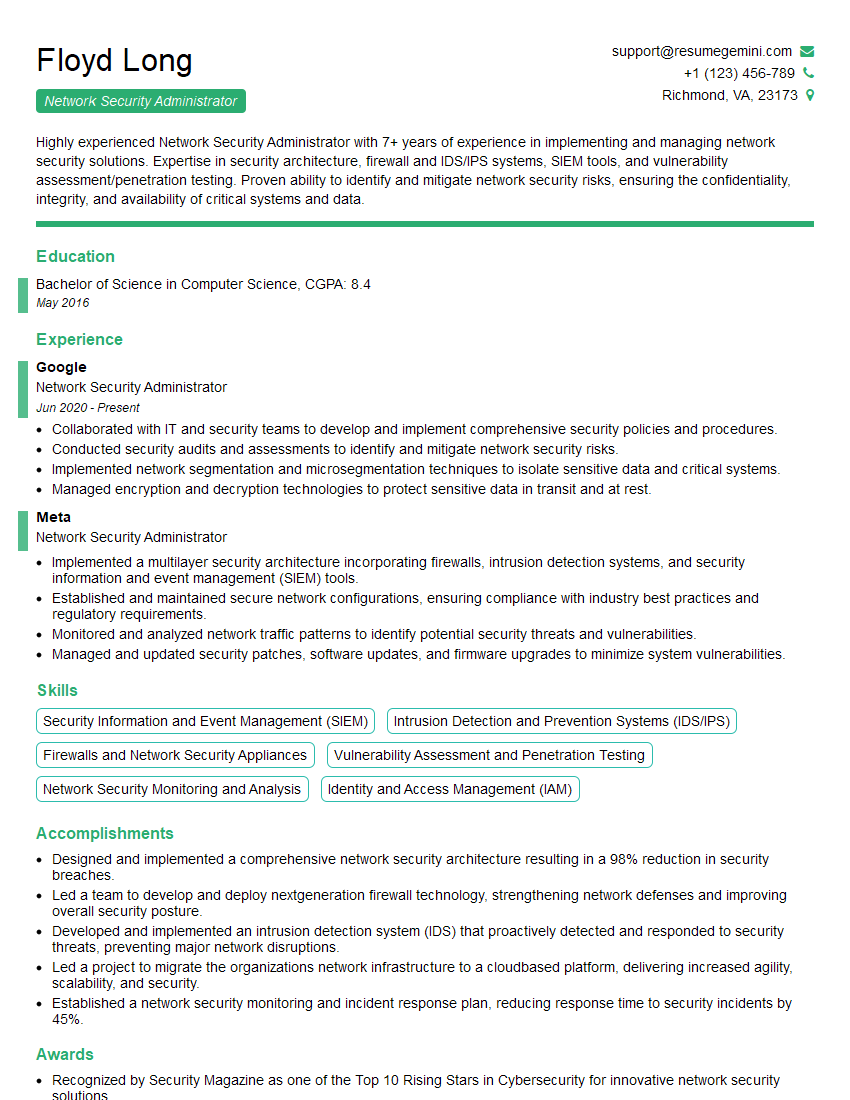
Network Security Administrator Resume Sample

Network Security Engineer Resume Sample

Solutions Architect Resume Sample
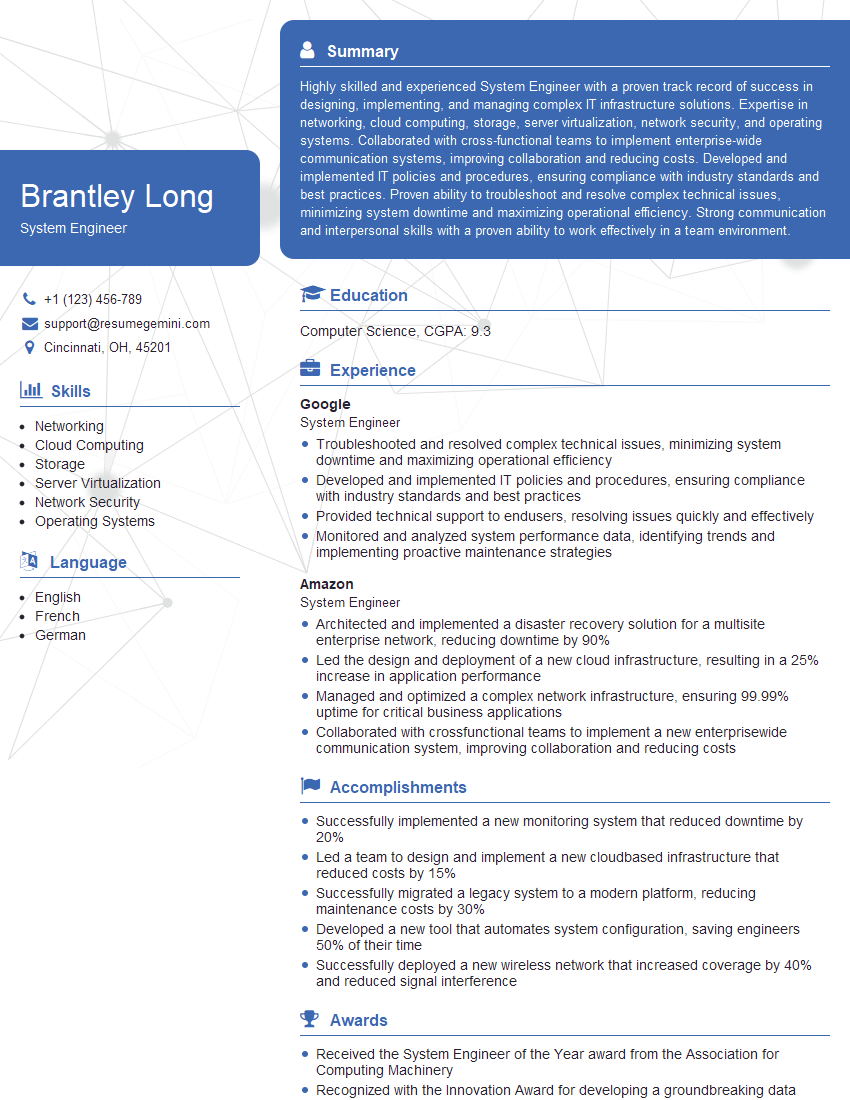
System Engineer Resume Sample

System Administrator Resume Sample

Network Analyst Resume Sample

Network Technician Resume Sample

Network Architect Resume Sample

Network Consultant Resume Sample

Telecommunications Engineer Resume Sample

Wireless Network Engineer Resume Sample
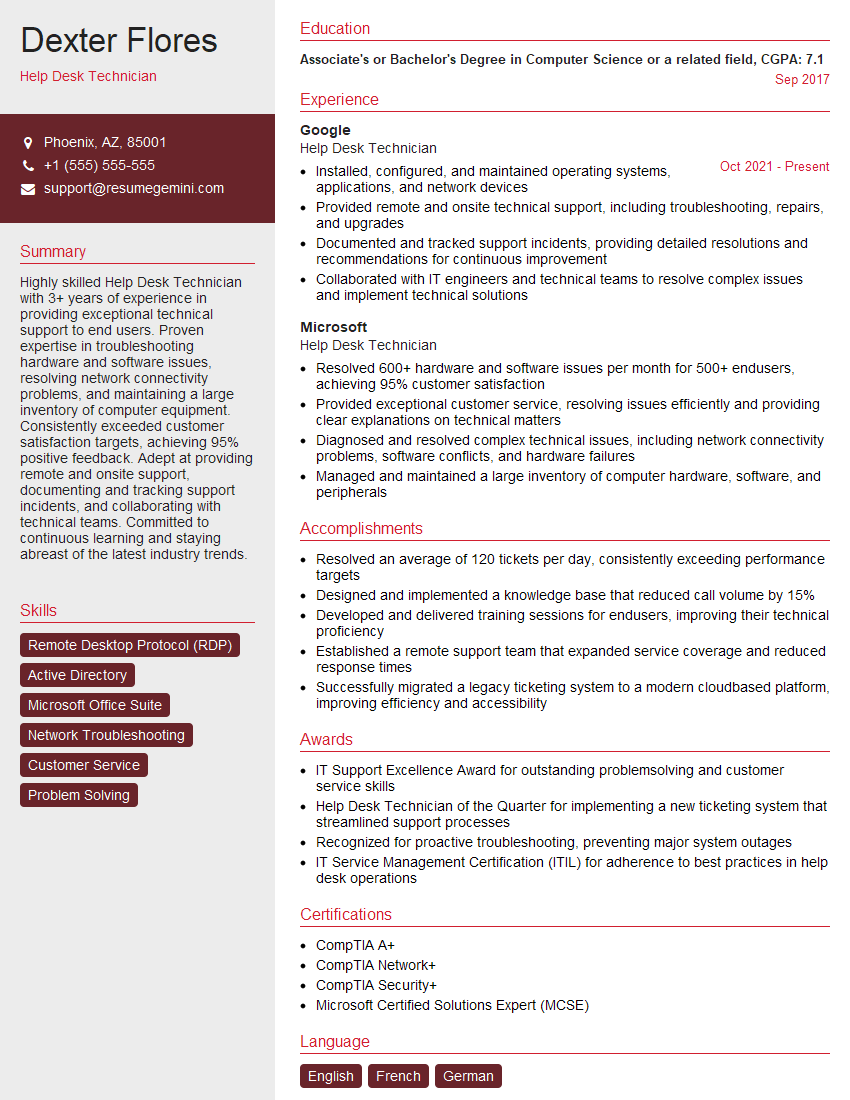
Help Desk Technician Resume Sample

IT Manager Resume Sample

IT Support Specialist Resume Sample
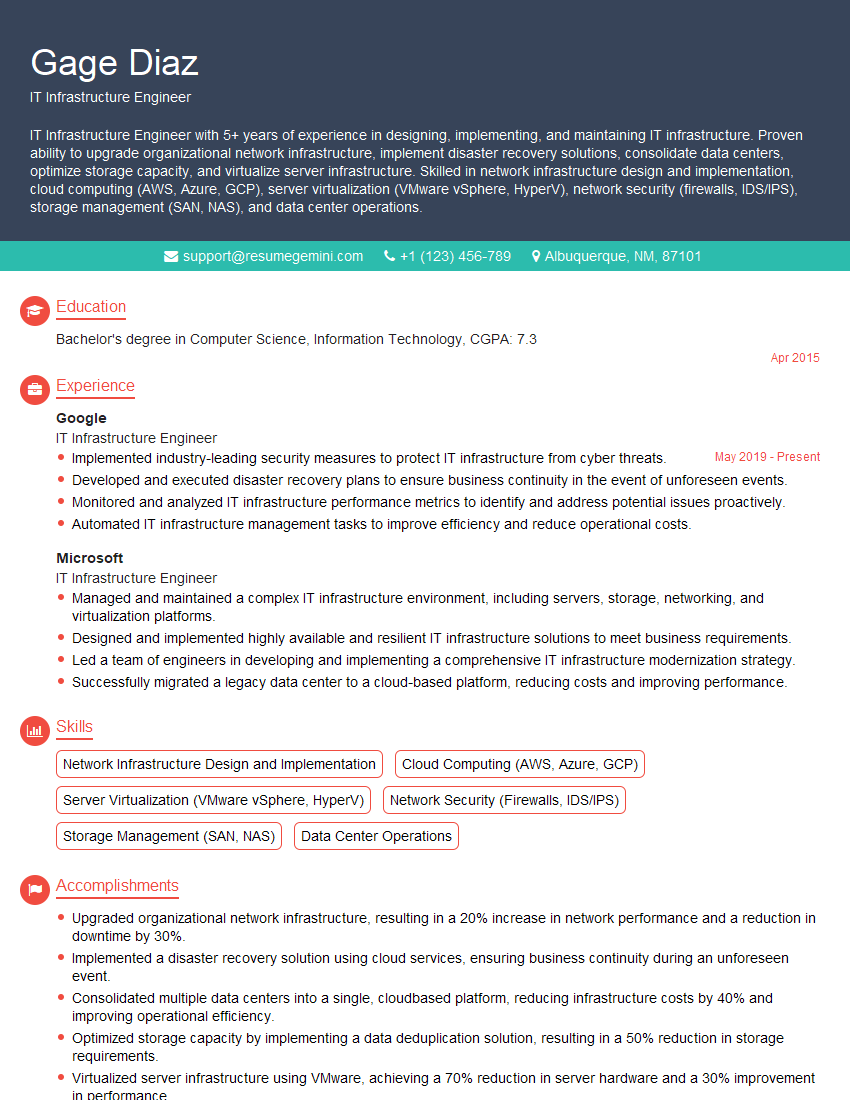
IT Infrastructure Engineer Resume Sample

Cybersecurity Analyst Resume Sample
- Network Administrator
- Network Engineer
- Network Security Administrator
- Network Security Engineer
- Solutions Architect
- System Engineer
- System Administrator
- Network Analyst
- Network Technician
- Network Architect
- Network Consultant
- Telecommunications Engineer
- Wireless Network Engineer
- Help Desk Technician
- IT Manager
- IT Support Specialist
- IT Infrastructure Engineer
- Cybersecurity Analyst
Explore more articles
Users Rating of Our Blogs
Share Your Experience
We value your feedback! Please rate our content and share your thoughts (optional).
What Readers Say About Our Blog
Amazing blog
hello,
Our consultant firm based in the USA and our client are interested in your products.
Could you provide your company brochure and respond from your official email id (if different from the current in use), so i can send you the client’s requirement.
Payment before production.
I await your answer.
Regards,
MrSmith
hello,
Our consultant firm based in the USA and our client are interested in your products.
Could you provide your company brochure and respond from your official email id (if different from the current in use), so i can send you the client’s requirement.
Payment before production.
I await your answer.
Regards,
MrSmith
These apartments are so amazing, posting them online would break the algorithm.
https://bit.ly/Lovely2BedsApartmentHudsonYards
Reach out at BENSON@LONDONFOSTER.COM and let’s get started!
Take a look at this stunning 2-bedroom apartment perfectly situated NYC’s coveted Hudson Yards!
https://bit.ly/Lovely2BedsApartmentHudsonYards
Live Rent Free!
https://bit.ly/LiveRentFREE
Interesting Article, I liked the depth of knowledge you’ve shared.
Helpful, thanks for sharing.
Hi, I represent a social media marketing agency and liked your blog
Hi, I represent an SEO company that specialises in getting you AI citations and higher rankings on Google. I’d like to offer you a 100% free SEO audit for your website. Would you be interested?