Unlock your full potential by mastering the most common Proficient in using cable management and wiring techniques interview questions. This blog offers a deep dive into the critical topics, ensuring you’re not only prepared to answer but to excel. With these insights, you’ll approach your interview with clarity and confidence.
Questions Asked in Proficient in using cable management and wiring techniques Interview
Q 1. Explain the importance of proper cable management.
Proper cable management is crucial for several reasons. Think of it like organizing a well-stocked kitchen – everything has its place, making it easy to find and use. In the world of cabling, this translates to improved efficiency, safety, and longevity of your network infrastructure.
- Improved Efficiency: A well-organized cable system allows for quick identification and troubleshooting of issues. Imagine trying to trace a faulty cable in a tangled mess – a nightmare! With proper management, you can quickly locate and address the problem.
- Enhanced Safety: Untangled cables reduce tripping hazards and prevent accidental damage to equipment. A jumble of wires can be a fire hazard, especially in densely populated server rooms. Neat cabling minimizes these risks.
- Increased Network Performance: Proper cable routing minimizes signal interference and improves network performance. Closely bundled cables can create electromagnetic interference (EMI), leading to slowdowns or connection drops.
- Extended Cable Lifespan: Careful handling and routing of cables prevent damage from bending, crushing, or stretching, increasing their useful life.
- Easier Upgrades and Maintenance: Well-organized cabling makes it easier to add or remove devices and perform maintenance tasks. Imagine trying to upgrade your network with cables snaking everywhere – a huge time-waster!
Q 2. Describe different types of cable connectors (e.g., RJ45, BNC, fiber optic).
Various cable connectors serve different purposes and support various transmission speeds and data types. Here are a few common types:
- RJ45: The ubiquitous connector used for Ethernet networks, typically found on Cat5e, Cat6, and Cat6a cables. It’s a registered jack, used for connecting computers, routers, switches, and other network devices. Think of it as the standard connector for your home or office network.
- BNC: Bayonet Neill-Concelman connectors are primarily used in coaxial cable systems for applications like video surveillance and cable television. They offer a secure, twist-and-lock connection, minimizing signal loss.
- Fiber Optic Connectors: These connectors are used with fiber optic cables for high-bandwidth, long-distance data transmission. Common types include SC, ST, LC, and FC connectors, each having its own unique mechanism. They are crucial for applications requiring higher speeds and longer distances, like backbone networks or telecommunications.
The choice of connector depends entirely on the application and the type of cabling system being used.
Q 3. What are the benefits of using cable labels and management systems?
Cable labels and management systems are incredibly important for efficient network operation and maintenance. They’re the key to easily identifying and understanding your network’s structure.
- Easy Identification: Labels clearly indicate the purpose and destination of each cable, eliminating the guesswork when troubleshooting or making changes. For example, a label might say “Server Room – Rack 10 – Switch Port 1.”
- Simplified Troubleshooting: If a connection fails, clearly labeled cables quickly pinpoint the problem area, saving time and frustration.
- Improved Documentation: A well-labeled cable system makes documenting your network easier, which is invaluable during audits or future modifications.
- Enhanced Organization: Cable management systems (like cable trays, racks, and ties) help keep cables organized and prevent tangling, increasing safety and efficiency.
- Reduced Downtime: The time saved through efficient identification and troubleshooting directly reduces network downtime and improves overall productivity.
Q 4. How do you troubleshoot common cabling problems?
Troubleshooting cabling problems involves a systematic approach. Here’s a breakdown:
- Visual Inspection: Start by visually inspecting the cables and connectors for any obvious damage, such as bends, cuts, or loose connections.
- Check Connections: Ensure all cables are securely plugged into the appropriate ports. A loose connection is a common cause of network issues.
- Test with a Cable Tester: Use a cable tester to verify that the cable is correctly wired and free from shorts or opens. This device will tell you if there are any problems with the cable itself.
- Check Network Devices: Verify that all network devices (switches, routers, computers) are properly configured and functioning. A faulty device can mimic a cabling problem.
- Isolate the Problem: By systematically checking each segment of the cable and each device, you can pinpoint the exact location of the problem.
- Replace or Repair: Once the problem is identified, replace the faulty cable or repair the connection, if possible.
Remember to always power down equipment before disconnecting or reconnecting cables to avoid electrical shock.
Q 5. What safety precautions should be taken when working with cables?
Safety is paramount when working with cables. Here are some key precautions:
- Power Down Equipment: Always disconnect power to any equipment before working with its cables to avoid electrical shock.
- Proper PPE: Wear appropriate personal protective equipment (PPE), such as safety glasses to protect your eyes from debris or sparks during cable termination.
- Handle with Care: Avoid excessive bending or twisting of cables, as this can damage them.
- Proper Cable Management: Organize and secure cables to prevent tripping hazards.
- Know Your Limits: If you’re unsure about any aspect of cable installation or repair, consult a qualified professional.
- Awareness of Surroundings: Be mindful of your surroundings to avoid accidental damage to other equipment or injury to yourself or others.
Q 6. Explain the difference between shielded and unshielded twisted-pair cables.
The main difference between shielded and unshielded twisted-pair cables lies in their susceptibility to electromagnetic interference (EMI).
- Unshielded Twisted-Pair (UTP): These cables consist of pairs of wires twisted together to reduce electromagnetic interference. However, they offer less protection against EMI than shielded cables.
- Shielded Twisted-Pair (STP): STP cables have an additional layer of shielding, typically a metallic foil or braid, wrapped around the twisted pairs to better protect them from external electromagnetic interference. This shielding provides better performance in noisy environments.
The choice between UTP and STP depends on the application. UTP is generally sufficient for most home and office networks, while STP is preferred in environments with high levels of EMI, such as industrial settings or areas with significant electrical equipment.
Q 7. Describe the process of terminating a Cat5e or Cat6 cable.
Terminating a Cat5e or Cat6 cable involves creating a proper connection to a network device. This is typically done using an RJ45 connector. Here’s the process:
- Cut the Cable: Cut the cable to the desired length, ensuring a clean, straight cut.
- Strip the Outer Sheath: Carefully remove the outer sheath of the cable, exposing the twisted pairs. Be careful not to cut or damage the individual wires.
- Untwist and Straighten: Untwist the pairs and straighten the individual wires.
- Arrange the Wires: Arrange the wires according to the T568A or T568B wiring standard. Consistency is key – choose one standard and stick with it for the entire system. (
T568A: White/Green, Green, White/Orange, Blue, White/Blue, Orange, White/Brown, Brown;T568B: White/Orange, Orange, White/Green, Blue, White/Blue, Green, White/Brown, Brown) - Crimp the Connector: Insert the wires into the RJ45 connector, ensuring they are fully seated and flush with the connector. Use a crimping tool to securely connect the connector to the cable.
- Test the Connection: Use a cable tester to verify that the cable is correctly wired.
Proper termination is crucial for reliable network performance. Using the correct tools and following the proper procedure ensures a secure and functional connection.
Q 8. What is the difference between single-mode and multi-mode fiber optic cables?
The core difference between single-mode and multi-mode fiber optic cables lies in the diameter of the core, the central glass strand through which light travels. This difference impacts the distance the signal can travel and the type of light source used.
- Single-mode fiber has a very small core diameter (around 8-10 microns). This allows only one light path to propagate, leading to minimal signal dispersion and attenuation (signal loss). This makes single-mode fiber ideal for long-distance transmission, often used in telecommunications and long-haul networks. Think of it like a single-lane highway – traffic is efficient and can travel far.
- Multi-mode fiber has a larger core diameter (around 50-100 microns). This allows multiple light paths to travel simultaneously. This results in higher signal dispersion and more attenuation compared to single-mode fiber, thus limiting its transmission distance. However, it’s easier and cheaper to work with and is often used in shorter-distance applications, like local area networks (LANs) within buildings. Imagine this as a multi-lane highway – more traffic, but potentially more congestion and slower overall travel speed.
In essence, the choice depends on the application’s distance and bandwidth requirements. Single-mode excels in long-distance, high-bandwidth scenarios, while multi-mode is suitable for shorter distances and lower bandwidth needs.
Q 9. How do you test cable connectivity?
Testing cable connectivity involves several methods, depending on the type of cable. For copper cables, I’d typically use a cable tester, which confirms continuity, shorts, and open circuits. A tone generator and probe can help trace cables in complex setups. For fiber optic cables, an optical power meter and a light source are essential to measure the signal strength and identify potential problems like breaks or attenuation. Optical Time Domain Reflectometers (OTDRs) can pinpoint the exact location of faults along the fiber.
My approach is systematic. First, I visually inspect the cable for any obvious damage. Then, I use appropriate test equipment according to cable type, documenting the results. If I find issues, I methodically troubleshoot the problem, potentially checking connections, splices, or even the cable itself. I always follow safety protocols, particularly when working with fiber optics, as lasers can damage eyesight.
Q 10. What are the different types of cable pathways used in structured cabling?
Structured cabling uses various pathways to route cables efficiently and neatly. The choice depends on the environment and cable density.
- Cable Trays: These are metal trays designed to hold multiple cables, often used for higher cable density and ease of access. They offer good protection and are suitable for various environments.
- Ladder Racks: Similar to cable trays, these provide a sturdy support system with rungs and are ideal for heavier cables or larger bundles. They allow for better airflow than trays, reducing heat buildup.
- Conduits: These are enclosed pathways, often made of PVC or metal, offering excellent protection from environmental factors and physical damage. They’re preferred in situations where cable security is paramount.
- J-hooks and Cable Ties: These are used for more basic, low-density cable management, helping to keep cables organized and away from hazards.
- Raceways: These surface-mounted channels are common in offices and provide a neat, aesthetic way to manage cables. They’re often used where running cables within walls or ceilings isn’t feasible.
Choosing the right pathway involves considering factors like cable type, density, environmental conditions, and budget. I often combine these pathways to create the most effective and organized cable system.
Q 11. Describe your experience with different cable routing techniques.
My experience encompasses various cable routing techniques tailored to specific scenarios. I regularly utilize:
- Horizontal Cable Routing: This involves running cables horizontally across floors, often within cable trays or under raised floors. This minimizes cable length and simplifies organization.
- Vertical Cable Routing: This involves running cables vertically through walls, floors, or ceilings, often within conduits or dedicated pathways. It’s essential for connecting different levels of a building.
- Star Topology Routing: This involves connecting all cables to a central point, such as a patch panel, which is ideal for organization and maintenance.
- Loop Routing: This method creates loops to avoid stress points and accommodate future cable additions.
In one project, we used a combination of vertical conduits in the walls and horizontal cable trays under the raised floor to manage high-density networking cables. The meticulous planning and routing ensured optimal signal quality and easy access for maintenance.
Q 12. Explain your experience with cable tray and ladder rack installation.
I’m proficient in installing both cable trays and ladder racks, ensuring secure and compliant installations. This includes:
- Proper Support Structures: Ensuring adequate support using appropriate brackets and fasteners for the chosen weight capacity.
- Grounding and Bonding: Connecting the metal components to ground to prevent electrical hazards, especially critical in data centers.
- Bend Radii Compliance: Adhering to manufacturer’s recommendations to avoid cable damage from tight bends.
- Cable Fill Limits: Ensuring the trays or racks aren’t overloaded to maintain accessibility and prevent sagging.
Recently, I led a team in installing a large ladder rack system in a data center expansion. Careful planning and adherence to safety regulations ensured a smooth, efficient, and safe installation, resulting in a robust and easily manageable cabling system.
Q 13. How do you handle cable slack effectively?
Managing cable slack is crucial to avoid strain on connectors and maintain system integrity. My techniques include:
- Looping: Creating slack loops at strategic points to absorb any movement or stress.
- Cable Ties and Straps: Securely fastening cables to reduce slack without creating undue tension.
- Slack Management Devices: Utilizing purpose-built slack management devices in areas prone to movement, such as near equipment racks.
- Proper Cable Lengths: Planning and ordering cables of the appropriate length to minimize excess.
Excessive slack can lead to tangled cables, while insufficient slack can damage connectors. Finding the right balance is key. I regularly check my work to ensure that the cable slack is correctly managed and that connectors are not under stress.
Q 14. What are some common cable management best practices?
Effective cable management is essential for a reliable and maintainable system. Key best practices include:
- Clear Labeling: Every cable should be clearly labeled at both ends, identifying its purpose and destination. This simplifies troubleshooting and maintenance.
- Color-Coding: Using a consistent color-coding system to identify different cable types or functions (e.g., network, power, etc.).
- Regular Inspection: Regularly inspect the cabling system for any signs of damage, loose connections, or hazards.
- Accessibility: Ensuring easy access to cables for maintenance and troubleshooting without causing disruption to other systems.
- Safety First: Always prioritize safety when working with cables, following proper procedures and using appropriate personal protective equipment (PPE).
- Documentation: Maintain thorough documentation of the cabling system, including cable paths, labels, and equipment connections.
By consistently following these best practices, we create a system that’s not only efficient and neat but also safe and easy to manage. This minimizes downtime and helps maintain a reliable and high-performing infrastructure.
Q 15. Explain your experience with fiber optic splicing.
Fiber optic splicing is the process of joining two optical fibers together to create a continuous pathway for light signals. It requires precision and specialized equipment to minimize signal loss and maintain transmission quality. My experience encompasses various splicing techniques, including fusion splicing and mechanical splicing. Fusion splicing, which I use most frequently, involves melting the ends of the fibers together using an electric arc, creating a strong, near-perfect connection. Mechanical splicing uses precision connectors to align and join the fibers. I’ve worked extensively with single-mode and multi-mode fibers in both indoor and outdoor environments, ensuring low splice loss consistently below 0.1dB. For example, during a recent project deploying a new fiber optic network for a data center, I successfully spliced over 200 fiber optic connections, maintaining a consistently low splice loss across all connections, resulting in optimal network performance.
In the field, I carefully inspect the fiber ends using a microscope to ensure they’re clean and properly cleaved before splicing. After splicing, I always perform a thorough optical loss test using an OTDR (Optical Time Domain Reflectometer) to verify the quality of the connection.
Career Expert Tips:
- Ace those interviews! Prepare effectively by reviewing the Top 50 Most Common Interview Questions on ResumeGemini.
- Navigate your job search with confidence! Explore a wide range of Career Tips on ResumeGemini. Learn about common challenges and recommendations to overcome them.
- Craft the perfect resume! Master the Art of Resume Writing with ResumeGemini’s guide. Showcase your unique qualifications and achievements effectively.
- Don’t miss out on holiday savings! Build your dream resume with ResumeGemini’s ATS optimized templates.
Q 16. How do you identify and resolve cable faults?
Identifying and resolving cable faults requires a systematic approach. I start by visually inspecting the cables for any obvious damage, such as cuts, kinks, or loose connections. Then, depending on the type of cable (copper or fiber optic), I’ll employ specific testing methods. For copper cables, I use a TDR (Time Domain Reflectometer) to pinpoint the location of faults, like shorts or opens. For fiber optic cables, an OTDR is invaluable, providing a visual representation of the fiber’s integrity and identifying breaks, bends, or other anomalies. Furthermore, I use a variety of tools such as network testers to check connectivity at various points. In one instance, we experienced intermittent network outages in a critical part of our building. Using a combination of visual inspection and TDR testing, I pinpointed a damaged cable buried beneath flooring. The repair quickly resolved the issue, preventing significant downtime.
Once the fault is identified, the repair technique depends on the nature of the problem. This could involve replacing a damaged section of cable, repairing a connector, or even rerouting the entire cable run. Throughout this process, meticulous documentation is essential for future reference and troubleshooting.
Q 17. Describe your experience with different cable labeling systems.
I’m proficient in several cable labeling systems, including color-coding, numerical sequencing, and alphanumeric labeling. Color-coding is commonly used to denote cable function (e.g., red for power, blue for data), while numerical sequencing helps track individual cables within a larger bundle. Alphanumeric labeling allows for more detailed information, including cable type, location, and purpose. I adhere to consistency in labeling to ensure traceability and maintainability. In large-scale projects, I often develop a custom labeling system to meet the project’s specific needs. For instance, in a recent hospital project, I implemented a comprehensive alphanumeric system that incorporated location codes and a detailed equipment inventory linked to each cable, simplifying future maintenance and upgrades. The system ensured that every cable was clearly and consistently identified, enhancing efficiency and improving collaboration among maintenance staff.
Regardless of the system used, I always ensure labels are durable, clearly visible, and accurately reflect the cable’s information. This includes the use of heat-shrink sleeves or professional label makers to create long-lasting, waterproof labels capable of withstanding various environmental conditions.
Q 18. How do you ensure compliance with industry standards in cable management?
Compliance with industry standards in cable management is paramount for safety, reliability, and performance. I’m familiar with standards such as TIA-568, BICSI, and IEC standards, which guide best practices for cable installation, labeling, and testing. I strictly follow these guidelines, ensuring proper grounding, cable pathways, and safety precautions. For example, when installing cables in a raised floor environment, I always maintain proper cable pathways, bundle cables appropriately and ensure sufficient air circulation to prevent overheating. Regular inspections and audits of cable infrastructure are crucial to maintaining compliance and identifying potential issues before they escalate. Documentation of all cable installations, including schematics and testing results, is essential for demonstrating adherence to relevant standards and facilitating future maintenance.
By adhering to these industry best practices, we reduce the risk of cable failures, improve system reliability, and maintain a safe working environment.
Q 19. What tools and equipment are commonly used for cable management?
The tools and equipment used for cable management vary depending on the project’s scale and complexity. However, some common tools include cable testers (for verifying connectivity), OTDRs and TDRs (for fault detection), cable strippers and crimpers (for preparing cable ends), cable ties and zip ties (for bundling), cable labels and label printers (for identification), and various hand tools like screwdrivers and wrenches for mounting equipment. For larger installations, we may use specialized equipment like cable pullers, fishing rods, and lift systems. For fiber optic work, a fusion splicer, optical power meter, and a fiber optic cleaver are essential. In a recent project involving a large server room upgrade, we utilized a combination of motorized cable pullers and lift systems to manage the large volume of cables, optimizing efficiency and ensuring safety.
The proper selection and use of tools are crucial for efficiency, safety, and the quality of the cable management system.
Q 20. Describe your experience with cable pulling techniques.
Cable pulling techniques require careful planning and execution to avoid damage to the cables. Before pulling, I assess the cable route for potential obstacles, ensuring sufficient space and a smooth path. Lubrication is crucial to reduce friction and prevent damage to the cable jacket. I use appropriate lubricants, such as cable pulling lubricants, to facilitate smooth cable passage. The pulling force should be carefully controlled, using a winch or pulling grip to avoid excessive tension. Regular checks are made to ensure the cable is not snagging or experiencing excessive strain. I’ve used various techniques, from simple hand pulling for short runs to utilizing specialized pulling equipment for longer distances or difficult pathways. During the installation of a new network in a multi-story building, we employed a carefully planned pulling strategy, using a pulling rope and lubricant to minimize the risk of damage to the cables during the pull through the conduit. The strategy ensured the efficient and safe installation of cables without any damage.
Safety is paramount. All pulling operations are conducted according to safety procedures and regulations, with the appropriate personnel and safety equipment in place.
Q 21. How do you manage cables in high-density environments?
Managing cables in high-density environments requires a structured and organized approach. The key is to maximize space utilization and maintain accessibility for future maintenance and troubleshooting. I use various methods, including cable trays, racks, and cabinets to organize cables neatly. Vertical cable management systems are employed to save floor space. Color-coding and labeling are critical for easy identification in these complex environments. Proper cable bundling and routing techniques are employed to prevent tangling and improve airflow. In one instance, we transformed a densely packed server room with a chaotic cable setup into a well-organized space through implementation of cable trays, labeling, and implementing better airflow. The improvements improved maintainability, troubleshooting, and significantly reduced the risk of overheating. The project showcased the importance of a well-planned strategy in high-density environments.
Regular audits and proactive maintenance are essential to ensure continued order and prevent future cable management issues in high-density environments.
Q 22. What is your experience with different types of cable ties and straps?
My experience with cable ties and straps is extensive, encompassing various types for different applications. I’m proficient with standard nylon cable ties, offering varying tensile strengths and locking mechanisms. I understand the importance of selecting the right tie for the job – a small tie for delicate wires, a heavy-duty tie for thick power cables, and reusable options for frequent adjustments. Beyond nylon, I’ve worked with Velcro straps for their adjustability and ease of removal, particularly useful in situations needing frequent access to cables. I also have experience using braided cable sleeves for bundling and protecting larger cable assemblies, and even metal cable clamps for securing cables in demanding environments. The selection always depends on the specific needs of the project, including cable diameter, material, environment (indoor/outdoor, temperature), and frequency of access.
For instance, in a server room, I’d prioritize robust nylon ties with high tensile strength for reliable cable management. In an office setting, Velcro straps might be more suitable for their ease of reconfiguration. I always consider the aesthetic impact, ensuring organized cabling enhances rather than detracts from the workspace.
Q 23. Explain your understanding of cable color codes.
Cable color codes are essential for quick identification and troubleshooting. While standards vary slightly depending on the industry and application (e.g., TIA/EIA standards for telecommunications), a common understanding helps prevent errors. Typically, colors represent different functionalities or cable types. For example, in network cabling, you might see:
- Blue: Often represents a particular segment or function within a network.
- Orange: Another common color used for network segments, sometimes distinguished from blue.
- Green: Often associated with data transmission lines.
- Brown: May indicate a specific type of data line or grounding.
Consistent color-coding simplifies tracing cables, identifying faulty connections, and maintaining organized cabling. In larger projects, a detailed color-coding key should be maintained and readily available, helping technicians quickly understand the system’s layout. Inconsistencies in color coding can lead to significant downtime and troubleshooting difficulties; therefore, adhering to a well-defined system is paramount.
Q 24. How do you prevent cable damage?
Preventing cable damage involves a multi-pronged approach focused on careful handling, proper installation, and environmental protection. Key practices include:
- Careful Handling: Avoid sharp bends, kinks, and excessive pulling or stretching. Using appropriate cable management tools and techniques helps prevent strain.
- Proper Installation: Ensuring cables are routed correctly, avoiding sharp edges, and using appropriate supports (cable trays, conduits) helps mitigate damage risks.
- Environmental Protection: Protecting cables from extreme temperatures, moisture, and direct sunlight extends their lifespan. Using weatherproof jackets or enclosures in outdoor installations is critical.
- Strain Relief: Employing strain relief devices at connection points prevents stress on the cable and connectors, which is a leading cause of failure.
For example, I’ve successfully avoided damage by using cable ties to secure cables to trays, preventing accidental snags. I also ensure appropriate slack is present to prevent stress on connectors during thermal expansion and contraction. Regular inspections help identify and address potential issues early on, minimizing costly repairs or replacements.
Q 25. How do you document cable infrastructure?
Comprehensive documentation is crucial for maintaining and troubleshooting cable infrastructure. My approach involves utilizing a combination of physical labeling and digital documentation. Physical labels, clearly indicating cable type, destination, and any other relevant information (e.g., port numbers), are placed directly on cables. This allows for quick identification even without accessing digital records.
Digitally, I leverage tools like cable management software or spreadsheets to create a comprehensive database. This database includes detailed schematics, cable runs, connection points, and other crucial information. This detailed documentation is invaluable for future maintenance, expansion, and troubleshooting. It also ensures seamless handover between technicians and improves the overall efficiency of the cable management system. For example, a well-maintained database allows us to quickly trace a cable to its destination, locate potential problems, or plan for network upgrades with accuracy.
Q 26. What experience do you have with different types of cable testing equipment?
My experience with cable testing equipment is broad. I’m proficient with various tools, including:
- Cable Certifiers/Testers: These devices verify cable performance according to industry standards (e.g., TIA-568), identifying potential issues like shorts, opens, or crosstalk. I have experience using different models from various manufacturers, ensuring accurate and reliable testing.
- Multimeters: These are essential for basic continuity checks, voltage measurements, and identifying other electrical properties of cables.
- Tone Generators and Probes: Used for tracing cables within complex installations, these tools greatly speed up identification and troubleshooting.
- Optical Power Meters and Light Sources: For testing fiber optic cables, ensuring proper signal transmission and identifying breaks or losses.
I always select the appropriate equipment based on the type of cable being tested and the specific information required. I am also familiar with interpreting test results and using them to diagnose problems and ensure network integrity. This ensures that cabling meets the required specifications for proper network operation and performance.
Q 27. Describe your experience with cable organization in different environments (e.g., server room, office, home).
My cable organization experience spans various environments. In server rooms, I prioritize maximizing space utilization and ensuring airflow for efficient cooling. This involves using structured cabling systems, cable trays, and vertical cable managers to keep cables organized and out of the way of equipment. I strictly adhere to best practices for grounding and safety to prevent fire hazards and electrical risks. In office environments, the focus shifts to aesthetics and user accessibility. I use cable concealers, Velcro straps, and desk cable organizers to create a clean and organized workspace without compromising functionality.
In home environments, the approach is more practical. I typically use a combination of cable ties, adhesive cable clips, and surge protectors to keep cables neatly bundled and easily accessible. In all situations, safety is paramount. I always use appropriate safety equipment and follow local codes and best practices.
Q 28. How do you prioritize cable management tasks in a busy environment?
Prioritizing cable management tasks in a busy environment requires a structured approach. I typically employ a triage system, prioritizing tasks based on their impact and urgency. Critical tasks, such as addressing network outages or safety hazards, take precedence. Then, I categorize tasks based on their importance. For instance, ensuring cable runs are safe and adhere to regulations is paramount compared to purely aesthetic improvements. I often use project management techniques like creating task lists, scheduling maintenance windows, and assigning priorities to streamline the workflow.
Furthermore, proactive maintenance helps prevent larger issues. Regular cable inspections and preventive measures greatly reduce the need for emergency repairs and keep the cable infrastructure operational. Clear communication with stakeholders helps manage expectations and ensures that everyone understands the priorities and timelines. This efficient and organized approach allows me to manage even a high volume of tasks in a timely manner.
Key Topics to Learn for Proficient in using cable management and wiring techniques Interview
- Cable Identification and Organization: Understanding different cable types (e.g., coaxial, fiber optic, twisted pair), color-coding systems, and labeling techniques for efficient management and troubleshooting.
- Wiring Standards and Best Practices: Familiarity with industry standards (e.g., TIA/EIA, BICSI) and best practices for routing, termination, and securing cables to ensure safety, performance, and aesthetics. Practical application includes explaining your experience adhering to these standards in past projects.
- Troubleshooting and Repair: Diagnosing and resolving common cable-related issues, such as intermittent connections, signal loss, and short circuits. This includes outlining your methodical approach to fault finding.
- Cable Management Hardware and Tools: Knowledge of various cable management tools and hardware (e.g., cable ties, raceways, patch panels, cable trays) and their appropriate applications. Describe instances where you’ve optimized cable routing with specific hardware choices.
- Safety Procedures: Understanding and adhering to safety regulations related to working with electrical cabling, including proper grounding techniques and lockout/tagout procedures.
- Documentation and Diagrams: Creating and interpreting cable diagrams, documenting cable runs, and maintaining accurate records for future reference and troubleshooting.
- Practical experience with different cabling environments: Demonstrate understanding of managing cables in different settings (data centers, office environments, industrial settings etc.) highlighting any unique challenges and solutions employed.
Next Steps
Mastering cable management and wiring techniques is crucial for career advancement in numerous technical fields. A strong understanding of these skills demonstrates attention to detail, problem-solving abilities, and adherence to industry standards – highly valued attributes in today’s job market. To significantly boost your job prospects, create an ATS-friendly resume that showcases your expertise effectively. ResumeGemini is a trusted resource that can help you build a professional and impactful resume tailored to highlight your skills. Examples of resumes tailored to showcasing proficiency in cable management and wiring techniques are available to help you build yours.

Network Administrator Resume Sample

Systems Administrator Resume Sample
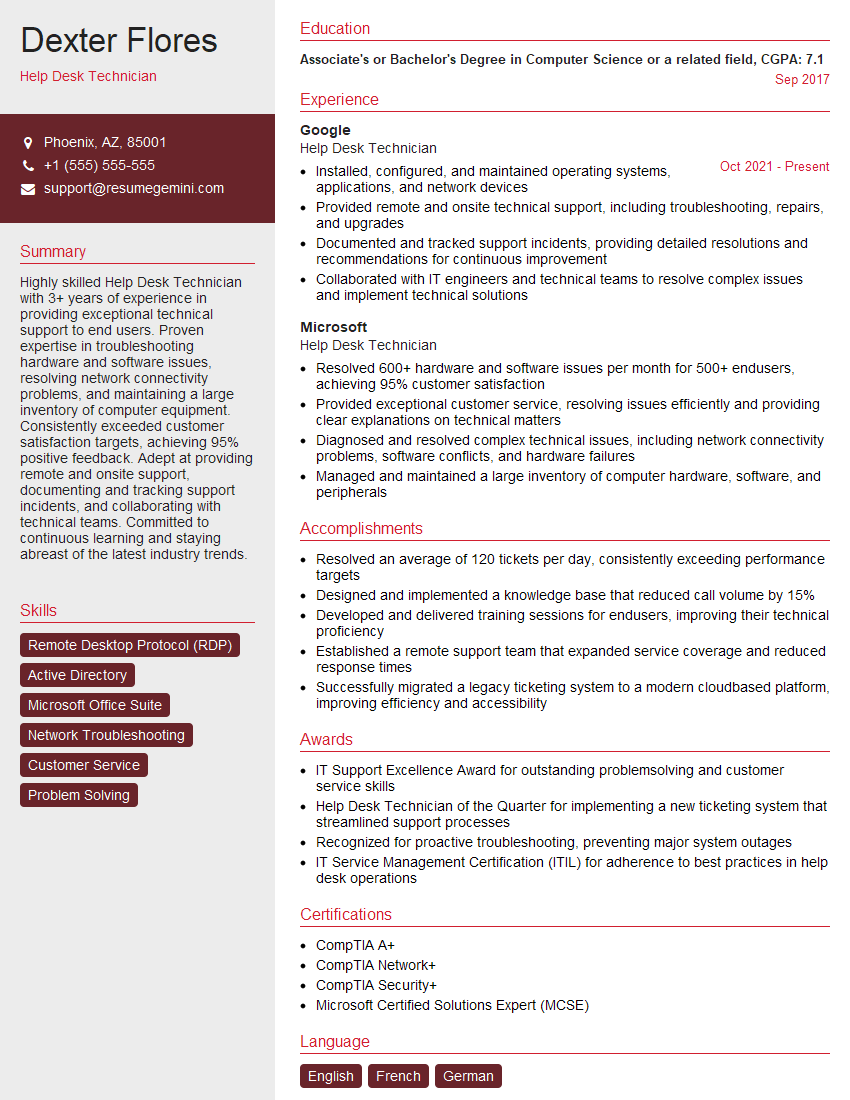
Help Desk Technician Resume Sample

Electronics Technician Resume Sample
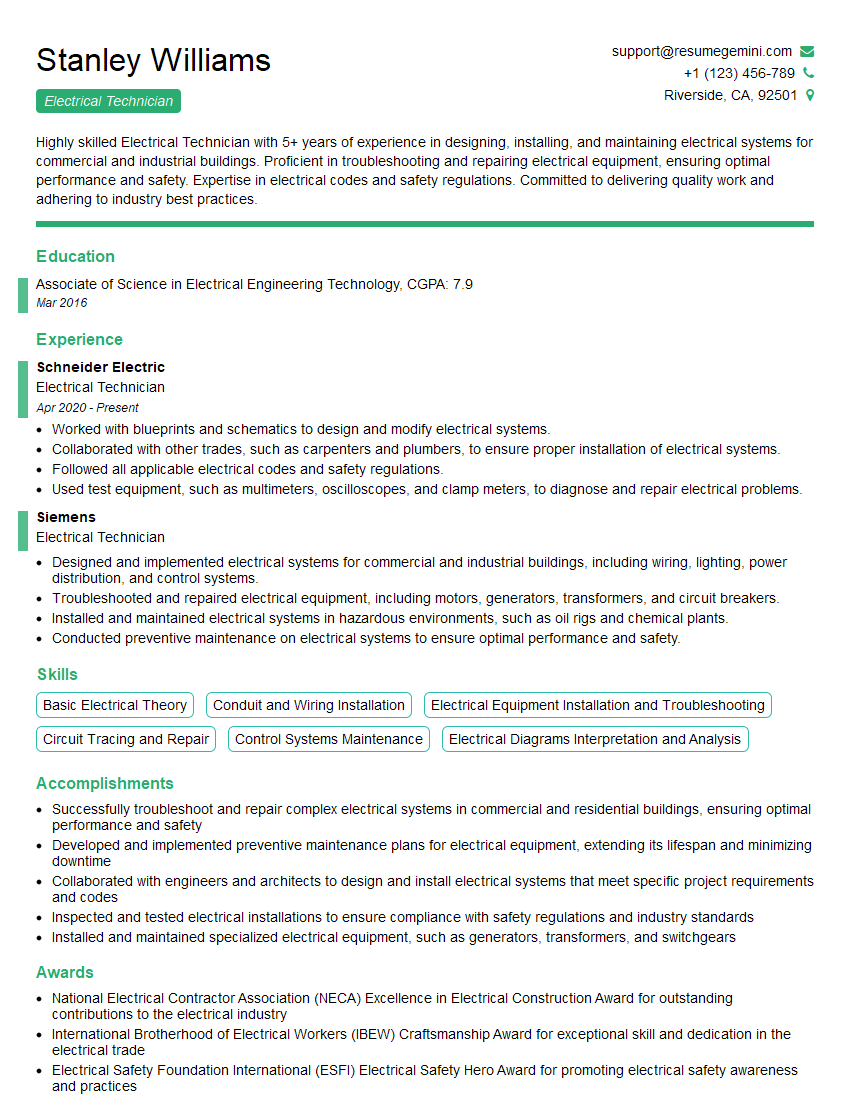
Electrical Technician Resume Sample
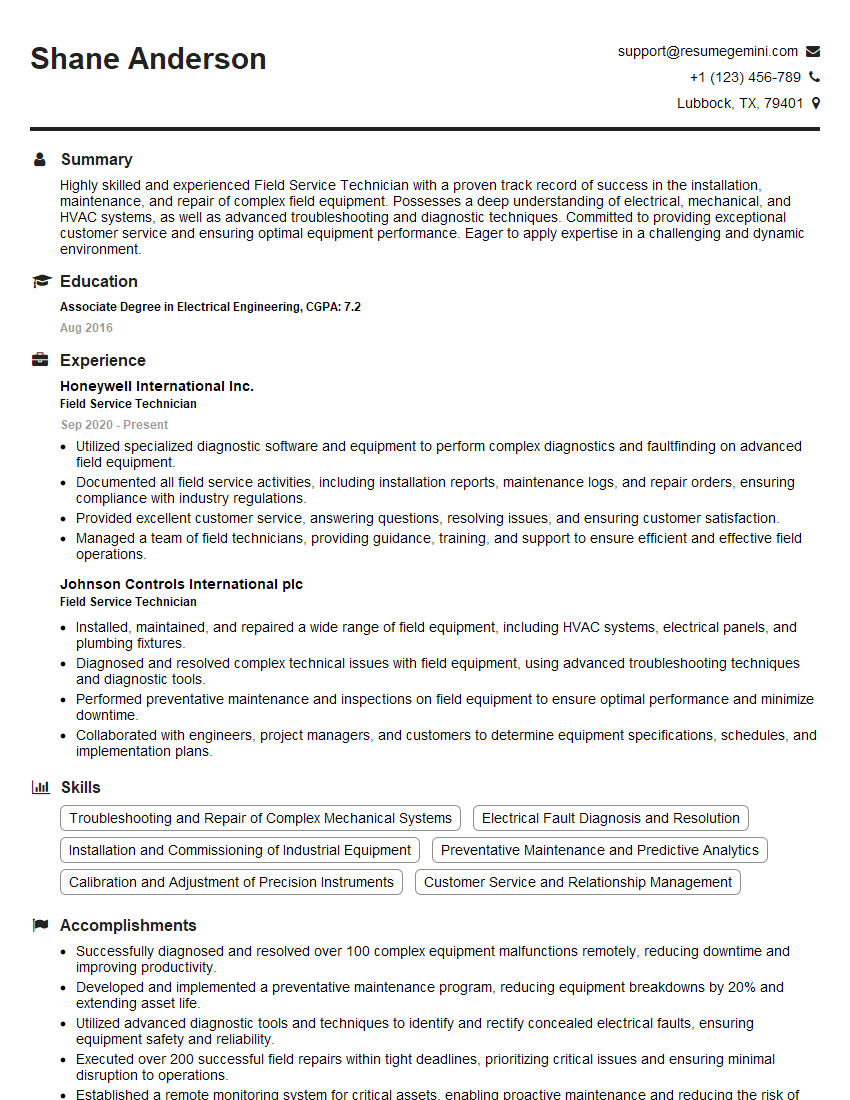
Field Service Technician Resume Sample
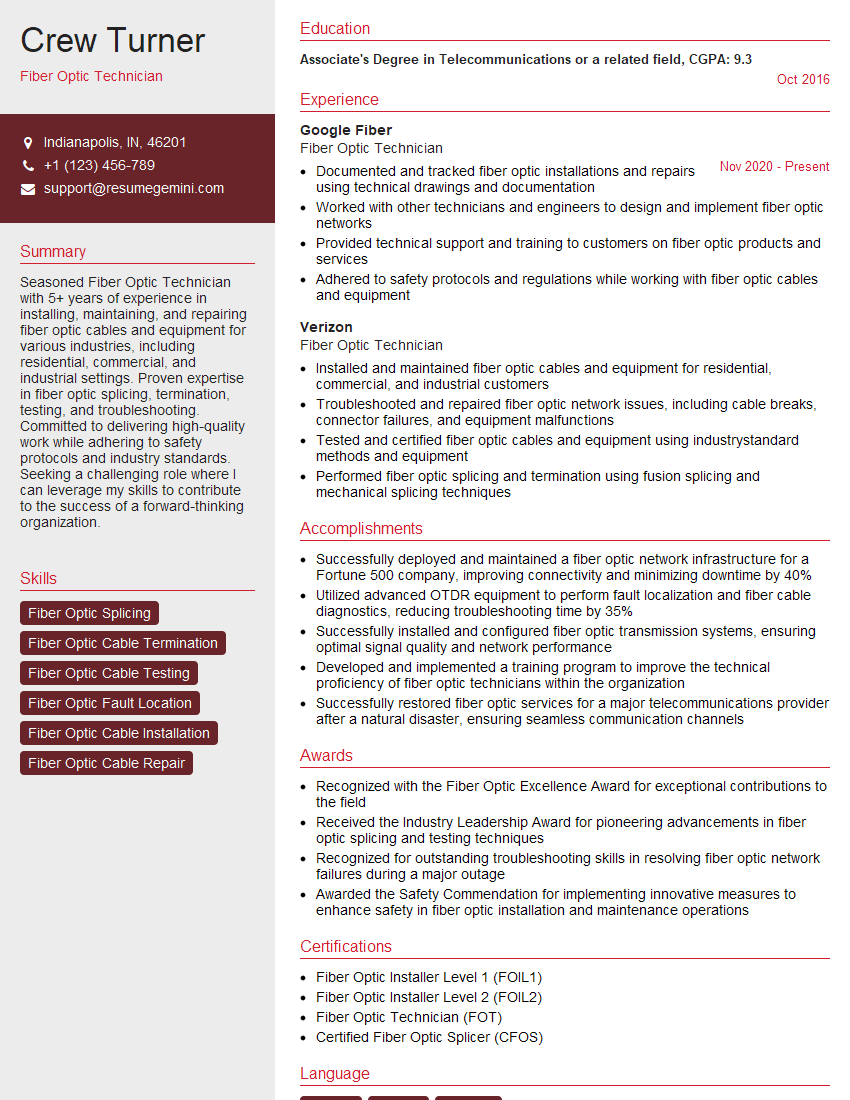
Fiber Optic Technician Resume Sample
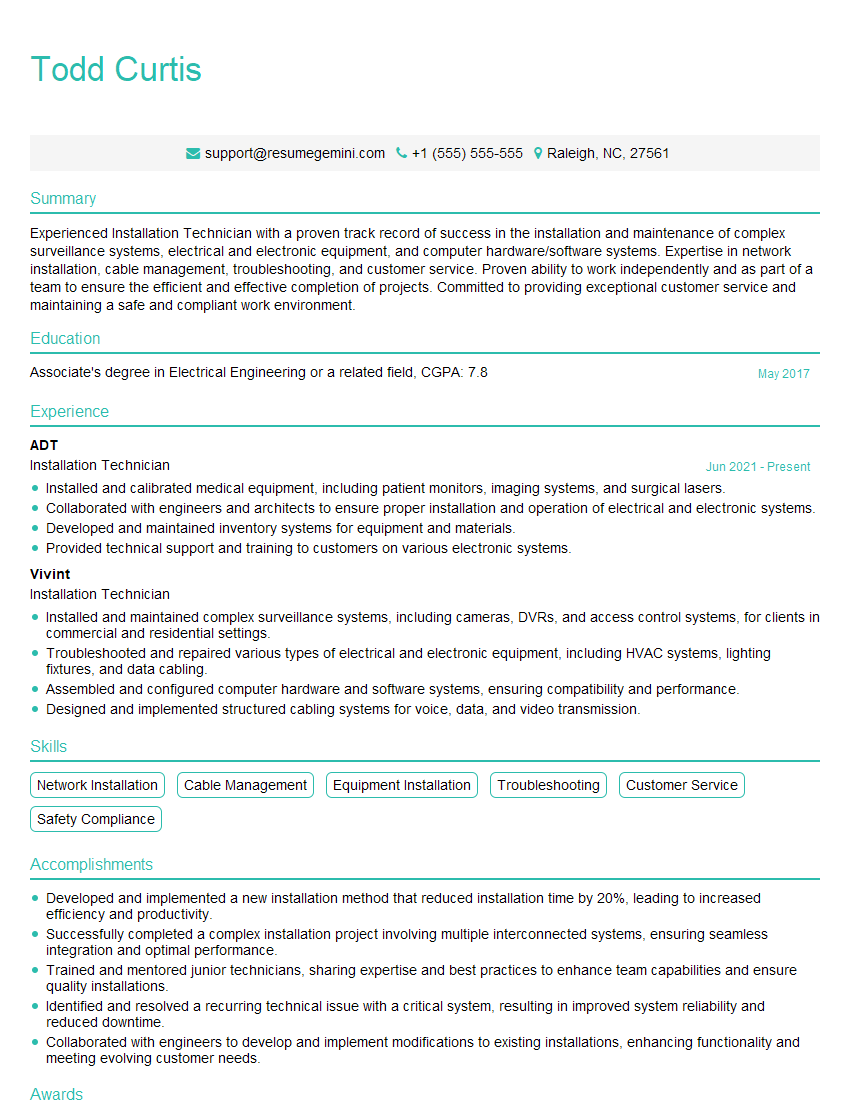
Installation Technician Resume Sample
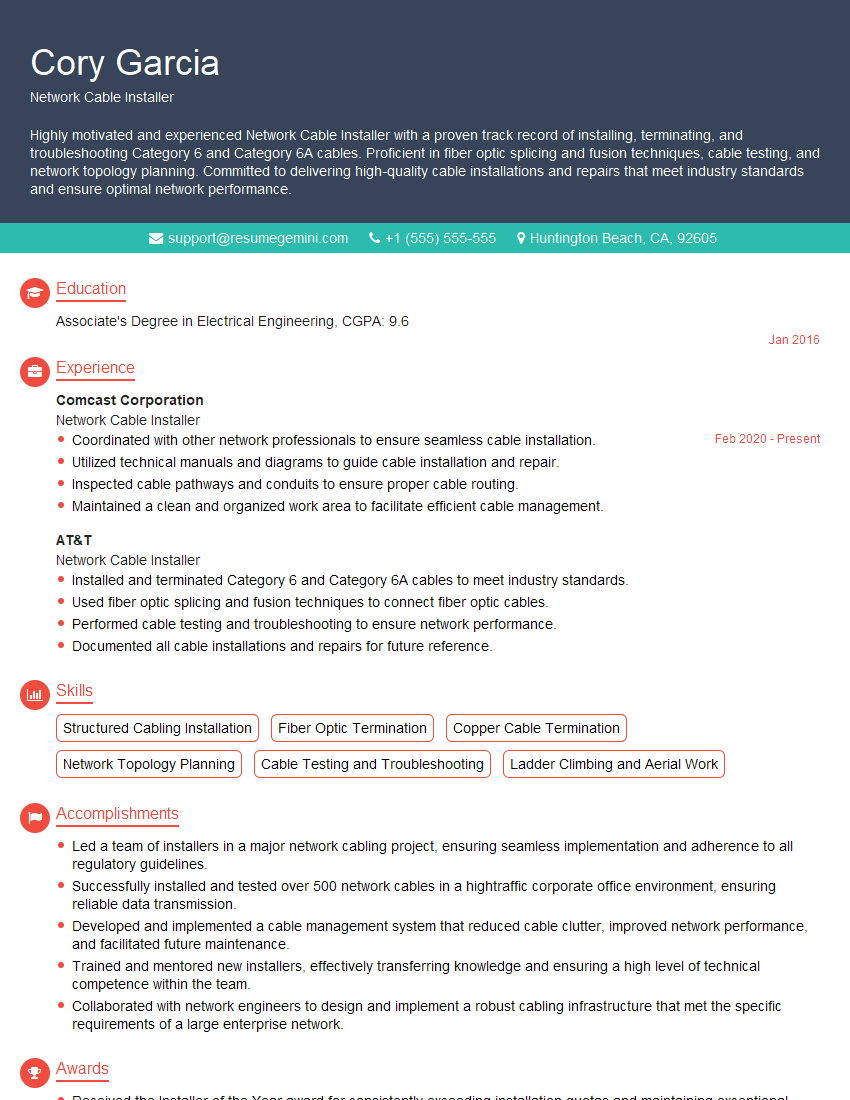
Network Cable Installer Resume Sample
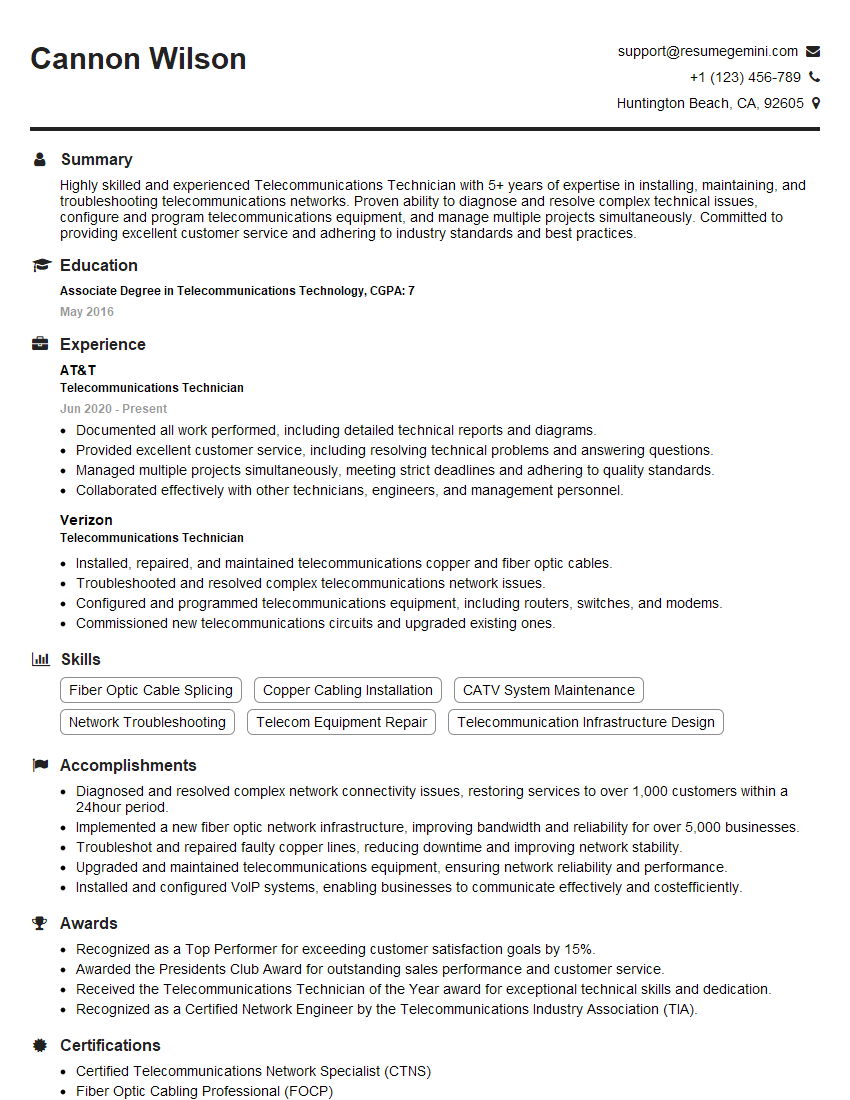
Telecommunications Technician Resume Sample

Security Systems Technician Resume Sample
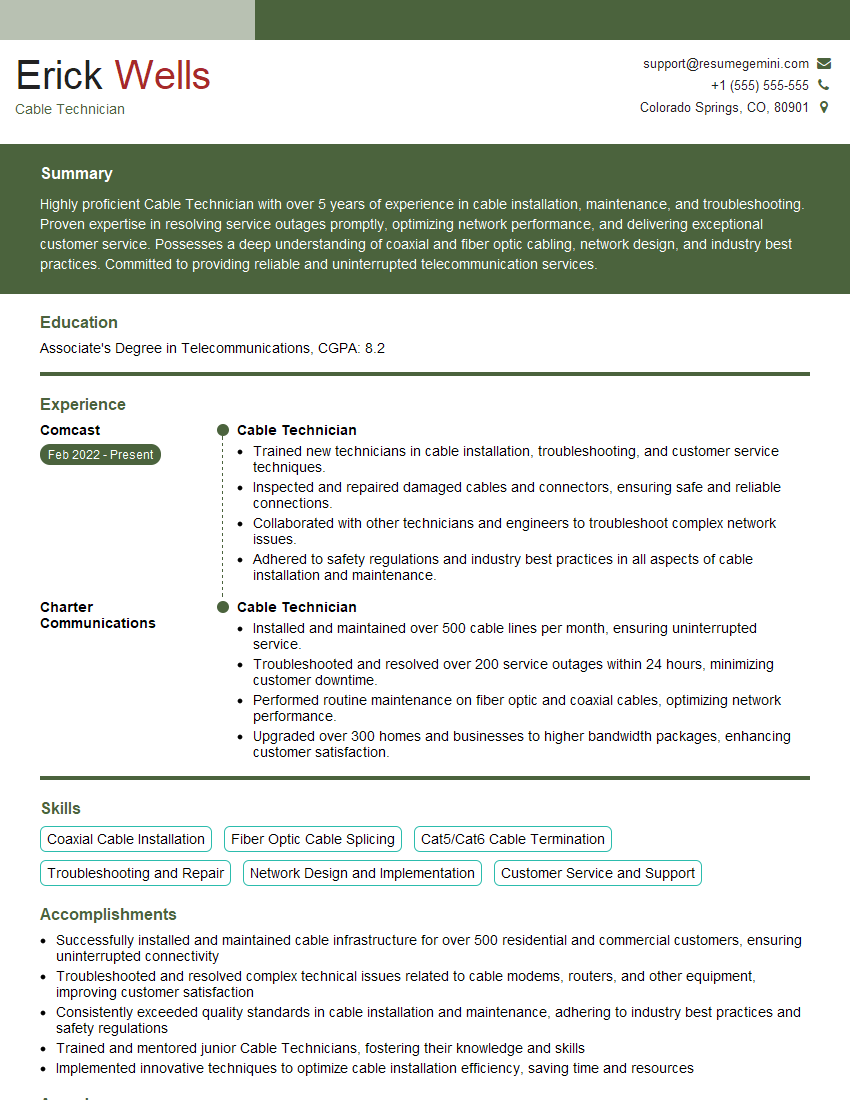
Cable Technician Resume Sample
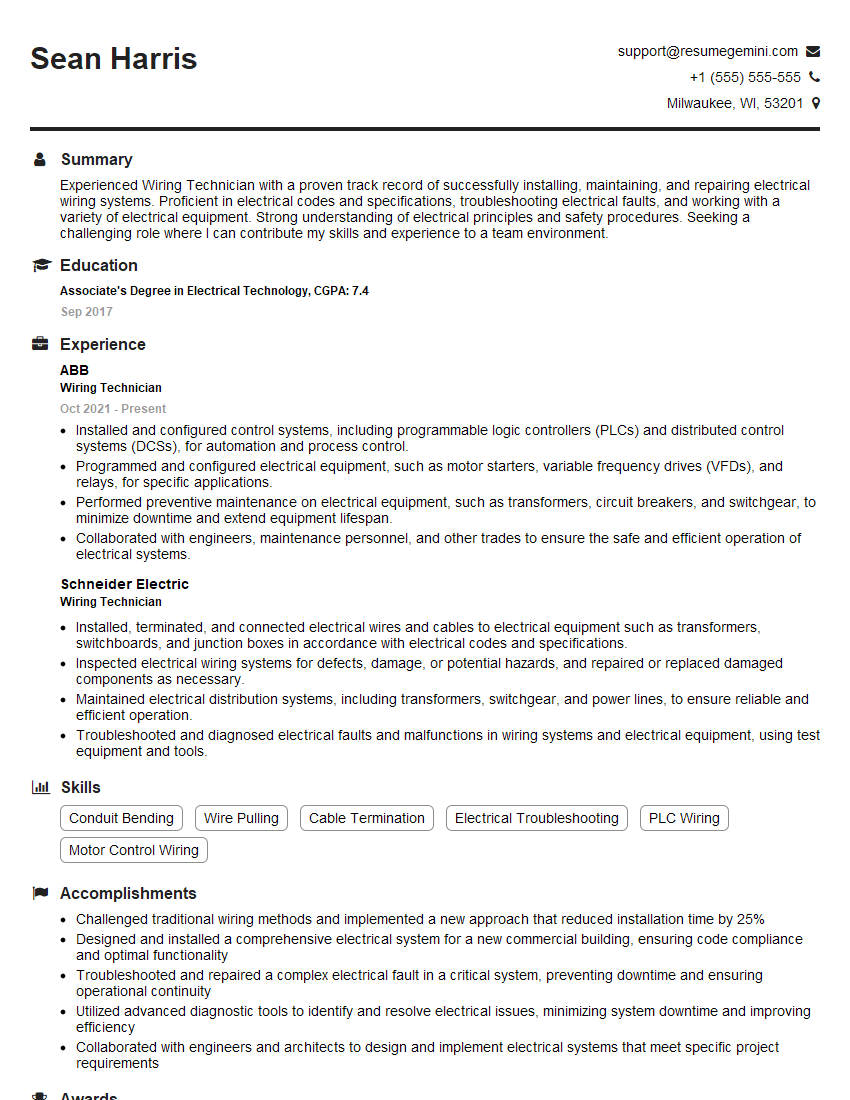
Wiring Technician Resume Sample

IT Support Specialist Resume Sample
- Network Administrator
- Systems Administrator
- Help Desk Technician
- Electronics Technician
- Electrical Technician
- Field Service Technician
- Fiber Optic Technician
- Installation Technician
- Network Cable Installer
- Telecommunications Technician
- Security Systems Technician
- Cable Technician
- Wiring Technician
- IT Support Specialist
Explore more articles
Users Rating of Our Blogs
Share Your Experience
We value your feedback! Please rate our content and share your thoughts (optional).
What Readers Say About Our Blog
Amazing blog
hello,
Our consultant firm based in the USA and our client are interested in your products.
Could you provide your company brochure and respond from your official email id (if different from the current in use), so i can send you the client’s requirement.
Payment before production.
I await your answer.
Regards,
MrSmith
hello,
Our consultant firm based in the USA and our client are interested in your products.
Could you provide your company brochure and respond from your official email id (if different from the current in use), so i can send you the client’s requirement.
Payment before production.
I await your answer.
Regards,
MrSmith
These apartments are so amazing, posting them online would break the algorithm.
https://bit.ly/Lovely2BedsApartmentHudsonYards
Reach out at BENSON@LONDONFOSTER.COM and let’s get started!
Take a look at this stunning 2-bedroom apartment perfectly situated NYC’s coveted Hudson Yards!
https://bit.ly/Lovely2BedsApartmentHudsonYards
Live Rent Free!
https://bit.ly/LiveRentFREE
Interesting Article, I liked the depth of knowledge you’ve shared.
Helpful, thanks for sharing.
Hi, I represent a social media marketing agency and liked your blog
Hi, I represent an SEO company that specialises in getting you AI citations and higher rankings on Google. I’d like to offer you a 100% free SEO audit for your website. Would you be interested?