Interviews are more than just a Q&A session—they’re a chance to prove your worth. This blog dives into essential Proficient in using GNSS and mobile mapping systems interview questions and expert tips to help you align your answers with what hiring managers are looking for. Start preparing to shine!
Questions Asked in Proficient in using GNSS and mobile mapping systems Interview
Q 1. Explain the difference between GPS, GLONASS, and Galileo.
GPS, GLONASS, and Galileo are all Global Navigation Satellite Systems (GNSS), providing location data worldwide. However, they differ in their satellite constellations, operating frequencies, and managing organizations.
- GPS (Global Positioning System): Developed by the United States, GPS utilizes a constellation of 24 satellites orbiting the Earth. It operates primarily on two frequencies, L1 and L2.
- GLONASS (Globalnaya Navigatsionnaya Sputnikovaya Sistema): Russia’s GNSS system, GLONASS, also consists of a constellation of satellites and operates on similar frequencies to GPS. It offers a different satellite geometry, potentially improving accuracy in certain regions.
- Galileo: Developed by the European Union, Galileo is a relatively newer GNSS. It offers higher accuracy and improved signal integrity than its predecessors. It’s designed for civilian use and boasts features like search and rescue capabilities.
Think of them like different mobile phone networks – they all provide a similar service (location data), but each has its strengths and weaknesses, coverage areas, and signal characteristics.
Q 2. Describe the process of Differential GPS (DGPS) correction.
Differential GPS (DGPS) enhances GPS accuracy by correcting for systematic errors. It works by comparing the GPS measurements from a known, precisely surveyed location (a base station) with those from a rover (the receiver whose position needs to be determined). The base station transmits the difference between its known position and its GPS-derived position to the rover.
The rover uses this correction data to adjust its own GPS measurements, significantly reducing errors. This is akin to having a reference point to calibrate your measurements. The correction data usually accounts for atmospheric delays (ionospheric and tropospheric) and satellite clock errors. The accuracy improvement can range from meters to centimeters depending on the method and distance between the base station and the rover.
Q 3. What are the common sources of error in GNSS measurements?
GNSS measurements are susceptible to various errors, broadly categorized as:
- Atmospheric Errors: Ionospheric and tropospheric delays caused by the signal’s passage through the atmosphere affect the signal’s travel time and thus the position calculation.
- Multipath Errors: Signals reflecting off buildings, trees, or other surfaces reach the receiver at slightly different times, creating inaccurate position readings. This is like hearing an echo that distorts the original sound.
- Satellite Geometry (GDOP): The geometric arrangement of the satellites visible to the receiver impacts accuracy. Poor geometry leads to larger position errors.
- Satellite Clock Errors: Inaccuracies in the atomic clocks onboard the satellites contribute to positional errors. These errors are partially mitigated with the use of precise satellite ephemeris and clock data.
- Receiver Noise: Electronic noise in the receiver can interfere with the signal reception, leading to errors.
- Orbital Errors: Inaccuracies in the knowledge of satellite orbits affect positioning.
Understanding these sources is crucial for selecting appropriate error mitigation techniques and achieving desired positioning accuracy.
Q 4. How do you handle multipath errors in GNSS data?
Multipath errors are notoriously challenging to deal with. Strategies for handling them include:
- Antenna Selection: Using antennas with choke rings or ground planes helps to suppress reflected signals.
- Signal Processing Techniques: Advanced receiver algorithms can identify and reject multipath signals based on their arrival time and strength. Techniques like carrier-phase ambiguity resolution are particularly beneficial in this regard.
- Data Filtering: Applying filters to the GNSS data can reduce the impact of multipath by removing outliers or smoothing the data.
- Careful Site Selection: If possible, conducting surveys in open areas with minimal obstructions minimizes multipath. This is a preventative measure rather than a correction.
The effectiveness of each technique varies depending on the severity of multipath and the specific application. A combination of techniques is often required for optimal results. Think of it like noise cancellation headphones – they try to identify and remove unwanted sounds to improve the quality of the desired sound.
Q 5. Explain the concept of Real-Time Kinematic (RTK) GPS.
Real-Time Kinematic (RTK) GPS provides centimeter-level accuracy by using a combination of carrier-phase measurements and differential corrections. It involves a base station at a known location and a rover receiver at the location of interest.
The base station receives GNSS signals and transmits its precise position and carrier-phase information to the rover in real-time via a radio link. The rover uses this information to resolve the integer ambiguities in the carrier-phase measurements, resulting in significantly improved accuracy. This process is iterative and the accuracy is continuously refined.
RTK GPS is extensively used in high-precision surveying, construction, and other applications requiring very accurate positioning. It’s like using a highly precise measuring tool compared to a rough estimation.
Q 6. What are the different types of mobile mapping systems?
Mobile mapping systems vary in their design and capabilities, but are generally categorized into:
- Vehicle-Based Systems: Mounted on vehicles like cars, trucks, or even trains, these systems collect data while traveling along roads or tracks.
- Pedestrian-Based Systems: Smaller and more portable, these are carried by an operator and collect data while walking. This is particularly useful in areas inaccessible to vehicles.
- Aerial Systems (Often UAV Based): Drones or other unmanned aerial vehicles can carry mapping systems to capture data from above, which is useful in diverse terrains.
- Rail-Based Systems: Specialized systems for data acquisition along railway lines, optimizing data collection efficiency and accuracy in that specific environment.
The choice of system depends on the application, terrain, and budget.
Q 7. Describe the components of a typical mobile mapping system.
A typical mobile mapping system comprises:
- GNSS Receivers: Multiple high-precision GNSS receivers for accurate positioning and reliable data acquisition.
- Inertial Measurement Unit (IMU): Measures the orientation and movement of the system for high-frequency positioning updates.
- Cameras: High-resolution cameras (typically multiple) to capture images for 3D point cloud generation and imagery data.
- LiDAR (Light Detection and Ranging): Optional but often included for precise 3D point cloud data acquisition.
- Data Storage and Processing Unit: A computer system to store and process the raw data, and potentially perform some on-board data processing.
- Positioning and Orientation System (POS): This integrates data from the GNSS receivers and IMU for precise positioning and orientation.
- Power System: A sufficient power source to run the entire system.
The integration and synchronization of these components are crucial for producing high-quality, georeferenced data. It’s like an orchestra, where each instrument plays its part to create a harmonious and accurate output.
Q 8. How does LiDAR work in a mobile mapping context?
In mobile mapping, LiDAR (Light Detection and Ranging) is a crucial sensor that measures distances to objects by illuminating them with laser light and analyzing the reflected signal. Think of it like a highly accurate and very fast rangefinder. A mobile LiDAR system uses a rapidly spinning mirror to direct laser pulses in a 360-degree sweep, creating a dense point cloud representing the environment. Each point in the cloud contains three-dimensional coordinates (X, Y, Z) and intensity information reflecting the surface’s reflectivity. This allows us to create incredibly detailed 3D models of roads, buildings, and surrounding terrain.
For example, imagine surveying a highway. The LiDAR system mounted on a vehicle will capture detailed measurements of the road surface, guardrails, signage, trees, and buildings alongside the road, creating a highly accurate digital twin. This detailed point cloud is then used for various applications, from road design and maintenance to accident reconstruction and infrastructure asset management.
Q 9. Explain the process of data acquisition using a mobile mapping system.
Data acquisition with a mobile mapping system is a multi-stage process requiring careful planning and execution. It begins with defining the project area and selecting optimal routes based on factors like road accessibility and GPS signal strength. Next, the system – comprising the LiDAR, GNSS (Global Navigation Satellite System) receivers, inertial measurement unit (IMU), and often high-resolution cameras – is carefully calibrated and installed on a vehicle.
The vehicle then traverses the planned routes, continuously collecting data. The GNSS provides precise positioning information, the IMU measures the vehicle’s orientation and movement, while the LiDAR captures the 3D point cloud. High-resolution cameras simultaneously capture imagery, allowing for visual context and feature extraction. Post-acquisition, the data is downloaded and checked for completeness and potential issues like signal dropouts before progressing to processing.
Consider a project mapping a city center. The routes would be carefully chosen to cover all necessary streets while minimizing obstructions, like dense tree cover, which can affect LiDAR data. Multiple passes might be needed for complete coverage, especially in complex urban environments.
Q 10. How do you ensure the accuracy of data collected using a mobile mapping system?
Ensuring data accuracy is paramount in mobile mapping. We employ several strategies:
- Precise GNSS Positioning: Using high-accuracy GNSS receivers (e.g., RTK or PPK) with corrections from reference stations significantly improves positional accuracy. Post-processing techniques further enhance this accuracy.
- IMU Integration: The IMU data compensates for vehicle motion, minimizing errors caused by vehicle vibrations or sudden movements.
- Calibration and Quality Control: Regular calibration of the entire system is crucial, ensuring sensors are correctly aligned and functioning optimally. Quality control checks are performed throughout the process to identify and address anomalies.
- Ground Control Points (GCPs): Strategic placement of GCPs – points with known coordinates – across the survey area allows for independent verification and adjustment of the point cloud.
- Data Validation: Post-processing software allows for manual and automated checks for outliers, gaps, and other data inconsistencies.
For example, in a road survey, GCPs might be placed at intersections or easily identifiable landmarks. This allows us to rigorously check the positional accuracy of the data and adjust it as needed, ensuring the final product accurately reflects reality.
Q 11. What software packages are you familiar with for processing mobile mapping data?
I’m proficient in several software packages for mobile mapping data processing, including:
- Riegl RiSCAN PRO: Used extensively for processing LiDAR point clouds, offering powerful tools for data cleaning, registration, and classification.
- TerraScan: A comprehensive software suite for terrain modeling and analysis using LiDAR and other spatial data.
- Global Mapper: A versatile GIS software with strong capabilities for handling and visualizing point cloud data.
- ArcGIS Pro: A widely used GIS platform with extensive tools for managing, analyzing, and visualizing spatial data including point clouds.
My experience spans various software packages, allowing me to choose the best tools depending on the project’s specific requirements and the data being processed.
Q 12. Describe your experience with point cloud processing.
My point cloud processing experience encompasses the entire workflow, from initial data cleaning to final product generation. This includes:
- Data Cleaning: Removing noise, outliers, and artifacts from the raw point cloud using filtering techniques.
- Registration: Aligning multiple point cloud scans acquired from different positions to create a seamless 3D model.
- Classification: Assigning semantic labels to points (e.g., ground, buildings, vegetation) to improve data understanding and analysis.
- Meshing and Surface Modeling: Generating 3D surface models from the classified point cloud, enabling the creation of detailed digital terrain models (DTMs) and other relevant products.
- Data Export: Exporting processed data in various formats (e.g., LAS, XYZ, OBJ) for use in other applications.
For example, I’ve processed large point clouds acquired during bridge inspections, generating high-resolution 3D models used to assess structural integrity. The classification step was crucial in identifying damaged sections, aiding in decision-making for repairs.
Q 13. How do you handle data gaps or outliers in mobile mapping data?
Data gaps and outliers are common challenges in mobile mapping. Handling them requires a combination of careful data processing and intelligent decision-making:
- Gap Filling: Techniques like interpolation or kriging can be used to estimate missing data points based on surrounding data. The method used depends on the type and extent of the gap.
- Outlier Removal: Outliers – points significantly deviating from the expected pattern – are often removed using statistical filters or manual editing. Careful consideration is given to avoid removing legitimate data points.
- Data Validation: Combining LiDAR data with other data sources, such as imagery or GPS data, can help detect and correct inconsistencies.
Consider a situation where a dense tree canopy causes data gaps. We may use interpolation to ‘fill’ these gaps, but we carefully evaluate its accuracy and avoid over-generalization. In cases of outlier points, visual inspection with imagery might reveal an actual feature misrepresented by the LiDAR.
Q 14. Explain the process of georeferencing mobile mapping data.
Georeferencing mobile mapping data means assigning accurate geographic coordinates (latitude, longitude, and elevation) to each point in the point cloud. This involves:
- Precise Positioning: Leveraging high-accuracy GNSS data collected during acquisition. This provides the initial positional reference.
- IMU Data Integration: Utilizing the IMU data to account for vehicle motion and orientation, thereby improving the accuracy of the point cloud’s georeferencing.
- Transformation and Adjustment: Applying coordinate transformations to align the point cloud with a known geodetic datum (e.g., WGS84). This often involves least-squares adjustment techniques to minimize errors.
- GCP Validation: Using GCPs to independently verify and refine the georeferencing process, further improving positional accuracy.
For example, after data acquisition, we might use software to apply a rigorous transformation based on the high-precision GNSS and IMU data, and then use the GCP measurements to check and fine-tune the transformation’s parameters. This assures our final product has correctly positioned features within a known coordinate system.
Q 15. What are the common file formats used for storing mobile mapping data?
Mobile mapping systems generate vast amounts of data, often stored in various formats depending on the sensor type and processing software. Common formats include:
- Point clouds: These are typically stored as LAS (LASer) files, containing 3D point coordinates with associated attributes like intensity, classification, and RGB color. This is the most fundamental format for mobile LiDAR data.
- Images: Images captured by cameras on the mobile mapping system are usually saved as georeferenced TIFF or JPEG files, often in a structured folder system linked to the point cloud data for easy referencing.
- Raster data: Orthomosaics (georeferenced mosaics of aerial images) are often produced and stored as GeoTIFF files.
- Vector data: Features extracted from the point cloud data (e.g., roads, buildings) can be stored in common GIS formats like Shapefiles or GeoPackages.
- Proprietary formats: Some mobile mapping software packages use their own proprietary data formats, which may require specialized software for processing and analysis. These are less common but can be more efficient when working within a specific software ecosystem.
Understanding these formats is crucial for efficient data management and interoperability with other GIS software.
Career Expert Tips:
- Ace those interviews! Prepare effectively by reviewing the Top 50 Most Common Interview Questions on ResumeGemini.
- Navigate your job search with confidence! Explore a wide range of Career Tips on ResumeGemini. Learn about common challenges and recommendations to overcome them.
- Craft the perfect resume! Master the Art of Resume Writing with ResumeGemini’s guide. Showcase your unique qualifications and achievements effectively.
- Don’t miss out on holiday savings! Build your dream resume with ResumeGemini’s ATS optimized templates.
Q 16. Describe your experience with creating 3D models from mobile mapping data.
Creating 3D models from mobile mapping data is a core part of my workflow. I typically use a combination of software to achieve this. The process usually starts with point cloud processing and classification. This involves cleaning up the data (removing noise, filtering outliers), classifying points into ground and non-ground features, and potentially segmenting objects like trees and buildings. This step can utilize software like TerraSolid, Cyclone, or LAStools. Following this, I’ll often employ software like RealityCapture, Meshroom (an open-source alternative), or even specialized CAD software to create 3D meshes and textured models from the processed point cloud and imagery. For example, I recently used RealityCapture to generate a high-resolution 3D model of a city center for a traffic simulation project. The software automatically generates textured meshes, and the resulting model allowed accurate visualization and analysis of traffic flow. The accuracy and detail of the 3D model are directly dependent on the quality of the initial mobile mapping data and the carefulness of the processing steps.
Q 17. How do you integrate mobile mapping data with other GIS datasets?
Integrating mobile mapping data with other GIS datasets is essential for creating comprehensive spatial analyses. This is usually done using a GIS software package like ArcGIS or QGIS. The process often involves georeferencing all datasets to a common coordinate system. The mobile mapping data, often in the form of point clouds, raster data (orthomosaics), or vector data (extracted features), can then be overlaid onto existing GIS layers such as cadastral maps, utility networks, or elevation models. For instance, I integrated mobile LiDAR data with an existing road network dataset to assess road conditions and identify areas requiring maintenance. The point cloud’s high-density and accuracy allowed for precise measurements of road surface irregularities which were then linked to the road network attributes within the GIS.
This integration allows for advanced spatial analysis, for example, to assess the impact of construction on existing infrastructure, or identify potential flooding risks in urban areas. The key is ensuring the datasets have consistent spatial referencing and projection.
Q 18. What are the applications of mobile mapping in your field of expertise?
Mobile mapping has numerous applications in my field. Some key examples include:
- Infrastructure inspection: Assessing the condition of roads, bridges, railways, and pipelines using high-resolution imagery and point clouds.
- Urban planning and modeling: Creating detailed 3D models of cities for urban planning, traffic simulations, and disaster response.
- Accident investigation: Documenting accident scenes in detail for forensic analysis.
- Mining and surveying: Mapping open-pit mines, creating stockpile volumes and monitoring mine wall stability.
- Agriculture: Generating precise elevation models for precision farming applications.
- Environmental monitoring: Mapping vegetation, monitoring deforestation, and assessing environmental impact.
In a recent project, I used mobile mapping to survey a large-scale construction site, creating a time-series of 3D models to monitor progress and identify potential safety hazards. This allowed for efficient project management and minimized risks.
Q 19. Explain the concept of geodetic datum and its importance in surveying.
A geodetic datum is a reference system used to define the position of points on the Earth’s surface. It’s essentially a mathematical model of the Earth’s shape and size, providing a framework for coordinate systems. Different datums exist, based on different approximations of the Earth’s geoid (the equipotential surface of the Earth’s gravity field). The importance of a datum is paramount for accuracy in surveying because it provides the foundation for all spatial measurements. Using inconsistent datums will lead to positional errors that can have significant consequences. For example, using a different datum for mapping land boundaries can result in legal disputes and inaccurate property lines. Choosing the correct datum is crucial based on location and project requirements. A project in North America would likely use NAD83 (North American Datum of 1983), whereas projects in other parts of the world might use WGS84 (World Geodetic System 1984).
Q 20. Describe your experience with different coordinate systems (e.g., UTM, State Plane).
My experience encompasses several coordinate systems, including:
- UTM (Universal Transverse Mercator): A widely used projected coordinate system that divides the Earth into 60 zones. I use UTM regularly for projects involving large areas where distortions from a local coordinate system would be too great.
- State Plane Coordinate Systems: These systems are designed for use within individual states in the US, minimizing distortion within those specific geographical boundaries. I’ve employed these systems for projects with a smaller geographic extent within a single state.
- Geographic Coordinate System (latitude/longitude): This is a spherical coordinate system using latitude and longitude. This system is particularly useful for representing locations across large areas, but it is less practical for area calculations and distance measurements.
Understanding the strengths and limitations of each system is essential. For instance, UTM is well-suited for area calculations but has significant distortions near its edges, whereas latitude/longitude is great for global positioning but not ideal for local mapping. The choice depends entirely on the project’s geographic extent and required accuracy. In practice, I frequently perform coordinate system transformations to seamlessly integrate datasets using different systems.
Q 21. How do you ensure data quality and consistency throughout the mobile mapping workflow?
Data quality is paramount in mobile mapping. I employ a multi-faceted approach to ensure consistency throughout the workflow:
- Sensor calibration and pre-processing: Before any data acquisition, sensors are carefully calibrated and checked. This includes verifying the accuracy of the GPS, IMU, and cameras.
- Post-processing and quality control: Rigorous post-processing includes checking for systematic errors, removing outliers and noise, and validating coordinate accuracy. Software like TerraScan and Cyclone are used to accomplish this.
- Accuracy assessment: I regularly assess data accuracy by comparing the mobile mapping data to known ground control points (GCPs) or high-accuracy reference data.
- Data visualization and validation: Visualizing the data using specialized software allows for identification of potential errors or inconsistencies in the point cloud or imagery.
- Documentation and metadata management: Detailed documentation of the entire process is maintained, including sensor settings, processing parameters, and quality control results, providing an audit trail for the entire process.
Employing these steps ensures data reliability and consistency, which is vital for accurate analysis and decision-making.
Q 22. Describe your experience with post-processing GNSS data.
Post-processing GNSS data is crucial for achieving high-accuracy positioning. It involves taking the raw GNSS data collected in the field and using specialized software to improve its precision by accounting for various error sources. This is unlike real-time kinematic (RTK) GNSS, which provides immediate, centimeter-level accuracy.
My experience includes using software like RTKLIB, OPUS, and Leica GeoOffice to process data from various GNSS constellations (GPS, GLONASS, Galileo, BeiDou). This involves steps like data pre-processing (checking for cycle slips, outliers), selecting appropriate reference stations and processing models (e.g., precise point positioning – PPP, double-differencing), and finally quality control (analyzing residuals and assessing positional accuracy). For instance, I once worked on a project where post-processing was essential to achieve the required centimeter accuracy for a high-precision mapping project of a historical site. RTK was not feasible due to the dense urban environment obstructing signals.
A key aspect is understanding the different error sources affecting GNSS measurements – atmospheric delays (ionospheric and tropospheric), multipath effects, and satellite clock errors. Post-processing mitigates these errors by using precise ephemeris data and atmospheric models obtained from external sources. The choice of processing method depends on the desired accuracy and available resources. PPP, for example, provides high accuracy but requires more computational power and time compared to double-differencing.
Q 23. What are some of the challenges you’ve faced in using GNSS and mobile mapping systems?
Using GNSS and mobile mapping systems presents several challenges. One major challenge is dealing with signal obstructions. Dense urban canyons, heavy foliage, and even bridges can significantly weaken or completely block GNSS signals, leading to data gaps and reduced accuracy. This is particularly problematic in real-time applications.
Another challenge is maintaining data quality. Vibrations from the vehicle can introduce noise into the IMU data, affecting the accuracy of the final point cloud. Ensuring proper sensor calibration and data synchronization is therefore crucial. In one project, we had to deal with significant sensor drift because of poor mounting and harsh vibrations on an uneven road surface.
Moreover, processing large volumes of data from multiple sensors can be computationally intensive and time-consuming. Efficient data management and storage strategies are vital to streamline the workflow. Furthermore, ensuring data consistency and accuracy across different sensors and platforms is a continuous effort requiring proper quality checks and validation.
Q 24. How do you troubleshoot issues related to GNSS signal reception?
Troubleshooting GNSS signal reception starts with assessing the environment. Are there significant obstructions? Is the antenna properly mounted and clear of any interference? Checking the receiver’s status and logs for error messages is crucial. A low signal-to-noise ratio (SNR) indicates weak signals.
My troubleshooting steps typically include:
- Visual inspection: Ensuring the antenna has a clear view of the sky.
- Antenna height: Elevating the antenna can improve signal reception.
- Multipath mitigation: Using techniques like choke rings or ground planes to reduce multipath errors.
- Receiver diagnostics: Analyzing receiver logs for error messages related to signal loss, cycle slips, or other issues.
- Checking satellite geometry: Poor satellite geometry (PDOP) can lead to reduced accuracy. We look at the constellation availability and consider adjusting the data acquisition time.
- Software updates: Updating the firmware and software of both the GNSS receiver and data processing software.
For example, during a recent bridge inspection, we encountered significant signal blockage. We used a pole-mounted GNSS antenna to elevate the receiver above the bridge structure, significantly improving signal acquisition.
Q 25. Explain the role of IMU (Inertial Measurement Unit) in mobile mapping.
The IMU (Inertial Measurement Unit) is a crucial component in mobile mapping systems. It measures the vehicle’s orientation (roll, pitch, yaw) and acceleration. This data is combined with GNSS data to create a highly accurate and detailed point cloud. The IMU acts as a bridge during periods of GNSS signal loss.
Think of it this way: GNSS provides absolute position, while the IMU provides relative movement data between GNSS updates. By integrating the two data sources, the system can estimate the vehicle’s position and orientation even when GNSS signals are temporarily unavailable. This integration uses advanced sensor fusion algorithms to reduce errors and create a smoother trajectory. The accuracy of the IMU and its alignment with the GNSS antenna are key factors affecting the overall accuracy.
Specifically, during periods of GNSS outages (e.g., in tunnels or under bridges), the IMU data is used to predict the vehicle’s trajectory. When the GNSS signal returns, the system then uses this information to adjust and improve the overall accuracy. This is known as inertial navigation system (INS) aided GNSS.
Q 26. What are the different types of sensors used in mobile mapping systems?
Mobile mapping systems typically utilize a suite of sensors, each playing a distinct role in data acquisition. The core sensors include:
- GNSS receiver: Provides precise positioning data.
- IMU: Measures orientation and acceleration.
- LiDAR (Light Detection and Ranging): Provides high-density point cloud data for 3D modeling of the environment.
- Cameras (RGB and potentially other spectral ranges): Capture imagery for context and visual information.
In addition to these primary sensors, other sensors might be included depending on the application: for example, odometry sensors to supplement positioning data, and even specialized sensors for collecting specific data such as hyperspectral imagery or thermal data.
The integration and calibration of these sensors are crucial for obtaining accurate and reliable data. The data from each sensor is typically synchronized and combined using sophisticated software to create a comprehensive representation of the surveyed environment.
Q 27. Describe your experience working with different mapping software platforms.
My experience encompasses various mapping software platforms, each with its own strengths and weaknesses. I’m proficient in using platforms like ArcGIS, QGIS, and specialized software packages for processing LiDAR and image data, such as Pix4D and Agisoft Metashape.
ArcGIS provides powerful geospatial analysis and visualization capabilities, while QGIS offers a robust and open-source alternative. Specialized software like Pix4D and Agisoft Metashape excels at processing point cloud and image data to create highly accurate 3D models. The choice of platform depends on the specific project requirements, budget, and data format. For example, I used Pix4D for processing aerial imagery in a recent project, leveraging its photogrammetry capabilities to generate high-resolution orthomosaics and 3D models. For post-processing GNSS data and generating detailed maps, I’ve extensively used ArcGIS.
My expertise lies not only in using these platforms individually but also in integrating them for a seamless workflow. This involves efficient data exchange, format conversions, and leveraging the strengths of each platform to optimize the entire mapping process.
Q 28. How do you manage large volumes of geospatial data?
Managing large volumes of geospatial data requires a structured approach. Simply storing terabytes of data is not enough; it needs efficient organization, retrieval, and processing. My strategy involves a multi-pronged approach:
- Data compression: Employing lossless or lossy compression techniques to reduce storage space without significant data loss. This is crucial for reducing storage and processing time.
- Database management: Utilizing geodatabases (e.g., file geodatabases or enterprise geodatabases) to organize and manage spatial data effectively.
- Cloud storage: Leveraging cloud-based storage solutions like AWS S3 or Azure Blob Storage for scalable and cost-effective storage.
- Data partitioning: Dividing large datasets into smaller, manageable chunks for parallel processing. This significantly speeds up processing tasks.
- Data tiling: Generating tiles of raster data for efficient access and display. This is common when dealing with large imagery datasets.
For instance, in a recent large-scale mapping project, we used a combination of cloud storage and data partitioning to efficiently handle the massive point cloud data generated by the mobile mapping system. This approach enabled us to process the data in a timely manner and deliver the project on schedule.
Key Topics to Learn for Proficient in using GNSS and mobile mapping systems Interview
- GNSS Fundamentals: Understanding different GNSS constellations (GPS, GLONASS, Galileo, BeiDou), signal characteristics, and error sources (atmospheric, multipath, etc.). Explore concepts like pseudoranging and carrier-phase measurements.
- Mobile Mapping System Components: Familiarize yourself with the hardware components (IMU, cameras, LiDAR, GNSS receivers) and their integration within a mobile mapping system. Understand data acquisition processes and workflows.
- Data Processing and Post-processing: Learn about techniques for processing GNSS data (e.g., differential correction, precise point positioning) and integrating it with data from other sensors to create accurate geospatial data. Understand common software packages used in this process.
- Coordinate Systems and Projections: Master different coordinate systems (geodetic, projected) and understand how to transform data between them. This is crucial for accurate geospatial analysis and mapping.
- Quality Control and Assurance (QA/QC): Develop a strong understanding of QA/QC procedures for GNSS and mobile mapping data. This includes identifying and mitigating errors, evaluating data accuracy, and ensuring data integrity.
- Practical Applications: Explore real-world applications of GNSS and mobile mapping systems, such as surveying, mapping infrastructure, creating 3D city models, precision agriculture, and autonomous vehicle navigation. Be prepared to discuss specific projects or experiences.
- Problem-Solving: Practice troubleshooting common issues encountered during GNSS data acquisition and processing. Think about scenarios involving signal blockage, multipath interference, and data inconsistencies.
Next Steps
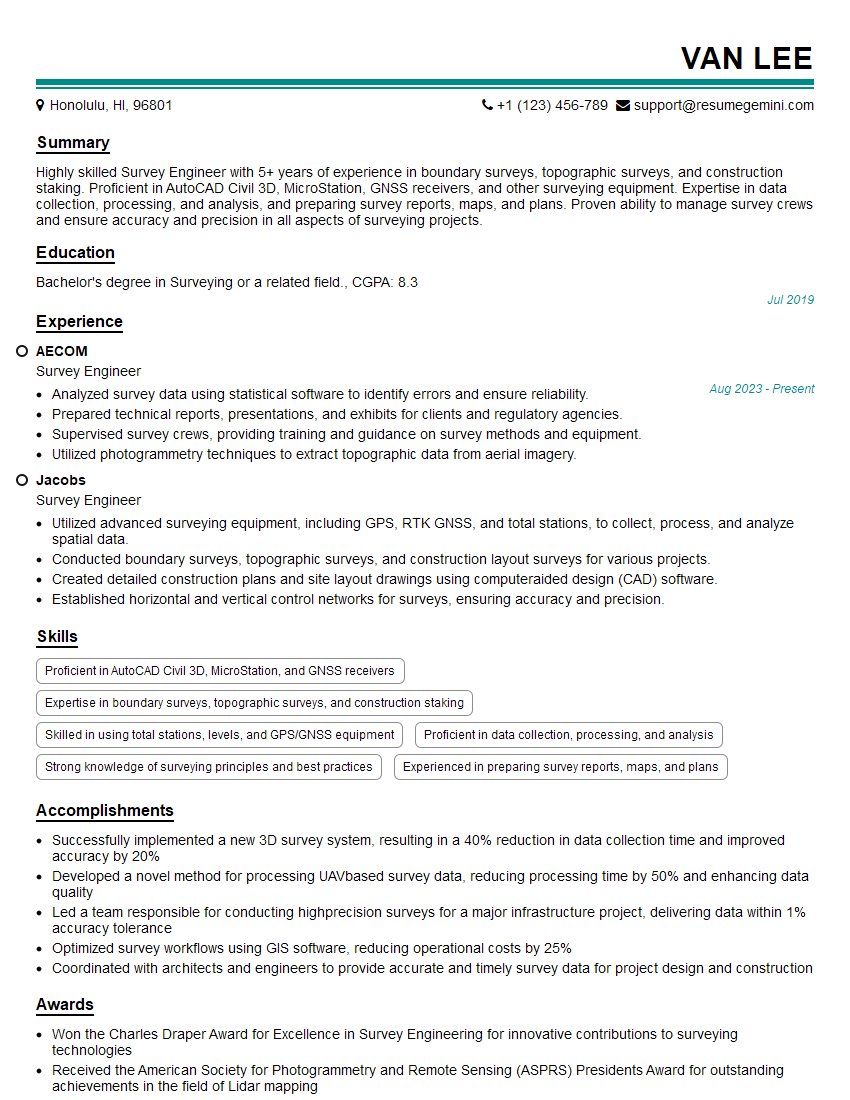
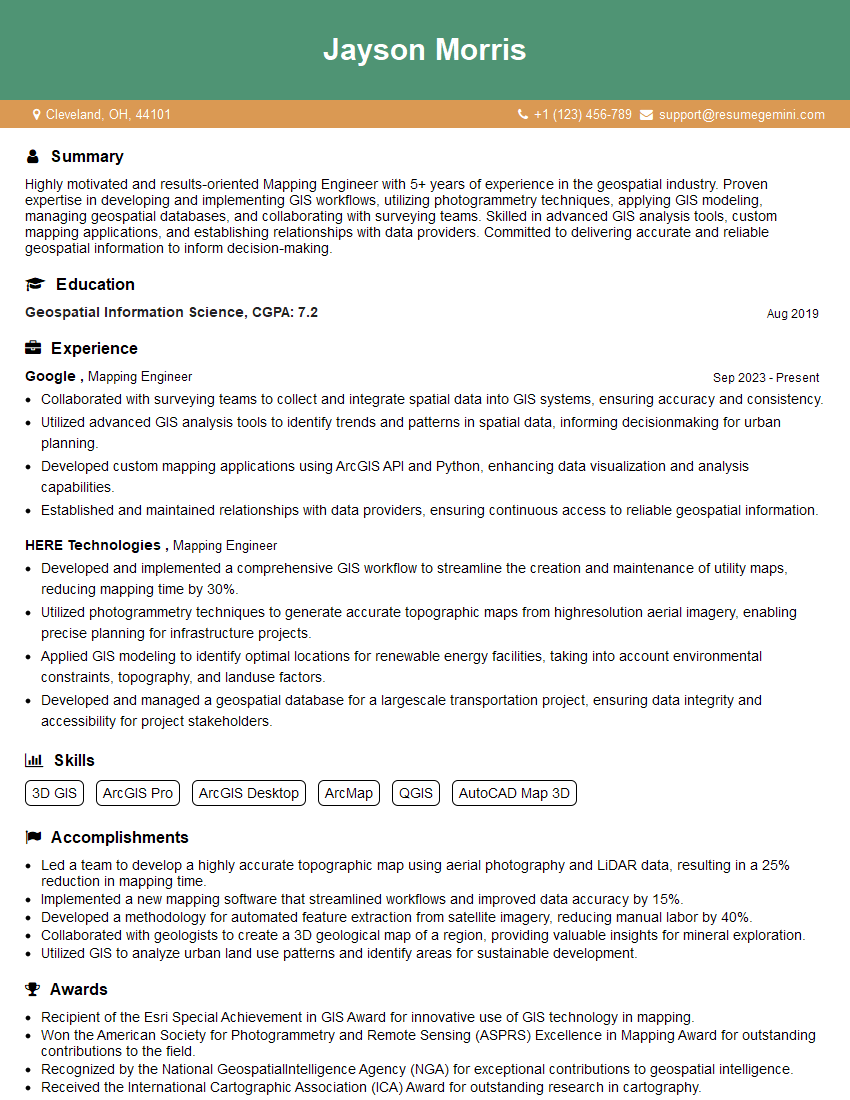
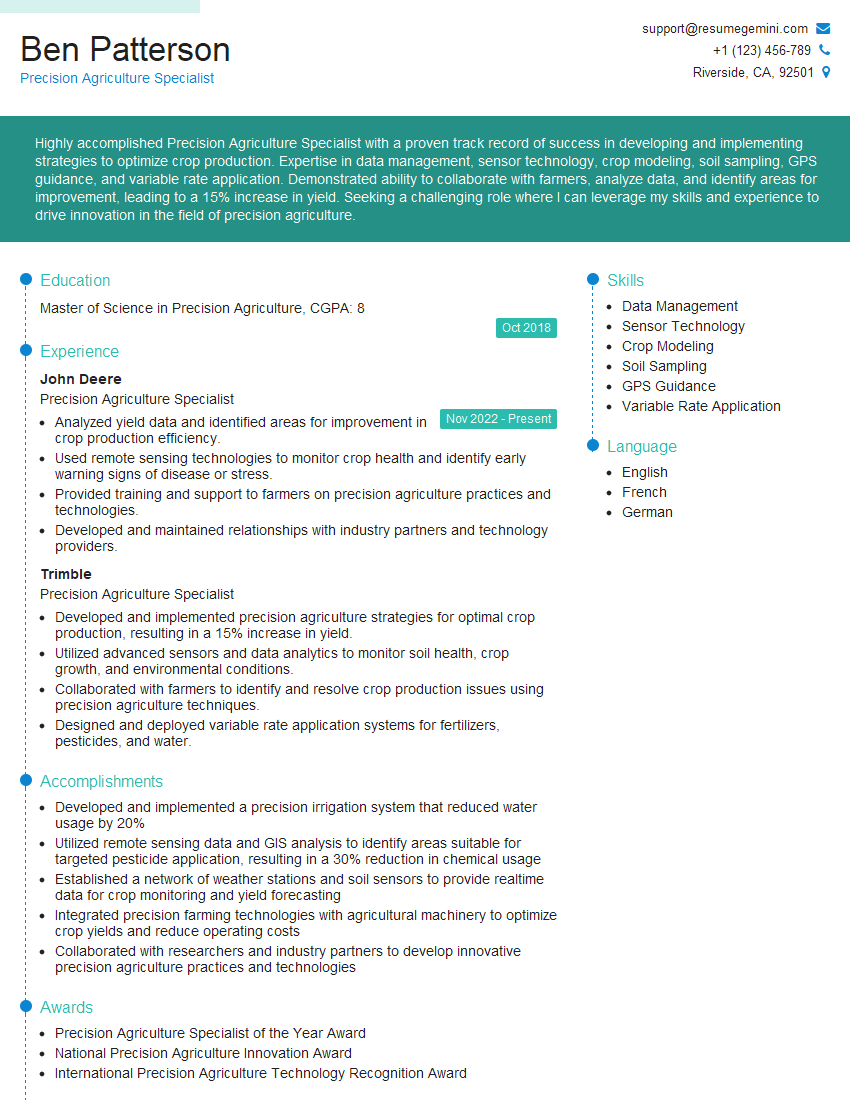
Mastering GNSS and mobile mapping systems opens doors to exciting career opportunities in diverse fields, offering excellent growth potential. A strong resume is crucial for showcasing your skills effectively to potential employers. An ATS-friendly resume, optimized for Applicant Tracking Systems, significantly improves your chances of getting your application noticed. ResumeGemini is a trusted resource to help you craft a professional and impactful resume tailored to your specific skills and experience. Examples of resumes tailored to professionals proficient in GNSS and mobile mapping systems are available to guide you. Invest the time to create a compelling resume; it’s an investment in your future career success.



Explore more articles
Users Rating of Our Blogs
Share Your Experience
We value your feedback! Please rate our content and share your thoughts (optional).
What Readers Say About Our Blog
Amazing blog
hello,
Our consultant firm based in the USA and our client are interested in your products.
Could you provide your company brochure and respond from your official email id (if different from the current in use), so i can send you the client’s requirement.
Payment before production.
I await your answer.
Regards,
MrSmith
hello,
Our consultant firm based in the USA and our client are interested in your products.
Could you provide your company brochure and respond from your official email id (if different from the current in use), so i can send you the client’s requirement.
Payment before production.
I await your answer.
Regards,
MrSmith
These apartments are so amazing, posting them online would break the algorithm.
https://bit.ly/Lovely2BedsApartmentHudsonYards
Reach out at BENSON@LONDONFOSTER.COM and let’s get started!
Take a look at this stunning 2-bedroom apartment perfectly situated NYC’s coveted Hudson Yards!
https://bit.ly/Lovely2BedsApartmentHudsonYards
Live Rent Free!
https://bit.ly/LiveRentFREE
Interesting Article, I liked the depth of knowledge you’ve shared.
Helpful, thanks for sharing.
Hi, I represent a social media marketing agency and liked your blog
Hi, I represent an SEO company that specialises in getting you AI citations and higher rankings on Google. I’d like to offer you a 100% free SEO audit for your website. Would you be interested?