Interviews are opportunities to demonstrate your expertise, and this guide is here to help you shine. Explore the essential Web Developer interview questions that employers frequently ask, paired with strategies for crafting responses that set you apart from the competition.
Questions Asked in Web Developer Interview
Q 1. Explain the difference between GET and POST requests.
GET and POST are two fundamental HTTP methods used to send requests to a server. They differ primarily in how they transmit data and their intended use cases.
- GET: Used to retrieve data from the server. Data is appended to the URL as query parameters (e.g.,
/users?id=123). GET requests are idempotent, meaning they can be executed multiple times without changing the server’s state. They’re typically used for retrieving information, and the data transmitted is visible in the browser’s address bar. This makes them unsuitable for sensitive data. - POST: Used to submit data to be processed to the server. Data is sent in the request body, not the URL. POST requests are not idempotent; each execution might have a different effect on the server. They’re commonly used for creating or updating resources, and the data is not visible in the URL, enhancing security.
Analogy: Imagine ordering food. GET is like asking the waiter, “What’s on the menu?” (retrieving information). POST is like submitting your order (sending data to be processed).
Example: A GET request might fetch user details: /api/users/123. A POST request might create a new user: The URL remains the same but user details are sent within the request body.
Q 2. What is RESTful API and how does it work?
A RESTful API (Representational State Transfer Application Programming Interface) is an architectural style for building web services. It leverages HTTP methods (GET, POST, PUT, DELETE, etc.) to interact with resources. The key principles are:
- Client-Server Architecture: Clear separation between client and server.
- Statelessness: Each request contains all the information needed; the server doesn’t store context between requests.
- Cacheable: Responses can be cached to improve performance.
- Uniform Interface: Consistent use of standard HTTP methods and data formats (like JSON).
- Layered System: Clients may interact with multiple layers of servers.
- Code on Demand (Optional): The server can extend client functionality by transferring executable code.
How it works: A client sends an HTTP request to a specific endpoint (URL) representing a resource. The server processes the request and returns a response, usually in JSON or XML format. Each HTTP method maps to a CRUD (Create, Read, Update, Delete) operation. For instance, GET retrieves a resource, POST creates one, PUT updates one, and DELETE removes one.
Example: Imagine an API for managing books. GET /books might retrieve a list of books, GET /books/123 might retrieve a specific book, POST /books might create a new book (with book details in the request body).
Q 3. Describe your experience with different JavaScript frameworks (React, Angular, Vue.js).
I have extensive experience with React, Angular, and Vue.js, each offering unique strengths:
- React: A component-based library focused on building user interfaces. I’ve used it to create large-scale applications, leveraging its virtual DOM for performance optimization and JSX for declarative syntax. React’s component reusability and ecosystem of libraries like Redux for state management are key advantages. I’ve successfully built several single-page applications and interactive dashboards using React.
- Angular: A full-fledged framework providing a comprehensive solution for building complex applications. Its structured approach with TypeScript, dependency injection, and RxJS for handling asynchronous operations suits large-scale projects well. I’ve used Angular for enterprise applications demanding robust data handling and maintainability. The built-in features and extensive tooling helped streamline development.
- Vue.js: A progressive framework offering a gentler learning curve compared to React and Angular. Its flexibility allows for gradual integration into existing projects. I’ve utilized Vue.js for smaller projects and rapid prototyping where its ease of use and simplicity proved beneficial. The reactive data binding and template syntax are easy to grasp.
My experience encompasses using each framework for different projects based on their suitability. The choice depends on the project’s scale, complexity, team expertise, and desired features.
Q 4. What are the benefits of using a CSS preprocessor (Sass, Less)?
CSS preprocessors like Sass and Less extend CSS with features that improve organization, maintainability, and efficiency.
- Variables: Define reusable values, making it easier to manage color palettes, font sizes, etc. (e.g.,
$primary-color: #007bff;) - Mixins: Create reusable blocks of CSS code, avoiding redundancy. (e.g., a mixin for rounded corners).
- Nesting: Structure CSS more intuitively by nesting selectors, mirroring the HTML structure. This improves readability.
- Functions: Perform calculations or manipulate values within the stylesheet (e.g., calculating light/dark variants of a color).
- Operators: Use mathematical operators to create dynamic values.
Benefits: Improved code organization, increased maintainability, reduced repetition, better readability, easier management of large stylesheets, and support for advanced features like variables and mixins.
Example (Sass):
$primary-color: #007bff; .button { background-color: $primary-color; padding: 10px 20px; border-radius: 5px; }Q 5. How do you handle cross-browser compatibility issues?
Cross-browser compatibility involves ensuring a website renders and functions consistently across different browsers (Chrome, Firefox, Safari, Edge, etc.). I address these issues using a multi-pronged approach:
- CSS Frameworks: Using frameworks like Bootstrap or Tailwind CSS reduces browser-specific quirks.
- CSS Reset or Normalize: These stylesheets mitigate inconsistencies in default browser styles.
- Feature Detection: Use JavaScript to detect browser capabilities and apply conditional styling or functionality. This avoids relying on browser sniffing, which is less reliable.
- Testing: Thorough testing across multiple browsers and devices is essential to identify and fix compatibility issues. Automated testing frameworks can aid in this process.
- Browser Developer Tools: Leverage browser developer tools to debug and inspect rendering differences.
- Polyfills: Use polyfills to provide functionality not supported in older browsers (e.g., a polyfill for
fetchAPI in older browsers).
Example: Using feature detection for CSS properties to check if a browser supports certain functionalities before applying them will make sure that these functionalities don’t break older browsers.
Q 6. Explain the concept of responsive web design.
Responsive web design is a practice that enables websites to adapt to various screen sizes and devices (desktops, tablets, smartphones). The core principles are:
- Fluid Grids: Use relative units (percentages) for layout, allowing elements to resize proportionally.
- Flexible Images: Use
max-width: 100%for images to prevent them from exceeding their containers. - Media Queries: Use CSS media queries to apply different styles based on screen size, orientation, or device capabilities. This allows for tailored layouts and content adjustments.
- Mobile-First Approach: Design for mobile devices first, then enhance the layout for larger screens. This prioritizes the user experience on smaller devices.
Example: A media query might adjust column widths based on screen size:
@media (max-width: 768px) { .column { width: 100%; /* Stack columns vertically on smaller screens */ } }Q 7. Describe your experience with version control systems (Git).
I have extensive experience with Git, using it for version control in all my development projects. My skills encompass:
- Branching and Merging: Proficient in creating and managing branches for feature development, bug fixes, and experimenting with new code without affecting the main codebase. I regularly merge branches effectively, resolving conflicts using various strategies.
- Committing and Pushing: I write clear and concise commit messages, following best practices for consistent version history. I regularly push changes to remote repositories, ensuring code is backed up and shared with collaborators.
- Pull Requests: I utilize pull requests as a collaborative tool, allowing for code review and discussion before merging changes into the main branch. This enhances code quality and teamwork.
- Resolving Conflicts: I am adept at identifying and resolving merge conflicts, using appropriate strategies to maintain code integrity.
- GitHub/GitLab/Bitbucket: I have hands-on experience with popular Git hosting platforms, utilizing their features for collaboration, issue tracking, and project management. I use these platforms for efficient code collaboration and review.
Using Git helps streamline the development workflow, enabling collaboration, version tracking, and facilitating rollback to previous versions if necessary. It is a crucial part of my development process.
Q 8. What are your preferred debugging techniques?
My preferred debugging techniques are a blend of proactive and reactive strategies. Proactive techniques involve writing clean, well-documented code from the start, using linters and static analysis tools to catch errors early. Think of it like building a house with a solid foundation – you’re less likely to have problems later. Reactively, I leverage the browser’s developer tools extensively. This includes using the console to inspect variables, the network tab to monitor HTTP requests, and the debugger to step through code line by line. I find setting breakpoints incredibly helpful, especially when dealing with complex logic or asynchronous operations. For example, if I’m encountering unexpected behavior in a JavaScript function, I’ll set breakpoints inside the function to examine the values of variables at different stages of execution, helping me pinpoint exactly where the issue originates. Beyond the browser, I use logging statements within my code to track variable values and program flow, especially useful in larger applications. I also rely on error tracking services which provide aggregated error reports, revealing patterns and frequently occurring issues.
Q 9. How do you optimize website performance?
Website performance optimization is a multifaceted process. It begins with understanding what aspects impact performance, namely, loading times, rendering speed and resource consumption. I usually start by profiling the website using tools like Google PageSpeed Insights or Lighthouse. These provide detailed reports on opportunities for improvement. Key strategies include:
- Minification and compression: Reducing the size of HTML, CSS, and JavaScript files. This significantly improves download times. I use tools that automatically minify code and compress images without compromising quality.
- Image optimization: Using appropriately sized and formatted images (WebP format often provides superior compression compared to JPG or PNG). Lazy loading images is also crucial, whereby images are loaded only when they come into the viewport.
- Caching: Leveraging browser caching, CDN caching, and server-side caching to reduce redundant requests. This reduces the workload on the server and delivers content faster to the user. This is like having a well-stocked pantry – you don’t have to go to the store every time you need something.
- Code splitting: Dividing large JavaScript files into smaller chunks, loading only what’s necessary on each page. This reduces initial load time.
- Efficient database queries: Optimizing database queries to reduce the time spent fetching data. Database optimization is frequently overlooked, but it’s vital for larger applications.
- Content Delivery Network (CDN): Distributing website content across multiple servers globally for faster delivery to users around the world. This is like having multiple warehouses strategically located to get products to customers quickly.
The process is iterative; I continually monitor performance metrics after implementing optimizations and refine the strategy as needed.
Q 10. Explain the difference between client-side and server-side scripting.
Client-side and server-side scripting are distinct approaches to handling code execution within a web application. Client-side scripting executes code in the user’s web browser, while server-side scripting runs on the web server.
- Client-side scripting: Typically involves languages like JavaScript, HTML, and CSS. It’s responsible for the interactive elements of a website – things like dynamic updates, form validation, and animations. All of this happens within the user’s browser, without needing to communicate with the server each time an interaction occurs. Think of it as the ‘front-end’ of your application, the part the user directly sees and interacts with.
- Server-side scripting: Uses languages like Python (with frameworks like Django or Flask), PHP, Ruby on Rails, Node.js, Java, etc. It manages data processing, database interactions, security, and more. The server acts as an intermediary, handling requests from the client, processing them, and then sending the results back to the client’s browser. This is the ‘back-end’, handling the logic and data behind the scenes.
For example, a client-side script might validate a form before sending it to the server, while a server-side script would process that form data, store it in a database, and send a confirmation message back to the user.
Q 11. What is the role of a web server?
A web server is a computer program that processes requests from web browsers and serves responses. When you type a URL into your browser, your request is sent to a web server. The web server then locates the requested resource (like an HTML file, image, or video) on its file system or database and sends it back to your browser for display. Think of it as a librarian – you request a book (website), and the librarian (web server) retrieves and gives it to you.
Web servers handle various tasks, including:
- Serving static content: Delivering files like HTML, CSS, JavaScript, images, and videos.
- Processing dynamic content: Executing server-side scripts to generate dynamic content based on user input or other factors.
- Managing databases: Interacting with databases to store and retrieve data.
- Handling security: Implementing security measures to protect the server and its resources from unauthorized access.
Popular web servers include Apache, Nginx, and IIS.
Q 12. Explain your experience with databases (SQL, NoSQL).
I have extensive experience with both SQL and NoSQL databases. The choice between them depends on the project’s specific needs.
- SQL (Relational Databases): I’m proficient with MySQL, PostgreSQL, and SQL Server. SQL databases are structured, using tables with rows and columns. They are excellent for managing structured data where relationships between different data points are crucial. For example, in an e-commerce application, a relational database would be ideal for managing products, customers, and orders, with clear relationships between them. They are usually very strong with ACID properties, making them reliable for financial transactions.
- NoSQL (Non-Relational Databases): I have experience with MongoDB and Cassandra. NoSQL databases are more flexible and can handle large volumes of unstructured or semi-structured data. They excel in scenarios where scalability and flexibility are paramount, such as handling large amounts of user data in a social media application. They’re better suited for handling rapidly changing data.
I can design database schemas, write efficient queries, optimize database performance, and implement appropriate security measures for both SQL and NoSQL databases. My experience includes working with database migrations, ensuring data consistency and reliability.
Q 13. How do you ensure website security?
Website security is paramount. My approach to ensuring website security involves multiple layers of defense:
- Input validation: Sanitizing user inputs to prevent injection attacks (SQL injection, cross-site scripting – XSS). This is like carefully inspecting packages at airport security.
- HTTPS: Using HTTPS to encrypt communication between the browser and the server, protecting sensitive data like passwords and credit card information. This is like using a secure, locked container for valuables.
- Authentication and authorization: Implementing robust authentication mechanisms (like multi-factor authentication) to verify user identities and authorization controls to restrict access to sensitive resources. This limits access to only authorized users, limiting the risk of attacks.
- Regular security updates: Keeping all software and libraries up-to-date to patch known vulnerabilities. This is like regularly servicing your car to prevent breakdowns.
- Secure coding practices: Following secure coding guidelines to minimize the risk of vulnerabilities. This is like building a house with secure locks and alarms.
- Web Application Firewall (WAF): Using a WAF to protect against common web attacks such as DDoS attacks.
- Regular security audits and penetration testing: Conducting regular security audits and penetration testing to identify and address vulnerabilities proactively. This is like having a professional home security inspection.
Security is an ongoing process; it requires constant vigilance and adaptation to evolving threats.
Q 14. What is your experience with testing methodologies (unit, integration, end-to-end)?
My experience encompasses various testing methodologies, each serving a specific purpose in ensuring software quality:
- Unit testing: I write unit tests to verify individual components of the code function correctly in isolation. I use frameworks like Jest and Mocha for JavaScript, focusing on testing small, isolated units of code. This is like checking each brick individually before building a wall.
- Integration testing: Integration tests verify that different modules or components of the system work together correctly. This helps catch issues arising from interactions between different parts of the application. This is like testing that the bricks fit together to form a solid wall.
- End-to-end (E2E) testing: E2E tests simulate real-world user scenarios to ensure the entire application flows correctly. I employ tools like Cypress and Selenium for E2E testing. This tests the entire house – from foundation to roof, to ensure it functions as expected.
I advocate for a comprehensive testing strategy, combining different levels of testing to achieve high-quality software. I believe a well-structured testing plan that uses a combination of automated and manual testing is essential.
Q 15. Describe your experience with Agile development methodologies.
Agile methodologies are my bread and butter. I’ve extensively used Scrum and Kanban in various projects, focusing on iterative development, frequent feedback loops, and adaptability. In Scrum, I’ve participated in sprint planning, daily stand-ups, sprint reviews, and retrospectives, contributing to clear sprint goals and effective task management. With Kanban, I’ve valued visualizing workflow, limiting work in progress, and continuously improving processes. For example, on a recent e-commerce project, we utilized Scrum to develop new features in two-week sprints. This allowed us to quickly adapt to changing client requirements and deliver a high-quality product incrementally. The iterative nature of Agile allowed for continuous feedback and improvements throughout the development lifecycle.
I find the collaborative nature of Agile particularly effective. The emphasis on teamwork and communication ensures everyone is aligned and working towards shared objectives. This approach minimizes misunderstandings and promotes a more efficient development process.
Career Expert Tips:
- Ace those interviews! Prepare effectively by reviewing the Top 50 Most Common Interview Questions on ResumeGemini.
- Navigate your job search with confidence! Explore a wide range of Career Tips on ResumeGemini. Learn about common challenges and recommendations to overcome them.
- Craft the perfect resume! Master the Art of Resume Writing with ResumeGemini’s guide. Showcase your unique qualifications and achievements effectively.
- Don’t miss out on holiday savings! Build your dream resume with ResumeGemini’s ATS optimized templates.
Q 16. How do you handle conflicts with team members?
Conflicts are inevitable in any team environment, and I approach them constructively. My first step is always to actively listen to understand the other person’s perspective. I believe in open and honest communication, focusing on the issue at hand rather than resorting to personal attacks. I try to find common ground and explore solutions collaboratively. If the conflict persists, I’ll involve a team lead or project manager to facilitate mediation and ensure a fair resolution. For instance, during a project where design and development teams had conflicting ideas about a feature’s implementation, I facilitated a meeting where we prioritized each team’s concerns and brainstormed compromises. The result was a solution that satisfied both teams, ensuring project success.
My aim is always to resolve conflicts in a way that strengthens team relationships and improves future collaborations.
Q 17. Explain your experience with different design patterns.
I have practical experience with various design patterns, including Singleton, Factory, Observer, and MVC. The Singleton pattern, for instance, is useful when you need to ensure only one instance of a class exists (like a database connection). The Factory pattern simplifies object creation by delegating it to a factory class. The Observer pattern, crucial in building reactive applications, manages updates between objects. And the Model-View-Controller (MVC) pattern is a cornerstone of web development, effectively separating concerns and improving code maintainability.
In a recent project, we implemented the Observer pattern to update the UI in real-time as data changed from a server-sent event stream. This ensured immediate visual feedback to users. Choosing the right pattern depends heavily on the specific problem you’re trying to solve. It’s about selecting the pattern that best fits the context and promotes code clarity and efficiency.
Q 18. How do you approach learning new technologies?
Learning new technologies is an ongoing process for me. I use a multi-pronged approach. I start with online resources like documentation, tutorials, and online courses. I then delve into practical application by building small projects or contributing to open-source initiatives. I also actively participate in online communities and forums to interact with other developers, learn from their experiences, and seek clarification when needed. For example, when I needed to learn React, I started with the official documentation, then built a simple to-do list application, and finally contributed to a smaller open-source project to solidify my understanding.
Hands-on experience is key for me. I believe in learning by doing and applying newly acquired knowledge to real-world projects.
Q 19. Describe your experience with different JavaScript libraries (jQuery, Lodash).
I have extensive experience with both jQuery and Lodash. jQuery, while older, remains valuable for its concise DOM manipulation capabilities. I’ve used it extensively in projects requiring simple and efficient interaction with the browser’s Document Object Model (DOM). For example, I used jQuery to add event listeners, manage animations, and perform AJAX calls in a legacy application.
Lodash, on the other hand, is a fantastic utility library offering a powerful collection of functions for array manipulation, object handling, and more. Its focus on functional programming concepts simplifies code and enhances readability. I’ve used Lodash extensively in more modern projects to improve code efficiency and maintainability by leveraging its powerful functions for data processing and manipulation. A recent project involved using Lodash’s _.debounce function to optimize a search functionality, preventing excessive calls to an API.
Q 20. What is your experience with SEO best practices?
SEO best practices are crucial for any web application’s success. My experience includes optimizing website content for relevant keywords, ensuring proper title tags and meta descriptions, and implementing structured data markup (schema.org). I also focus on improving website speed and mobile-friendliness, critical ranking factors. Furthermore, I understand the importance of building high-quality, user-friendly content that naturally attracts links from other reputable websites. In a recent project, we implemented a comprehensive SEO strategy, resulting in a significant improvement in organic search traffic within months.
My approach to SEO is holistic, considering both on-page and off-page optimization strategies to ensure maximum visibility and organic reach.
Q 21. Explain the difference between a cookie, session storage, and local storage.
Cookies, session storage, and local storage are all mechanisms for storing data in a web browser, but they differ significantly in scope and lifespan.
- Cookies: These are small text files sent by a web server to a user’s browser. They are often used for session management, personalization, and tracking. Cookies can be either session cookies (lasting only for the duration of the browser session) or persistent cookies (lasting for a specified period, even after the browser is closed). They have limitations on size (around 4KB) and can be subject to security concerns.
- Session Storage: This is a mechanism for storing data that is only available for the duration of the browser session. Data stored in session storage is automatically cleared when the browser is closed. Session storage has a larger storage capacity than cookies (up to several MB).
- Local Storage: Similar to session storage, but data persists even after the browser is closed and reopened. It offers a larger storage capacity and is often used to store user preferences or application data that needs to be retained across multiple sessions. Like session storage, it also has a larger capacity than cookies.
Choosing the right storage mechanism depends on the specific needs of your application. If data needs to persist across sessions, local storage is preferable. If data is only needed for the current session, session storage is more appropriate. Cookies are best suited for session management and tracking, but their size limitations need to be considered.
Q 22. How do you handle asynchronous operations in JavaScript?
JavaScript, being single-threaded, handles asynchronous operations primarily through the concept of the event loop and asynchronous programming patterns. Imagine a restaurant kitchen: the main thread is the chef preparing orders. When an order (asynchronous operation like a network request) comes in, instead of blocking the chef, it’s sent to the side to be prepped by sous chefs (asynchronous functions). The chef keeps cooking other orders. When a sous chef is done, they signal the chef through the event loop, and the chef then processes the finished order.
Promises: These represent the eventual result of an asynchronous operation. They offer methods like
.then()for handling successful results and.catch()for errors. Think of it as a waiter confirming the order is ready.fetch('api/data') .then(response => response.json()) .then(data => console.log(data)) .catch(error => console.error('Error:', error));Async/Await: This makes asynchronous code look and behave a bit more like synchronous code, improving readability. It uses the
asynckeyword to declare an asynchronous function and theawaitkeyword to pause execution until a Promise resolves.async function fetchData() { try { const response = await fetch('api/data'); const data = await response.json(); console.log(data); } catch (error) { console.error('Error:', error); } }Callbacks: Older, but still used, these are functions passed as arguments to other functions that are executed when an asynchronous operation completes. They can be less readable for complex scenarios.
Choosing the right pattern depends on the complexity of the asynchronous operation and the overall code structure. For simpler tasks, Promises might suffice. For more intricate flows or enhanced readability, Async/Await is often preferred.
Q 23. What are your experience with building and deploying web applications?
I have extensive experience building and deploying web applications using various technologies. My workflow typically involves:
Frontend Development: Building interactive user interfaces using frameworks like React, Angular, or Vue.js, along with HTML, CSS, and JavaScript.
Backend Development: Developing server-side logic using Node.js, Python (Django/Flask), or other backend technologies. I’m proficient in designing RESTful APIs and databases (SQL and NoSQL).
Deployment: I’m experienced with deploying applications to cloud platforms such as AWS, Google Cloud, or Azure, using tools like Docker and Kubernetes for containerization and orchestration. I also have experience with CI/CD pipelines to automate the deployment process.
For example, I recently worked on a project where I built a React frontend that consumed data from a Node.js backend using GraphQL. This application was deployed to AWS using a CI/CD pipeline, which enabled automated testing and deployment.
Q 24. Explain your understanding of HTTP status codes.
HTTP status codes are three-digit codes returned by a server in response to a client’s request. They indicate the status of the request, whether it was successful, and what action, if any, the client should take. They’re crucial for debugging and understanding server-client interactions.
1xx (Informational): Indicates that the request has been received and is being processed. These codes are rarely seen by the end-user.
2xx (Successful): Indicates that the request was successful.
200 OKis the most common, signifying a successful request.3xx (Redirection): Indicates that the client needs to take additional action to complete the request, such as following a redirect (
301 Moved Permanently,302 Found).4xx (Client Error): Indicates that the client made an error in its request (
400 Bad Request,401 Unauthorized,404 Not Found).5xx (Server Error): Indicates that the server encountered an error while processing the request (
500 Internal Server Error,503 Service Unavailable).
Understanding HTTP status codes is critical for effective web development. For instance, a 404 Not Found error suggests a problem with the requested URL, while a 500 Internal Server Error implies a backend issue requiring server-side debugging.
Q 25. What are your experience with API integrations?
I have significant experience with API integrations. I’ve integrated numerous APIs, including RESTful, GraphQL, and SOAP APIs. My approach involves understanding the API’s documentation, handling authentication, managing rate limits, and properly handling error responses. I often use tools such as Postman for testing and debugging API calls.
For instance, in a recent project, I integrated a payment gateway API to allow users to make payments within the application. This involved securely handling sensitive information, implementing error handling for failed transactions, and providing feedback to the user about the payment status.
My experience also includes building custom APIs and utilizing API gateways for managing and securing API access, improving performance and scalability.
Q 26. What is your experience with WebSockets?
WebSockets provide a persistent, bidirectional communication channel between a client and a server. Unlike HTTP, which is request-response based, WebSockets allow for real-time, full-duplex communication. Think of it like a phone call instead of sending letters back and forth.
I’ve used WebSockets in applications requiring real-time updates, such as chat applications, live dashboards, and collaborative editing tools. Implementing WebSockets usually involves using libraries like Socket.IO (for Node.js) or similar frameworks on the client-side.
One project I worked on utilized WebSockets to provide real-time stock market data updates to users. This required careful handling of connection management, message formatting, and error handling to ensure a smooth and reliable real-time experience.
Q 27. How do you handle errors and exceptions in your code?
Robust error handling is paramount in any application. My approach involves a multi-layered strategy:
Try-Catch Blocks: I use
try-catchblocks in JavaScript to handle runtime exceptions gracefully. Thetryblock contains the code that might throw an error, and thecatchblock handles the error if one occurs.try { // Code that might throw an error } catch (error) { console.error('An error occurred:', error); // Handle the error appropriately }Input Validation: I validate user inputs on both the client-side and server-side to prevent invalid data from causing errors. This includes type checking, range validation, and sanitization to prevent security vulnerabilities like cross-site scripting (XSS).
Logging: Comprehensive logging is vital for identifying and debugging errors. I utilize logging frameworks to record errors, warnings, and other important events with detailed information, allowing for efficient troubleshooting.
Furthermore, I leverage centralized error monitoring services to track exceptions across the application, enabling proactive identification and resolution of issues affecting users.
Q 28. Describe a challenging technical problem you solved.
In a recent project involving a high-traffic e-commerce website, we faced a performance bottleneck during peak hours. The database queries were slow, resulting in long load times and frustrated users.
My approach to solving this involved a multi-pronged strategy:
Profiling and Analysis: We used profiling tools to pinpoint the slowest queries. This revealed that several queries were inefficient and lacked appropriate indexing.
Database Optimization: We optimized the database queries by adding appropriate indexes, rewriting inefficient queries, and employing query caching techniques.
Caching: We implemented aggressive caching strategies at multiple layers, caching frequently accessed data in memory and using a content delivery network (CDN) to serve static assets.
Load Balancing: To distribute traffic efficiently, we implemented load balancing across multiple servers.
The combination of these solutions drastically improved the website’s performance, reducing load times by over 70% and enhancing the overall user experience. This experience reinforced the importance of thorough performance testing, proactive monitoring, and a multi-faceted approach to optimizing database and application performance.
Key Topics to Learn for Web Developer Interview
- Front-End Development: Mastering HTML, CSS, and JavaScript is fundamental. Understand responsive design principles and common frameworks like React, Angular, or Vue.js.
- Back-End Development: Familiarize yourself with server-side languages (e.g., Python, Node.js, Java, PHP), databases (SQL, NoSQL), and APIs. Practice building and deploying simple web applications.
- Version Control (Git): Gain proficiency in using Git for collaborative development. Understand branching, merging, and resolving conflicts. Practice using Git platforms like GitHub or GitLab.
- Data Structures and Algorithms: Brush up on fundamental data structures (arrays, linked lists, trees) and algorithms (searching, sorting). Many interviews assess problem-solving skills in this area.
- Testing and Debugging: Learn about different testing methodologies (unit, integration, end-to-end) and debugging techniques. Understand the importance of writing clean, testable code.
- Databases and SQL: Develop a solid understanding of relational databases and SQL. Practice writing queries to retrieve, insert, update, and delete data efficiently.
- Security Best Practices: Understand common web vulnerabilities (e.g., XSS, SQL injection) and how to mitigate them. Learn about secure coding practices.
- Software Design Principles: Familiarize yourself with SOLID principles and design patterns. Understand how to design scalable and maintainable applications.
- Problem-solving and Communication: Practice articulating your thought process clearly and efficiently. Demonstrate your ability to break down complex problems into smaller, manageable tasks.
Next Steps
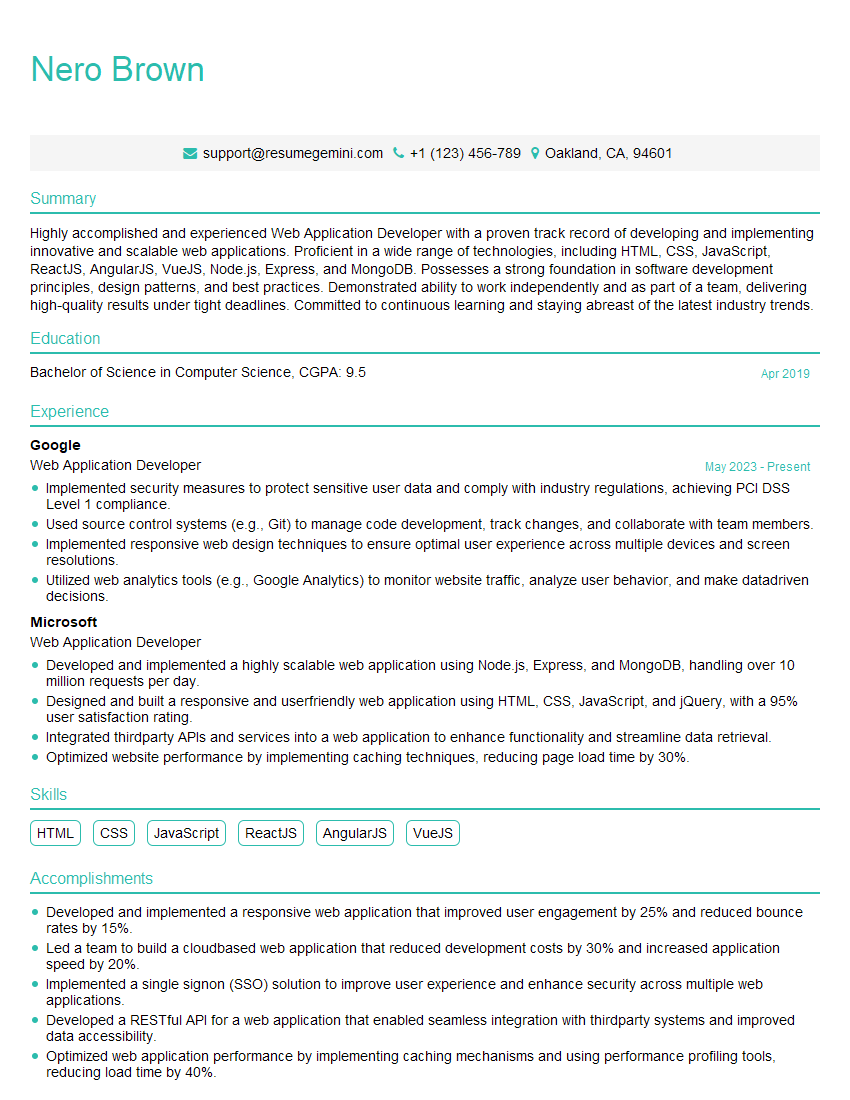
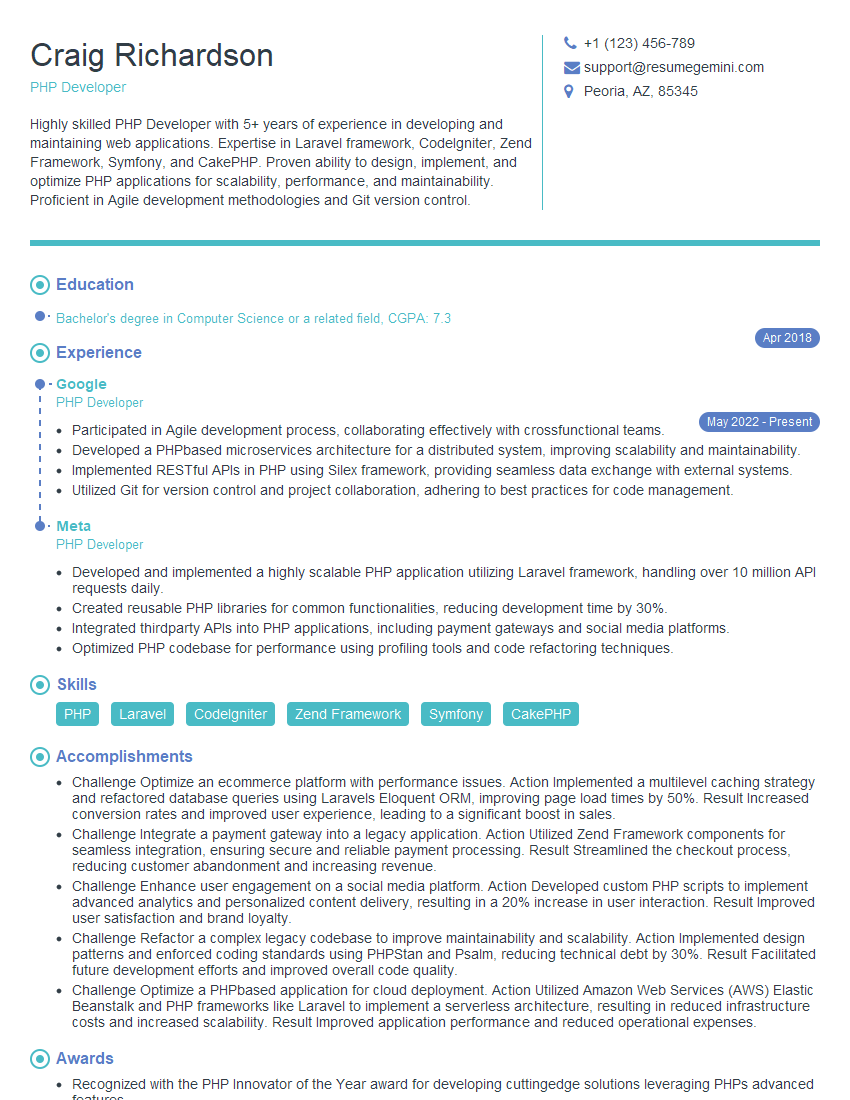
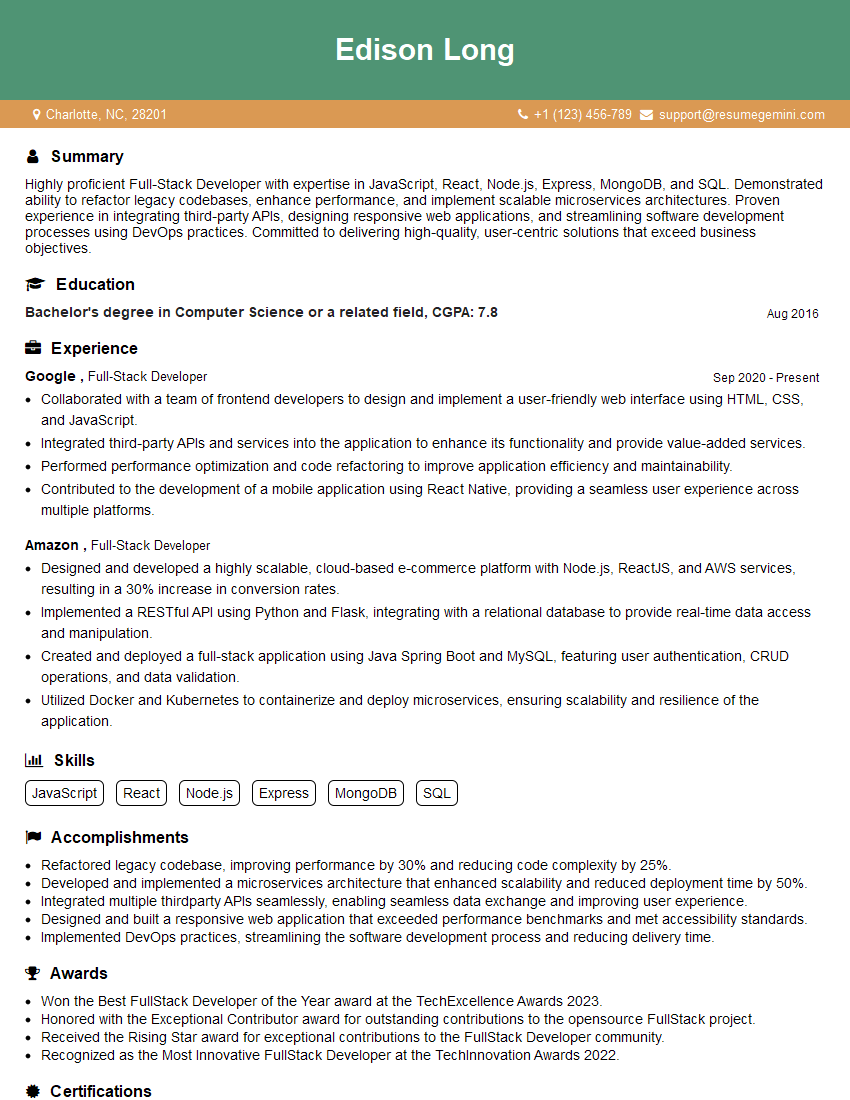
Mastering web development skills opens doors to exciting and rewarding career opportunities, offering growth potential and high demand. To maximize your chances of landing your dream job, creating a strong, ATS-friendly resume is crucial. ResumeGemini is a trusted resource to help you build a professional and impactful resume that highlights your skills and experience effectively. Examples of resumes tailored specifically for Web Developers are available to guide you through the process. Take advantage of this resource to showcase your talents and stand out from the competition.


Explore more articles
Users Rating of Our Blogs
Share Your Experience
We value your feedback! Please rate our content and share your thoughts (optional).
What Readers Say About Our Blog
Amazing blog
hello,
Our consultant firm based in the USA and our client are interested in your products.
Could you provide your company brochure and respond from your official email id (if different from the current in use), so i can send you the client’s requirement.
Payment before production.
I await your answer.
Regards,
MrSmith
hello,
Our consultant firm based in the USA and our client are interested in your products.
Could you provide your company brochure and respond from your official email id (if different from the current in use), so i can send you the client’s requirement.
Payment before production.
I await your answer.
Regards,
MrSmith
These apartments are so amazing, posting them online would break the algorithm.
https://bit.ly/Lovely2BedsApartmentHudsonYards
Reach out at BENSON@LONDONFOSTER.COM and let’s get started!
Take a look at this stunning 2-bedroom apartment perfectly situated NYC’s coveted Hudson Yards!
https://bit.ly/Lovely2BedsApartmentHudsonYards
Live Rent Free!
https://bit.ly/LiveRentFREE
Interesting Article, I liked the depth of knowledge you’ve shared.
Helpful, thanks for sharing.
Hi, I represent a social media marketing agency and liked your blog
Hi, I represent an SEO company that specialises in getting you AI citations and higher rankings on Google. I’d like to offer you a 100% free SEO audit for your website. Would you be interested?