Preparation is the key to success in any interview. In this post, we’ll explore crucial CMMS (Computerized Maintenance Management Systems) interview questions and equip you with strategies to craft impactful answers. Whether you’re a beginner or a pro, these tips will elevate your preparation.
Questions Asked in CMMS (Computerized Maintenance Management Systems) Interview
Q 1. What are the key features and functionalities of a CMMS?
A CMMS, or Computerized Maintenance Management System, is software designed to optimize and streamline maintenance operations. Think of it as a central hub for all things related to maintaining your assets, from scheduling preventative tasks to tracking repairs. Key features include:
- Work Order Management: Creating, assigning, tracking, and closing work orders – the heart of the system.
- Preventive Maintenance Scheduling: Planning and scheduling routine maintenance to prevent breakdowns, like regularly changing oil in a vehicle to avoid engine damage.
- Inventory Management: Tracking parts, supplies, and tools, ensuring you always have what you need on hand. Imagine knowing exactly how many spare bolts are in stock.
- Asset Management: Tracking and managing all your physical assets, including their location, maintenance history, and condition. This could be anything from a factory machine to a fleet of delivery trucks.
- Reporting and Analytics: Generating reports on maintenance costs, equipment downtime, and other key metrics. These reports offer valuable insights to help make informed decisions.
- Mobile Accessibility: Allowing technicians to access information and update work orders from anywhere with an internet connection, improving responsiveness.
A good CMMS will integrate all these functions to provide a comprehensive view of your maintenance operations, leading to increased efficiency and reduced costs.
Q 2. Explain the difference between preventive and corrective maintenance.
Preventive and corrective maintenance are two fundamentally different approaches to equipment upkeep.
Preventive maintenance (PM) is proactive. It involves scheduled inspections and servicing to prevent equipment failures before they occur. Think of it like regular checkups at the doctor – catching potential problems early. Examples include regular oil changes in machinery, filter replacements, and lubrication.
Corrective maintenance (CM), on the other hand, is reactive. It addresses equipment failures after they have happened. It’s like calling a doctor after you’ve fallen ill. Examples include repairing a broken motor, fixing a leak, or replacing a faulty part. CM is often more expensive and disruptive than PM.
The ideal scenario is to minimize CM by strategically implementing a strong PM program.
Q 3. Describe your experience with CMMS implementation and/or upgrades.
I have extensive experience with CMMS implementation and upgrades across various industries. In my previous role at a manufacturing plant, I led the implementation of a new CMMS from selection to full deployment. This involved a thorough needs assessment to determine the best fit for the organization’s needs, careful data migration from the legacy system, extensive user training, and ongoing support during the initial months of use. We tackled data inconsistencies by employing data cleansing procedures and establishing clear data entry guidelines. The upgrade resulted in a 20% reduction in downtime and a 15% decrease in maintenance costs within the first year.
In another project, I managed the upgrade of an existing CMMS platform. This involved migrating to a cloud-based solution which increased accessibility and reduced server maintenance needs. The upgrade required meticulous planning to minimize disruption during the transition and included comprehensive training for all users on the new interface and features.
Q 4. How do you ensure data accuracy and integrity within a CMMS?
Data accuracy and integrity are crucial for a CMMS to function effectively. Several strategies ensure this:
- Data Validation Rules: Implementing rules within the system to prevent incorrect data entry. For example, ensuring that only valid part numbers are entered into inventory.
- Regular Data Audits: Conducting periodic checks to identify and correct errors. These audits can involve comparing CMMS data with physical asset inspections.
- User Training and Standard Operating Procedures: Providing clear guidelines and training to ensure users enter data consistently and accurately. A well-defined process for data entry minimizes errors.
- Data Reconciliation: Regularly reconciling data between the CMMS and other relevant systems, such as accounting or inventory management.
- Access Controls: Restricting access to sensitive data and assigning specific roles and permissions. This helps prevent unauthorized changes.
By combining these methods, you can maintain a high level of data accuracy and integrity, ensuring your CMMS provides reliable information for decision-making.
Q 5. What are some common challenges faced when using a CMMS, and how have you overcome them?
Common challenges with CMMS implementation include user resistance to change, inaccurate or incomplete data, and integration difficulties with existing systems. I’ve overcome these challenges using various strategies:
- User Resistance: Addressing concerns proactively, providing comprehensive training, and showing the benefits of the system through demonstrable improvements. I often involve key users in the implementation process to gain their buy-in.
- Inaccurate Data: Implementing data validation rules, conducting regular data audits, and providing clear guidelines for data entry. Data cleansing efforts are crucial in the initial stages.
- Integration Difficulties: Working closely with IT and other stakeholders to ensure seamless integration with other systems. Understanding the limitations and capabilities of each system is vital. Sometimes, custom integrations are needed to bridge gaps.
Ultimately, success depends on careful planning, effective communication, and a commitment to continuous improvement.
Q 6. How do you prioritize work orders in a CMMS?
Work order prioritization is critical for effective maintenance management. The method used depends on various factors such as the severity of the problem, the criticality of the asset, and the potential impact on operations. Common prioritization methods include:
- Severity/Urgency Matrix: Categorizing work orders based on their severity (e.g., critical, high, medium, low) and urgency (e.g., immediate, urgent, scheduled). This creates a priority ranking.
- Criticality of Asset: Prioritizing work orders affecting critical assets, those essential for continuous operation. A broken production line needs attention before a minor office equipment repair.
- First-In, First-Out (FIFO): Addressing work orders in the order they are received, although this method might not be suitable for all situations.
- Cost-Benefit Analysis: Considering the cost of repair versus the cost of downtime when prioritizing. Sometimes a quick repair is more cost-effective than waiting.
Often, a combination of these methods is employed to ensure a balance between urgency and long-term maintenance planning.
Q 7. Explain your experience with different CMMS software platforms.
My experience encompasses various CMMS platforms, including both on-premise and cloud-based solutions. I’ve worked with industry-leading systems like IBM Maximo, SAP Plant Maintenance, and smaller, more specialized platforms tailored to specific industry niches. Each platform has its own strengths and weaknesses; some excel in reporting, others in mobile accessibility, while others offer superior integration capabilities.
For example, I found Maximo particularly useful in large, complex environments due to its robust features and scalability. Smaller, niche platforms often offer greater flexibility and customization, but may lack the advanced reporting functionalities of larger enterprise systems. Choosing the right platform heavily depends on the specific needs and size of the organization.
Q 8. Describe your experience with generating reports from a CMMS.
Generating reports from a CMMS is crucial for analyzing maintenance performance and making data-driven decisions. I have extensive experience creating a wide variety of reports, from simple summaries to complex analyses, utilizing features such as report builders, custom report design, and data exporting capabilities.
For example, I’ve generated reports on:
- Preventive Maintenance Compliance: Showing the percentage of PM tasks completed on schedule, highlighting areas needing attention.
- Work Order Backlog: Tracking the number of outstanding work orders, categorized by priority and type, to identify bottlenecks.
- Maintenance Costs: Analyzing labor, parts, and overall maintenance expenses by equipment, department, or time period, to identify cost-saving opportunities.
- Equipment Downtime: Calculating the total downtime for specific assets, enabling better resource allocation and preventive maintenance scheduling.
- Mean Time To Repair (MTTR): Measuring the average time it takes to repair equipment after a failure, to improve repair processes and reduce downtime.
My approach always starts with defining the specific information needed, selecting the appropriate report type, and then customizing the report to highlight key findings. I then distribute these reports to relevant stakeholders, facilitating proactive maintenance strategies and continuous improvement.
Q 9. How do you use a CMMS to track inventory and spare parts?
Tracking inventory and spare parts within a CMMS is vital for minimizing downtime and optimizing maintenance costs. Effective CMMS systems provide features for managing inventory levels, tracking part usage, and automating reordering processes.
In my experience, I’ve used CMMS systems to:
- Create a comprehensive parts database: Including part numbers, descriptions, manufacturers, unit costs, and storage locations.
- Track inventory levels: Using real-time inventory tracking and low-stock alerts to prevent unexpected shortages.
- Manage part usage: Automatically deducting parts from inventory when they are used in work orders.
- Generate reports on part usage and costs: Identifying frequently used parts, obsolete parts, and potential cost-saving opportunities through bulk purchasing or alternative sourcing.
- Automate reordering: Setting up automated purchase orders when inventory levels fall below predefined thresholds.
For instance, in a previous role, we implemented a system that automatically generated purchase requisitions for critical spare parts when inventory dropped below a set minimum, preventing costly equipment downtime.
Q 10. How do you use a CMMS for cost tracking and budgeting?
A CMMS is a powerful tool for accurate cost tracking and budgeting. It consolidates maintenance expenses from various sources, allowing for detailed analysis and informed financial planning.
My approach involves:
- Tracking all maintenance-related costs: Including labor, parts, materials, and external contractor expenses. This often involves integrating the CMMS with accounting systems.
- Allocating costs to specific assets or departments: Providing a clear picture of maintenance expenses for each area of the organization.
- Generating cost reports: Analyzing maintenance costs over time, identifying trends, and comparing actual costs to budgeted amounts.
- Developing maintenance budgets: Using historical data and projected needs to create realistic and effective budgets.
- Forecasting future maintenance costs: Based on equipment age, usage patterns, and predicted failures.
For example, by analyzing historical data on equipment repairs, I was able to predict future maintenance needs and allocate a more accurate budget, resulting in significant cost savings.
Q 11. Explain your understanding of key performance indicators (KPIs) in maintenance management.
Key Performance Indicators (KPIs) are crucial for measuring the effectiveness of a maintenance program. They provide quantifiable metrics that help assess performance, identify areas for improvement, and demonstrate the value of maintenance activities.
Some key KPIs I regularly use include:
- Mean Time Between Failures (MTBF): The average time between equipment failures, indicating equipment reliability.
- Mean Time To Repair (MTTR): The average time taken to repair a failed piece of equipment, highlighting efficiency of repairs.
- Preventive Maintenance Compliance Rate: The percentage of scheduled PM tasks completed on time, demonstrating the effectiveness of preventative programs.
- Overall Equipment Effectiveness (OEE): A holistic measure of equipment performance, incorporating availability, performance, and quality.
- Maintenance Cost per Unit Produced: Relates maintenance expense to output, identifying cost-effectiveness.
By tracking these KPIs, organizations can proactively address issues, optimize maintenance strategies, and improve overall operational efficiency. Regular monitoring and analysis are key to gaining valuable insights from these metrics.
Q 12. How do you ensure compliance with regulatory requirements using a CMMS?
Ensuring compliance with regulatory requirements is paramount in maintenance management. A CMMS plays a critical role in this by providing tools for documenting compliance activities and generating reports to demonstrate adherence to regulations.
My approach includes:
- Configuring the CMMS to track regulatory requirements: Defining specific tasks, inspections, and certifications required by relevant standards (e.g., OSHA, EPA, industry-specific regulations).
- Scheduling inspections and tasks according to regulatory timelines: Ensuring all necessary inspections and maintenance are performed within the required timeframe.
- Recording inspection results and maintenance activities: Maintaining a detailed audit trail of all compliance-related activities.
- Generating reports to demonstrate compliance: Providing evidence of adherence to regulatory requirements for audits and inspections.
- Integrating with other systems: To ensure compliance data is accurately reflected across the enterprise.
For example, in a food processing facility, we used the CMMS to track sanitation procedures, ensuring compliance with FDA regulations. This involved scheduling regular cleaning tasks, recording inspection results, and generating reports for audits.
Q 13. What is your experience with integrating a CMMS with other enterprise systems?
Integrating a CMMS with other enterprise systems is essential for maximizing its value and creating a streamlined workflow. This allows for seamless data flow and avoids data duplication. I have experience integrating CMMS systems with various other systems, including Enterprise Resource Planning (ERP) systems, SCADA (Supervisory Control and Data Acquisition) systems, and inventory management systems.
The benefits of integration include:
- Improved data accuracy: Eliminating manual data entry and reducing errors.
- Enhanced efficiency: Automating tasks and workflows.
- Better decision-making: Providing a more comprehensive view of maintenance operations.
- Reduced costs: Improving resource allocation and reducing downtime.
For instance, I have integrated a CMMS with an ERP system to automatically transfer work order costs to the accounting system, eliminating manual data entry and improving the accuracy of financial reporting. Another example includes linking a CMMS with SCADA to obtain real-time equipment status updates, allowing for proactive maintenance scheduling.
Q 14. How do you handle conflicting priorities and urgent work orders?
Handling conflicting priorities and urgent work orders requires a systematic approach that balances immediate needs with long-term maintenance goals. My strategy involves:
- Prioritizing work orders based on urgency and impact: Using a clear prioritization system (e.g., criticality, impact on production, safety concerns).
- Utilizing the CMMS’s scheduling features: Optimizing the scheduling of work orders to minimize downtime and resource conflicts.
- Communicating effectively with stakeholders: Keeping everyone informed about changes to schedules and potential delays.
- Employing effective resource allocation: Ensuring that the right personnel and resources are assigned to the most critical tasks.
- Regularly reviewing and adjusting the schedule: Adapting to changing circumstances and unforeseen events.
Imagine a scenario where a critical piece of equipment fails, creating an urgent work order that conflicts with scheduled preventative maintenance. I’d prioritize the urgent repair, while attempting to reschedule the PM task with minimal disruption to operations. Effective communication with the maintenance team and other departments is key to a smooth resolution.
Q 15. Describe your experience with mobile CMMS applications.
Mobile CMMS applications are game-changers for maintenance teams, allowing for real-time data entry and access to critical information directly in the field. My experience encompasses using several leading mobile CMMS platforms, including both native apps and browser-based mobile interfaces. I’ve used these applications to perform tasks such as creating and updating work orders, conducting preventative maintenance inspections using mobile scanning capabilities, capturing photos and videos of equipment for documentation, and updating the status of work orders in real-time. For example, in a previous role, we used a mobile CMMS to track maintenance tasks on a large fleet of delivery trucks. This significantly reduced the time spent on administrative tasks and improved our overall response time to maintenance requests. The ability to immediately log repairs and parts used, complete with photos, enhanced accuracy and reduced discrepancies in our reporting. Another advantage was the ease of scheduling preventive maintenance, ensuring that trucks were serviced according to their specific needs.
Career Expert Tips:
- Ace those interviews! Prepare effectively by reviewing the Top 50 Most Common Interview Questions on ResumeGemini.
- Navigate your job search with confidence! Explore a wide range of Career Tips on ResumeGemini. Learn about common challenges and recommendations to overcome them.
- Craft the perfect resume! Master the Art of Resume Writing with ResumeGemini’s guide. Showcase your unique qualifications and achievements effectively.
- Don’t miss out on holiday savings! Build your dream resume with ResumeGemini’s ATS optimized templates.
Q 16. How do you train others on using a CMMS?
Training others on a CMMS involves a multi-faceted approach tailored to the user’s role and technical proficiency. I typically begin with a needs assessment, identifying the specific tasks each user will perform within the system. Then, I create a structured training program that combines several methods. This includes:
- Instructor-led training: Hands-on sessions covering the system’s key features and functionalities.
- Self-paced online modules: Providing flexibility and allowing users to review material at their own pace.
- On-the-job training: Mentoring and assisting users while they apply their new skills in real-world scenarios.
- Job aids and quick reference guides: Offering readily available support resources for daily reference.
Q 17. Explain your experience with CMMS data analysis and reporting.
My experience with CMMS data analysis and reporting is extensive. I’m proficient in extracting data from various CMMS platforms and using it to identify trends, predict potential failures, and improve maintenance strategies. I use various tools and techniques, including data visualization software like Tableau or Power BI, to create insightful reports. For instance, I can use historical maintenance data to identify equipment with high failure rates, prompting preventative maintenance schedules or even equipment replacement. I also analyze data to track maintenance costs, identify areas for cost reduction, and measure the effectiveness of different maintenance strategies. For example, comparing mean time between failures (MTBF) and mean time to repair (MTTR) for different equipment provides valuable insights into equipment reliability and maintenance efficiency. This data allows for data-driven decisions to optimize maintenance operations and overall resource allocation. I’m also experienced in creating custom reports tailored to specific business needs, from simple summaries to complex statistical analyses.
Q 18. How do you identify and address recurring maintenance issues?
Identifying and addressing recurring maintenance issues requires a systematic approach. I begin by analyzing CMMS data to identify patterns in maintenance requests. This includes reviewing work orders, noting the frequency of repairs, and identifying common causes of failures for specific assets. Once recurring issues are pinpointed, a root cause analysis (RCA) is essential. This may involve techniques like the 5 Whys, fishbone diagrams, or fault tree analysis to determine the underlying causes. Addressing the root cause is key, not just treating the symptoms. For example, if a specific pump fails repeatedly, instead of just replacing the pump each time, we would investigate to see if there’s a problem with the power supply, the fluid being pumped, or operating conditions. Corrective actions may include implementing preventative maintenance tasks, replacing faulty parts, modifying operating procedures, or even upgrading to more reliable equipment. Regularly monitoring these issues post-correction is also vital to ensure the effectiveness of the chosen solutions.
Q 19. What are your strategies for improving maintenance efficiency using a CMMS?
Improving maintenance efficiency using a CMMS involves optimizing several key areas.
- Preventative Maintenance Scheduling: Leveraging the CMMS to create and adhere to a robust preventative maintenance schedule based on manufacturer recommendations and historical data is crucial. This minimizes downtime and extends equipment lifespan.
- Work Order Management: Streamlining the work order process with automated notifications, efficient routing, and clear task assignments enhances responsiveness and reduces delays.
- Inventory Management: Integrating inventory management into the CMMS allows for accurate tracking of spare parts, minimizing stockouts and reducing downtime caused by parts shortages.
- Performance Monitoring: Tracking key performance indicators (KPIs) such as MTBF, MTTR, and maintenance costs enables data-driven decision making to further improve efficiency.
- Mobile CMMS Utilization: Enabling technicians to access work orders, submit reports, and update the CMMS in real-time significantly boosts efficiency.
Q 20. How do you manage and resolve user issues related to the CMMS?
Managing and resolving user issues related to the CMMS is a critical aspect of successful implementation. I use a multi-pronged approach. First, proactive training and clear documentation minimize issues from the outset. Secondly, I establish a user support system, often a helpdesk or ticketing system, where users can report problems. Thirdly, I track reported issues using the CMMS itself or a separate ticketing system, identifying recurring problems that might require system adjustments or additional training. When resolving issues, I prioritize clear communication, providing users with timely updates on the status of their reports. For example, if a user experiences difficulty navigating a specific report, I’ll provide personalized instruction, create a short video tutorial, or update the user interface to improve usability. Finally, regularly seeking user feedback, both formally and informally, is vital in identifying areas for improvement and ensuring user satisfaction. Think of it as providing excellent customer service to your internal users.
Q 21. Describe your experience with CMMS system security and access control.
CMMS system security and access control are paramount. My experience encompasses implementing and maintaining robust security measures to protect sensitive data. This includes:
- Role-based access control (RBAC): Ensuring that only authorized personnel have access to specific data and functionalities.
- Data encryption: Protecting data both in transit and at rest to prevent unauthorized access.
- Regular security audits and vulnerability scans: Identifying and addressing potential security weaknesses.
- Strong password policies: Implementing and enforcing strong password policies to prevent unauthorized logins.
- User authentication and authorization: Employing multi-factor authentication (MFA) where appropriate to enhance security.
Q 22. How do you ensure the CMMS data is reliable and up-to-date?
Ensuring reliable and up-to-date CMMS data is crucial for effective maintenance management. It’s like having a meticulously organized toolbox – if your tools are misplaced or broken, your work suffers. We achieve this through a multi-pronged approach:
Data Entry Validation: Implementing robust data entry procedures, including mandatory fields, dropdown menus for standardized entries (e.g., equipment types, fault codes), and automated checks for inconsistencies. Think of this as double-checking your measurements before cutting wood – prevents costly mistakes.
Regular Data Audits: Periodically reviewing the data for accuracy, completeness, and consistency. This might involve comparing CMMS data with physical inspections of equipment or reviewing maintenance logs. This is like doing an inventory check of your toolbox, making sure you have everything you need and that it’s in good condition.
User Training and Accountability: Providing comprehensive training to all users on proper data entry and maintenance practices. Clear responsibilities and consequences for inaccurate data are also key. This is like ensuring everyone on your team knows how to use the tools correctly and is responsible for their upkeep.
Automated Data Integration: Where possible, integrating the CMMS with other systems, such as IoT sensors or inventory management systems, to automatically update information and reduce manual data entry. Think of this as automating the inventory process, so your toolbox always reflects the latest equipment status.
Data Cleansing Processes: Regularly purging outdated or irrelevant data to improve system performance and maintain data integrity. This is like cleaning out your toolbox, removing broken or unused tools to make space for the essential ones.
Q 23. What is your experience with preventative maintenance scheduling?
Preventative maintenance scheduling is the backbone of any effective CMMS strategy. It’s about proactively addressing potential issues before they become costly breakdowns. My experience includes developing and implementing PM schedules based on equipment manufacturer recommendations, historical failure data, and risk assessments. I utilize various scheduling techniques:
Time-Based Maintenance: Scheduling tasks at fixed intervals (e.g., oil changes every 3 months). This is simple but might not account for actual equipment usage.
Usage-Based Maintenance: Scheduling tasks based on equipment run time or other operational metrics (e.g., replacing a filter after 1000 hours of operation). This is more efficient as it reflects actual usage.
Condition-Based Maintenance: Utilizing sensors or other monitoring tools to predict when maintenance is needed. This is the most advanced approach, optimizing maintenance and reducing downtime.
I also ensure the schedules are optimized for resource allocation, minimizing disruptions to operations and ensuring the right team has the necessary parts and time.
Q 24. Describe your process for creating and managing work orders.
My process for creating and managing work orders is designed for efficiency and accountability. It’s like managing a project from start to finish:
Work Order Request: Requests are submitted via the CMMS, either by maintenance personnel, operators, or through automated alerts (e.g., sensor-triggered alerts).
Work Order Creation: I verify the request, assign a priority level, categorize the issue, and assign the work order to the appropriate technician. I also add all necessary details including equipment location, required materials, and safety precautions.
Work Order Execution: Technicians update the work order as they progress, recording time spent, materials used, and any additional information relevant to the repair.
Work Order Closure: Once the work is complete, it’s verified and closed. The CMMS automatically generates reports and updates equipment history.
Performance Monitoring: Work order data is analyzed to identify trends, measure technician performance, and improve overall maintenance efficiency. Regular review helps to improve future work order management.
Q 25. How do you measure the return on investment (ROI) of a CMMS?
Measuring the ROI of a CMMS isn’t simply about comparing the software cost to savings. It’s about quantifying the overall impact on the organization. We look at several key metrics:
Reduced Downtime: Calculate the cost of downtime avoided due to preventative maintenance and faster response times to breakdowns.
Lower Maintenance Costs: Compare maintenance expenses before and after CMMS implementation, factoring in reduced labor costs, material waste, and overtime.
Increased Equipment Lifespan: Assess whether the CMMS has extended the operational life of assets.
Improved Inventory Management: Evaluate savings from reduced stock levels and decreased obsolescence due to better parts management.
Enhanced Safety: Quantify improvements in safety, such as reduced accidents or injuries, resulting from improved maintenance practices.
By combining these metrics, we can create a comprehensive picture of the CMMS’s financial and operational benefits. It’s like tracking the return on investment for any other business project – we need data to showcase its value.
Q 26. What is your experience with root cause analysis using CMMS data?
Root cause analysis (RCA) is critical for preventing recurring issues. Using CMMS data, I employ techniques like the ‘5 Whys’ and Fishbone diagrams. The CMMS provides the historical context – failure rates, maintenance history, and associated work orders – which are essential to understanding the ‘why’ behind failures. For example, if a pump repeatedly fails, the CMMS data might reveal a pattern of failures during periods of high usage. By repeatedly asking ‘why’ (why did it fail? why was it under high usage? why wasn’t the preventative maintenance schedule adjusted?), we uncover the root cause, which could be inadequate preventative maintenance, a design flaw, or operator error. This allows us to implement corrective actions, preventing future breakdowns and saving significant resources.
Q 27. How do you contribute to a positive and collaborative team environment within maintenance operations?
Contributing to a positive and collaborative team environment is essential for effective maintenance operations. It’s about building trust and fostering open communication. My approach involves:
Open Communication: Regularly sharing updates, progress reports, and challenges faced with the team, promoting transparency.
Team Meetings and Feedback Sessions: Creating opportunities for team members to share ideas, concerns, and suggestions. Active listening and feedback are crucial.
Mentorship and Training: Sharing knowledge and expertise to support the growth and development of team members.
Collaboration and Knowledge Sharing: Fostering a culture where team members actively help and support each other.
Recognition and Appreciation: Acknowledging individual and team contributions to boost morale and motivation.
A positive and collaborative team environment is more efficient, creative, and less prone to errors, improving overall maintenance performance.
Q 28. Describe a time you had to troubleshoot a significant CMMS issue. What was your approach?
In a previous role, our CMMS experienced a significant data corruption issue. This was like discovering a critical part of your toolbox was severely damaged. My approach was methodical:
Assess the Damage: First, I determined the extent of the damage, identifying the affected data and functionality.
Data Backup and Recovery: We immediately initiated the data recovery process, utilizing our backups. This was like having a spare toolbox ready to go.
Root Cause Analysis: I led a thorough investigation to identify the cause of the corruption, discovering a software bug interacting with a recent system update.
Corrective Actions: We worked with the software vendor to resolve the bug and implemented stricter data backup and validation protocols. We updated procedures to prevent similar issues.
Communication: I kept stakeholders informed throughout the entire process, ensuring transparency and minimizing disruption.
The experience highlighted the importance of robust data management procedures, regular backups, and a structured approach to troubleshooting.
Key Topics to Learn for CMMS (Computerized Maintenance Management Systems) Interview
- Work Order Management: Understand the lifecycle of a work order, from creation and scheduling to completion and reporting. Consider the impact of different prioritization methods and the importance of accurate data entry.
- Preventative Maintenance (PM): Explore the strategies and techniques involved in planning and executing PM schedules. Discuss the benefits of PM in reducing downtime and extending equipment lifespan. Consider how CMMS facilitates PM scheduling and tracking.
- Inventory Management: Learn how CMMS systems track inventory levels, manage procurement, and minimize stockouts. Understand the impact of accurate inventory data on maintenance operations and costs.
- Reporting and Analytics: Explore the various reports generated by CMMS systems and how they are used to analyze maintenance performance, identify trends, and support decision-making. Consider key performance indicators (KPIs) relevant to CMMS.
- Data Integration and APIs: Understand how CMMS integrates with other enterprise systems (ERP, etc.) and the role of APIs in data exchange and automation. Discuss the benefits of seamless data flow.
- CMMS Software Selection and Implementation: Consider the factors involved in choosing the right CMMS software for an organization, including functionality, scalability, and user-friendliness. Discuss the challenges and best practices of implementation.
- Troubleshooting and Problem Solving: Prepare to discuss how you would approach common CMMS-related issues, such as data discrepancies, system errors, and user training needs. Highlight your problem-solving skills and ability to think critically.
Next Steps
Mastering CMMS is crucial for career advancement in maintenance and operations. A strong understanding of CMMS principles and applications significantly enhances your value to any organization. To make yourself stand out, create an ATS-friendly resume that effectively showcases your skills and experience. ResumeGemini is a trusted resource for building professional and impactful resumes. Use it to craft a compelling document that highlights your CMMS expertise. Examples of resumes tailored to CMMS positions are available to help guide you.
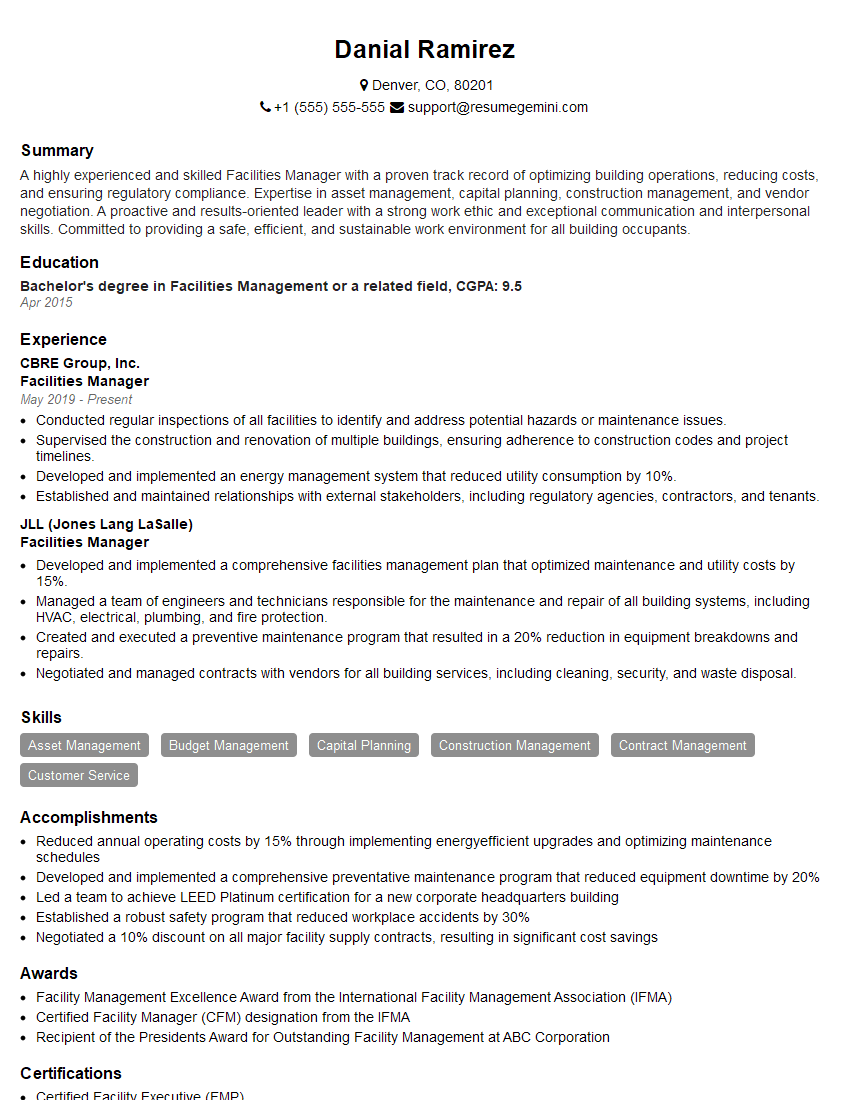
Facilities Manager Resume Sample

Operations Manager Resume Sample
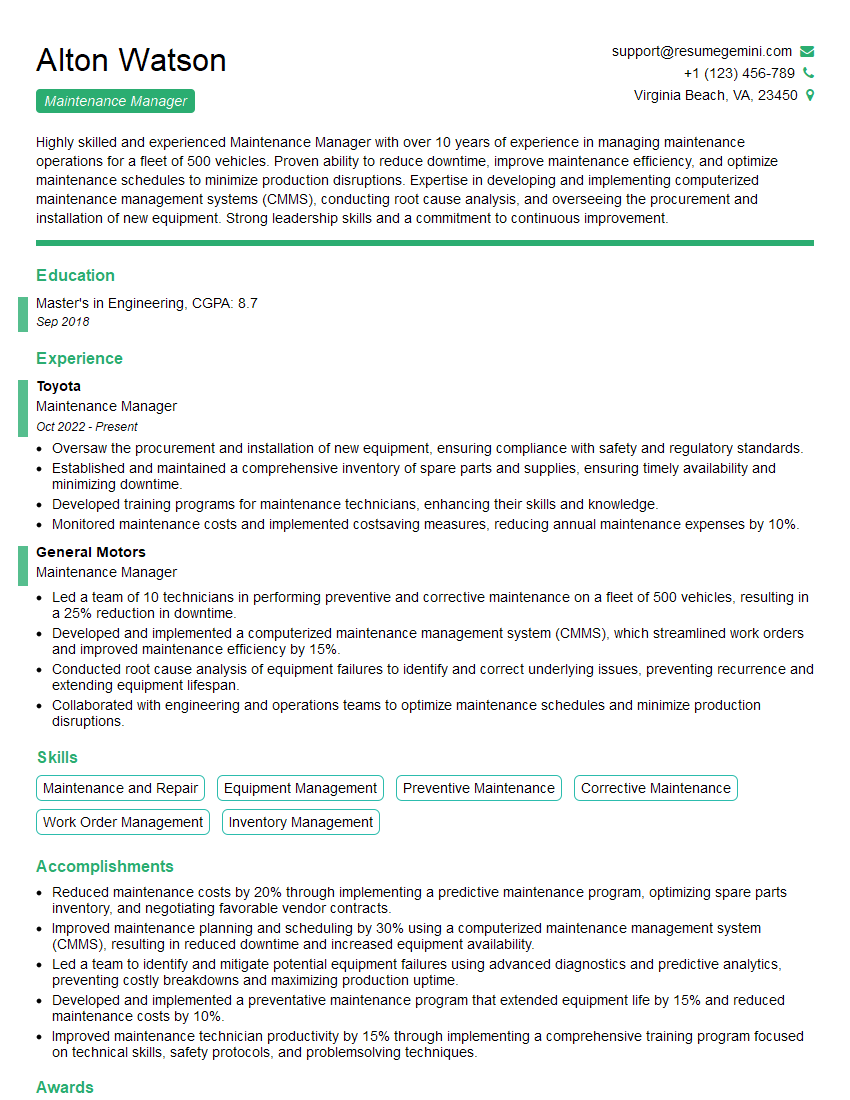
Maintenance Manager Resume Sample
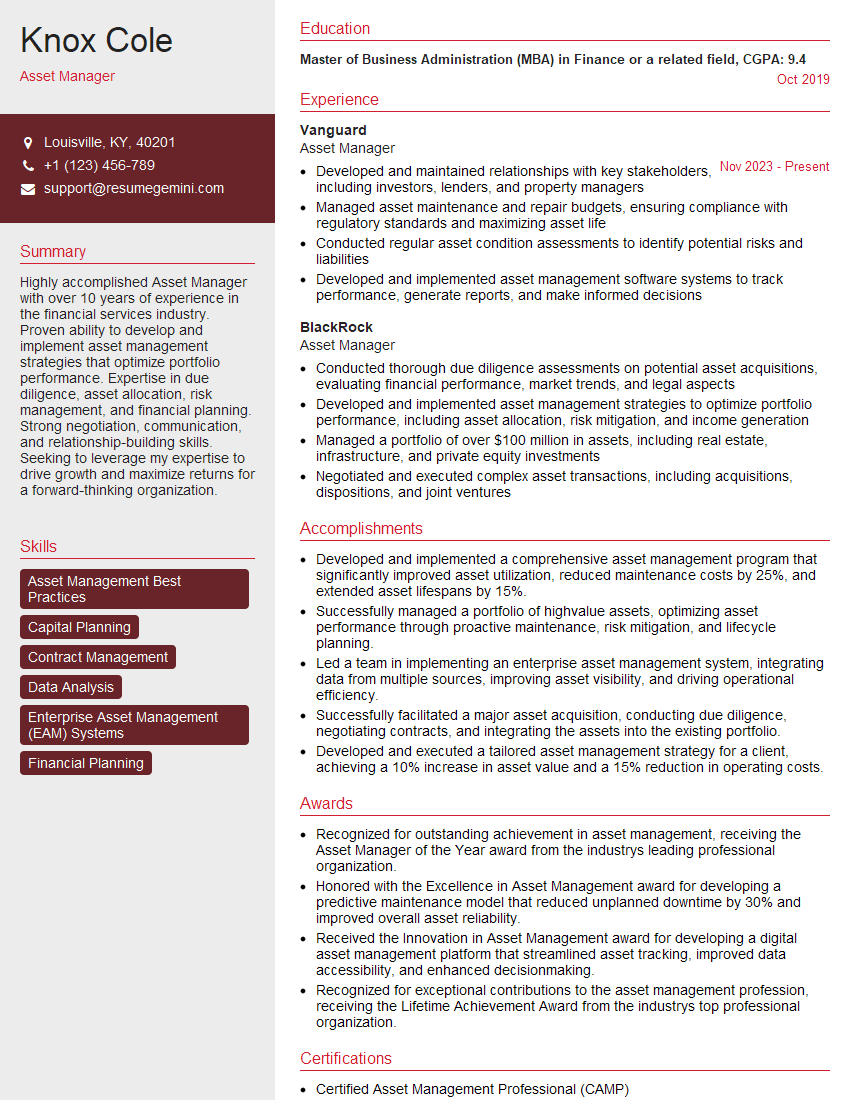
Asset Manager Resume Sample
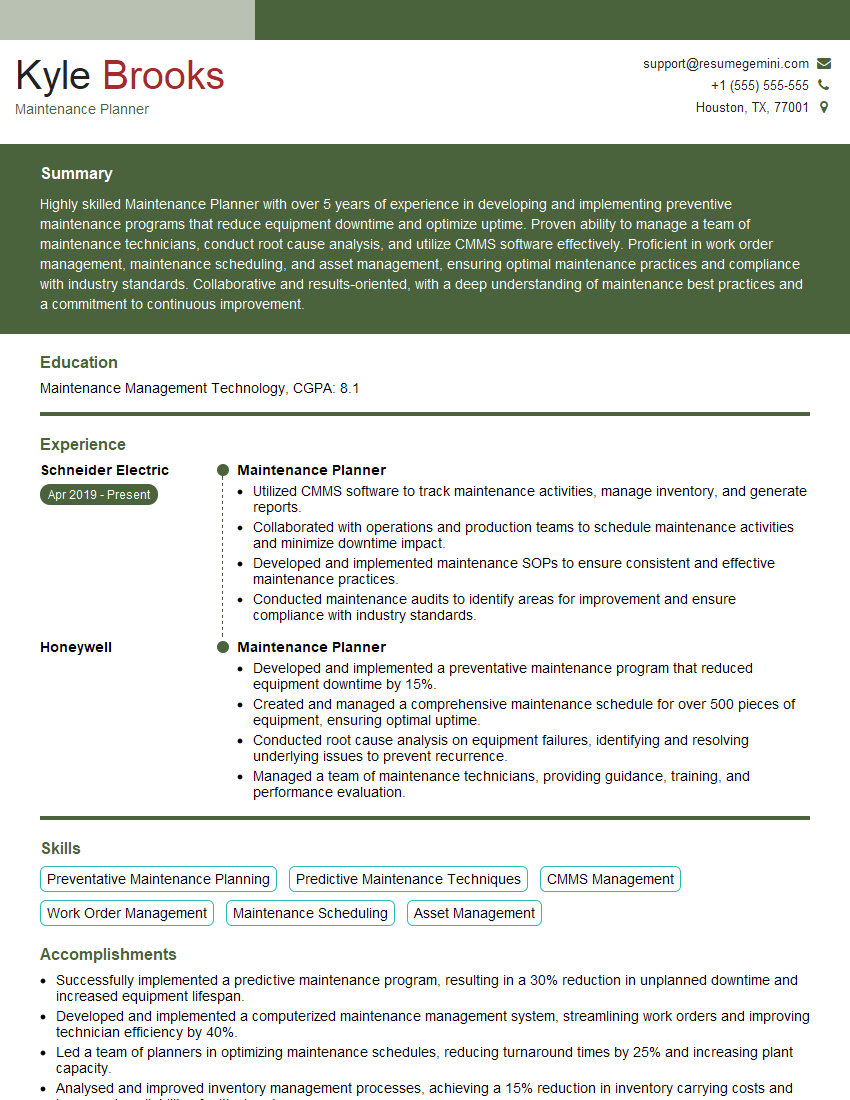
Maintenance Planner Resume Sample
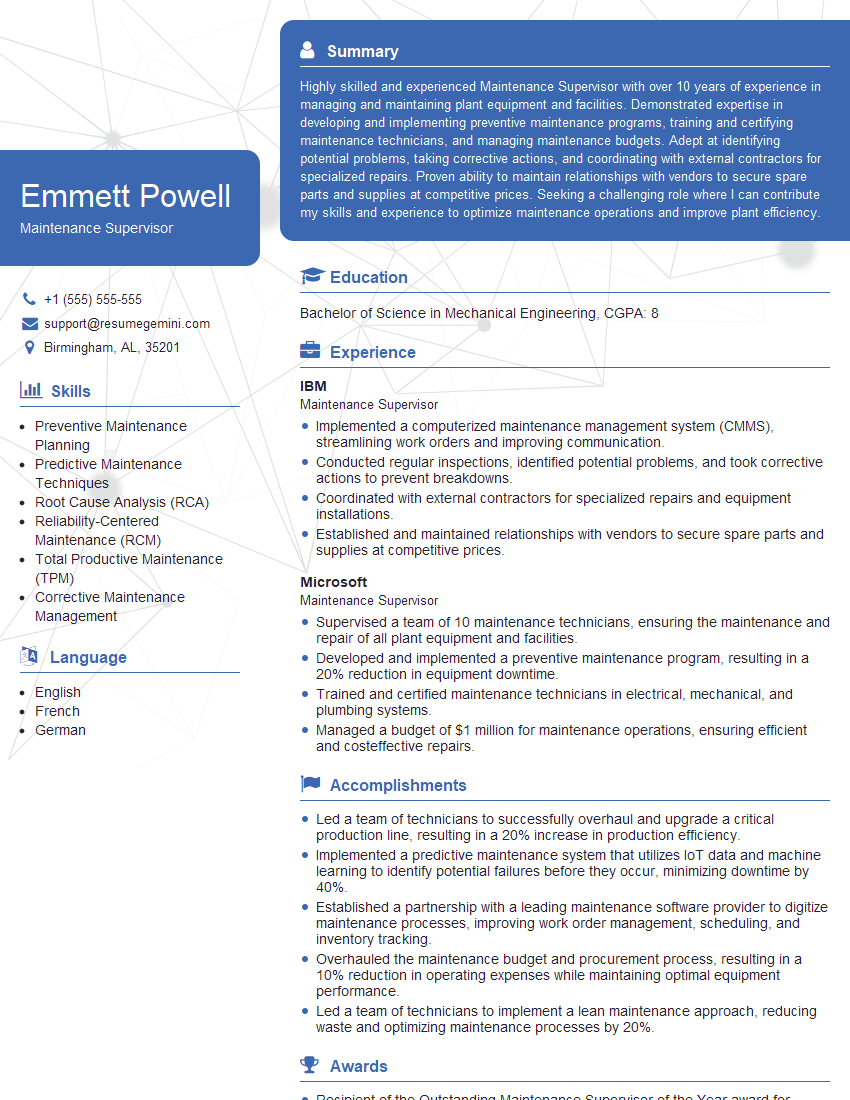
Maintenance Supervisor Resume Sample

Reliability Engineer Resume Sample

Maintenance Technician Resume Sample

Field Service Engineer Resume Sample
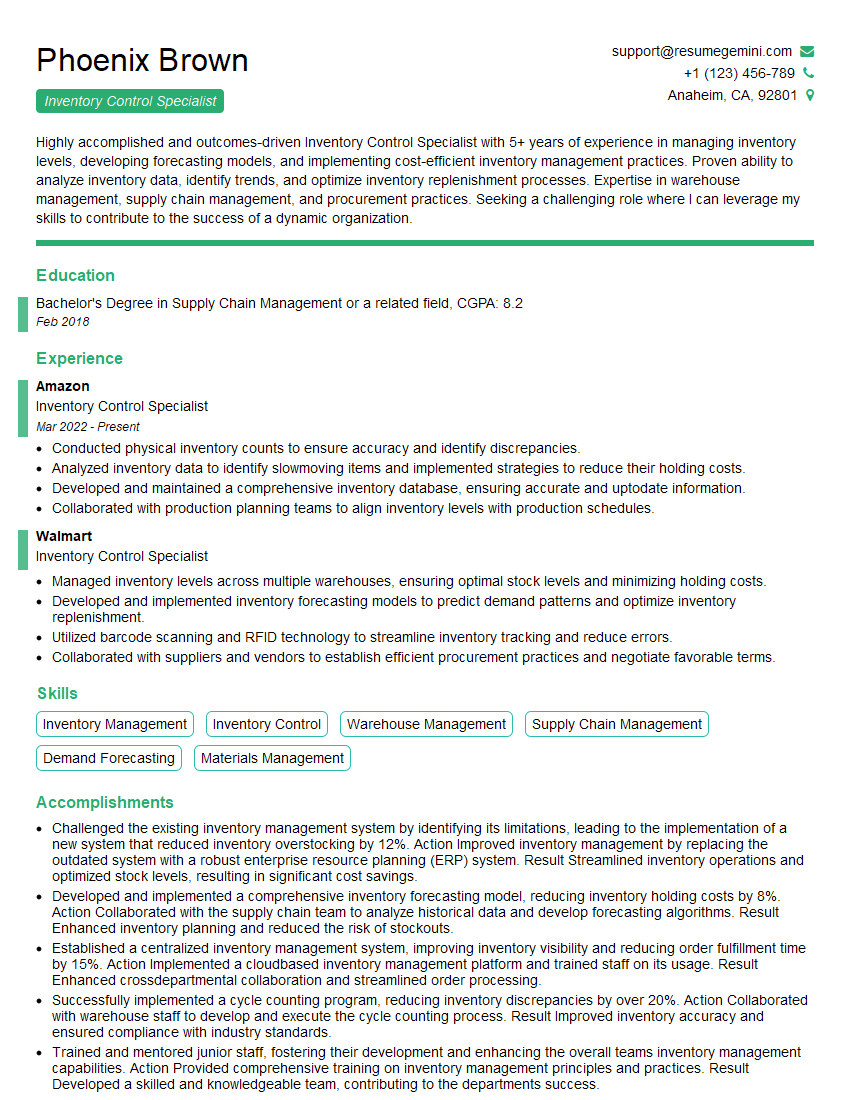
Inventory Control Specialist Resume Sample
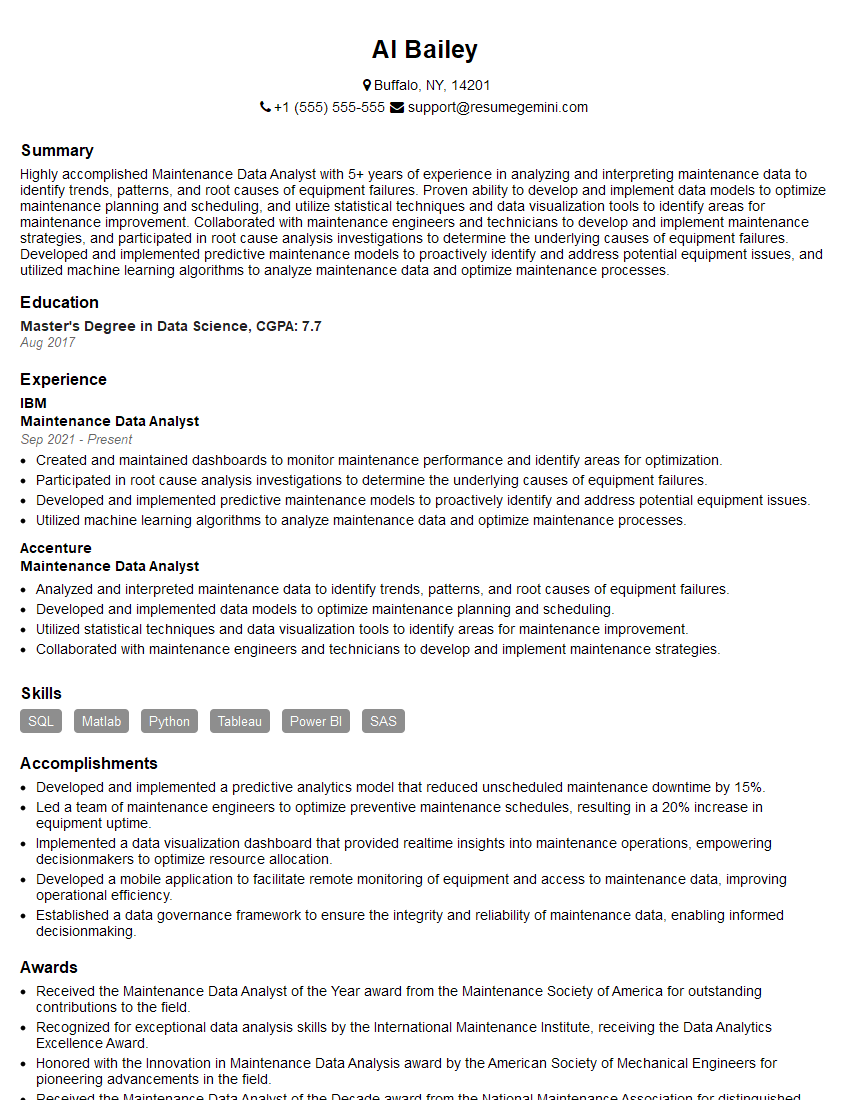
Maintenance Data Analyst Resume Sample
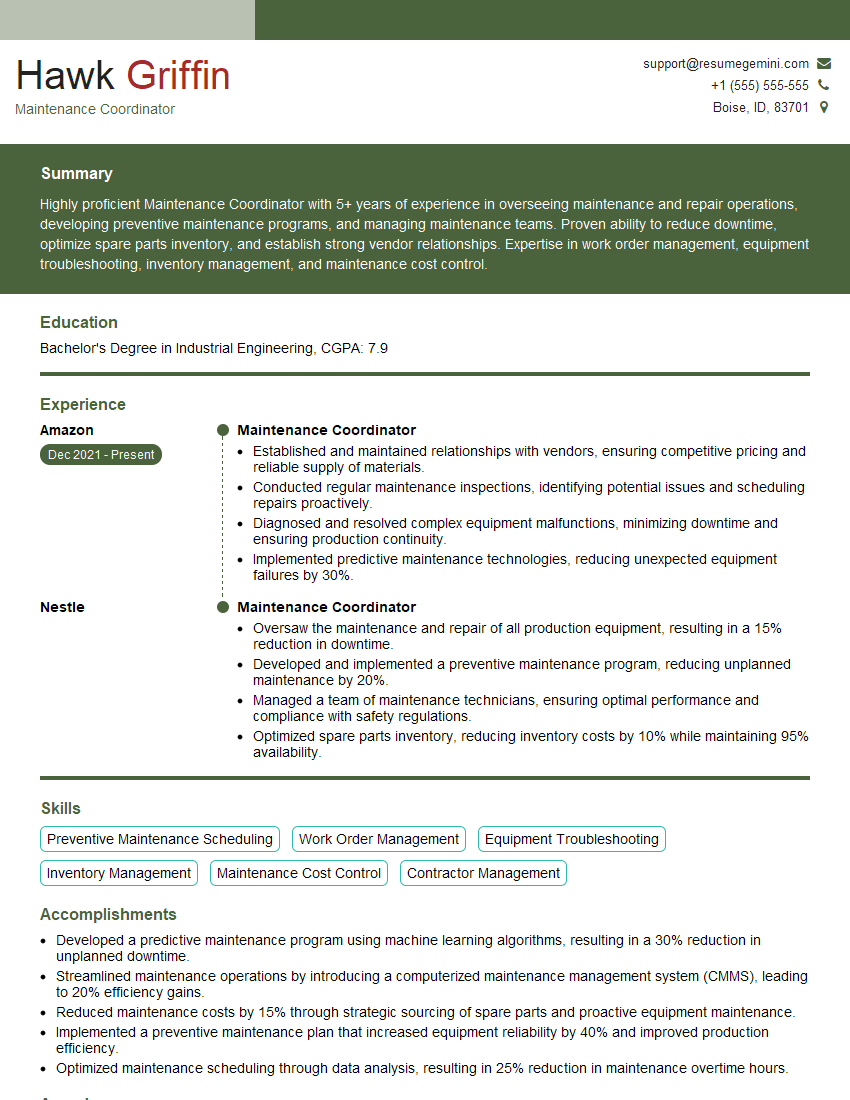
Maintenance Coordinator Resume Sample
Explore more articles
Users Rating of Our Blogs
Share Your Experience
We value your feedback! Please rate our content and share your thoughts (optional).
What Readers Say About Our Blog
Amazing blog
Interesting Article, I liked the depth of knowledge you’ve shared.
Helpful, thanks for sharing.