The right preparation can turn an interview into an opportunity to showcase your expertise. This guide to Computer Literacy (Software and Hardware) interview questions is your ultimate resource, providing key insights and tips to help you ace your responses and stand out as a top candidate.
Questions Asked in Computer Literacy (Software and Hardware) Interview
Q 1. Explain the difference between RAM and ROM.
RAM (Random Access Memory) and ROM (Read-Only Memory) are both types of memory in a computer, but they serve very different purposes. Think of RAM as your computer’s short-term memory and ROM as its long-term memory.
RAM is volatile memory, meaning it loses its data when the power is turned off. It’s where the computer stores data it’s currently using – the programs you’re running, the documents you’re editing, etc. The faster your RAM, the faster your computer can access and process information. You can think of it like a desk where you keep your current work; once you leave, the desk is cleared. The size of your RAM (e.g., 8GB, 16GB) determines how much data you can keep on that ‘desk’ at once. Larger RAM allows you to run more applications simultaneously without slowing down.
ROM, on the other hand, is non-volatile memory; it retains its data even when the power is off. It typically contains the computer’s firmware – the essential instructions needed to boot up the system. It’s like a set of instructions permanently etched onto a stone tablet; they always remain there. The BIOS (Basic Input/Output System) is stored in ROM, ensuring that the computer knows how to start and run basic functions before loading the operating system from the hard drive.
In short: RAM is fast, volatile, and used for active data; ROM is slower, non-volatile, and contains permanent instructions.
Q 2. What is the function of a CPU?
The CPU (Central Processing Unit), often called the ‘brain’ of the computer, is responsible for executing instructions from software programs. It fetches instructions from memory, decodes them, and then performs the required operations. This involves arithmetic, logical, and control operations.
Imagine the CPU as a super-efficient chef following a recipe (your software program). The recipe instructions are fetched from the cookbook (RAM), decoded to understand what needs to be done, and then executed – chopping vegetables (data processing), mixing ingredients (calculations), and eventually creating the dish (output). The speed of the CPU, measured in GHz (gigahertz), determines how many instructions it can process per second. A higher GHz generally translates to faster performance.
Key components of a CPU include the Arithmetic Logic Unit (ALU) which performs calculations, the Control Unit (CU) which manages the execution of instructions, and registers which are high-speed storage locations for temporary data.
Q 3. Describe the different types of operating systems.
Operating systems (OS) are the fundamental software that manages computer hardware and software resources. There are many types, categorized broadly by their architecture, purpose, and licensing. Some key examples include:
- Windows: A proprietary OS known for its user-friendly interface, wide software compatibility, and dominance in the desktop market.
- macOS: Apple’s proprietary OS, renowned for its sleek design, user-friendly experience, and strong integration within the Apple ecosystem.
- Linux: A family of open-source operating systems, known for its flexibility, stability, and security. There are many different distributions (like Ubuntu, Fedora, and Debian), each with a slightly different focus and user experience.
- Android: A mobile operating system based on the Linux kernel, powering the vast majority of smartphones and tablets globally.
- iOS: Apple’s mobile operating system, designed for iPhones and iPads, emphasizing simplicity and ease of use.
The choice of operating system depends on individual needs and preferences, ranging from personal productivity to specialized server applications. For example, a graphic designer might choose macOS for its creative tools, while a system administrator might prefer Linux for its stability and customization options.
Q 4. What are the key components of a computer network?
A computer network consists of interconnected devices (computers, printers, servers, etc.) that can communicate and share resources. Key components include:
- Nodes: Individual devices connected to the network (computers, servers, printers).
- Links: The communication pathways connecting the nodes (cables, wireless signals).
- Network Interface Cards (NICs): Hardware components that allow devices to connect to the network.
- Protocols: Rules and standards that govern communication between devices.
- Routers: Devices that direct network traffic between different networks.
- Switches: Devices that forward data within a single network.
- Servers: Centralized computers that provide resources to other devices on the network.
Imagine a city as a network: nodes are houses and businesses, links are roads, NICs are car engines, protocols are traffic laws, routers are major intersections guiding traffic between different areas, switches are smaller traffic circles directing traffic within a neighborhood, and servers are warehouses supplying goods to the city.
Q 5. Explain the concept of cloud computing.
Cloud computing is the on-demand availability of computer system resources, especially data storage (cloud storage) and computing power, without direct active management by the user. Instead of owning and maintaining your own servers and infrastructure, you rent these resources from a cloud provider (like Amazon Web Services, Microsoft Azure, or Google Cloud Platform).
Think of it like renting an apartment instead of buying a house. You get access to the space and amenities you need without the hassle of ownership and maintenance. Cloud computing offers scalability (easily increasing or decreasing resources as needed), cost-effectiveness (paying only for what you use), and accessibility (accessing your data and applications from anywhere with an internet connection).
There are several types of cloud services: Infrastructure as a Service (IaaS) provides basic computing resources, Platform as a Service (PaaS) provides a platform for developing and deploying applications, and Software as a Service (SaaS) provides ready-to-use software applications.
Q 6. What is the difference between a router and a switch?
Routers and switches are both networking devices that manage network traffic, but they operate at different levels and have distinct functions.
Routers operate at the network layer (Layer 3) of the OSI model and forward data packets between different networks. They determine the best path for a data packet to reach its destination, even if it’s across multiple networks. Think of them as traffic controllers directing traffic between different cities.
Switches operate at the data link layer (Layer 2) of the OSI model and forward data packets within a single network. They learn the MAC addresses of connected devices and forward data only to the intended recipient. They are like traffic controllers within a single city, directing traffic between different neighborhoods efficiently.
In short: routers connect networks, switches connect devices within a network.
Q 7. What are some common network protocols?
Network protocols are sets of rules and standards that govern communication between devices on a network. Some common protocols include:
- TCP/IP (Transmission Control Protocol/Internet Protocol): The foundation of the internet, providing reliable and ordered data transmission.
- HTTP (Hypertext Transfer Protocol): The protocol used for communication between web browsers and web servers.
- HTTPS (Hypertext Transfer Protocol Secure): A secure version of HTTP, using encryption to protect data during transmission.
- FTP (File Transfer Protocol): Used for transferring files between computers.
- SMTP (Simple Mail Transfer Protocol): Used for sending emails.
- DNS (Domain Name System): Translates domain names (like google.com) into IP addresses.
These protocols work together to ensure seamless communication between different devices and applications on a network. For example, when you browse a website, your computer uses DNS to find the IP address of the server, then HTTP (or HTTPS) to request the web page, and TCP/IP to ensure the data is transmitted reliably.
Q 8. Describe your experience with troubleshooting computer hardware issues.
Troubleshooting computer hardware issues involves a systematic approach. It starts with identifying the problem, which often requires careful observation and questioning. For example, if a computer won’t boot, is it a power supply issue, a failing hard drive, a RAM problem, or something else? I begin by checking the most obvious things first: power cable connections, power supply itself, and external peripherals. Then, I move towards more in-depth diagnostics. This might include using diagnostic tools built into the BIOS, using a POST (Power On Self Test) card, or visually inspecting components for any signs of physical damage.
My experience encompasses resolving various hardware issues, including:
- Replacing faulty RAM modules: I’ve encountered situations where a single faulty RAM stick caused system instability. Using the computer’s BIOS or a memory testing tool, I was able to pinpoint the defective module and replace it, restoring system stability.
- Diagnosing and replacing failing hard drives: A common issue is a hard drive failing to boot. I use diagnostic tools from manufacturers like Seagate or Western Digital to assess the hard drive’s health and determine if replacement is necessary. I am also experienced in data recovery from failing hard drives.
- Troubleshooting overheating issues: Overheating can cause performance degradation or system crashes. I’ve tackled this by cleaning internal fans, reapplying thermal paste to the CPU and GPU, and ensuring proper airflow within the computer case.
- Repairing power supply units: A malfunctioning power supply can manifest in various ways, from complete system failure to intermittent restarts. I’ve replaced faulty PSUs and tested them using a multimeter to ensure they deliver the correct voltage.
The key is patience, a methodical approach, and the right tools. I always document the troubleshooting steps taken, both for future reference and to aid in communicating with clients if necessary.
Q 9. How do you resolve software conflicts?
Resolving software conflicts requires a careful understanding of the software involved and their dependencies. The approach I take is similar to a detective’s investigation. I start by identifying the symptoms of the conflict, whether it’s application crashes, system instability, or conflicting functionalities. Then, I carefully examine the affected programs and try to pinpoint the source of the conflict.
My strategies include:
- Identifying conflicting applications: This might involve reviewing the system’s event logs for error messages or utilizing system monitoring tools to identify resource contention.
- Checking software versions and compatibility: Often, software conflicts arise from using incompatible versions of different applications or drivers. Updating to the latest compatible versions often resolves the issue.
- Reinstalling software: Sometimes, a clean reinstall of the conflicting application can resolve the conflict. I also ensure to remove all traces of previous installations before reinstalling.
- Using system restore: If the conflict occurred recently, using Windows System Restore can revert the system to a previous stable state, effectively undoing the conflicting changes.
- Updating drivers: Outdated or corrupted drivers are a frequent source of conflicts. Checking the manufacturers’ websites for the latest drivers is crucial.
- Selective startup: In extreme cases, booting the system into selective startup mode can help identify which application is causing the conflict by isolating and starting processes one by one.
For example, I once resolved a conflict between two graphics editing programs by updating one program to its latest version, which solved the compatibility issue. I find that clear documentation and a methodical approach are essential to preventing future conflicts.
Q 10. What is your experience with different programming languages?
My programming experience spans several languages, each with its own strengths and applications. I’m proficient in Python, known for its readability and versatility in data science, scripting, and automation. I’ve used it extensively in projects involving data analysis, web scraping, and automating repetitive tasks. I’ve also worked with Java, a robust language ideal for large-scale enterprise applications and Android development. My Java experience includes developing and maintaining applications using object-oriented principles.
Further, I have working knowledge of C++, a powerful language suitable for system programming and game development, and JavaScript, essential for front-end web development and increasingly important in back-end development with Node.js. I’ve applied these languages in various projects, demonstrating adaptability and problem-solving skills. I am always eager to learn new languages and adapt to evolving technological landscapes, believing that adaptability is key to success in this dynamic field.
Q 11. Explain your understanding of databases and SQL.
Databases are structured repositories for storing and managing large amounts of data. SQL (Structured Query Language) is the standard language for interacting with relational databases. My understanding encompasses database design, data modeling, query optimization, and data manipulation. I’m experienced with both relational databases like MySQL and PostgreSQL, as well as NoSQL databases like MongoDB.
In a relational database, data is organized into tables with rows (records) and columns (fields). SQL allows us to create, update, and query these tables. For example, the following SQL query retrieves all users from a table named ‘users’ where the ‘country’ field is ‘USA’:
SELECT * FROM users WHERE country = 'USA';My experience includes designing database schemas, writing efficient SQL queries, optimizing database performance, and troubleshooting database issues. I understand the importance of data integrity and the need to ensure data is stored securely and efficiently. For instance, I’ve worked on projects optimizing query performance by adding indexes to frequently queried columns, resulting in significant speed improvements.
Q 12. Describe your experience with cybersecurity best practices.
Cybersecurity best practices are paramount in today’s digital world. My experience encompasses a wide range of security measures, including implementing strong passwords, using multi-factor authentication (MFA), regularly updating software, and utilizing robust antivirus software. I understand the importance of creating secure network configurations and implementing firewalls to protect against external threats. I’m also familiar with concepts like intrusion detection and prevention systems.
Beyond these technical measures, I emphasize the importance of user education. This includes training users to identify phishing attempts, avoid clicking on suspicious links, and recognizing social engineering tactics. I’ve created and delivered training sessions on these topics to enhance the security awareness of both colleagues and clients. In addition, data loss prevention (DLP) is key to my approach: knowing how to secure data at rest and in transit is crucial. Having a comprehensive understanding of access controls and data encryption methods also plays a major role in maintaining a secure environment.
Q 13. How familiar are you with different types of malware?
Malware encompasses a broad range of malicious software designed to harm computer systems. My familiarity includes various types, including:
- Viruses: Self-replicating programs that spread from one system to another.
- Worms: Similar to viruses but spread independently, without needing a host program.
- Trojans: Disguised as legitimate software but secretly perform malicious actions.
- Ransomware: Encrypts files and demands a ransom for their release.
- Spyware: Secretly monitors user activity and transmits data to attackers.
- Adware: Displays unwanted advertisements.
- Rootkits: Hide malware and provide attackers with persistent access to the system.
Understanding the characteristics of these different malware types is crucial for effective detection and prevention. My experience in identifying, removing, and preventing malware infections involves using a variety of tools and techniques, ranging from signature-based antivirus software to behavioral analysis tools. I emphasize a layered security approach, combining software solutions with security awareness training to build a robust defense against malware threats.
Q 14. Explain your experience with data backup and recovery.
Data backup and recovery are critical for business continuity and data protection. My experience involves implementing and managing backup strategies using a variety of methods including local backups, network-attached storage (NAS), cloud-based backups, and tape backups. Each method has its own pros and cons in terms of cost, speed, security, and scalability. I choose the appropriate method based on the specific needs and risk profile of the client or organization.
The process typically involves identifying critical data, establishing a backup schedule, and testing the recovery process regularly. This includes verifying that backups can be successfully restored and that the recovery process doesn’t interrupt business operations. I’m proficient in using various backup and recovery software, and I understand the importance of versioning backups to allow for point-in-time recovery. For instance, I’ve successfully restored entire systems from backups after hardware failures, demonstrating practical application of my knowledge in real-world scenarios. The 3-2-1 backup rule (3 copies of your data, on 2 different media, with 1 copy offsite) is a guideline I often utilize to ensure data resilience.
Q 15. What is your experience with virtualization?
Virtualization is the process of creating a virtual version of something, often computer hardware and software. Instead of having a physical machine for each application or operating system, virtualization lets you run multiple virtual machines (VMs) on a single physical host. Think of it like having multiple apartments within a single building – each apartment (VM) has its own space and resources, but they all share the same building (physical host).
My experience with virtualization spans several hypervisors, including VMware vSphere (ESXi), Microsoft Hyper-V, and VirtualBox. I’ve used them extensively for tasks such as:
- Development and Testing: Creating isolated environments for software development, testing, and deployment, ensuring that changes don’t impact the production system.
- Server Consolidation: Consolidating multiple physical servers onto fewer, more powerful hosts, reducing hardware costs and energy consumption. For example, I once consolidated 10 physical web servers into 3 virtual hosts, improving efficiency and reducing our data center footprint.
- Disaster Recovery: Setting up virtualized disaster recovery sites to ensure business continuity in case of a failure at the primary location. I’ve designed and implemented DR solutions using virtual machine replication and failover.
- Capacity Planning: Utilizing virtualization to efficiently allocate resources and plan for future growth.
I’m proficient in managing VM resources (CPU, memory, storage), configuring networking, and implementing high-availability solutions using techniques such as clustering and failover.
Career Expert Tips:
- Ace those interviews! Prepare effectively by reviewing the Top 50 Most Common Interview Questions on ResumeGemini.
- Navigate your job search with confidence! Explore a wide range of Career Tips on ResumeGemini. Learn about common challenges and recommendations to overcome them.
- Craft the perfect resume! Master the Art of Resume Writing with ResumeGemini’s guide. Showcase your unique qualifications and achievements effectively.
- Don’t miss out on holiday savings! Build your dream resume with ResumeGemini’s ATS optimized templates.
Q 16. Describe your experience with different software development methodologies (Agile, Waterfall).
I have extensive experience with both Agile and Waterfall software development methodologies. Waterfall is a linear, sequential approach where each phase must be completed before the next begins. It’s well-suited for projects with well-defined requirements and minimal expected changes.
Agile, on the other hand, is an iterative approach emphasizing flexibility and collaboration. Common Agile frameworks include Scrum and Kanban. Agile projects are broken down into short cycles (sprints) with frequent feedback and adaptation. This makes it ideal for projects with evolving requirements or a need for faster time-to-market.
In my career, I’ve worked on projects using both methodologies. For example, I worked on a large-scale enterprise resource planning (ERP) implementation using Waterfall, where the rigid structure was essential for managing the complex and well-defined requirements. In contrast, I led a team developing a mobile application using Scrum, where the iterative nature of Agile allowed us to incorporate user feedback and adapt to changing market demands throughout the development process. I understand the strengths and weaknesses of each and can adapt my approach based on the project’s specific needs and constraints.
Q 17. How do you stay up-to-date with the latest technology trends?
Staying current in technology is crucial. My approach is multifaceted:
- Online Courses and Certifications: I regularly take online courses on platforms like Coursera, edX, and Udemy to learn new skills and deepen my existing knowledge. I also pursue industry-recognized certifications to demonstrate proficiency in specific technologies.
- Industry Publications and Blogs: I follow leading technology blogs, publications (like InfoQ and Ars Technica), and podcasts to stay informed about the latest trends and developments.
- Conferences and Workshops: Attending industry conferences and workshops provides valuable insights from experts and allows for networking with peers.
- Hands-on Projects: I actively seek out opportunities to work with new technologies in personal projects. This provides practical experience and reinforces learning.
- Professional Networking: Engaging with colleagues and peers through online forums, communities, and professional organizations provides a constant flow of information and different perspectives.
This combination ensures I remain relevant and adaptable in a constantly evolving technological landscape.
Q 18. What is your experience with troubleshooting network connectivity issues?
Troubleshooting network connectivity issues requires a systematic approach. My experience involves identifying the problem’s root cause using a combination of tools and techniques.
My troubleshooting process typically involves:
- Identifying the Symptoms: Clearly defining the problem; Is it a complete outage, slow speeds, intermittent connectivity, or something else?
- Gathering Information: Collecting relevant information such as error messages, affected devices, and recent changes to the network.
- Testing Connectivity: Using tools like
ping,traceroute, andnslookupto diagnose connectivity issues. For example, a failedpingto a server indicates a problem with network reachability. - Checking Network Configuration: Verifying IP addresses, subnet masks, default gateways, DNS settings, and firewall rules on affected devices.
- Analyzing Network Logs: Examining network device logs (routers, switches) to identify potential errors or unusual activity.
- Physical Inspection: If necessary, checking cables, ports, and hardware for physical damage or misconnections.
I’ve successfully resolved numerous network connectivity problems, ranging from simple cable issues to complex routing and firewall configurations. For instance, I once resolved a widespread network outage caused by a misconfigured router setting by systematically checking the network configuration and applying the necessary fix.
Q 19. Explain your understanding of different network topologies.
Network topologies describe the physical or logical layout of a network. Different topologies offer various advantages and disadvantages in terms of performance, scalability, and cost.
I’m familiar with several common topologies, including:
- Bus Topology: All devices are connected to a single cable. Simple but a single point of failure.
- Star Topology: All devices connect to a central hub or switch. Common and easy to manage, but the central device is a single point of failure.
- Ring Topology: Devices are connected in a closed loop. Data travels in one direction. Less common now.
- Mesh Topology: Devices are connected to multiple other devices, providing redundancy and fault tolerance. Complex and expensive but highly reliable.
- Tree Topology: A hierarchical structure, often used in larger networks. Combines aspects of star and bus topologies.
Understanding network topologies is essential for designing, implementing, and troubleshooting networks. The choice of topology depends on factors such as network size, budget, and required reliability.
Q 20. Describe your experience with server administration.
My server administration experience encompasses various aspects, including installation, configuration, maintenance, and security of server systems. I have experience with both physical and virtual servers, utilizing operating systems such as Windows Server and Linux (various distributions like CentOS, Ubuntu).
My responsibilities typically include:
- Server Installation and Configuration: Setting up and configuring servers based on specific requirements, including installing operating systems, configuring network settings, and installing necessary software.
- System Monitoring and Maintenance: Monitoring server performance, identifying and resolving issues, performing regular backups, and applying updates and patches.
- Security Management: Implementing security measures such as firewalls, intrusion detection systems, and access controls to protect server systems from unauthorized access and malicious activity. This includes regular security audits and vulnerability scans.
- User and Group Management: Managing user accounts, permissions, and groups to ensure appropriate access control.
- Performance Tuning: Optimizing server performance by analyzing resource usage and implementing necessary adjustments.
- Disaster Recovery Planning: Developing and implementing disaster recovery plans to ensure business continuity in case of server failure or other unforeseen events.
For example, I was responsible for managing a cluster of web servers, implementing load balancing and ensuring high availability. This involved regular monitoring, performance tuning, and proactive maintenance to ensure optimal uptime and performance.
Q 21. What is your experience with scripting languages (e.g., Python, PowerShell)?
I have significant experience with scripting languages, primarily Python and PowerShell. These languages are invaluable for automating tasks, managing systems, and developing custom tools.
Python: I’ve used Python extensively for tasks such as:
- Automation: Automating repetitive tasks such as file management, data processing, and system administration.
- Data Analysis: Using Python libraries like Pandas and NumPy for data analysis and visualization.
- Web Development: Developing web applications using frameworks like Django and Flask.
PowerShell: I use PowerShell heavily for Windows system administration, including:
- Remote Management: Managing multiple Windows servers remotely.
- Automation: Automating tasks such as user account management, software deployment, and log analysis.
- System Administration: Managing services, processes, and other system components.
Here’s a simple example of a Python script to check if a website is online:
import requests

def is_website_online(url):
    try:
        response = requests.get(url)
        return response.status_code == 200
    except requests.exceptions.RequestException:
        return False

print(is_website_online("https://www.google.com"))
My proficiency in scripting allows me to increase efficiency, reduce manual effort, and create customized solutions to address specific problems.
Q 22. Explain the difference between hardware and software.
The difference between hardware and software is fundamental to computing. Think of it like this: hardware is the physical, tangible components of a computer system, while software is the set of instructions, or programs, that tell the hardware what to do.
- Hardware: This includes everything you can physically touch – the computer case, monitor, keyboard, mouse, motherboard, CPU, RAM, hard drive, and graphics card. It’s the physical infrastructure of the system.
- Software: This encompasses all the intangible programs and data that run on the hardware. This includes the operating system (like Windows, macOS, or Linux), applications (like Microsoft Word or Adobe Photoshop), and even the firmware that controls your printer.
For example, your keyboard (hardware) allows you to type, but the word processor software (software) interprets those keystrokes and displays them on your screen. Without the software, the hardware is just a collection of inert components. Without the hardware, the software has no way to execute its instructions.
Q 23. What is your experience with operating system installation and configuration?
I have extensive experience installing and configuring various operating systems, including Windows (all versions from XP to 11), macOS (from 10.6 to Ventura), and several Linux distributions (Ubuntu, CentOS, Fedora). My experience encompasses both clean installations on new hardware and upgrading existing systems.
A recent project involved setting up a new server for a client. This included partitioning the hard drive, installing CentOS 7, configuring network settings, setting up user accounts with appropriate permissions, and installing necessary server software (Apache, MySQL, PHP). I ensured the server met security best practices by implementing firewall rules and configuring regular backups. Another example involved troubleshooting a slow boot time on a Windows 10 machine, which I solved by identifying and removing unnecessary startup programs.
Q 24. Describe your experience with troubleshooting printer issues.
Troubleshooting printer issues is a common task I’ve performed throughout my career. My approach is systematic and follows a structured process to identify and resolve the problem efficiently.
My troubleshooting strategy typically involves:
- Checking physical connections: Ensuring the printer is properly connected to the computer and power source.
- Checking printer drivers: Verifying that the correct drivers are installed and up-to-date.
- Checking print queue: Looking for any stuck or paused jobs in the print queue.
- Testing print settings: Making sure that the print settings are correct (paper size, orientation, etc.).
- Network connectivity (for network printers): Checking network connectivity if the printer is on a network. This might involve checking IP addresses, DNS settings, and firewall rules.
- Restarting the printer and computer: A simple restart often resolves transient issues.
For instance, I recently resolved an issue where a network printer wasn’t printing color correctly. After confirming network connectivity, I identified that the printer’s color cartridges were low. Replacing them immediately solved the problem.
Q 25. What is your experience with remote desktop support?
I have significant experience providing remote desktop support using various tools like TeamViewer, AnyDesk, and Microsoft Remote Desktop. This involves connecting to a user’s computer remotely to diagnose and resolve technical problems. I’m adept at guiding users through troubleshooting steps while remotely accessing their systems.
Effective remote desktop support requires strong communication skills to explain technical solutions in a clear, concise manner. It’s also important to be mindful of data privacy and security when accessing a user’s system. For instance, I once remotely assisted a user who was locked out of their account. By securely connecting to their computer, I was able to reset their password and gain them access, while ensuring the session was secure and fully documented.
Q 26. Explain your understanding of computer security threats.
My understanding of computer security threats encompasses a wide range of issues, from malware and phishing attacks to vulnerabilities in software and hardware.
- Malware: This includes viruses, worms, Trojans, ransomware, and spyware that can damage systems, steal data, or disrupt operations. Regular software updates and antivirus software are crucial defenses.
- Phishing: This is a social engineering attack where users are tricked into revealing sensitive information, like usernames, passwords, or credit card details.
- Software vulnerabilities: Software bugs can be exploited by attackers to gain unauthorized access to systems.
- Hardware vulnerabilities: While less common, vulnerabilities in hardware components can also be exploited.
- Denial-of-service (DoS) attacks: These attacks flood a system with traffic to make it unavailable to legitimate users.
Staying informed about the latest threats and implementing appropriate security measures, such as strong passwords, firewalls, intrusion detection systems, and regular security audits are crucial for mitigating these risks. It’s also essential to educate users about safe computing practices to reduce the likelihood of successful attacks.
Q 27. How do you handle conflicting priorities in a fast-paced IT environment?
In a fast-paced IT environment, conflicting priorities are a common challenge. My approach involves prioritizing tasks based on urgency and impact. I utilize tools like project management software (discussed further in the next answer) to track deadlines and allocate resources effectively. Open communication is key; I proactively communicate with stakeholders to manage expectations and ensure alignment on priorities.
I use a prioritization matrix that considers both urgency and importance. High-urgency, high-importance tasks are addressed immediately. Low-urgency, low-importance tasks are delegated or deferred. When facing truly conflicting priorities, I involve my supervisor or team lead to collaboratively determine the best course of action.
Q 28. Describe your experience with project management tools.
I have experience using various project management tools, including Jira, Asana, Trello, and Microsoft Project. My experience spans from using these tools for personal task management to utilizing them within teams for complex projects.
For example, in a recent project involving the network upgrade of a small business, I used Asana to track task assignments, deadlines, and progress. The visual dashboards and Kanban boards helped the team visualize the workflow and identify bottlenecks. The ability to create custom fields and integrate with other tools made it an efficient way to manage the project’s complexity. My experience allows me to choose the appropriate tool based on the project’s size, complexity, and team dynamics.
Key Topics to Learn for Computer Literacy (Software and Hardware) Interview
- Operating Systems: Understanding different OS types (Windows, macOS, Linux), their functionalities, and basic troubleshooting. Practical application: Describing your experience with different OS environments and how you’ve solved issues.
- Software Applications: Proficiency in common productivity suites (Microsoft Office, Google Workspace), and relevant software specific to your target role. Practical application: Demonstrating your ability to efficiently use these tools and adapt to new software quickly.
- Hardware Components: Knowledge of fundamental hardware components (CPU, RAM, storage, motherboard, peripherals). Practical application: Explaining the function of each component and how they interact to form a functional system.
- Networking Fundamentals: Basic understanding of networks (LAN, WAN), IP addresses, and network protocols. Practical application: Describing your experience with network troubleshooting or configuration.
- Data Management: Understanding file systems, data backup and recovery strategies, and data security best practices. Practical application: Explaining how you organize and protect your own data.
- Problem-Solving & Troubleshooting: Demonstrating a methodical approach to identifying and resolving technical problems. Practical application: Describing a past experience where you successfully troubleshooted a computer-related issue.
- Cybersecurity Basics: Understanding common security threats (viruses, malware, phishing), and basic security measures. Practical application: Demonstrating awareness of safe computing practices.
Next Steps
Mastering computer literacy in both software and hardware is crucial for success in today’s tech-driven job market. A strong foundation in these areas opens doors to a wide range of opportunities and demonstrates your adaptability and problem-solving skills. To significantly boost your job prospects, invest time in crafting an ATS-friendly resume that highlights your relevant skills and experience. ResumeGemini is a trusted resource that can help you build a professional and impactful resume. Examples of resumes tailored to Computer Literacy (Software and Hardware) roles are available to guide you.

Data Analyst Resume Sample

Data Scientist Resume Sample

Software Engineer Resume Sample

Systems Analyst Resume Sample

Network Administrator Resume Sample

Network Engineer Resume Sample
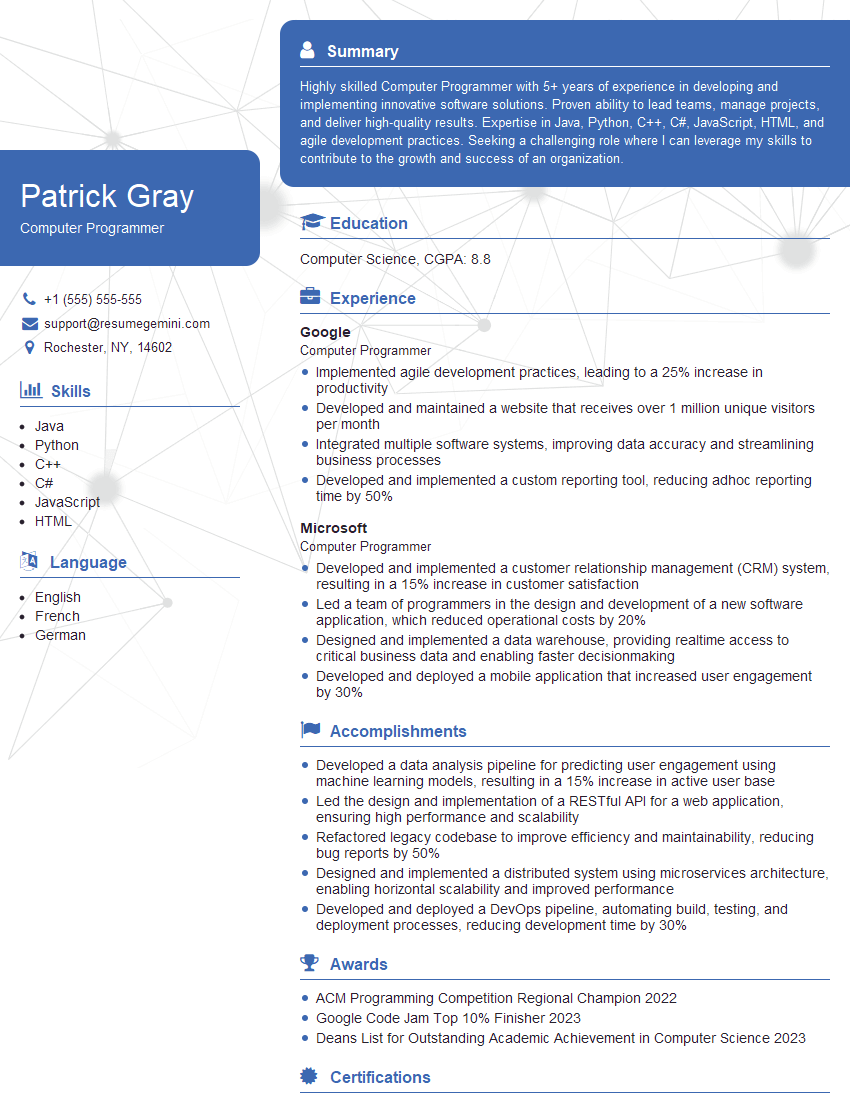
Computer Programmer Resume Sample
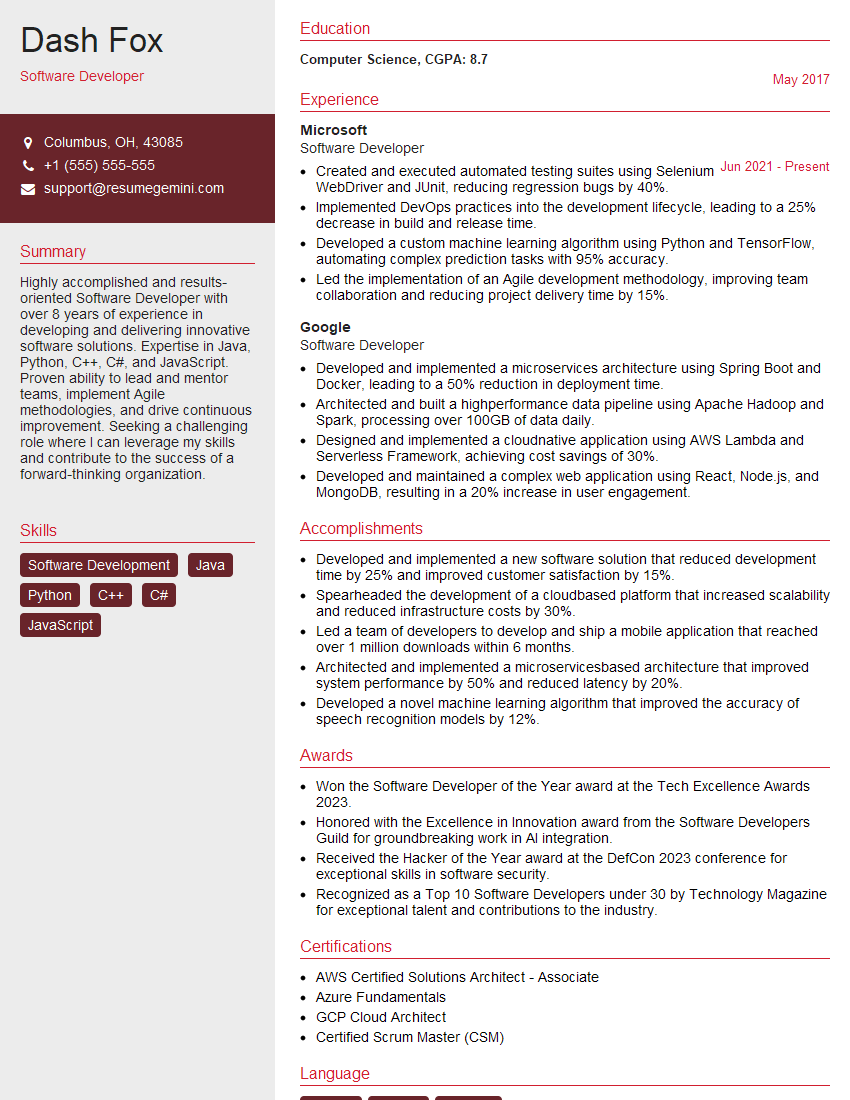
Software Developer Resume Sample

Technical Support Engineer Resume Sample

Web Developer Resume Sample
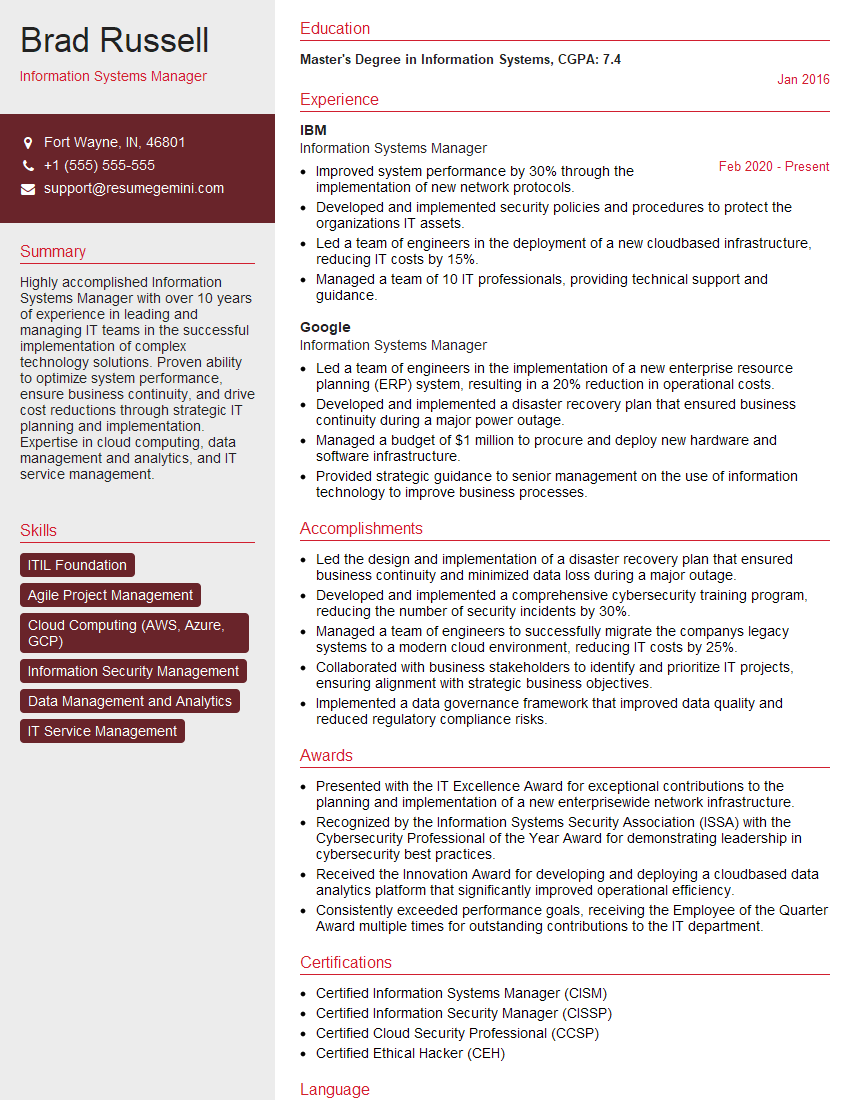
Information Systems Manager Resume Sample

System Administrator Resume Sample
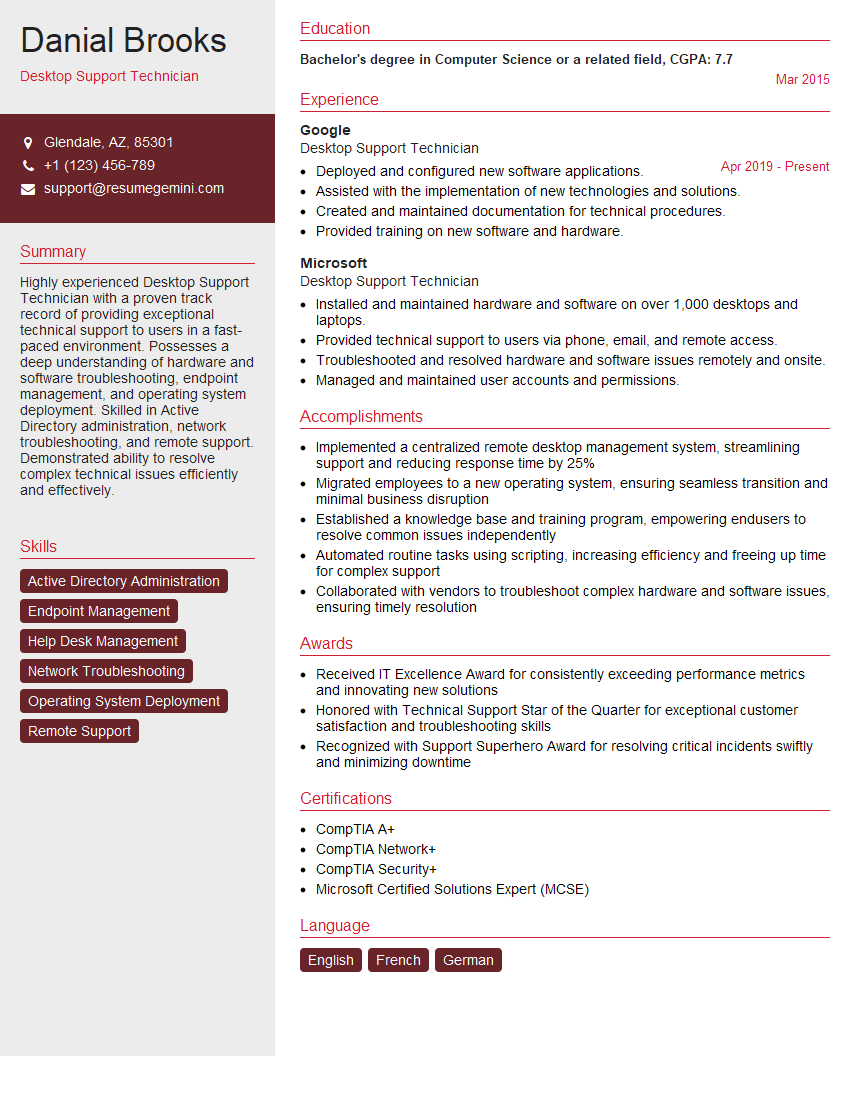
Desktop Support Technician Resume Sample
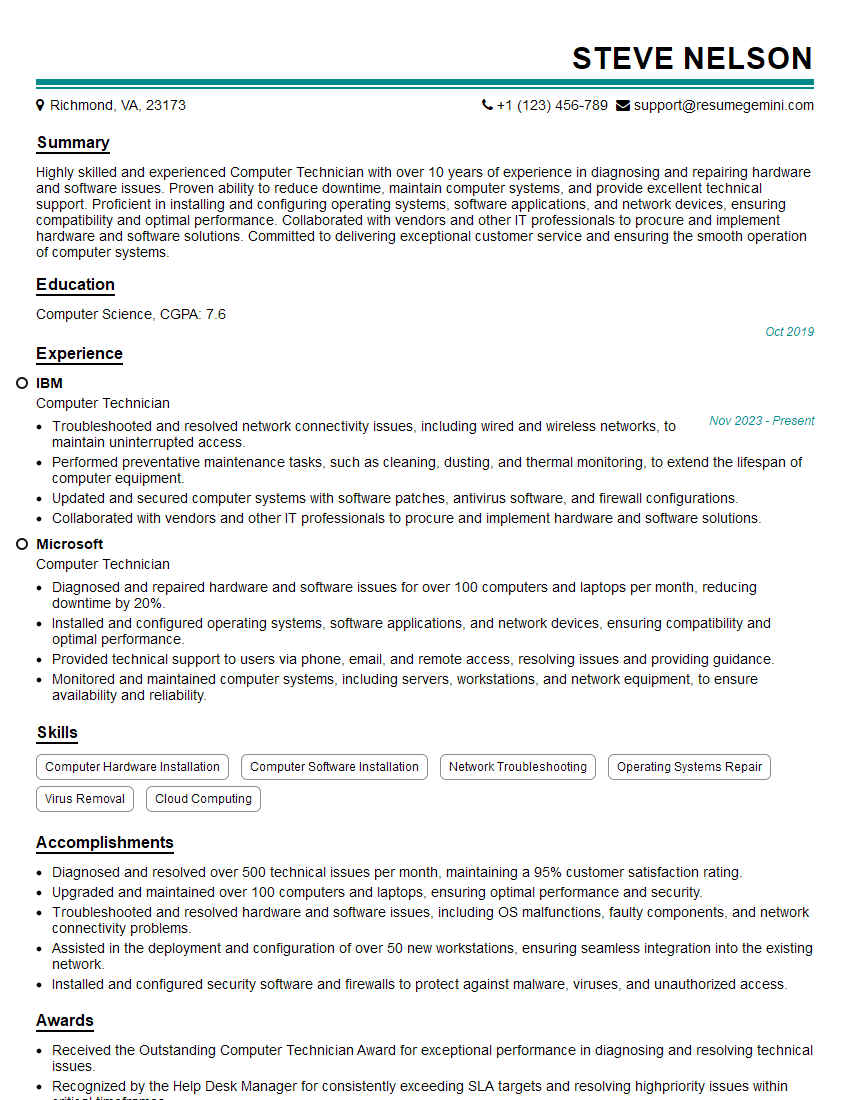
Computer Technician Resume Sample

Help Desk Analyst Resume Sample

IT Manager Resume Sample

Hardware Engineer Resume Sample

Technical Writer Resume Sample

IT Support Specialist Resume Sample

Database Administrator Resume Sample

DevOps Engineer Resume Sample

Cloud Engineer Resume Sample
- Data Analyst
- Data Scientist
- Software Engineer
- Systems Analyst
- Network Administrator
- Network Engineer
- Computer Programmer
- Software Developer
- Technical Support Engineer
- Web Developer
- Information Systems Manager
- System Administrator
- Desktop Support Technician
- Computer Technician
- Help Desk Analyst
- IT Manager
- Hardware Engineer
- Technical Writer
- IT Support Specialist
- Database Administrator
- DevOps Engineer
- Cloud Engineer
Explore more articles
Users Rating of Our Blogs
Share Your Experience
We value your feedback! Please rate our content and share your thoughts (optional).
What Readers Say About Our Blog
Amazing blog
Interesting Article, I liked the depth of knowledge you’ve shared.
Helpful, thanks for sharing.