Feeling uncertain about what to expect in your upcoming interview? We’ve got you covered! This blog highlights the most important Script Formatting interview questions and provides actionable advice to help you stand out as the ideal candidate. Let’s pave the way for your success.
Questions Asked in Script Formatting Interview
Q 1. What are the common script formatting guidelines you adhere to?
My script formatting adheres strictly to industry-standard guidelines, primarily the widely accepted ‘standard screenplay format’. This ensures readability and professionalism for potential producers, directors, and other industry professionals. Key aspects include using Courier font (size 12), consistent margins (1.5 inches on all sides), and a specific layout for scene headings, action lines, dialogue, and character names.
- Scene Headings: Always in all caps, followed by INT. or EXT., location, and time of day (e.g., INT. COFFEE SHOP – DAY).
- Action Lines: Descriptive yet concise, written in present tense, avoiding adverbs. They set the scene and advance the narrative.
- Dialogue: Character names are in all caps, centered, followed by their dialogue indented from the left margin.
- Parentheticals: Brief, minimal instructions to guide actors’ delivery, enclosed in parentheses.
Consistency is paramount. Imagine a messy, inconsistently formatted script; it’s distracting and makes the story harder to follow. A clean format helps readers focus on the story itself.
Q 2. Explain the difference between a screenplay and a teleplay format.
While both screenplays and teleplays tell stories visually, their formats differ in several key ways. A screenplay is designed for a cinematic experience – focusing on visuals, camera angles, and overall cinematic presentation. A teleplay, on the other hand, is written for television, often requiring more concise action lines and a structure that accommodates commercial breaks and multi-camera setups.
- Screenplays often utilize more detailed visual descriptions, focusing on cinematic techniques like close-ups and wide shots.
- Teleplays might include cues for multiple cameras, indicating which camera should be used at what point in the scene. They also often incorporate shorter scenes to accommodate commercial breaks.
Think of it this way: a screenplay is like a detailed blueprint for a film, while a teleplay is like a roadmap for a TV show episode, taking into account the practical constraints of television production.
Q 3. How do you handle scene headings and action lines in different script formats?
Scene headings and action lines are handled similarly across various formats but with subtle differences. In both screenplays and teleplays, scene headings remain consistent in their all-caps format and location descriptions. However, the detail level of action lines can differ.
- Screenplays: Action lines in screenplays can be more evocative and descriptive, painting vivid pictures for the reader and director.
- Teleplays: Action lines are often more concise, focusing on the essential information needed to guide the actors and camera operators. There might be specific instructions for camera angles or transitions less common in screenplays.
For example, a screenplay might read: EXT. DESERT HIGHWAY - DAY. A lone figure walks towards a shimmering mirage. The sun beats down mercilessly. A teleplay for the same scene might be more concise: EXT. DESERT HIGHWAY - DAY. A FIGURE walks towards a mirage. HOT.
Q 4. Describe your experience with various scriptwriting software (e.g., Final Draft, Celtx).
I’m proficient in several scriptwriting software packages, most notably Final Draft and Celtx. Final Draft is industry-standard, known for its robust features and ease of use in maintaining consistent formatting. Celtx offers a broader range of features including collaborative tools which are essential when working with a team.
- Final Draft: Excellent for its automatic formatting features, ensuring consistent margins, font sizes, and page breaks. Its features streamline the revision process by allowing tracked changes and version control.
- Celtx: The collaborative features are a significant advantage, facilitating real-time collaboration and version tracking with multiple writers. Its storyboard and scheduling tools are also helpful in visualizing the project.
My choice of software depends on the project’s needs and team size. For solo projects with tight deadlines, Final Draft’s streamlined interface is perfect. For collaborative projects, Celtx shines.
Q 5. How do you ensure consistency in formatting throughout a script?
Consistency is maintained through the use of the software’s built-in formatting tools and regular self-review. I use the software’s automated features to enforce margins, font size, and other formatting aspects. Beyond that, I adopt a meticulous proofing approach.
- Software Features: Leveraging the template and formatting tools in Final Draft or Celtx is the first step.
- Regular Checks: I perform regular checks throughout the writing process, reviewing for consistency in capitalization, spacing, and indentation. This minimizes larger problems during later editing stages.
- Print Review: Printing out the script allows for a different perspective and helps identify formatting irregularities that might be missed on screen.
Imagine baking a cake: You wouldn’t just throw ingredients together; you follow a recipe meticulously. Similarly, I utilize these methods to ensure my script looks polished and professional.
Q 6. What is your process for handling revisions and updates to a script?
Handling revisions and updates is crucial. I use tracked changes and version control to manage the evolution of my script effectively. Each revision is carefully documented, allowing me to revert to previous versions if needed.
- Tracked Changes: I utilize the track changes feature in both Final Draft and Celtx to easily see all alterations, facilitating easy approval and implementation of feedback.
- Version Control: Saving different versions of the script with clear notes indicating the changes made is crucial for keeping track of the script’s evolution.
- Collaboration Tools: For collaborative projects, I rely on Celtx’s built-in tools to manage revisions across multiple users and ensure no changes are lost.
This process prevents confusion and maintains a clear history of the script’s development, similar to how a software developer manages code with version control systems like Git.
Q 7. How do you format dialogue, character names, and parentheticals?
Formatting dialogue, character names, and parentheticals is key to readability and adheres to the standard screenplay format.
- Character Names: Character names are in all caps and centered. Example:
JOHN - Dialogue: Dialogue is indented from the left margin, ensuring it’s clearly separated from the action lines.
- Parentheticals: These are brief instructions enclosed in parentheses and placed after the character name but before the dialogue, providing subtle guidance for actors. Example:
JOHN (Whispering)
Incorrect formatting here can severely impact readability and clarity, hindering the overall experience for anyone reviewing your script. Sticking to the standard format ensures your script is professional and easy to read.
Q 8. How familiar are you with industry-standard font sizes and margins?
Industry-standard script formatting relies on consistent font sizes and margins to ensure readability and a professional look. While specific requirements might vary slightly between production companies, the core principles remain consistent. Generally, Courier or Courier New fonts are preferred in 12-point size. This ensures consistent character spacing, crucial for accurate timing estimations in filmmaking. Margins are typically set to 1 inch on all sides (top, bottom, left, and right), providing ample space for annotations and director’s notes without cluttering the main script text.
Think of it like building a house: A consistent foundation (font and margins) ensures everything else fits together properly. Inconsistency can lead to a messy, unprofessional look, impacting how easily the script can be read and interpreted by the production team.
Q 9. How do you handle scene transitions and page breaks?
Scene transitions and page breaks are crucial elements for visual clarity and pacing within a script. Scene transitions are typically indicated by a scene heading (slugline) that signifies a change in location, time, or both. Page breaks should never split a scene; a scene always starts on a new page. This helps maintain the visual flow and keeps scenes distinct.
For example, if a scene ends on page 3, and the next scene starts on page 4, a page break would occur between pages 3 and 4. Professional formatting software usually handles this automatically. However, when working manually, it’s essential to be mindful of the page breaks to avoid splitting scenes, which hinders readability.
Q 10. How would you format a complex scene with multiple characters and locations?
Formatting a complex scene with multiple characters and locations requires meticulous attention to detail and clear visual separation. Using clear action lines is key to distinguishing between locations and characters’ actions. Parenthetical remarks can clarify character actions or emotions, while precise character designations at the beginning of dialogue prevents ambiguity. When a character moves to a different location within the scene, it is denoted with an action line, sometimes using additional cues like a scene breakdown.
For instance, consider a scene with three characters, Anna, Bob, and Carol, in a cafe but later, in a street outside. The script would clearly indicate the change:
INT. CAFE - DAY

ANNA
(Sipping coffee)
...

BOB
...

CAROL
...

ANNA
(Stands up)
Let's go.

EXT. STREET - CONTINUOUS

Anna, Bob, and Carol walk down the street.
Q 11. Explain your experience with proofreading and error correction in scripts.
Proofreading and error correction are an integral part of script formatting. My experience includes meticulous checks for spelling, grammar, punctuation, and consistency. This goes beyond simple spell-checking; it involves ensuring the script adheres to industry standards, with consistent character names, dialogue tags, and formatting. I’ve worked on multiple scripts, catching inconsistencies in scene descriptions, action lines, dialogue, character names, and formatting, before delivering them to clients or production teams.
For me, this is like being a detective, meticulously examining every line to ensure the script is clean, error-free and ultimately, ready for production. Overlooking even minor errors can lead to significant problems during filming or post-production.
Q 12. Describe your experience using different script formatting styles (e.g., slugline placement).
I am proficient in various script formatting styles, including different slugline placements. The most common style places the slugline at the top left of the page, followed by the action line, dialogue, and character names. However, some styles might use slightly different placements. Regardless of the style, consistency is key. I ensure a consistent style guide is followed throughout the script to maintain a professional and readable appearance.
For example, I’ve worked with scripts using both the traditional slugline placement and variations where the scene description (action lines) are indented. The choice depends on the production company’s preference, but my aim is always to create a clean, easily readable document that follows the chosen style consistently.
Q 13. How do you handle technical elements like camera angles and sound effects in a script?
Technical elements like camera angles and sound effects are usually indicated in the action lines using parenthetical comments or specific notations. For example, (CLOSE UP), (SOUND of breaking glass), or [FADE OUT] would indicate specific technical directions. These instructions guide the director and cinematographer during production. It’s crucial to use these sparingly and only when necessary to avoid cluttering the script.
The key is to provide enough information to guide production without overwhelming the narrative. Overuse of technical jargon can disrupt the flow of the story, so the descriptions should be clear and concise, prioritizing the story’s telling.
Q 14. How familiar are you with different script formats, such as spec scripts, pilot scripts, and features?
I’m familiar with different script formats, including spec scripts (uncommissioned scripts written to showcase writing skills), pilot scripts (the first episode of a TV series), and feature scripts (for films). Each format has its own conventions and length expectations. For example, a spec script for a TV series might be a single episode, whereas a feature script will span the entire story arc of a film. I’ve formatted all three and understand their respective conventions, including page length, scene structuring, and overall narrative presentation.
Understanding these differences allows me to adapt the formatting to best suit the purpose of each type of script and match industry standards for that specific format. This adaptability allows me to deliver consistently professional-looking documents, no matter the script’s intended medium.
Q 15. Have you ever worked on a script requiring a unique or non-standard formatting style?
Yes, I have extensive experience with non-standard script formatting. One project involved adapting a screenplay written in a highly stylized, almost poetic format, incorporating elements of stage directions directly into the dialogue. This required deviating from the standard Celtx or Final Draft templates. My approach involved creating a custom style sheet within the chosen software (in this case, Final Draft) to accommodate the unique formatting requirements. This included defining custom paragraph styles for the poetic dialogue, using specific font sizes and indents, and creating new character styles for the embedded stage directions. I also meticulously documented all the custom formatting choices for future reference and ease of collaboration.
Another project involved formatting a script that utilized a unique scene-heading structure, incorporating location, time of day, and a short descriptive phrase. Again, custom styles were crucial to maintain consistency and readability.
Career Expert Tips:
- Ace those interviews! Prepare effectively by reviewing the Top 50 Most Common Interview Questions on ResumeGemini.
- Navigate your job search with confidence! Explore a wide range of Career Tips on ResumeGemini. Learn about common challenges and recommendations to overcome them.
- Craft the perfect resume! Master the Art of Resume Writing with ResumeGemini’s guide. Showcase your unique qualifications and achievements effectively.
- Don’t miss out on holiday savings! Build your dream resume with ResumeGemini’s ATS optimized templates.
Q 16. How do you manage multiple scripts simultaneously?
Managing multiple scripts simultaneously requires a robust organizational system. I rely on a combination of project management software (like Asana or Trello) and clear folder structures on my computer. Each script has its own dedicated folder containing various versions, revisions, and any related documents. I use a color-coding system within my project management software to track deadlines and priorities, ensuring I don’t mix up elements from different projects. Regular time blocking is essential; I dedicate specific blocks of time to each script, focusing my full attention to prevent errors and maintain consistency.
Example Folder Structure: ProjectName/ScriptName/Version1/Script.fdx, RevisionNotes.txt, etc.Q 17. How do you prioritize tasks when faced with competing deadlines?
Prioritizing tasks with competing deadlines is a core skill. I use a combination of methods: First, I create a detailed task list for each script, breaking down large tasks into smaller, manageable chunks. Then, I prioritize these tasks based on urgency and importance using a matrix (e.g., Eisenhower Matrix), classifying tasks as Urgent/Important, Important/Not Urgent, etc. This helps me allocate my time efficiently. I also communicate proactively with stakeholders to manage expectations and adjust deadlines if necessary, ensuring transparency and collaborative problem-solving.
For example, if I have two scripts due, one in a week and the other in three weeks, I’ll focus my immediate efforts on the urgent script, but dedicate allocated time to the less urgent one to prevent last-minute rushes.
Q 18. Describe your experience with collaborative script formatting workflows.
I have extensive experience with collaborative script formatting workflows. This often involves using version control systems like Google Docs or specialized software such as Final Draft’s collaborative features. Clear communication protocols are essential. We establish a shared style guide upfront and regularly communicate any formatting changes or updates. I always ensure that all collaborators understand the importance of maintaining consistency throughout the script. Regular check-ins and feedback sessions help identify and resolve any discrepancies early on. Using comments within the document itself, rather than just email, is crucial for traceability and context.
Q 19. How do you handle discrepancies between the script and the production materials?
Discrepancies between the script and production materials are addressed through proactive communication and meticulous record-keeping. I maintain detailed notes of any changes or revisions made to the script throughout the production process. If discrepancies arise, I carefully compare the script version used during production with the final version to identify the points of divergence. This involves documenting these discrepancies, and then working with the production team to create a revised script reflecting these changes, ensuring the final document accurately reflects the completed production.
Q 20. How do you ensure the accuracy of the formatted script?
Ensuring the accuracy of a formatted script involves several layers of quality control. First, I use software’s built-in spell and grammar checks. Secondly, a thorough manual review is critical; I read the script multiple times, checking for consistency in formatting, correct scene headings, dialogue, and action lines. Thirdly, I have a proofing system where I review the script against a checklist of common errors. This might involve another set of eyes for a final proofread, adding an extra layer of security.
Q 21. What steps do you take to maintain the integrity of the original script?
Maintaining the integrity of the original script is paramount. I always work from a locked master copy, never directly editing this document. All revisions are created as separate versions, clearly labelled with version numbers and revision dates. This ensures that the original script remains untouched and accessible at any time. I also maintain a detailed revision history, documenting all changes and their rationale. This approach protects against accidental loss or corruption of the original work, allowing for easy retrieval and comparison of different versions.
Q 22. Explain how you would handle a formatting error discovered after the script is finalized.
Discovering a formatting error after a script is finalized is unfortunately a common occurrence. My approach is methodical and prioritizes minimizing disruption. First, I assess the severity of the error. Is it a minor typographical error, or a more significant issue impacting readability or scene flow?
For minor errors, a quick fix using a text editor like Final Draft or Celtx is sufficient. I’d make the correction, carefully review the surrounding text to ensure consistency, and then re-save the script with a version update clearly indicating the change (e.g., ‘v1.1 – corrected typo on page 12’).
More significant errors might require more extensive revision. This involves carefully tracking changes using the software’s revision tracking feature or utilizing a version control system like Git. I would document the change clearly, explaining the rationale for the correction in a revision comment. This level of detail is vital, especially if collaborating with others, ensuring everyone understands the modifications. Finally, I’d always send out a corrected version with clear notification to all stakeholders involved.
Q 23. How do you organize your files and maintain version control for scripts?
Organization and version control are crucial for efficient scriptwriting. I utilize a system that blends physical and digital organization. I create a dedicated folder for each project. Inside, I have subfolders for different versions (‘drafts’, ‘revisions’, ‘final’), supporting documents (‘research’, ‘notes’), and other related materials.
For version control, I rely on Git. This allows me to track every change, revert to previous versions if needed, and collaborate effectively with others. I commit frequently with descriptive messages, detailing the nature of each modification (e.g., ‘Added scene description’, ‘Revised dialogue’). This rigorous approach prevents accidental overwrites and allows for easy rollback if problems arise. Using a cloud-based repository like GitHub or Bitbucket offers further protection against data loss.
Example commit message: "Revised scene 3 - improved pacing and tightened dialogue"Q 24. Describe your experience with working under pressure and meeting tight deadlines.
Meeting tight deadlines is a reality in scriptwriting. I’ve thrived under pressure on numerous occasions, often juggling multiple projects simultaneously. My approach centers on effective time management and prioritizing tasks. I break down larger projects into smaller, manageable chunks, setting realistic daily or weekly goals. I create a detailed schedule, incorporating buffer time for unexpected delays. This proactive approach helps manage stress and ensures timely completion.
One specific instance involved revising a feature-length script within a remarkably short timeframe. By working extended hours with focused intensity, meticulously prioritizing revisions and communicating transparently with the director, we successfully delivered the script on time. This experience taught me the value of strategic planning and clear communication under intense pressure. It’s not just about working hard; it’s about working smart and efficiently.
Q 25. How do you ensure your work meets the highest professional standards?
Maintaining the highest professional standards is paramount. My approach is multifaceted. It begins with a thorough understanding of the project’s requirements – the target audience, style guidelines, and desired tone. I then meticulously follow established formatting conventions, ensuring consistency in font, spacing, and page layout. This includes paying close attention to detail: correct scene headings, character names, and action lines.
Beyond technical accuracy, I emphasize storytelling clarity and narrative coherence. I continually refine the script for pacing, dialogue, and character development, ensuring the story flows smoothly and resonates with the intended audience. I also seek feedback from trusted peers or mentors, viewing their suggestions as valuable opportunities for improvement. Regularly updating my knowledge of current industry standards and best practices completes the process. A professional scriptwriter is continuously learning and adapting.
Q 26. What is your process for reviewing your own work to ensure accuracy and consistency?
Self-review is an essential part of my process, a form of quality control. I approach it systematically. After completing a draft, I take a break before returning to it with fresh eyes. This helps identify errors I might have overlooked during initial writing. I then review the script multiple times, focusing on different aspects each time. One pass might focus on plot holes, another on character consistency, and a third on dialogue effectiveness.
I use a checklist to ensure I cover all bases: correct formatting, clear scene transitions, consistent character voice, strong pacing, and logical plot progression. I also read the script aloud, as this often reveals awkward phrasing or inconsistencies that are not immediately apparent when reading silently. Finally, I rely on software tools like grammar and spell checkers, but remember that these tools are aids, not replacements for careful human review.
Q 27. Describe a time you had to adapt to a new or challenging formatting request.
I once received a script formatting request that deviated significantly from standard industry practices. It involved using a specialized markup language unfamiliar to me. Initially, it felt daunting, but I viewed it as an opportunity for professional growth. I approached it methodically:
- Research: I thoroughly researched the markup language, understanding its syntax and capabilities.
- Experimentation: I created small test files to practice implementing the new formatting rules.
- Step-by-step implementation: I converted the script section by section, ensuring accuracy at each stage.
- Testing: After the conversion, I thoroughly tested the final formatted script, verifying that everything rendered correctly.
This experience broadened my skills and demonstrated my adaptability. It highlighted the importance of continuous learning and embracing challenges as opportunities for professional enhancement.
Key Topics to Learn for Script Formatting Interview
- Scene Headings: Understanding the structure and purpose of scene headings (SLUGLINES), including location, time of day, and interior/exterior designations. Practical application: Accurately formatting scene headings for different script types (feature film, television, etc.).
- Action Lines: Mastering concise and descriptive action lines that set the scene and advance the narrative without being overly verbose. Practical application: Writing action lines that effectively communicate visual information to a director without being distracting or overly detailed.
- Dialogue: Proper formatting of dialogue, including character names, parentheticals, and speech. Practical application: Creating clean and readable dialogue that is easy for actors and directors to understand.
- Parentheticals: Effective use of parentheticals to provide subtle direction for actors without overwhelming the script. Practical application: Knowing when and how to use parentheticals to add nuance to dialogue delivery.
- Transitions: Understanding and using various script transitions (e.g., FADE OUT, CUT TO, DISSOLVE TO) correctly. Practical application: Choosing appropriate transitions to control the pacing and flow of the story.
- Character Names: Consistent formatting and placement of character names. Practical application: Maintaining clear visual distinction between characters’ dialogue.
- Software Proficiency: Familiarity with industry-standard screenwriting software (e.g., Final Draft, Celtx). Practical application: Demonstrating proficiency in using formatting tools and shortcuts.
- Industry Standards: Adherence to widely accepted script formatting guidelines. Practical application: Producing a polished and professional-looking script that meets industry expectations.
Next Steps
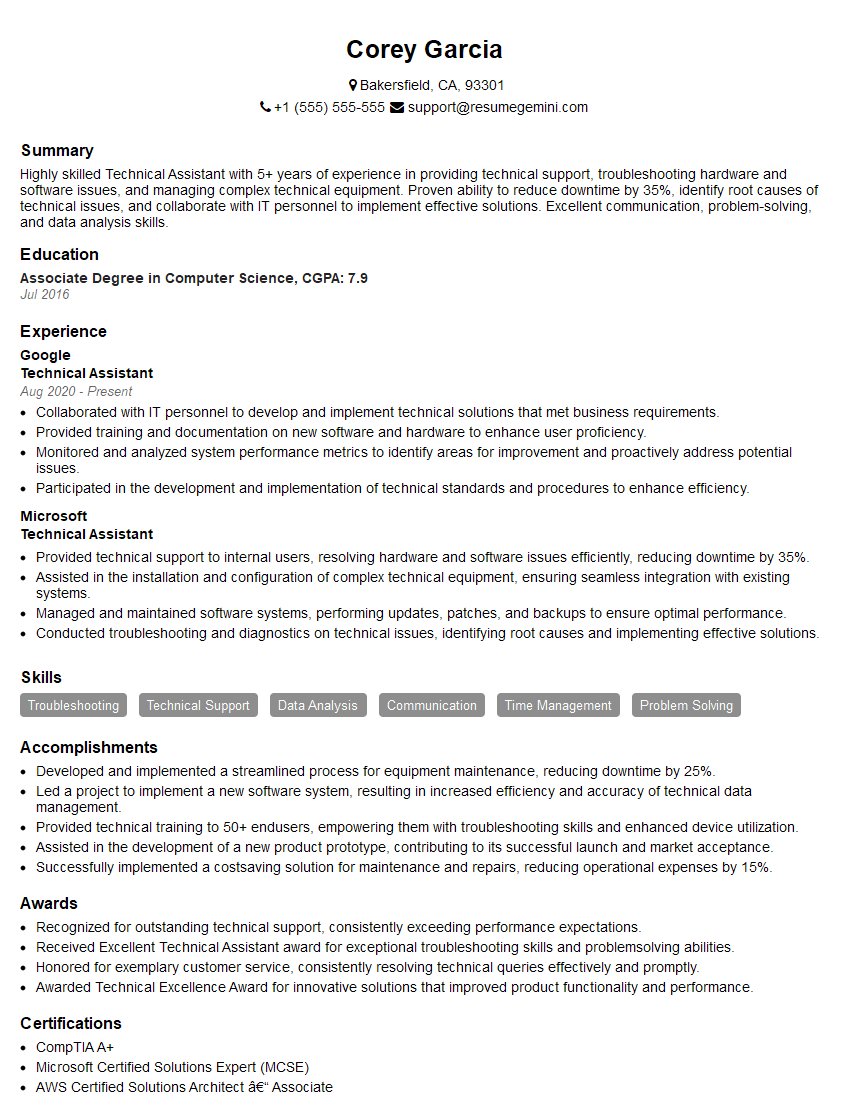
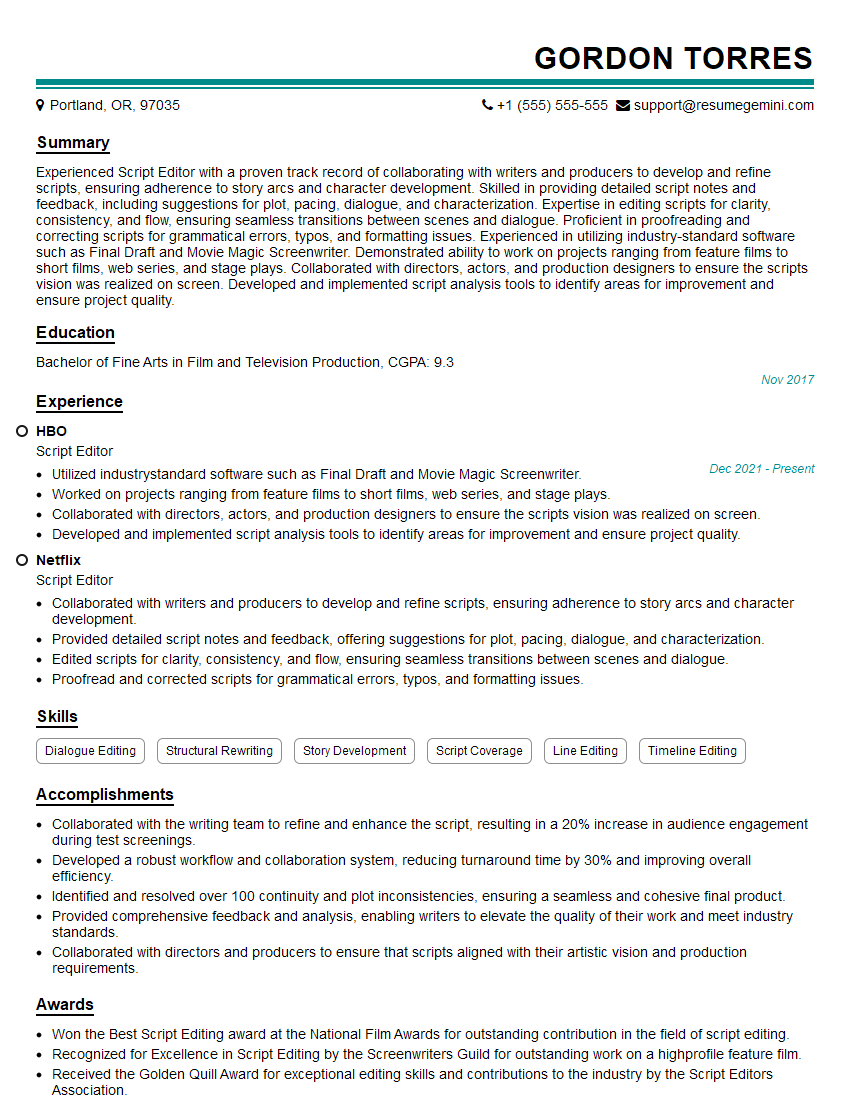
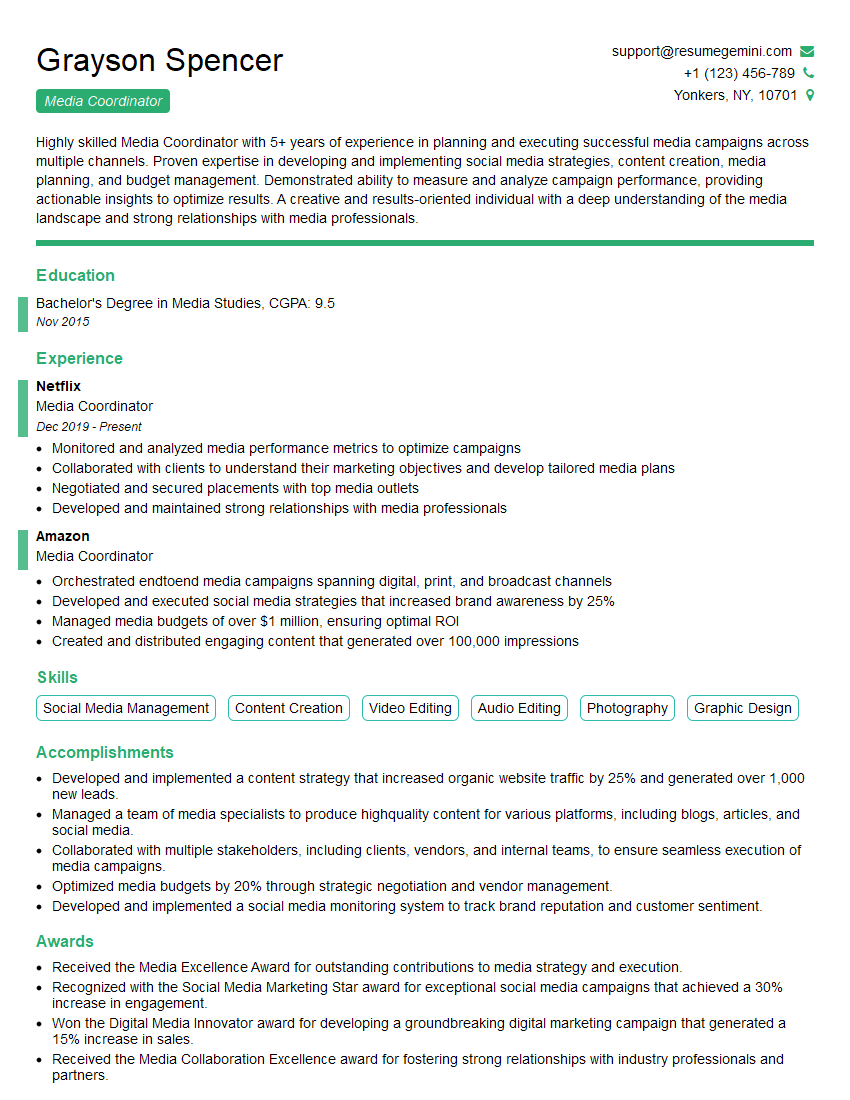
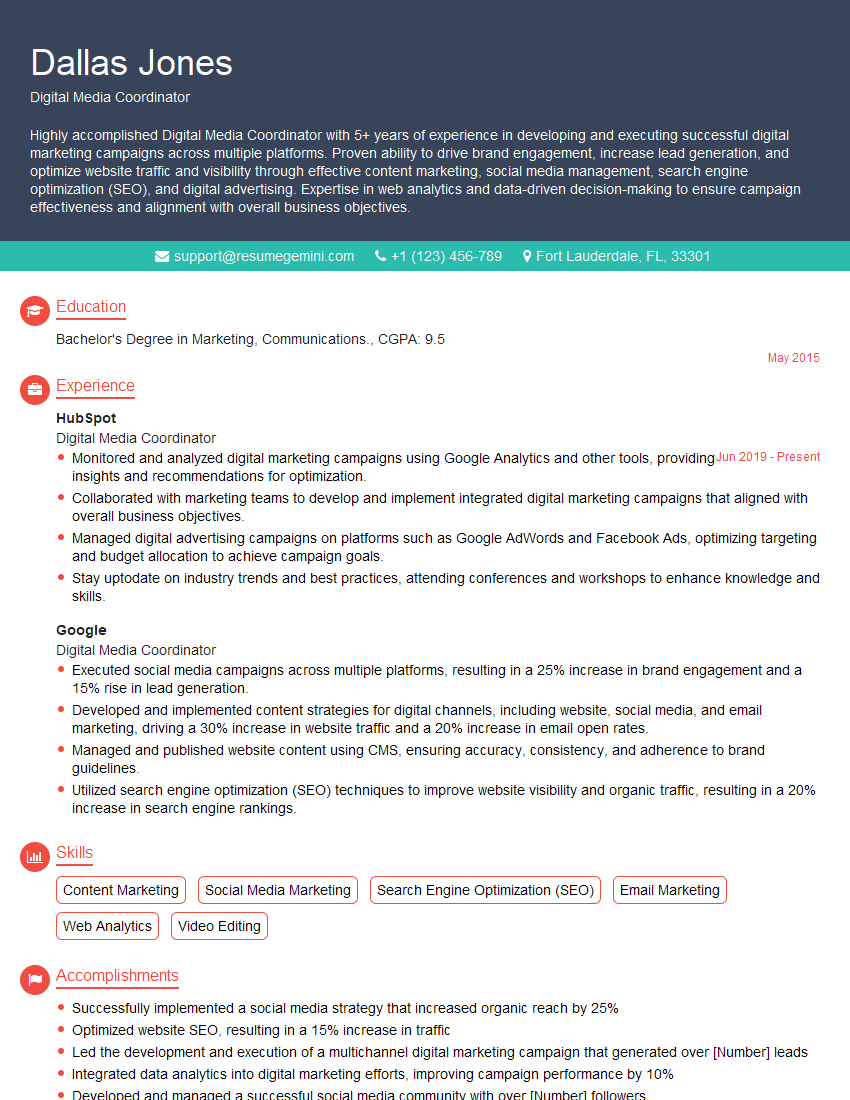
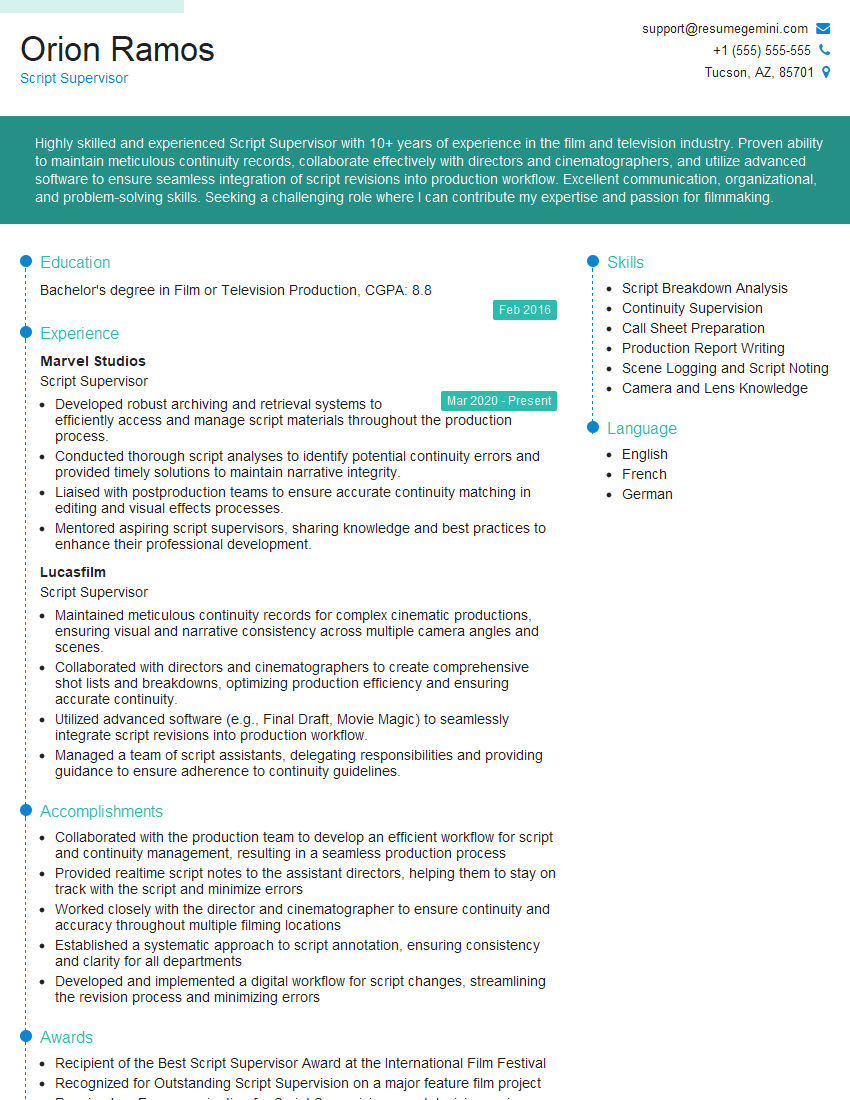
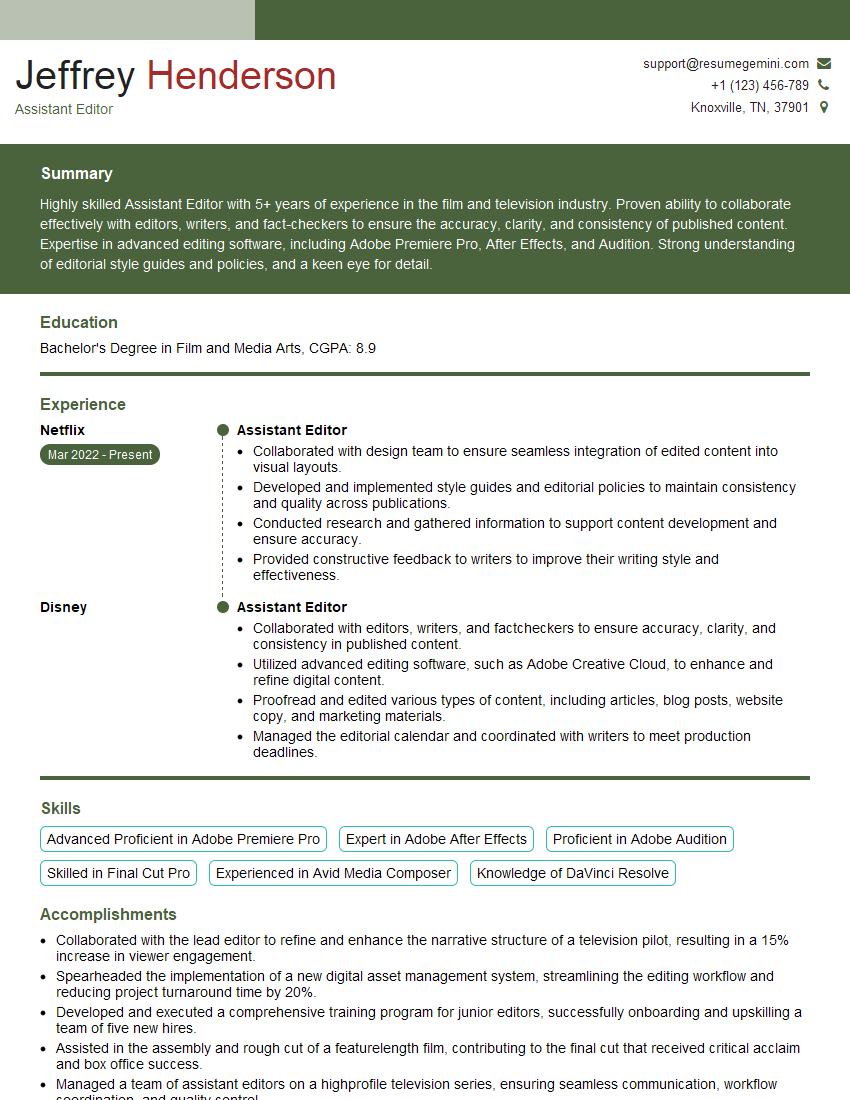
Mastering script formatting is crucial for a successful career in screenwriting, film production, or any related field. A strong understanding of these principles demonstrates professionalism and attention to detail, vital skills for any creative professional. To maximize your job prospects, it’s essential to create a resume that is both ATS-friendly and highlights your relevant skills. ResumeGemini is a trusted resource that can help you build a professional resume tailored to the specific requirements of your target roles. Examples of resumes tailored to Script Formatting positions are available to guide you through this process.
Explore more articles
Users Rating of Our Blogs
Share Your Experience
We value your feedback! Please rate our content and share your thoughts (optional).
What Readers Say About Our Blog
Amazing blog
Interesting Article, I liked the depth of knowledge you’ve shared.
Helpful, thanks for sharing.