Are you ready to stand out in your next interview? Understanding and preparing for Skill in Technical Sketching and Design interview questions is a game-changer. In this blog, we’ve compiled key questions and expert advice to help you showcase your skills with confidence and precision. Let’s get started on your journey to acing the interview.
Questions Asked in Skill in Technical Sketching and Design Interview
Q 1. Explain the difference between orthographic and isometric projections.
Orthographic and isometric projections are two fundamental methods for representing three-dimensional objects in two dimensions. The key difference lies in how they depict spatial relationships.
Orthographic projection uses multiple views (typically top, front, and side) to show the object as if viewed from perpendicular directions. Think of it like a blueprint – each view shows a distinct face, and the combination provides a complete representation. It’s precise and accurate, perfect for detailed manufacturing drawings.
Isometric projection, on the other hand, shows a single view that represents all three axes simultaneously. It creates a pictorial representation where the object is shown at an angle, allowing for a more intuitive visual understanding. While not as dimensionally precise as orthographic drawings, isometric projections are excellent for conveying overall shape and form.
Example: Imagine a simple cube. An orthographic projection would show three separate square faces, each representing a different side. An isometric projection would show the cube as a three-dimensional figure viewed from a corner, with all three dimensions visible at once.
Q 2. Describe your experience with various CAD software (e.g., AutoCAD, SolidWorks, Revit).
Throughout my career, I’ve extensively utilized various CAD software packages, adapting my skills to the specific project requirements. My proficiency in AutoCAD is particularly strong, enabling me to create precise 2D drawings, including detailed plans, sections, and elevations. I frequently employ AutoCAD for architectural detailing and site plans, leveraging its powerful annotation tools for accurate dimensioning and annotation.
I’m also experienced with SolidWorks, a powerful 3D modeling software. This expertise allows me to develop intricate 3D models, conduct simulations, and generate detailed manufacturing drawings directly from the 3D model. I’ve used SolidWorks extensively in mechanical design projects, creating parts, assemblies, and performing design analyses.
My experience with Revit is focused on building information modeling (BIM). I use Revit for architectural, structural, and MEP (Mechanical, Electrical, and Plumbing) design, leveraging its collaborative features and powerful database functionalities. Revit has significantly streamlined my workflows on larger-scale projects.
I’m always eager to learn new software and adapt my skills, ensuring I utilize the most efficient tools for each task.
Q 3. How do you ensure accuracy and precision in your technical sketches?
Accuracy and precision are paramount in technical sketching and design. I employ several techniques to maintain these crucial qualities:
- Using precise instruments: I rely on drafting tools such as rulers, protractors, compasses, and templates to ensure accurate linework and measurements. These tools allow for creating lines of consistent weight and precise angles.
- Employing proper scales: Selecting an appropriate scale is vital. The scale must be clearly stated and followed meticulously to avoid errors that could have significant implications during the manufacturing process.
- Checking measurements: Throughout the sketching process, I regularly check measurements against the design specifications to identify and correct any deviations early on.
- Utilizing CAD software effectively: The inherent precision of CAD software is a major advantage, providing tools for precise dimensioning, constraints, and automated checks. I take advantage of these features to prevent errors.
- Peer review and self-checking: Before finalizing a drawing, I conduct thorough self-checks and, where appropriate, obtain a peer review to catch any missed errors or inconsistencies.
By consistently implementing these methods, I ensure the accuracy and reliability of my technical drawings.
Q 4. What are the standard line types used in technical drawings and their significance?
Standard line types in technical drawings communicate crucial information about different aspects of the design. They serve as a visual shorthand, aiding in clarity and reducing the need for excessive text.
- Visible lines: Thick, solid lines represent the visible edges and outlines of the object. These are the most prominent lines in a drawing.
- Hidden lines: Dashed lines depict edges or features that are not directly visible from the chosen viewing direction. They help visualize the internal structure of an object.
- Center lines: Thin, alternating long and short dashes define axes of symmetry, centers of circles, and other central features.
- Section lines: Thin, closely spaced parallel lines indicate areas where a cross-section of the object is shown.
- Dimension lines: Thin lines with arrowheads at their ends indicate the measurement between two points.
- Leader lines: Thin lines with an arrowhead at one end and a short horizontal line at the other are used to connect dimensions to specific features of the drawing.
- Break lines: A series of short, wavy lines is used to shorten long, uniform components of a drawing, improving clarity and space utilization.
The consistent use of these standard line types is essential for the clarity and accurate interpretation of any technical drawing.
Q 5. Explain the importance of dimensioning and tolerancing in technical drawings.
Dimensioning and tolerancing are crucial for manufacturing and ensuring the proper function of a design. Dimensioning provides the precise measurements of various features of a component, defining its size and shape. This information is essential for the manufacturing process to create the part correctly.
Tolerancing specifies the permissible range of variation in those dimensions. It accounts for the inherent limitations of manufacturing processes and the acceptable degree of deviation from the ideal dimensions. Tolerances are crucial because perfectly precise manufacturing is impossible; tolerances define the acceptable range of variation that still ensures functionality.
Example: A dimension might be specified as “10mm ± 0.1mm.” This means that the actual manufactured part can have a dimension anywhere between 9.9mm and 10.1mm, and still be considered acceptable.
Without proper dimensioning and tolerancing, manufacturing would be inefficient, costly, and could result in parts that do not function as intended. They are essential components of any technical drawing, communicating the design intent and ensuring manufacturability.
Q 6. How would you handle a design conflict or discrepancy with another designer?
Design conflicts are inevitable in collaborative projects. My approach to resolving them involves a combination of clear communication and problem-solving strategies.
- Identify the conflict clearly: The first step is to understand the nature of the conflict. This often involves reviewing the affected drawings and discussing the conflicting elements with the other designer.
- Understand the reasoning: It’s crucial to understand the rationale behind each designer’s approach. This requires active listening and a willingness to consider different perspectives.
- Explore solutions collaboratively: Instead of focusing on who is right or wrong, the goal is to find a solution that addresses the conflict and satisfies design requirements. This often involves brainstorming alternative approaches.
- Document the decision: Once a solution has been agreed upon, it needs to be clearly documented in the drawings and project specifications to avoid future misunderstandings.
- Maintain open communication: Throughout the process, maintaining open and respectful communication is critical. This ensures that all parties feel heard and valued.
I believe in a collaborative approach to resolving conflicts, prioritizing a solution that meets both technical requirements and project goals.
Q 7. Describe your process for creating a detailed technical drawing from a conceptual sketch.
Transforming a conceptual sketch into a detailed technical drawing is a multi-step process involving careful planning and execution:
- Refine the sketch: Begin by refining the initial conceptual sketch, clarifying ambiguous areas and adding detail. This stage focuses on conveying the fundamental design intent more clearly.
- Establish views: Determine the necessary orthographic views to fully represent the object’s geometry. Consider whether isometric views are also needed to aid understanding.
- Develop the drawing: Using appropriate CAD software, create the technical drawing based on the refined sketch and selected views. Accurate dimensioning and tolerancing are introduced at this stage.
- Add annotations: Include necessary annotations, such as material specifications, surface finishes, and manufacturing notes. These details are essential for producing the component.
- Review and revise: Thoroughly review the completed drawing for accuracy, completeness, and clarity. Corrections and revisions are made as needed before finalizing the drawing. A peer review can be beneficial here.
This systematic approach ensures that the final technical drawing accurately represents the design intent, is clear, and provides all the necessary information for manufacturing and assembly.
Q 8. How do you manage large and complex drawing projects?
Managing large and complex drawing projects requires a systematic approach. Think of it like building a house – you wouldn’t start laying bricks without a blueprint. My strategy involves breaking down the project into smaller, manageable tasks. This is typically done through a Work Breakdown Structure (WBS), a hierarchical decomposition of the project into smaller, more easily managed components.
First, I thoroughly analyze the project requirements, identifying all necessary views, sections, details, and specifications. Then, I create a detailed project schedule using tools like Gantt charts, allocating time for each task and considering potential dependencies. Collaboration is key; I utilize project management software to track progress, share updates, and communicate effectively with team members (if applicable). Version control is critical. I use cloud-based solutions or dedicated design software with built-in version control to prevent data loss and track changes. Finally, regular quality checks and reviews throughout the process are essential to catch errors early and maintain consistency.
For example, on a recent project involving a complex assembly of mechanical parts, I used a WBS to divide the task into separate drawings for individual components, sub-assemblies, and the final assembly. This allowed for parallel work and easier management of revisions.
Q 9. Explain your experience with different sketching techniques (e.g., freehand, digital).
My experience spans both freehand and digital sketching techniques. Freehand sketching, using pencils and paper, allows for quick ideation and exploration. It’s excellent for brainstorming and capturing initial concepts. The fluidity of freehand allows for intuitive design exploration – it’s like sculpting with lines. I often use this to rapidly sketch different design iterations and explore various possibilities before committing to a digital model.
Digital sketching, using software like AutoCAD, SolidWorks, or Adobe Illustrator, offers greater precision and control. It allows for easy modifications, clean lines, and precise dimensions, crucial for creating production-ready drawings. I often use digital sketching for detailed designs, incorporating annotations and technical specifications. For example, I might use freehand sketching to quickly capture the overall design of a new component, then refine it digitally using CAD software to add precise dimensions and tolerances.
The choice between techniques depends on the project phase and requirements. Freehand is ideal for early-stage conceptualization while digital sketching is best suited for detailed design and documentation.
Q 10. How do you incorporate user feedback into your design process?
User feedback is paramount. It’s the compass guiding my design towards its intended purpose. I actively seek feedback throughout the design process, not just at the end. This is achieved through various methods, including user interviews, surveys, and usability testing.
For example, during a project designing a new ergonomic chair, I conducted user interviews to understand their needs and preferences, observing how they interacted with existing chair designs. This feedback directly influenced my design iterations, leading to adjustments in seat height, backrest angle, and armrest placement. I also regularly present my work to stakeholders and solicit their input, fostering an environment of open communication and collaborative improvement. Constructive criticism is seen as an opportunity for refinement. I use a collaborative design software that allows for easy annotation and comment tracking on digital designs.
Ultimately, incorporating user feedback ensures that the final design effectively meets the user’s needs and improves the overall user experience.
Q 11. Explain your understanding of design standards and conventions (e.g., ASME, ISO).
Understanding and adhering to design standards and conventions like ASME (American Society of Mechanical Engineers) and ISO (International Organization for Standardization) is crucial for creating clear, unambiguous, and internationally recognized technical drawings. These standards dictate drawing formats, dimensioning practices, tolerances, and material specifications.
ASME Y14.5, for example, provides detailed guidelines for dimensioning and tolerancing, ensuring consistent interpretation across different manufacturers and engineering teams. ISO standards offer similar guidance for various engineering disciplines. Failure to follow these standards can lead to misinterpretations, manufacturing errors, and costly rework.
In my work, I meticulously follow relevant standards to ensure my drawings are professional, accurate, and easily understood by anyone in the relevant field. I use CAD software that incorporates these standards and regularly consult the relevant standard documents to ensure consistency and accuracy.
Q 12. How do you translate 3D models into 2D drawings?
Translating 3D models into 2D drawings involves utilizing the capabilities of CAD software. The process typically begins by selecting appropriate views (front, top, side, isometric, etc.) within the 3D model. The software then automatically generates the 2D projections of these views, which are then refined and annotated.
This includes adding dimensions, tolerances, material specifications, and other relevant details. Creating detailed sections and exploded views can greatly improve understanding of assembly and component interaction. For complex assemblies, it’s critical to carefully select views to clearly convey the necessary information without overwhelming the drawing.
For instance, if working on a gearbox assembly, I might create a 3D model in SolidWorks. I would then generate 2D drawings showing the individual components, the assembled gearbox, and crucial sections to showcase internal mechanisms. Each drawing would be meticulously annotated with dimensions, tolerances, and material details following relevant standards.
Q 13. What methods do you use to create effective technical illustrations?
Creating effective technical illustrations goes beyond simple drawings; it’s about clear communication. The goal is to convey complex information simply and accurately. I utilize a variety of techniques to achieve this.
Firstly, I select the most appropriate illustration style for the content: Isometric projection for clarity of 3D form, orthographic projections for precise dimensions, cutaway views to reveal internal mechanisms, or exploded views to show assembly sequences. Proper use of annotation, callouts, and labeling is critical for guiding the viewer’s eyes and accurately conveying technical specifications. Color is also utilized judiciously to highlight key components or functions, making the illustration more visually engaging and easier to understand. I use professional software such as Adobe Illustrator or specialized technical illustration programs to generate high-quality, publication-ready images.
For example, when illustrating the operation of a hydraulic system, a cutaway view would be preferable to show the fluid flow path within the system. Clear labeling of valves and components accompanied by annotations would help explain the system’s functionality. Use of a consistent color scheme can help to differentiate different components and their roles.
Q 14. Describe your workflow when creating technical animations.
Creating technical animations requires a multi-step workflow. It starts with a well-defined objective: what needs to be communicated through the animation? Then, a storyboard is developed, outlining the key scenes and the order of events. This ensures that the animation flows logically and effectively conveys the message. Next, the 3D model (if needed) is created or imported, and keyframes are set to define the animation’s progression.
I typically use animation software such as Cinema 4D, Blender, or 3ds Max, which allow for precise control of camera angles, lighting, and object movements. Materials and textures are applied to the 3D models to enhance realism. Once the animation is complete, I add text and sound effects to improve clarity and engagement. Finally, rendering and post-processing are done to optimize the animation’s quality and visual appeal. The process often involves multiple revisions and feedback loops to refine the presentation and ensure that the animation is effective and easy to understand.
For example, if animating the assembly process of a machine, the animation would start by showing the individual parts, then clearly demonstrate the sequence of steps involved in assembling the machine. Clear labels and visual cues should be included to assist the viewer’s understanding of each step.
Q 15. How do you ensure that your sketches are clear, concise, and easy to understand?
Creating clear and concise technical sketches is paramount for effective communication. It’s about conveying information efficiently, minimizing ambiguity, and ensuring the viewer understands the design intent immediately. I achieve this through several key strategies:
- Purposeful simplification: I avoid unnecessary detail, focusing on the essential elements that define the design’s form and function. Think of it like a well-written sentence – every word serves a purpose.
- Clear linework: Using consistent line weights and types (e.g., thick lines for visible edges, thin lines for hidden edges, dashed lines for centerlines) greatly improves readability. It’s like using different fonts to highlight key information in a document.
- Strategic use of annotations: Dimensions, notes, and material specifications are crucial for clarity. They act as the supporting evidence for the visual representation, eliminating any guesswork.
- Orthographic projections: Utilizing multiple views (front, top, side) provides a comprehensive understanding of the design’s three-dimensional form. It’s like looking at an object from different angles to grasp its complete shape.
- Consistent style: Maintaining a consistent style throughout the sketch ensures uniformity and prevents visual confusion. Imagine reading a book with inconsistent font sizes and styles – it would be jarring.
For example, when sketching a complex mechanical part, I might initially create a simplified 3D sketch to understand the overall form. Then, I’d develop orthographic projections with clear dimensions and notes, focusing on critical features and eliminating distracting details.
Career Expert Tips:
- Ace those interviews! Prepare effectively by reviewing the Top 50 Most Common Interview Questions on ResumeGemini.
- Navigate your job search with confidence! Explore a wide range of Career Tips on ResumeGemini. Learn about common challenges and recommendations to overcome them.
- Craft the perfect resume! Master the Art of Resume Writing with ResumeGemini’s guide. Showcase your unique qualifications and achievements effectively.
- Don’t miss out on holiday savings! Build your dream resume with ResumeGemini’s ATS optimized templates.
Q 16. How familiar are you with various types of drawing scales?
I’m very familiar with various drawing scales, understanding their crucial role in translating real-world dimensions onto a drawing surface. The choice of scale depends on the size and complexity of the object being represented and the intended use of the drawing. Common scales include:
- Full scale (1:1): The drawing is the same size as the object.
- Reduced scale (e.g., 1:2, 1:10, 1:100): Used for large objects, allowing them to fit on a standard drawing sheet. A 1:10 scale means 1 unit on the drawing represents 10 units in reality.
- Enlarged scale (e.g., 2:1, 10:1): Used for small or intricate details requiring magnification for clarity.
I’m proficient in using both metric and imperial units and converting between scales. I always clearly indicate the scale used on the drawing to avoid misinterpretations. For instance, when designing a small electronic component, I might use a 10:1 scale to show the intricate details clearly, while a large machine part might require a 1:20 scale to fit on the drawing sheet.
Q 17. What are your preferred tools and techniques for creating technical sketches?
My preferred tools and techniques depend on the project’s complexity and the stage of the design process. However, I generally utilize a combination of both digital and traditional methods:
- Traditional Methods: Pencils (various hardnesses like H2, 2H, B for different line weights), erasers, rulers, templates (for circles, ellipses, etc.), and drawing boards form the core of my traditional sketching workflow. This approach allows for quick iterations and free-flowing ideas.
- Digital Methods: Software like AutoCAD, SolidWorks, and Fusion 360 are invaluable for creating precise and detailed technical drawings, 3D models, and simulations. They provide functionalities like dimensioning, constraints, and rendering that significantly enhance the design process.
My sketching techniques involve using light pencil strokes for initial layouts, progressively darkening lines as the design solidifies. I pay close attention to proportion, perspective, and the effective use of shading to create depth and realism where necessary.
For example, I might start with a quick freehand sketch on paper to brainstorm ideas and then refine the design using a CAD software for precise dimensions and details.
Q 18. How do you handle revisions and changes during the design process?
Handling revisions and changes efficiently is critical for successful design. I employ a structured approach:
- Version control: For digital sketches, I leverage version control systems within the CAD software to track changes and revert to previous versions if needed. For traditional sketches, I clearly label each iteration (e.g., Revision A, Revision B) to maintain a record of modifications.
- Change logs: I maintain a change log documenting each revision, including the date, description of the changes, and the reason for the modification. This allows for traceability and understanding of design evolution.
- Collaboration: In team projects, I ensure clear communication regarding changes, actively soliciting feedback and incorporating input from colleagues. Design reviews are essential for catching potential issues early on.
- Redlining: I utilize redlining (markups on existing drawings) to clearly indicate changes directly on the sketch, making the intended modifications immediately apparent to others.
This systematic approach ensures that revisions are tracked, documented, and understood, minimizing confusion and rework. For example, if a dimension changes during a design review, I’d update the dimension on the drawing, update the change log indicating the reason for the change (e.g., “Increased diameter to improve strength”), and potentially notify relevant team members of the update.
Q 19. How do you ensure your sketches are compliant with industry standards?
Ensuring compliance with industry standards is crucial for producing professional-quality technical sketches. I adhere to relevant standards such as ANSI (American National Standards Institute), ISO (International Organization for Standardization), or ASME (American Society of Mechanical Engineers), depending on the project and its geographic location. These standards dictate:
- Drawing formats and sizes: Using standard sheet sizes (e.g., A0, A1, A2) and layouts ensures consistency and compatibility with industry practices.
- Line conventions: Adhering to established conventions for line types and weights guarantees clear communication of visible and hidden features.
- Dimensioning and tolerancing: Correctly applying dimensioning and tolerancing standards ensures that the design can be manufactured accurately.
- Title blocks and revisions: Properly completed title blocks provide essential information (drawing number, revision history, etc.), and a documented revision process makes tracking updates simple.
By consistently following these standards, my sketches are unambiguous, easily understood by others, and fit seamlessly within a professional design workflow. For example, I would always ensure that dimensions are clearly indicated, utilizing appropriate tolerance values based on the manufacturing process and material.
Q 20. Describe a time when you had to troubleshoot a design issue using technical sketching.
During a project involving the design of a robotic arm, I encountered an issue where the initial design lacked sufficient rigidity in a particular joint. This was evident in the finite element analysis (FEA) simulations, showing high stress concentrations in that area. To troubleshoot, I created several freehand sketches exploring alternative joint designs, focusing on reinforcing the weak areas. I tried various configurations, sketching different bracing structures and material thicknesses. These quick sketches allowed me to visualize the impact of each modification before generating precise 3D models in the CAD software. Ultimately, I found a design that effectively addressed the rigidity issue, significantly reducing stress concentrations without significantly increasing weight or complexity. The use of quick, iterative sketching proved invaluable in finding a cost-effective solution.
Q 21. Explain your knowledge of material properties and how they influence design.
Understanding material properties is foundational to effective design. The choice of material directly impacts a design’s performance, cost, and manufacturability. Factors such as:
- Strength: Tensile, compressive, and shear strengths dictate a material’s ability to withstand forces.
- Stiffness: Young’s modulus defines a material’s resistance to deformation under stress.
- Ductility: The ability to deform plastically before fracture.
- Hardness: Resistance to indentation or scratching.
- Density: Mass per unit volume, impacting weight and inertia.
- Machinability: Ease of manufacturing using various processes.
- Cost: A significant factor affecting economic viability.
These properties influence design choices. For example, when designing a lightweight component, I would choose a material with high strength-to-weight ratio such as aluminum alloy or carbon fiber. Conversely, if high stiffness is needed, a material with high Young’s modulus, like steel, might be preferred. Considering these properties during sketching is vital; it allows me to quickly assess the feasibility and suitability of different design concepts.
For instance, when designing a bridge, the choice of steel (high strength, stiffness) vs. concrete (high compressive strength, lower cost) significantly impacts the overall design, its geometry, and load-bearing capabilities. Sketches can quickly help visualize and explore these options.
Q 22. How do you effectively communicate technical details through your sketches?
Effective communication in technical sketching hinges on clarity, precision, and the strategic use of visual cues. I employ a multi-faceted approach. First, I prioritize using standardized symbols and annotations according to industry best practices (like ASME Y14.5). This ensures everyone understands the meaning of different lines, dimensions, and notations. For instance, a dimension line with a leader pointing to a specific radius clearly communicates the required curvature. Second, I meticulously label all components and parts with clear identifiers, avoiding ambiguity. Third, I utilize different line weights to distinguish between visible and hidden lines, section lines, and center lines, adding depth and clarity. This is crucial, particularly when depicting complex three-dimensional objects. Finally, I create multiple views – front, side, top, and section views as needed – to comprehensively capture the object’s geometry and features. For example, to explain an internal mechanism, a cross-section view would be essential. This layered approach ensures the technical details are not only visible but also readily interpretable.
Q 23. How do you stay updated with the latest advancements in CAD software and technologies?
Staying current in the rapidly evolving field of CAD software and technologies requires a proactive approach. I regularly attend webinars and workshops offered by industry leaders like Autodesk, SolidWorks, and Siemens. Many offer free or discounted resources. I also actively participate in online forums and communities like those on LinkedIn and professional engineering websites, where I engage with other professionals and learn about new techniques and software updates. Furthermore, I subscribe to relevant industry publications and journals, ensuring I stay abreast of the latest advancements and best practices. I believe in hands-on learning, so I frequently experiment with new features and functionalities in different software packages, constantly challenging myself to improve efficiency and explore new design possibilities. This continuous exploration allows me to adapt quickly to new project requirements and leverage the most current tools available.
Q 24. What are your experience with different file formats used for technical drawings?
My experience encompasses a wide range of file formats used in technical drawing and design. I’m proficient with industry-standard formats like DWG (AutoCAD), DXF (Drawing Exchange Format), STEP (Standard for the Exchange of Product model data), and IGES (Initial Graphics Exchange Specification). Understanding the nuances of each format is critical. For instance, DWG is a proprietary format often used for sharing between AutoCAD users, while STEP and IGES are neutral formats for exchanging data between different CAD software packages. I’ve worked extensively with PDF for sharing final drawings with clients and manufacturers, appreciating its ability to preserve formatting and annotations. Furthermore, I’m familiar with newer formats like JT (Java-based format) used in large-scale assembly design, along with formats supporting 3D printing like STL (Stereolithography). Selecting the appropriate file format always depends on the specific needs of the project and the intended recipient of the drawings. My expertise allows me to seamlessly transition between formats and ensure compatibility without data loss or distortion.
Q 25. Explain the importance of version control in technical sketching and design projects.
Version control is paramount in technical sketching and design projects, especially those involving multiple contributors or iterative design phases. Without it, managing revisions and tracking changes becomes incredibly difficult and error-prone. I utilize version control systems like Git, often integrated with platforms like GitHub or GitLab, to meticulously track every modification made to a design. This allows me to revert to earlier versions if necessary, compare different iterations, and maintain a clear audit trail of the design’s evolution. For instance, if a design flaw is discovered in a later revision, having version control allows us to quickly pinpoint the exact point of introduction and potentially revert to a functional state. This is vital for error correction and collaboration, significantly reducing potential issues in later stages of manufacturing or implementation. It also provides legal protection and clarity regarding intellectual property, a critical aspect in many professional contexts.
Q 26. How do you adapt your sketching style to suit different design contexts?
Adapting my sketching style to different design contexts is crucial. For conceptual design, I favor quick, rough sketches emphasizing form and functionality, often employing freehand sketching to quickly explore ideas. This allows rapid iteration and exploration of different design directions without being constrained by precision. Conversely, when producing detailed manufacturing drawings, precision and accuracy take precedence. My style shifts to meticulous use of CAD software, focusing on accurate dimensions, tolerances, and annotations, adhering to strict industry standards. For presentations, my sketches become more stylized, aiming for visual clarity and impact, using perspective and shading to enhance understanding and engagement. Essentially, my approach is context-dependent, shifting between a freehand explorative style to a meticulous and precise technical style as dictated by the phase and requirements of the project.
Q 27. Describe your approach to creating detailed sections and views in technical drawings.
Creating detailed sections and views is fundamental to conveying complex geometries. My approach begins with carefully identifying the necessary planes of section to reveal crucial internal features. I then use CAD software or precise hand-drawn techniques to generate the section views, paying close attention to line weights and conventions. I explicitly label each section and ensure that hidden lines are appropriately represented with dashed lines. When needed, I incorporate break views to show a detailed enlargement of specific areas. For example, if designing a complex gear mechanism, multiple section views at different angles would be crucial to clearly represent the interaction of the gears. Furthermore, I use auxiliary views when necessary to depict features that are not clearly visible in the main orthogonal views. This combination of standard section views and auxiliary views allows me to provide a complete and unambiguous representation of even the most intricate internal structures, preventing misunderstandings during manufacturing.
Q 28. How do you handle ambiguity in design specifications or requirements?
Ambiguity in design specifications is a common challenge. My approach to resolving this begins with careful review and analysis of all available documentation. I systematically identify the ambiguous points, recording them clearly. I then proactively reach out to stakeholders (design engineers, clients, manufacturing personnel) to clarify those points. Open communication is essential. Before making assumptions, I document all questions and proposed solutions, ensuring everyone is aware of potential interpretations. I might create multiple design alternatives based on different interpretations of the ambiguous specifications, allowing for comparison and informed decision-making. Ultimately, I aim to document the decision-making process, ensuring that any choices made are well-justified and agreed upon by relevant parties. Thorough documentation and clear communication are key to mitigating the risks associated with design ambiguity.
Key Topics to Learn for Your Technical Sketching and Design Interview
Ace your interview by mastering these key areas of technical sketching and design:
- Fundamentals of Sketching: Understanding perspective, proportion, and basic sketching techniques. Practice creating freehand sketches of various objects and mechanical components.
- Technical Drawing Standards: Familiarity with ISO and ASME standards for technical drawings, including dimensioning, tolerancing, and projection methods (orthographic, isometric, etc.).
- CAD Software Proficiency: Demonstrate your expertise in at least one industry-standard CAD software (e.g., AutoCAD, SolidWorks, Inventor). Be prepared to discuss your experience with 2D and 3D modeling, drafting, and design features.
- Design Principles: Showcase your understanding of design principles like ergonomics, aesthetics, and functionality. Be ready to discuss how these principles inform your design choices.
- Material Selection and Properties: Explain your knowledge of different materials and their properties, and how these influence design decisions. Be able to discuss material selection criteria for specific applications.
- Problem-Solving and Design Thinking: Highlight your ability to approach design challenges systematically, using iterative design processes and problem-solving techniques. Prepare examples of projects where you’ve overcome design constraints.
- Communication and Collaboration: Demonstrate your ability to effectively communicate your design ideas through clear and concise sketches, drawings, and presentations. Explain your experience working collaboratively on design projects.
- Manufacturing Processes: Understanding the different manufacturing processes (e.g., casting, machining, 3D printing) and how they impact design choices. This showcases practical application of your design knowledge.
Next Steps
Mastering technical sketching and design is crucial for career advancement in engineering, product design, and related fields. A strong portfolio and a well-crafted resume are essential for showcasing your skills to potential employers. Make sure your resume is ATS-friendly to maximize its impact. To help you create a professional and effective resume, we recommend using ResumeGemini. ResumeGemini provides a user-friendly platform and offers examples of resumes tailored specifically to technical sketching and design roles. Take the next step towards your dream career – build a stand-out resume with ResumeGemini today!
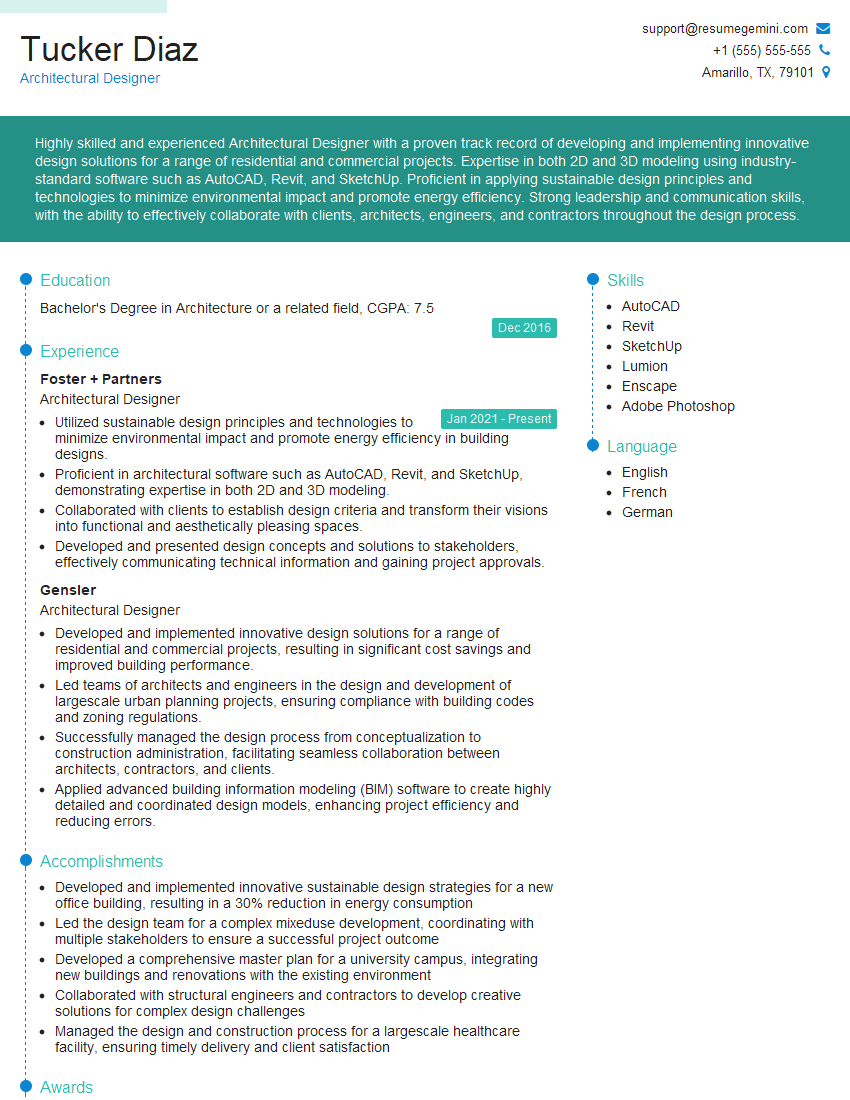
Architectural Designer Resume Sample
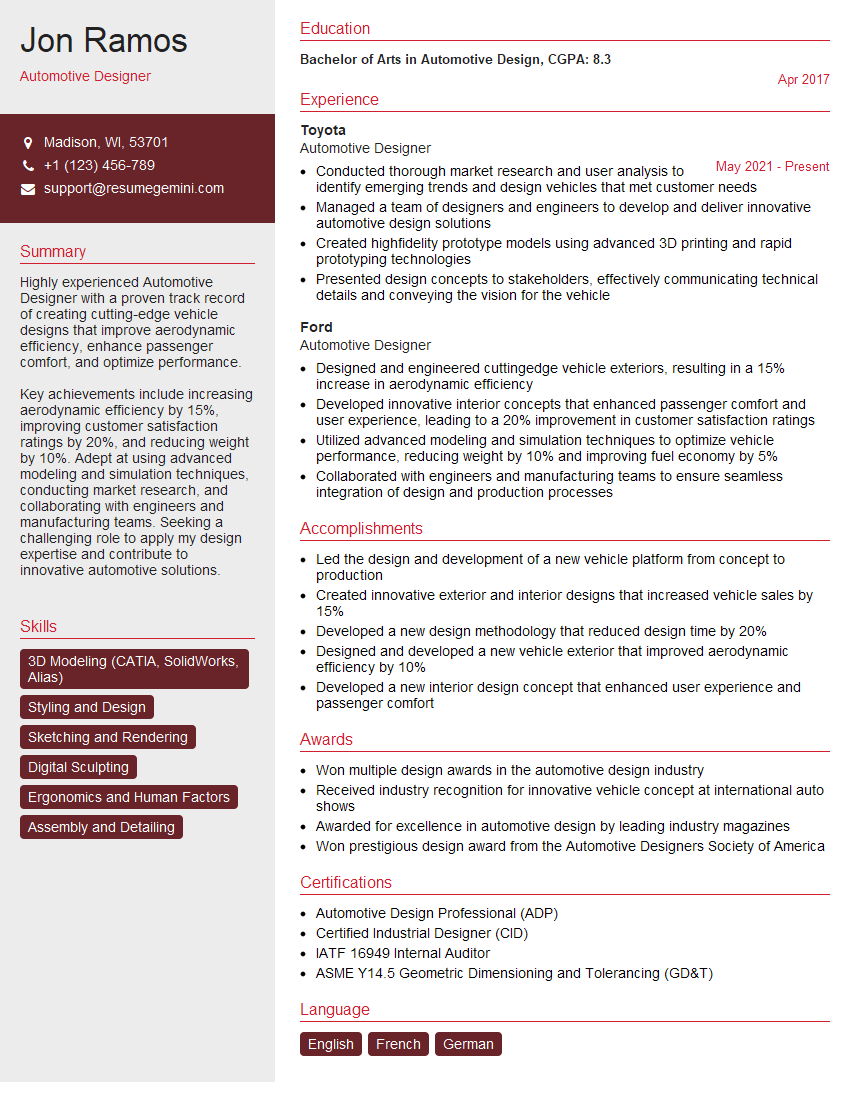
Automotive Designer Resume Sample
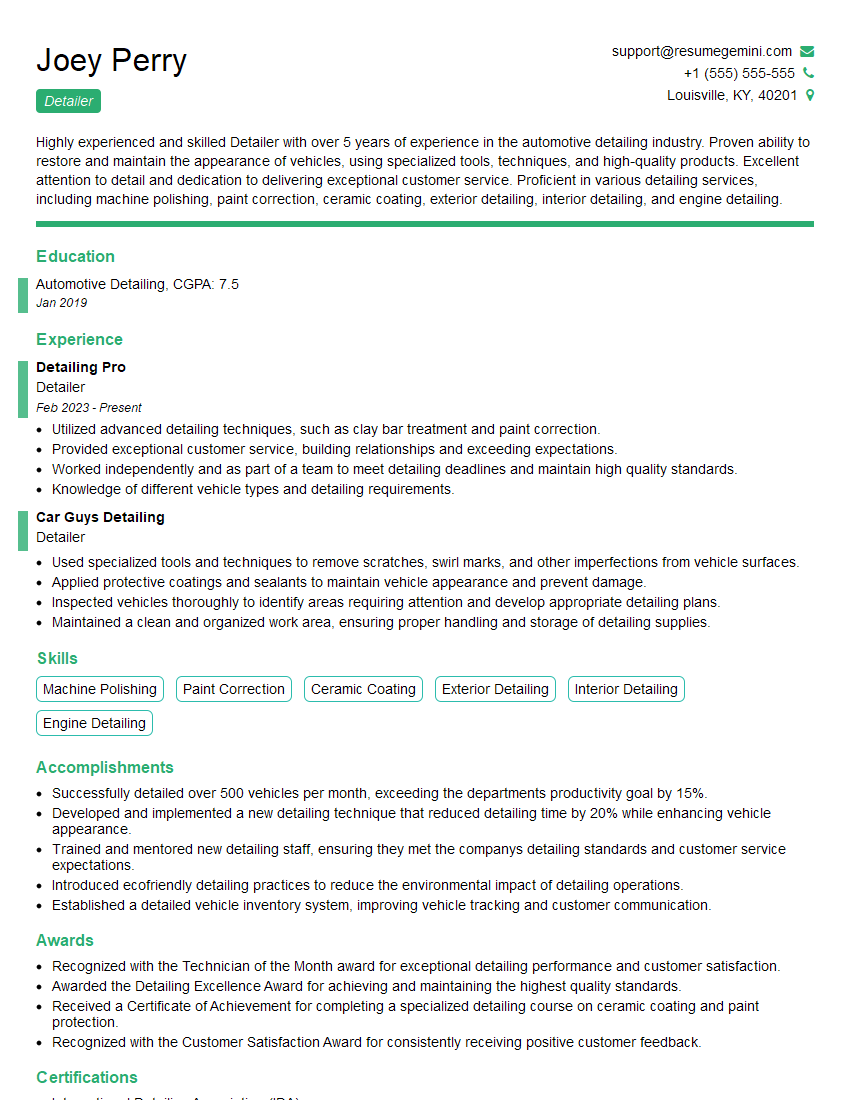
Detailer Resume Sample
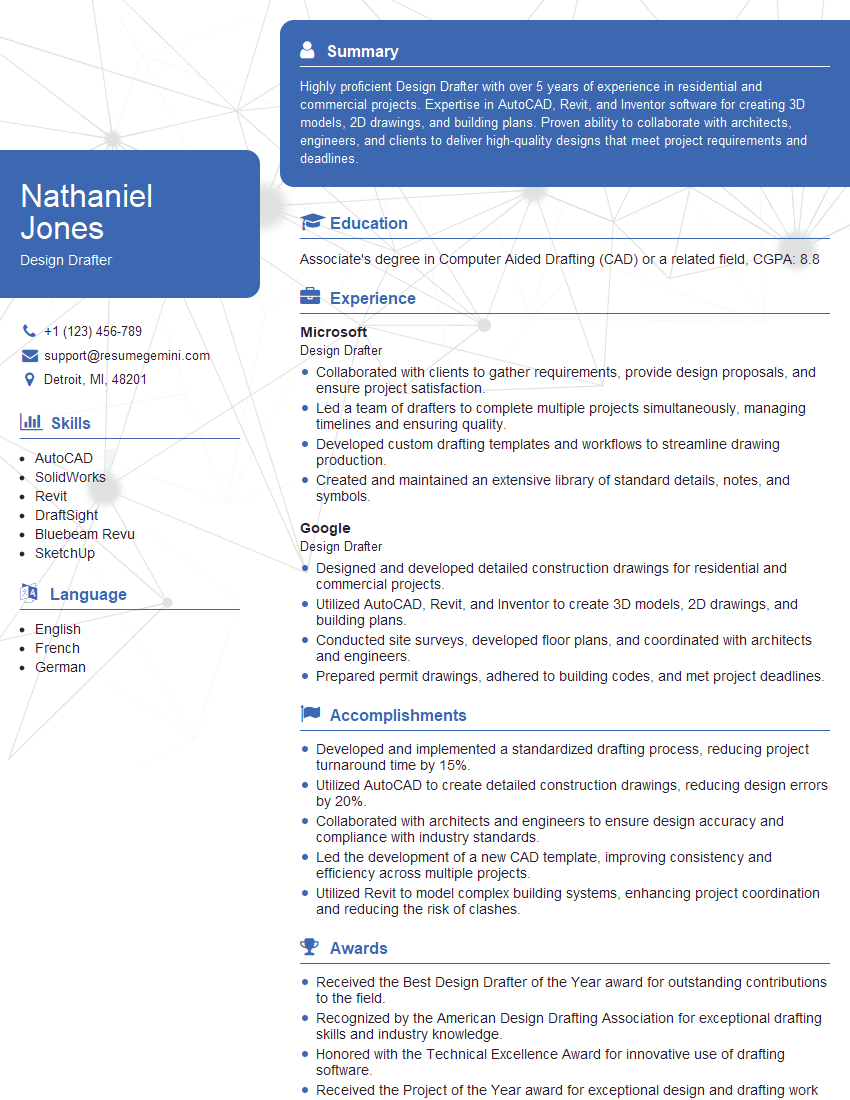
Design Drafter Resume Sample
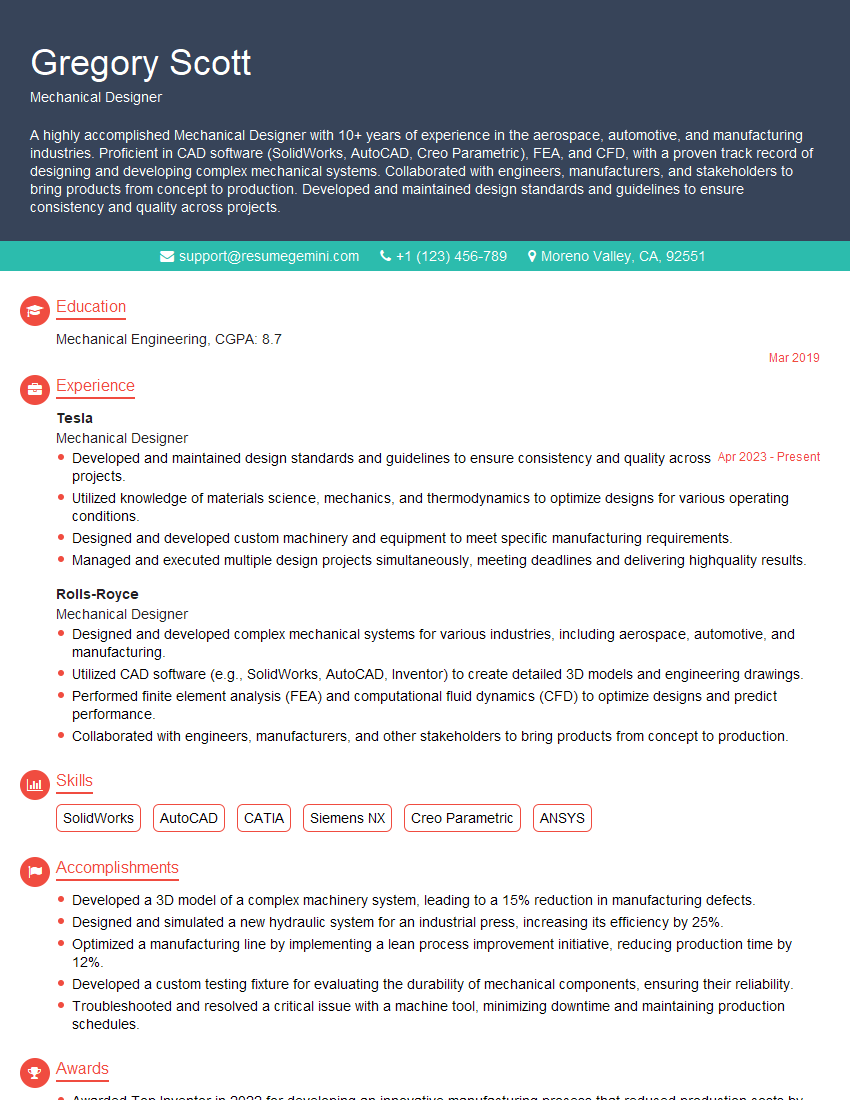
Mechanical Designer Resume Sample

Technical Illustrator Resume Sample
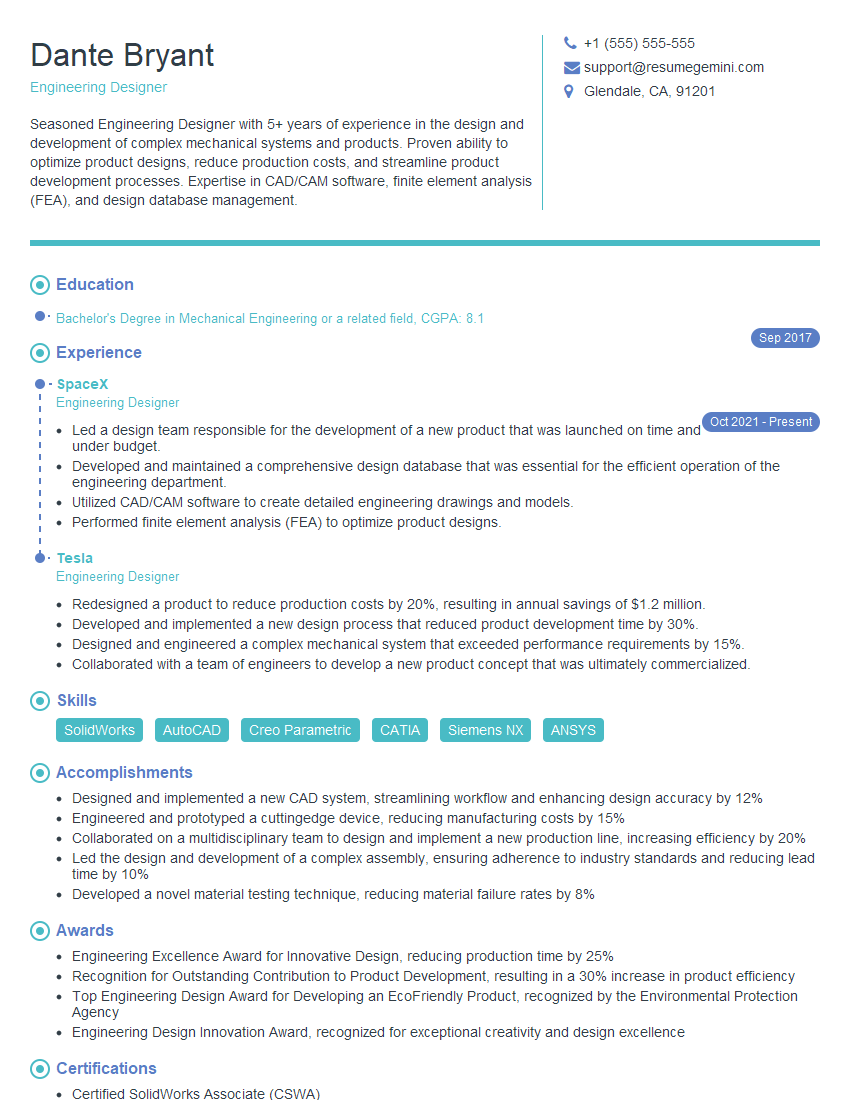
Engineering Designer Resume Sample

Product Designer Resume Sample

3D Modeler Resume Sample
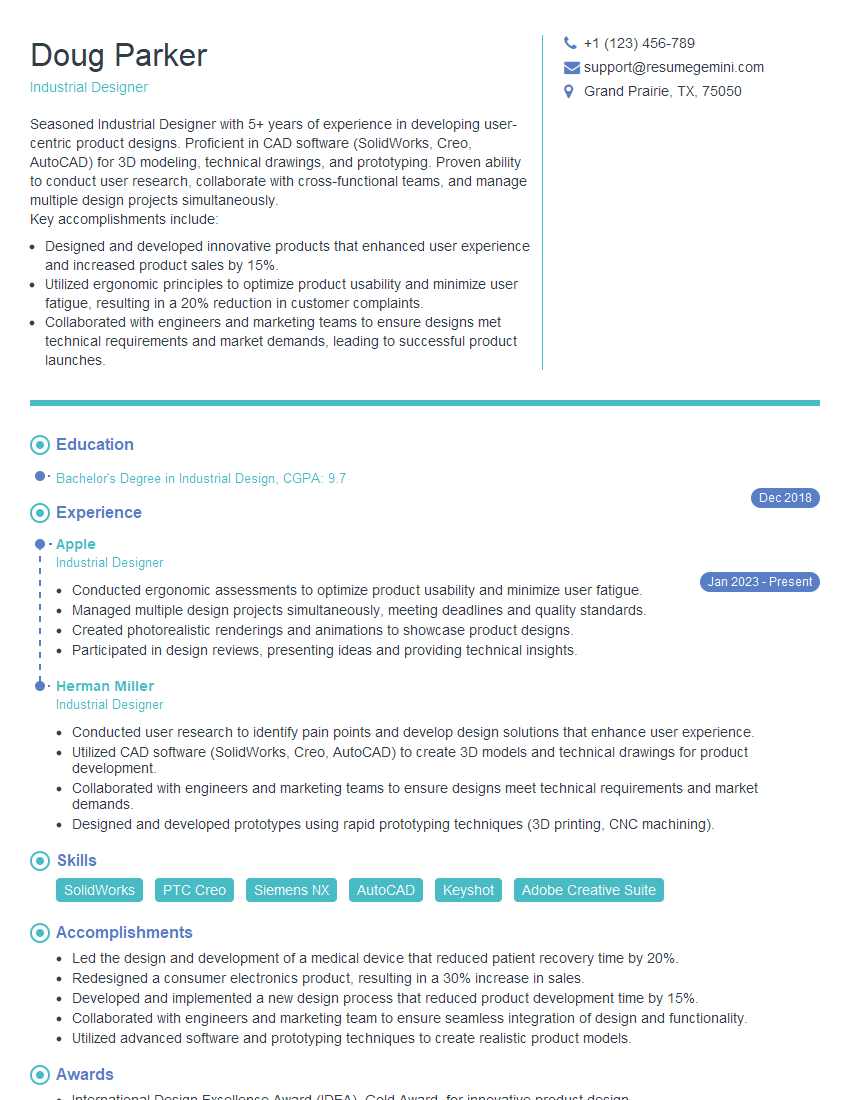
Industrial Designer Resume Sample
Explore more articles
Users Rating of Our Blogs
Share Your Experience
We value your feedback! Please rate our content and share your thoughts (optional).
What Readers Say About Our Blog
Amazing blog
Interesting Article, I liked the depth of knowledge you’ve shared.
Helpful, thanks for sharing.