Every successful interview starts with knowing what to expect. In this blog, we’ll take you through the top Aspect Ratio Conversion interview questions, breaking them down with expert tips to help you deliver impactful answers. Step into your next interview fully prepared and ready to succeed.
Questions Asked in Aspect Ratio Conversion Interview
Q 1. Explain the concept of aspect ratio and its significance in media.
Aspect ratio describes the proportional relationship between the width and height of an image or video. Think of it like a recipe: it dictates the proportions of the ingredients (width and height) to create the final product (the image or video). Its significance in media is paramount because it determines how the content will be displayed and perceived. Inconsistent aspect ratios can lead to distorted images, cropped content, or wasted screen real estate, impacting the viewing experience significantly.
Q 2. Describe different common aspect ratios (e.g., 4:3, 16:9, 21:9).
Several common aspect ratios exist, each historically tied to display technologies or creative choices:
- 4:3 (or 1.33:1): The classic standard for television and computer monitors for many years. Think of older square-ish TVs. It provides a wider field of vision, often favored in photography.
- 16:9 (or 1.78:1): The dominant standard for widescreen HDTVs and most modern displays. It offers a more cinematic experience and is preferred for movies and gaming.
- 21:9 (or 2.39:1): An ultra-wide aspect ratio, often seen in high-end monitors and some cinema releases. It provides an even more immersive viewing experience but may not be ideal for all types of content due to the extremely wide view.
Other ratios exist, such as 1:1 (square) often used for social media profile pictures, and 3:2, a popular choice in photography.
Q 3. What are the methods for converting between different aspect ratios?
Converting between aspect ratios involves manipulating the image or video data to fit the new proportions. The key methods are:
- Letterboxing and Pillarboxing: Adding black bars to maintain the original aspect ratio within a different display format.
- Cropping: Removing portions of the image or video to fit the new aspect ratio.
- Scaling: Stretching or shrinking the image or video to fit the new aspect ratio, which often involves interpolation algorithms to avoid pixelation.
The best method depends on the context and priorities. Preserving image quality might prioritize letterboxing/pillarboxing or sophisticated scaling, while maintaining the entire image content might require cropping, accepting some quality loss.
Q 4. Explain letterboxing and pillarboxing. When are they used?
Letterboxing adds black bars to the top and bottom of an image or video to maintain the original aspect ratio when displayed on a wider screen. Think of a movie shown on a wide TV screen – the black bars at the top and bottom ensure the original image isn’t stretched or compressed. Pillarboxing does the opposite, adding black bars to the sides of an image or video displayed on a taller screen, preserving the original aspect ratio.
They are used when displaying content with a different aspect ratio than the display device. For example, showing a 4:3 video on a 16:9 screen necessitates letterboxing.
Q 5. What is cropping and how does it affect image or video quality?
Cropping involves trimming away portions of an image or video to fit a different aspect ratio. It’s a lossy method because information is discarded. The impact on image or video quality depends on what is cropped. Cropping out essential parts of the scene can significantly affect storytelling, composition, or visual appeal. Trimming less important sections minimizes impact. However, even minor cropping can cause a subtle loss of resolution depending on the method used.
Q 6. Describe the process of scaling an image to a different aspect ratio. What are the potential issues?
Scaling involves changing the dimensions of an image or video. This is often necessary when converting aspect ratios. The process involves calculating the new pixel dimensions based on the target aspect ratio and then using an interpolation algorithm to fill in the new pixel values. For example, to scale a 1000×750 (4:3) image to 1920×1080 (16:9), the software calculates the size change and then uses the algorithm to determine the color values for the new pixels.
Potential issues include:
- Aliasing/Pixelation: Enlarging an image without proper interpolation can result in a jagged, pixelated appearance.
- Blurring: Shrinking an image too aggressively can lead to loss of detail and a blurry result.
- Distortion: Improper scaling techniques can cause the image to appear stretched or compressed, altering its proportions.
Q 7. Explain the differences between scaling algorithms (e.g., bicubic, nearest neighbor).
Scaling algorithms determine how pixel values are calculated when resizing an image. Different algorithms offer varying trade-offs between speed, quality, and artifact reduction:
- Nearest Neighbor: The simplest method. Each new pixel takes the value of the nearest pixel in the original image. This is fast but results in a blocky, pixelated appearance, particularly when enlarging.
- Bicubic: A more sophisticated algorithm that considers the values of neighboring pixels to create smoother transitions and reduce aliasing. It generally provides a better balance between speed and quality than nearest neighbor.
- Bilinear: This method averages the values of the four nearest pixels to determine the new pixel value. It is faster than bicubic but may produce slightly less sharp results.
Choosing the right algorithm depends on the application. Nearest neighbor may suffice for quick previews or applications where speed is paramount, while bicubic or more advanced algorithms are preferred for high-quality image editing or video processing.
Q 8. How do you handle preserving image or video quality during aspect ratio conversion?
Preserving image or video quality during aspect ratio conversion is crucial. It’s akin to resizing a photograph – you want to maintain sharpness and avoid distortion. The key is to use intelligent scaling algorithms. Simple stretching or shrinking will result in a blurry or pixelated image. Instead, we leverage techniques like bicubic interpolation (a sophisticated averaging method) for upscaling and Lanczos resampling (another advanced method focusing on edge preservation) for downscaling. These algorithms analyze neighboring pixels to predict the best color values for the new resolution, minimizing artifacts. Furthermore, working in a lossless format (like PNG for images or ProRes for video) during the conversion process helps maintain the highest possible quality. Finally, avoiding excessive conversions is vital. Each conversion can introduce generational loss, gradually degrading the image/video quality.
Q 9. What are the considerations for converting video aspect ratios for different platforms (e.g., YouTube, Instagram)?
Different platforms have specific aspect ratio recommendations. YouTube supports a wide range, including 16:9 (widescreen), 4:3 (standard), and even vertical videos (9:16). Instagram favors square (1:1) and vertical (9:16) formats. When converting, you must consider letterboxing (adding black bars) or pillarboxing (adding vertical black bars) to fit the source video into the target platform’s preferred aspect ratio. Cropping can be used, but it involves losing content. For example, converting a 21:9 cinematic video to 16:9 for YouTube might involve letterboxing, preserving the original content but adding black bars at the top and bottom. Conversely, converting that same 21:9 video for Instagram might involve cropping the sides to a 9:16 aspect ratio, resulting in some loss of the original visual information. Choosing the right approach depends on the content and the priority: preserving all the original content (letterboxing/pillarboxing) or optimizing for the platform’s visual aesthetic (cropping).
Q 10. How do you choose the best aspect ratio for a specific project or platform?
Selecting the optimal aspect ratio depends heavily on the project’s purpose and the target platform. For a widescreen cinematic movie, 21:9 or 16:9 is standard. For social media, vertical videos (9:16) perform well due to how people consume mobile content. Square (1:1) is popular for images on Instagram. Consider the content itself – a landscape shot will naturally suit a horizontal aspect ratio, while a portrait-style subject might look better in a vertical format. The platform’s guidelines also play a significant role; a video optimized for YouTube in 16:9 will have different considerations than one destined for TikTok’s vertical orientation. Testing different aspect ratios with your specific content is often the best approach to determine the most impactful option.
Q 11. What software or tools are you familiar with for aspect ratio conversion?
I’m proficient with several software options. Adobe Premiere Pro and After Effects are industry-standard tools providing comprehensive control over aspect ratio conversions, scaling algorithms, and composition. DaVinci Resolve offers similar capabilities, particularly beneficial for high-resolution and color-critical projects. For simpler conversions, applications like HandBrake (open-source) provide efficient resizing functionalities. Additionally, I have experience with command-line tools like ffmpeg which offer granular control over the entire conversion process, providing a lot of flexibility for automation and batch processing.
Q 12. Describe your experience working with different video codecs and their impact on aspect ratio conversion.
Video codecs significantly influence aspect ratio conversion. Lossy codecs (like H.264 or H.265) compress the video file, potentially introducing artifacts during scaling. Lossless codecs (like ProRes or DNxHD) preserve all image data, resulting in higher quality after aspect ratio adjustments. When converting, choosing a codec appropriate for the final destination is essential. For example, H.264 is widely compatible and ideal for online platforms, while ProRes is better for editing and intermediate steps because of its superior quality. The choice will impact file size and processing time. Converting a high-resolution video in ProRes to H.264 for online distribution is a common workflow. This ensures high quality during editing and maintains a manageable file size for online viewing. Ignoring this workflow can lead to unnecessary quality loss or impractically large files.
Q 13. How do you handle different resolutions and aspect ratio conversions?
Handling different resolutions and aspect ratios involves careful planning and execution. Upscaling (increasing resolution) requires sophisticated algorithms to avoid artifacts. Downscaling (decreasing resolution) can be simpler but still needs proper resampling to prevent loss of detail. The process often involves adjusting the resolution first, then modifying the aspect ratio. For instance, converting a 1920×1080 (16:9) video to 1280×720 (16:9) will be a downscale. If you need to change it to 720×1280 (9:16), you’ll downscale to 720 pixels while making it taller and padding with black bars or cropping.
Q 14. Describe a situation where you had to resolve a complex aspect ratio conversion issue.
I once worked on a project with archival footage in a very unusual aspect ratio – 1.37:1. This isn’t a common ratio, and it presented challenges for delivery on modern platforms. Most platforms preferred 16:9 or 4:3. To resolve this, I analyzed the content, opting to letterbox it to 16:9 for wide distribution. This meant adding black bars to the top and bottom to maintain the original image integrity. For some specific clips where the subject matter was well-suited to it, we cropped portions of the video to achieve a 4:3 aspect ratio. This required meticulous editing to ensure that the cropping didn’t lose essential elements of the footage. The solution involved careful consideration of both technical compatibility and artistic impact, ensuring the best balance between modern usability and historical preservation of the original format.
Q 15. How do you manage the metadata of images and videos after aspect ratio changes?
Maintaining metadata integrity after aspect ratio conversion is crucial for preserving the original image or video’s information. This metadata includes crucial details like resolution, original aspect ratio, creation date, and more. Simply changing the dimensions can corrupt this data. The best approach is to use professional-grade video and image editing software that allows for metadata preservation. Most software will automatically preserve the original metadata, but it’s crucial to verify this, especially if batch-processing. For instance, if converting a 4:3 image to 16:9, the software should keep the original aspect ratio information, alongside the new dimensions, in the metadata. If the software doesn’t, you may need to manually add or edit the metadata using tools like exiftool (for images) or specialized metadata editors for video. This careful approach prevents confusion about the original source material and avoids potential data loss or inconsistencies downstream.
Career Expert Tips:
- Ace those interviews! Prepare effectively by reviewing the Top 50 Most Common Interview Questions on ResumeGemini.
- Navigate your job search with confidence! Explore a wide range of Career Tips on ResumeGemini. Learn about common challenges and recommendations to overcome them.
- Craft the perfect resume! Master the Art of Resume Writing with ResumeGemini’s guide. Showcase your unique qualifications and achievements effectively.
- Don’t miss out on holiday savings! Build your dream resume with ResumeGemini’s ATS optimized templates.
Q 16. What are the implications of converting between different aspect ratios on file size?
Converting between aspect ratios directly impacts file size. The relationship isn’t strictly linear, as it depends on the conversion method and the codec used. Generally, reducing resolution (e.g., going from 4K to 1080p) will drastically reduce file size. Increasing the resolution (upscaling) will increase the file size. Letterboxing or pillarboxing (adding black bars) only adds minimal file size overhead, since those areas are essentially empty. However, if you’re converting a lower-resolution video to a higher-resolution one, you’re not just increasing the number of pixels, you are also often performing image scaling algorithms that require more processing, which might temporarily increase file size during the conversion, but that size is only temporary. The final file size will depend on factors like the compression level and codec utilized. Imagine a 1080p video; if we convert it to 4K and then reduce the video quality for easier upload to a platform, the final size might still not be significantly bigger than the 1080p version.
Q 17. What techniques do you use to prevent distortion during aspect ratio conversion?
Preventing distortion during aspect ratio conversion is paramount. The key is choosing the right scaling algorithm. Simple methods like nearest-neighbor scaling can lead to pixelation and jaggies. Better options include bilinear, bicubic, and Lanczos resampling. Lanczos is generally considered the best for image quality, especially when upscaling, but it’s computationally more expensive. Bicubic is a good balance between quality and speed. Beyond algorithms, the method used to add letterboxing or pillarboxing impacts perception. Instead of uniformly adding black bars, some software attempts to generate image-appropriate edge blurring to smooth the transition from content to letterbox. Advanced techniques like content-aware scaling also help to intelligently resize images, maintaining detail while minimizing unwanted distortions, but these are complex, computationally heavy algorithms. The choice depends on the available processing power and the desired image quality.
Q 18. Explain the concept of anamorphic widescreen and its conversion process.
Anamorphic widescreen is a technique where a wide image is squeezed horizontally onto a narrower film or sensor, then unsqueezed during projection or playback. This allows for a wider aspect ratio without using a wider film format. The conversion process involves ‘desqueezing’ the image during post-production. This usually requires specifying the squeeze factor (often 2x) within the video editing software. Incorrectly setting this factor will result in a distorted image, too wide or too narrow. For example, if a 2.39:1 anamorphic image is incorrectly desqueezed using a factor of 1.5x instead of 2x, the resulting output will have an incorrect aspect ratio and will appear stretched and distorted. Professional software often provides presets or automatic detection for common anamorphic formats.
Q 19. How do you handle aspect ratio conversion when dealing with multiple video tracks?
Handling multiple video tracks during aspect ratio conversion depends on the desired outcome. If all tracks should maintain their original aspect ratios, you’d handle each track individually, perhaps using separate timelines or compositions. If you aim for consistent aspect ratio across all tracks, you need to select a target aspect ratio and convert each track accordingly, ensuring that the original video is intelligently scaled (or cropped) to the desired proportions. This process will be different depending on whether you’re aiming for a letterboxed effect or simply cropping each track to fit the new aspect ratio. Proper synchronization and maintaining accurate audio alignment are vital aspects of this process to avoid introducing problems in the final video output.
Q 20. Describe your workflow for aspect ratio conversion in a post-production pipeline.
My workflow begins with assessing the source material’s aspect ratio and the desired target ratio. Then I select the appropriate software (e.g., Adobe Premiere Pro, DaVinci Resolve, Final Cut Pro). I then create a new sequence (project) with the target aspect ratio. The video is imported, and I use the software’s built-in tools to scale and adjust the video. I carefully choose a scaling algorithm to minimize distortion. During the process, I frequently check the output to make sure the scaling remains aesthetically appropriate. Finally, I export the video with appropriate codec and settings, verifying the resulting metadata and file size. This is commonly done with some form of quality control process to ensure that the converted video meets the required standards.
Q 21. How do you ensure consistency in aspect ratio throughout a project?
Maintaining aspect ratio consistency throughout a project requires meticulous planning and execution. It starts with defining a project-wide standard aspect ratio early on. All source material is then assessed, and any necessary conversions are made consistently, utilizing the same tools and settings. Color-space consistency is equally important, as some conversion methods can subtly alter color. A project-wide style guide or a technical document outlining these aspects are very helpful. A template for video editing may be used, which automatically sets up aspects like the aspect ratio, making it easy for multiple editors to work on the project without having any inconsistency issues. Regular quality control checks and version control throughout the editing process help maintain consistency and avoid unexpected problems later on. The final output should be verified to meet the defined specifications.
Q 22. What are the potential pitfalls of automatic aspect ratio conversion tools?
Automatic aspect ratio conversion tools, while convenient, can introduce several pitfalls. The most common issue is poor quality resulting from unwanted scaling artifacts, such as pixelation or blurring. This is especially noticeable when upscaling a lower-resolution video to a higher resolution. Another significant pitfall is the improper handling of letterboxing or pillarboxing, leading to cropped or distorted images. Tools may also fail to intelligently handle motion, potentially resulting in jittery or unnatural-looking movement during the conversion. Finally, some tools may not correctly preserve metadata, leading to information loss or incorrect display properties. For instance, embedded subtitles might get misplaced or disappear entirely.
Consider this analogy: imagine resizing a photo on your phone. Using a low-quality resizing algorithm can result in a blurry, pixelated image. Automatic aspect ratio conversion tools face similar challenges with video, where the complex interplay of motion and detail adds to the complexity.
Q 23. How do you deal with non-standard aspect ratios?
Dealing with non-standard aspect ratios requires a flexible and nuanced approach. First, we need to identify the exact aspect ratio. Many professional tools allow you to input custom aspect ratios, going beyond the common 4:3, 16:9, or 2.39:1. Next, we need to decide on the target aspect ratio. If we’re aiming for a standard aspect ratio, some cropping or letterboxing/pillarboxing will be required. A crucial step is to visually preview the result, carefully examining the composition to avoid unintentionally cropping important elements of the video. If we can’t avoid significant cropping, alternatives like scaling and padding might be considered. Finally, metadata needs to be updated to reflect the new aspect ratio. For example, if I’m dealing with a 1.85:1 aspect ratio, I might decide to letterbox it to 16:9 for wider compatibility, making sure to maintain a consistent and balanced presentation.
Q 24. How do you balance quality, file size, and speed during aspect ratio conversion?
Balancing quality, file size, and speed in aspect ratio conversion is a delicate act of optimization. Higher quality usually means larger file sizes and slower processing times. We use various techniques to strike a balance. For example, when upscaling, sophisticated algorithms like bicubic interpolation offer better visual quality than nearest-neighbor interpolation, but at the cost of increased processing time and file size. On the other hand, lossy compression codecs like H.264 or H.265 can greatly reduce file size but might introduce some visual artifacts if the compression is too aggressive. The ideal approach depends on the project’s constraints. If high quality is paramount (e.g., a high-definition archival copy), we prioritize quality even if it means larger files and longer processing. For online streaming, prioritizing smaller file sizes and faster encoding speeds is crucial for efficient delivery. We would then choose a higher compression rate, accepting a slight compromise in visual quality.
Q 25. Discuss your experience with different color spaces and their impact on aspect ratio adjustments.
Different color spaces significantly impact aspect ratio adjustments. The color space defines how color information is represented in the video. For instance, Rec.709 is the standard color space for HDTV, while Rec.2020 is used for high dynamic range (HDR) content. Converting between color spaces during aspect ratio conversion can introduce color shifts or banding artifacts if not done carefully. This is because the color gamut (range of colors) varies between different color spaces. If you’re converting from a wide color gamut space like Rec.2020 to Rec.709, colors outside the Rec.709 gamut might need to be mapped to the closest color within the smaller gamut, potentially leading to a loss of color information. Accurate color management throughout the conversion process, using appropriate color profiles and tools, is critical to preserving visual fidelity.
Q 26. How do you maintain the integrity of subtitles or closed captions during an aspect ratio change?
Maintaining subtitle or closed caption integrity during aspect ratio changes requires careful handling. Subtitles are typically stored as separate files or embedded in the video container. During the conversion, we use tools that specifically address subtitle positioning. These tools will automatically adjust the subtitle position to match the new aspect ratio, ensuring that the text remains within the visible area of the video after the conversion. This is often done by mapping the old coordinates of the subtitles to the new coordinates, relative to the changes in frame dimensions. In cases where automatic adjustment doesn’t work perfectly, manual adjustments might be necessary, although this is time-consuming. The goal is to ensure readability and avoid overlap with the video content.
Q 27. Explain the difference between hard and soft matting in aspect ratio conversion.
Hard matting and soft matting are two different approaches to adding black bars (letterboxing or pillarboxing) during aspect ratio conversion. Hard matting involves adding solid black bars with a sharp edge between the video content and the bars. This is a simple and efficient method but can appear less aesthetically pleasing due to the abrupt transition. Soft matting, on the other hand, adds a gradual fade or vignette effect to the edges of the video, blending the bars more smoothly into the image. This approach is often preferred for a more natural and less jarring look. The choice between hard and soft matting depends on the desired aesthetic and the project’s technical requirements. For broadcast television, hard matting might be favored for its simplicity and compatibility, while soft matting might be preferred for higher-end productions or cinematic releases.
Q 28. How would you address the challenge of converting a 4:3 video to 16:9 while maintaining a balanced composition?
Converting a 4:3 video to 16:9 while maintaining a balanced composition requires careful consideration. Simply stretching the 4:3 image to fit the 16:9 frame will result in a distorted image. Instead, we would typically use one of two approaches. The first approach is cropping. We’d strategically crop the top and bottom of the 4:3 image to fit the 16:9 aspect ratio. This preserves the original image’s aspect ratio and resolution but cuts away some of the vertical information. The key is to maintain the center of interest in the frame and not to crop away vital elements. The second approach is padding (or letterboxing). We’d add black bars to the sides of the 4:3 image to make it a 16:9 video. This preserves all the original information. This approach is best when the top and bottom of the frame contain crucial information.
The best method depends on the content. If the subject matter is primarily focused in the center of the 4:3 frame, cropping is probably preferable. If the image has crucial information spread throughout the vertical range, letterboxing may be more appropriate. The goal is to always consider the content and maintain balance and avoid making any critical information lost.
Key Topics to Learn for Aspect Ratio Conversion Interview
- Understanding Aspect Ratios: Learn to define and differentiate various aspect ratios (e.g., 4:3, 16:9, 21:9) and their implications in different media formats (video, images, etc.).
- Calculations and Conversions: Master the mathematical principles behind aspect ratio conversion. Practice calculating the dimensions of an image or video after a conversion, including handling scaling and letterboxing/pillarboxing.
- Resolution and Pixel Dimensions: Understand the relationship between aspect ratio, resolution, and pixel dimensions. Be prepared to solve problems involving scaling resolutions while maintaining the aspect ratio.
- Practical Applications: Explore real-world scenarios where aspect ratio conversion is crucial. This could include video editing, image resizing for websites, game development, or other media-related fields.
- Lossless vs. Lossy Conversion: Discuss the differences between lossless and lossy image/video compression techniques and how they impact the quality during aspect ratio changes.
- Software and Tools: Familiarize yourself with common software and tools used for aspect ratio conversion and resizing (mentioning specific tools is optional, focus on the general concept).
- Common Challenges and Problem-Solving: Anticipate potential issues during conversion, such as maintaining image quality, handling different file formats, and dealing with non-standard aspect ratios.
Next Steps
Mastering aspect ratio conversion is a valuable skill highly sought after in many creative and technical fields, significantly enhancing your career prospects. A strong understanding of these concepts will differentiate you from other candidates. To maximize your job search success, focus on building a strong, ATS-friendly resume that highlights your relevant skills and experience. ResumeGemini is a trusted resource to help you craft a professional and impactful resume. Examples of resumes tailored to Aspect Ratio Conversion expertise are available to guide you.

Technical Director Resume Sample
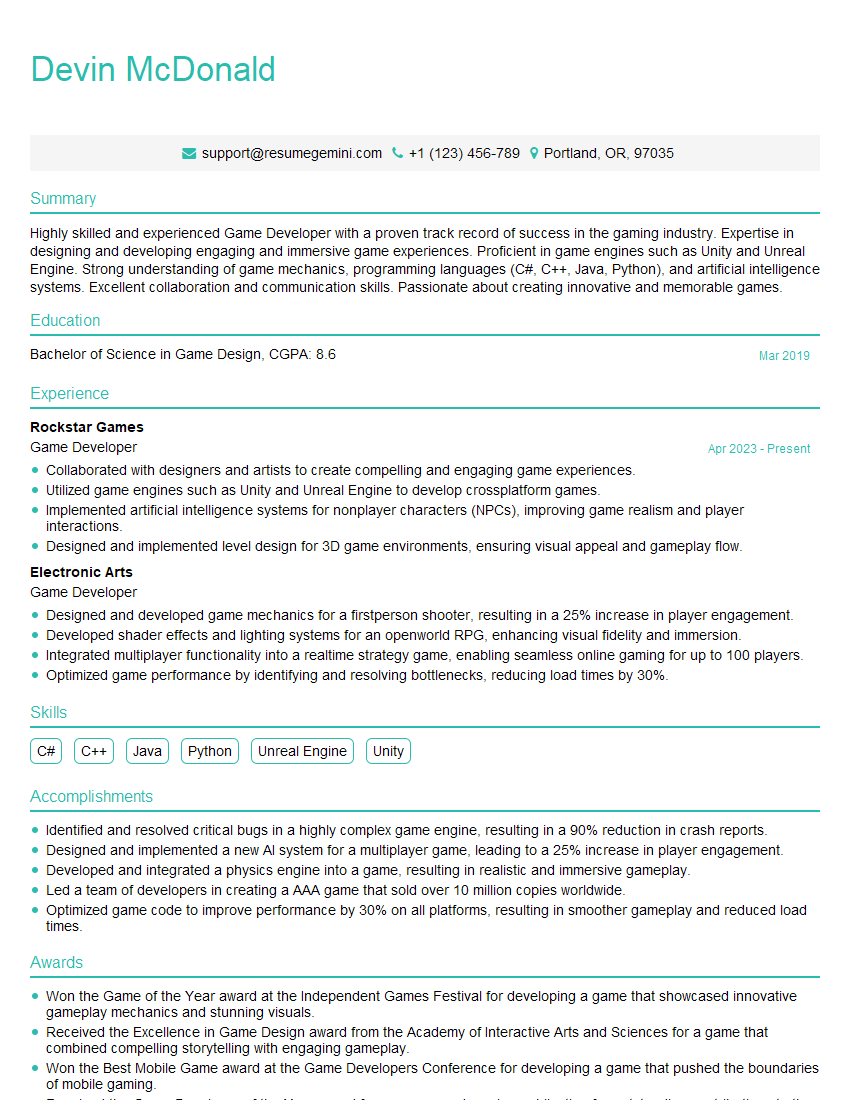
Game Developer Resume Sample

Web Designer Resume Sample

Colorist Resume Sample

Multimedia Specialist Resume Sample

3D Animator Resume Sample

Compositor Resume Sample
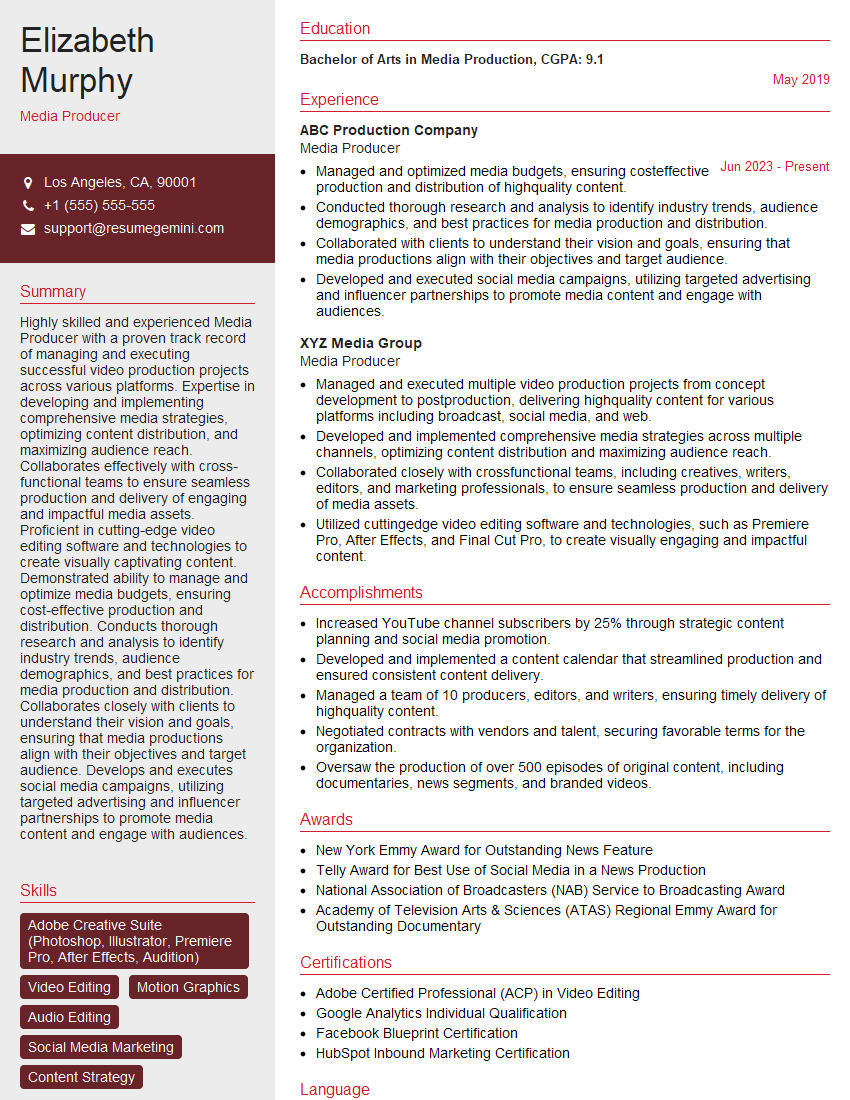
Media Producer Resume Sample
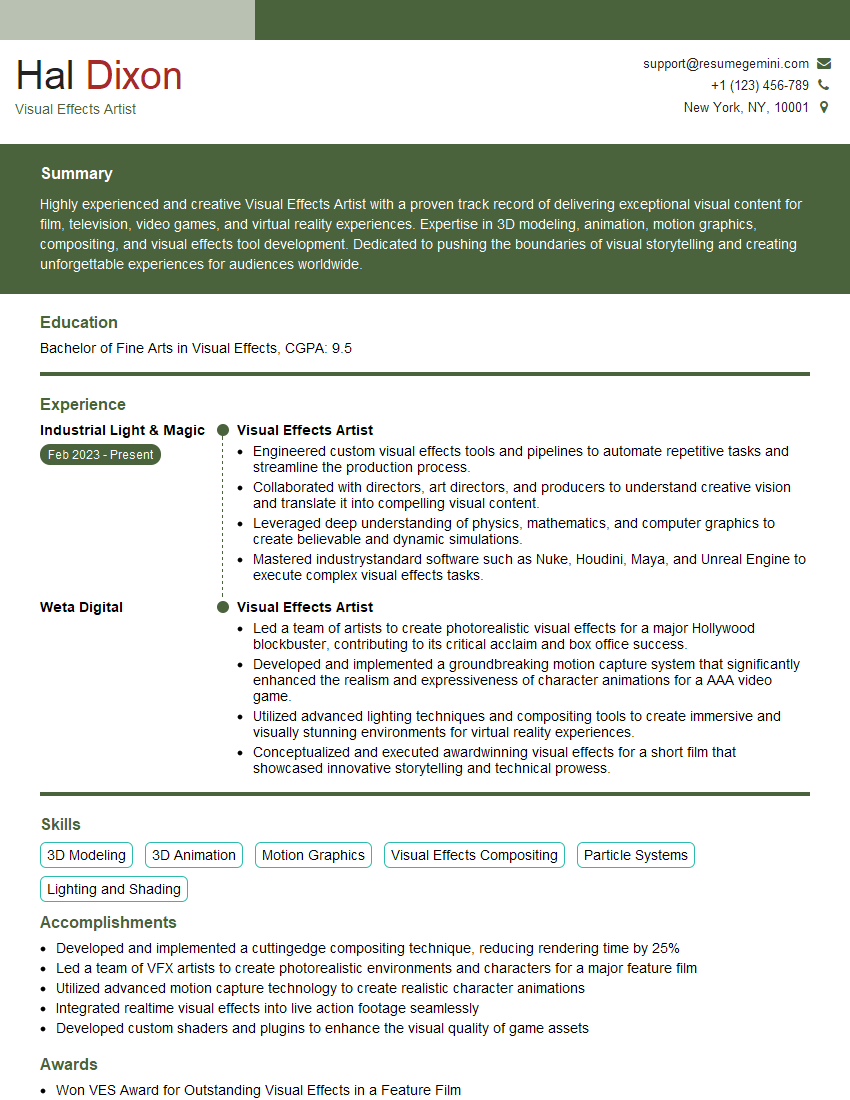
Visual Effects Artist Resume Sample

Broadcast Engineer Resume Sample

Video Editor Resume Sample
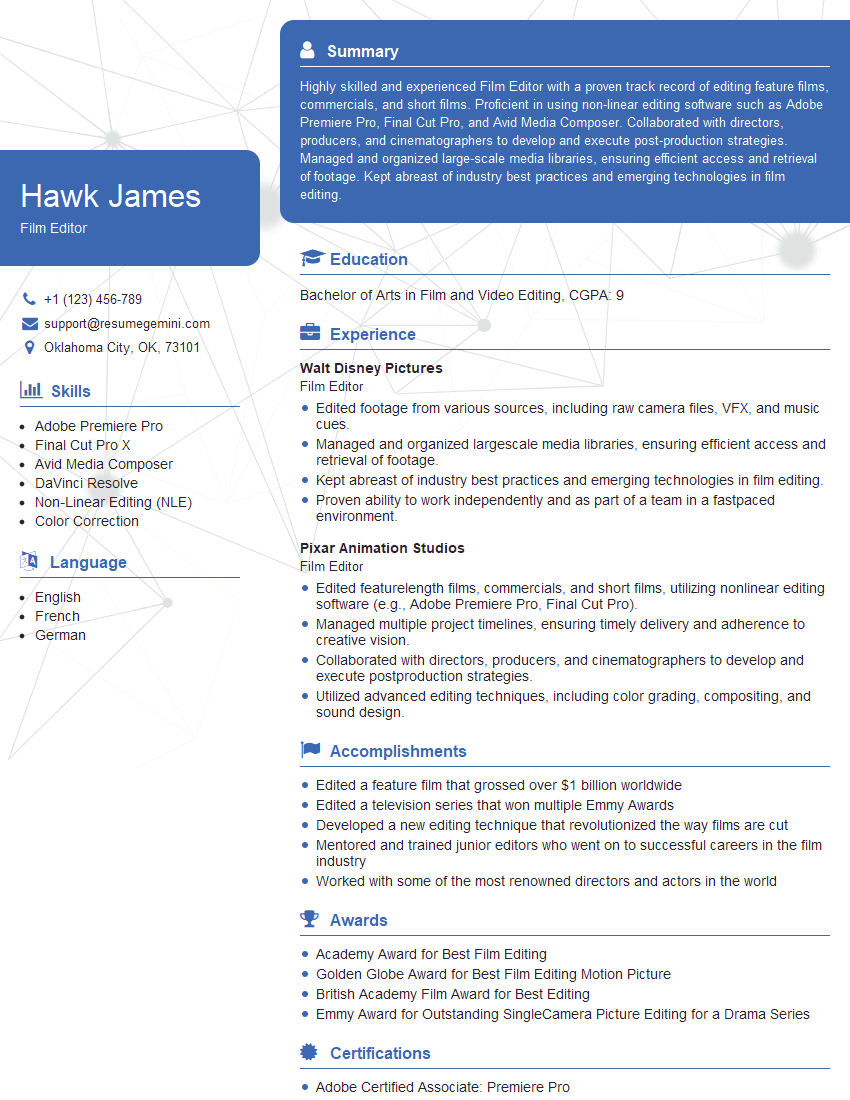
Film Editor Resume Sample

Front-End Developer Resume Sample
Explore more articles
Users Rating of Our Blogs
Share Your Experience
We value your feedback! Please rate our content and share your thoughts (optional).
What Readers Say About Our Blog
Amazing blog
hello,
Our consultant firm based in the USA and our client are interested in your products.
Could you provide your company brochure and respond from your official email id (if different from the current in use), so i can send you the client’s requirement.
Payment before production.
I await your answer.
Regards,
MrSmith
hello,
Our consultant firm based in the USA and our client are interested in your products.
Could you provide your company brochure and respond from your official email id (if different from the current in use), so i can send you the client’s requirement.
Payment before production.
I await your answer.
Regards,
MrSmith
These apartments are so amazing, posting them online would break the algorithm.
https://bit.ly/Lovely2BedsApartmentHudsonYards
Reach out at BENSON@LONDONFOSTER.COM and let’s get started!
Take a look at this stunning 2-bedroom apartment perfectly situated NYC’s coveted Hudson Yards!
https://bit.ly/Lovely2BedsApartmentHudsonYards
Live Rent Free!
https://bit.ly/LiveRentFREE
Interesting Article, I liked the depth of knowledge you’ve shared.
Helpful, thanks for sharing.
Hi, I represent a social media marketing agency and liked your blog
Hi, I represent an SEO company that specialises in getting you AI citations and higher rankings on Google. I’d like to offer you a 100% free SEO audit for your website. Would you be interested?