Cracking a skill-specific interview, like one for Digital Imaging and Radiography, requires understanding the nuances of the role. In this blog, we present the questions you’re most likely to encounter, along with insights into how to answer them effectively. Let’s ensure you’re ready to make a strong impression.
Questions Asked in Digital Imaging and Radiography Interview
Q 1. Explain the difference between digital and conventional radiography.
The core difference between digital and conventional (film-screen) radiography lies in how the image is captured and stored. Conventional radiography uses X-rays to expose film that is then chemically processed to create a visible image. This process is inherently analog. Digital radiography, on the other hand, uses an image receptor (like a flat-panel detector or a computed radiography cassette) to capture the X-ray signal and convert it into a digital signal that can be viewed and manipulated on a computer. Think of it like the difference between taking a photo with a film camera and taking a photo with a digital camera – one produces a physical negative, the other a digital file.
Q 2. Describe the process of image acquisition in digital radiography.
Image acquisition in digital radiography involves several steps: First, X-rays are emitted from the X-ray tube and pass through the patient. The remaining X-rays strike the image receptor. The image receptor converts the X-ray energy into an electrical signal. This signal is then digitized, meaning it’s converted into a numerical representation that a computer can understand. The digital signal is then processed, including steps like noise reduction and image enhancement, before being displayed on a monitor. This entire process, from X-ray emission to digital image display, is significantly faster than the chemical processing required in film-screen radiography. Different image receptors – which we will discuss later – have slightly different signal conversion mechanisms, but the core principle remains the same.
Q 3. What are the advantages and disadvantages of digital radiography compared to film-screen radiography?
Digital radiography offers several advantages over film-screen:
- Image manipulation: Digital images can be easily adjusted for brightness, contrast, and other parameters, improving image quality and diagnostic accuracy. This is impossible with film.
- Post-processing: Techniques like image subtraction, edge enhancement, and windowing allow radiologists to better visualize specific structures.
- Image storage and retrieval: Digital images are easily stored in a Picture Archiving and Communication System (PACS) and can be accessed quickly and easily by multiple users. Film requires significant storage space and retrieval is slower.
- Reduced costs: While the initial investment in digital equipment can be high, long-term costs, including chemical processing and film storage, are significantly lower.
- High initial cost: The investment for digital equipment is substantial.
- Dependence on technology: System malfunctions can disrupt workflow.
- Potential for image degradation: Digital images can be subject to artifacts and distortions.
Q 4. What is PACS and how does it function in a radiology department?
PACS, or Picture Archiving and Communication System, is a computer system specifically designed for the storage, retrieval, distribution, and display of medical images. In a radiology department, it acts as the central hub for all digital images. Radiologists, referring physicians, and other healthcare professionals can access images from any PACS workstation within the network, eliminating the need for physical film storage and retrieval. Imagine a library for medical images, providing organized access and efficient management. PACS uses sophisticated algorithms for image compression and indexing to ensure fast and efficient storage and access. Integration with the hospital’s electronic health record (EHR) system allows easy integration of imaging reports with patient medical records, promoting streamlined workflow and improved patient care.
Q 5. Describe the role of DICOM in digital imaging.
DICOM, or Digital Imaging and Communications in Medicine, is a standard for handling, storing, printing, and transmitting medical images and related data. It acts as a common language for different medical imaging systems to communicate. This ensures compatibility between different manufacturers’ equipment, allowing seamless integration of images from various modalities (X-ray, CT, MRI, etc.) into a single PACS system. For instance, a digital radiograph image acquired on a machine from vendor A can be viewed and manipulated without problems on a workstation from vendor B because both adhere to the DICOM standard. DICOM is crucial for effective interoperability within a healthcare network, allowing easy sharing of images for consultations, second opinions, and research.
Q 6. Explain the concept of image matrix and its relevance to image resolution.
An image matrix is a grid of pixels (picture elements) that represents a digital image. Each pixel is assigned a numerical value representing its grayscale or color intensity. The number of pixels in the matrix (e.g., 1024 x 1024) determines the image resolution. A larger matrix with more pixels creates a higher-resolution image, meaning more detail is captured and visible. Think of it like a mosaic: a larger mosaic with smaller tiles (pixels) allows for more intricate detail and a clearer image than one with fewer, larger tiles. Image resolution significantly impacts diagnostic accuracy, enabling finer detail visualization in radiographs. Higher resolution is essential for applications requiring precise diagnosis, such as detecting subtle fractures or identifying small lesions.
Q 7. What are the different types of image receptors used in digital radiography?
Several types of image receptors are used in digital radiography:
- Cassette-based systems (CR): These use photostimulable phosphor plates that store X-ray energy, which is then released as light when scanned by a laser. The light is converted into a digital signal. Think of it like a reusable ‘film’ that is digitally read after exposure. These are relatively inexpensive but slower than direct digital systems.
- Flat-panel detectors (FPD): These are direct or indirect detectors. Direct detectors directly convert X-ray photons into electrical signals, using amorphous selenium (a-Se) semiconductor technology. Indirect detectors use a scintillator (like cesium iodide) to convert X-rays into light, and then a photodiode converts light into electrical signals. FPDs offer higher resolution and faster image acquisition compared to CR systems. They are more expensive but are the mainstay of many modern digital radiography systems.
Q 8. How does post-processing affect the quality of digital radiographic images?
Post-processing in digital radiography significantly impacts image quality, allowing for optimization and enhancement. Think of it like editing a photograph – you can adjust brightness, contrast, and sharpness to improve the final result. However, excessive manipulation can introduce artifacts and degrade diagnostic value.
Contrast and Brightness Adjustments: These are fundamental. Increasing brightness can reveal subtle details in underexposed images, while adjusting contrast enhances the visibility of structures with varying densities. For instance, increasing contrast might make subtle lung nodules more apparent.
Sharpening and Smoothing: Sharpening filters enhance edge definition, improving visibility of fine structures like bone fractures. Conversely, smoothing filters reduce noise, improving image clarity, particularly useful in low-dose imaging where noise is more pronounced. Over-sharpening, however, can create artificial edges and halation.
Noise Reduction: Digital radiography images inherently contain electronic noise. Sophisticated algorithms reduce this noise, thereby improving image quality without significantly affecting fine details. This is crucial for low-dose applications where minimizing radiation exposure is paramount.
Image Annotation and Measurements: Post-processing allows for adding annotations (text, arrows) to highlight specific areas of interest and perform measurements (lengths, angles) critical for diagnostic interpretation. This streamlines the radiologist’s workflow and improves communication.
It’s crucial to remember that post-processing should enhance, not replace, proper image acquisition techniques. Over-reliance on post-processing to correct for poor exposure techniques is detrimental to diagnostic accuracy.
Q 9. What are the common artifacts encountered in digital radiography and how are they addressed?
Several artifacts can plague digital radiographic images, compromising diagnostic accuracy. Identifying and understanding these artifacts is vital for effective image interpretation.
Ghosting: This is a faint image of a previously acquired image that overlays the current image. It often results from insufficient image plate erasure or improper system settings. Addressing this requires thorough cleaning and recalibration of the imaging system.
Scatter Radiation: Scattered x-rays create a veil of fog over the image, reducing contrast. Minimizing scatter involves using grids or collimators during image acquisition to restrict the x-ray beam.
Motion Blur: Patient movement during exposure causes blurring. Patient instruction and immobilization techniques are crucial to minimize this, sometimes requiring sedation for pediatric patients.
Quantum Mottle (Noise): Insufficient x-ray photons result in a grainy appearance. Increasing the mAs (milliampere-seconds) or kVp (kilovoltage peak) can reduce this, but must be balanced against radiation dose optimization. Advanced noise reduction algorithms can also help.
Dark Lines or Patches: These can result from dust on the image receptor or malfunctions in the detector. Regular cleaning of the detector and systematic maintenance of the imaging system are essential.
Effective artifact management requires a multi-faceted approach, including proper imaging techniques, regular equipment maintenance, and careful attention to patient positioning and collaboration between technologists and radiologists.
Q 10. What are the radiation safety protocols you must adhere to during radiographic procedures?
Radiation safety is paramount in radiographic procedures. We must always adhere to the principles of ALARA (As Low As Reasonably Achievable) and employ various safety protocols to minimize radiation exposure to both patients and staff.
Time: Minimize exposure time by using appropriate technical factors (mAs, kVp) and efficient imaging techniques. Quick, precise examinations reduce patient dose.
Distance: Maintain a safe distance from the x-ray source during exposure. The inverse square law dictates that radiation intensity decreases rapidly with increasing distance. Shielding is also crucial.
Shielding: Use lead aprons, gloves, and thyroid shields to protect exposed body parts from unnecessary radiation. Proper shielding protocols must always be followed.
Collimation: Restrict the x-ray beam to the area of interest using collimators. This reduces scatter radiation and minimizes unnecessary radiation exposure to the patient.
Protective Barriers: Lead-lined walls and barriers provide protection for personnel in areas adjacent to the x-ray room. Regular inspection of shielding integrity is mandatory.
Quality Control: Regular quality control checks on equipment ensure optimal performance and minimize unnecessary radiation exposure. This includes regular testing of x-ray equipment, image receptors, and shielding.
Regular training and adherence to established protocols are critical to ensure a safe radiation environment for both patients and staff. We also use dosimeters to monitor individual radiation exposure levels.
Q 11. Explain ALARA principle and its application in radiology.
ALARA, which stands for “As Low As Reasonably Achievable,” is a fundamental principle in radiation protection. It emphasizes that all radiation exposure, both to patients and personnel, should be kept as low as possible while still achieving the diagnostic objective. It’s not about eliminating radiation entirely—that’s often impossible—but about optimizing the balance between diagnostic benefit and radiation risk.
In radiology, ALARA is implemented through a combination of strategies:
Optimization of technical factors: Selecting the lowest mAs and kVp settings that produce diagnostically acceptable images. This reduces patient dose without compromising image quality.
Precise collimation: Restricting the x-ray beam to the area of interest to minimize scatter radiation and reduce unnecessary exposure.
Use of protective shielding: Employing lead aprons, gloves, and other protective gear to minimize radiation exposure to personnel.
Regular equipment maintenance: Ensuring that x-ray equipment is properly calibrated and functioning optimally to prevent unnecessary radiation exposure.
Image post-processing techniques: Utilizing advanced digital image processing techniques to enhance image quality and reduce the need for repeat exposures.
ALARA is not just a set of rules; it’s a philosophy that guides our actions in every aspect of radiological practice. It involves continuous assessment and improvement to minimize radiation risk in every procedure.
Q 12. Describe different types of ionizing radiation used in medical imaging.
Medical imaging utilizes various types of ionizing radiation, each with its own characteristics and applications.
X-rays: These are electromagnetic waves with high energy, commonly used in conventional radiography, fluoroscopy, and computed tomography (CT). Their penetrating power allows visualization of internal structures.
Gamma rays: Similar to x-rays, these are also high-energy electromagnetic waves, but originate from radioactive decay. They are used in nuclear medicine imaging techniques like SPECT and PET.
The choice of radiation type depends on the specific imaging modality and the information sought. For example, x-rays are ideal for visualizing bone density, while gamma rays are better suited for tracking the distribution of radioactive tracers within the body. The energy levels and properties of these radiations are carefully selected to maximize diagnostic information while minimizing patient dose.
Q 13. What are the different image modalities used in medical imaging?
Medical imaging encompasses a wide range of modalities, each providing unique diagnostic information:
Radiography (X-ray): Produces two-dimensional images of internal structures, using x-rays to differentiate tissues based on their density.
Fluoroscopy: Uses x-rays to produce real-time images, allowing dynamic visualization of moving structures (e.g., during a swallowing study).
Computed Tomography (CT): Creates detailed cross-sectional images using x-rays and computer processing. It provides superior anatomical detail compared to plain radiography.
Magnetic Resonance Imaging (MRI): Utilizes strong magnetic fields and radio waves to generate detailed images of soft tissues. It’s excellent for visualizing the brain, spine, and other soft tissue structures.
Ultrasound: Employs high-frequency sound waves to create images of internal structures. It’s non-invasive and widely used in obstetrics, cardiology, and other areas.
Nuclear Medicine Imaging (SPECT/PET): Uses radioactive tracers to visualize physiological processes within the body. SPECT provides anatomical information, while PET shows metabolic activity.
The choice of modality depends on the clinical question, the area of interest, and the desired level of detail. Often, multiple modalities are used to obtain a comprehensive diagnostic assessment.
Q 14. Explain the principles of CT scanning.
CT scanning, or computed tomography, utilizes x-rays to create detailed cross-sectional images of the body. Imagine slicing a loaf of bread—CT provides a series of these slices, allowing visualization of internal structures in three dimensions.
Here’s how it works:
X-ray Source and Detectors: A rotating x-ray source emits a narrow beam that passes through the patient. Opposite the source are detectors that measure the amount of x-rays that penetrate the body.
Data Acquisition: As the x-ray tube rotates around the patient, multiple x-ray projections are acquired. These projections represent different angles of view.
Computer Reconstruction: A sophisticated computer algorithm processes the acquired data and reconstructs the images into cross-sectional slices. This involves complex mathematical calculations to determine tissue density.
Image Display: The reconstructed images can be viewed as individual slices or combined to create three-dimensional renderings.
CT scanning is invaluable for diagnosing a wide range of conditions, including fractures, tumors, internal bleeding, and vascular diseases. The ability to visualize structures in multiple planes and create 3D models provides unparalleled diagnostic information.
Q 15. Explain the principles of MRI scanning.
Magnetic Resonance Imaging (MRI) utilizes powerful magnets and radio waves to create detailed images of the inside of the body. Unlike X-rays, MRI doesn’t use ionizing radiation. Instead, it relies on the principle of nuclear magnetic resonance. The body is mostly water, and water molecules contain hydrogen atoms with a spinning nucleus. When placed in a strong magnetic field, these nuclei align. A radiofrequency pulse then knocks them out of alignment. As they return to their aligned state, they emit signals that are detected by the MRI machine. These signals are then processed by a computer to generate cross-sectional images.
Think of it like this: imagine tiny spinning tops (hydrogen nuclei) inside the body. The magnet aligns them, the radio waves nudge them, and the signals they send back as they realign are used to create a picture. Different tissues have different properties, resulting in different signal intensities, creating contrast in the image allowing us to differentiate between various structures such as bones, muscles, organs, and blood vessels. The strength of the magnetic field (measured in Tesla) directly affects image quality and resolution; higher Tesla magnets offer better resolution and detail.
Career Expert Tips:
- Ace those interviews! Prepare effectively by reviewing the Top 50 Most Common Interview Questions on ResumeGemini.
- Navigate your job search with confidence! Explore a wide range of Career Tips on ResumeGemini. Learn about common challenges and recommendations to overcome them.
- Craft the perfect resume! Master the Art of Resume Writing with ResumeGemini’s guide. Showcase your unique qualifications and achievements effectively.
- Don’t miss out on holiday savings! Build your dream resume with ResumeGemini’s ATS optimized templates.
Q 16. Explain the principles of Ultrasound imaging.
Ultrasound imaging, also known as sonography, uses high-frequency sound waves to create images of internal organs and tissues. A transducer, which is both a transmitter and receiver of sound waves, is placed on the skin. These sound waves travel into the body and bounce off different tissues and structures. The returning echoes are then detected by the transducer and processed by a computer to create a real-time image.
The speed at which sound waves travel through tissues varies depending on the tissue’s density. This difference in speed, and therefore the time it takes for the echoes to return, is used to differentiate between different tissues. Bone, for instance, reflects sound waves more strongly than soft tissue, creating a bright white appearance on the ultrasound image. Ultrasound is safe and non-invasive, and is frequently used in obstetrics to monitor fetal development, as well as in cardiology and abdominal imaging.
Different ultrasound modes provide different information: A-mode (amplitude mode) displays signal amplitude versus time; B-mode (brightness mode) provides a grayscale image; M-mode (motion mode) shows the movement of structures over time; Doppler mode detects blood flow velocity.
Q 17. Describe the procedure for performing a chest x-ray.
A chest X-ray is a relatively simple procedure that involves positioning the patient in front of an X-ray machine. The patient typically stands facing the machine, and their chest is positioned against the image receptor. For a PA (posterior-anterior) view, the X-ray beam passes through the patient’s back and exits through the chest. This is the standard view for a chest X-ray. For an AP (anterior-posterior) view, the X-ray beam passes from the front to the back, often used in situations where the patient can’t stand. It’s crucial to ensure the patient is positioned correctly to minimize distortion and improve image quality. The patient is instructed to hold their breath briefly while the exposure is made. This minimizes motion blur. The exposure time is very short, typically less than a second. Afterwards, the image is digitally processed and viewed on a monitor by a radiologist, who assesses for any abnormalities such as pneumonia, pneumothorax, or fractures.
Proper patient positioning is critical. Incorrect positioning can lead to misinterpretations of the radiographic findings. For instance, rotation of the patient can cause the mediastinum to appear widened.
Q 18. Describe the procedure for performing an abdominal x-ray.
An abdominal X-ray is performed similarly to a chest X-ray, but the focus is on the abdominal region. The patient usually lies supine (on their back) on the X-ray table. It’s important to ensure the patient is positioned correctly to capture the entire abdominal area. Sometimes, images are taken in both supine and upright positions (erect) to better visualize air-fluid levels in the abdomen. The procedure is also quick, with a brief exposure time to minimize motion artifacts. The radiographer will often explain the process and ensure the patient remains still during the exposure. Subsequently, the radiologist reviews the resulting digital images for abnormalities such as bowel obstruction, kidney stones, or free air.
The patient may be asked to hold their breath momentarily during exposure to reduce motion blur, especially if gas within the abdomen is being examined. It’s crucial to shield areas outside the area of interest, such as the gonads, with protective lead aprons to minimize radiation exposure.
Q 19. What are the quality control measures for digital imaging equipment?
Quality control for digital imaging equipment is crucial for ensuring image quality and patient safety. Regular quality control tests are performed to maintain optimal performance. These tests include:
- Image Receptor testing: This involves checking the detector’s sensitivity and response to radiation, ensuring consistent image quality across the entire image receptor area.
- Spatial resolution testing: This evaluates the sharpness and detail of the images produced by the system, ensuring small objects can be clearly distinguished.
- Image noise assessment: This measures the level of random variations in image intensity, which can affect image quality. Excessive noise reduces image clarity.
- Dose calibration and monitoring: This ensures that the radiation dose to patients is appropriate and within acceptable limits, minimizing unnecessary radiation exposure.
- Image processing and display tests: This evaluates the accuracy and consistency of the software used to process and display the images, to ensure image fidelity and avoid artifacts.
- Regular preventative maintenance: Regular servicing of the equipment by qualified engineers is crucial to prevent malfunctions and ensure optimal performance.
These tests are usually performed according to a standardized protocol and documented meticulously. The results are used to identify any problems and take corrective actions to ensure the equipment operates within acceptable parameters. Regular quality control procedures are essential in ensuring the reliability and accuracy of diagnostic images.
Q 20. How do you ensure proper patient positioning for radiographic examinations?
Proper patient positioning is paramount for obtaining high-quality diagnostic images. Incorrect positioning can lead to image distortion, obscuring important anatomical details and potentially leading to misdiagnosis. The specific positioning requirements vary depending on the examination type, but some general principles apply:
- Clear communication: Explain the procedure clearly to the patient, ensuring they understand what is expected of them.
- Anatomical landmarks: Use anatomical landmarks (e.g., midline, spine, iliac crests) to guide accurate positioning.
- Immobilization: Use immobilization devices (e.g., sandbags, sponges) if necessary to prevent patient movement during exposure.
- Shielding: Always shield radiosensitive areas such as gonads using lead shields.
- Collimation: Adjust the X-ray beam to cover only the area of interest. This minimizes unnecessary radiation exposure.
- Verification: Before taking the exposure, verify the patient’s positioning using appropriate imaging techniques (e.g., fluoroscopy) or by physically checking alignment.
For instance, in a lateral chest X-ray, ensuring the patient’s spine is aligned along the edge of the cassette is crucial. In an abdominal X-ray, centering the beam over the area of interest is critical to avoid cutoff of the structures.
Q 21. How do you handle a situation where a patient is claustrophobic during an MRI scan?
Managing claustrophobia during an MRI scan requires a sensitive and empathetic approach. The enclosed space of an MRI scanner can be extremely anxiety-provoking for claustrophobic individuals. Here’s a strategy:
- Pre-scan assessment: Thoroughly assess the patient’s level of claustrophobia during the scheduling process. This helps in determining the best approach.
- Open MRI option: If possible and clinically appropriate, consider using an open MRI system, which offers a more open and less confining environment.
- Sedation: In some cases, mild sedation may be necessary to help the patient relax and tolerate the procedure.
- Relaxation techniques: Teach the patient relaxation techniques, such as deep breathing exercises, before the scan.
- Distraction methods: Provide distractions during the scan, such as music, movies, or earplugs to reduce anxiety-provoking sounds.
- Gradual introduction: Introduce the patient gradually to the scanner environment before the scan begins. Allow them time to acclimatize.
- Support person: Allow a support person to accompany the patient into the MRI suite to provide reassurance and comfort.
- Short scan time: If the patient’s condition allows it, prioritize a shorter scan protocol. Reducing the scan duration minimizes their discomfort.
The goal is to create a supportive and understanding environment to help the patient feel safe and comfortable throughout the procedure. Open communication and empathy are key. Remember to always prioritize patient safety and well-being.
Q 22. How do you manage a patient who is experiencing contrast media reaction?
Managing a contrast media reaction requires immediate action and a calm, systematic approach. Contrast media reactions range from mild (e.g., nausea, itching) to severe (e.g., anaphylaxis, cardiac arrest). My protocol begins with immediate assessment of the patient’s symptoms.
- Mild Reactions: For mild reactions, I’d monitor vital signs closely, provide supportive care like antihistamines (e.g., diphenhydramine) or other medications as per our hospital’s protocol, and continue to observe the patient for worsening symptoms.
- Moderate to Severe Reactions: For moderate to severe reactions, I’d immediately initiate emergency protocols. This includes administering oxygen, establishing IV access, administering epinephrine (adrenaline) as per established guidelines, and contacting the emergency response team. Continuous monitoring of vital signs (heart rate, blood pressure, respiratory rate, oxygen saturation) is critical. We’d also prepare for advanced airway management if necessary.
Patient education prior to the procedure is crucial to identify potential risk factors and to prepare for the possibility of a reaction. Detailed documentation of the reaction, interventions, and the patient’s response is essential for legal and quality assurance purposes. For instance, I once managed a patient who experienced a moderate reaction characterized by hives and bronchospasm. Prompt administration of epinephrine and supportive care led to a complete recovery.
Q 23. Describe your experience with image processing and manipulation software.
I have extensive experience with various image processing and manipulation software packages, including PACS (Picture Archiving and Communication Systems) such as Siemens Syngo and GE Centricity, as well as standalone applications like Adobe Photoshop (for specialized image enhancement when required by a radiologist and only for non-diagnostic purposes) and OsiriX (for advanced 3D rendering and measurements). My expertise includes:
- Image Enhancement: Adjusting brightness, contrast, and sharpness to optimize image quality for better diagnostic interpretation.
- Image Registration: Aligning images from different modalities (e.g., CT and MRI) for improved visualization and analysis. This is often crucial in radiation oncology planning.
- Image Segmentation: Isolating specific anatomical regions of interest (ROIs) for quantitative analysis or to remove artifacts from the image.
- 3D Reconstruction: Creating three-dimensional models from multiple two-dimensional images, offering a comprehensive view of the anatomy. I’ve used this extensively in cases of complex fractures for surgical planning.
I am proficient in using these tools within the context of regulatory compliance and maintaining the integrity of the medical images. Any manipulations made are always meticulously documented. For example, I’ve used image registration techniques to precisely align pre- and post-operative images of a patient’s hip replacement to assess implant stability.
Q 24. Explain your understanding of image archiving and retrieval systems.
Image archiving and communication systems (PACS) are the backbone of modern digital imaging departments. They are responsible for storing, retrieving, and distributing medical images and associated patient data. My understanding encompasses:
- DICOM Standard: I’m well-versed in the Digital Imaging and Communications in Medicine (DICOM) standard, which ensures interoperability between different imaging devices and PACS. This allows seamless image sharing across departments and even between institutions.
- Database Management: Understanding the structure and management of the PACS database, including data backup and recovery procedures, is essential for data integrity and patient safety.
- Image Retrieval: Efficiently retrieving images using various search criteria (patient name, date of study, modality, etc.) is critical for quick access to information during patient care.
- Data Security: Implementing and adhering to strict security protocols to protect patient data from unauthorized access and breaches is a paramount concern.
In my experience, PACS efficiency significantly impacts workflow and patient care. A well-designed and maintained system streamlines access to images, improving diagnostic efficiency and reducing delays in treatment.
Q 25. How do you maintain patient confidentiality in a digital imaging environment?
Maintaining patient confidentiality in a digital imaging environment is of utmost importance. This involves strict adherence to HIPAA (Health Insurance Portability and Accountability Act) regulations in the US and equivalent regulations in other countries. My approach includes:
- Access Control: Using role-based access control to restrict access to patient data only to authorized personnel. This means that only radiologists, referring physicians, and other authorized staff have access to the images and reports, based on their specific roles.
- Data Encryption: Employing strong encryption techniques to protect data both in transit and at rest. This safeguards patient information from unauthorized access even if a breach occurs.
- Audit Trails: Maintaining detailed audit trails of all PACS activities, including user logins, image access, and any modifications made to images or reports. This allows tracking of data access and identifying any potential security breaches.
- Physical Security: Ensuring physical security of the PACS server and network infrastructure to prevent unauthorized physical access to the equipment.
Regular security audits and training are crucial to maintain a high level of security. I actively participate in security awareness training to stay informed about the latest threats and best practices.
Q 26. What is your experience with different types of image intensifiers?
Image intensifiers are key components in fluoroscopy systems, converting x-rays into visible light images. I have experience with various types, including:
- Generation I-III Image Intensifiers: I understand the differences in their construction and performance characteristics, particularly regarding resolution, light gain, and image distortion. Older generation intensifiers often have lower resolution and increased distortion compared to modern ones.
- Flat-Panel Detectors: These are increasingly replacing traditional image intensifiers in many applications due to their superior image quality, improved spatial resolution, and lack of inherent distortion. Their digital nature also allows for easier image manipulation and integration into PACS.
The choice of image intensifier depends on the specific application. For example, high-resolution flat-panel detectors are preferred for interventional procedures requiring fine detail, while less demanding procedures might still utilize traditional image intensifiers.
Q 27. Describe your experience in troubleshooting common digital imaging equipment malfunctions.
Troubleshooting digital imaging equipment malfunctions requires a systematic approach. My experience includes:
- Software Issues: Diagnosing and resolving software glitches, such as image acquisition errors, network connectivity problems, and PACS malfunctions. This often involves checking logs, network configurations, and potentially contacting the vendor for technical support.
- Hardware Issues: Identifying and repairing hardware failures, including problems with x-ray generators, detectors, and other imaging components. This may involve replacing faulty parts or seeking assistance from specialized engineers.
- Image Quality Issues: Addressing issues related to image quality, such as poor resolution, artifacts, and geometric distortions. This often requires careful analysis of the images and examination of the equipment’s settings and parameters.
I use a combination of diagnostic tools, technical manuals, and my knowledge of the equipment to identify and solve problems efficiently. For instance, I once solved a recurring image acquisition error by identifying a faulty network cable, highlighting the importance of both hardware and software expertise.
Q 28. What are your strategies for continuous professional development in digital imaging?
Continuous professional development is crucial in the rapidly evolving field of digital imaging. My strategies include:
- Continuing Medical Education (CME): Regularly attending conferences, workshops, and online courses to stay up-to-date on the latest technologies, techniques, and regulatory changes.
- Professional Organizations: Actively participating in professional organizations, such as the American College of Radiology (ACR), to network with colleagues and learn from experts in the field.
- Journal Articles and Publications: Staying informed about the latest research and advancements through reading peer-reviewed journal articles and professional publications.
- Hands-on Training: Seeking opportunities for hands-on training with new equipment and software to enhance practical skills.
I believe that continuous learning is essential to provide the highest quality patient care and to adapt to the ever-changing landscape of digital imaging technology. For example, recently I completed a course on advanced image processing techniques used in artificial intelligence for medical image analysis.
Key Topics to Learn for Digital Imaging and Radiography Interview
- Image Acquisition: Understanding the principles of X-ray production, image formation, and various imaging modalities (e.g., CR, DR, Fluoroscopy). Consider the differences in image quality and clinical applications.
- Image Processing and Enhancement: Familiarize yourself with techniques for image manipulation, noise reduction, and contrast enhancement. Be prepared to discuss the impact of these techniques on diagnostic accuracy.
- Image Display and Analysis: Explore the different display systems and their impact on image interpretation. Discuss PACS (Picture Archiving and Communication Systems) and the importance of efficient image management.
- Radiation Protection and Safety: Demonstrate a thorough understanding of ALARA principles (As Low As Reasonably Achievable) and radiation safety protocols. Be ready to discuss safety measures and patient protection techniques.
- Quality Control and Assurance: Understand the importance of routine quality control procedures and their role in maintaining image quality and patient safety. Be prepared to discuss various quality control tests and their implications.
- Anatomy and Physiology: Possessing a solid understanding of relevant human anatomy and physiology is crucial for accurate image interpretation and patient care.
- Pathology and Disease Processes: Familiarity with common pathologies and their radiographic appearances will demonstrate your ability to interpret images effectively.
- Problem-solving and Troubleshooting: Be prepared to discuss how you approach technical challenges and troubleshoot issues related to equipment malfunction or image quality problems.
Next Steps
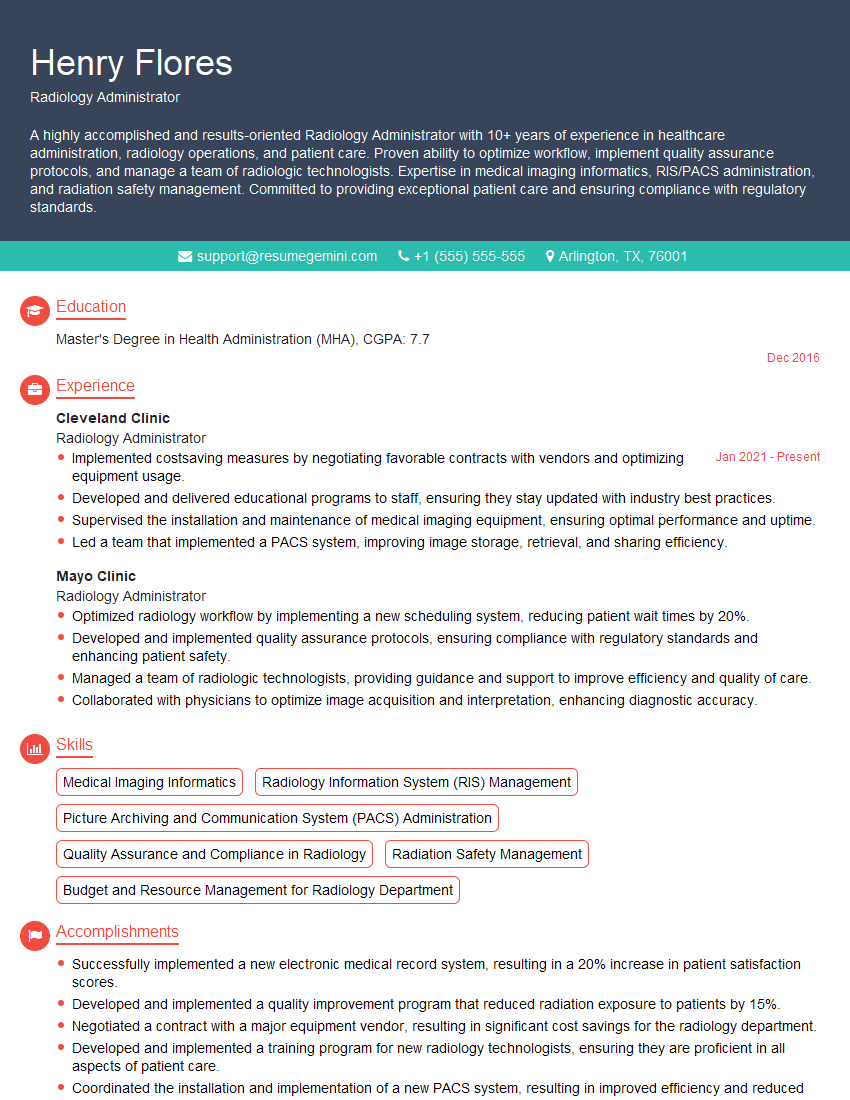
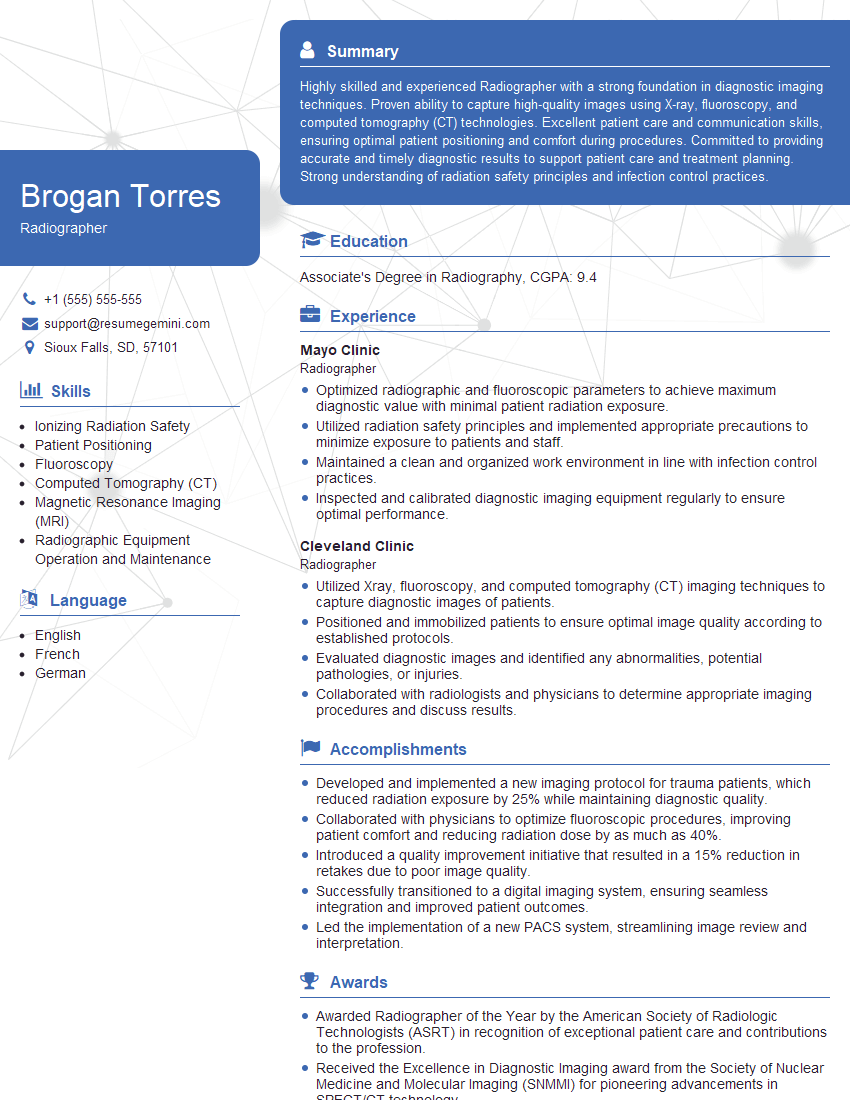
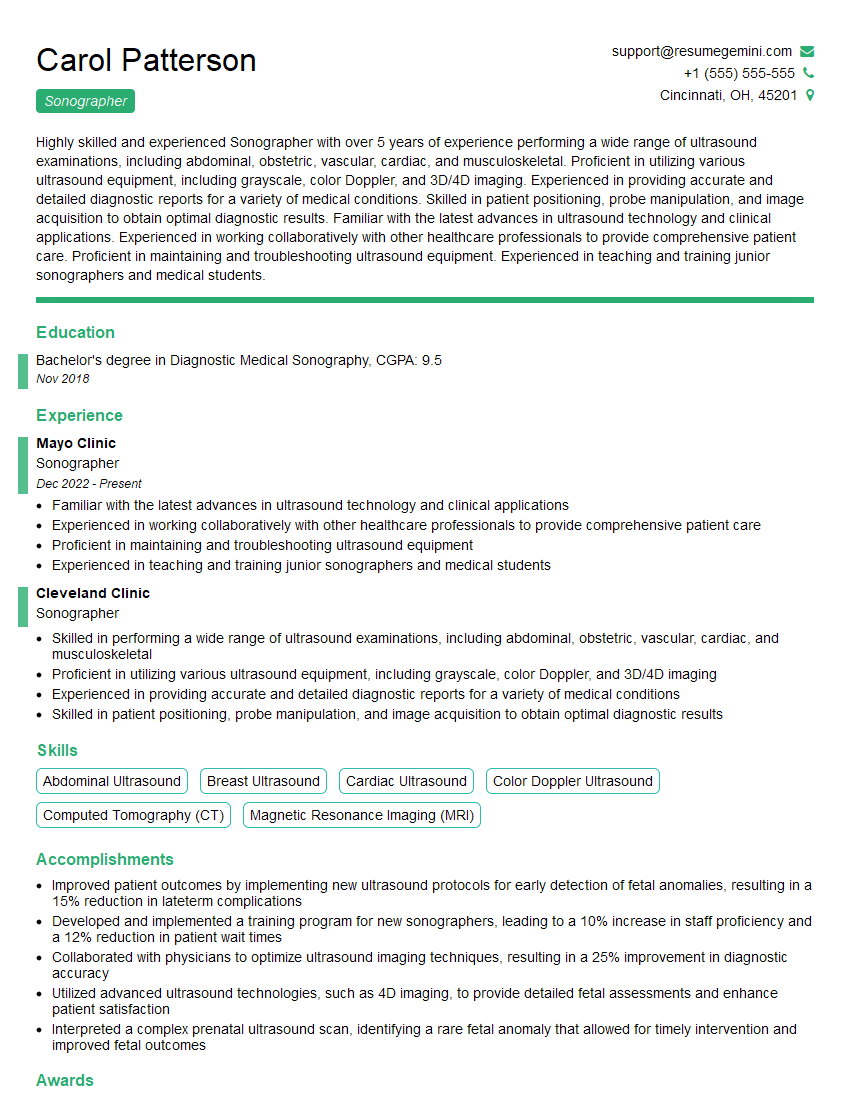
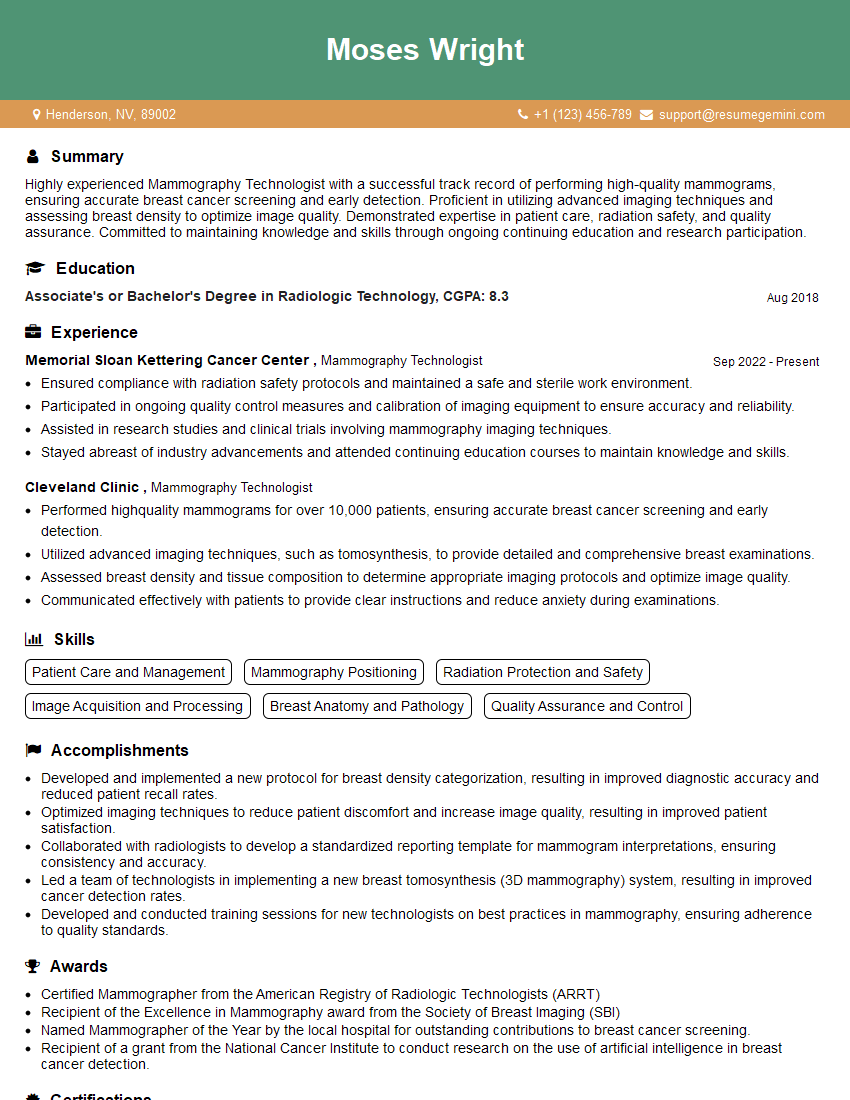
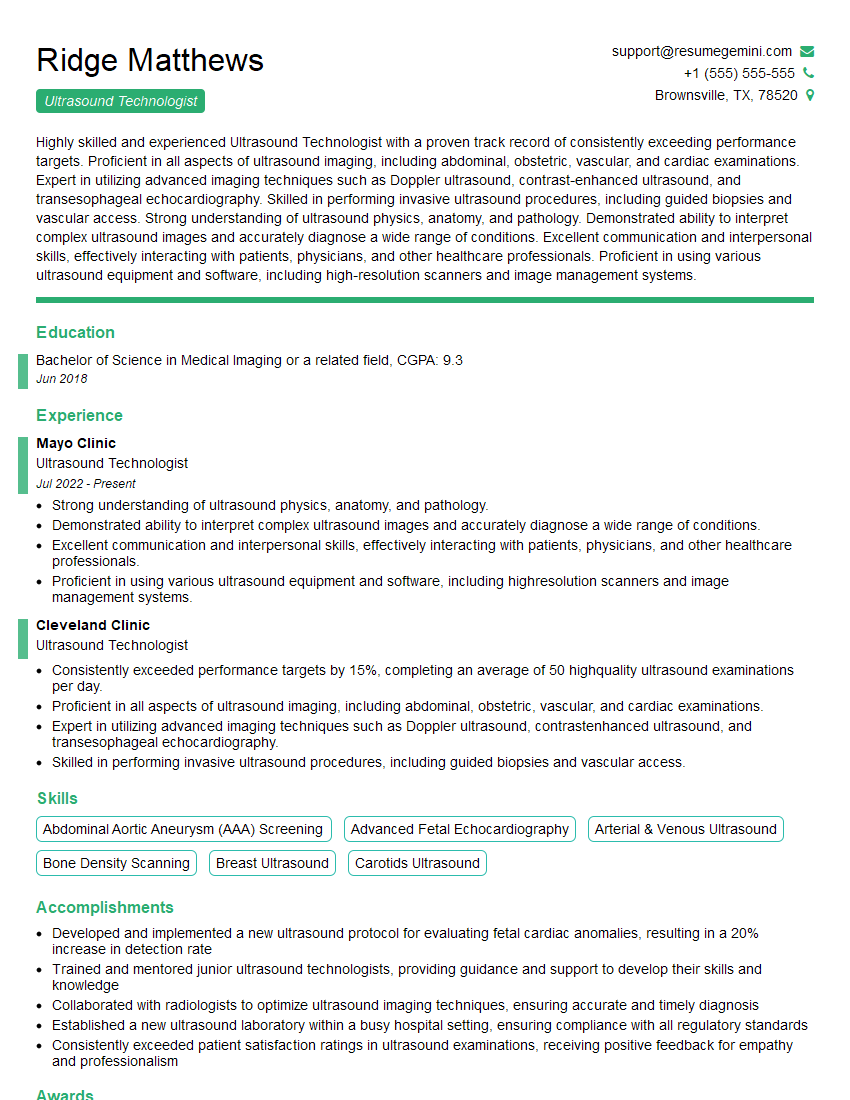
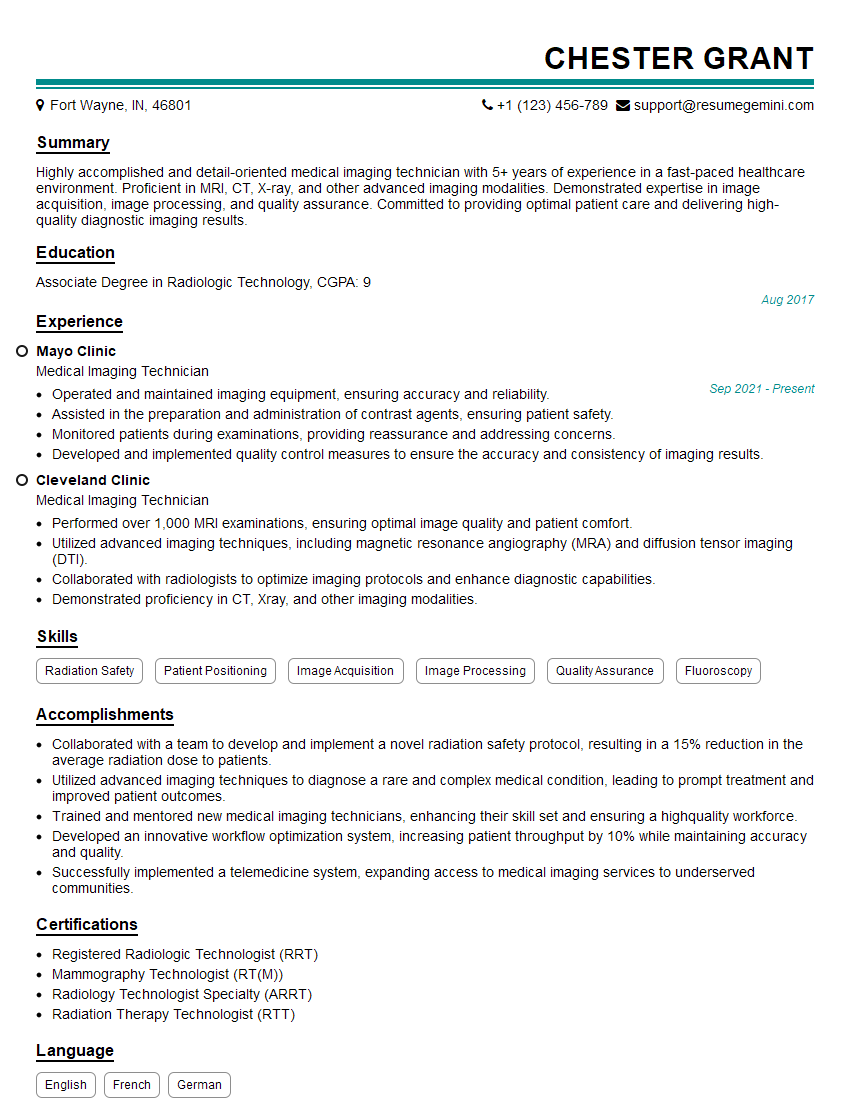
Mastering Digital Imaging and Radiography opens doors to a rewarding and dynamic career in healthcare. A strong foundation in these areas is essential for career advancement and increased earning potential. To maximize your job prospects, it’s crucial to create an ATS-friendly resume that highlights your skills and experience effectively. ResumeGemini is a trusted resource to help you build a professional and impactful resume that catches the eye of recruiters. They offer examples of resumes tailored to Digital Imaging and Radiography to help you get started. Take advantage of these resources to showcase your qualifications and land your dream job!

Explore more articles
Users Rating of Our Blogs
Share Your Experience
We value your feedback! Please rate our content and share your thoughts (optional).
What Readers Say About Our Blog
Amazing blog
Interesting Article, I liked the depth of knowledge you’ve shared.
Helpful, thanks for sharing.