Unlock your full potential by mastering the most common Experience with Editorial Management Systems (e.g., ScholarOne, Editorial Manager) interview questions. This blog offers a deep dive into the critical topics, ensuring you’re not only prepared to answer but to excel. With these insights, you’ll approach your interview with clarity and confidence.
Questions Asked in Experience with Editorial Management Systems (e.g., ScholarOne, Editorial Manager) Interview
Q 1. Describe your experience with ScholarOne Manuscripts.
My experience with ScholarOne Manuscripts spans over five years, encompassing various roles from journal administrator to managing editor. I’ve used it to manage the entire editorial workflow for several high-impact journals, including submission handling, peer review coordination, and publication scheduling. I’m proficient in all aspects of the system, from configuring user roles and permissions to generating reports and analyzing publication metrics. For example, I successfully implemented a new automated email system within ScholarOne to streamline communication with authors and reviewers, resulting in a significant reduction in processing time.
I’m also experienced with customizing ScholarOne to fit specific journal needs. This includes tailoring submission templates, creating custom workflows for different article types, and integrating it with other systems, such as our institutional repository.
Q 2. How familiar are you with Editorial Manager’s workflow features?
I am very familiar with Editorial Manager’s workflow features. I’ve worked extensively with its features for manuscript tracking, peer review management, and communication tools. I understand its capabilities for customizing workflows to suit different publication types, managing competing deadlines, and maintaining efficient communication throughout the publication process.
Specifically, I’ve used Editorial Manager’s features to create and manage complex peer review processes, including assigning reviewers, tracking their progress, and handling revisions. I’m also comfortable using its reporting tools to track key metrics such as time to publication and reviewer response rates. Think of it like a well-organized project management system specifically designed for academic publishing.
Q 3. Explain the process of manuscript submission in ScholarOne.
The manuscript submission process in ScholarOne is generally straightforward. Authors typically begin by creating an account (if they don’t already have one) and then navigate to the journal’s submission portal. They then follow a series of steps, including selecting the article type, uploading their manuscript files (main document, supplementary materials, etc.), and providing required metadata such as title, abstract, keywords, and author information.
Throughout the process, ScholarOne provides clear instructions and prompts, guiding authors through each step. Once all required information is provided and files are uploaded, the author submits the manuscript. The system then generates an automated confirmation email to the author, and the manuscript enters the editorial workflow. It’s similar to submitting a form online, but with more robust checks and features to ensure completeness.
Q 4. How do you manage author queries within an Editorial Management System?
Managing author queries within an EMS like ScholarOne or Editorial Manager involves a combination of efficient communication and organizational skills. Most systems have built-in query management features. When an author submits a query, it’s typically logged within the system, often linked directly to the manuscript. This allows easy tracking and ensures no query gets lost.
My approach involves promptly reviewing all queries, responding comprehensively and within a reasonable timeframe, and using the system’s features to keep a record of all communications. For example, I might use templates for frequently asked questions to ensure consistency and save time. Using the system’s internal messaging system keeps the conversation centralized and accessible to all relevant parties.
Q 5. What are the key differences between ScholarOne and Editorial Manager?
ScholarOne and Editorial Manager are both robust Editorial Management Systems, but they have some key differences. ScholarOne often boasts a more user-friendly interface, particularly for authors. It’s known for its strong reporting and analytics capabilities, offering detailed insights into various aspects of the publication process.
Editorial Manager, on the other hand, might be considered more customizable, offering more granular control over workflow configuration. It’s frequently favored by journals with complex or highly specialized review processes. The choice between the two often depends on the specific needs of a journal, considering factors like user experience, customization options, and reporting requirements. It’s less about one being superior and more about which better fits the journal’s particular workflow.
Q 6. Describe your experience with peer review management in an EMS.
My experience with peer review management in an EMS is extensive. I’ve used these systems to manage the entire peer review process, from identifying and inviting reviewers to tracking their progress and handling revisions. This includes using the system to send out invitations, manage deadlines, and collect and track reviewer reports.
A crucial aspect is ensuring confidentiality and maintaining the integrity of the peer review process. The EMS provides tools to control access to manuscripts and reviewer reports, maintaining a secure environment. I’ve also used the system to manage conflicts of interest, ensuring that appropriate reviewers are selected and that any potential biases are identified and addressed. I often leverage the reporting features to track the efficiency and turnaround time of reviewers, helping identify areas for improvement in the process.
Q 7. How do you track manuscript progress within an EMS?
Tracking manuscript progress within an EMS is straightforward thanks to the built-in tracking tools. Most EMSs provide a dashboard view showing the current status of each manuscript, clearly indicating its stage in the editorial process (e.g., submitted, under review, revision requested, accepted, etc.). This is usually visualized via a workflow diagram or progress bar.
Furthermore, detailed information about each stage is readily accessible, allowing you to see who is responsible for each task and when it’s due. Reports can be generated to track key metrics, such as time spent at each stage, and identify bottlenecks or delays. It’s like having a centralized project management tool, allowing you to monitor the progress of every manuscript simultaneously and efficiently.
Q 8. How would you handle a system error during a critical stage of the publication process?
System errors during a critical publication stage, such as manuscript submission deadlines or peer review processes, require immediate and decisive action. My approach involves a multi-step process: First, I’d identify the nature and extent of the error. Is it a database issue, a server problem, or a software bug? This involves checking system logs and potentially contacting the EMS vendor’s support team. Second, I’d implement a temporary workaround. This might include temporarily disabling certain features or using a backup system if one is available. Third, I’d prioritize communication. I’d inform all affected parties – authors, editors, reviewers – about the problem and the implemented workaround, setting clear expectations regarding any delays. Fourth, once the immediate crisis is managed, I’d focus on root cause analysis and preventative measures to avoid future occurrences. This might include improved system monitoring, regular backups, and enhanced disaster recovery planning. Finally, I’d document the entire incident, including the steps taken, the outcome, and the lessons learned, to aid in future troubleshooting and improve overall system resilience. For example, during a recent instance of database corruption in ScholarOne, we temporarily switched to a manual workflow for manuscript tracking until the database could be restored. This ensured the publication process continued with minimal disruption.
Q 9. Explain your experience with generating reports using EMS data.
Generating insightful reports from EMS data is crucial for tracking progress, identifying bottlenecks, and making data-driven decisions. My experience spans various EMS platforms, including Editorial Manager and ScholarOne. I’m proficient in using the built-in reporting tools to generate custom reports on various metrics. These include manuscript submission statistics (e.g., number of submissions per month, submission type distribution), peer-review turnaround times, publication timelines, and author demographics. I can also use these data to identify trends, such as the average time it takes for a manuscript to move from submission to publication or the proportion of manuscripts rejected at different stages of the review process. Furthermore, I’ve utilized data export functionalities (often in CSV or XML formats) to leverage external tools like spreadsheet software or data visualization platforms (Tableau, Power BI) for more complex analysis and report generation. For instance, I once used Editorial Manager’s export feature to create a detailed report on the publication backlog, highlighting manuscripts that were delayed due to specific reasons, which allowed us to streamline the workflow and reduce publication times.
Q 10. How do you ensure data integrity within an Editorial Management System?
Data integrity is paramount in an EMS. My approach centers around several key strategies: First, establishing clear data entry protocols and validation rules. This means ensuring authors provide complete and accurate information at each stage. Second, regularly auditing the system data for inconsistencies and errors. This could involve comparing data from different sources or running automated data validation checks. Third, implementing data backup and recovery mechanisms to protect against data loss. This includes regular backups and a robust recovery plan. Fourth, employing access control mechanisms and user permissions to limit who can modify data. Only authorized personnel should have editing access, reducing the risk of accidental or malicious data changes. Finally, continuous training for users on proper data entry procedures and data quality standards. For example, in ScholarOne, we implemented customized data validation rules to ensure author affiliations were correctly entered, reducing errors in the published article’s metadata.
Q 11. Describe your experience with user training and support for EMS.
User training and support are essential for effective EMS implementation and usage. My experience involves developing and delivering training materials, including user manuals, online tutorials, and hands-on workshops. I tailor the training to different user roles and skill levels, ensuring everyone understands the system’s functionalities relevant to their tasks. I also provide ongoing support through email, phone, or in-person assistance, addressing user queries and resolving technical issues. I actively encourage user feedback to improve the training materials and system usability. In one instance, I created a series of short video tutorials explaining the manuscript submission process in Editorial Manager, which significantly improved user adoption and reduced support tickets.
Q 12. What are the best practices for maintaining data security in an EMS?
Maintaining data security in an EMS involves a multi-layered approach. This includes: First, strong password policies and multi-factor authentication to prevent unauthorized access. Second, regular security audits and vulnerability assessments to identify and mitigate security risks. Third, encryption of data both in transit and at rest to protect against data breaches. Fourth, access control and role-based permissions to limit access to sensitive data. Only authorized personnel should have access to specific functionalities. Fifth, regular security training for users to educate them about best practices and potential threats. Sixth, adhering to relevant data privacy regulations (e.g., GDPR, HIPAA). For instance, in my previous role, we enforced strict password policies, enabled two-factor authentication, and implemented data encryption for all sensitive data stored in the Editorial Manager system, adhering to the relevant institutional guidelines and legal requirements.
Q 13. How familiar are you with different roles and permissions within an EMS?
I’m very familiar with the diverse roles and permissions within EMS platforms. Different user roles, such as editors, reviewers, authors, and administrative staff, require different levels of access. For example, editors typically have broad permissions, including manuscript management, assigning reviewers, and making publication decisions. Reviewers usually have limited access, primarily focused on reviewing assigned manuscripts. Authors have access to their own submissions and can track the progress. Administrative staff may have full system access, allowing them to manage user accounts, configure system settings, and generate reports. These roles and permissions are typically configured through the EMS’s user management module, ensuring granular control over data access and preventing unauthorized modifications. My experience spans configuring these roles and permissions across multiple EMS platforms, adapting the setup to meet specific workflow needs and organizational requirements. I understand the importance of regularly reviewing and updating these permissions to reflect changing roles and responsibilities within the organization.
Q 14. How do you manage conflicts or discrepancies in author submissions?
Conflicts or discrepancies in author submissions require careful handling. My approach emphasizes transparency and clear communication: First, I’d thoroughly review the conflicting information, identifying the nature of the discrepancy (e.g., conflicting authorship claims, data discrepancies, or differing versions of the manuscript). Second, I’d directly contact the authors, clearly outlining the issue and requesting clarification or resolution. This might involve a series of email exchanges or a phone call. Third, I’d document all communications and decisions made. Fourth, I’d apply the journal’s or publisher’s policies on authorship disputes or data integrity issues. This may involve consulting with senior editors or the journal’s editorial board. Finally, if the conflict cannot be resolved, I’d escalate the issue to the appropriate authorities. A clear and well-documented process minimizes the risk of misinterpretations and ensures that fair and consistent decisions are made. For example, I once resolved a conflict involving duplicate submissions by contacting the authors, verifying the originality of each submission, and applying the journal’s policy on duplicate publications, which ultimately led to the withdrawal of one of the submissions.
Q 15. How would you handle a large volume of submissions in a short timeframe?
Handling a large volume of submissions in a short timeframe requires a strategic approach, focusing on automation, workflow optimization, and team collaboration. Think of it like managing a busy airport – you need efficient systems and clear communication to avoid bottlenecks.
Prioritize Submissions: Implement a system for triaging submissions based on factors like urgency, journal scope, and author reputation. This might involve using EMS features to automatically route submissions to appropriate editors or reviewers based on keywords or subject matter expertise.
Automate Tasks: Leverage the EMS’s automated features to the fullest. This includes automated email notifications, acknowledgement generation, and even initial checks for compliance with submission guidelines. For instance, automated checks for plagiarism can significantly reduce the initial workload.
Streamline Workflow: Review and optimize the editorial workflow. Can steps be combined or shortened? Can reviewers be assigned more strategically to reduce turnaround times? Consider using tools that facilitate reviewer communication and decision-making.
Teamwork and Communication: Effective communication is crucial. Regular team meetings, clear task assignments, and efficient reporting mechanisms help to keep everyone informed and on track. A shared calendar with deadlines and milestones keeps everyone aligned.
Consider External Support: If the volume consistently overwhelms internal capacity, explore outsourcing some tasks, such as initial screening or copyediting, to a reputable service provider.
Career Expert Tips:
- Ace those interviews! Prepare effectively by reviewing the Top 50 Most Common Interview Questions on ResumeGemini.
- Navigate your job search with confidence! Explore a wide range of Career Tips on ResumeGemini. Learn about common challenges and recommendations to overcome them.
- Craft the perfect resume! Master the Art of Resume Writing with ResumeGemini’s guide. Showcase your unique qualifications and achievements effectively.
- Don’t miss out on holiday savings! Build your dream resume with ResumeGemini’s ATS optimized templates.
Q 16. What metrics do you use to measure the efficiency of an EMS?
Measuring the efficiency of an EMS involves tracking key metrics across different stages of the publication process. These metrics provide actionable insights into areas for improvement. Think of it like tracking key performance indicators (KPIs) for a business.
Submission-to-Decision Time: This tracks the time it takes from submission to the final decision on publication. A shorter time indicates higher efficiency.
Average Reviewer Turnaround Time: Measuring the time reviewers take to complete their assessments. Longer times might point to issues with the review process or reviewer selection.
Number of Submissions Processed: Simple, yet crucial, it shows the overall volume handled by the system.
System Uptime: Measures the system’s availability, minimizing downtime which impacts productivity.
User Satisfaction: Gathering feedback through surveys or interviews gauges user experience with the system. Poor satisfaction often correlates with inefficiencies.
Cost per Publication: Tracks the total cost of managing submissions through the system; useful for evaluating ROI.
By monitoring these metrics over time, we can identify trends and implement strategies to optimize the EMS’s performance.
Q 17. Describe your experience with integrating an EMS with other systems.
Integrating an EMS with other systems is essential for a seamless workflow. I’ve had extensive experience integrating EMS platforms like ScholarOne and Editorial Manager with various systems, including manuscript tracking databases, plagiarism detection software, and Open Access platforms. It’s similar to connecting different parts of a sophisticated machine to work in harmony.
Data Migration: This involves carefully transferring data (like author information or manuscript details) from legacy systems into the new EMS. This requires careful planning and testing to ensure data integrity.
API Integration: This is the most efficient approach. Using Application Programming Interfaces (APIs), systems can communicate and share data automatically. For example, automated submission of manuscripts to plagiarism detection software upon submission into the EMS.
Third-Party Integrations: Many EMS offer pre-built integrations with common third-party tools. I’m familiar with setting up and configuring these integrations, which is often less complex than custom development.
Custom Development: In some cases, custom integration is necessary to meet specific needs. This involves working with developers and understanding the technical specifications of both systems. A thorough understanding of the EMS’s API is crucial.
Successful integration requires strong technical skills, project management capabilities, and a deep understanding of data structures and security protocols.
Q 18. How do you troubleshoot common issues in Editorial Management Systems?
Troubleshooting in an EMS requires a systematic approach. I follow a process similar to diagnosing a medical problem – start with the simplest explanations and move to more complex solutions if necessary.
Check System Logs and Error Messages: The EMS usually provides logs that detail errors or issues. These logs often contain clues to the root cause of the problem.
Verify User Permissions and Access: Common issues arise from incorrect user roles or permissions. Double-checking these settings can often resolve access problems.
Check Network Connectivity: Poor network connection or server outages can impact system functionality. Verifying network connectivity is a crucial first step.
Review System Configuration: Ensure the EMS is configured correctly, especially after updates or changes to system settings. Configuration errors can lead to various issues.
Consult Help Resources: EMS platforms usually provide extensive help documentation, FAQs, and online support. I always start by searching their resources.
Contact Vendor Support: If internal troubleshooting fails, contacting the vendor’s technical support is crucial. Their expertise is often essential for resolving complex issues.
Q 19. Explain your knowledge of different types of editorial workflows.
Editorial workflows vary depending on the journal’s aims and scope. However, common elements remain, such as submission, peer review, and publication, which are like stages in a production line.
Single-Blind Peer Review: Reviewers know the authors’ identities, but authors do not know the reviewers’ identities. This is the most common type of review.
Double-Blind Peer Review: Neither the authors nor the reviewers know each other’s identities. This aims to reduce bias.
Open Peer Review: Both the author’s and reviewer’s identities are known to all parties. This aims to increase transparency and accountability.
Rapid Review Process: This model prioritizes speed, often with reduced levels of peer review, appropriate for certain fields or types of articles.
Collaborative Review: Reviewers communicate and collaborate with each other throughout the review process. This helps to build consensus and improve review quality.
My experience encompasses managing all these types of workflows within different EMS platforms, tailoring processes to meet the specific needs of each journal.
Q 20. How do you stay current with updates and changes in Editorial Management Systems?
Staying current with EMS updates is critical for maintaining efficient operations and leveraging new features. My approach involves several strategies: Think of it like staying up-to-date with the latest software releases for your computer.
Regularly Check Vendor Websites and Announcements: Vendors typically post announcements about new releases, updates, and bug fixes on their websites. I bookmark these and check them regularly.
Subscribe to Newsletters and Mailing Lists: Many vendors offer newsletters or mailing lists that provide updates on system features and training opportunities. This helps keep me informed about latest developments.
Attend Webinars and Conferences: Industry events often feature presentations and workshops on new developments in EMS software and best practices. This provides networking opportunities and hands-on learning.
Engage with Online Communities: Participating in online forums or communities related to EMS can provide valuable insights into current issues, solutions, and best practices.
Hands-on Practice with Updates: When updates are released, I carefully review release notes and engage in hands-on practice to test the functionality before deploying them in a live environment.
Q 21. How would you train new staff on using a specific EMS?
Training new staff on an EMS requires a structured approach that combines theoretical knowledge with hands-on practice. I utilize a multi-faceted training program that combines different methods to support various learning styles.
Structured Training Sessions: These sessions cover the key features and functionalities of the EMS. I use presentations, demonstrations, and interactive exercises to ensure active learning.
Hands-on Practice with Test Data: Providing access to a test environment allows staff to practice using the system without affecting real data. This is crucial for building confidence and familiarizing them with the processes.
Role-Based Training: Training should align with user roles (e.g., editor, reviewer, author). Each role has unique tasks and access levels, necessitating tailored training.
Job Aids and Quick Reference Guides: These provide readily accessible information for quick problem-solving and reminders of key features and functions. Think of these as cheat sheets.
Ongoing Support and Mentoring: After the initial training, continuous support is crucial. I provide ongoing support, answer questions, and offer guidance as needed.
Feedback and Evaluation: Collecting feedback after each training session helps to improve the program and ensure that it meets the needs of the staff. Regular assessments ensure skill acquisition.
Q 22. What are the benefits of using an Editorial Management System?
Editorial Management Systems (EMS) are invaluable tools for streamlining the publication process. They offer significant benefits across the board, from increased efficiency and reduced administrative burden to improved communication and enhanced transparency.
- Streamlined Workflow: EMS centralizes manuscript tracking, review assignments, and communication, eliminating the need for email chains and spreadsheets, resulting in a much more organized process. Think of it like a well-organized filing cabinet for your journal’s submissions, keeping everything easily accessible.
- Enhanced Collaboration: Reviewers, editors, and authors can all access the system, fostering smoother communication and collaboration. This eliminates the delays and misunderstandings that can arise from relying solely on email.
- Improved Tracking and Transparency: EMS provides a clear audit trail of every action taken on a manuscript, ensuring accountability and transparency throughout the entire process. You can easily track the status of any submission at any point in time.
- Time Savings: By automating many manual tasks such as reminder emails and status updates, EMS frees up valuable time for editors and staff to focus on other crucial aspects of publication.
- Data Management and Reporting: EMS offers powerful reporting features, allowing journals to generate data on submission rates, publication times, and other key metrics, which are invaluable for assessment and improvement.
Q 23. How would you customize an EMS to fit the needs of a specific journal?
Customizing an EMS to meet the specific needs of a journal is crucial for optimal performance. It involves tailoring various aspects of the system to reflect the journal’s unique workflow, policies, and requirements. This often involves working closely with the EMS provider.
- Workflow Customization: The system’s workflow can be configured to reflect the journal’s editorial process, including the number of reviewers, stages of review, and decision-making process. For example, a journal with a two-stage review process can be set up to reflect this.
- Template Creation: Customizable templates for emails, forms, and other documents ensure consistency and branding. The system can be set up to automatically generate emails to authors at each stage of the process, adhering to the journal’s style and tone.
- Role-Based Access Control: Access levels can be customized to ensure that each user (editor, reviewer, author) has access only to the information they need. For instance, reviewers only see their assigned manuscripts, while editors have a broader view.
- Integration with Other Systems: The EMS can be integrated with other systems like payment gateways for open-access submissions or plagiarism detection software, streamlining additional processes.
- Custom Fields and Data Points: Adding custom fields allows for the collection of specific data relevant to the journal, like keywords or funding sources, and this data can then be used in reporting.
For example, if a journal requires authors to submit a competing interests statement, a custom field can be added to the submission form. This makes data collection efficient and consistent.
Q 24. Describe a time you had to solve a complex problem related to an EMS.
In a previous role, we encountered a significant issue with our EMS’s integration with our plagiarism detection software. Submissions were failing to integrate correctly, resulting in a backlog of manuscripts and delays in the review process. It was incredibly frustrating, and threatened to significantly impact our publication schedule.
Our solution involved a multi-pronged approach. First, we carefully documented the error messages and the steps leading to the issue, gathering log files and screenshots. Then, we contacted the technical support teams of both the EMS provider and the plagiarism detection software vendor. We opened support tickets with both companies providing detailed descriptions of the problem and all the information we’d collected. It required constant communication and collaboration across the two teams and with our internal team to troubleshoot the incompatibility.
Ultimately, we discovered the problem stemmed from a minor version mismatch between the two systems. After updating both the EMS and the plagiarism software to compatible versions, the integration worked perfectly. This experience highlighted the importance of thorough documentation, proactive communication, and a collaborative problem-solving approach when dealing with complex EMS issues.
Q 25. How do you prioritize tasks when working with multiple manuscripts in an EMS?
Prioritizing tasks when managing multiple manuscripts in an EMS involves a blend of urgency, deadlines, and journal policies. A systematic approach is essential.
- Deadline-Driven Approach: Manuscripts with imminent deadlines are prioritized to prevent delays and ensure timely publication. The EMS usually has features to highlight approaching deadlines.
- Review Stage: Manuscripts currently under review are generally prioritized over those awaiting review, especially those requiring urgent attention (e.g., reviews overdue).
- Editorial Policies: The journal’s policies determine which manuscripts are given precedence. For instance, manuscripts from high-impact authors or those in particularly urgent research areas might be prioritized.
- Workload Balancing: Distribute tasks evenly to avoid burnout, ensuring a consistent workflow across the team.
- Using the EMS features: Leveraging the EMS’s features like customizable dashboards and alerts helps in managing and tracking progress.
I often use a Kanban-style approach, visualizing the workflow stages (submission, review, editing, publication) and moving manuscripts through the stages as they progress. This gives me a clear overview of my workflow and helps me manage my tasks effectively.
Q 26. What are some common challenges encountered when using an EMS, and how have you overcome them?
Challenges in EMS usage are common, but often manageable with proper planning and troubleshooting skills. Some frequent issues include:
- User Training and Adoption: Resistance to adopting new systems among users (authors, reviewers, editors) is a common problem. Overcoming this requires providing comprehensive training, adequate user support, and fostering a positive attitude towards the system’s benefits.
- Data Migration: Migrating data from an old system to a new EMS can be complex and time-consuming. Careful planning and potentially professional assistance are vital.
- System Integration Issues: Difficulties in integrating the EMS with other systems (payment gateways, plagiarism software) can create bottlenecks. Thorough testing and communication between vendors are crucial.
- Technical Glitches and Errors: Unexpected system errors or glitches can disrupt the workflow. Having robust backup systems and efficient communication with the technical support team is essential.
In my experience, proactively addressing these issues through thorough planning, training, and maintaining excellent communication with the technical team significantly minimizes disruption and maximizes the system’s potential.
Q 27. How familiar are you with the various reporting capabilities of your preferred EMS?
I’m very familiar with the reporting capabilities of several EMS, including ScholarOne and Editorial Manager. These systems offer a wide range of reporting options, allowing for data-driven decision-making.
- Submission and Review Metrics: I can generate reports on submission numbers, review times, acceptance rates, and other key performance indicators (KPIs).
- Author and Reviewer Statistics: The EMS provides data on author submission frequency, reviewer responsiveness, and overall reviewer performance.
- Publication Timeline Analysis: Reports can track the time taken for each stage of the publication process, helping to identify bottlenecks.
- Customizable Reports: Many EMS allow users to create custom reports based on specific data points of interest.
- Data Export: The ability to export data to other formats (e.g., CSV, Excel) for further analysis is critical.
These reports are invaluable for assessing journal performance, identifying areas for improvement, and supporting strategic decision-making regarding journal policies and operations.
Q 28. Describe your experience with using an EMS for open-access publishing.
My experience with EMS in open-access publishing involves managing the submission, peer-review, and publication process while adhering to specific open-access requirements. This includes:
- Managing Article Processing Charges (APCs): Integrating the EMS with payment gateways to process APCs smoothly and securely is essential.
- Compliance with Open-Access Policies: Ensuring the system correctly handles metadata, licenses (e.g., Creative Commons), and other open-access requirements.
- Depositing Manuscripts in Repositories: Many EMS facilitate direct deposit of accepted manuscripts into repositories like PubMed Central or institutional repositories.
- Tracking Usage and Metrics: Monitoring the usage and impact of open-access publications through integration with metrics providers is crucial.
One successful example was implementing a new workflow in an EMS for processing open-access manuscripts that included automated email reminders to authors about APC payments and seamless integration with a reputable payment gateway, resulting in a significant reduction in delays and payment processing issues.
Key Topics to Learn for Experience with Editorial Management Systems (e.g., ScholarOne, Editorial Manager) Interview
- System Navigation & User Interface: Become proficient in navigating the system’s various menus, dashboards, and features. Understand the workflow and user experience from different perspectives (e.g., editor, author, reviewer).
- Manuscript Management: Master the process of receiving, tracking, and managing manuscripts throughout the editorial lifecycle. This includes understanding submission workflows, assigning reviewers, tracking deadlines, and managing revisions.
- Reviewer Management: Learn how to effectively invite, communicate with, and manage reviewers. Understand the importance of reviewer selection criteria and conflict of interest procedures.
- Decision-Making & Communication: Understand the editorial decision-making process and how to communicate effectively with authors, reviewers, and other stakeholders. Practice articulating your rationale for decisions.
- Reporting & Analytics: Familiarize yourself with the system’s reporting capabilities. Understand how to generate reports on key metrics and use these insights to improve workflow efficiency.
- Data Entry & Accuracy: Emphasize the importance of accurate and consistent data entry. Understand the consequences of errors and how to prevent them.
- Troubleshooting & Problem-Solving: Be prepared to discuss how you would handle common system issues or unexpected problems encountered during the editorial process.
- Specific System Features (ScholarOne/Editorial Manager): Research and understand the unique features and functionalities of the specific EMS being used by the prospective employer. Highlight your knowledge of these features in your resume and during the interview.
Next Steps
Mastering Editorial Management Systems like ScholarOne and Editorial Manager is crucial for career advancement in publishing and academic research. Proficiency in these systems demonstrates valuable skills in organization, communication, and technology, making you a highly sought-after candidate. To maximize your job prospects, create an ATS-friendly resume that highlights your relevant experience and skills. ResumeGemini is a trusted resource to help you build a professional and impactful resume that stands out to recruiters. Examples of resumes tailored to experience with Editorial Management Systems are available to further assist you in crafting a winning application.

Project Manager Resume Sample

Systems Administrator Resume Sample
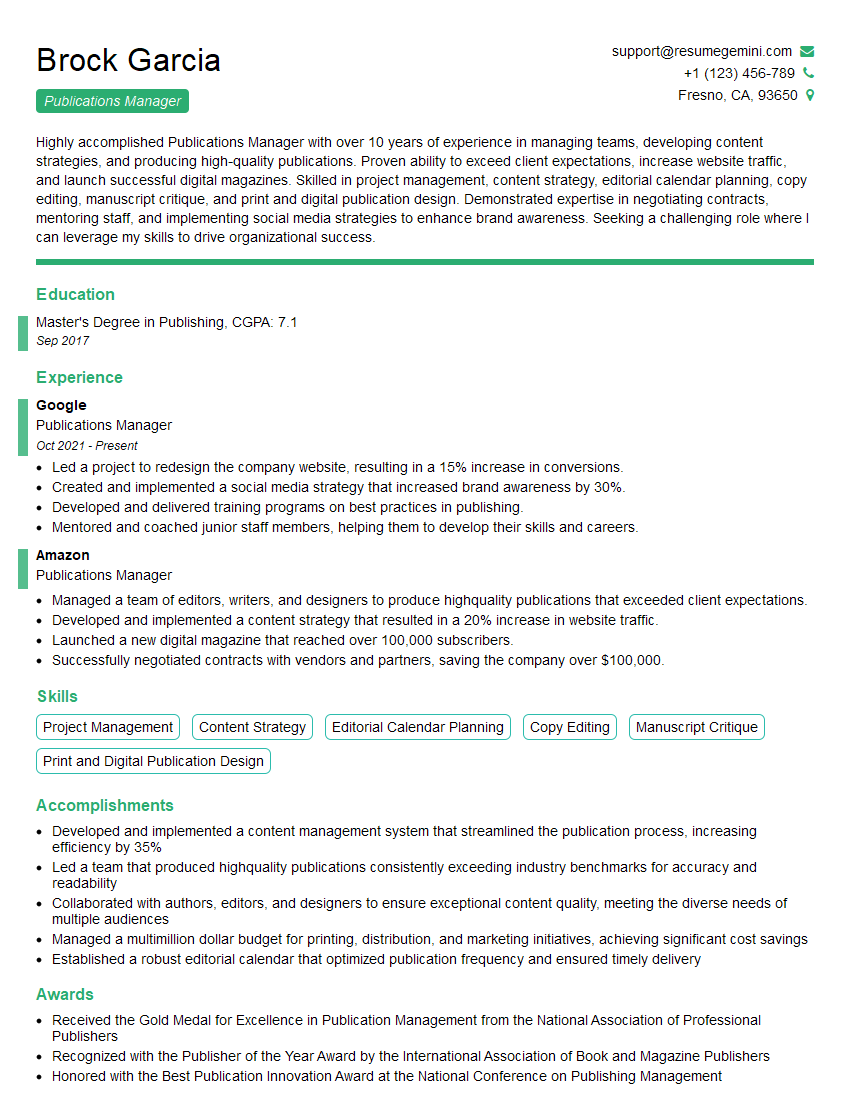
Publications Manager Resume Sample
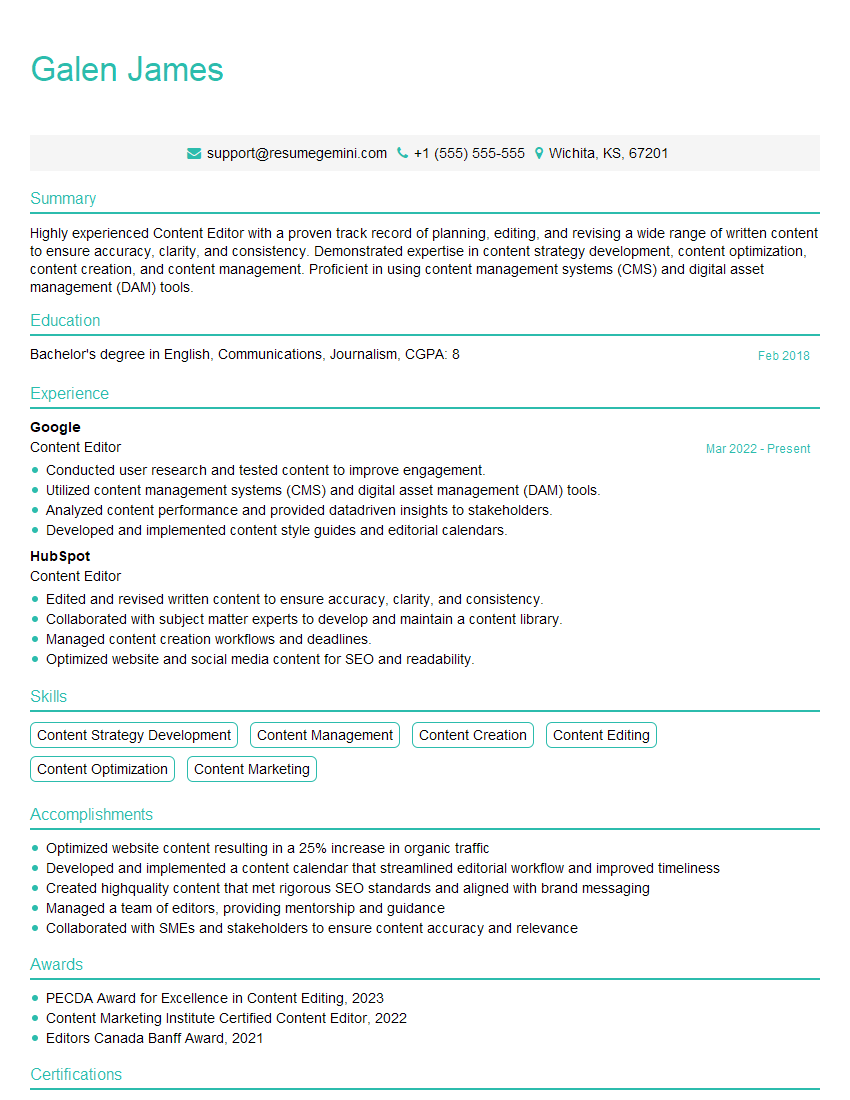
Content Editor Resume Sample
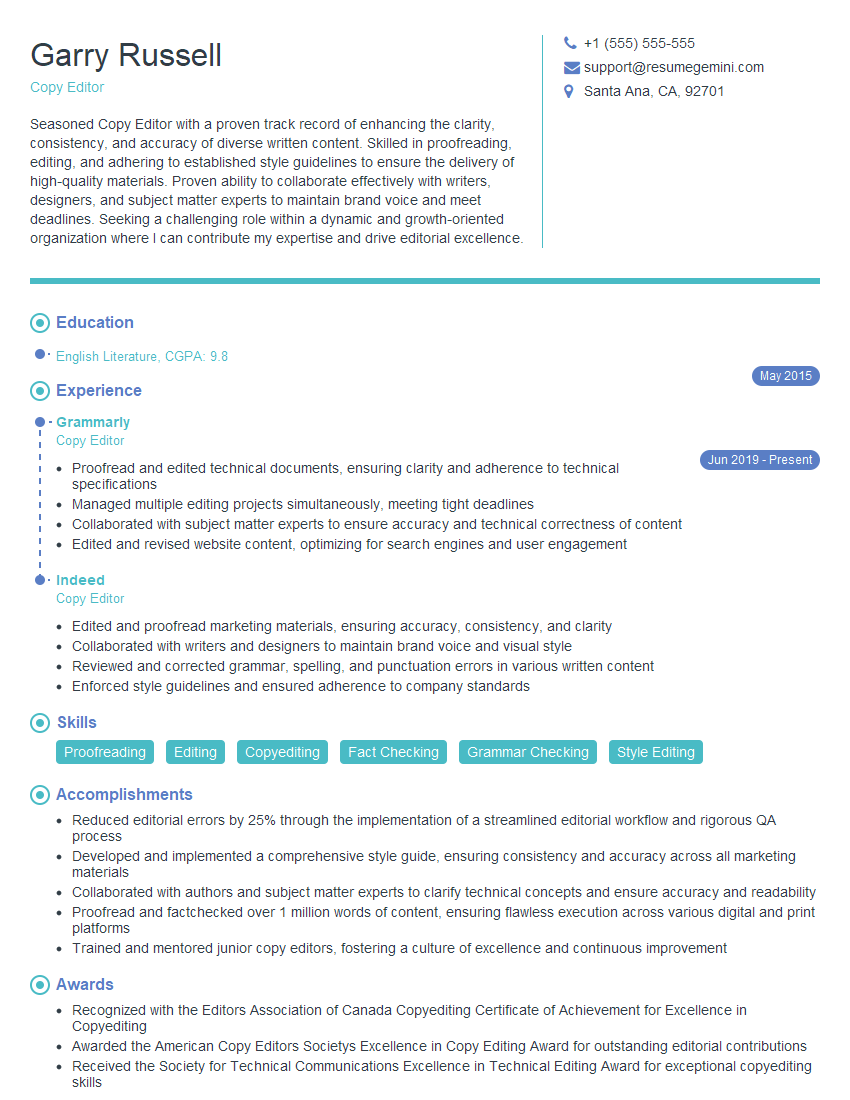
Copy Editor Resume Sample
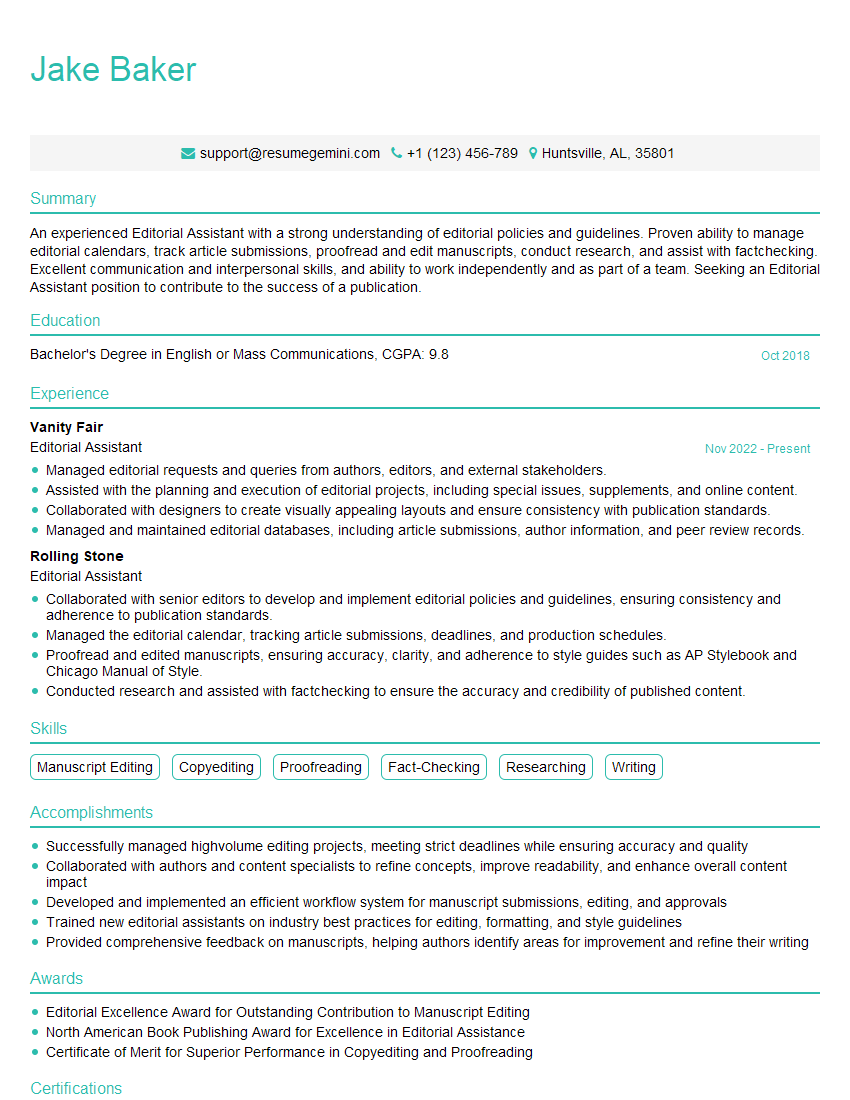
Editorial Assistant Resume Sample
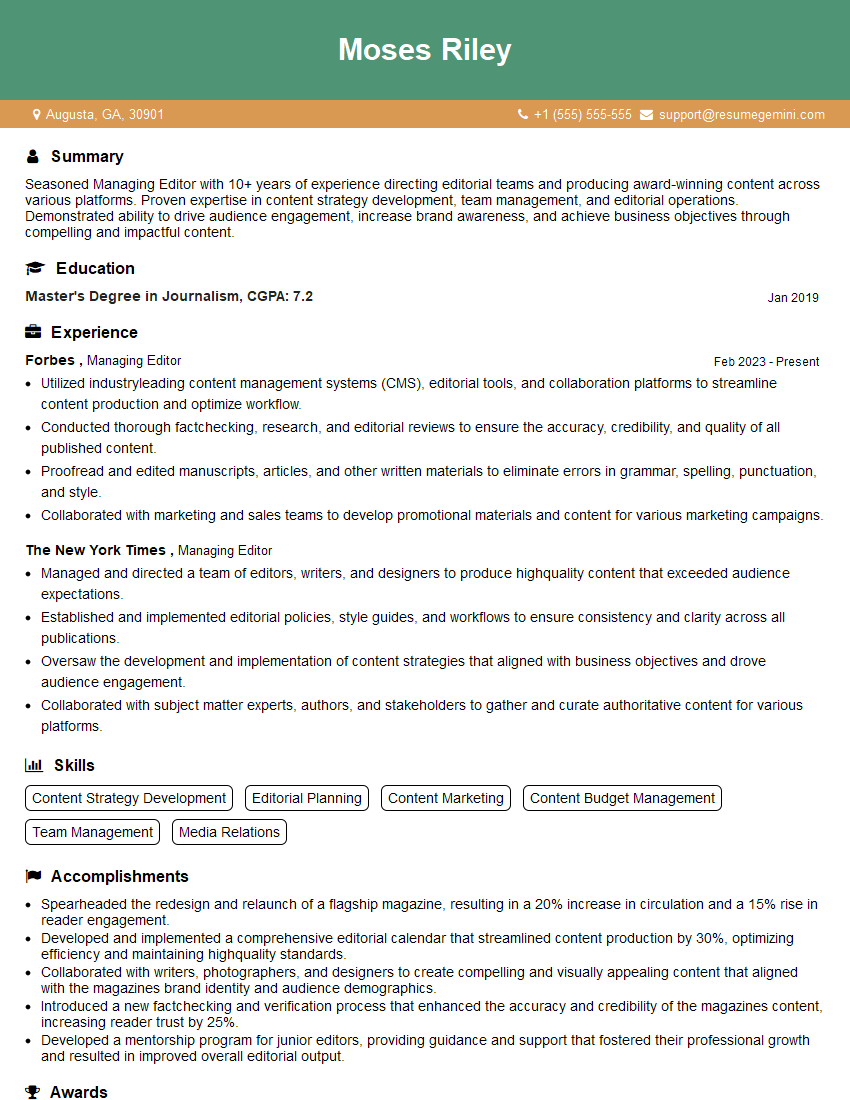
Managing Editor Resume Sample
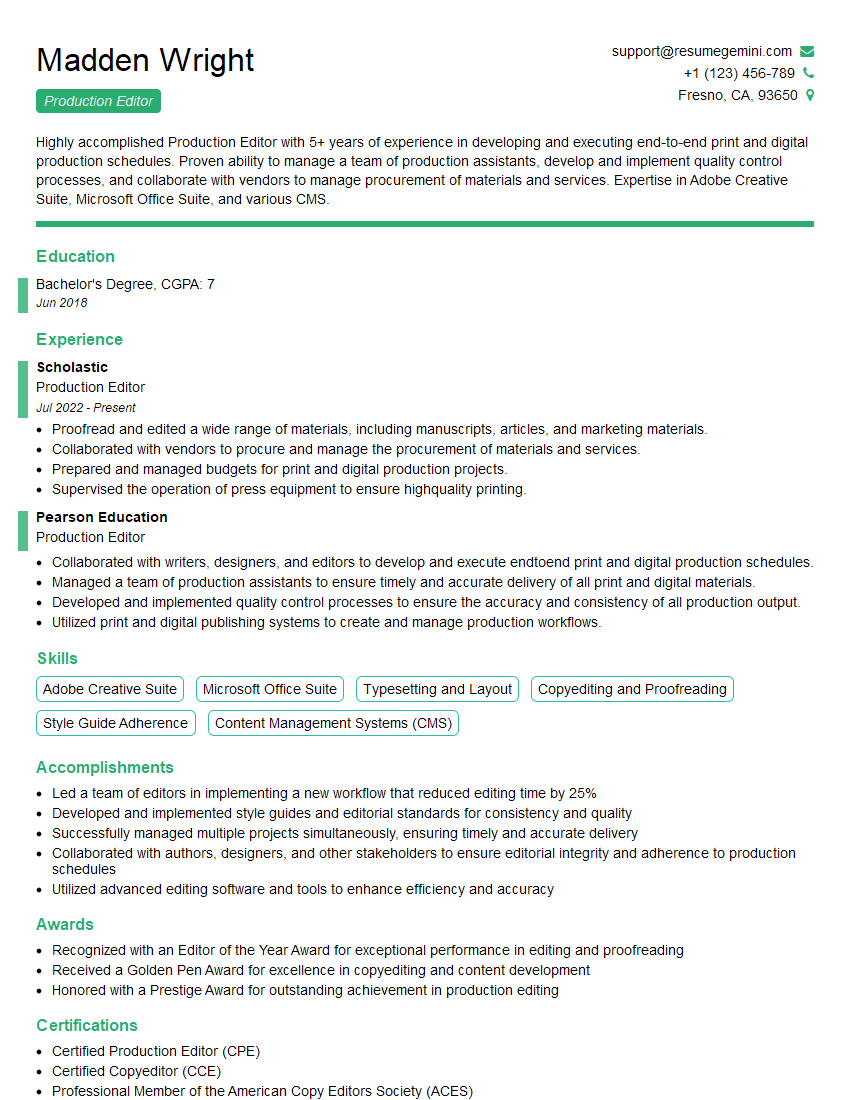
Production Editor Resume Sample

Proofreader Resume Sample

Technical Editor Resume Sample
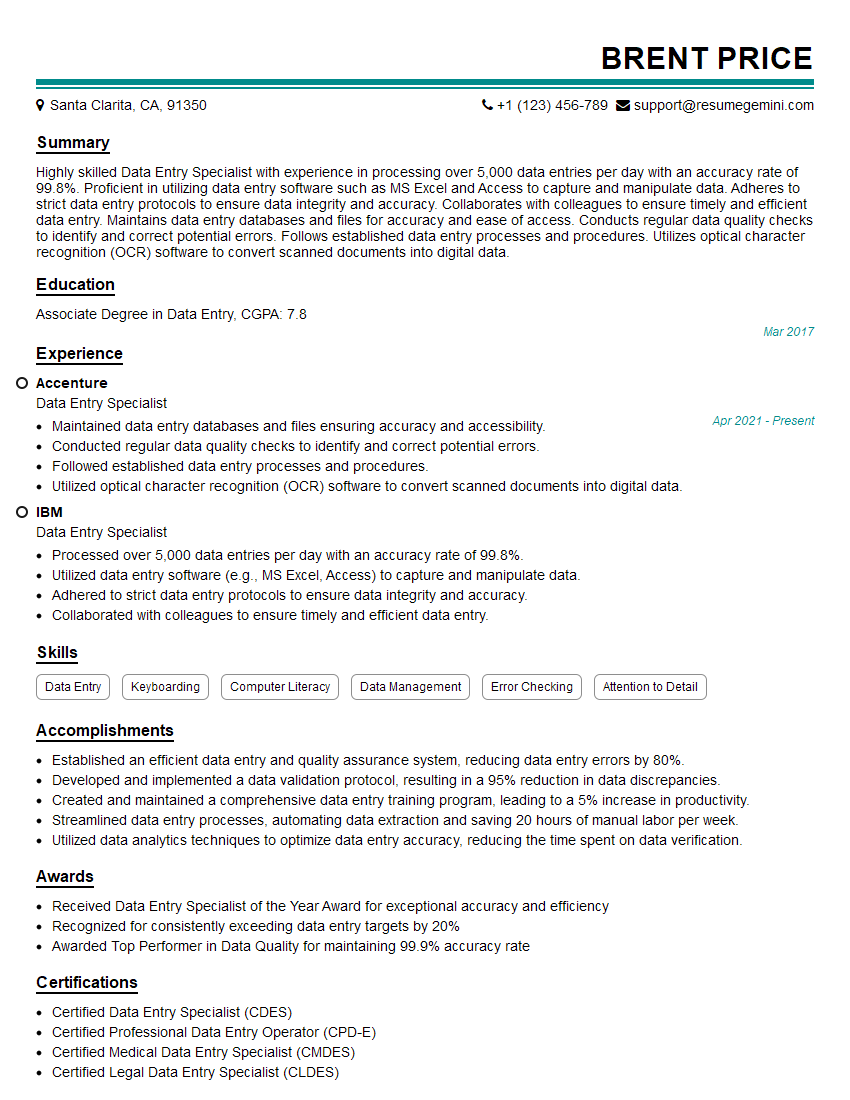
Data Entry Specialist Resume Sample
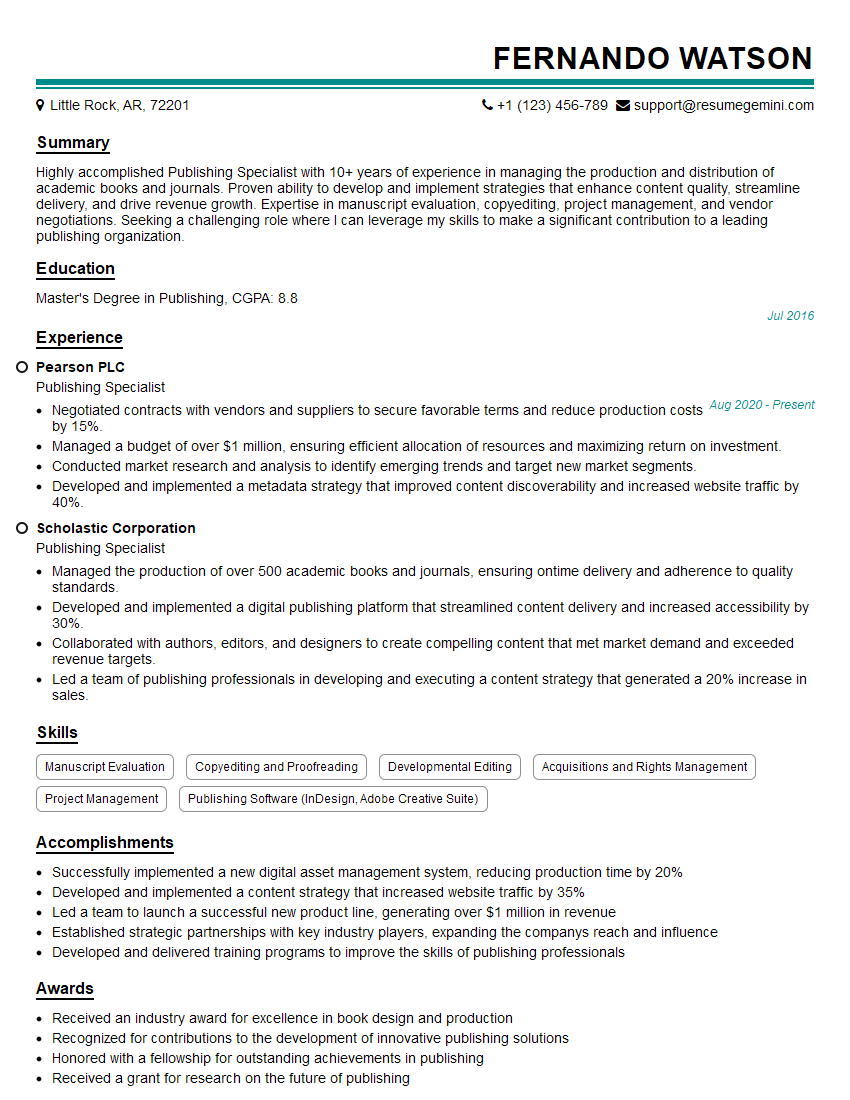
Publishing Specialist Resume Sample
Explore more articles
Users Rating of Our Blogs
Share Your Experience
We value your feedback! Please rate our content and share your thoughts (optional).
What Readers Say About Our Blog
Amazing blog
hello,
Our consultant firm based in the USA and our client are interested in your products.
Could you provide your company brochure and respond from your official email id (if different from the current in use), so i can send you the client’s requirement.
Payment before production.
I await your answer.
Regards,
MrSmith
hello,
Our consultant firm based in the USA and our client are interested in your products.
Could you provide your company brochure and respond from your official email id (if different from the current in use), so i can send you the client’s requirement.
Payment before production.
I await your answer.
Regards,
MrSmith
These apartments are so amazing, posting them online would break the algorithm.
https://bit.ly/Lovely2BedsApartmentHudsonYards
Reach out at BENSON@LONDONFOSTER.COM and let’s get started!
Take a look at this stunning 2-bedroom apartment perfectly situated NYC’s coveted Hudson Yards!
https://bit.ly/Lovely2BedsApartmentHudsonYards
Live Rent Free!
https://bit.ly/LiveRentFREE
Interesting Article, I liked the depth of knowledge you’ve shared.
Helpful, thanks for sharing.
Hi, I represent a social media marketing agency and liked your blog
Hi, I represent an SEO company that specialises in getting you AI citations and higher rankings on Google. I’d like to offer you a 100% free SEO audit for your website. Would you be interested?