Interviews are opportunities to demonstrate your expertise, and this guide is here to help you shine. Explore the essential Experience with engineering troubleshooting interview questions that employers frequently ask, paired with strategies for crafting responses that set you apart from the competition.
Questions Asked in Experience with engineering troubleshooting Interview
Q 1. Describe your approach to troubleshooting a complex system failure.
My approach to troubleshooting complex system failures is systematic and methodical, employing a structured process to efficiently identify and resolve the issue. I begin by gathering as much information as possible: error logs, system metrics, user reports, and any relevant documentation. This helps me understand the context of the failure and form an initial hypothesis. Next, I use a process of elimination. I start with the most likely causes based on the information gathered, testing and verifying each hypothesis until the root cause is identified. This involves isolating components, checking configurations, and reviewing logs for specific patterns. Throughout this process, meticulous documentation is crucial, ensuring transparency and traceability. Imagine it like a detective investigating a crime scene – gathering clues, forming theories, and testing them systematically until the culprit is found.
For instance, if a web application is down, I wouldn’t immediately assume a database failure. I’d check the web server logs first for any errors, then examine network connectivity, followed by the application code itself. Only after eliminating simpler possibilities would I delve into the database.
Q 2. How do you prioritize multiple urgent troubleshooting requests?
Prioritizing multiple urgent troubleshooting requests requires a well-defined triage system. I use a combination of factors to determine urgency: impact (how many users are affected), criticality (is it a mission-critical system?), and time sensitivity (how quickly does it need to be resolved?). I typically employ a matrix prioritizing issues based on these criteria. For instance, a system impacting a large number of users and crucial to business operations would take precedence over a minor issue affecting only a few users. This system allows me to allocate my time effectively, ensuring the most critical problems are addressed promptly.
I also use a ticketing system to track progress and keep stakeholders informed. This provides a centralized place to manage the requests and ensure that nothing gets overlooked. Transparency is key – I’ll communicate proactively with the users and stakeholders on the status and expected resolution time of each issue.
Q 3. Explain your experience with root cause analysis techniques.
Root cause analysis is critical for preventing future failures. My experience encompasses several techniques, including the ‘5 Whys’ method (repeatedly asking ‘why’ to drill down to the root cause), fault tree analysis (diagramming potential causes to identify the most likely failure points), and Fishbone diagrams (brainstorming potential causes categorized by different factors). Each technique has its strengths and weaknesses, and the choice depends on the complexity of the problem and the available data.
For example, using the ‘5 Whys’ on a server outage might go like this:
1. Why is the server down? Because the hard drive failed.
2. Why did the hard drive fail? Because it exceeded its lifespan.
3. Why did it exceed its lifespan? Because it wasn’t replaced as per maintenance schedule.
4. Why wasn’t it replaced? Because of budget constraints.
5. Why were there budget constraints? Because the project was underfunded initially.
The final ‘why’ reveals a systemic issue that needs to be addressed, rather than simply replacing the hard drive. Through thorough root cause analysis, we prevent similar problems from recurring.
Q 4. What tools and techniques do you use for debugging software issues?
Debugging software issues requires a diverse toolkit. I regularly use debuggers (like gdb or Visual Studio Debugger) for stepping through code, inspecting variables, and identifying execution flow problems. Log files are crucial for tracing the sequence of events leading to the failure. Profilers help identify performance bottlenecks, allowing for optimization. Static code analysis tools can reveal potential issues even before runtime. For distributed systems, tracing tools (like Jaeger or Zipkin) are invaluable for understanding the flow of requests across different services.
For example, if I encounter a segmentation fault (a common memory error), a debugger allows me to pinpoint the exact line of code causing the problem. If a web application is slow, a profiler can highlight functions consuming excessive resources, guiding optimization efforts. I also leverage version control systems (like Git) to effectively trace changes and revert to previous stable states if needed.
Q 5. How do you document your troubleshooting process and findings?
Thorough documentation is paramount. My process involves maintaining a detailed record of the troubleshooting steps taken, including the initial symptoms, hypotheses, tests performed, results, and the ultimate solution. This documentation is often structured as a report, including screenshots, log excerpts, and code snippets. I utilize a ticketing system for tracking each issue, ensuring that all information is centrally stored and easily accessible. Clear, concise language is key, ensuring that anyone reviewing the documentation can understand the process and findings. This ensures that solutions can be easily reproduced and that future issues can be efficiently diagnosed.
A well-documented troubleshooting process aids in knowledge sharing within the team and provides valuable insights for improving system design and reliability.
Q 6. Describe a time you had to troubleshoot a problem outside your area of expertise.
In a previous role, we experienced an unexpected drop in network performance. While my expertise lay primarily in application development, I was tasked with assisting in troubleshooting the network issue. I started by familiarizing myself with basic network diagnostics, using tools like ping and traceroute to identify potential bottlenecks. This wasn’t my area of expertise, but I quickly learned the fundamentals and collaborated effectively with the network team. By systematically checking network devices, cables, and configurations, we identified a faulty switch causing the performance degradation. While I didn’t possess in-depth network knowledge, my problem-solving skills, coupled with collaboration and quick learning, enabled me to contribute to the solution. The experience highlighted the importance of adaptability and teamwork in complex troubleshooting scenarios.
Q 7. How do you handle situations where you cannot immediately identify the root cause of a problem?
When the root cause is elusive, I employ a multi-pronged approach. First, I’ll gather additional data: more extensive logs, metrics from different system components, and input from users experiencing the issue. This expansion of the data set often reveals subtle clues missed initially. Second, I’ll brainstorm with colleagues, leveraging their expertise and perspectives. A fresh pair of eyes can often spot patterns I might have overlooked. Third, I’ll try to reproduce the issue in a controlled environment, such as a staging or test system, making it easier to isolate and diagnose the problem systematically. Finally, if all else fails, I’ll escalate the issue to more senior engineers or specialists to leverage their advanced knowledge and experience.
It’s crucial to remember that not every problem has a quick solution. Patience and persistence are key. Proactive communication with stakeholders is important throughout this process, managing expectations and keeping them informed of progress (or lack thereof).
Q 8. Explain your experience with using diagnostic tools.
My experience with diagnostic tools spans a wide range, encompassing both hardware and software solutions. I’m proficient in using tools like network analyzers (Wireshark, tcpdump) to identify network bottlenecks and packet loss, system monitoring tools (Prometheus, Grafana) for performance analysis and identifying resource contention, and log analysis tools (Splunk, ELK stack) to trace errors and pinpoint the root cause of issues within complex systems. For example, while troubleshooting a recent performance degradation in our e-commerce platform, I used Prometheus to identify a sharp increase in database query times. Further investigation using Grafana visualizations revealed a specific query was responsible, leading me to optimize the database schema, resolving the issue. In hardware diagnostics, I’ve used multimeters and oscilloscopes to pinpoint faulty components in servers and networking equipment. This multifaceted approach allows me to effectively diagnose problems regardless of their origin.
Q 9. Describe your experience with remote troubleshooting.
Remote troubleshooting requires a different skillset, emphasizing clear communication and efficient problem-solving. I have extensive experience using remote desktop tools like TeamViewer and VNC to access and troubleshoot systems located remotely. My approach always begins with establishing a solid understanding of the issue through careful questioning. I then employ a systematic approach, starting with basic checks (network connectivity, service status) before progressing to more advanced diagnostics. A critical aspect is documenting every step, including commands executed and observations made, to maintain transparency and aid in future troubleshooting efforts. For example, I once remotely diagnosed and resolved a server outage affecting a client in a different time zone, relying solely on remote tools and collaborative communication platforms. Successfully guiding them through simple checks allowed me to avoid costly on-site visits.
Q 10. How do you ensure the accuracy of your troubleshooting findings?
Ensuring accuracy in troubleshooting hinges on a rigorous and methodical process. First, I always verify the problem independently, rather than relying solely on initial reports. This includes replicating the issue if possible. Then, I systematically eliminate potential causes through testing and observation, employing a process of elimination to isolate the root cause. I cross-reference my findings with logs, monitoring data, and documentation to corroborate my conclusions. Finally, I thoroughly document all steps and findings to create a clear, auditable record. For instance, if an application is failing, I won’t just assume a database issue; I’d verify network connectivity, check application logs for errors, and test database connectivity separately before concluding the root cause. This multi-faceted verification process significantly enhances the accuracy of my troubleshooting findings.
Q 11. What is your process for escalating complex troubleshooting issues?
My process for escalating complex issues prioritizes clear and concise communication. I start by documenting the issue thoroughly, including all troubleshooting steps already taken and the remaining challenges. I then escalate the issue to the appropriate team or individual, providing them with all the necessary context and information to effectively address the problem. I might use a ticketing system with detailed logs and screen captures to aid in efficient hand-off. For example, if I encountered a system-wide failure impacting multiple services, I would first attempt to mitigate the immediate impact (e.g., failover to a backup system), document my findings, and then escalate to the system architects and database administrators for a comprehensive resolution.
Q 12. How do you communicate technical troubleshooting findings to non-technical stakeholders?
Communicating technical findings to non-technical stakeholders requires translating complex technical jargon into plain language. I use analogies and visual aids (e.g., diagrams, charts) to simplify complex information. For instance, instead of explaining a ‘network latency issue,’ I might say, ‘Imagine trying to download a large file; it’s like the file is stuck in traffic. We need to clear the congestion in the network to make it faster.’ Focusing on the impact on business operations—such as lost revenue or customer dissatisfaction—is key to conveying the urgency and importance of the resolution. This approach ensures stakeholders understand the problem and its consequences, fostering collaboration and trust.
Q 13. How do you use metrics to track the effectiveness of your troubleshooting efforts?
I use various metrics to track the effectiveness of my troubleshooting efforts. This includes metrics such as Mean Time To Resolution (MTTR), the number of escalated issues, customer satisfaction ratings related to service disruptions, and the frequency of recurring issues. By tracking these metrics over time, I can identify areas for improvement in my troubleshooting process and the overall system reliability. For example, if MTTR for a particular type of issue is consistently high, it may indicate a need for enhanced documentation, improved training, or changes to system design to prevent recurrence. This data-driven approach allows for continuous improvement and optimized problem-solving.
Q 14. Describe a time when you had to work under pressure to resolve a critical system failure.
During a major system upgrade, a critical database failure occurred just hours before the scheduled launch. The pressure was immense as the launch was crucial for a high-profile client. I immediately activated our disaster recovery plan, leveraging my knowledge of database replication to quickly switch to a backup instance. Concurrently, I collaborated with the database administrator to identify the root cause of the failure, discovering a configuration error in the new system. While working under immense pressure and tight deadlines, I ensured minimal disruption to our client, preventing significant financial and reputational damage. This experience highlighted the importance of comprehensive planning, proactive risk mitigation, and efficient teamwork under pressure.
Q 15. How do you stay up-to-date with the latest troubleshooting techniques and technologies?
Staying current in the rapidly evolving field of troubleshooting requires a multi-pronged approach. I actively participate in online communities like Stack Overflow and Reddit’s engineering subreddits, engaging in discussions and learning from others’ experiences. I also subscribe to industry newsletters and follow key influencers on platforms like LinkedIn and Twitter. Furthermore, I dedicate time to exploring new tools and technologies through online courses (Coursera, edX) and vendor-specific training. Finally, hands-on practice is crucial; I actively seek opportunities to work on challenging projects that push my skills and expose me to novel troubleshooting scenarios. For example, recently I learned about using eBPF (extended Berkeley Packet Filter) for advanced network troubleshooting by completing a dedicated online course and applying it to a performance bottleneck issue in our microservice architecture.
Career Expert Tips:
- Ace those interviews! Prepare effectively by reviewing the Top 50 Most Common Interview Questions on ResumeGemini.
- Navigate your job search with confidence! Explore a wide range of Career Tips on ResumeGemini. Learn about common challenges and recommendations to overcome them.
- Craft the perfect resume! Master the Art of Resume Writing with ResumeGemini’s guide. Showcase your unique qualifications and achievements effectively.
- Don’t miss out on holiday savings! Build your dream resume with ResumeGemini’s ATS optimized templates.
Q 16. Explain your experience with different troubleshooting methodologies (e.g., top-down, bottom-up).
Troubleshooting methodologies are essential for efficient problem-solving. The top-down approach starts with the highest-level component and works its way down. Imagine diagnosing a car problem: you’d first check if the engine starts before inspecting individual parts. This is efficient for quickly isolating broad issues. Conversely, the bottom-up approach starts with the lowest-level components and progresses upwards. This is useful when you suspect a specific component is faulty. For example, if a specific sensor repeatedly fails, a bottom-up approach allows for focused investigation. I often utilize a hybrid approach, starting with a top-down overview to identify the area of concern, then switching to a bottom-up strategy for detailed analysis within that area. This combination allows for both efficient initial triage and precise root cause identification. A recent example involved a slow database query. I started by profiling the application’s performance (top-down), then examined the database query plan and relevant indexes (bottom-up) to identify the specific query optimization needed.
Q 17. Describe your experience troubleshooting network connectivity issues.
Network connectivity issues are a common challenge. My experience includes troubleshooting everything from simple cable problems to complex network configuration errors. I start by checking the obvious: cables, network interfaces, and IP addresses. Tools like ping, traceroute, and nslookup are invaluable for identifying connectivity problems. ping checks basic connectivity, traceroute reveals the path packets take, and nslookup confirms DNS resolution. I’ve also worked extensively with network monitoring tools, such as SolarWinds or Nagios, to track network performance and identify bottlenecks. One memorable case involved a intermittent network outage affecting a critical server. Using packet captures (tcpdump), I identified a faulty switch port that was dropping packets under heavy load. Replacing the switch resolved the issue. Beyond the basic commands, understanding network protocols (TCP/IP, UDP) and concepts like subnetting and routing is critical for effective troubleshooting.
Q 18. How do you handle conflicting information from multiple sources during troubleshooting?
Conflicting information is a frequent hurdle in troubleshooting. I approach this systematically. First, I carefully document all sources of information, noting the credibility and potential biases of each source. I then prioritize information based on its reliability and relevance to the problem. For example, information from system logs is generally more reliable than anecdotal reports from users. Next, I attempt to reconcile the conflicting information. This might involve further investigation, testing different hypotheses, or cross-referencing information with additional data sources. If reconciliation isn’t possible, I’ll prioritize the information from the most trustworthy source and continue my troubleshooting based on that. Finally, I always document my decisions and reasoning, explaining any assumptions made based on the available (potentially conflicting) evidence. This ensures transparency and facilitates future troubleshooting efforts.
Q 19. What is your experience with using log files for troubleshooting?
Log files are indispensable for troubleshooting. They provide a chronological record of system events, making it possible to trace the sequence of events leading to a problem. My experience encompasses analyzing various log formats, from simple text logs to structured JSON logs. I utilize tools like grep, awk, and sed (on Linux systems) to filter and analyze log data efficiently. For larger or more complex log files, I often use log aggregation and analysis tools like ELK stack (Elasticsearch, Logstash, Kibana) which can provide powerful search and visualization capabilities. For instance, in a recent incident involving application crashes, analyzing the application’s logs using the ELK stack helped pinpoint the specific function calls and errors leading to the failure, ultimately helping us identify and fix a memory leak.
Q 20. How do you determine whether a problem is hardware or software related?
Determining the source of a problem (hardware or software) often requires a methodical approach. I start by examining the symptoms. Are the issues intermittent, consistently reproducible, or related to specific hardware components? Intermittent problems often point towards software, while consistent issues might suggest faulty hardware. I then run diagnostics. Software diagnostic tools can reveal software errors or inconsistencies, while hardware diagnostic tools (like memory testers or hard drive diagnostic utilities) can identify hardware problems. Furthermore, I isolate the problem by attempting to replicate the issue using different hardware or software configurations. If the issue persists when using different hardware, it’s likely a software problem. If it only happens with a specific hardware component, the focus shifts to hardware diagnostics. A recent instance involved a server that was intermittently freezing. After ruling out software issues by testing different operating systems, I used hardware diagnostic tools to identify a faulty RAM module.
Q 21. Describe your experience troubleshooting embedded systems.
Troubleshooting embedded systems presents unique challenges due to their resource constraints and often limited debugging capabilities. My experience includes working with systems that have minimal memory, limited processing power, and non-standard interfaces. Debugging tools for embedded systems are often specialized, ranging from JTAG debuggers to in-circuit emulators (ICEs). I’m proficient in using these tools for low-level debugging, stepping through code, and inspecting memory. Furthermore, I utilize techniques like print statements (if possible) and analyzing memory dumps to pinpoint issues. Effective troubleshooting in embedded systems requires a strong understanding of hardware architecture, embedded operating systems (like FreeRTOS or Zephyr), and low-level programming concepts. One recent project involved debugging a firmware issue in a device with limited memory, which required meticulous analysis of the device’s logs and the deployment of specialized debugging hardware.
Q 22. How do you prevent future occurrences of similar troubleshooting issues?
Preventing future troubleshooting issues hinges on a proactive, multi-faceted approach. It’s not just about fixing the immediate problem, but learning from it to improve the overall system’s resilience.
- Root Cause Analysis (RCA): Thoroughly investigating the root cause, not just the symptoms, is crucial. This often involves analyzing logs, network traffic, and code to understand the underlying issue. For example, a seemingly simple application crash might stem from a database connection problem, a memory leak, or even a poorly written piece of code. A detailed RCA report helps document the findings and prevents similar issues in the future.
- Improved Monitoring: Implementing comprehensive monitoring solutions allows for early detection of potential problems. This could involve setting up alerts for critical metrics like CPU utilization, memory usage, and network latency. Early warning systems provide ample time to react before an issue escalates into a major outage.
- Automated Testing: Implementing robust automated testing (unit, integration, and system tests) ensures that changes to the system don’t introduce new bugs or regressions. Continuous integration/continuous delivery (CI/CD) pipelines aid in automatically running these tests and providing quick feedback.
- Documentation and Knowledge Sharing: Clearly documenting the troubleshooting process, including the steps taken and the solution implemented, is invaluable. Sharing this knowledge within the team through wikis, internal knowledge bases, or regular meetings prevents others from encountering the same issues repeatedly.
- Code Reviews and Best Practices: Encouraging code reviews and adhering to coding best practices helps catch potential problems early in the development process. This reduces the likelihood of introducing bugs that require extensive troubleshooting later.
By combining these strategies, we can significantly reduce the frequency and impact of future troubleshooting issues, leading to a more stable and reliable system.
Q 23. What is your experience with using monitoring tools to identify potential problems?
My experience with monitoring tools is extensive. I’ve utilized a wide range of tools, from basic system monitoring utilities like top and htop (for Linux) to sophisticated enterprise solutions such as Datadog, Prometheus, and Grafana. These tools allow me to proactively identify potential problems before they impact users.
For example, in a recent project, we used Prometheus to monitor the performance of our microservices. By setting up alerts based on key metrics like request latency and error rates, we were able to detect a performance bottleneck in one of the services before it caused a widespread outage. Grafana then provided us with beautiful visualizations of the metrics, allowing us to easily pinpoint the problem area and implement a fix. This proactive monitoring saved us considerable time and prevented significant disruption to our service.
Beyond specific tools, I’m skilled in interpreting monitoring data to diagnose problems. This involves understanding correlations between different metrics and identifying patterns that might indicate an issue. For example, a sudden spike in CPU usage coupled with an increase in error rates might point towards a code bug or a resource exhaustion problem.
Q 24. Describe your experience with troubleshooting issues in a cloud-based environment.
Troubleshooting in a cloud-based environment presents unique challenges due to its distributed nature and the abstraction of underlying infrastructure. My experience encompasses troubleshooting issues across various cloud platforms, including AWS, Azure, and GCP. These experiences have honed my skills in diagnosing problems related to networking, compute, storage, and security in cloud settings.
A common challenge is identifying the source of a problem when components are spread across multiple availability zones or regions. I’ve successfully utilized cloud-specific monitoring and logging tools, combined with network tracing tools, to track down issues originating from network configurations, misconfigurations of virtual machines, or scaling issues. For instance, I once resolved a performance degradation issue by identifying a network bottleneck between two availability zones using AWS X-Ray and CloudTrail logs. By optimizing network routing, we significantly improved the overall system performance.
Understanding the cloud provider’s shared responsibility model is crucial for effective troubleshooting. Knowing what aspects are managed by the provider and what aspects are my responsibility is paramount in quickly isolating the problem. This often involves navigating through cloud-specific documentation, support resources, and best practices to identify solutions efficiently.
Q 25. Explain your experience with using version control systems during troubleshooting.
Version control systems (VCS), primarily Git, are indispensable during troubleshooting. They enable me to track changes to code, configurations, and infrastructure, allowing for easy rollback to previous working states. This is particularly useful when a change has introduced a bug or unexpected behavior.
For example, if a recent code deployment causes an application malfunction, I can use Git to quickly revert to the previous stable version, minimizing downtime. This is done by checking out a previous commit or using tags to identify known good releases. Furthermore, by examining the commit history, I can pinpoint the specific changes that introduced the error, making it easier to identify and rectify the root cause.
Beyond code, I use VCS to manage configuration files, infrastructure-as-code (IaC) scripts, and documentation. This enables me to trace changes to infrastructure settings and revert to previous configurations if necessary, ensuring a consistent and reliable environment. This approach minimizes risk and accelerates troubleshooting by providing a clear audit trail of changes.
Q 26. How do you balance speed and accuracy in your troubleshooting process?
Balancing speed and accuracy in troubleshooting is a delicate act. Rushing to a solution without a thorough understanding of the problem can lead to temporary fixes that mask the underlying issue. Conversely, taking too long to resolve a critical problem can have significant consequences. I employ a systematic approach that prioritizes both speed and accuracy:
- Quick Assessment: Start with a rapid assessment to gather basic information and understand the scope of the problem. This includes checking logs, monitoring tools, and speaking to affected users. This helps prioritize the most urgent issues.
- Systematic Investigation: After initial assessment, proceed with a systematic investigation. This involves formulating hypotheses, testing those hypotheses, and refining my approach based on the results. This step-by-step approach helps prevent overlooking key details.
- Prioritization: Prioritize the investigation based on the impact of the issue. Critical problems that affect many users should be addressed immediately. Less critical issues can be tackled later.
- Documentation: Document every step of the troubleshooting process. This not only helps in the immediate resolution but also creates a valuable record for future reference and helps others understand the situation if needed.
This approach allows me to work efficiently while ensuring the solution is thorough and addresses the root cause, balancing speed and accuracy effectively.
Q 27. Describe a time you had to make a difficult decision during a troubleshooting process.
During a major system outage, I faced a difficult decision. We identified a critical bug in a core component that was causing cascading failures throughout the system. Two options were presented: a quick fix that might introduce new risks, or a more thorough solution that required a longer downtime. The quick fix was risky and might lead to further instability, potentially affecting even more users. The thorough solution would involve a significant system downtime but would guarantee a stable long-term resolution.
After careful consideration of the risks and benefits, I decided to implement the more thorough solution, opting for the longer downtime despite the pressure to restore services quickly. My reasoning was that a hastily implemented fix would only prolong the problem and lead to more severe consequences. I communicated the situation and the plan clearly to stakeholders, ensuring transparency and managing expectations. The longer downtime allowed us to implement a robust and stable solution, preventing further outages and maintaining the user’s trust. This situation reinforced the importance of long-term stability over short-term gains in critical system maintenance.
Key Topics to Learn for Experience with Engineering Troubleshooting Interviews
- Root Cause Analysis Techniques: Understanding methodologies like the 5 Whys, Fishbone diagrams, and fault tree analysis to effectively pinpoint the source of engineering problems.
- Diagnostic Tools & Techniques: Practical experience using oscilloscopes, multimeters, logic analyzers, debugging tools, and software debugging techniques to identify and isolate faults.
- Troubleshooting Methodologies: Mastering systematic approaches to problem-solving, including hypothesis testing, elimination, and iterative refinement.
- Safety Protocols & Procedures: Demonstrating knowledge of and adherence to safety regulations and best practices during troubleshooting, especially in high-risk environments.
- Documentation & Reporting: Effectively documenting troubleshooting steps, findings, solutions, and lessons learned for future reference and collaboration.
- Preventive Maintenance & Predictive Analysis: Understanding how to implement preventative measures and utilize data analysis to anticipate potential failures and proactively address them.
- Communication & Collaboration: Highlighting your ability to clearly communicate technical issues to both technical and non-technical audiences, and collaborate effectively with team members.
- Problem Solving in Diverse Systems: Demonstrating experience troubleshooting across various engineering systems (mechanical, electrical, software, etc.) and integrating knowledge across domains.
Next Steps
Mastering engineering troubleshooting is crucial for career advancement in any engineering field. It demonstrates problem-solving skills, technical expertise, and a proactive approach to challenges – all highly valued by employers. To significantly increase your chances of landing your dream role, focus on creating an ATS-friendly resume that showcases your abilities effectively. ResumeGemini is a trusted resource that can help you build a professional and impactful resume. We offer examples of resumes tailored to highlight experience with engineering troubleshooting to help you get started. Use our resources to create a resume that gets noticed!
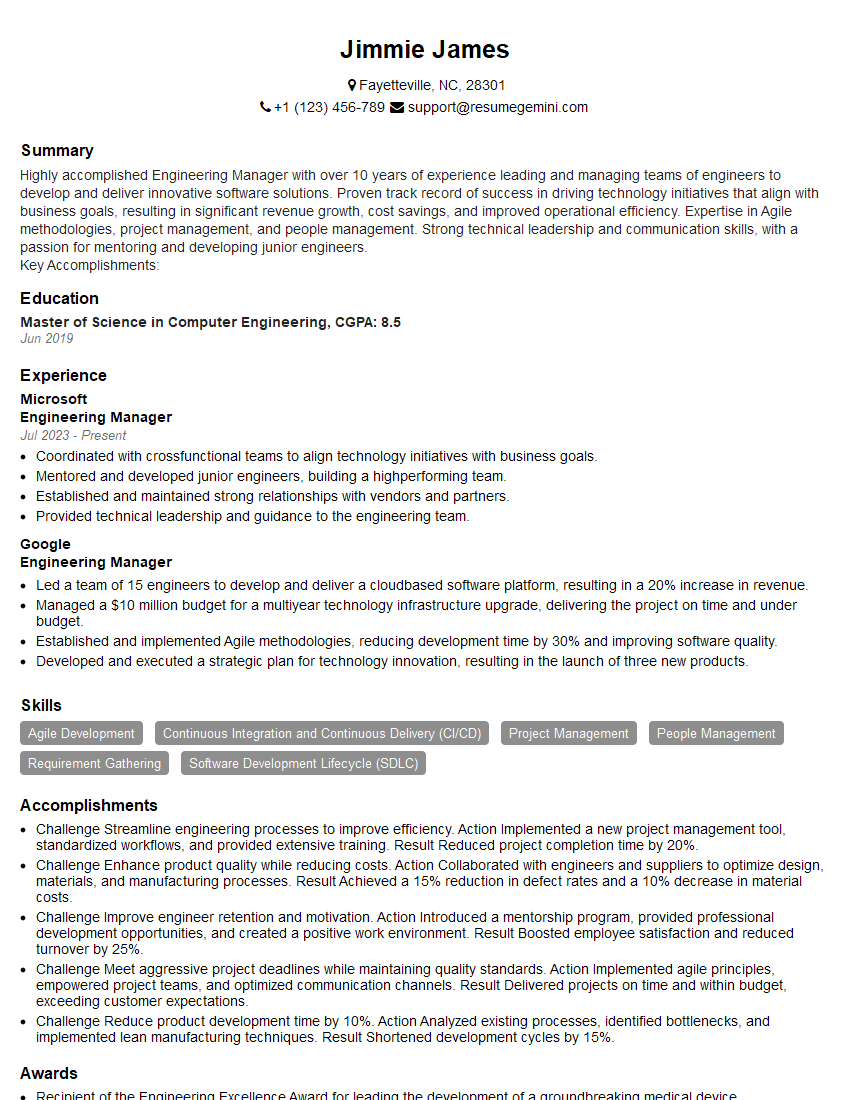
Engineering Manager Resume Sample
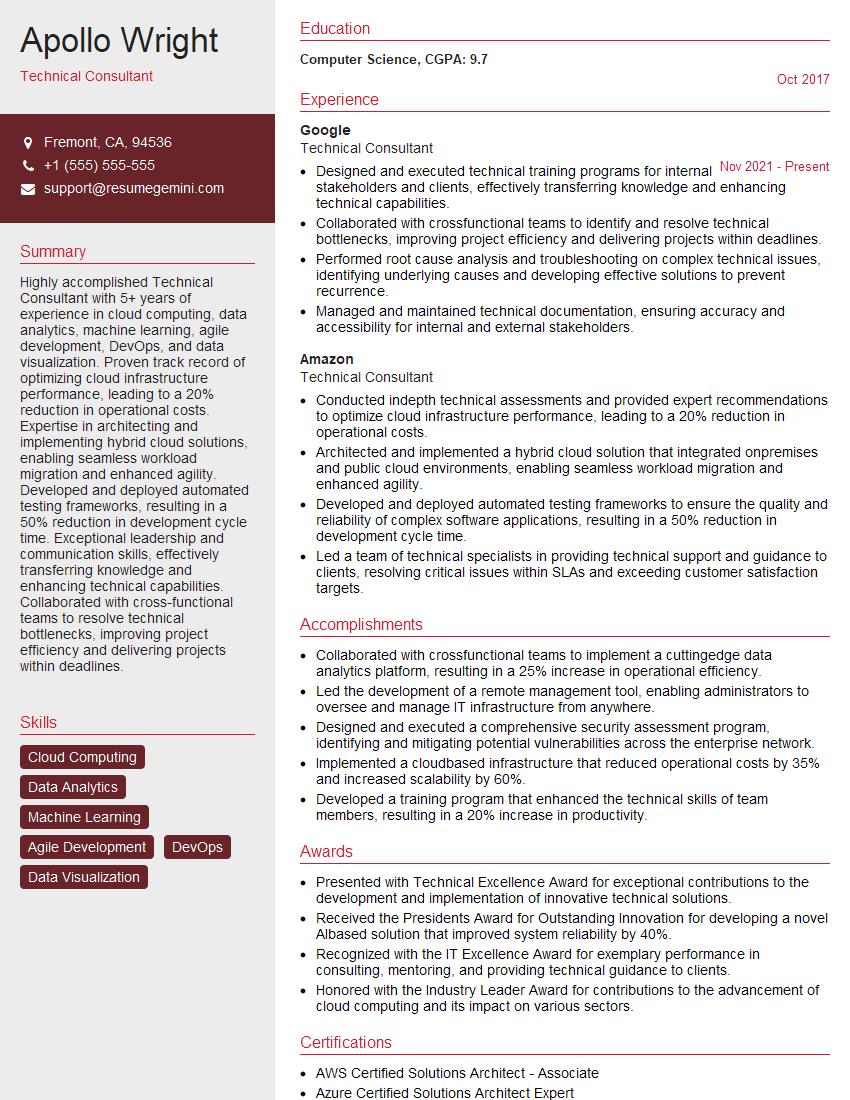
Technical Consultant Resume Sample
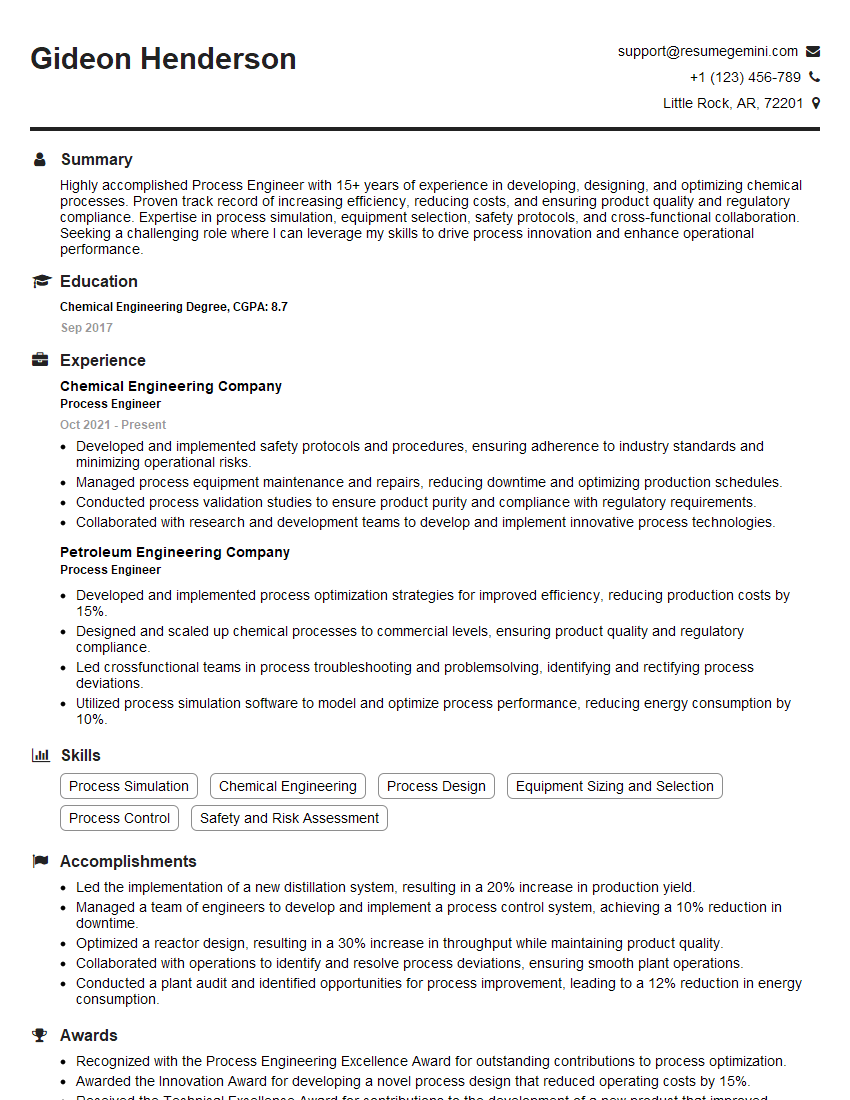
Process Engineer Resume Sample

Systems Administrator Resume Sample

Automation Engineer Resume Sample

Technical Support Engineer Resume Sample

Test Engineer Resume Sample
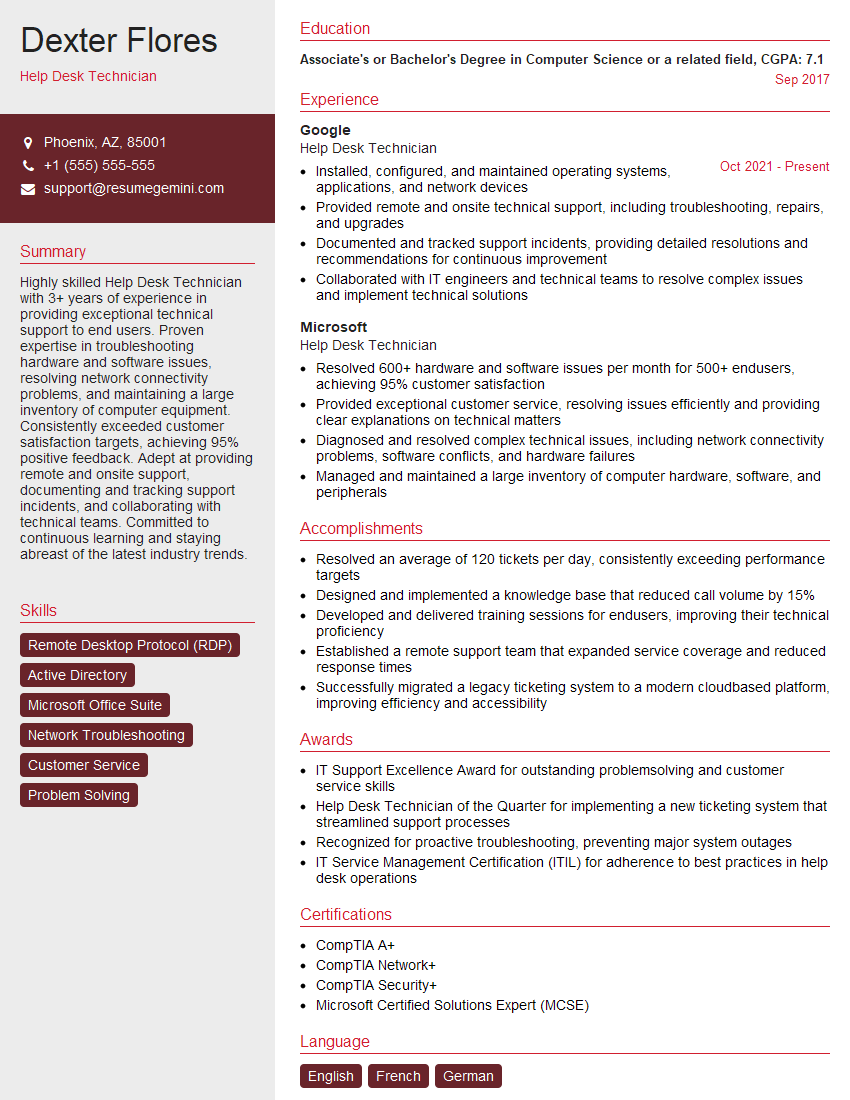
Help Desk Technician Resume Sample

Field Service Engineer Resume Sample
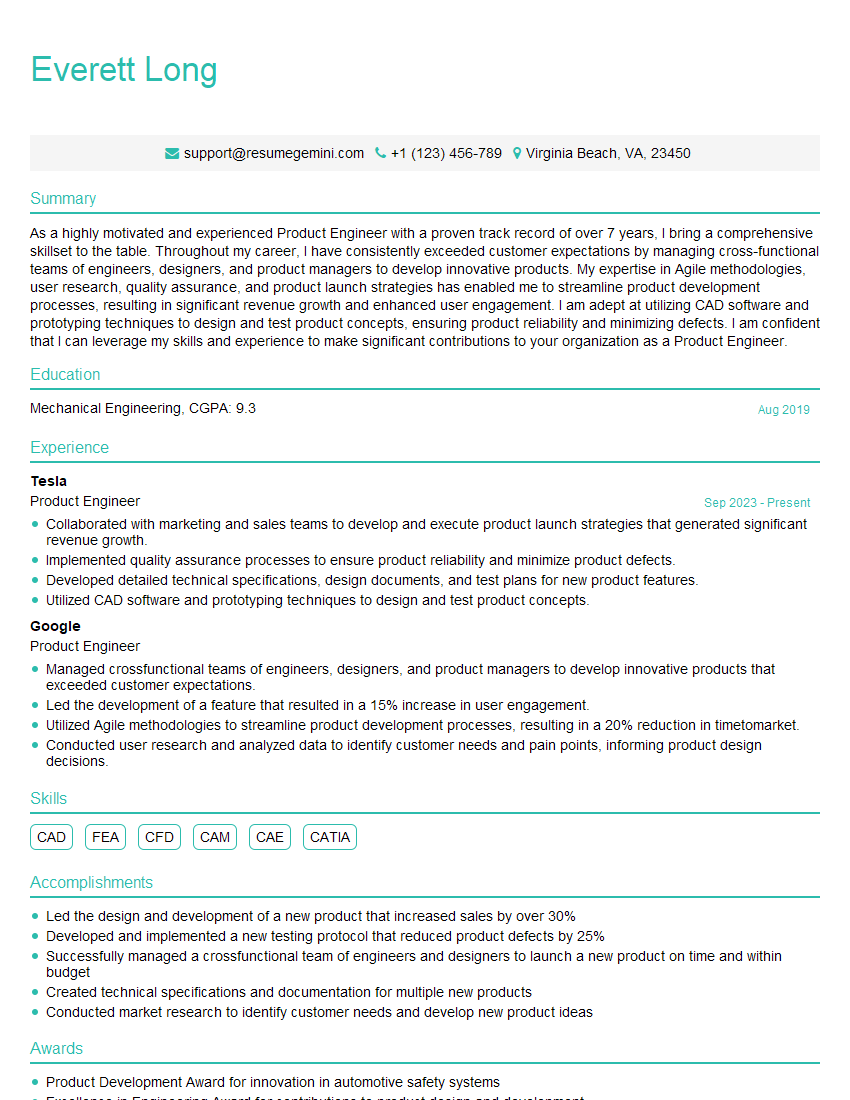
Product Engineer Resume Sample

Manufacturing Engineer Resume Sample

Quality Assurance Engineer Resume Sample

Engineering Consultant Resume Sample

Control Systems Engineer Resume Sample

Robotics Engineer Resume Sample

IT Support Specialist Resume Sample
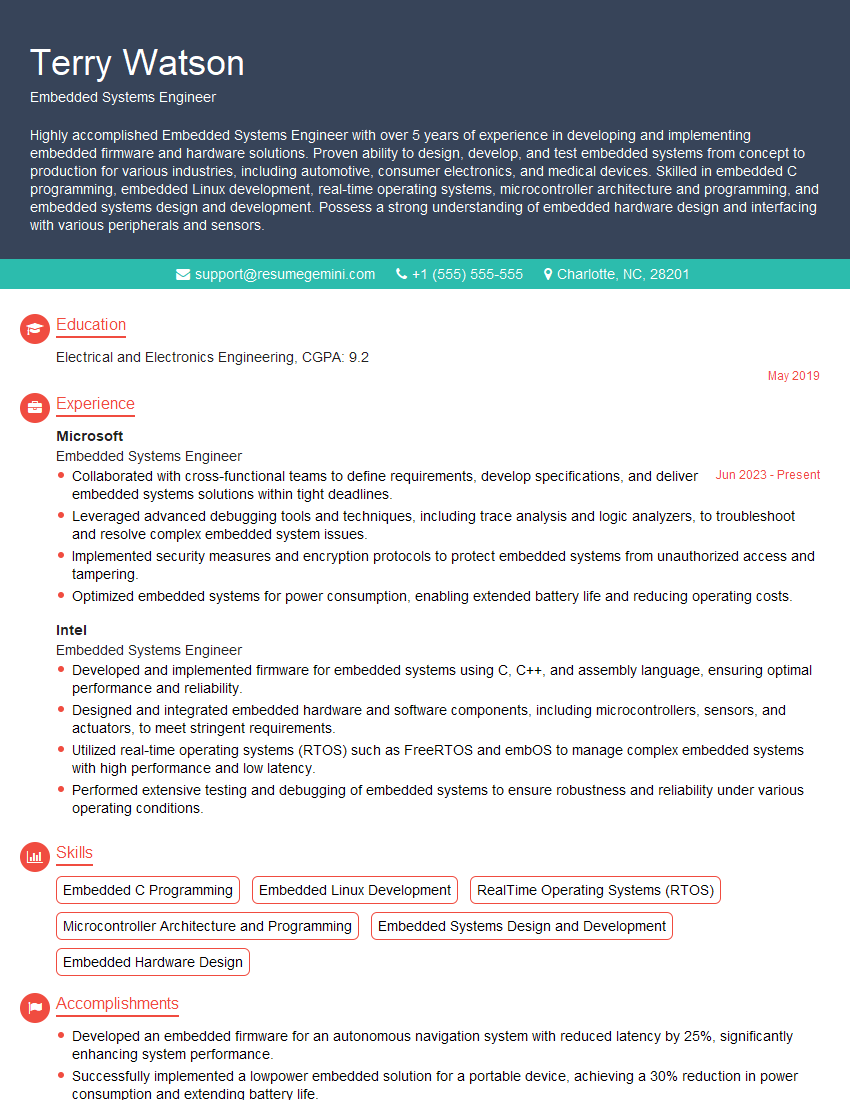
Embedded Systems Engineer Resume Sample
- Engineering Manager
- Technical Consultant
- Process Engineer
- Systems Administrator
- Automation Engineer
- Technical Support Engineer
- Test Engineer
- Help Desk Technician
- Field Service Engineer
- Product Engineer
- Manufacturing Engineer
- Quality Assurance Engineer
- Engineering Consultant
- Control Systems Engineer
- Robotics Engineer
- IT Support Specialist
- Embedded Systems Engineer
Explore more articles
Users Rating of Our Blogs
Share Your Experience
We value your feedback! Please rate our content and share your thoughts (optional).
What Readers Say About Our Blog
Amazing blog
Interesting Article, I liked the depth of knowledge you’ve shared.
Helpful, thanks for sharing.