Feeling uncertain about what to expect in your upcoming interview? We’ve got you covered! This blog highlights the most important Green Screen Techniques interview questions and provides actionable advice to help you stand out as the ideal candidate. Let’s pave the way for your success.
Questions Asked in Green Screen Techniques Interview
Q 1. Explain the process of chroma keying.
Chroma keying, or green screen, is a visual effects technique where a specific color (usually green or blue) is removed from a video or image, allowing another image or video to be placed in its place. Think of it like digitally cutting out a shape from a piece of paper and sticking another picture behind it. The process involves several steps:
- Shooting: Filming your subject against a uniformly lit green screen. Even lighting is crucial.
- Keying: Using video editing software, you select the green screen color to be removed. The software analyzes the color and transparency values, creating an alpha channel (a mask) which defines where the background should be transparent.
- Compositing: Replacing the transparent area with your desired background, which could be a still image, video footage, or even a digitally created environment.
- Refinement (Optional): Fine-tuning the result by cleaning up any remaining green screen spill, adjusting edges, and adding color corrections to ensure a seamless blend.
For instance, imagine filming a news reporter in front of a green screen. Through chroma keying, we replace the green screen with a dynamic background relevant to the news story, creating a professional and engaging broadcast.
Q 2. What are the ideal lighting conditions for green screen shoots?
Even, consistent lighting is paramount for successful green screen work. Uneven lighting on the screen creates shadows and variations in color, which makes keying difficult and leads to imperfections in the final composite.
Here’s what you need:
- Even Illumination: Use soft, diffused light sources to avoid harsh shadows on both the subject and the green screen. Multiple lights strategically placed are better than one large light source.
- Avoiding Shadows: Ensure the light covers the entire screen evenly, eliminating shadows or dark spots. Consider using light diffusion panels or bounce boards to soften the light.
- Color Consistency: Maintain a consistent color temperature throughout the lighting setup to avoid color casts on the green screen. It’s best to use light sources with the same color temperature.
- Separation from Subject: While lighting the green screen, minimize spill (light reflecting onto the subject) by strategically placing lights and possibly using flags or gobos (light blockers).
Think of it like baking a cake – precise measurements and consistent heat are crucial for a perfect result. Similarly, consistent lighting is vital for clean chroma keying.
Q 3. How do you handle spill in green screen footage?
Spill refers to the green screen color reflecting onto the subject you are filming. It’s a common problem that can make your final composite look unprofessional. Here are techniques to handle spill:
- Lighting Control: Careful lighting placement is key. Ensure your subject is well-lit but avoid using light sources that might reflect onto them from the green screen.
- Light Blocking: Use flags, black fabric, or gobos to block stray light from the green screen. This prevents unwanted reflections.
- Post-Production Techniques: Even with careful lighting, some spill might remain. Your video editing software typically provides tools to address this. Techniques include using a spill suppressor or adjusting the keying parameters to minimize green tints on the subject.
- Clothing Choice: If possible, choose clothing colors that contrast sharply with the green screen, reducing the chances of spill. Avoid bright colors and patterns close to green.
For example, if you’re filming someone wearing a white shirt, green spill will show up easily. Careful lighting, flags, and even post-production cleanup are needed to remove that.
Q 4. Describe different types of green screen materials and their pros/cons.
Several green screen materials are available, each with its own advantages and disadvantages:
- Muslin: A popular and relatively inexpensive option. It’s relatively easy to work with but tends to wrinkle easily and might not be as color-consistent as other materials.
- Paintable Green Screen: Allows for custom-painted seamless backgrounds. Durable and wrinkle-resistant, but requires more setup time and skill.
- Vinyl: Durable, wrinkle-resistant, and washable. More expensive than muslin but offers better color consistency and longevity. Can be heavier and less flexible.
- Paper Green Screen: Affordable and readily available, but crinkles easily and is not reusable. Good for smaller projects or quick shoots.
The best material depends on your budget, the size of your project, and your technical skill. For a professional production, vinyl is often preferred for its durability and consistent color, while muslin is a good choice for simpler projects on a tighter budget.
Q 5. What software are you proficient in for green screen compositing?
I am proficient in several software packages for green screen compositing, including:
- Adobe After Effects: A powerful industry-standard program offering a wide range of tools for keying, masking, and compositing, including sophisticated keying effects and tracking options.
- Adobe Premiere Pro: Offers excellent integrated keying features, making it a solid choice for projects where editing and compositing are combined.
- DaVinci Resolve: A versatile and powerful solution with robust color correction and compositing features, including advanced keying tools.
- Fusion (Blackmagic Design): A node-based compositing software known for its high-end visual effects capabilities, ideal for complex and demanding projects.
My choice of software depends on the complexity of the project and the required level of detail. For simpler tasks, Adobe Premiere Pro’s integrated tools are sufficient, while After Effects is my go-to for more complex work needing nuanced control.
Q 6. Explain the importance of proper camera settings for green screen shoots.
Proper camera settings are essential for achieving a successful chroma key. Incorrect settings can lead to inconsistent color, poor keying results, and extra work during post-production.
- White Balance: Accurately setting the white balance ensures consistent color throughout the footage. An incorrect white balance will result in color casts that complicate the keying process.
- Exposure: Proper exposure is crucial for capturing detail in both the subject and the green screen. Overexposed areas can wash out color and detail, making keying inaccurate. Underexposed areas will lack detail and create muddy results.
- ISO: Keep ISO levels as low as possible to minimize noise and grain in the footage. High ISO can introduce noise that interferes with the keying process, particularly in darker areas.
- Aperture and Shutter Speed: Adjusting aperture and shutter speed to achieve optimal exposure maintains detail.
Think of camera settings as the foundation of your greenscreen work – a strong foundation makes creating the final product much easier.
Q 7. How do you address keying issues like edge artifacts or color bleeding?
Edge artifacts (jagged edges around the subject) and color bleeding (green tint remaining on the subject) are common problems in chroma keying. Here’s how to address them:
- Refine the Key: Experiment with different keying methods in your software. Many options exist – Ultra Key, Keylight, and others. Adjust settings such as edge softness, spill suppression, and color correction to improve the key.
- Masking: Use masking tools to meticulously refine the edges of the subject. This involves carefully painting or drawing around the edges to remove any remaining green screen or correct imperfections.
- Matte Refinement: Several post-production tools allow for fine-tuning the alpha channel (the transparency mask). Refining the matte removes small imperfections.
- Color Correction: Color correction tools can help balance out any remaining color casts or green tints on the subject.
- Spill Suppressors: Many software packages include tools to automatically remove spill from the subject. These tools are generally quite effective in minimizing green tints.
Addressing these issues often requires a combination of techniques and careful attention to detail. It’s a process of iterative refinement, going back and forth between keying, masking, and color correction until the composite looks seamless.
Q 8. What are your preferred methods for cleaning up green screen plates?
Cleaning up green screen plates is crucial for a seamless composite. My preferred methods involve a multi-step approach leveraging the power of software like Adobe After Effects or Nuke. It begins with careful pre-production planning – ensuring even lighting on the screen and minimizing wrinkles or shadows. Post-production cleanup addresses any remaining issues. This usually starts with primary keying, using techniques like keylight or color spill suppression tools to remove the green screen. Then I meticulously refine the matte using rotoscoping tools, or advanced techniques like luminance keying for difficult areas. Often, I employ techniques like garbage mattes to mask out unwanted elements around the edges or even use advanced color correction to subtly adjust the keyed plate to match the background lighting.
For instance, I once worked on a project where the green screen had some slight wrinkles near the subject’s shoulders. A simple key left some artifacts. By using rotoscoping and manually refining the matte around those areas, I ensured a smooth and natural-looking composite.
Finally, I utilize color correction and minor paint operations to touch up any minor imperfections remaining in the final matte, making sure that the edges of the subject blend perfectly.
Q 9. Describe your workflow for compositing a green screen element into a scene.
My green screen compositing workflow is a systematic process. It starts with prepping both the foreground (green screen footage) and the background plates. This involves organizing the files, reviewing the footage for potential issues, and selecting appropriate keying techniques depending on the scene’s complexity and lighting. I then perform the keying process, selecting a suitable keyer (like Primatte Keyer, Keylight, or Ultra Key) based on the nature of the green screen footage and lighting conditions. Following this, I carefully refine the key, paying close attention to details and eliminating any haloing or spill. Next, I track the element (if necessary) to ensure it aligns precisely with the background. After color correction and adjustment to match the lighting of the background scene, I carefully composite the element into the background scene, layering carefully to achieve realism. Finally, I perform a careful review and color grading to ensure the overall effect is seamless and believable.
For example, if I’m compositing a person onto a bustling city street, I might use a camera tracker to adjust for any subtle changes in camera perspective throughout the shot, making sure the subject’s position and scale relative to the background remain consistent.
Q 10. How do you deal with difficult lighting conditions during a green screen shoot?
Difficult lighting on a green screen shoot can be a nightmare, but careful planning and techniques can mitigate the problems. The most important factor is consistent, even lighting on the green screen itself. Using soft, diffused lights is crucial to minimizing harsh shadows and uneven illumination on the subject. If lighting is already uneven during the shoot, it will create problems with keying in post-production. Another important point is lighting the subject separately from the screen, avoiding spill onto the screen. This will ensure a clear separation of the subject from the background, simplifying the keying process later.
If inconsistencies arise, specialized keying techniques and color correction tools become essential. I often use multiple keyers in a compositing software, combining the results for the optimal result. For example, if a spill is evident near the edges, careful rotoscoping or using spill suppression features will help refine the matte. Using techniques such as color correction and lighting matching after keying is essential to blend the subject and background seamlessly. If the problem is lighting differences between the subject and background, it may require careful matching of color temperature, contrast and exposure of both plates.
Q 11. What is the difference between keying and tracking?
Keying and tracking are distinct but related processes in green screen compositing. Keying is the process of separating the foreground subject from the background using its color differences. This involves selecting a range of colors (like the green screen) to remove from the footage. Different keying methods exist, depending on the complexity of the background. For example, a simple chroma key works well for uniformly lit green screens while other keys are needed for complex or uneven lighting.
Tracking, on the other hand, is used to follow the movement of the subject throughout the scene. If your subject moves considerably, a camera tracker is often used to account for any changes in camera perspective or zoom. This ensures that your keyed subject will integrate smoothly into the background sequence, avoiding unwanted perspective distortions or inconsistencies in scale. They often work together, with tracking following keying to perfectly place the extracted subject in the new scene.
Q 12. Explain the concept of spill suppression.
Spill suppression is a crucial technique in green screen compositing. It addresses the problem of green (or blue) light reflecting onto the subject from the screen. This ‘spill’ contaminates the subject’s colors and complicates the keying process. Spill suppression techniques aim to remove or reduce this color cast, ensuring the subject appears naturally lit. This can be addressed during the filming (proper lighting setup) or in post-production.
In post-production, dedicated spill suppression tools in compositing software are employed. These tools analyze the image and selectively reduce the green or blue color hues from the subject while preserving the original color tones. Think of it like selectively removing a stain from clothing without affecting the rest of the fabric. Effective spill suppression is vital for a realistic and believable composite.
Q 13. How do you manage motion blur when compositing green screen footage?
Managing motion blur in green screen compositing requires careful attention to detail. If the background footage has motion blur and the green screen footage does not, the composite will look unrealistic. Conversely, if the green screen footage has motion blur but the background doesn’t, the same visual mismatch will occur. The solution is to ensure consistency. The best way to do this is to match the motion blur effect between the foreground and background. If the background features motion blur, then some blur should be introduced on the subject, usually by creating a duplicate of the layer and using a gaussian blur with settings reflecting the degree of blur on the background.
Sometimes, motion blur needs to be removed from the green screen footage to facilitate a cleaner composite. This can be accomplished using specialized software tools and techniques, often by using a temporal filter to reduce the motion blur.
Q 14. How do you work with different resolutions and aspect ratios in green screen compositing?
Working with varying resolutions and aspect ratios in green screen compositing requires a methodical approach. Inconsistencies can lead to pixelation, stretching, or cropping artifacts. The key is planning. Before starting the project, decide upon a final resolution and aspect ratio. Scale everything to these standards at the beginning of your workflow to avoid problems down the line. If the green screen footage is a different resolution, you will need to scale it before keying, maintaining a consistent aspect ratio so there are no unwanted distortions. This often involves scaling the footage to your target resolution, using bicubic or lanczos resampling methods to minimize quality loss.
If the background plate has a different aspect ratio, I might use masking and additional footage to create a seamless composite and ensure the subject doesn’t appear stretched or compressed. This requires a bit of creativity and planning. For instance, shooting additional material to fill the gaps in the final resolution is often a must to avoid unwanted distortion. For example, if the green screen was shot in 16:9 but the background is 4:3, I would adjust the green screen footage and potentially add elements from another shot to match the 4:3 aspect ratio while avoiding distortion and maintaining consistent quality.
Q 15. What are some common challenges you’ve faced with green screen shoots, and how did you overcome them?
Green screen shoots, while offering incredible creative possibilities, often present unforeseen challenges. One common issue is spilled lighting – light from the main set reflecting onto the green screen, causing uneven illumination and making keying difficult. I’ve overcome this by meticulously controlling lighting on set. This involves using flags, diffusers, and strategically positioned lights to ensure even lighting on the subject and minimal spill onto the screen. Another frequent problem is creasing or wrinkles in the green screen itself. These show up as inconsistencies during keying. My solution here is to use high-quality seamless green screens, properly ironed and stretched taut on a frame. Finally, subject movement close to the screen can sometimes cause problems. Fast movements can create ‘fringing’ around the edges of the subject. Careful planning of camera movements and subject positioning helps mitigate this, and I often utilize techniques like slightly slowing down the action during close-screen movements.
Career Expert Tips:
- Ace those interviews! Prepare effectively by reviewing the Top 50 Most Common Interview Questions on ResumeGemini.
- Navigate your job search with confidence! Explore a wide range of Career Tips on ResumeGemini. Learn about common challenges and recommendations to overcome them.
- Craft the perfect resume! Master the Art of Resume Writing with ResumeGemini’s guide. Showcase your unique qualifications and achievements effectively.
- Don’t miss out on holiday savings! Build your dream resume with ResumeGemini’s ATS optimized templates.
Q 16. How do you ensure seamless integration of the green screen element with the background?
Seamless integration hinges on several factors. Firstly, proper lighting is crucial; even illumination on the green screen is paramount. Avoid harsh shadows or highlights that can complicate the keying process. Second, a clean green screen free from wrinkles or blemishes is essential. Third, accurate keying in post-production is the final piece. I always ensure that the green screen is evenly lit and a consistent color, minimizing the need for extensive correction in post. To achieve this, I often use a color chart or reference image to maintain consistency throughout the shoot. For example, if shooting a person against a green screen, I would make sure the overall lighting on both the person and the screen remains consistent throughout the session.
Q 17. What is the importance of color correction and grading in post-production for green screen footage?
Color correction and grading are absolutely vital in green screen post-production. They allow you to match the subject’s lighting and color to the background seamlessly. Color correction focuses on correcting imbalances in color temperature and exposure, ensuring consistent lighting across the entire composite. Imagine trying to composite a person filmed under warm tungsten light onto a background shot with cool daylight – the difference would be glaringly obvious. Color correction evens that out. Grading, on the other hand, is more about the artistic aspect. It’s where you refine the overall look and feel, adjusting saturation, contrast, and color tones to create the desired mood and aesthetic. This could involve adjusting the overall color palette to match a particular theme or simply enhancing the mood. For instance, if I’m compositing a scene set in a fantasy forest, I might use grading to boost the greens and blues to create a more vibrant and otherworldly effect.
Q 18. Explain different keying techniques (e.g., Ultra Key, Primatte Keyer).
Several keying techniques are commonly used. Ultra Key in After Effects is a versatile and popular choice; it allows for precise control over keying parameters and provides excellent results with a relatively simple interface. It works by analyzing color ranges to isolate the subject from the background. Primatte Keyer, found in applications like Nuke, offers advanced features and is known for its ability to handle complex scenarios like semi-transparent subjects or difficult lighting conditions. Primatte utilizes multiple algorithms and offers more fine-grained controls than Ultra Key. The choice depends on the complexity of the shot and the software available. For simple shots with clean keying, Ultra Key might suffice; for intricate work, Primatte or other advanced keyers are preferred. Each keyer has its own strengths; for example, Primatte often handles difficult lighting and subtle color variations better than Ultra Key, but requires more expertise to use effectively.
Q 19. How do you manage shadows and reflections in green screen compositing?
Managing shadows and reflections in green screen compositing requires a multi-faceted approach. First, you need to prevent them on set as much as possible. This often involves careful lighting placement and using light-absorbing materials. If shadows are cast on the screen, it will be visible when the background is added. In post-production, techniques like matte painting can be used to fill in any gaps or inconsistencies. For reflections, understanding the lighting and surface properties of the subject is crucial. If the subject is reflective, it might reflect the green screen, which needs to be carefully removed and replaced in post. Sometimes, recreating the reflection on the new background is necessary for realistic results, and masking techniques are helpful to remove the unwanted parts of the reflection that was originally on the screen. Advanced techniques, like using light wraps to remove the reflection, can be employed for smoother and more realistic results.
Q 20. Discuss your experience with various compositing software (e.g., After Effects, Nuke, Fusion).
I have extensive experience with various compositing software. After Effects is my go-to for many projects due to its user-friendly interface and powerful tools for keying, tracking, and compositing. It’s excellent for standard green screen work and relatively easy to learn, making it suitable for many projects. Nuke, a node-based compositor, provides greater flexibility and control, especially for high-end VFX work. Its power lies in its flexibility and advanced features. I’d use Nuke for complex shots requiring extensive color correction, multi-layer compositing, or advanced 3D integration. Fusion, now part of Blackmagic Design’s DaVinci Resolve suite, is also a strong contender, offering a compelling blend of speed and power. I find Fusion’s speed especially helpful for quick turnaround projects where a fast workflow is essential. The software choice ultimately depends on the project’s scope, budget, and personal workflow preferences.
Q 21. How do you handle camera movement in green screen shoots?
Camera movement in green screen shoots necessitates careful planning and execution. Significant camera movement can be challenging to composite due to the potential for inconsistencies in the background’s perspective. To facilitate smooth compositing, using a steadycam or other stabilization systems is crucial. Precise camera movement is key, avoiding erratic or jerky motion which makes tracking more difficult. In post-production, motion tracking software is often used to analyze the camera’s movement and seamlessly integrate the background footage. This process involves identifying features in the green screen footage and tracking their movement frame-by-frame. Sophisticated software solutions can even generate 3D camera tracks allowing for more accurate and believable integration, especially during complex camera maneuvers like rotations or zooms.
Q 22. What are your strategies for preventing green screen artifacts?
Preventing green screen artifacts is crucial for a clean composite. Think of it like painting – you want a smooth, even base before adding details. My strategies focus on proactive measures during the shoot and meticulous attention to detail in post-production.
- Proper Lighting: Even, balanced lighting on the green screen is paramount. Uneven lighting creates shadows and variations in the green hue, making it harder for the keyer to separate the subject from the background. I always aim for a consistent brightness across the screen, avoiding harsh spotlights. Think of it like a perfectly smooth wall of paint – no lumps or bumps.
- Screen Material: The quality of the green screen itself matters. A high-quality, wrinkle-free screen is essential. Wrinkles and creases cast shadows and inconsistencies that are nearly impossible to remove completely in post. I prefer seamless chroma key fabrics. A poor-quality screen is like trying to paint on a textured wall – it’s a disaster waiting to happen.
- Subject Distance: Keeping a sufficient distance between the subject and the green screen minimizes shadows cast onto the screen. Too close, and the shadows become impossible to remove. This is like having your subject too close to a painted background – the shadow will always be visible.
- Spill Control: Green spill, where the green screen color reflects onto the subject, is a common problem. Using appropriate lighting and avoiding bright light sources reflecting directly onto the subject helps to minimize spill. It’s like keeping your paintbrushes tidy to avoid messing your artwork.
- Post-Production Techniques: Even with perfect shooting, minor cleanup is often needed. I utilize advanced keying techniques in software like Adobe After Effects or Nuke to refine the matte and remove any lingering artifacts. This is the fine-tuning that makes the final result flawless.
Q 23. Describe your experience working with different types of cameras and lenses in green screen setups.
My experience spans various camera systems and lenses, each presenting unique challenges and opportunities in green screen work.
- Camera Sensors: Different camera sensors (CMOS vs. CCD) have varying sensitivities to color, affecting the accuracy of the green screen capture. High dynamic range (HDR) cameras offer advantages in capturing detail across a wider range of lighting conditions. I’ve worked with everything from RED cameras for high-end projects to more affordable DSLRs and mirrorless systems, adapting my approach based on the camera’s capabilities and limitations.
- Lens Choices: Lens selection significantly impacts image quality. Prime lenses often offer sharper images with less distortion compared to zoom lenses, but the latter are more versatile for various shot sizes. Understanding lens distortion and vignetting is essential, as these effects can complicate the keying process. I often use high-quality lenses for better results, especially if high resolution is needed.
- Camera Settings: Accurate white balance is crucial for consistent color reproduction. Shooting in RAW format allows for greater flexibility during post-production color correction. I pay careful attention to the ISO setting to minimize noise, especially in low light situations.
For example, on a recent project with a tight budget, I optimized the setup using a Sony a7S III and a prime lens to maximize image quality despite the cost constraint. On another project, using RED cameras, we needed the highest quality for VFX and the wider dynamic range helped us achieve this.
Q 24. How do you collaborate with other team members (e.g., directors, editors) in a green screen production?
Collaboration is key in green screen productions. I work closely with directors, editors, and VFX artists throughout the process.
- Pre-Production: I participate in planning meetings to discuss lighting schemes, camera angles, and potential challenges. We create a detailed shot list that addresses lighting, background color consistency and potential issues.
- Production: During the shoot, I maintain constant communication with the director to ensure the shots meet their vision and address any issues that may arise in real-time.
- Post-Production: I work closely with editors and VFX artists to provide them with high-quality footage that makes the compositing process as smooth as possible. I usually provide various versions of the keyed plates with different keying settings to allow for greater flexibility in post-production.
For instance, on a recent commercial shoot, I worked with the director to plan a complex scene involving multiple lighting setups and background changes. My collaborative efforts ensured smooth workflow and a successful final product.
Q 25. What are some best practices for setting up a green screen studio?
Setting up a green screen studio involves careful planning and execution. Here are some best practices:
- Studio Space: A large, well-ventilated space is ideal, with enough room for the green screen, lighting equipment, and camera movement. The size should accommodate the largest setup anticipated.
- Green Screen Placement: The screen should be taut and wrinkle-free. Its surface should be evenly lit to minimize inconsistencies. The lighting rig should be placed according to the requirements of the subject and the camera.
- Lighting Setup: Proper lighting is crucial. I typically use multiple softboxes or diffused lights to illuminate the screen evenly and reduce shadows. Avoid harsh, direct lighting. Multiple light sources are preferred to create more even lighting. Backlighting can help separate the subject from the background and avoid spill.
- Camera Positioning: Consider camera angles and movement. Avoid extreme close-ups that may highlight imperfections in the green screen.
- Background Control: To prevent color spill, ensure the rest of the room is dark. Use black cloths or other materials to prevent light reflections from other surfaces.
For example, when setting up a studio for a corporate video shoot, I ensured the lighting was tailored to the subject’s skin tones to prevent unwanted color casts on the subject.
Q 26. How do you assess the quality of a green screen shoot before starting post-production?
Assessing green screen footage before post-production is crucial for preventing costly errors later on. I use a multi-step process:
- Visual Inspection: Carefully review the footage, checking for wrinkles on the screen, shadows on the background, and green spill onto the subject. Pay close attention to the quality of the green color.
- Color Histogram Analysis: Examine the color histograms in a video editing software, checking for a clean separation between subject and background colors. The histogram will reveal if there is a good range of colors between the subject and the green screen.
- Test Keying: Perform a quick keying test on a few frames to assess how well the keying software will separate the foreground from the background. This helps identify any potential issues early on. This also ensures if the keying technique chosen is appropriate for the type of shots captured.
- Lighting Consistency Check: Examine if the lighting across the green screen is consistent. Consistent lighting will ensure that the color of the green screen is uniform and will greatly improve the keying process.
For example, if I find significant green spill, it would signal the need for some reshoots with better lighting, while inconsistent lighting would require reviewing the lighting set up and adjusting it accordingly.
Q 27. How familiar are you with color spaces and their importance in compositing?
Familiarity with color spaces is essential for accurate compositing. Color spaces define how colors are represented numerically. Understanding this is like understanding the different languages used in a global team – you need to ensure that everyone is speaking the same language.
- RGB vs. YUV: RGB (Red, Green, Blue) is the color model used for displaying images on screens. YUV (Luminance, Chrominance) separates brightness from color information, which is often more efficient for video processing and keying. Understanding the conversion between these spaces is crucial for avoiding color shifts during compositing.
- Color Depth: Higher bit depth (e.g., 10-bit vs. 8-bit) provides a smoother gradient of colors and reduces banding artifacts, which may become noticeable when color correction or compositing is applied. Higher bit depth means the colors will be more accurate and more detailed.
- Color Gamut: The range of colors a color space can reproduce is its gamut. Different color spaces (e.g., Rec.709, DCI-P3, Adobe RGB) have different gamuts. Ensuring that all footage is in a consistent color space is vital to prevent color mismatches in the composite. Working with a larger gamut means greater color information and flexibility.
For instance, shooting in a wider color gamut like ProRes 4444 during green screen capture and then carefully converting to Rec.709 for final output ensures superior results compared to shooting and working directly in Rec.709 which may compromise details.
Q 28. Describe your process for troubleshooting issues during a green screen shoot.
Troubleshooting during a green screen shoot requires a systematic approach.
- Identify the Problem: Is it green spill, uneven lighting, wrinkles in the screen, or something else? Accurately identifying the problem is the first and most important step.
- Check the Lighting: Is the lighting even across the green screen? Are there harsh shadows? Adjust lighting intensity, position, and diffusion as needed. Addressing this first will help identify and eliminate many of the other potential issues.
- Examine the Screen: Are there wrinkles or creases in the green screen? If so, the screen should be repositioned or replaced.
- Assess the Subject: Is the subject too close to the green screen, creating shadows? Adjust their positioning. This will often be the cause of subtle shadows along the edges of the key.
- Review Camera Settings: Ensure proper white balance and exposure settings. Incorrect settings can lead to color imbalances or poor image quality.
A methodical approach ensures that the source of the problem is properly identified and addressed to ensure a clean and crisp final shot. For example, if there is green spill, checking the lighting is typically the best approach – adjust the intensity of lights, add more fill lights, and make sure the lights aren’t reflecting off of other surfaces.
Key Topics to Learn for Green Screen Techniques Interview
- Chroma Keying: Understanding the principles of color separation and keying, including different keying methods (luminance, color difference). Explore the effects of lighting and spill on keying quality.
- Lighting for Green Screen: Mastering the art of even, shadow-free green screen lighting to achieve a clean key. Learn about three-point lighting and its adaptation for green screen setups. Understand the importance of avoiding color casts.
- Camera Settings and Workflow: Optimizing camera settings for green screen shoots, including white balance, exposure, and focus. Discuss efficient workflows for shooting and post-production.
- Background Selection and Preparation: Choosing appropriate background plates and preparing them for compositing. Understanding resolution and aspect ratio considerations.
- Post-Production Techniques: Utilizing software like After Effects or Premiere Pro for keying, color correction, and compositing. Troubleshooting common issues like haloing and fringing.
- Troubleshooting and Problem Solving: Identifying and resolving common green screen issues, such as spill, uneven lighting, and poor keying. Develop strategies for preemptive problem solving during the shoot.
- Different Green Screen Fabrics and their Properties: Understanding the differences between various green screen materials and their impact on the final result. Discuss the pros and cons of each type.
Next Steps
Mastering green screen techniques significantly enhances your value in film, video production, and broadcast industries, opening doors to exciting career opportunities. An ATS-friendly resume is crucial for getting your application noticed. To build a compelling resume that showcases your expertise, we encourage you to utilize ResumeGemini, a trusted resource for creating professional resumes. ResumeGemini provides examples of resumes tailored specifically to Green Screen Techniques to help guide your process. Invest the time in crafting a strong resume; it’s your first impression with potential employers.

Colorist Resume Sample

Multimedia Specialist Resume Sample
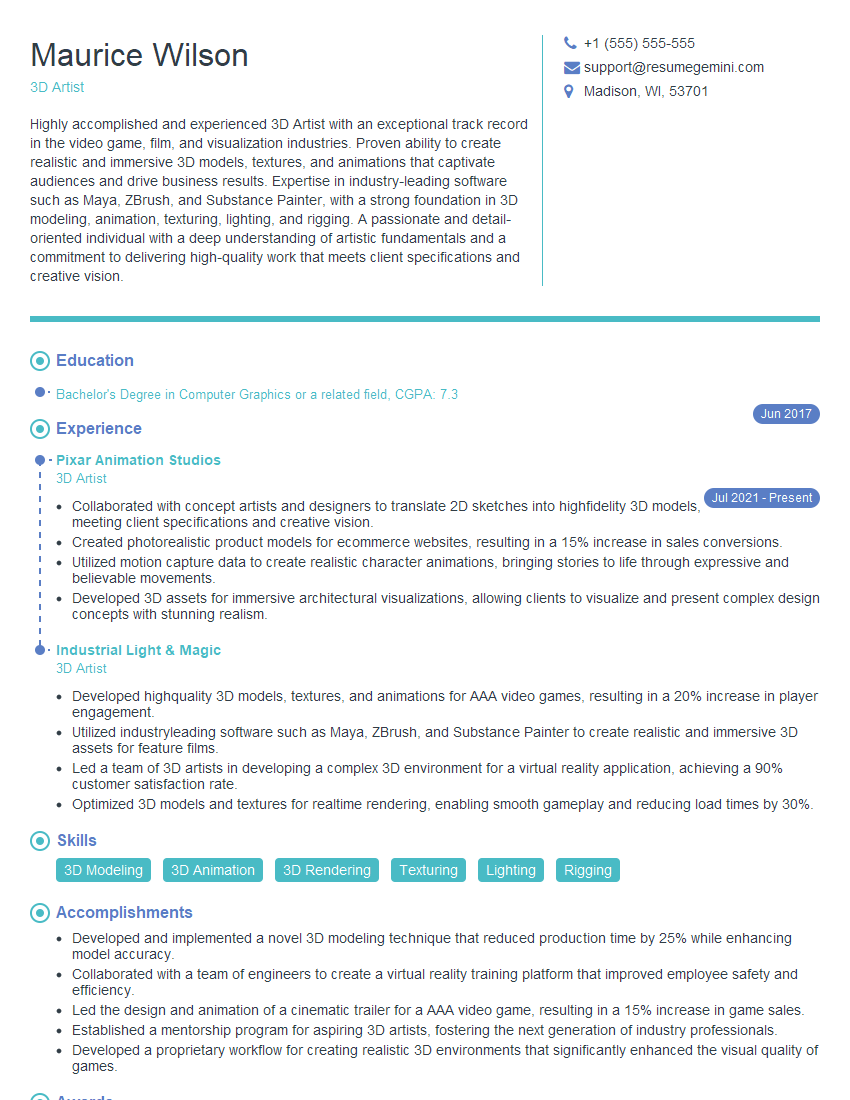
3D Artist Resume Sample

Compositor Resume Sample
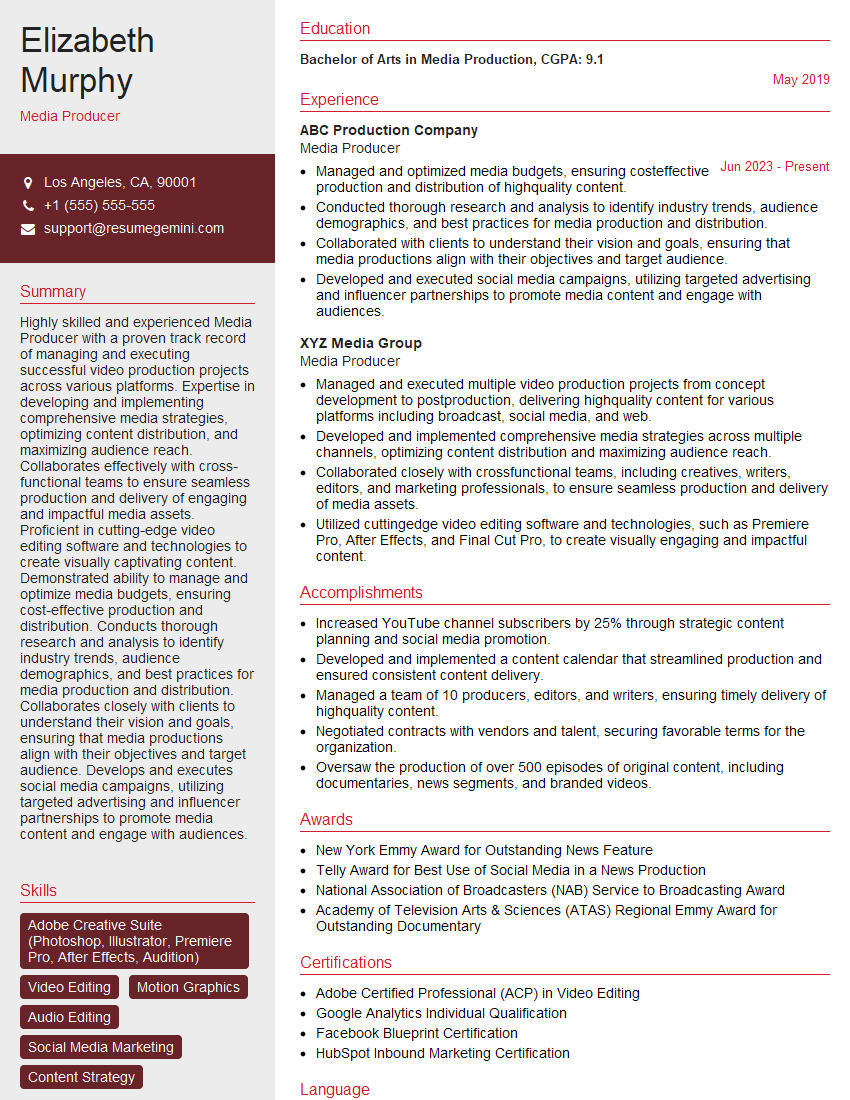
Media Producer Resume Sample

Motion Graphics Artist Resume Sample
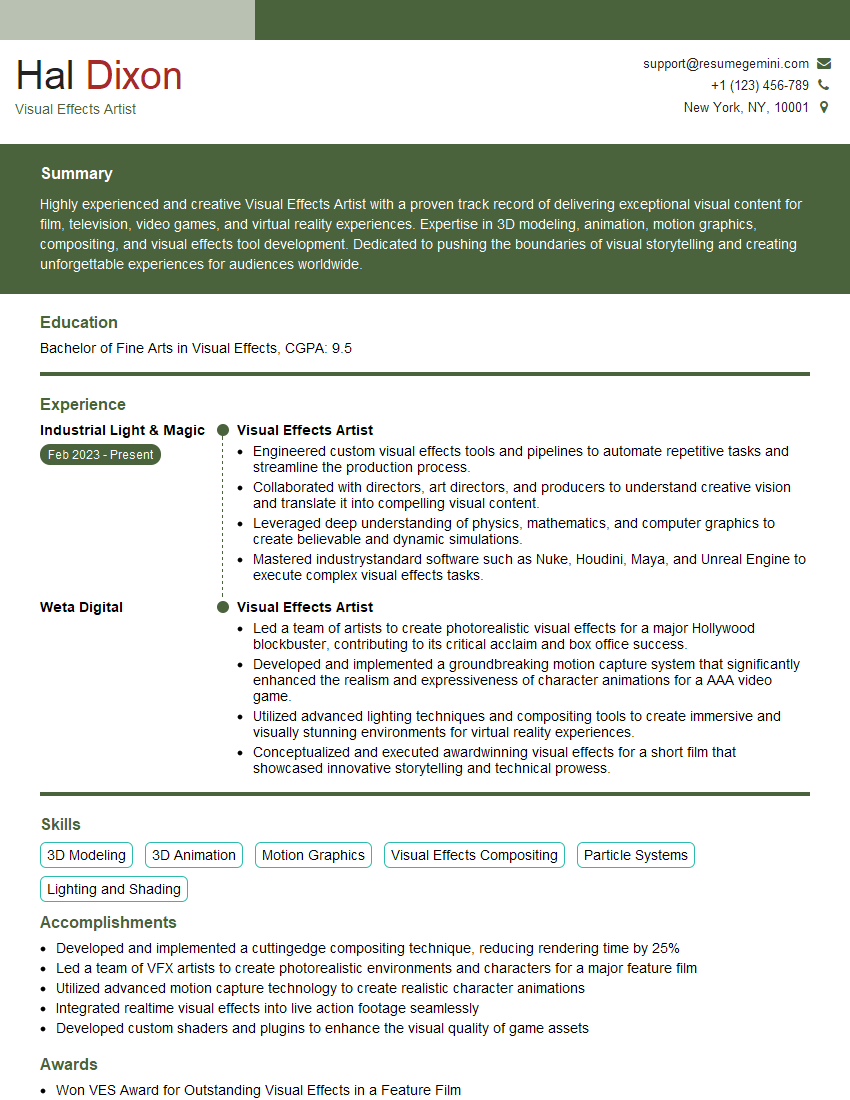
Visual Effects Artist Resume Sample
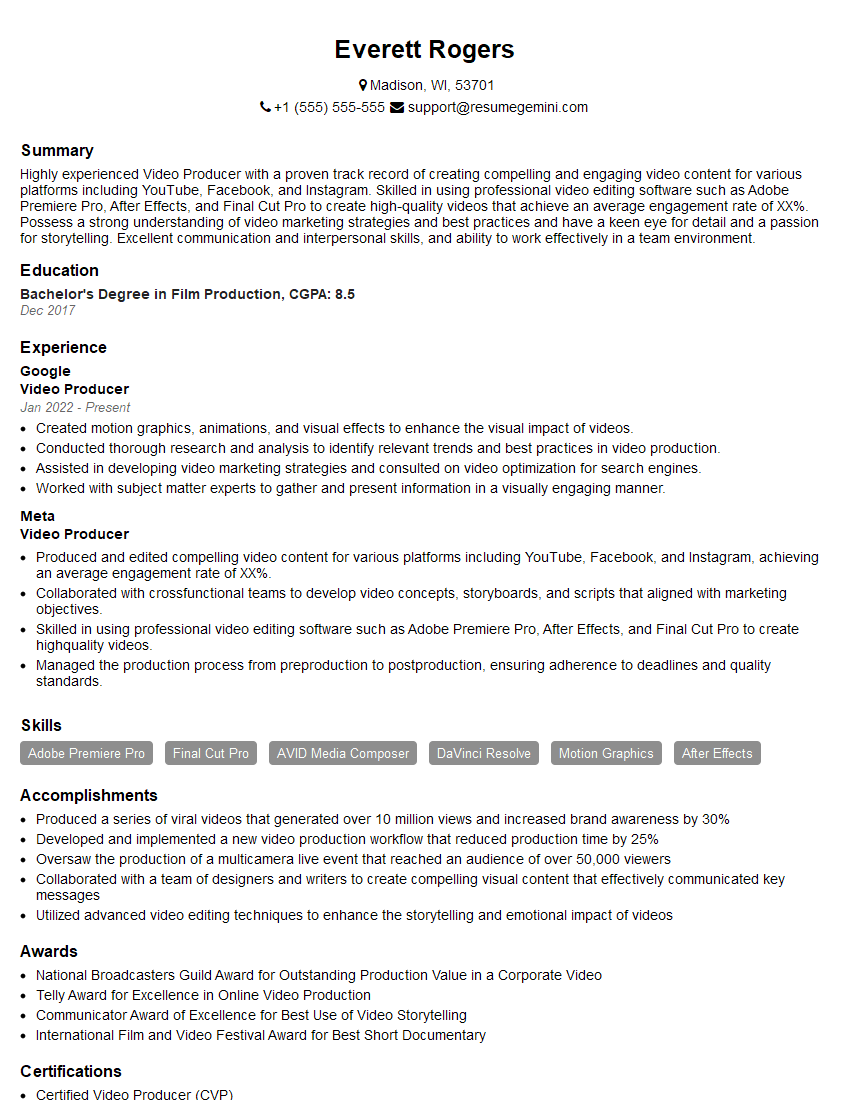
Video Producer Resume Sample

Broadcast Engineer Resume Sample

Video Editor Resume Sample
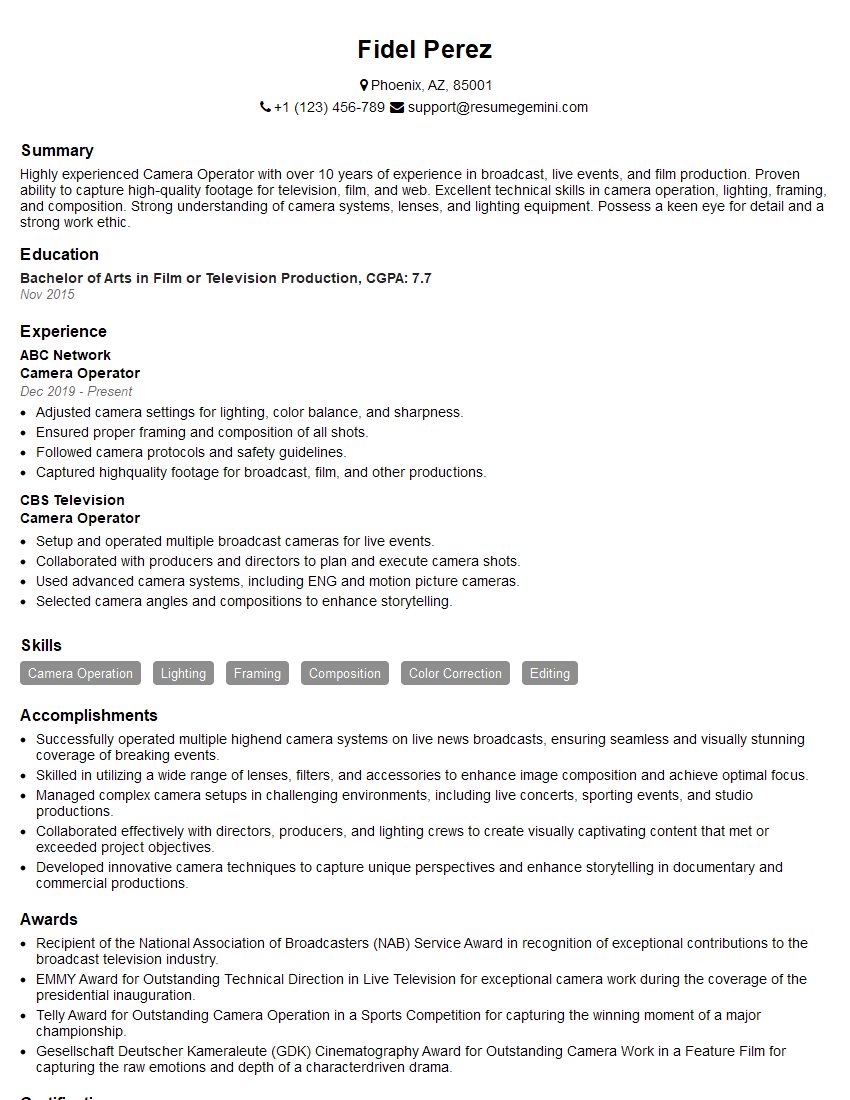
Camera Operator Resume Sample
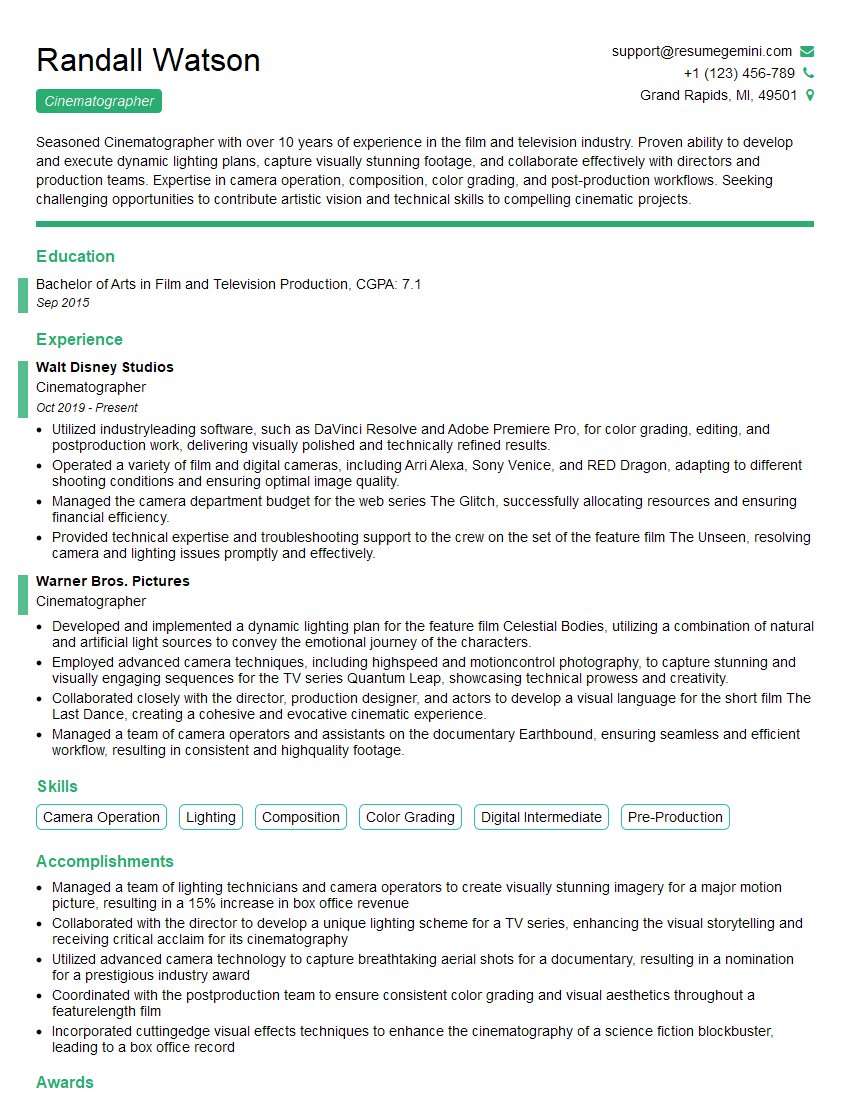
Cinematographer Resume Sample
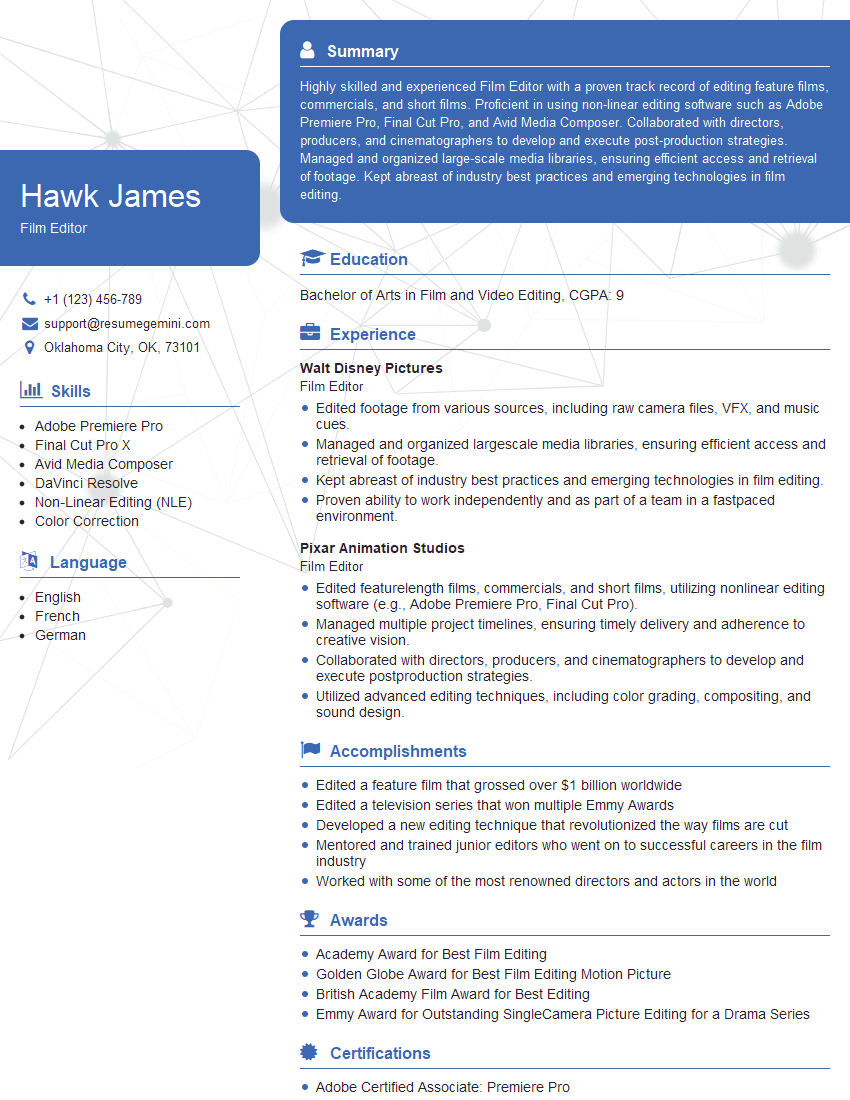
Film Editor Resume Sample
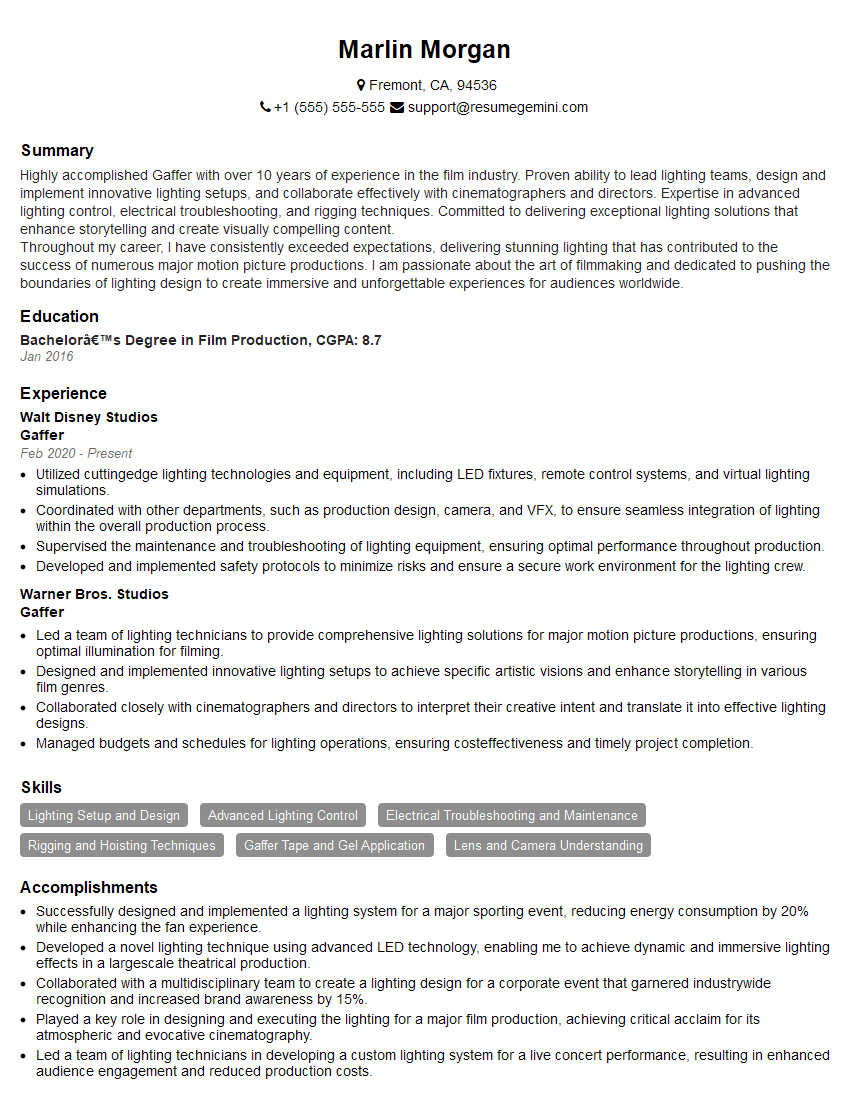
Gaffer Resume Sample
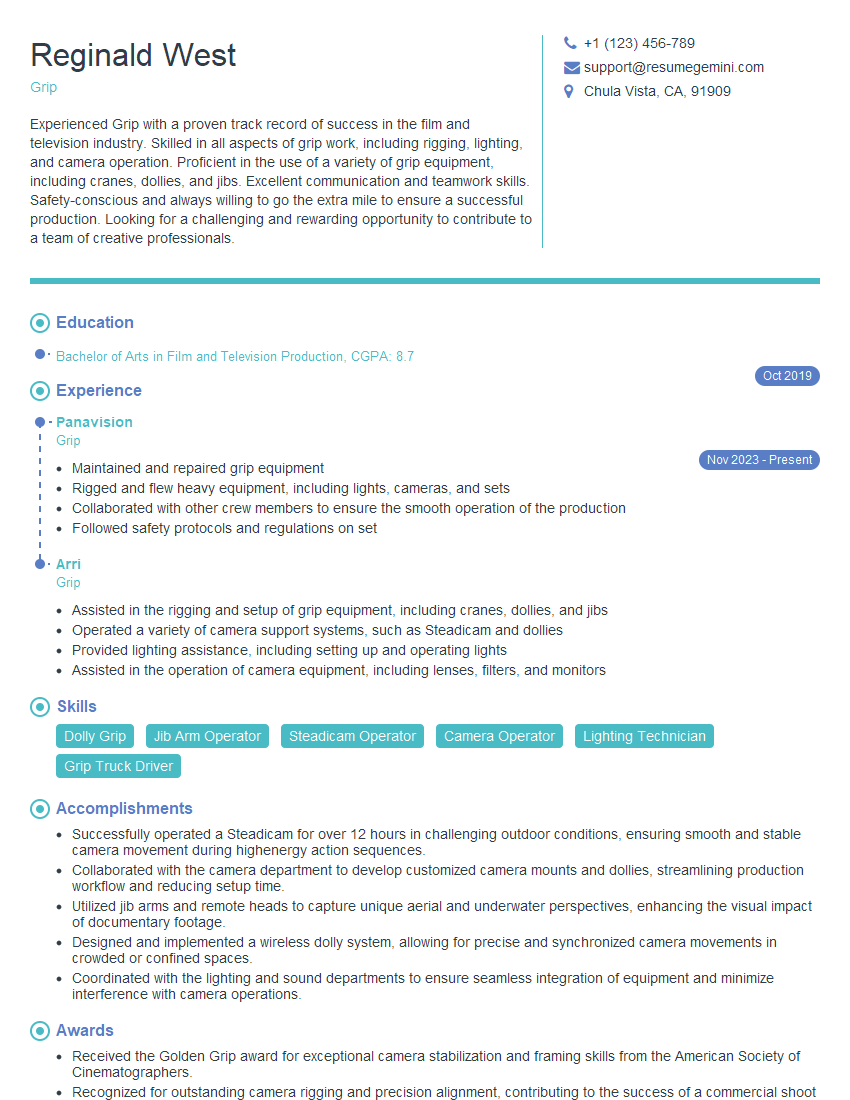
Grip Resume Sample
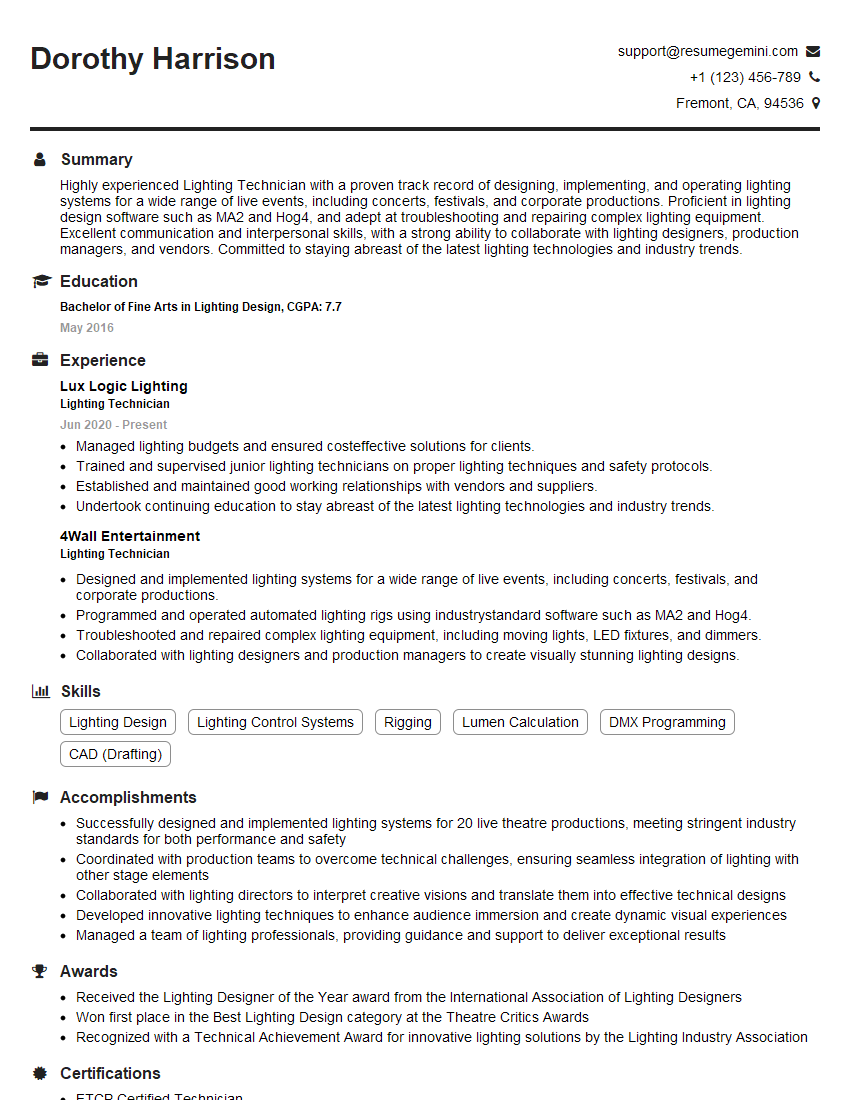
Lighting Technician Resume Sample
Explore more articles
Users Rating of Our Blogs
Share Your Experience
We value your feedback! Please rate our content and share your thoughts (optional).
What Readers Say About Our Blog
Amazing blog
hello,
Our consultant firm based in the USA and our client are interested in your products.
Could you provide your company brochure and respond from your official email id (if different from the current in use), so i can send you the client’s requirement.
Payment before production.
I await your answer.
Regards,
MrSmith
hello,
Our consultant firm based in the USA and our client are interested in your products.
Could you provide your company brochure and respond from your official email id (if different from the current in use), so i can send you the client’s requirement.
Payment before production.
I await your answer.
Regards,
MrSmith
These apartments are so amazing, posting them online would break the algorithm.
https://bit.ly/Lovely2BedsApartmentHudsonYards
Reach out at BENSON@LONDONFOSTER.COM and let’s get started!
Take a look at this stunning 2-bedroom apartment perfectly situated NYC’s coveted Hudson Yards!
https://bit.ly/Lovely2BedsApartmentHudsonYards
Live Rent Free!
https://bit.ly/LiveRentFREE
Interesting Article, I liked the depth of knowledge you’ve shared.
Helpful, thanks for sharing.
Hi, I represent a social media marketing agency and liked your blog
Hi, I represent an SEO company that specialises in getting you AI citations and higher rankings on Google. I’d like to offer you a 100% free SEO audit for your website. Would you be interested?