The thought of an interview can be nerve-wracking, but the right preparation can make all the difference. Explore this comprehensive guide to Installation Guidelines interview questions and gain the confidence you need to showcase your abilities and secure the role.
Questions Asked in Installation Guidelines Interview
Q 1. Explain the importance of following installation guidelines precisely.
Precisely following installation guidelines is paramount for ensuring the system functions correctly, safely, and reliably. Deviating from these guidelines can lead to a range of problems, from simple malfunctions to complete system failure, potentially causing data loss, security breaches, or even physical damage. Think of building a house – if you skip steps in the construction process, the house might be unstable or unsafe.
For instance, improper grounding of electrical equipment can lead to electrical shocks or fires. Ignoring software dependency requirements can result in application crashes or unexpected behavior. Failing to secure a server properly can expose sensitive data to cyberattacks.
- System Stability: Correct installation ensures all components work together seamlessly.
- Safety: Guidelines often contain crucial safety precautions for preventing accidents.
- Compliance: Adherence ensures legal and regulatory standards are met.
- Warranty: Many warranties are void if installation guidelines are not followed.
Q 2. Describe your experience troubleshooting installation issues.
Troubleshooting installation issues is a regular part of my work. My approach is systematic and involves careful analysis, starting with the identification of the problem. I first gather all relevant information – error messages, logs, hardware specifications, and the steps taken during installation. Then I work through a process of elimination. This often involves checking connections (both physical and network), verifying software configurations, and ensuring that dependencies are met.
For example, during the installation of a new network server, we encountered an issue where the server couldn’t connect to the domain. After checking the network cables and server settings, I discovered a misconfiguration in the DNS settings, which was quickly corrected.
In another scenario, an application failed to install due to missing DLL files. By examining the installation logs, I identified the missing dependencies and downloaded the necessary files. Understanding the intricacies of operating systems, software architectures and networking protocols are key to effective troubleshooting.
Q 3. How do you handle conflicting installation instructions from different sources?
Conflicting installation instructions are a common challenge. My approach involves carefully evaluating each source and prioritizing the instructions based on their credibility and relevance. I generally prioritize official documentation provided by the software or hardware vendor. If conflicts persist, I typically consult with the vendor’s support team for clarification.
For example, if an open-source software’s community forum recommends a different installation process than the official documentation, I would prioritize the official documentation unless the community’s suggestion is substantiated by multiple reputable sources and explicitly addresses a known issue.
Documentation hierarchy plays a key role. I’ll prioritize documentation that is: 1) Official; 2) Recent; 3) Specific to the target environment.
Q 4. What methods do you use to verify successful installation?
Verifying a successful installation is critical and is done through a multi-faceted approach. This goes beyond simply checking if the software launched. I use several methods to ensure functionality and stability.
- Functional Testing: Running the installed software and confirming all features work as expected.
- Log Analysis: Reviewing installation logs for any errors or warnings. This often points to subtle problems that aren’t immediately apparent.
- Performance Monitoring: Assessing resource utilization (CPU, memory, disk I/O) to check for any performance bottlenecks.
- Security Audits: Reviewing system settings to make sure security features are enabled and configured correctly.
- Backup and Recovery Testing (if applicable): Ensuring data backups can be made and restored successfully.
For example, after installing a database server, I’d perform test queries, check replication (if any), and verify the backup and restore process to confirm everything works as designed.
Q 5. How do you ensure compliance with safety regulations during installation?
Safety is paramount. Before any installation, I thoroughly review all relevant safety data sheets (SDS) and operational guidelines. This includes understanding the requirements for electrical safety, working with hazardous materials, and adhering to ergonomic principles to prevent injuries. I always prioritize personal protective equipment (PPE) as necessary, and ensure the work area is properly organized and free from obstructions.
For example, when installing server racks in a data center, I ensure proper grounding to prevent electrical shocks. I also follow appropriate lifting techniques to prevent back injuries, and use anti-static wrist straps to prevent damage to sensitive electronics.
Compliance with local and national safety regulations is fundamental. This involves obtaining necessary permits, understanding any environmental considerations, and properly disposing of waste materials.
Q 6. Explain your process for documenting installation procedures.
Detailed documentation is essential for reproducibility and troubleshooting. My process for documenting installation procedures involves creating clear, step-by-step instructions, along with screenshots and relevant diagrams, as needed. These documents are created using a standardized format that includes version control, so any changes are tracked. The documentation also includes details on necessary hardware, software, and configurations.
I typically use a wiki or a document management system (DMS) to store and manage these documents, enabling easy access and collaboration. The documentation also captures any challenges or solutions encountered during the installation process, to avoid repeating mistakes.
This detailed approach aids in onboarding new team members and ensuring consistent installation processes across various projects. A well-documented installation ensures repeatability and reduces the time spent on troubleshooting in future installations.
Q 7. How do you manage multiple simultaneous installations?
Managing multiple simultaneous installations requires careful planning and prioritization. I use project management tools to track progress, allocate resources, and coordinate activities. I define clear timelines for each installation and assign specific tasks and responsibilities to team members. Regular communication is key to avoid conflicts and ensure smooth execution of all installations.
Prioritization is crucial – high-priority installations get dedicated resources and attention first. I also leverage automation tools where possible, particularly for repetitive tasks, to expedite the process. Detailed documentation helps in smoothly managing the various installations and readily identifying any problems that may arise.
Think of it like an orchestra conductor. You need to coordinate various instruments (installations) to create a harmonious output. The conductor (project manager) needs to prioritize, organize, and ensure smooth collaboration among the musicians (team members) to ensure the concert (all installations) is a success.
Q 8. Describe your experience with remote installation support.
Remote installation support is a crucial skill in today’s interconnected world. My experience spans several years, involving troubleshooting and guiding clients through installations remotely, using tools like TeamViewer, AnyDesk, and VNC. I’ve successfully handled installations for diverse systems, from simple software deployments to complex network configurations. For example, I once remotely guided a client through the installation of a crucial database system across multiple servers, ensuring data integrity and minimal downtime. This involved real-time problem-solving, such as navigating firewall restrictions and configuring network settings, all while maintaining clear and concise communication with the client.
I’m proficient in using screen-sharing software to demonstrate procedures, remotely access client systems to perform diagnostics and configurations, and leverage remote command-line interfaces for advanced troubleshooting. My approach emphasizes proactive communication, clear instructions, and patience in addressing the client’s specific needs and technical expertise. Successful remote installations require adaptability, strong problem-solving skills, and the ability to effectively translate technical information into easily understandable terms for non-technical users.
Q 9. How do you prioritize tasks during a complex installation?
Prioritizing tasks during complex installations hinges on a structured approach. I utilize a risk-based prioritization method. First, I identify all tasks, then assess each based on its criticality and dependencies. Tasks that prevent further progress (critical path) are prioritized, followed by those with high risk of failure or significant impact on the project timeline. I use tools like Gantt charts or project management software to visualize dependencies and track progress. For instance, installing the operating system and core services would be a top priority before application installations. This prevents wasted effort and ensures smooth workflow. I also regularly review the priority list, adapting it as needed based on emerging issues or changes in the environment.
Imagine installing a new ERP system. The database installation is critical; without it, nothing else works. Network configuration is also crucial to ensure connectivity. Therefore, these are tackled first. Smaller tasks, like user account creation, are deferred until the core components are running. This structured approach avoids bottlenecks and allows for efficient resource allocation.
Q 10. What software or tools do you use to manage installations?
Managing installations involves leveraging a suite of software and tools. I extensively use scripting languages such as PowerShell and Bash for automated deployments, reducing manual steps and the risk of human error. Configuration management tools like Ansible and Puppet are invaluable for managing server configurations across multiple systems consistently. These tools allow for version control, rollbacks, and repeatable processes. For tracking and monitoring, I utilize project management software such as Jira or Asana to record progress, identify roadblocks, and manage tasks. Remote access tools, as mentioned before (TeamViewer, AnyDesk), are indispensable for remote support and troubleshooting.
For example, a PowerShell script can automate the installation of an application, configuring settings and creating necessary directories automatically. This script can then be version-controlled, ensuring consistency and repeatability across multiple deployments.
Q 11. Describe your experience with version control in installation processes.
Version control is essential for managing installation processes and ensuring traceability. I use Git for tracking changes to installation scripts, configuration files, and documentation. Each change is documented, allowing for easy rollback to previous versions if necessary. This is especially crucial in complex installations where multiple developers or administrators might be involved. Branching strategies within Git allow for parallel development and testing without affecting the main installation process. This ensures stability and prevents conflicts. Using version control also enables seamless integration with Continuous Integration/Continuous Deployment (CI/CD) pipelines for automated deployments.
Imagine a bug is discovered in an installation script after deploying to production. Version control allows me to easily revert to the previous stable version, minimizing downtime and mitigating the impact of the error. This avoids the potential chaos of trying to fix a production issue without a clear history of changes.
Q 12. How do you handle unexpected problems during installation?
Handling unexpected problems during an installation requires a methodical approach. My first step is to identify the issue through logs, error messages, and system monitoring tools. Then, I thoroughly analyze the error to understand its root cause. This often involves checking system resources, network connectivity, and permissions. Once the problem is identified, I develop a solution, prioritizing the quickest, safest fix that doesn’t introduce further complications. If I’m unable to immediately resolve the problem, I escalate it to the appropriate team or contact support for assistance, clearly documenting the issue, steps taken, and all relevant information. This transparency ensures efficient collaboration and helps prevent future occurrences of the same problem.
For instance, if a database fails to start, I would investigate the database logs for error messages, check disk space, and verify network connectivity. The solution might involve troubleshooting the database configuration, restarting the database service, or even restoring from a backup. A thorough analysis of the log files is crucial here.
Q 13. How do you communicate installation progress to stakeholders?
Effective communication is vital during installations. I provide regular updates to stakeholders using a combination of methods suited to their preferences and roles. For technical stakeholders, I might use detailed reports, logs, and technical summaries. For non-technical stakeholders, I focus on concise updates summarizing progress, milestones, and any roadblocks encountered, using clear language avoiding technical jargon. I regularly use project management software to update task statuses and track progress, allowing everyone to see the current state of the installation. This transparency builds trust and ensures everyone is informed.
I often use email for regular progress reports and instant messaging or video conferencing for quick updates or urgent situations. This multi-faceted approach ensures effective and timely communication.
Q 14. Explain your understanding of different installation methodologies (e.g., parallel, sequential).
Understanding installation methodologies is crucial for optimizing efficiency and minimizing risk. Sequential installation involves installing components one after another, with each component dependent on the successful installation of its predecessor. This is straightforward but can be time-consuming. Parallel installation allows installing multiple components simultaneously, significantly reducing the overall time but increasing complexity. It requires careful planning to avoid conflicts between components. Choosing the right methodology depends on the system’s architecture and dependencies.
For example, installing an operating system before installing applications is sequential. However, if we’re installing multiple applications that are independent of each other, we could install them in parallel. The key is to carefully map out the dependencies between components before selecting a methodology.
Q 15. Describe a time you had to adapt installation guidelines to a unique situation.
Adapting installation guidelines is crucial when facing unforeseen circumstances. Imagine installing a complex software suite in a client’s environment with limited network bandwidth, unlike the standard guidelines that assume high-speed internet. In this situation, I would first assess the bandwidth limitations and then modify the installation plan. This might involve using offline installers, prioritizing core components, and creating a phased installation approach instead of installing everything at once. I would meticulously document these changes, creating a deviation report that explains the modifications made, their rationale, and the impact on the overall installation process. Another example involved adapting installation instructions for a client who needed a customized user interface. Instead of simply pointing them to the default installation process, I worked with the development team to provide modified installation files, which delivered the customized interface while still adhering to the core security and functionality protocols.
Career Expert Tips:
- Ace those interviews! Prepare effectively by reviewing the Top 50 Most Common Interview Questions on ResumeGemini.
- Navigate your job search with confidence! Explore a wide range of Career Tips on ResumeGemini. Learn about common challenges and recommendations to overcome them.
- Craft the perfect resume! Master the Art of Resume Writing with ResumeGemini’s guide. Showcase your unique qualifications and achievements effectively.
- Don’t miss out on holiday savings! Build your dream resume with ResumeGemini’s ATS optimized templates.
Q 16. How do you ensure data integrity during installation?
Data integrity during installation is paramount. My approach involves several key steps. First, I always verify the integrity of the installation media itself using checksum verification tools. This ensures that the installation files haven’t been corrupted during download or transfer. Secondly, I employ robust backup and recovery strategies. This means backing up existing data before starting the installation to mitigate the risk of data loss. During the installation process itself, I carefully monitor the database operations, ensuring the database is properly configured and all data is transferred correctly. Finally, post-installation, I perform comprehensive data validation checks to confirm data integrity and consistency. For example, if installing a CRM system, I’d verify that all customer records were successfully transferred without data loss or corruption and that reports generate correctly after installation.
Q 17. What is your experience with pre-installation assessments?
Pre-installation assessments are fundamental to successful installations. My experience includes conducting thorough assessments involving hardware compatibility checks, network infrastructure reviews, and software dependency analysis. I have used various tools to assess server specifications and network performance. A recent project involved assessing the client’s existing infrastructure for compatibility with a new ERP system. This included reviewing their server hardware, network bandwidth, database capabilities, and existing software to identify any potential conflicts or limitations. This assessment allowed us to proactively address potential issues, preventing delays and ensuring a smooth installation. The report generated from this assessment detailed the findings, recommendations, and any required adjustments before initiating the actual installation.
Q 18. How do you identify and mitigate potential installation risks?
Risk identification and mitigation are proactive measures. I use a risk assessment matrix that considers various factors such as hardware failures, network outages, software conflicts, and human errors. For instance, the risk of hardware failure during a server installation is mitigated by using redundant hardware components and regularly testing the backup power supply. The risk of data loss is minimized using robust backup strategies. Network outages are mitigated through careful planning and utilizing offline installation methods where appropriate. Human errors are addressed through creating clear and concise installation documentation with step-by-step instructions and providing comprehensive training.
Q 19. How do you create effective installation documentation for end-users?
Creating user-friendly installation documentation is key. I believe in using a layered approach. A quick start guide provides a simplified, step-by-step process for the average user. A more comprehensive user manual goes into more detail, addressing more advanced configurations and troubleshooting common issues. Visual aids like screenshots and videos are invaluable, making the instructions easier to follow. Using a consistent format, clear and concise language, and avoiding technical jargon wherever possible is essential. I always test the documentation with users who are not technically proficient to identify areas that need improvement and clarity.
Q 20. Explain your experience with different types of installation media (e.g., USB, CD, network).
I have extensive experience with various installation media. USB drives offer portability and ease of use, particularly for smaller installations. CDs are becoming less common but still useful for environments with limited network access. Network installations are preferred for larger deployments, allowing for centralized management and automated updates. I’ve also worked with ISO images, making them bootable on virtual machines. The choice of media depends greatly on the size of the software, the client’s infrastructure, and security considerations. For instance, for a sensitive database installation, I would prefer a network installation with secure authentication protocols rather than relying on a USB drive.
Q 21. How do you handle user errors during the installation process?
Handling user errors gracefully is vital. My approach involves creating user-friendly error messages that clearly explain the problem and provide clear steps for resolving it. I design the installation process to be robust enough to handle common user errors without causing irreversible damage. For example, if a user enters incorrect credentials, the system should provide an error message indicating the problem without halting the installation process. Providing context-sensitive help and support, perhaps integrating a help desk or chatbot, improves user experience. Moreover, detailed logs of the installation process help in pinpointing the source of the error, allowing for a quick fix or detailed explanation to the user.
Q 22. What is your experience with post-installation support and maintenance?
Post-installation support and maintenance are crucial for ensuring the continued smooth operation of any system. My experience encompasses proactive monitoring, troubleshooting, and providing timely solutions to issues that arise after an installation is complete. This involves everything from addressing minor configuration problems to handling major system failures.
For example, I once supported a large-scale software deployment for a financial institution. Post-installation, we implemented a comprehensive monitoring system that alerted us to any performance degradation or security vulnerabilities. This allowed us to address problems before they impacted users, minimizing downtime and maintaining data integrity. We also provided ongoing training to the IT staff to ensure they could effectively manage the system independently.
- Proactive Monitoring: Regularly checking system logs, performance metrics, and security alerts.
- Troubleshooting: Diagnosing and resolving issues using various tools and techniques.
- Software Updates and Patches: Applying necessary updates to ensure optimal performance and security.
- User Training and Support: Educating users on proper system usage and providing assistance when needed.
Q 23. How do you ensure the security of installations?
Security is paramount in any installation. My approach involves implementing a multi-layered security strategy that addresses potential vulnerabilities throughout the entire installation process. This includes:
- Secure Configuration: Hardening the system by disabling unnecessary services, strengthening passwords, and implementing access control mechanisms.
- Vulnerability Scanning: Regularly scanning the system for known security vulnerabilities and patching them promptly.
- Firewall and Intrusion Detection Systems: Deploying firewalls to control network traffic and intrusion detection systems to monitor for malicious activity.
- Data Encryption: Encrypting sensitive data both in transit and at rest to protect it from unauthorized access.
- Regular Security Audits: Conducting periodic security audits to identify and address any potential weaknesses.
For instance, during a recent server installation, we implemented a robust firewall configuration, enabling only necessary ports and blocking all others. We also employed encryption for all data transmissions and enforced strong password policies for all users. This multi-layered approach minimized the risk of security breaches.
Q 24. Describe your experience with testing and validating installations.
Testing and validation are essential to ensure a successful installation. My approach is to perform rigorous testing at each stage of the installation process. This includes:
- Unit Testing: Testing individual components of the system to ensure they function correctly.
- Integration Testing: Testing the interaction between different components to ensure they work together seamlessly.
- System Testing: Testing the entire system as a whole to ensure it meets the specified requirements.
- User Acceptance Testing (UAT): Allowing end-users to test the system in a real-world environment to ensure it meets their needs.
I once worked on a project where we discovered a critical bug during integration testing that would have gone unnoticed otherwise. This prevented a major disruption after deployment. We use both automated and manual testing techniques to ensure thorough coverage.
Q 25. How do you stay updated on the latest installation best practices?
Staying updated on the latest installation best practices is an ongoing process. I actively engage in various activities to maintain my knowledge and skills:
- Industry Publications and Conferences: Reading industry publications, attending conferences, and participating in webinars to learn about the latest technologies and trends.
- Vendor Certifications: Pursuing vendor certifications to demonstrate proficiency in specific technologies and best practices.
- Online Courses and Tutorials: Taking online courses and tutorials to expand my knowledge and skills.
- Professional Networks: Engaging with professional networks and communities to share knowledge and learn from others.
For example, I regularly attend conferences and workshops related to system administration and cybersecurity to stay informed about emerging threats and best practices for secure installations.
Q 26. What is your experience with different operating systems and their installation procedures?
I have extensive experience with various operating systems, including Windows Server, Linux (various distributions like Ubuntu, CentOS, Red Hat), macOS, and various embedded systems. My understanding encompasses not just the basic installation procedures, but also the nuances of each operating system’s architecture, security features, and best practices for optimal performance.
For example, while installing Windows Server, I focus on configuring Active Directory, implementing Group Policy Objects for security and management, and optimizing performance for specific workloads. With Linux distributions, I am proficient in using package managers like apt, yum, and dnf, and in configuring networking, security, and system services via the command line. My approach is always tailored to the specific requirements of the target operating system and the overall project.
Q 27. How do you manage the logistics of installing equipment or software on-site?
Managing on-site logistics for equipment or software installations requires meticulous planning and execution. My process involves:
- Pre-installation Planning: Thorough site survey to assess network infrastructure, power requirements, physical space, and any potential environmental constraints.
- Scheduling and Coordination: Coordinating with clients, vendors, and other stakeholders to schedule installations effectively, minimizing disruption.
- Equipment and Material Handling: Ensuring proper handling and transportation of equipment to prevent damage during transit and installation.
- On-site Support: Providing on-site support to address any unforeseen issues or challenges during the installation process.
- Post-installation Cleanup: Leaving the site clean and organized after completion of the installation.
In one instance, we needed to install a new server rack in a data center with limited access. We meticulously planned the transportation, carefully measuring the dimensions to ensure it fit through doorways and corridors. On-site, we coordinated with the data center staff to minimize disruption to existing systems.
Q 28. Explain your experience with rollback procedures in case of installation failures.
Rollback procedures are crucial for mitigating the impact of installation failures. My approach centers around having a well-defined and tested rollback plan in place *before* any installation begins. This includes:
- Regular Backups: Maintaining regular backups of the system before any major changes or installations are performed.
- Rollback Strategies: Defining clear steps to revert the system to a known good state in case of failure. This might involve restoring from a backup, using system restore points, or employing specific rollback scripts.
- Testing Rollback Procedures: Regularly testing the rollback procedures to ensure their effectiveness and to identify any potential issues.
- Documentation: Maintaining comprehensive documentation of the rollback process to ensure everyone involved understands the steps.
During a recent database upgrade, a critical error occurred. However, because we had a tested rollback strategy and recent backups, we were able to restore the database to its previous state within a few hours, minimizing the downtime and data loss.
Key Topics to Learn for Installation Guidelines Interview
- Understanding the Scope: Defining the parameters of an installation project, including pre-installation assessments and site surveys.
- Safety Procedures: Detailed knowledge of relevant safety regulations, risk assessments, and the implementation of safety protocols during installation.
- Installation Methodology: Understanding different installation approaches (e.g., phased rollout, parallel installation) and their applicability to various scenarios.
- Tools and Equipment: Familiarity with the tools and equipment used in installations and their proper usage and maintenance.
- Troubleshooting and Problem-Solving: Identifying potential issues during installation, implementing solutions, and documenting the resolution process.
- Documentation and Reporting: Maintaining accurate records of the installation process, including progress reports, incident reports, and completion certificates.
- Quality Control: Implementing quality control measures to ensure adherence to specifications and standards, including testing and verification procedures.
- Compliance and Regulations: Knowledge of relevant industry standards, regulations, and legal requirements pertaining to installations.
- Teamwork and Communication: Effective communication with colleagues, clients, and stakeholders throughout the installation process.
- Post-Installation Support: Understanding the requirements for post-installation support, including training, maintenance, and troubleshooting.
Next Steps
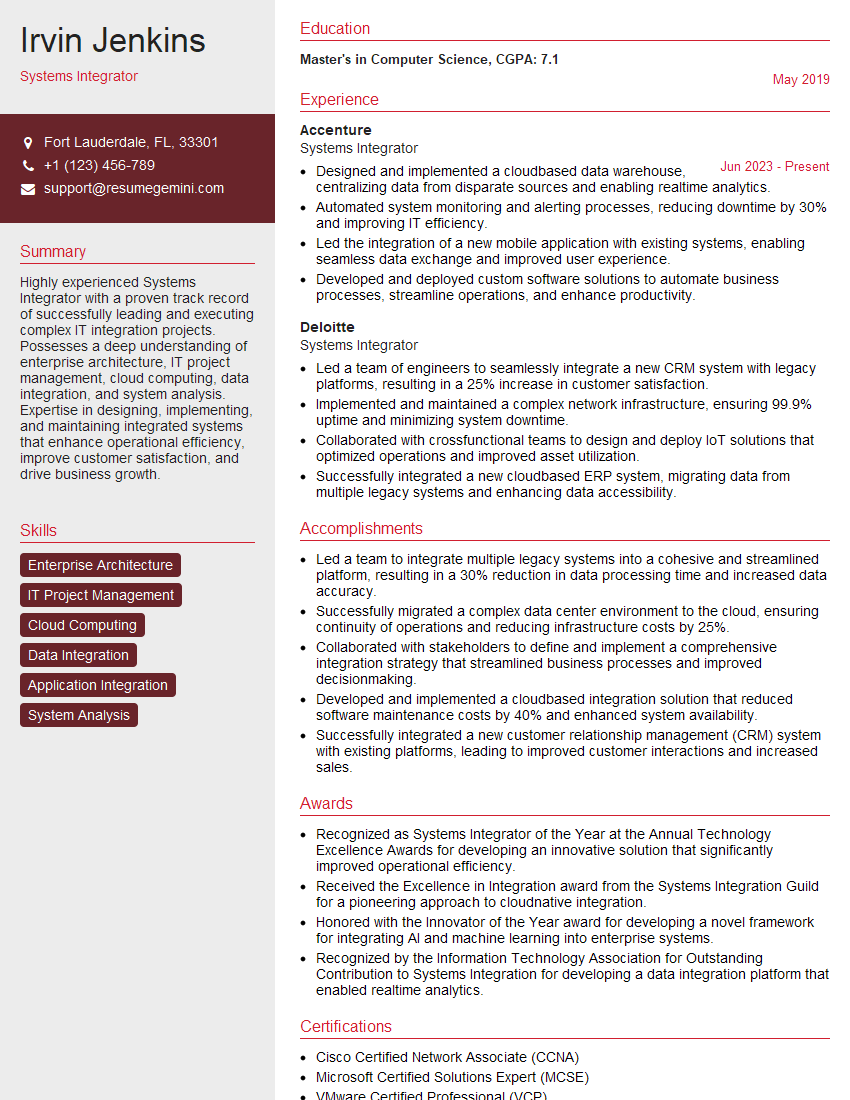
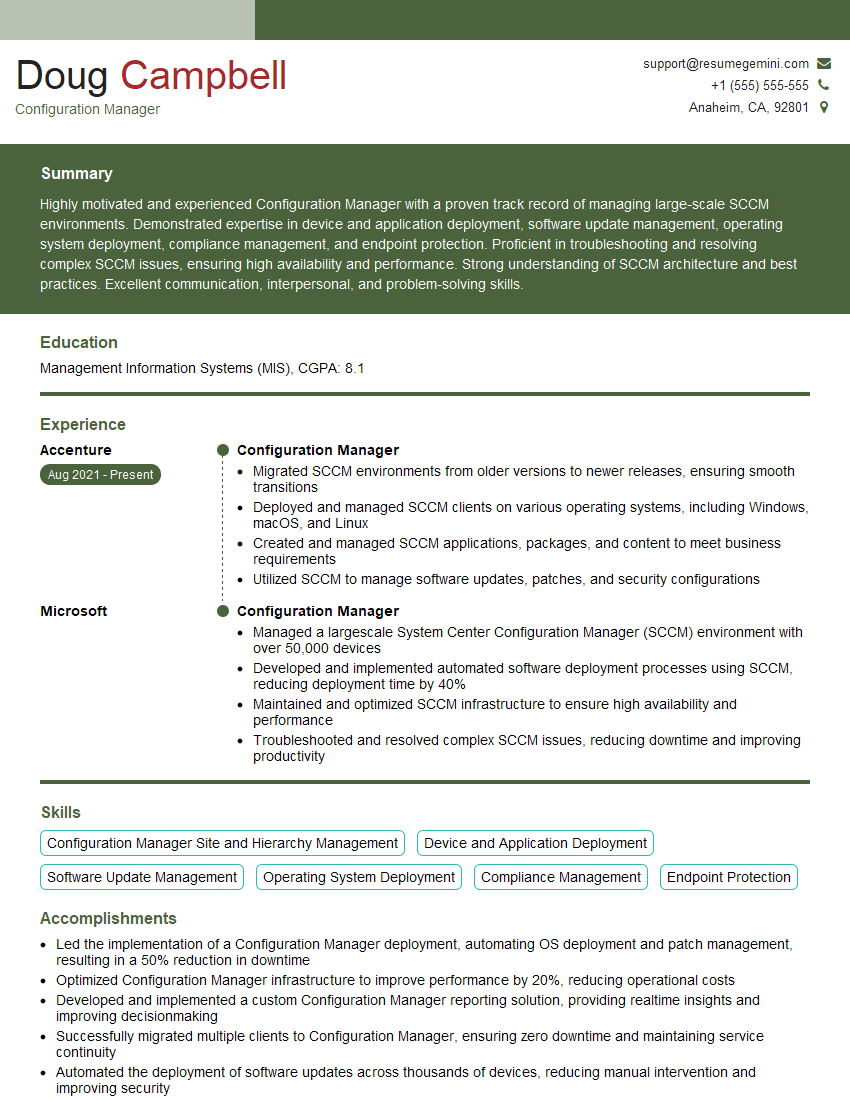
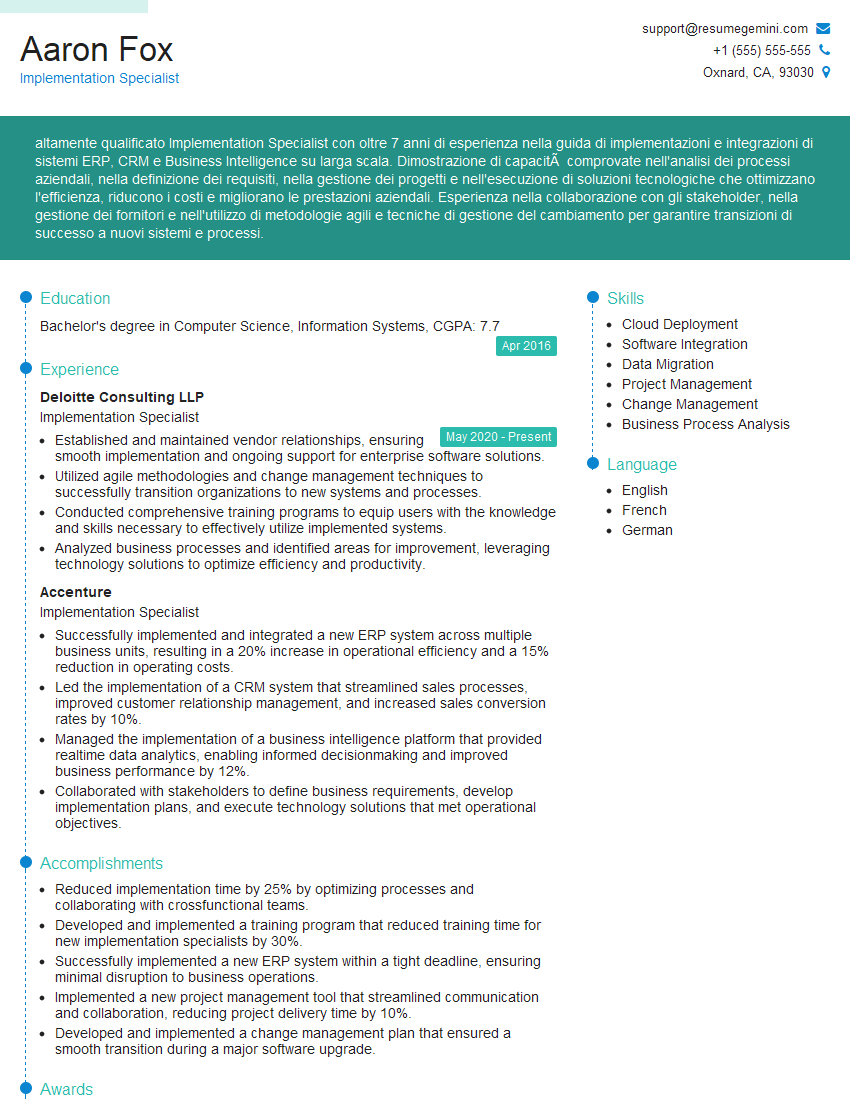
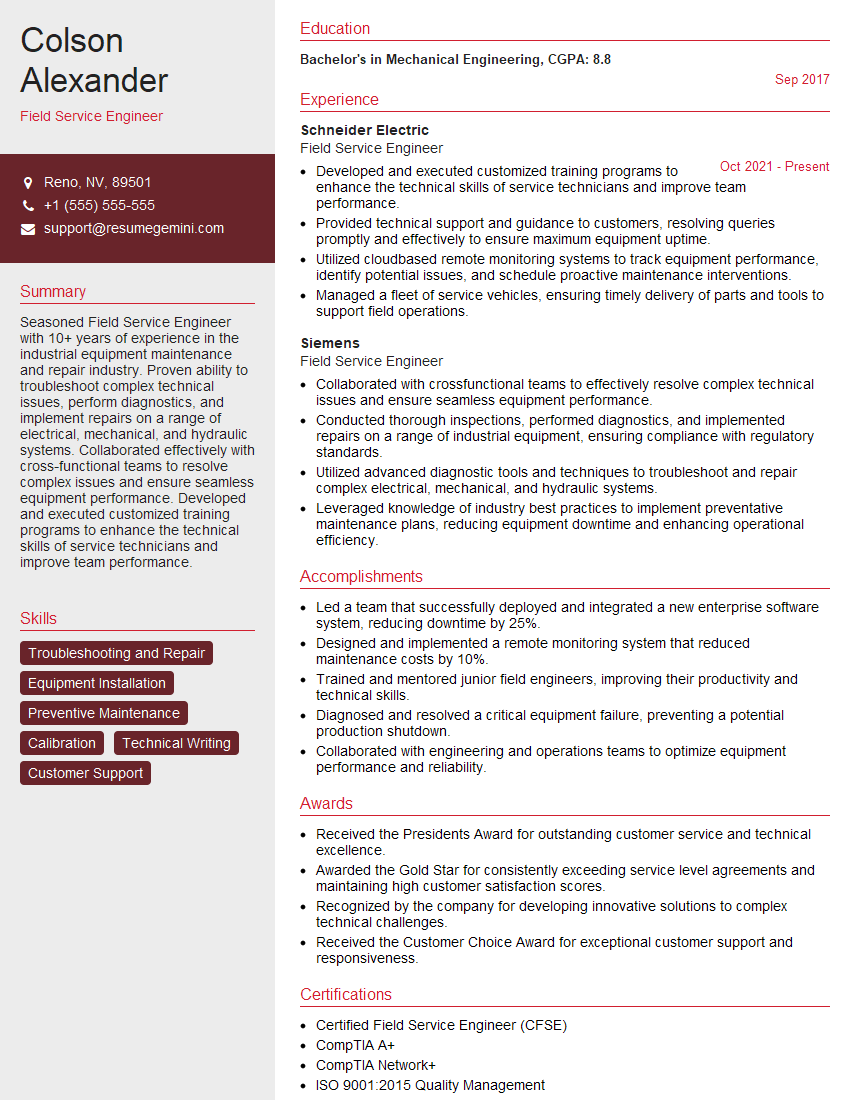
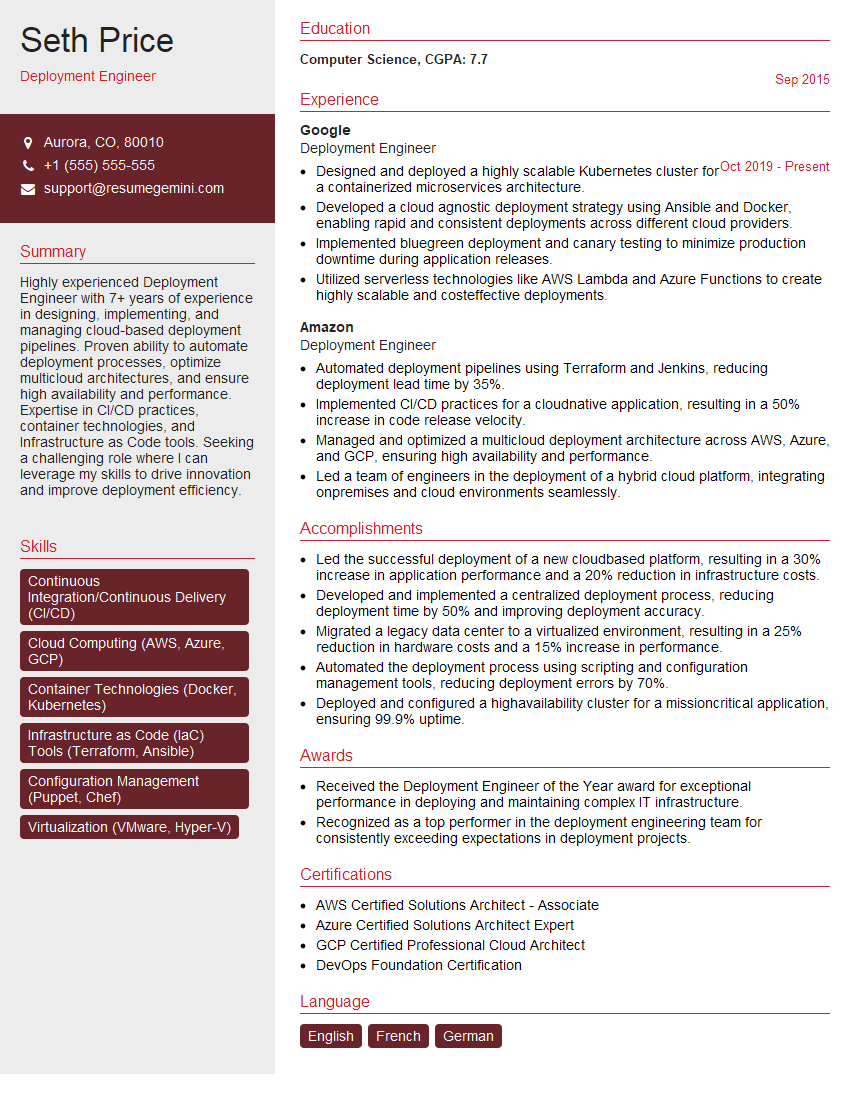
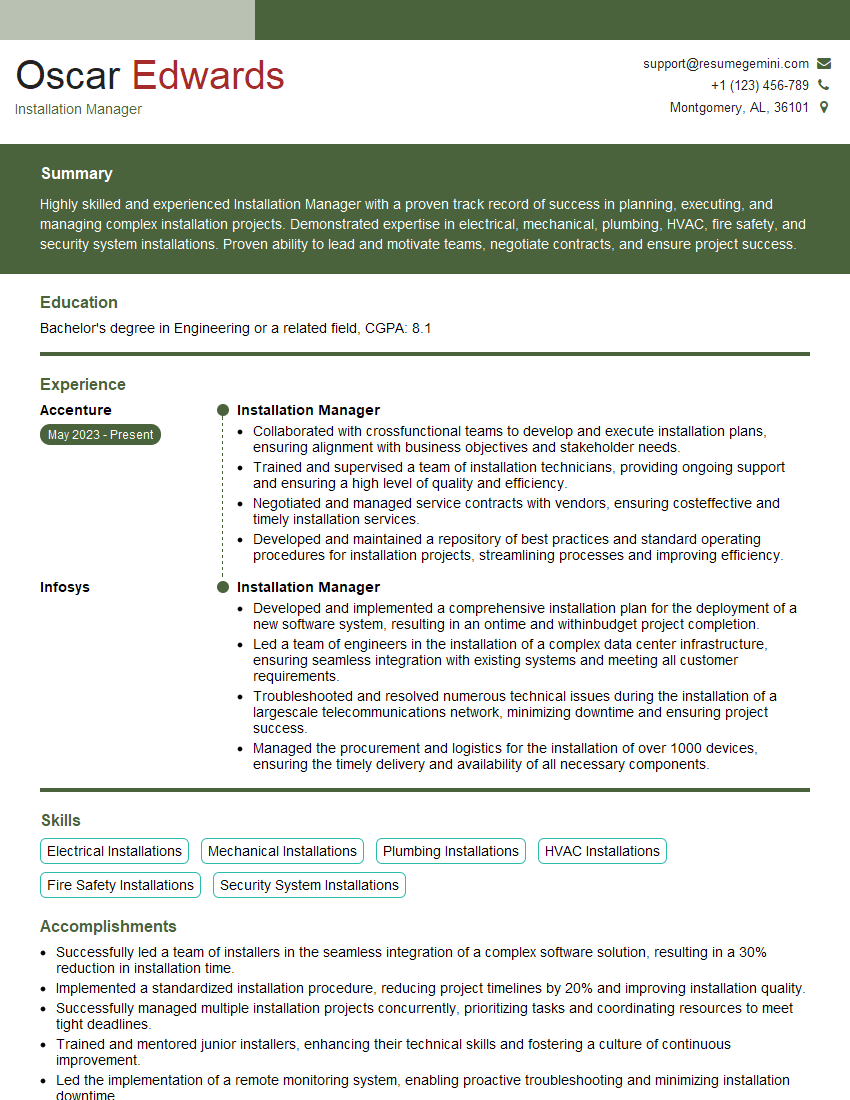
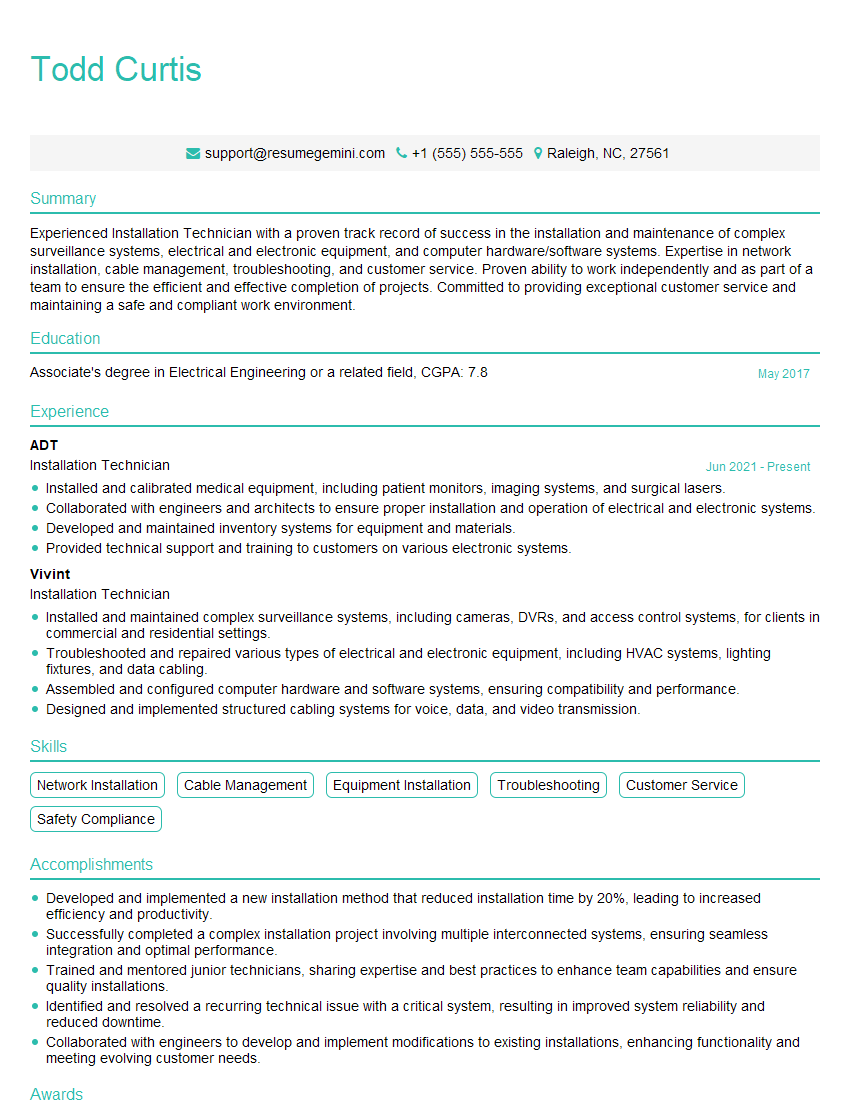
Mastering Installation Guidelines is crucial for career advancement in this field. A strong understanding of these principles demonstrates your competence and professionalism, opening doors to more challenging and rewarding opportunities. To significantly boost your job prospects, focus on crafting an ATS-friendly resume that highlights your relevant skills and experience effectively. ResumeGemini is a trusted resource to help you build a professional and impactful resume that showcases your capabilities. Examples of resumes tailored to Installation Guidelines are available to help you get started.
Explore more articles
Users Rating of Our Blogs
Share Your Experience
We value your feedback! Please rate our content and share your thoughts (optional).
What Readers Say About Our Blog
Amazing blog
Interesting Article, I liked the depth of knowledge you’ve shared.
Helpful, thanks for sharing.