Preparation is the key to success in any interview. In this post, we’ll explore crucial Knowledge of Broadcast Industry Standards and Protocols interview questions and equip you with strategies to craft impactful answers. Whether you’re a beginner or a pro, these tips will elevate your preparation.
Questions Asked in Knowledge of Broadcast Industry Standards and Protocols Interview
Q 1. Explain the difference between SMPTE and EBU standards.
SMPTE (Society of Motion Picture and Television Engineers) and EBU (European Broadcasting Union) are both organizations that develop and publish standards for the broadcast industry, but they operate independently and often have slightly different approaches. Think of them as two different recipe books for making a television broadcast; both achieve the same goal (a broadcast), but their methods may vary.
SMPTE standards are widely adopted globally, especially in North America and parts of Asia. They cover a broad spectrum of technical areas, including video, audio, and data formats, as well as equipment interfaces. Examples include SMPTE timecode (used for synchronizing audio and video) and various SDI (Serial Digital Interface) standards.
EBU standards, on the other hand, are primarily used in Europe. They often focus on aspects relating to broadcast infrastructure and operational practices, sometimes offering alternative or complementary solutions to SMPTE standards. For instance, while both organizations address digital audio broadcasting, they might employ slightly different modulation schemes or data compression techniques.
In practice, many broadcasters use a mix of SMPTE and EBU standards, often adapting them to their specific needs and regional regulations. The key difference lies in their origins and geographical focus, resulting in sometimes subtle variations in their recommendations.
Q 2. Describe the role of AES/EBU in digital audio transmission.
AES/EBU (Audio Engineering Society/European Broadcasting Union) is a digital audio interface standard that allows for high-quality, professional-grade audio transmission. Imagine it as a dedicated highway for transporting audio signals, ensuring they arrive pristine and unaltered. It provides a robust and reliable way to send and receive multi-channel digital audio signals over balanced cabling.
AES/EBU uses a balanced cable (reducing noise and interference) and transmits data at a rate of 32 bits per sample, providing a very high dynamic range and low error rate. This makes it ideal for critical applications like broadcasting, recording studios, and live sound reinforcement. The standard supports sample rates of up to 192kHz, accommodating various audio formats and requirements. It’s also capable of embedding metadata within the audio stream, such as track identification and channel assignments, simplifying complex audio workflows.
A common scenario would be transmitting multiple audio channels from a digital mixing console to a broadcasting facility. Each channel maintains its integrity throughout the transmission process, thanks to the precision and robustness of the AES/EBU protocol.
Q 3. What are the key aspects of a broadcast signal path?
A broadcast signal path is the entire journey a signal takes from its origin (e.g., camera, microphone) to the viewer’s screen or speakers. Think of it like a river flowing from its source to the sea. Understanding this path is crucial for ensuring the quality and integrity of the final broadcast.
Key aspects include:
- Source Devices: Cameras, microphones, and other input sources that capture the original signal.
- Signal Processing: This stage involves any manipulation of the signal, such as mixing, color correction, or audio effects. Digital signal processors (DSPs) are key components here.
- Signal Conversion and Encoding: The signal may need conversion between analog and digital formats, and encoding into specific broadcast formats (e.g., MPEG-2, H.264).
- Transmission: This covers how the signal travels from the studio to the transmitter and then to the audience. This could involve fiber optics, satellite links, or terrestrial microwave systems.
- Modulation and Decoding: In the case of broadcast transmissions, RF modulation techniques are used to prepare the signal for transmission over the airwaves. The receiving end requires decoding to restore the original signal.
- Distribution Network: The methods used to distribute the signal to various broadcast outlets (e.g., cable television, IPTV).
- Monitoring and Control: Comprehensive monitoring systems are essential throughout the entire path to identify and resolve issues.
Proper signal path management is critical to avoiding signal degradation, ensuring timing accuracy (especially for lip-sync), and maintaining broadcast quality.
Q 4. How does SDI differ from HSDI and 3G-SDI?
SDI (Serial Digital Interface) is a family of standards used for transmitting uncompressed digital video signals. The different flavors – SDI, HSDI (High-Speed SDI), and 3G-SDI (3 Gigabit SDI) – primarily differ in their data rates and bandwidth capabilities. Think of them as different sizes of pipes carrying the video stream.
Standard SDI operates at 270 Mbps, sufficient for standard-definition video. HSDI, operating at 1.5 Gbps, supports high-definition video formats. 3G-SDI boosts the data rate to 3 Gbps, enabling higher resolutions, faster frame rates, and support for 1080p video signals. The higher the data rate, the more information can be transferred, leading to better quality video.
In practical terms, if you’re working with SD video, SDI is sufficient. For high-definition workflows, HSDI is necessary, while 3G-SDI is often the choice for the most demanding applications such as 4K or higher resolution productions. The choice depends directly on the required video quality and resolution.
Q 5. Explain the importance of metadata in broadcast workflows.
Metadata is data about data. In broadcast workflows, it provides essential information about a video or audio asset, acting like a digital label specifying the contents and characteristics. Think of it as the essential information tag on a video file – without it, searching and managing files becomes far more challenging.
Metadata’s importance is multifaceted:
- Asset Management: Metadata allows for efficient searching and retrieval of media assets based on keywords, descriptions, and other relevant information.
- Workflow Automation: Metadata can trigger automated processes, such as routing clips to specific destinations or applying specific effects based on predefined rules.
- Content Delivery: Metadata is used in the transmission of broadcast content, providing information to receiving devices for optimal playback and management.
- Compliance and Archiving: Metadata ensures adherence to industry standards and regulatory requirements. Accurate metadata is crucial for long-term archiving and retrieval of broadcast assets.
Without comprehensive metadata, managing a large media library becomes overwhelming, hindering efficient production and distribution. A well-structured metadata system makes searching and utilizing a large collection of broadcast assets far more manageable and efficient.
Q 6. What are the common video formats used in broadcast?
The broadcast industry uses various video formats, each suited for different purposes and technical requirements. These formats dictate the way video data is encoded and compressed.
Some of the most common formats include:
- MPEG-2: A widely used standard for broadcast television and DVD, providing a balance between image quality and compression efficiency.
- H.264 (MPEG-4 AVC): A more efficient compression standard, commonly used in HD and even some 4K broadcasts, offering improved quality at lower bitrates.
- H.265 (HEVC): The latest generation of video compression technology, offering even greater compression efficiency compared to H.264. It’s crucial for high-resolution and high-frame-rate content like 4K and 8K.
- ProRes: Apple’s ProRes codecs are popular in post-production, offering high-quality, intermediate formats that help streamline the editing process. They’re typically not broadcast directly.
The choice of video format involves trade-offs between compression ratio, image quality, and the processing power required for encoding and decoding. This decision is often influenced by bandwidth limitations and the target delivery platform.
Q 7. Describe the process of upconverting and downconverting video signals.
Upconverting and downconverting are processes used to change the resolution of a video signal. Think of it like resizing an image; you’re changing the number of pixels. Upconverting increases the resolution, while downconverting decreases it.
Upconverting: This process increases the resolution of a lower-resolution video signal to a higher one. For example, scaling a standard-definition (SD) video to high-definition (HD). This usually involves adding new pixels through interpolation techniques, aiming to improve the perceived image quality but without actually adding new detail. The added pixels are created based on algorithms that estimate what the missing information should look like.
Downconverting: This is the reverse process—reducing the resolution of a higher-resolution video signal. For instance, reducing a 4K video to 1080p. This often involves discarding pixels, potentially causing some loss of detail. It’s done for compatibility with devices that don’t support the original resolution or to reduce bandwidth requirements.
Both processes require careful consideration to avoid introducing artifacts or reducing image quality. Advanced algorithms and sophisticated hardware are crucial to achieve optimal results during upconversion and minimize the degradation during downconversion.
Q 8. Explain the concept of color space and its significance in broadcasting.
Color space defines the range of colors that can be displayed or recorded. Think of it like a painter’s palette – some palettes have a limited range of colors (like crayons), while others offer a vast spectrum (like oil paints). In broadcasting, the choice of color space significantly impacts the quality and accuracy of the image. Different color spaces are optimized for different purposes; for instance, Rec. 709 is the standard for HDTV, while Rec. 2020 is used for Ultra High Definition (UHD) and wider color gamuts.
Significance: Choosing the right color space is crucial for maintaining visual consistency throughout the broadcast chain. Using incompatible color spaces can lead to color shifts, inaccuracies, and a loss of image fidelity. For example, mastering a program in Rec. 2020 and then displaying it on a monitor capable only of Rec. 709 will result in a loss of color information, making the image look duller and less vibrant. Broadcasters carefully select and manage color spaces to ensure their content looks its best on all receiving devices.
Q 9. What are the advantages and disadvantages of using compressed video formats?
Compressed video formats reduce file sizes by removing redundant or less important data. Think of it like zipping a file on your computer; it takes less space but maintains the essential information. This is vital for broadcasting due to the massive amount of data involved in transmitting high-quality video.
- Advantages: Reduced storage space, lower bandwidth requirements for transmission, faster file transfer speeds.
- Disadvantages: Loss of some image quality (depending on the compression algorithm and level), potential for artifacts (e.g., blockiness, blurring), increased processing power needed for encoding and decoding.
Example: H.264 and H.265 (HEVC) are widely used compressed video codecs. H.265 generally provides better compression ratios (smaller files for the same quality) than H.264, but requires more processing power.
Q 10. What are some common audio codecs used in broadcasting?
Several audio codecs are commonly used in broadcasting, each offering a different balance between audio quality, file size, and processing demands. The choice depends on the specific application and priorities.
- MPEG-2 AAC: A widely adopted codec known for its good quality at relatively low bitrates, making it suitable for broadcast applications with bandwidth constraints.
- Dolby Digital (AC-3): A widely used and well-established codec, especially for surround sound in broadcast television and home theater systems.
- Dolby Digital Plus (E-AC-3): An improvement over Dolby Digital, offering higher quality and better support for various audio formats including immersive sound.
- MPEG-H 3D Audio: A codec designed for object-based 3D audio, enabling a more realistic and immersive listening experience.
The selection of a codec often depends on factors like target audience devices, desired audio quality, and available bandwidth. For example, a high-definition broadcast might utilize Dolby Digital Plus to provide surround sound, while a lower-bitrate internet stream might use AAC for efficient transmission.
Q 11. How do you troubleshoot audio synchronization issues?
Audio synchronization issues, where audio and video are out of sync, are frustrating and need immediate attention. Troubleshooting involves a systematic approach.
- Identify the extent of the problem: Is it a consistent offset, or intermittent? Does it affect all audio channels, or just some?
- Check the source: Is the audio sync problem present in the original source material, or did it develop during the production or transmission process?
- Inspect the equipment: Are there any issues with the audio or video equipment (e.g., faulty cables, incorrect settings)?
- Examine the signal path: Trace the audio and video signals from the source to the output, checking for any potential delays or processing that could be causing the synchronization problem.
- Use test signals: Employing test tones and video patterns can help precisely identify the point of desynchronization.
- Utilize monitoring tools: Use professional monitoring equipment with precise timing capabilities to measure the audio-video delay.
If the problem lies in the signal path, it might involve adjustments to equipment settings (delay compensation) or correcting cable lengths. If the issue is within the source material, it usually needs to be addressed in the editing stage.
Q 12. Describe the role of a router in a broadcast facility.
In a broadcast facility, a router is the central nervous system for signal routing. It’s a piece of equipment that directs audio and video signals between various pieces of gear. Think of it as a sophisticated switchboard directing signals to their destinations.
Role: A router allows the selection and switching of multiple sources (cameras, playback devices, etc.) to various outputs (monitors, transmitters, recording devices). It ensures that the correct signals reach their intended destinations efficiently and without interference. Many modern routers are software-controlled, providing flexibility and control over routing configurations via a user-friendly interface.
Example: A news program might use a router to switch between different cameras, graphics, and lower-third displays, all routed seamlessly to the broadcast transmitter.
Q 13. Explain the purpose of a video switcher.
A video switcher is a device that allows the selection and switching of various video sources. Its function is similar to that of a director selecting which camera feed or other video source will be shown on air. Imagine it’s a highly sophisticated ‘scene selector’ for video.
Purpose: It enables the seamless transition between different video sources, creating a polished and professional broadcast. Features like dissolves, wipes, and keying effects allow for creative transitions and overlaying graphics or lower-thirds.
Example: During a live sports broadcast, a video switcher would be used to quickly switch between cameras, replays, and graphic overlays, maintaining a fast-paced and engaging viewing experience.
Q 14. What are the key components of a broadcast monitoring system?
A broadcast monitoring system ensures the quality and integrity of the audio and video signals throughout the broadcast chain. It’s the critical ‘quality control’ element of a broadcast operation.
- Waveform monitors: Display the amplitude levels of the audio and video signals, helping to identify problems with audio levels or video signal quality.
- Vectorscopes: Provide a visual representation of the color saturation and hue, essential for monitoring the accuracy of colors during transmission.
- Audio meters: Measure and display the levels of the audio signals, ensuring that the audio isn’t too loud or too quiet. This is crucial for avoiding distortion or clipping and guaranteeing optimal audio quality.
- Multiviewers: Display multiple video sources simultaneously, allowing the monitoring of multiple camera angles or different program feeds.
- Closed caption decoders: Used to check the accuracy and timing of closed captions embedded in the video signal.
These components work together to provide a comprehensive overview of the signal quality, ensuring a consistently high-quality broadcast.
Q 15. Describe your experience with different types of video monitors.
My experience with video monitors spans a wide range of technologies and applications within the broadcast industry. I’ve worked extensively with standard definition (SD) CRT monitors, transitioning to high-definition (HD) LCD and LED monitors, and more recently, with 4K and even 8K displays for ultra-high-resolution content. Each type offers different advantages. CRT monitors, while largely obsolete now, offered excellent color reproduction and response times, but were bulky and power-hungry. LCD and LED monitors are far more energy-efficient and compact, and offer better scaling for different resolutions. The move towards 4K and 8K is driven by the increasing demand for higher resolution content, offering significantly improved detail and clarity. In a broadcast environment, we also consider factors like viewing angles, color accuracy (especially crucial for color grading), latency (critical for live productions), and the monitor’s ability to display various color spaces like Rec.709 and Rec.2020.
Furthermore, I’m familiar with waveform monitors and vectorscopes, essential tools for ensuring accurate color and luminance levels, and also with broadcast-specific monitors that include features like embedded audio metering and tally lights. My selection of a monitor for a specific task depends on the production’s requirements, budget, and the desired level of visual fidelity.
Career Expert Tips:
- Ace those interviews! Prepare effectively by reviewing the Top 50 Most Common Interview Questions on ResumeGemini.
- Navigate your job search with confidence! Explore a wide range of Career Tips on ResumeGemini. Learn about common challenges and recommendations to overcome them.
- Craft the perfect resume! Master the Art of Resume Writing with ResumeGemini’s guide. Showcase your unique qualifications and achievements effectively.
- Don’t miss out on holiday savings! Build your dream resume with ResumeGemini’s ATS optimized templates.
Q 16. How do you ensure audio levels are correctly monitored and controlled?
Ensuring correct audio levels is paramount in broadcasting to avoid distortion, unwanted clipping, or excessively low levels that are hard to hear. My approach involves a multi-layered strategy. First, I utilize audio meters, both peak meters (showing the highest amplitude) and VU meters (providing a more averaged representation), on every audio channel. These provide a visual representation of the audio signal’s strength. I then utilize digital audio workstations (DAWs) or dedicated audio consoles that offer precise control over gain staging, allowing adjustments across various channels.
Proper gain staging is key. This involves setting the input and output levels strategically across the entire signal chain, from microphones and inputs to outputs and speakers, to ensure optimal levels without clipping or excessive noise. This minimizes distortion and maximizes dynamic range. I always aim for a balance between avoiding clipping and having enough headroom to account for unexpected peaks. Regular calibration and monitoring of equipment is essential, and this is achieved by using reference tones and comparison techniques. In a multi-person production team, clear communication of audio levels, including setting level targets and guidelines, is also critical. Finally, listening critically and using my ears is the ultimate check to ensure levels sound natural and balanced. An experienced ear will easily detect imbalances that may be imperceptible through solely relying on metering.
Q 17. Explain the concept of loudness metering and its importance.
Loudness metering is a crucial aspect of modern broadcasting, focusing on the perceived loudness of an audio signal rather than simply its peak amplitude. Unlike peak metering, which only measures the highest amplitude, loudness metering considers the integrated loudness level over a given period, accounting for variations in dynamic range and the human perception of sound. This is important because different systems and devices process and amplify audio differently, leading to potential differences in perceived loudness. Loudness metering ensures consistency in sound levels across various broadcast platforms and devices, preventing drastic volume changes that can be jarring to the listener. It is particularly vital due to the rising importance of compliance with broadcast regulations (e.g., LUFS standards like those set by the EBU).
For example, a commercial broadcast might have a target loudness level of -23 LUFS (Loudness Units relative to Full Scale) to meet broadcast standards. A loudness meter would measure the integrated loudness of the audio program material against this target. Deviations from this target would indicate the need for adjustments to either increase or decrease the audio level to meet the regulatory requirements. It’s a critical tool in preventing complaints about inconsistent volume and protecting viewers or listeners from loud or quiet programs.
Q 18. Describe your understanding of video encoding and decoding.
Video encoding is the process of converting raw video data into a compressed digital format suitable for storage, transmission, or streaming. This involves reducing the data size while maintaining acceptable quality. Common codecs (coders-decoders) used in broadcasting include H.264, H.265 (HEVC), and more recently, VVC (Versatile Video Coding). These codecs utilize various techniques like motion estimation, discrete cosine transforms (DCT), and quantization to achieve compression.
Video decoding is the reverse process – taking the compressed digital data and converting it back into a viewable video signal. The same codec used for encoding must be used for decoding to ensure compatibility. The choice of codec depends on factors like the desired bitrate (data rate), resolution, and quality. Higher bitrates generally result in higher quality but require more bandwidth and storage. Decoding happens in hardware (like a dedicated video card) or software (like a media player), and its efficiency can significantly impact viewing experience, especially for high-resolution or high-bitrate videos. For instance, encoding a 4K video for streaming might require high-performance hardware and careful bitrate management to ensure smooth playback on a variety of devices.
Q 19. What is the role of closed captioning and subtitles in broadcasting?
Closed captioning and subtitles play a vital role in broadcasting by making content accessible to a wider audience. Closed captions are a textual representation of the audio portion of a program, displayed on screen for the benefit of people who are deaf or hard of hearing, or those who prefer to read along. Subtitles, on the other hand, are primarily for viewers who do not understand the spoken language of the program. Both aim to improve accessibility and comprehension but cater to different needs.
Closed captions usually include additional information such as sound effects and speaker identification, whereas subtitles primarily focus on translating the dialogue. In broadcasting, closed captions are often burned into the video stream, making them available without needing any specific decoder or activation. The inclusion of these features demonstrates commitment to inclusivity and accessibility. Furthermore, regulations often mandate closed captions for certain types of programming, especially news and public affairs.
Q 20. Explain the different types of broadcast transmission methods.
Broadcast transmission methods have evolved significantly. Traditionally, terrestrial television relied heavily on analog signals transmitted via VHF and UHF radio frequencies. However, digital transmission has largely replaced analog, using standards like ATSC (Advanced Television Systems Committee) in North America and DVB (Digital Video Broadcasting) in Europe. These digital methods offer superior picture and sound quality, as well as the ability to carry multiple channels and data services.
Beyond terrestrial transmission, satellite broadcasting utilizes satellites to transmit signals over wide geographical areas. This is commonly used for delivering television channels to cable and satellite television providers. Cable television distributes signals through a network of coaxial cables, offering a wide range of channels and services. IPTV (Internet Protocol Television) is a more recent method, utilizing internet protocols to deliver television content over broadband internet connections. Each method has its advantages and disadvantages concerning cost, coverage, quality, and scalability. The choice depends on factors like geographical reach, audience size, and budget constraints.
Q 21. What is the importance of compliance with broadcast regulations?
Compliance with broadcast regulations is of paramount importance for several reasons. First and foremost, it ensures legal operation of the broadcast entity. These regulations vary by country and region and cover various aspects, including content restrictions (e.g., obscenity, violence), technical standards (e.g., signal quality, bandwidth allocation), and licensing requirements. Non-compliance can result in hefty fines, license revocation, and legal action.
Beyond legal obligations, compliance fosters public trust and confidence. Broadcasters have a responsibility to provide accurate and responsible content, and adherence to regulations helps maintain those standards. Furthermore, regulatory compliance often involves technical standards that ensure interoperability and compatibility between different broadcasting systems. For example, adhering to specific audio loudness standards prevents jarring volume changes between programs and ensures a consistent listening experience across various platforms. In essence, compliance is not merely a matter of avoiding legal penalties; it’s a critical component of responsible and ethical broadcasting practice.
Q 22. How do you manage multiple video sources and outputs?
Managing multiple video sources and outputs in broadcast requires a robust system that prioritizes signal routing, format conversion, and monitoring. Think of it like a sophisticated traffic control system for video. I typically use a combination of hardware and software solutions.
Hardware: This could involve a video switcher (like a Ross Video Carbonite or a Grass Valley Kayenne), which allows for selecting and routing various video sources to different outputs. A matrix switcher provides even greater flexibility by connecting numerous inputs to numerous outputs.
Software: Software-based solutions, often integrated with hardware control panels, offer features like virtual switching, preview screens, and more sophisticated signal processing. For example, using a system like vMix or OBS Studio allows for easier management of multiple sources, including cameras, graphics, and playback devices, all within a single interface.
Signal Conversion: Different sources might use different formats (SD, HD, 4K, etc.). Converters are essential to ensure compatibility and prevent signal degradation. For example, a down-converter might be needed to convert a 4K signal to HD for a lower-resolution output.
In a recent project, we used a Ross Video switcher with integrated multiviewers to manage feeds from five different cameras, graphics generators, and video playback systems. The multiviewer gave our team a comprehensive overview of all the sources, facilitating seamless switching during live broadcasts.
Q 23. Describe your experience with video editing software and workflows.
My video editing experience spans a wide range of software and workflows, focusing on efficiency and maintaining broadcast quality. I’m proficient in Adobe Premiere Pro, Avid Media Composer, and DaVinci Resolve.
Workflows: My approach is highly project-dependent. For a fast-paced news environment, I prioritize speed and accuracy, often using efficient editing techniques like JKL cuts. In post-production for a documentary, I’d invest more time in color grading and audio sweetening using DaVinci Resolve’s powerful tools.
Software Specifics: Premiere Pro excels in its intuitive interface and vast plugin support, while Avid Media Composer is a stalwart for high-end projects requiring advanced collaboration features. DaVinci Resolve offers incredible color correction capabilities and is quickly becoming a favorite for its all-in-one approach.
Collaboration: I have experience working in collaborative editing environments using shared storage solutions and cloud-based platforms. This enables efficient teamwork in complex projects.
For instance, in a recent documentary project, we utilized Avid Media Composer to manage a vast amount of footage and leverage its advanced features for multi-camera editing and audio synchronization. The collaborative aspect of the software made it easy for my team to work together efficiently.
Q 24. How do you address technical issues during a live broadcast?
Addressing technical issues during a live broadcast requires a calm, methodical approach and a deep understanding of the system. It’s like being a firefighter; you need to quickly assess the situation and take appropriate action.
Troubleshooting Methodology: My approach involves systematically identifying the problem, isolating the source, and implementing a solution. This often includes checking cables, signal levels, and equipment status.
Redundancy: Critical systems should have redundant backups. This ensures a fail-safe system in case of equipment failure. For example, having a backup camera or a backup audio feed is crucial.
Communication: Effective communication with the on-air talent and the technical crew is paramount. A clear plan for handling contingencies should be in place and regularly practiced.
Problem Isolation: Using monitoring tools and signal meters is essential to quickly pinpoint the issue’s source, for example, using a waveform monitor to check audio levels or a vectorscope to assess color balance.
In one instance, we experienced a sudden loss of video from one camera during a live sporting event. By quickly switching to a backup camera and simultaneously diagnosing the problem (a faulty cable connection), we minimized disruption to the broadcast.
Q 25. Explain your understanding of IP-based broadcast infrastructures.
IP-based broadcast infrastructures are revolutionizing the industry by replacing traditional baseband systems with network-based solutions. This involves using standard networking protocols like TCP/IP to transmit audio and video signals over Ethernet networks. It’s like moving from a dedicated postal service to using email for delivering your messages.
Benefits: IP broadcasting offers significant advantages, including increased flexibility, reduced cabling costs, improved scalability, and easier integration with other systems. It enables remote production workflows and simplifies signal management.
Protocols: Several protocols are involved, including SMPTE 2110 (for uncompressed video over IP), AES67 (for professional audio over IP), and ST 2022 (for resilience and redundancy in IP networks).
Challenges: IP-based systems require careful network design, bandwidth management, and security considerations. Latency and jitter (variations in signal delay) can be problematic and need to be mitigated.
I’ve worked on several projects implementing IP-based workflows, using solutions like a Grass Valley IP-based switcher which significantly improved our flexibility in managing remote contributions and allowed for more efficient use of resources.
Q 26. How would you troubleshoot a problem with a failing audio signal?
Troubleshooting a failing audio signal involves a systematic approach. Think of it like diagnosing a car problem; you start with the simplest possibilities and move to more complex issues.
Check Connections: First, inspect all physical connections (cables, XLR connectors, etc.) for any visible damage or loose connections. Try swapping cables to eliminate faulty cabling as a potential issue.
Signal Levels: Use a multimeter or audio meter to check signal levels at various points in the signal path to identify where the signal is lost or degraded. Low levels might indicate a faulty cable or gain-staging problem.
Equipment Status: Verify that all audio equipment (microphones, mixers, amplifiers, etc.) is powered on and functioning correctly. Check for error messages on equipment displays.
Source Device: Isolate the source of the audio problem. Is it a microphone, a line input, or another source? Check the source device’s functionality and settings.
Routing: Ensure the audio is properly routed through the system. Check the mixer settings, routing matrices, and audio processing equipment.
Advanced Troubleshooting: If the problem persists, more advanced techniques may be needed, such as using a spectrum analyzer to identify noise or interference. This requires a deeper understanding of audio signal processing.
In a recent live show, a sudden drop in microphone audio was traced to a faulty XLR cable. By quickly replacing the cable, the issue was resolved minimizing disruption.
Q 27. What are your experiences with quality control procedures in broadcasting?
Quality control (QC) in broadcasting is essential for delivering a flawless product. It involves a multi-step process that ensures audio and video meet specified standards. It’s like quality checks in a manufacturing process.
Technical QC: This includes checking for proper signal levels, color balance, audio synchronization, and the absence of artifacts. Using waveform monitors, vectorscopes, and audio meters are essential components of this.
Content QC: This involves reviewing the content itself for accuracy, clarity, and compliance with broadcast standards and regulations. This includes checking for any offensive content, errors in graphics, or factual inaccuracies.
Legal and Compliance: This aspect ensures the broadcast adheres to all applicable laws and regulations, such as copyright and decency standards.
Automated QC Tools: Software solutions provide automated checks for audio and video defects to save time and increase the efficiency of the QC process. These tools help to catch glitches and other issues that might otherwise be missed.
In my experience, I’ve been involved in several projects where rigorous QC procedures prevented errors from making it to air and helped maintain the high quality our broadcasts are known for.
Q 28. Describe your experience with automation systems in broadcasting.
Automation systems in broadcasting streamline operations and improve efficiency. Think of them as the brains of the operation, handling repetitive tasks automatically. I have experience with various automation systems, from simple macros to sophisticated control systems.
Types of Systems: These range from simple macros in video editing software to complex systems that control entire broadcast chains. Examples include automation systems provided by companies like Ross Video, Harris, and Grass Valley.
Functions: Automation systems can handle tasks such as automated playout of content, automated switching, and automated logging and recording. They can greatly enhance efficiency by reducing manual intervention.
Benefits: Increased efficiency, reduced operational costs, consistency in output, and the ability to handle complex workflows are all advantages. Reduced human error is also a notable benefit.
Integration: Successful automation requires careful integration with other broadcast systems. Proper planning and testing are vital to ensure seamless operation.
In a previous role, we implemented an automation system for our news channel’s playout system, allowing for automated scheduling and triggering of content based on pre-defined events. This greatly simplified our workflow and reduced the risk of human error during the broadcast.
Key Topics to Learn for Knowledge of Broadcast Industry Standards and Protocols Interview
- Audio Standards: Understanding different audio formats (e.g., WAV, MP3, AAC), bitrates, sampling rates, and their impact on broadcast quality. Practical application: Troubleshooting audio issues during a live broadcast, optimizing audio for different platforms.
- Video Standards: Familiarity with video resolutions (e.g., SD, HD, 4K), frame rates, aspect ratios, and compression codecs. Practical application: Selecting appropriate video settings for different broadcast environments, understanding the trade-offs between quality and file size.
- Broadcast Workflow and Processes: Knowledge of the entire broadcast chain, from acquisition to transmission. This includes understanding different roles and responsibilities within a broadcast team, and the use of various broadcast equipment and software. Practical application: Designing an efficient workflow for a specific broadcast project, problem-solving in a fast-paced broadcast environment.
- Signal Flow and Routing: Understanding how audio and video signals are routed and processed within a broadcast facility. Practical application: Troubleshooting signal issues, optimizing signal paths for clarity and efficiency.
- Legal and Regulatory Compliance: Awareness of relevant regulations and standards concerning broadcasting, such as licensing, copyright, and content restrictions. Practical application: Ensuring compliance with all relevant laws and regulations.
- Emerging Technologies: Understanding the latest advancements in broadcast technology, such as IP broadcasting, cloud-based workflows, and HDR video. Practical application: Adapting to new technologies and integrating them into existing workflows.
- Quality Control and Monitoring: Understanding procedures for quality control and monitoring of audio and video signals during broadcast. Practical application: Implementing and maintaining quality control standards to prevent errors and ensure broadcast quality.
Next Steps
Mastering broadcast industry standards and protocols is crucial for career advancement in this dynamic field. A strong understanding of these concepts will significantly improve your problem-solving abilities and your capacity to contribute effectively to a broadcast team. To maximize your job prospects, create an ATS-friendly resume that clearly showcases your skills and experience. ResumeGemini is a trusted resource that can help you build a professional resume that stands out. Examples of resumes tailored to highlight expertise in Knowledge of Broadcast Industry Standards and Protocols are available to guide you.
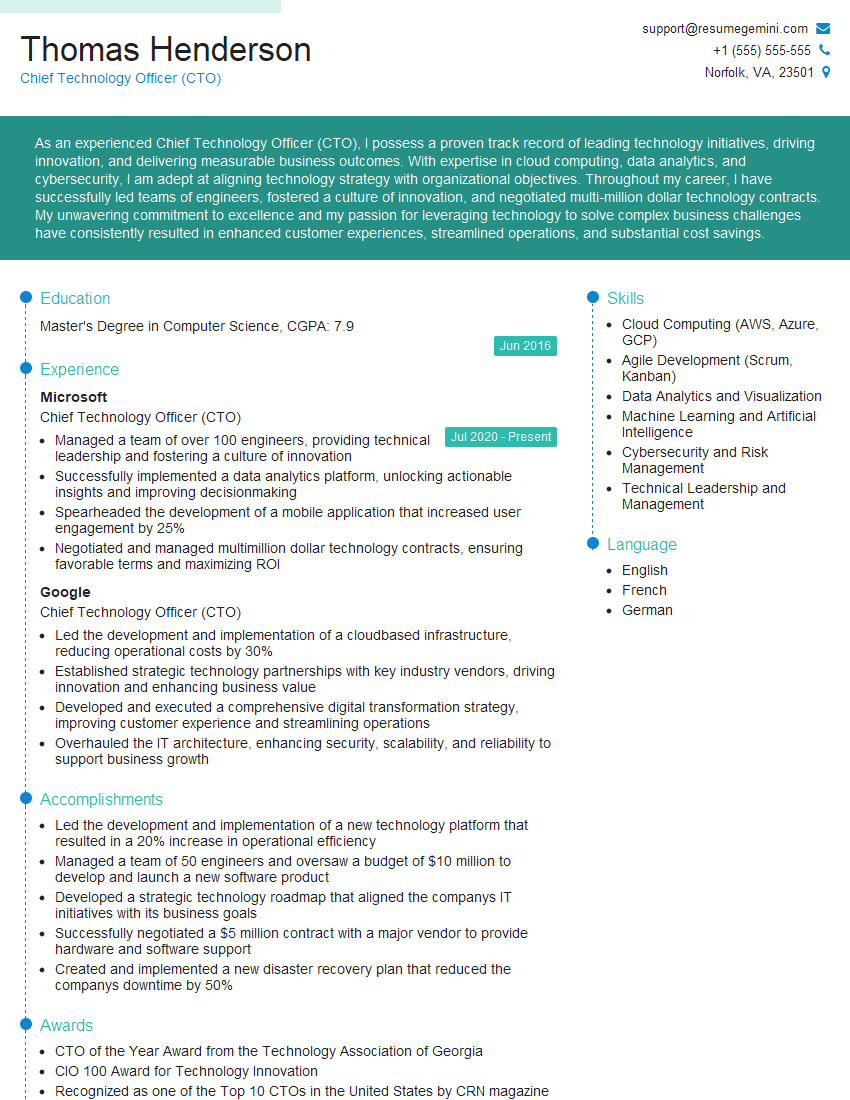
Chief Technology Officer (CTO) Resume Sample

Technical Director Resume Sample
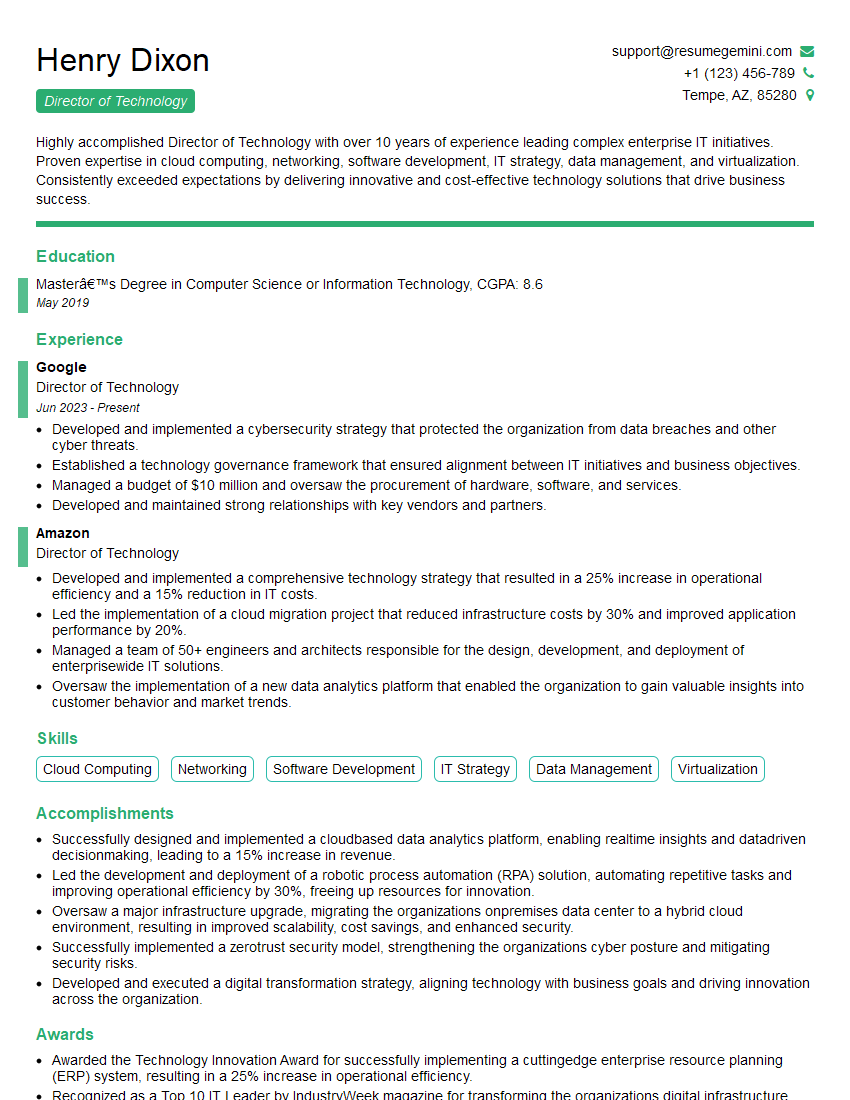
Director of Technology Resume Sample
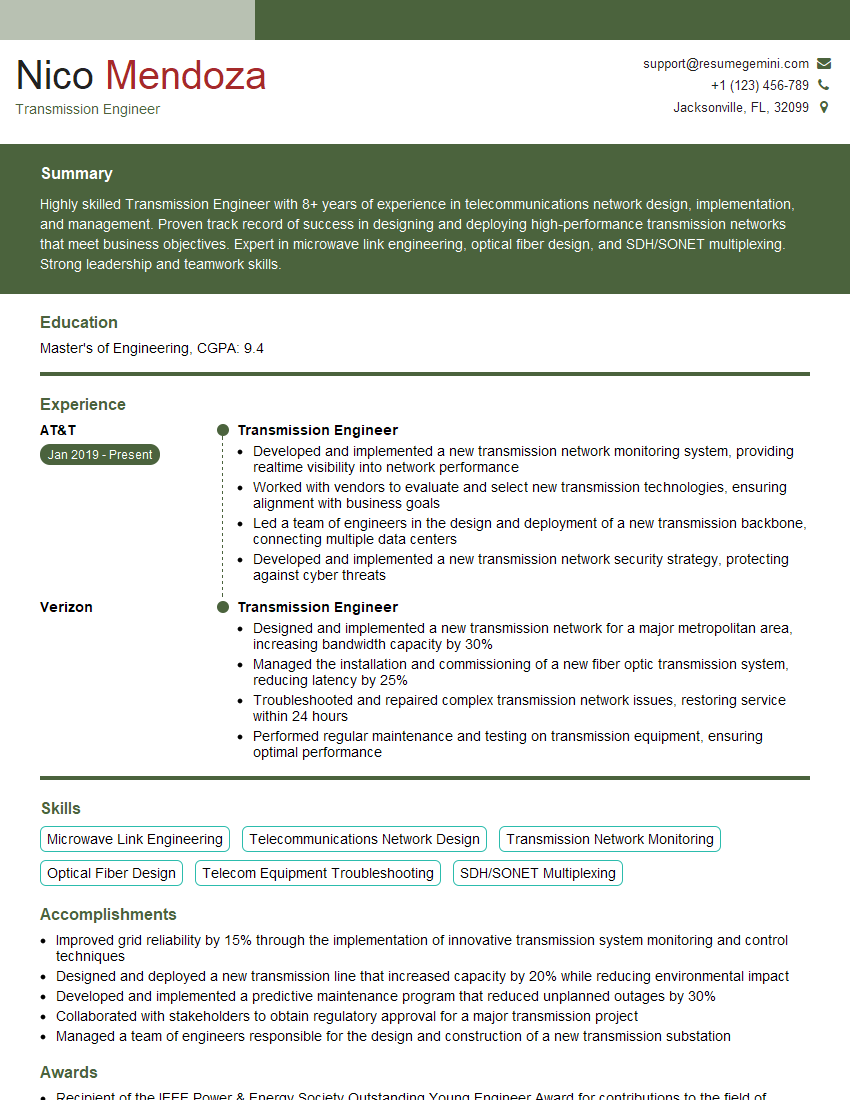
Transmission Engineer Resume Sample

Broadcast Engineer Resume Sample
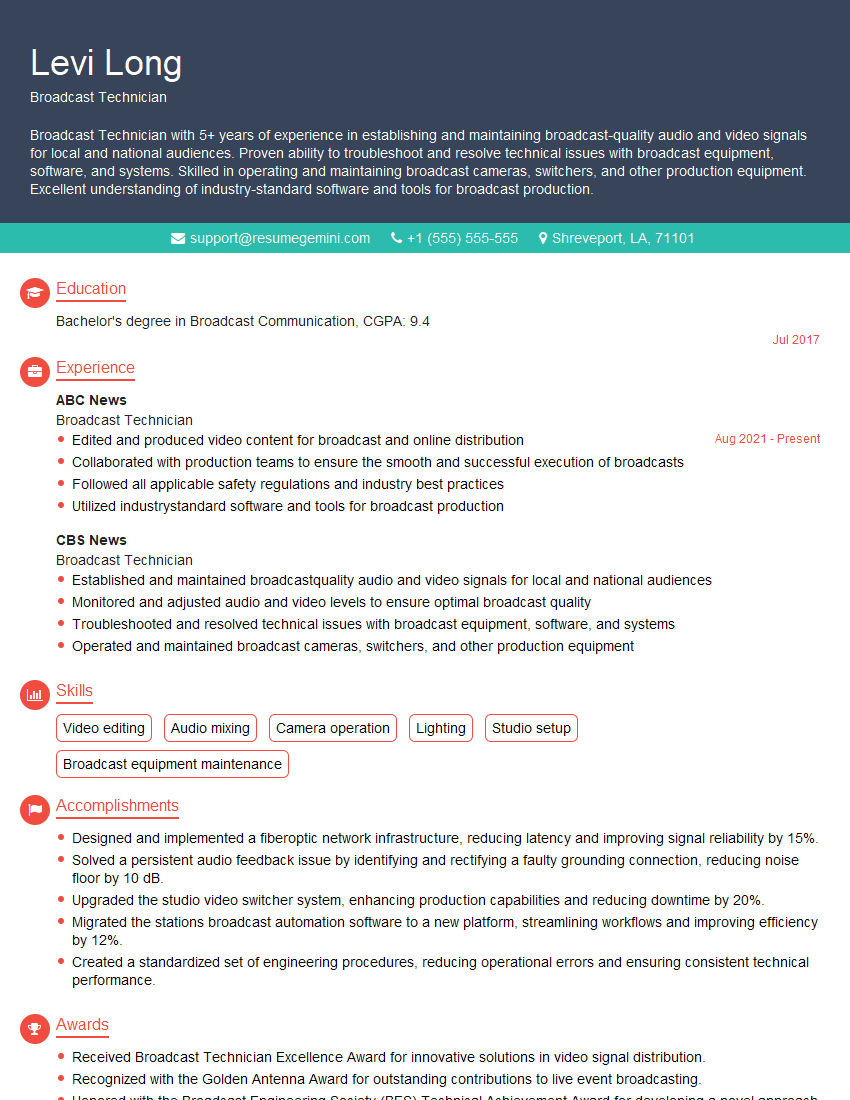
Broadcast Technician Resume Sample

Audio Engineer Resume Sample

Studio Engineer Resume Sample
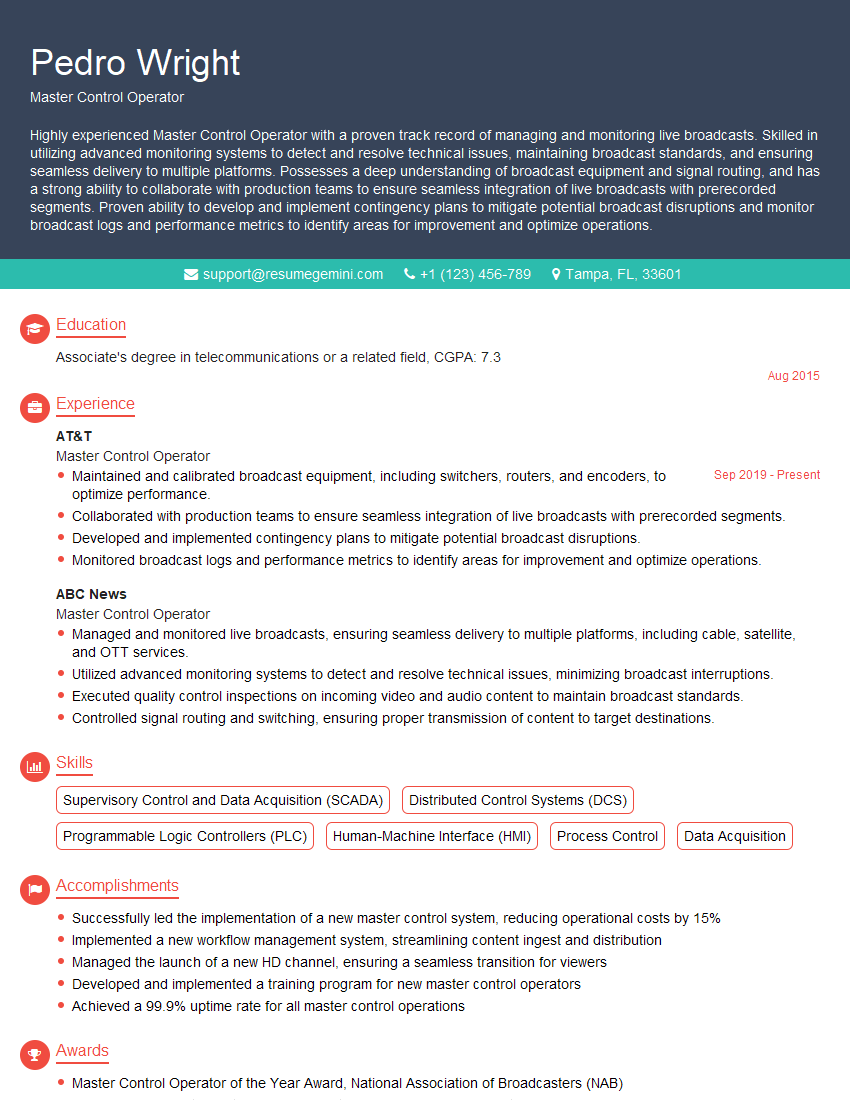
Master Control Operator Resume Sample
Explore more articles
Users Rating of Our Blogs
Share Your Experience
We value your feedback! Please rate our content and share your thoughts (optional).
What Readers Say About Our Blog
Amazing blog
Interesting Article, I liked the depth of knowledge you’ve shared.
Helpful, thanks for sharing.