Interviews are more than just a Q&A session—they’re a chance to prove your worth. This blog dives into essential Python (NumPy, Pandas) interview questions and expert tips to help you align your answers with what hiring managers are looking for. Start preparing to shine!
Questions Asked in Python (NumPy, Pandas) Interview
Q 1. Explain the difference between NumPy arrays and Python lists.
NumPy arrays and Python lists are both used to store sequences of data, but they differ significantly in their functionality and efficiency. Python lists are versatile and can hold elements of different data types within a single list. Think of them as a general-purpose container. NumPy arrays, on the other hand, are specialized for numerical computation. They are homogeneous, meaning they can only hold elements of the same data type, and this restriction allows for significant performance optimizations.
Imagine a toolbox: a Python list is like a large, multi-purpose toolbox that can hold various tools (different data types), while a NumPy array is a specialized toolbox containing only wrenches (one data type) – ideal for a specific job (numerical computation).
- Data Type Homogeneity: NumPy arrays are homogeneous (same data type for all elements); Python lists are heterogeneous (can mix data types).
- Performance: NumPy arrays are significantly faster for numerical operations due to vectorization and optimized underlying C implementation.
- Functionality: NumPy arrays provide a rich set of mathematical and scientific functions not available for Python lists.
Q 2. What are the benefits of using NumPy arrays over Python lists for numerical computation?
For numerical computation, NumPy arrays offer substantial advantages over Python lists due to their optimized design. These benefits primarily stem from vectorization and efficient memory management.
- Vectorization: NumPy arrays allow for vectorized operations, meaning that operations are applied to the entire array at once, rather than element by element as with Python lists. This significantly speeds up calculations, especially on large datasets. Think of it like painting a wall with a roller (vectorized) versus a brush (element-wise).
- Memory Efficiency: NumPy arrays store data in a contiguous block of memory, improving access speeds and reducing memory overhead. Python lists, on the other hand, often store pointers to scattered memory locations, leading to slower access and increased memory consumption.
- Broadcasting: NumPy’s broadcasting mechanism simplifies operations between arrays of different shapes, enabling elegant and concise code.
- Optimized Implementation: NumPy leverages optimized C code for its underlying operations, making it considerably faster than Python’s interpreted code for numerical tasks.
In a real-world data science project involving millions of data points, the speed difference between NumPy arrays and Python lists would be dramatic. NumPy’s efficiency is essential for handling such large datasets in a reasonable timeframe.
Q 3. How do you create a NumPy array from a Python list?
Creating a NumPy array from a Python list is straightforward using the numpy.array() function. The function takes the list as input and returns a NumPy array.
import numpy as np

my_list = [1, 2, 3, 4, 5]
my_array = np.array(my_list)
print(my_array) # Output: [1 2 3 4 5]

#For a multi-dimensional list:
my_list_2d = [[1, 2, 3], [4, 5, 6]]
my_array_2d = np.array(my_list_2d)
print(my_array_2d) # Output: [[1 2 3]
                     #          [4 5 6]]
Note that the data type of the resulting array will be inferred from the input list. You can explicitly specify the data type using the dtype argument if needed.
Q 4. Describe different ways to reshape a NumPy array.
Reshaping a NumPy array involves changing its dimensions while preserving the total number of elements. This is a common operation in image processing, machine learning, and other data manipulation tasks.
The primary method for reshaping is the reshape() function. It takes the desired dimensions as input (a tuple).
import numpy as np

arr = np.arange(12)
print(arr) # Output: [ 0  1  2  3  4  5  6  7  8  9 10 11]

reshaped_arr = arr.reshape(3, 4) # Reshape to 3 rows, 4 columns
print(reshaped_arr) # Output: [[ 0  1  2  3]
                     #          [ 4  5  6  7]
                     #          [ 8  9 10 11]]

reshaped_arr_2 = arr.reshape(2, 2, 3) # Reshape to 2x2x3 array
print(reshaped_arr_2)
Another useful function is ravel() which flattens the array to a 1D array. You can also use the resize() method, but it will modify the array in place, potentially adding or removing elements.
Q 5. Explain broadcasting in NumPy.
Broadcasting is a powerful feature in NumPy that allows operations between arrays of different shapes under certain conditions. It avoids explicit looping and significantly improves performance. The rules for broadcasting are as follows:
- Rule 1: If the arrays have different numbers of dimensions, the smaller array is prepended with dimensions of size 1 until the dimensions match.
- Rule 2: If the arrays have the same number of dimensions, the dimensions must match, or one of them must be 1.
- Rule 3: If the dimensions match or one of them is 1, the operation can be performed element-wise.
For instance, adding a scalar to an array automatically broadcasts the scalar to match the array’s dimensions. Similarly, adding a 1D array to a 2D array is possible if the 1D array’s length matches one of the 2D array’s dimensions.
import numpy as np
arr1 = np.array([1, 2, 3])
arr2 = np.array([[4, 5, 6], [7, 8, 9]])
result = arr2 + arr1 # Broadcasting occurs here
print(result) #Output: [[ 5  7  9]
                    #         [ 8 10 12]]
Broadcasting avoids the need for explicit loops and makes your code much cleaner and more efficient. It’s commonly used in machine learning for operations like adding bias to a neural network.
Q 6. How do you perform element-wise operations on NumPy arrays?
Element-wise operations in NumPy are performed using arithmetic operators (+, -, *, /, //, %, **) and other mathematical functions. These operations are applied to corresponding elements of the arrays. This is a key aspect of vectorization and a major source of NumPy’s performance advantage.
import numpy as np
arr1 = np.array([1, 2, 3])
arr2 = np.array([4, 5, 6])
sum_array = arr1 + arr2 # Element-wise addition
diff_array = arr1 - arr2 # Element-wise subtraction
prod_array = arr1 * arr2 # Element-wise multiplication
print(sum_array) # Output: [5 7 9]
print(diff_array) # Output: [-3 -3 -3]
print(prod_array) # Output: [ 4 10 18]
NumPy also provides many element-wise mathematical functions, such as np.sin(), np.cos(), np.exp(), etc., that operate directly on arrays.
Q 7. How do you perform matrix multiplication in NumPy?
Matrix multiplication in NumPy can be performed using the @ operator or the np.dot() function. Both methods achieve the same result, but the @ operator is generally preferred for its readability.
The dimensions of the matrices must be compatible for matrix multiplication. If A is an m x n matrix and B is an n x p matrix, then the result of A @ B will be an m x p matrix.
import numpy as np
matrix_a = np.array([[1, 2], [3, 4]])
matrix_b = np.array([[5, 6], [7, 8]])
result_matrix = matrix_a @ matrix_b # Matrix multiplication using @ operator
print(result_matrix) # Output: [[19 22]
                     #         [43 50]]
result_matrix_dot = np.dot(matrix_a, matrix_b) #Using np.dot()
print(result_matrix_dot) #Output: [[19 22]
                       #         [43 50]]
Matrix multiplication is fundamental in many areas of linear algebra and finds applications in various fields like computer graphics, machine learning (e.g., neural networks), and physics.
Q 8. Explain the concept of slicing in NumPy arrays.
Slicing in NumPy allows you to extract portions of an array, much like slicing a cake! Instead of taking the whole cake, you select specific pieces. It’s done using square brackets [] and specifying the indices of the elements you want. NumPy uses zero-based indexing, meaning the first element is at index 0.
Basic Slicing: The general syntax is array[start:stop:step]. start is the index of the first element (inclusive), stop is the index of the element *before* which slicing ends (exclusive), and step determines the interval between selected elements. If you omit any of these, NumPy uses default values (0 for start, the array’s length for stop, and 1 for step).
Example:
import numpy as np
arr = np.array([10, 20, 30, 40, 50, 60])
print(arr[1:4])  # Output: [20 30 40]
print(arr[:3])   # Output: [10 20 30]
print(arr[2:])   # Output: [30 40 50 60]
print(arr[::2])  # Output: [10 30 50]
Multi-dimensional Arrays: Slicing works similarly for multi-dimensional arrays. You just need to specify slices for each dimension, separated by commas.
arr_2d = np.array([[1, 2, 3], [4, 5, 6], [7, 8, 9]])
print(arr_2d[0:2, 1:3]) # Output: [[2 3]
                         #          [5 6]]
Slicing is incredibly useful for data manipulation and analysis, allowing for efficient selection and extraction of data subsets without creating copies of the entire array (unless you explicitly copy it).
Q 9. How do you handle missing data in Pandas DataFrames?
Handling missing data, often represented as NaN (Not a Number) in Pandas, is crucial for accurate analysis. Ignoring it can lead to biased results. Pandas offers several ways to manage missing values:
- Detection: Use
df.isnull()ordf.isna()to identify missing values. These return boolean masks indicating whereNaNs are. - Removal:
dropna()removes rows or columns with any missing values. You can specify theaxis(0 for rows, 1 for columns) andhow(‘any’ or ‘all’ missing values in a row/column). For example,df.dropna(how='any')removes any row with at least oneNaN. - Imputation: Filling missing values with estimated values. Common methods include:
fillna(): ReplacesNaNs with a specific value (e.g., 0, mean, median).df['column'].fillna(df['column'].mean())fillsNaNs in ‘column’ with the column’s mean. You can also use forward/backward fill usingmethod='ffill'ormethod='bfill'- Advanced Imputation: Libraries like scikit-learn provide more sophisticated techniques (e.g., K-Nearest Neighbors imputation) for handling complex missing data patterns.
The best approach depends on your data and the context of the analysis. Removing missing data is simple but risks losing valuable information. Imputation is generally preferred unless you have a high percentage of missing values, where removal might be necessary.
Q 10. Describe different methods for data cleaning in Pandas.
Data cleaning in Pandas is essential to ensure data quality and reliability. It involves several steps:
- Handling Missing Data: (As discussed in the previous answer)
- Removing Duplicates: Use
df.duplicated()to identify duplicates anddf.drop_duplicates()to remove them. You can specify which columns to consider when identifying duplicates using thesubsetargument. - Data Type Conversion: Ensure your data is in the correct format using
astype(). For example,df['date'] = pd.to_datetime(df['date'])converts a column to datetime objects. - Outlier Detection and Treatment: Outliers are unusual values that might be errors or genuine extreme values. You can detect them using visualizations (box plots, scatter plots), statistical methods (z-scores, IQR), or domain expertise. Treatment options include removal, capping (replacing with a threshold value), or transformation (e.g., log transformation).
- Data Transformation: This involves changing the format or representation of your data to improve analysis or modelling. For example, you might create new features from existing ones, scale or standardize variables, or apply one-hot encoding for categorical features.
A robust cleaning process ensures that your analysis is based on reliable and consistent data, leading to more accurate insights.
Q 11. How do you perform data aggregation in Pandas?
Data aggregation in Pandas summarizes data across multiple rows into a smaller set of meaningful statistics. Common aggregation functions include sum(), mean(), median(), min(), max(), count(), std(), and var().
You can apply these functions directly to columns or use the agg() method for multiple aggregations at once.
import pandas as pd
df = pd.DataFrame({'A': [1, 2, 1, 2], 'B': [3, 4, 5, 6]})
print(df.groupby('A').agg({'B': ['sum', 'mean']}))
This groups data by column ‘A’ and calculates the sum and mean of ‘B’ for each group.
Aggregation is critical for understanding trends, patterns, and summarizing large datasets. For example, you might aggregate sales data by region to understand regional performance or aggregate customer data by demographics to analyze customer segments.
Q 12. Explain the use of the `groupby()` function in Pandas.
The groupby() function is a powerful tool in Pandas for splitting data into groups based on unique values in one or more columns. Think of it as sorting your data into different piles based on specific characteristics.
After grouping, you can apply aggregate functions (like sum(), mean(), etc.) to each group independently. This allows you to analyze how different groups differ in terms of various metrics.
Example:
import pandas as pd
df = pd.DataFrame({'City': ['London', 'London', 'Paris', 'Paris', 'Tokyo'],
                    'Sales': [100, 150, 200, 250, 300]})
grouped = df.groupby('City')
print(grouped['Sales'].sum()) # Calculate total sales for each city
This groups the DataFrame by ‘City’ and then calculates the sum of ‘Sales’ for each city. The output shows total sales per city. You can use other aggregation functions like mean(), count(), max(), etc., after grouping.
groupby() is fundamental in data analysis for exploring relationships between variables and summarizing data by different categories.
Q 13. How do you merge or join Pandas DataFrames?
Merging or joining Pandas DataFrames combines data from multiple DataFrames based on common columns or indices. This is like combining different puzzle pieces to create a complete picture.
Pandas offers several join methods through the merge() function:
inner(default): Returns only the rows with matching values in the specified columns from both DataFrames.outer: Returns all rows from both DataFrames, filling non-matching values withNaN.left: Returns all rows from the left DataFrame and matching rows from the right DataFrame.right: Returns all rows from the right DataFrame and matching rows from the left DataFrame.
Example using inner join:
import pandas as pd
df1 = pd.DataFrame({'ID': [1, 2, 3], 'Name': ['Alice', 'Bob', 'Charlie']})
df2 = pd.DataFrame({'ID': [2, 3, 4], 'Age': [25, 30, 28]})
merged_df = pd.merge(df1, df2, on='ID', how='inner')
print(merged_df)
This merges df1 and df2 based on the ‘ID’ column using an inner join. The result only includes rows where ‘ID’ exists in both DataFrames.
The how parameter determines the type of join, influencing which rows are included in the merged DataFrame. Choosing the correct join type is crucial for obtaining accurate and meaningful results.
Q 14. What are the different data structures in Pandas?
Pandas primarily uses two fundamental data structures:
- Series: A one-dimensional labeled array capable of holding data of any type (integer, string, float, Python objects, etc.). It’s like a single column in a spreadsheet, with each value having an associated label (index).
- DataFrame: A two-dimensional labeled data structure with columns of potentially different types. It’s the workhorse of Pandas and is analogous to a spreadsheet or SQL table. DataFrames are collections of Series, each representing a column.
These data structures offer powerful tools for data manipulation, analysis, and cleaning. Their labeled indices and flexibility make them highly efficient for working with tabular data.
Q 15. How do you handle duplicate rows in Pandas?
Handling duplicate rows in Pandas is a common task in data cleaning. Think of it like cleaning up a messy spreadsheet – you wouldn’t want repeated entries confusing your analysis, right? Pandas offers several ways to identify and deal with these duplicates.
The primary method is using the duplicated() method. This returns a boolean Series indicating whether each row is a duplicate (True) or not (False), usually based on all columns. You can specify a subset of columns to check for duplicates using the subset argument.
Once you’ve identified duplicates, you can choose to either drop them or keep only the first or last occurrence. The drop_duplicates() method handles this elegantly. It allows you to specify the keep parameter (‘first’, ‘last’, or False to drop all duplicates).
import pandas as pd
data = {'col1': [1, 2, 2, 3, 3, 3], 'col2': ['A', 'B', 'B', 'C', 'C', 'C']}
df = pd.DataFrame(data)
print("Original DataFrame:\n", df)
df_unique = df.drop_duplicates()
print("\nDataFrame after dropping duplicates (keeping first):\n", df_unique)
df_unique_last = df.drop_duplicates(keep='last')
print("\nDataFrame after dropping duplicates (keeping last):\n", df_unique_last)
df_unique_all = df.drop_duplicates(keep=False)
print("\nDataFrame after dropping ALL duplicates:\n", df_unique_all)
Imagine you’re analyzing customer transactions. Duplicate entries might indicate data entry errors. Removing them ensures accurate analysis of spending patterns.
Career Expert Tips:
- Ace those interviews! Prepare effectively by reviewing the Top 50 Most Common Interview Questions on ResumeGemini.
- Navigate your job search with confidence! Explore a wide range of Career Tips on ResumeGemini. Learn about common challenges and recommendations to overcome them.
- Craft the perfect resume! Master the Art of Resume Writing with ResumeGemini’s guide. Showcase your unique qualifications and achievements effectively.
- Don’t miss out on holiday savings! Build your dream resume with ResumeGemini’s ATS optimized templates.
Q 16. Explain the difference between `loc` and `iloc` in Pandas.
loc and iloc are Pandas’ indexing methods, but they work differently. Think of them as two different ways to navigate a city: loc uses the street names (labels), while iloc uses the house numbers (integer positions).
loc is label-based indexing. You use row and column labels to select data. It’s inclusive of the end index.
iloc is integer-based indexing. You use integer positions (starting from 0) to select data. It’s exclusive of the end index.
import pandas as pd
df = pd.DataFrame({'A': [1, 2, 3], 'B': [4, 5, 6]}, index=['X', 'Y', 'Z'])
print("DataFrame:\n", df)
print("\nloc['X', 'A']:", df.loc['X', 'A']) # Accessing element at label 'X', 'A'
print("iloc[0, 0]:", df.iloc[0, 0]) # Accessing element at position 0, 0
print("\nloc['Y':'Z', 'B']:\n", df.loc['Y':'Z', 'B']) # Slicing using labels
print("iloc[1:, 1]:\n", df.iloc[1:, 1]) # Slicing using integer positions
In a real-world application like analyzing stock data, loc might be useful to select data for specific dates (labels), while iloc might be handy for selecting a fixed number of recent entries.
Q 17. How do you filter data in Pandas?
Filtering in Pandas allows you to select rows based on specified conditions. Imagine you’re sifting through a pile of resumes – you’d only pick the ones meeting your criteria. Similarly, filtering helps you extract relevant data from your DataFrame.
Boolean indexing is the key. You create a boolean Series (True/False) based on your conditions, and use it to select rows where the condition is True.
import pandas as pd
df = pd.DataFrame({'A': [1, 2, 3, 4, 5], 'B': [6, 7, 8, 9, 10]})
print("Original DataFrame:\n", df)
filtered_df = df[df['A'] > 2] #Filter rows where 'A' > 2
print("\nFiltered DataFrame (A > 2):\n", filtered_df)
filtered_df2 = df[(df['A'] > 2) & (df['B'] < 9)] #Multiple conditions
print("\nFiltered DataFrame (A > 2 and B < 9):\n", filtered_df2)
For instance, in sales data, you might filter for customers who purchased more than a certain amount or belong to a specific region to analyze sales trends in those segments.
Q 18. How do you create a Pandas DataFrame from a dictionary?
Creating a Pandas DataFrame from a dictionary is straightforward. Think of the dictionary keys as column names and the values as the column data. Pandas seamlessly transforms this structure into a DataFrame.
import pandas as pd
data = {'Name': ['Alice', 'Bob', 'Charlie'], 'Age': [25, 30, 28], 'City': ['New York', 'London', 'Paris']}
df = pd.DataFrame(data)
print(df)
This is incredibly useful when you have data structured as a dictionary, for instance, from an API response or a configuration file, and need to perform data analysis using Pandas' powerful tools.
Q 19. How do you sort a Pandas DataFrame?
Sorting a Pandas DataFrame is like organizing a library – you arrange books alphabetically or numerically to find them easily. Similarly, sorting a DataFrame allows you to order data based on one or more columns, making analysis much easier.
The sort_values() method is your friend here. You specify the column(s) to sort by and the ascending parameter (True for ascending order, False for descending).
import pandas as pd
df = pd.DataFrame({'Name': ['Alice', 'Bob', 'Charlie'], 'Age': [25, 30, 28]})
print("Original DataFrame:\n", df)
sorted_df = df.sort_values(by='Age')
print("\nSorted by Age (ascending):\n", sorted_df)
sorted_df_desc = df.sort_values(by='Age', ascending=False)
print("\nSorted by Age (descending):\n", sorted_df_desc)
In a dataset of employee information, you might sort by salary to identify the highest earners, or by employee ID to maintain a consistent order.
Q 20. How do you perform data transformations in Pandas?
Data transformations in Pandas are like remodeling a house – you change the structure to make it more functional and appealing. You might add rooms (columns), renovate existing ones (change data types), or even tear down walls (remove columns or rows) to improve the overall structure.
Pandas offers a wide array of functions for this: applying functions using apply(), creating new columns with calculations, changing data types using astype(), handling missing values with fillna(), and string manipulations using vectorized string functions.
import pandas as pd
df = pd.DataFrame({'A': [1, 2, 3], 'B': [4, 5, 6]})
print("Original DataFrame:\n", df)
df['C'] = df['A'] + df['B'] #Adding a new column
print("\nDataFrame after adding column 'C':\n", df)
df['A'] = df['A'].astype(str) #Changing data type
print("\nDataFrame after changing 'A' to string:\n", df)
For example, you might transform a date column into separate year, month, and day columns to perform time-series analysis. Or convert strings to numerical values for mathematical computations.
Q 21. Explain the concept of pivoting in Pandas.
Pivoting in Pandas is like rearranging a spreadsheet to present the data in a different perspective. It involves changing the layout of the data by rotating rows into columns and vice versa. Think of it like viewing a cube from different angles – each angle provides a different viewpoint of the same data.
The pivot_table() method does the heavy lifting. You specify the index (rows), columns, and values for your new table.
import pandas as pd
data = {'Category': ['A', 'A', 'B', 'B'], 'Subcategory': ['X', 'Y', 'X', 'Y'], 'Value': [10, 20, 15, 25]}
df = pd.DataFrame(data)
print("Original DataFrame:\n", df)
pivoted_df = df.pivot_table(index='Category', columns='Subcategory', values='Value')
print("\nPivoted DataFrame:\n", pivoted_df)
Imagine analyzing sales data by region and product. Pivoting could help you create a table showing sales figures for each product in each region, facilitating a region-by-product sales comparison.
Q 22. How do you perform time series analysis in Pandas?
Pandas provides excellent tools for time series analysis, leveraging its DatetimeIndex. Think of it as a highly organized calendar for your data, allowing you to easily slice, dice, and analyze data based on time.
First, ensure your time column is of datetime dtype using pd.to_datetime(). Then, you can use various functionalities:
- Resampling: Change the frequency of your data (e.g., from hourly to daily).
df.resample('D').mean()calculates the daily average. - Rolling windows: Calculate moving averages or other statistics over a defined window.
df['rolling_mean'] = df['value'].rolling(window=7).mean()computes a 7-day rolling average. - Time-based indexing and slicing: Easily select data within specific time ranges.
df['2026-01-01':'2026-01-31']selects data from January 2026. - Time series decomposition: Separate your time series into trend, seasonality, and residuals using
statsmodels. This helps understand the underlying patterns.
Imagine analyzing stock prices: resampling helps to see daily trends, rolling windows smooth out daily fluctuations revealing longer trends, and decomposition helps to understand seasonal patterns like higher prices during holiday seasons.
import pandas as pd
df = pd.DataFrame({'date': pd.to_datetime(['2026-01-01', '2026-01-02', '2026-01-03']), 'value': [10, 12, 15]})
df = df.set_index('date')
df['daily_mean'] = df['value'].resample('D').mean()
print(df)
Q 23. How do you handle categorical data in Pandas?
Pandas offers several ways to effectively handle categorical data. Think of categorical data as labels or categories instead of numbers (e.g., colors, countries).
pd.Categorical: This data type explicitly defines the categories, offering better memory efficiency and faster operations. You can create it from an existing column:df['color'] = pd.Categorical(df['color']).- One-hot encoding: Converts categorical features into numerical representations using dummy variables. This is especially useful for machine learning algorithms.
pd.get_dummies(df['color'])creates dummy columns for each color. - Label encoding: Assigns a unique integer to each category. While simple, it can introduce unintended ordinality (order).
from sklearn.preprocessing import LabelEncoder; le = LabelEncoder(); df['color_encoded'] = le.fit_transform(df['color']) - Frequency encoding: Replaces categories with their frequencies. This can be helpful when the category itself doesn't have inherent meaning but its frequency does.
For instance, imagine analyzing customer data. One-hot encoding of 'country' helps a machine learning model understand customers from different countries without assigning any order or importance to them. Conversely, frequency encoding of 'purchase_method' might reveal that online purchases are far more frequent.
import pandas as pd
df = pd.DataFrame({'color': ['red', 'green', 'red', 'blue']})
df = pd.get_dummies(df, columns=['color'])
print(df)
Q 24. What are some common performance optimization techniques for NumPy and Pandas?
Optimizing NumPy and Pandas code is crucial for performance, especially with large datasets. Think of it like streamlining a factory production line to increase output.
- Vectorization: Avoid explicit loops. NumPy and Pandas are designed for vectorized operations, processing entire arrays at once. This is far more efficient than iterating element by element (see Question 6 for more detail).
- Data type selection: Use the smallest appropriate data type (e.g.,
int8instead ofint64). Smaller data types reduce memory usage and improve speed. - Efficient data structures: Choose the right data structure for the job. NumPy arrays are ideal for numerical computations, while Pandas DataFrames are suited for tabular data.
- Memory mapping: For extremely large datasets, memory mapping can load only necessary parts of the data into RAM, improving speed and reducing memory pressure. Use
numpy.memmap. - Profiling: Use tools like
cProfileorline_profilerto identify performance bottlenecks in your code. - Numba/Cython: For computationally intensive parts, consider using these tools to compile Python code to machine code, achieving significant speedups.
In a machine learning workflow, efficient data preprocessing is crucial. Vectorization significantly accelerates feature engineering steps.
Q 25. Explain how to use lambda functions with Pandas.
Lambda functions are anonymous, small functions, often used for concise operations within Pandas. Think of them as quick, one-time-use tools.
They're particularly useful with Pandas' apply() method, allowing you to perform custom operations on rows or columns. For example, you might use a lambda function to clean or transform data within a column.
import pandas as pd
df = pd.DataFrame({'A': [1, 2, 3], 'B': [4, 5, 6]})
df['C'] = df.apply(lambda row: row['A'] + row['B'], axis=1) #axis=1 applies function to each row
print(df)
In this example, the lambda function lambda row: row['A'] + row['B'] adds the values in columns 'A' and 'B' for each row. The axis=1 argument specifies that the operation should be performed row-wise.
Lambda functions are ideal for quick transformations, avoiding the need to define a separate named function. This improves code readability when the operation is simple and self-contained.
Q 26. Describe the use of Pandas for data visualization.
Pandas itself doesn't directly provide extensive visualization capabilities. However, it integrates seamlessly with plotting libraries like Matplotlib and Seaborn, making visualization straightforward.
Pandas provides the data structure (DataFrame), and Matplotlib/Seaborn provide the tools to create plots. This combination is powerful.
df.plot(): A simple, built-in plotting method that offers basic plots like line charts, bar charts, histograms, etc.- Matplotlib: Provides fine-grained control over plot aesthetics and customization.
- Seaborn: Builds on Matplotlib to provide statistically informative and visually appealing plots (e.g., heatmaps, pair plots).
Imagine you're creating a presentation on sales data. Pandas readily provides the data, and Matplotlib/Seaborn create visually compelling charts showing sales trends over time or relationships between different variables.
import pandas as pd
import matplotlib.pyplot as plt
df = pd.DataFrame({'sales': [10, 12, 15, 18, 20]})
df.plot(kind='bar')
plt.show()
Q 27. Explain the concept of vectorization in NumPy and its benefits.
Vectorization in NumPy means performing operations on entire arrays at once, rather than iterating element by element. It's like comparing using a high-speed assembly line vs. manually assembling each item individually.
NumPy's universal functions (ufuncs) are designed for vectorized operations. They operate on entire arrays, leveraging optimized low-level code for speed.
Benefits:
- Speed: Vectorized operations are significantly faster than explicit loops, especially for large arrays.
- Readability: Vectorized code is often more concise and easier to understand.
- Efficiency: Avoids the overhead of Python's loop interpretation.
Example:
import numpy as np
arr1 = np.array([1, 2, 3])
arr2 = np.array([4, 5, 6])
# Vectorized addition
result = arr1 + arr2  # Equivalent to a loop but much faster
print(result)
Vectorization is fundamental to efficient numerical computation in Python. Libraries like Pandas rely on NumPy's vectorization capabilities for their high performance.
Q 28. How would you efficiently find the correlation between two columns in a Pandas DataFrame?
Pandas offers a straightforward way to compute the correlation between two columns using the corr() method. This method efficiently calculates the Pearson correlation coefficient (linear correlation).
import pandas as pd
df = pd.DataFrame({'A': [1, 2, 3, 4, 5], 'B': [6, 7, 8, 9, 10]})
correlation = df['A'].corr(df['B'])
print(correlation)
This code snippet directly calculates the correlation between columns 'A' and 'B'. The result will be a single number representing the correlation coefficient, ranging from -1 (perfect negative correlation) to 1 (perfect positive correlation). A value near 0 indicates little to no linear correlation.
For other types of correlation (e.g., Spearman rank correlation), you might need to use functions from scipy.stats. But for standard linear correlation, this Pandas method is both efficient and easy to use.
Key Topics to Learn for Python (NumPy, Pandas) Interview
- Fundamental Python Concepts: Data types, control flow, functions, object-oriented programming. Understanding these foundational elements is crucial for efficient NumPy and Pandas usage.
- NumPy Array Manipulation: Creating, indexing, slicing, reshaping arrays; vectorized operations; broadcasting; efficient array manipulation techniques. Practical application: Image processing, scientific computing.
- Pandas DataFrame Operations: Data ingestion (CSV, Excel, SQL), data cleaning (handling missing values, duplicates), data manipulation (filtering, sorting, grouping), data transformation (pivoting, melting). Practical application: Data analysis, data wrangling for machine learning.
- Data Wrangling and Cleaning with Pandas: Dealing with messy real-world datasets; techniques for handling missing data, outliers, and inconsistencies. Practical application: Preparing data for analysis and modeling.
- Pandas Data Aggregation and Grouping: Using `groupby()` for efficient data summarization; calculating aggregate statistics (mean, median, sum, count); creating insightful summaries from large datasets. Practical application: Business intelligence, reporting.
- Data Visualization with Matplotlib/Seaborn (in conjunction with Pandas): Creating informative charts and graphs to visualize data insights gained through Pandas analysis. Practical application: Communicating data findings effectively.
- Performance Optimization: Understanding techniques for improving the efficiency of NumPy and Pandas code, including vectorization and avoiding unnecessary loops. Practical application: Handling large datasets efficiently.
- Understanding Data Structures: Deep understanding of how NumPy arrays and Pandas DataFrames are structured in memory. This helps optimize performance and troubleshoot issues.
- Problem-Solving Approach: Practice breaking down complex data problems into smaller, manageable steps. Develop your ability to approach unfamiliar datasets systematically.
Next Steps
Mastering Python, particularly NumPy and Pandas, is paramount for a successful career in data science, analytics, and related fields. These libraries are fundamental tools used daily by professionals in these roles. To increase your chances of landing your dream job, creating a compelling and ATS-friendly resume is crucial. ResumeGemini is a trusted resource that can help you build a professional and impactful resume tailored to highlight your skills and experience. Examples of resumes tailored to Python (NumPy, Pandas) expertise are available to help you get started. Invest time in crafting a strong resume – it's your first impression on potential employers.

Financial Analyst Resume Sample

Data Analyst Resume Sample
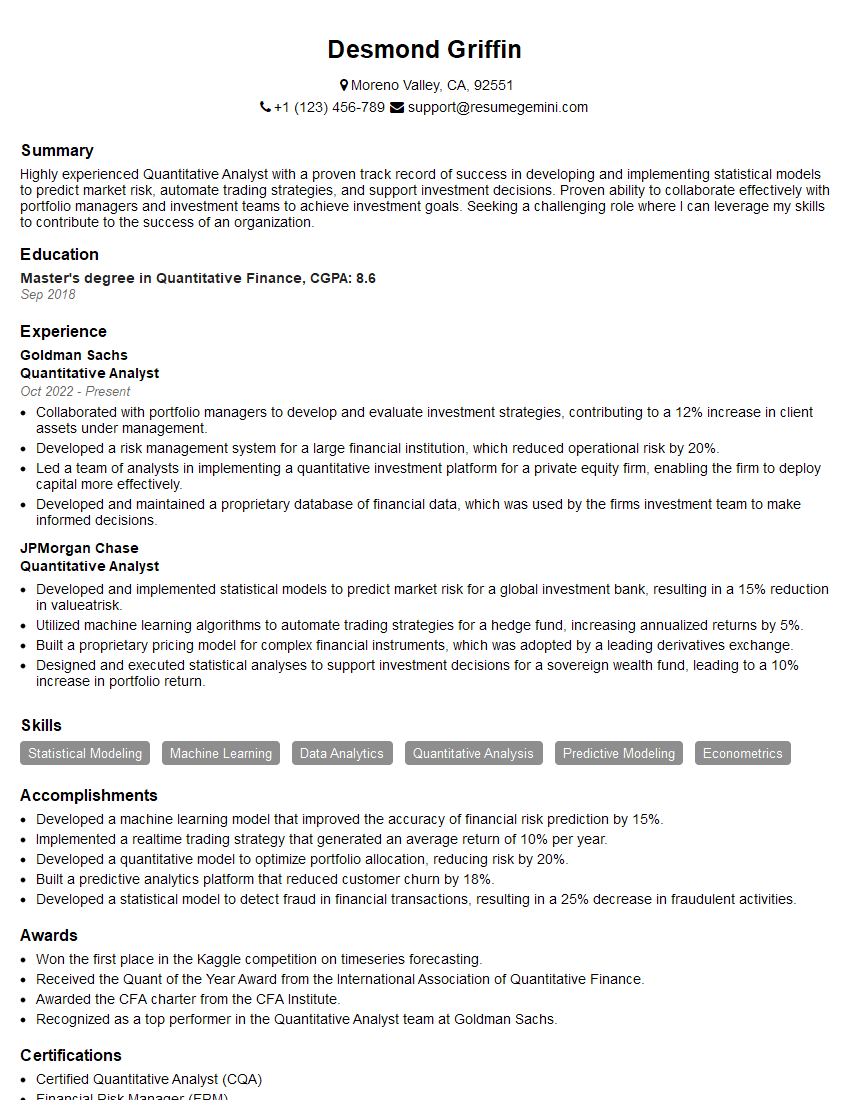
Quantitative Analyst Resume Sample

Data Scientist Resume Sample

Research Scientist Resume Sample

Software Engineer Resume Sample

Data Architect Resume Sample

ETL Developer Resume Sample

Business Intelligence Analyst Resume Sample
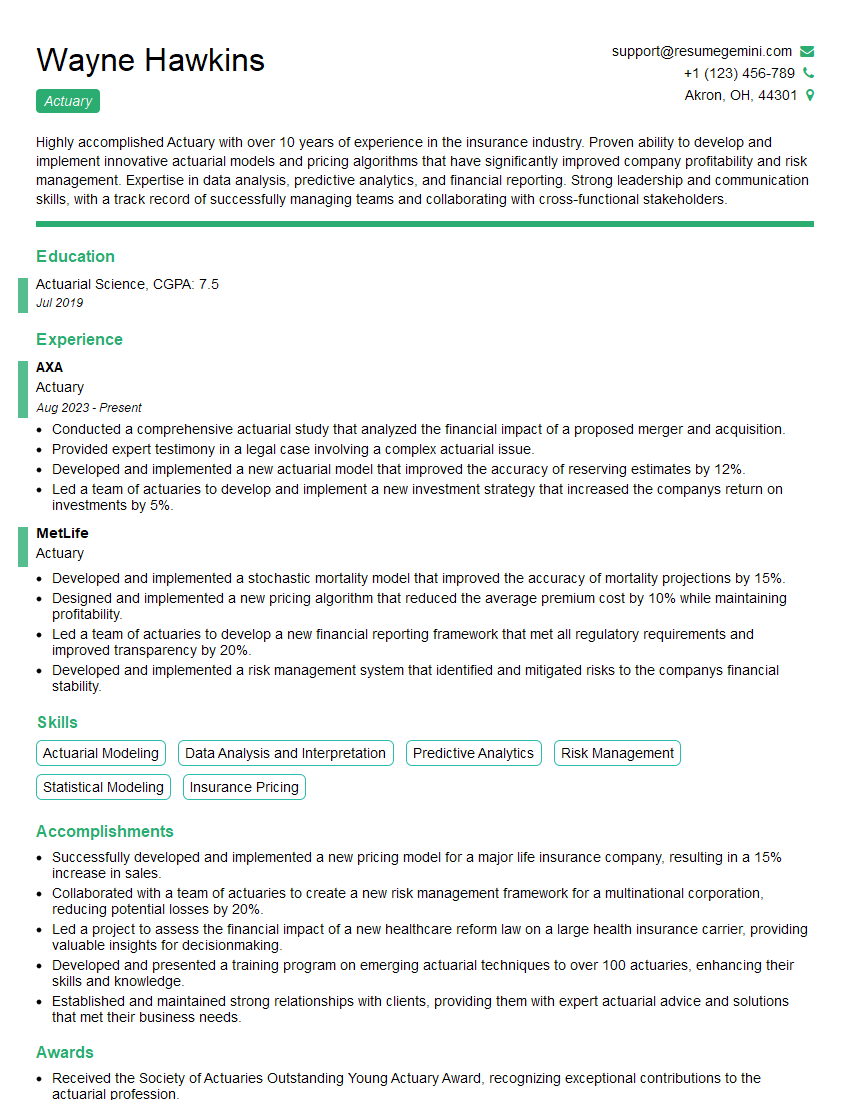
Actuary Resume Sample
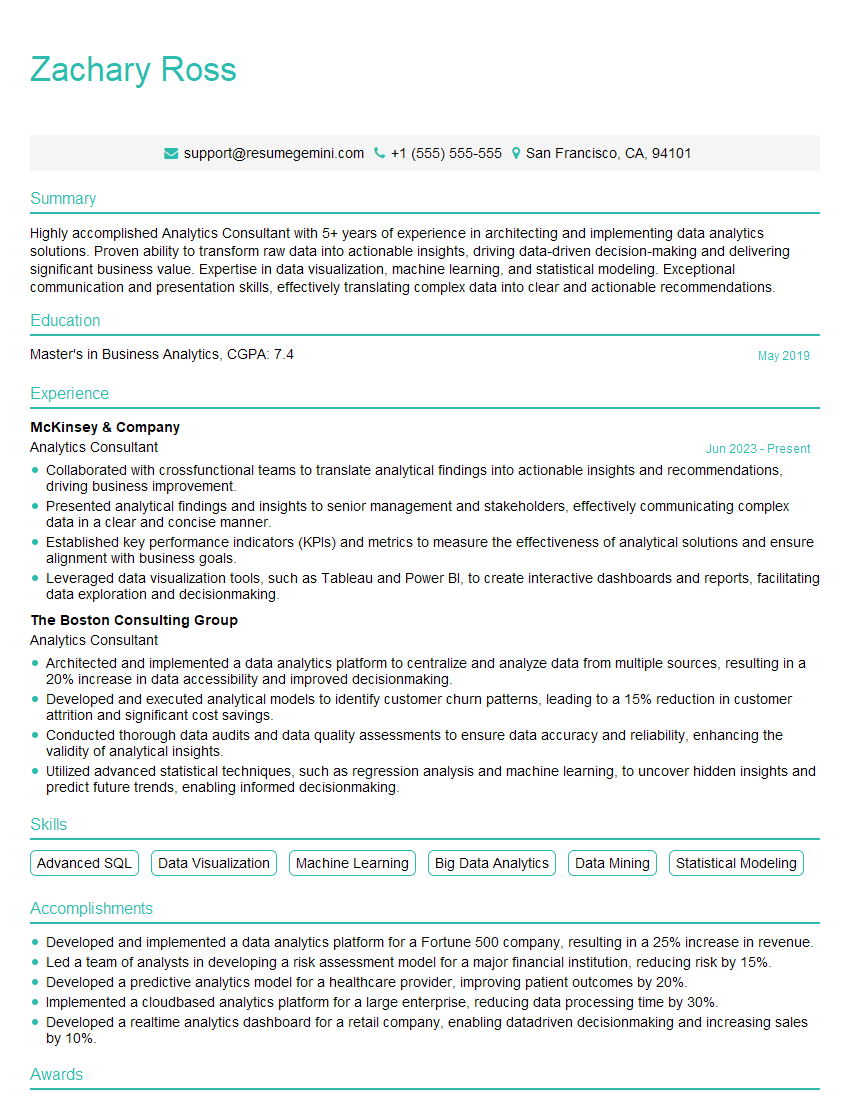
Analytics Consultant Resume Sample
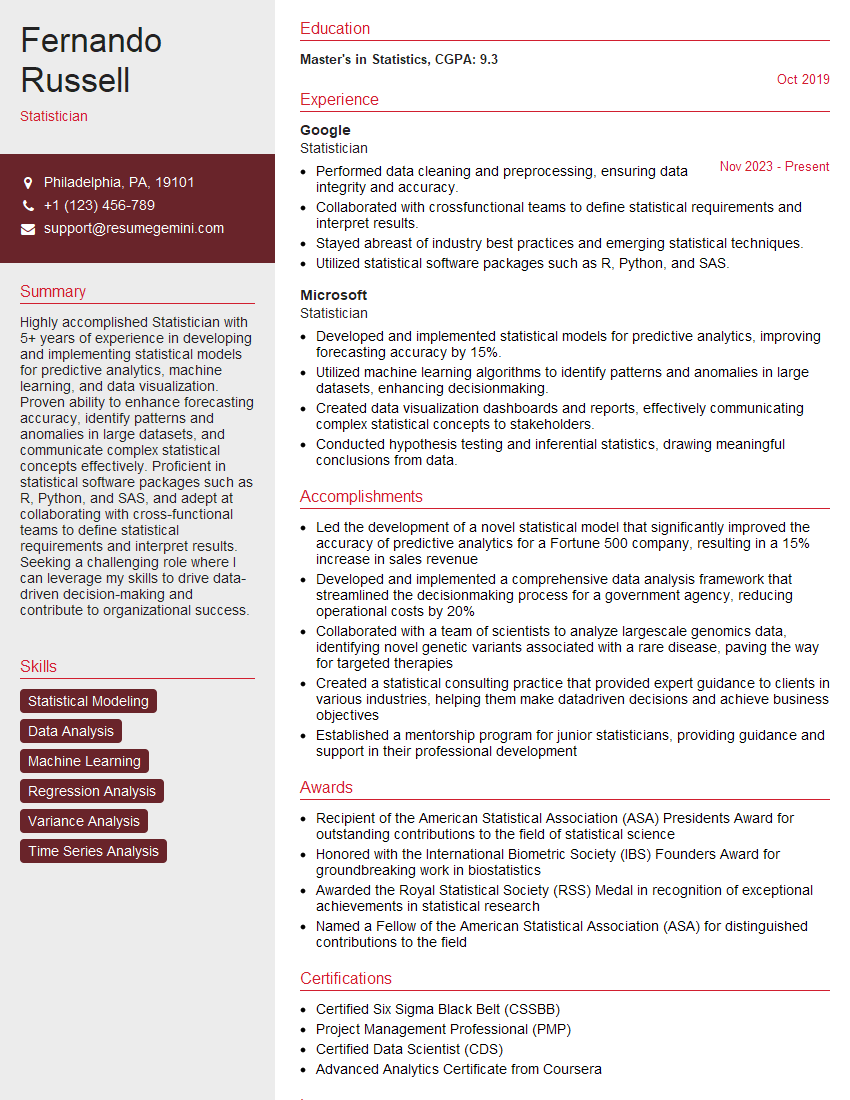
Statistician Resume Sample

Computational Biologist Resume Sample

Database Administrator Resume Sample

Machine Learning Engineer Resume Sample
Data Engineer Resume Sample
Big Data Engineer Resume Sample
Data Visualization Specialist Resume Sample
- Financial Analyst
- Data Analyst
- Quantitative Analyst
- Data Scientist
- Research Scientist
- Software Engineer
- Data Architect
- ETL Developer
- Business Intelligence Analyst
- Actuary
- Analytics Consultant
- Statistician
- Computational Biologist
- Database Administrator
- Machine Learning Engineer
- Data Engineer
- Big Data Engineer
- Data Visualization Specialist
Explore more articles
Users Rating of Our Blogs
Share Your Experience
We value your feedback! Please rate our content and share your thoughts (optional).
What Readers Say About Our Blog
Amazing blog
Interesting Article, I liked the depth of knowledge you’ve shared.
Helpful, thanks for sharing.