Unlock your full potential by mastering the most common Wiki Editing and Collaboration interview questions. This blog offers a deep dive into the critical topics, ensuring you’re not only prepared to answer but to excel. With these insights, you’ll approach your interview with clarity and confidence.
Questions Asked in Wiki Editing and Collaboration Interview
Q 1. Explain the difference between a Wiki and a traditional document.
The core difference between a Wiki and a traditional document lies in their collaborative nature and editing capabilities. A traditional document, like a Word file or PDF, is typically authored by a single person or a small, tightly controlled group. Once finalized, changes require explicit action, often creating new versions. In contrast, a Wiki is designed for collaborative editing. Multiple users can concurrently contribute, modify, and improve the content. Think of it like a shared, living document that constantly evolves. This dynamic nature, enabled by its underlying software, allows for rapid content updates and community-driven knowledge building.
Imagine writing a team report. A traditional approach involves sending drafts back and forth, potentially leading to version conflicts and confusion. A Wiki, however, allows everyone to contribute simultaneously, with version history tracking all changes. This eliminates much of the logistical overhead associated with managing multiple versions and fosters a more transparent and efficient workflow.
Q 2. Describe your experience with Wiki markup languages (e.g., MediaWiki).
My experience with Wiki markup languages, primarily MediaWiki, spans over a decade. I’m proficient in using its core syntax for formatting text, creating links (both internal and external), embedding images and media, and structuring complex pages. I’ve built and maintained numerous Wiki templates, including those for standardized formatting of articles, navigation menus, and infoboxes. I’m familiar with the use of extensions to extend MediaWiki’s functionality, adding features like advanced search, user-defined fields, and custom reporting tools.
For example, I often use {{Infobox}} templates to create consistent and visually appealing informational boxes containing key data points for specific entries, while [[Link to another page]] creates internal links, improving navigation. I understand the use of more advanced features, such as templates for creating tables with complex formatting, and utilizing parser functions for automated content generation.
Q 3. How do you ensure version control and prevent conflicts in a collaborative Wiki environment?
Version control and conflict prevention are crucial in a collaborative Wiki. Most Wiki software inherently provides version control, tracking every change made to each page, including who made the change and when. This allows for easy rollback to previous versions if necessary. When simultaneous edits occur leading to conflicts, most systems offer a conflict resolution mechanism. This often presents the editor with the different versions of the conflicting section, allowing them to manually merge the changes or choose one version.
Beyond the built-in features, fostering a collaborative culture helps. Clear guidelines for editing, such as recommending smaller, focused edits and encouraging communication among editors, can significantly reduce conflicts. Regular content reviews and a well-defined editing process further minimize the likelihood of major conflicts.
Q 4. What strategies do you use to maintain consistency and quality in Wiki content?
Maintaining consistency and quality in Wiki content requires a multi-pronged approach. This involves establishing clear style guidelines, using templates to enforce formatting standards, and encouraging peer review and editing. Regular quality checks by experienced editors help identify and correct inaccuracies or inconsistencies. Creating and maintaining a comprehensive style guide, outlining rules for grammar, citation format, and overall writing style, are critical. This guide, coupled with regular training sessions for new contributors, ensures that everyone understands and follows the accepted standards.
Furthermore, implementing a system for flagging problematic content, along with mechanisms for resolving disputes, promotes a community where quality is actively prioritized. Consider employing a rating system or tagging mechanism to highlight well-written articles and pages that exemplify consistency and quality.
Q 5. How do you handle conflicting edits or disagreements among contributors?
Handling conflicting edits or disagreements requires a calm, structured approach. The first step is to identify the points of contention. Often, a simple discussion among the involved editors can resolve the issue. If this fails, a more formal process may be necessary, possibly involving a neutral third party (an administrator or senior editor) to mediate. The key is to foster a respectful and communicative environment where differing opinions can be aired without escalating into personal attacks.
The Wiki’s version history helps greatly in tracing the evolution of the content, pinpointing exactly where the discrepancy lies. The resolution should always prioritize accuracy, neutrality, and adherence to the established style guidelines. Documenting the resolution process can prevent similar conflicts in the future.
Q 6. Explain your process for creating and maintaining Wiki templates and styles.
Creating and maintaining Wiki templates and styles is a crucial aspect of ensuring consistency and readability. I follow a well-defined process starting with identifying the need for a new template or style modification. The next step is designing the template using the Wiki’s markup language, carefully considering its structure and functionality. This often involves incorporating parameters to allow flexibility and customization. After creating the template, it’s rigorously tested to ensure it functions correctly across various pages and contexts. Thorough documentation is vital, making it clear how to use the template and the intended purpose.
For instance, I might create a template for citing sources which ensures consistency in formatting citations across the entire Wiki. Regular review and updates are critical to keep templates functional and relevant as the Wiki evolves and standards change.
Q 7. How do you manage user access and permissions in a Wiki?
Managing user access and permissions in a Wiki is vital for security and content control. Most Wiki software provides robust features for this, typically employing a hierarchical system of user groups and permissions. This allows administrators to assign different roles (e.g., administrator, editor, viewer) to users, granting varying levels of access and editing capabilities. For example, administrators have full control, while editors might only be allowed to modify certain pages or sections. Viewers, on the other hand, have read-only access.
Regular audits of user permissions are necessary to ensure that only authorized individuals have access to sensitive information or editing rights. Furthermore, it’s critical to establish clear guidelines for user accounts, password management, and the reporting of security incidents.
Q 8. Describe your experience with Wiki search and indexing features.
Wiki search and indexing are crucial for knowledge findability. Most Wikis leverage powerful search engines, often built-in or integrated, that go beyond simple keyword matching. They typically use techniques like stemming (reducing words to their root form), lemmatization (finding the dictionary form of words), and indexing of metadata such as page categories and timestamps.
My experience includes using MediaWiki’s built-in search, which offers advanced features such as full-text search, fuzzy search (allowing for typos), and search refinements based on namespaces (e.g., searching only within pages, not discussion pages). I’ve also worked with specialized search solutions integrated with Wikis, providing features such as semantic search (understanding the meaning and relationships between words) for more precise results. For instance, searching for “car engine problems” might return pages specifically about car engine issues rather than general car maintenance.
Beyond the basic search bar, I’m adept at utilizing the Wiki’s internal navigation and category system. A well-structured Wiki with a comprehensive category system makes finding relevant information significantly easier than relying solely on keyword searches. Think of it as a well-organized library—knowing the Dewey Decimal system (or the Wiki’s category system) helps you locate specific books (or Wiki pages) much faster.
Q 9. How do you identify and address broken links or outdated information in a Wiki?
Identifying and addressing broken links and outdated information is essential for maintaining Wiki integrity. I typically employ a multi-pronged approach:
- Regular Audits: Scheduled reviews of a Wiki’s pages, focusing on links and dates are crucial. Tools can automate parts of this process, highlighting potentially broken links. I’ve used extensions like LinkChecker in MediaWiki for this purpose.
- Community Reporting: Encouraging community members to report broken links or outdated information directly. This is often most effective when a clear reporting mechanism (such as a template or dedicated discussion page) is established.
- Automated Checks: Many Wiki platforms offer built-in or extendible tools to detect broken links. These tools can be set up to regularly scan the Wiki for such issues and provide reports.
- Version Control: Wikis generally use version control. If a link breaks, reverting to an earlier version often helps locate and fix the problem. I frequently leverage this feature during updates.
- Dead Link Handling: When a broken link is identified, I analyze the reason (e.g., page moved, page deleted, URL changed). If possible, I update the link. If the linked page is permanently unavailable, I either remove the link or replace it with an appropriate note.
Imagine a library where books are missing, or their titles are wrong on the index cards. Maintaining a Wiki requires similar careful attention to detail to ensure accuracy and avoid user frustration.
Q 10. What tools or techniques do you use to improve Wiki usability and findability?
Improving Wiki usability and findability requires a holistic approach that considers both the content organization and the user experience. My techniques include:
- Clear Navigation: A well-defined navigation structure with clear menus and intuitive page layouts. I prioritize using consistent terminology and headings.
- Comprehensive Search: Implementing and optimizing robust search functionality, possibly integrating advanced features like semantic search.
- Effective Categorization: A hierarchical category system that enables users to easily browse and locate specific information is essential. I make sure to utilize relevant keywords and avoid overlapping categories.
- Intuitive Templates: Using templates for consistent page formatting and styling. This enhances readability and allows for easier content creation.
- User-Friendly Design: Ensuring a clean and aesthetically pleasing interface, using appropriate visuals like images and diagrams to improve understanding. This also includes mobile responsiveness.
- Internal Linking: Abundant, relevant, and well-maintained internal links between pages to allow for easy navigation. Well-placed links help users to intuitively explore related topics.
Think of it as designing a user-friendly website. The goal is to present information in a clear, organized, and visually appealing way to enhance the overall user experience.
Q 11. How do you encourage collaboration and participation in a Wiki community?
Encouraging collaboration and participation in a Wiki community requires fostering a welcoming and inclusive environment. I utilize several strategies:
- Clear Guidelines: Establishing clear guidelines for contributions, including editing etiquette and content standards, promotes consistency and reduces conflict.
- Open Communication: Creating multiple channels for communication (e.g., talk pages, forums, dedicated communication channels) facilitates discussion and feedback.
- Regular Engagement: Actively participating in discussions, responding to questions, and providing feedback demonstrates support and encourages contributions.
- Recognition and Rewards: Acknowledging contributions and offering rewards (e.g., badges, recognition in community updates) encourages continued participation.
- Gamification: Introducing game-like elements (e.g., points, leaderboards) can boost motivation and engagement, especially in larger communities.
- Welcoming Newcomers: Providing a clear onboarding process for new users, including tutorials or guides, encourages participation. I aim to make it easy for newcomers to contribute from the beginning.
A successful Wiki is more than just a repository of information; it’s a vibrant community built on collaborative efforts. My role as a facilitator is key to creating that environment.
Q 12. Describe your experience using Wiki analytics and reporting tools.
Wiki analytics and reporting tools provide valuable insights into Wiki usage patterns and effectiveness. My experience includes using tools like those integrated within MediaWiki (e.g., page view counts, user activity reports) and external analytics platforms that can be integrated with a Wiki.
These tools allow me to track key metrics such as:
- Page views: Identifying the most popular and least popular pages, which can inform content prioritization and improvements.
- User activity: Understanding user contributions, editing frequency, and areas of high activity to pinpoint trends and identify areas needing more attention.
- Search queries: Analyzing search terms to identify commonly searched topics and gaps in information.
- Edit history: Examining edit history to understand content evolution, identify potential issues (e.g., vandalism), and track collaborative efforts.
By analyzing this data, I can identify areas for improvement in both content and user experience. For example, low page views might suggest that a particular topic isn’t well-promoted or requires updating. High numbers of failed searches could signal a need for better organization or improved search functionality. This data-driven approach is critical for optimizing a Wiki’s effectiveness.
Q 13. How do you ensure the security and integrity of Wiki data?
Ensuring the security and integrity of Wiki data is paramount. My approach incorporates several measures:
- Access Control: Implementing robust access control mechanisms, restricting editing permissions based on user roles and responsibilities. This helps prevent unauthorized modifications and vandalism.
- Regular Backups: Implementing a system for regular backups of the Wiki database and files to allow for data recovery in case of accidental data loss or malicious attacks.
- Anti-Vandalism Measures: Utilizing anti-vandalism tools, including automated checks for inappropriate content and revisions by suspicious users, to quickly detect and revert malicious edits.
- Security Audits: Conducting regular security audits to identify vulnerabilities and address any potential security threats. This often involves collaboration with IT professionals.
- HTTPS Encryption: Ensuring the Wiki is served over HTTPS to encrypt communication between users and the server, protecting sensitive information.
- User Authentication: Utilizing secure authentication methods (e.g., strong passwords, multi-factor authentication) to prevent unauthorized access.
Data security and integrity are not optional; they are critical aspects of Wiki maintenance. Proactive measures are essential to prevent issues and protect the valuable information stored within.
Q 14. What are the advantages and disadvantages of using a Wiki for knowledge management?
Wikis offer significant advantages for knowledge management, but also have limitations:
Advantages:
- Collaborative Editing: Multiple users can contribute and edit content simultaneously, fostering knowledge sharing and collective intelligence.
- Easy Accessibility: Information is easily accessible to authorized users, promoting knowledge dissemination and reducing information silos.
- Version Control: Changes are tracked, enabling users to revert to previous versions if needed, preserving data integrity and allowing for easy auditing.
- Cost-Effectiveness: Wikis can be significantly more cost-effective than traditional knowledge management systems.
- Scalability: Wikis can easily scale to accommodate growing amounts of information and users.
Disadvantages:
- Information Quality Control: Ensuring the accuracy and reliability of information can be challenging if there is insufficient moderation or quality control measures.
- Security Risks: Wikis can be vulnerable to vandalism, unauthorized edits, or security breaches if adequate measures are not implemented.
- Maintenance Overhead: Wikis require ongoing maintenance, including regular backups, updates, security patches, and community management.
- Learning Curve: Some users may require training to effectively utilize Wiki features and contribute meaningfully.
- Lack of Structure: Without clear guidelines and organization, Wikis can become disorganized and difficult to navigate.
The decision to use a Wiki for knowledge management depends on a careful consideration of these trade-offs and the specific needs of an organization. Proper planning, implementation, and ongoing management are essential for realizing the benefits of a Wiki while mitigating the potential drawbacks.
Q 15. How do you integrate a Wiki with other systems or platforms?
Integrating a wiki with other systems hinges on leveraging APIs (Application Programming Interfaces) and various data integration techniques. Think of APIs as messengers – they allow different software systems to communicate and exchange information. For example, you might integrate your wiki with a CRM (Customer Relationship Management) system to automatically update customer information whenever it’s changed in the CRM, ensuring both systems stay synchronized. This integration could involve using the wiki’s API to create or update pages based on CRM data, or vice versa. Another approach is using a middleware platform that acts as a central hub, translating data between different systems and the wiki. This is especially useful when dealing with multiple disparate systems that don’t have direct API compatibility.
Consider a scenario where a company uses a project management tool like Jira. They could integrate their wiki with Jira to automatically create wiki pages for new projects, pulling in relevant information like project goals and team members from Jira. This automates content creation and keeps wiki information up-to-date.
Common integration methods include:
- REST APIs: These are widely used for exchanging data over the internet, allowing for flexible and scalable integration.
- Webhooks: These allow one system to send real-time notifications to another upon specific events, triggering automatic wiki updates.
- Data import/export: While less real-time, this method allows for bulk transfers of data, useful for initial migrations or periodic updates.
Career Expert Tips:
- Ace those interviews! Prepare effectively by reviewing the Top 50 Most Common Interview Questions on ResumeGemini.
- Navigate your job search with confidence! Explore a wide range of Career Tips on ResumeGemini. Learn about common challenges and recommendations to overcome them.
- Craft the perfect resume! Master the Art of Resume Writing with ResumeGemini’s guide. Showcase your unique qualifications and achievements effectively.
- Don’t miss out on holiday savings! Build your dream resume with ResumeGemini’s ATS optimized templates.
Q 16. Describe your experience with Wiki migration or upgrades.
Wiki migrations and upgrades are critical processes that require meticulous planning and execution. I’ve been involved in several such projects, ranging from simple upgrades of wiki software versions to more complex migrations involving significant data restructuring. A successful migration depends on a clear understanding of the current wiki environment, the target system, and the potential challenges.
My approach typically involves several key steps:
- Assessment: Thoroughly analyze the current wiki’s content, structure, user base, and functionalities.
- Planning: Develop a comprehensive plan outlining the migration process, including timelines, resource allocation, testing strategies, and rollback plans.
- Data Migration: Employ appropriate data migration tools to safely and accurately transfer content from the old system to the new one. This may involve using scripts to handle data transformation or cleaning.
- Testing: Rigorously test the migrated wiki to ensure functionality, content accuracy, and user experience before making it live.
- Training & Support: Provide users with training and support to help them adapt to the new system.
For instance, I recently oversaw a migration from a legacy MediaWiki instance to a newer version with enhanced security and performance features. This involved careful data backup, scripting for data transformation, thorough testing in a staging environment, and comprehensive user training.
Q 17. How do you manage large volumes of content in a Wiki?
Managing large volumes of wiki content requires a structured approach combining technical solutions and organizational strategies. Think of it like managing a vast library – you need a robust system for organization and retrieval. This is crucial for maintainability, findability, and overall wiki effectiveness.
Key strategies include:
- Content Categorization and Tagging: Implement a robust system of categories and tags to logically organize content, making it easier to find relevant information.
- Templates and Standardization: Use templates to standardize page layouts and content formats, ensuring consistency and readability across the wiki.
- Regular Content Audits: Periodically review and update content to ensure accuracy, relevance, and remove outdated information. This could involve identifying and archiving obsolete pages.
- Search Optimization: Optimize the wiki’s search functionality to ensure users can quickly find what they need. This involves using appropriate keywords and metadata.
- Version Control: Utilize the wiki’s version control system to track changes and allow for rollbacks if necessary. This protects against accidental data loss and helps maintain content history.
- Wiki Software Features: Leverage features like namespaces, permissions, and content access restrictions to improve organization and security.
For example, a large enterprise might use a sophisticated wiki platform with features like advanced search, permission management, and robust version control, coupled with a well-defined content organization strategy to manage millions of pages efficiently.
Q 18. What are some best practices for writing clear and concise Wiki content?
Writing clear and concise wiki content is essential for effective knowledge sharing. Imagine trying to find information in a cluttered, poorly written manual – frustrating, right? The same applies to wikis. Clarity and conciseness ensure that users can quickly find the information they need.
Best practices include:
- Use Plain Language: Avoid jargon and technical terms unless absolutely necessary. If you must use them, clearly define them.
- Short, Focused Sentences: Keep sentences short and to the point, focusing on one idea per sentence.
- Headings and Subheadings: Break down content into logical sections using headings and subheadings to improve readability and navigation.
- Lists and Tables: Use lists and tables to present information in a clear, organized manner.
- Visual Aids: Incorporate images, diagrams, and other visual aids to enhance understanding.
- Consistent Formatting: Maintain consistent formatting throughout the wiki to ensure a uniform look and feel.
- Regular Review and Editing: Regularly review and edit your content to ensure accuracy and clarity.
For example, instead of writing: “The process of data synchronization involves the utilization of a centralized repository to maintain consistency across multiple databases,” try: “To keep data consistent across databases, we use a central repository.” The second version is significantly more clear and concise.
Q 19. How do you handle feedback and suggestions from Wiki contributors?
Handling feedback and suggestions from wiki contributors is crucial for fostering a collaborative and engaging environment. Open communication and a clear feedback mechanism are key. Think of it like a community garden – everyone contributes, and everyone’s input is valued.
My approach involves:
- Establish a clear feedback mechanism: Provide multiple avenues for contributors to submit feedback, such as comment sections, discussion forums, or dedicated feedback forms.
- Respond promptly and professionally: Acknowledge all feedback and respond promptly, whether accepting or rejecting a suggestion. Explain the reasoning behind your decisions clearly and respectfully.
- Encourage constructive criticism: Foster a culture where contributors feel comfortable providing constructive criticism and suggestions for improvement.
- Implement changes based on feedback: When appropriate, implement changes based on the feedback received. This shows that contributor input is valued and helps improve the wiki.
- Regularly solicit feedback: Don’t just wait for feedback to come in. Actively solicit it through surveys, polls, or community discussions.
For example, I once managed a wiki where a contributor suggested a significant restructuring of the content. While initially hesitant, after careful consideration and discussion, we implemented the changes, resulting in a much more user-friendly and effective wiki.
Q 20. How do you measure the effectiveness of a Wiki?
Measuring the effectiveness of a wiki requires a multifaceted approach focusing on both quantitative and qualitative metrics. It’s not just about the number of pages, but how well it serves its purpose. Think of it like measuring the success of a library – you’d look at usage, satisfaction, and impact.
Key metrics include:
- Page Views and Edits: Track page views and edits to understand usage patterns and identify popular and less-used content.
- User Engagement: Measure user engagement through metrics like time spent on pages, the number of searches performed, and the frequency of edits.
- Contributor Activity: Monitor contributor activity to identify active and inactive contributors and gauge community health.
- Search Queries: Analyze search queries to understand user needs and identify gaps in content.
- User Feedback: Gather user feedback through surveys, polls, or other feedback mechanisms to assess user satisfaction and identify areas for improvement.
- Content Accuracy and Completeness: Regularly assess the accuracy and completeness of content to ensure the wiki remains a reliable source of information.
By combining these quantitative and qualitative data points, a comprehensive picture of the wiki’s effectiveness can be obtained, allowing for informed decisions regarding future development and maintenance.
Q 21. What are some common challenges in Wiki collaboration and how do you overcome them?
Wiki collaboration, while powerful, faces common challenges. Think of it as a team project – differences in opinion, communication issues, and lack of structure can all lead to difficulties.
Common challenges and solutions:
- Conflicting Edits: Multiple users editing the same page simultaneously can lead to conflicts. Solutions include implementing robust version control systems and clear editing guidelines.
- Inconsistent Formatting and Style: Different contributors may have different writing styles and formatting preferences. Solutions include establishing style guides and templates for consistent content.
- Lack of Participation: Getting users actively involved and contributing can be challenging. Solutions involve creating engaging content, promoting participation, and providing clear guidelines.
- Vandalism and Misinformation: Unauthorized editing, adding misleading or false information can compromise the wiki’s integrity. Solutions involve robust moderation practices, version control, and user access controls.
- Poor Communication: Lack of communication can lead to confusion, duplicated efforts, and frustration. Solutions include establishing communication channels (e.g., forums, discussion pages), and promoting clear guidelines for communication and collaboration.
Overcoming these challenges requires proactive management, clear communication, and a well-defined set of guidelines and processes.
Q 22. Explain your experience with different Wiki software platforms (e.g., Confluence, MediaWiki).
My experience spans several popular Wiki platforms, each with its strengths and weaknesses. MediaWiki, the engine behind Wikipedia, offers unmatched scalability and extensibility. I’ve used it extensively for large-scale collaborative projects, leveraging its robust template system and extension capabilities to manage complex information structures. For instance, I built a custom extension for a historical research project to integrate external databases seamlessly with the Wiki. Confluence, on the other hand, excels in its user-friendliness and tight integration with other Atlassian products. I’ve utilized it for smaller, more focused projects within teams requiring close collaboration, appreciating its intuitive interface and built-in features for version control and task management. I’ve also worked with other platforms like DokuWiki and XWiki, adapting my approach to best suit each platform’s unique functionalities. This diverse experience allows me to select the optimal platform for any given project based on scale, team size, and specific requirements.
Q 23. Describe a situation where you had to resolve a conflict among Wiki contributors. What was your approach?
In one project involving a community Wiki documenting local historical events, a dispute arose regarding the interpretation of a specific event. Two contributors had vastly different perspectives, leading to edit wars and unproductive arguments. My approach involved a three-step process: First, I facilitated a calm and neutral discussion, encouraging both parties to articulate their reasoning and evidence using the Wiki’s discussion pages. I emphasized collaborative problem-solving rather than conflict. Second, I guided them towards a compromise by focusing on areas of agreement and suggesting a more nuanced presentation that accommodated both viewpoints without necessarily endorsing either one. Finally, I implemented clear guidelines for content disputes within the Wiki, including a mediation process for future conflicts. This resulted in a more comprehensive and balanced article, while simultaneously establishing a framework for respectful disagreement resolution within the community.
Q 24. How do you ensure that Wiki content is accessible to users with disabilities?
Accessibility is paramount. I ensure Wiki content complies with WCAG (Web Content Accessibility Guidelines) to make it usable for everyone, regardless of disability. This involves several key strategies: using proper heading structures (<h1>, <h2>, etc.) for logical content organization, providing alternative text for all images (<img alt="Descriptive text">), using sufficient color contrast to ensure readability for people with visual impairments, and creating accessible tables with clear captions. Furthermore, I utilize semantic HTML and avoid relying solely on color for conveying information. I also advocate for using simple, clear language and well-structured content to enhance comprehension for all users, including those with cognitive disabilities. Regularly testing the Wiki with assistive technologies such as screen readers is also crucial for identifying and addressing accessibility gaps.
Q 25. How do you create a Wiki that is both user-friendly and informative?
Creating a user-friendly and informative Wiki requires a strategic approach. Intuitive navigation is key; a clear site map, logical categorization, and well-defined search functionality make finding information effortless. A well-structured template ensures consistency and readability across all pages. Furthermore, using clear and concise language, avoiding jargon, and incorporating visuals like diagrams and images enhances comprehension. A comprehensive onboarding page guides new users on Wiki features, contributing guidelines, and basic editing instructions. Regular maintenance, including outdated content removal and periodic content reviews, maintains the Wiki’s relevance and usability. Think of it like building a well-organized library – easy to navigate, clearly labeled sections, and helpful staff to guide users.
Q 26. Describe your experience with training users on Wiki editing and collaboration.
My training approach emphasizes a hands-on, practical style. I begin with the basics of Wiki syntax (e.g., using headings, bold text, lists), demonstrating how to edit pages and use templates. Then, I move on to more advanced topics like creating tables, embedding media, and utilizing the Wiki’s collaboration features. I incorporate interactive exercises and real-world examples to solidify understanding. I use a tiered approach, providing basic training for all users and more advanced training for those who wish to contribute more extensively. Post-training support through regular communication, mentorship programs, and documentation keeps everyone up-to-date and assists with troubleshooting.
Q 27. How do you ensure that Wiki content remains up-to-date and relevant?
Maintaining up-to-date content requires a proactive strategy. First, I establish a system for regular content review, identifying outdated or inaccurate information and scheduling updates. Second, I encourage community involvement; setting up clear guidelines for editing, including version control and collaboration features, facilitates collective content maintenance. Third, I integrate alerts or notifications to inform editors of outdated pages or sections. Finally, using version history helps to track changes and revert inappropriate edits. It’s a continuous process; like gardening, the Wiki needs constant care and nurturing to remain vibrant and relevant.
Q 28. What are your strategies for onboarding new contributors to a Wiki?
Onboarding new contributors involves a phased approach. I start with a welcoming introduction, highlighting the Wiki’s purpose and the value of their contributions. I then provide a concise tutorial on basic editing, including essential Wiki syntax and style guidelines. Next, I assign small, manageable tasks tailored to their skills and interests. This allows for gradual integration and builds confidence. Finally, I establish regular communication channels for support and feedback. Mentoring programs paired with experienced contributors provide guidance and resolve any issues that may arise. The goal is to foster a supportive environment where newcomers feel comfortable contributing and actively participating.
Key Topics to Learn for Wiki Editing and Collaboration Interview
- Understanding Wiki Syntax and Markup: Mastering basic and advanced wiki editing techniques, including formatting text, creating lists, embedding media, and using templates. Practical application: Demonstrate your ability to create a well-formatted and visually appealing wiki page from scratch.
- Collaborative Editing and Version Control: Understanding conflict resolution, collaborative workflows, and the importance of revision history. Practical application: Describe a scenario where you successfully resolved a conflict during a collaborative editing session and the strategies you employed.
- Wiki Policies and Guidelines: Familiarity with community guidelines, content policies, and best practices for contributing to a wiki environment. Practical application: Explain how you would approach a situation where you encounter content that violates wiki policies.
- Communication and Teamwork in Wiki Environments: Effective communication skills, ability to work with diverse teams, and understanding of consensus-building processes. Practical application: Provide examples of how you’ve successfully collaborated on a project requiring teamwork and communication.
- Search and Information Retrieval on Wikis: Effectively utilizing wiki search functionality to find specific information and understanding the structure of wiki information architecture. Practical application: Describe how you would locate a specific piece of information within a large and complex wiki.
- Accessibility and Inclusivity in Wiki Editing: Understanding and implementing accessibility best practices to ensure your contributions are inclusive and usable by all. Practical application: Discuss the importance of using descriptive alt text for images and ensuring clear and concise language in wiki edits.
Next Steps
Mastering Wiki Editing and Collaboration opens doors to exciting opportunities in knowledge management, technical writing, and community building. A strong understanding of these skills demonstrates valuable teamwork, communication, and technical abilities highly sought after by employers. To significantly boost your job prospects, focus on creating an ATS-friendly resume that highlights these skills effectively. ResumeGemini is a trusted resource to help you build a professional and impactful resume. They provide examples of resumes tailored to Wiki Editing and Collaboration to help you showcase your expertise. Invest the time to craft a compelling resume – it’s your first impression and a key to unlocking your career potential.

Knowledge Manager Resume Sample
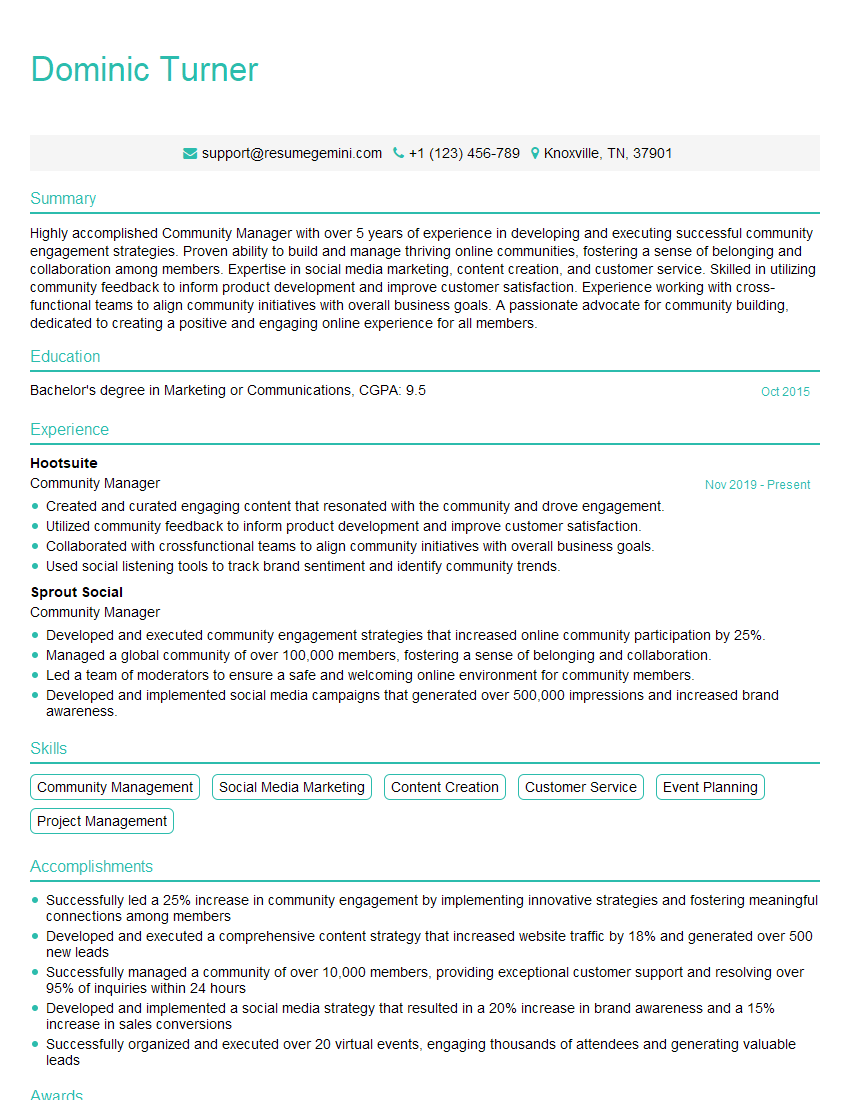
Community Manager Resume Sample
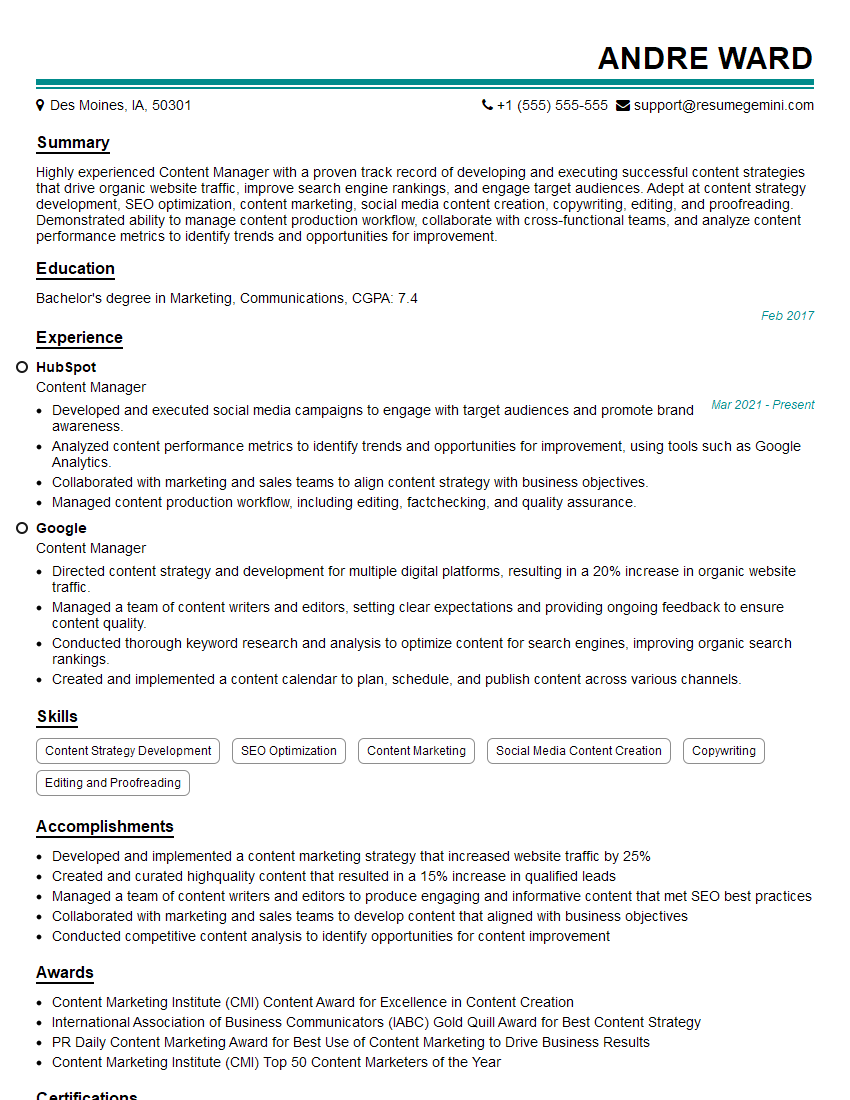
Content Manager Resume Sample

Information Architect Resume Sample

Content Strategist Resume Sample

Documentation Specialist Resume Sample
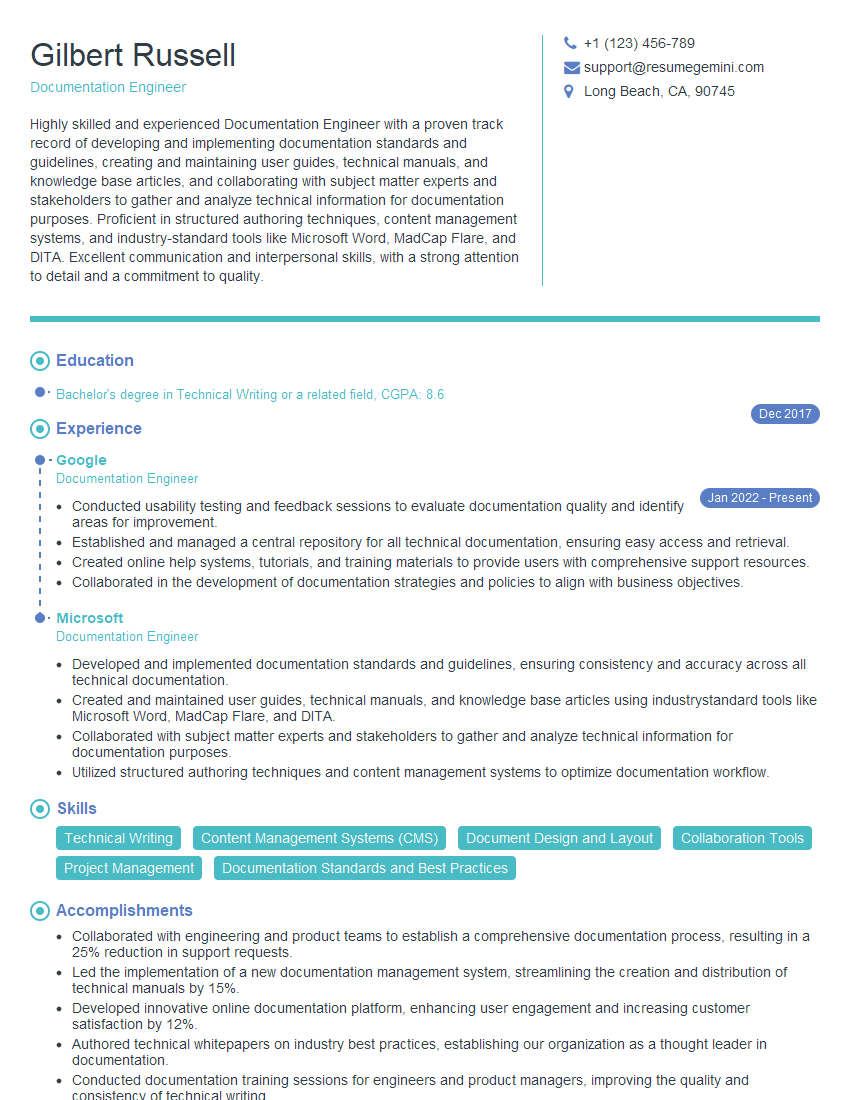
Documentation Engineer Resume Sample
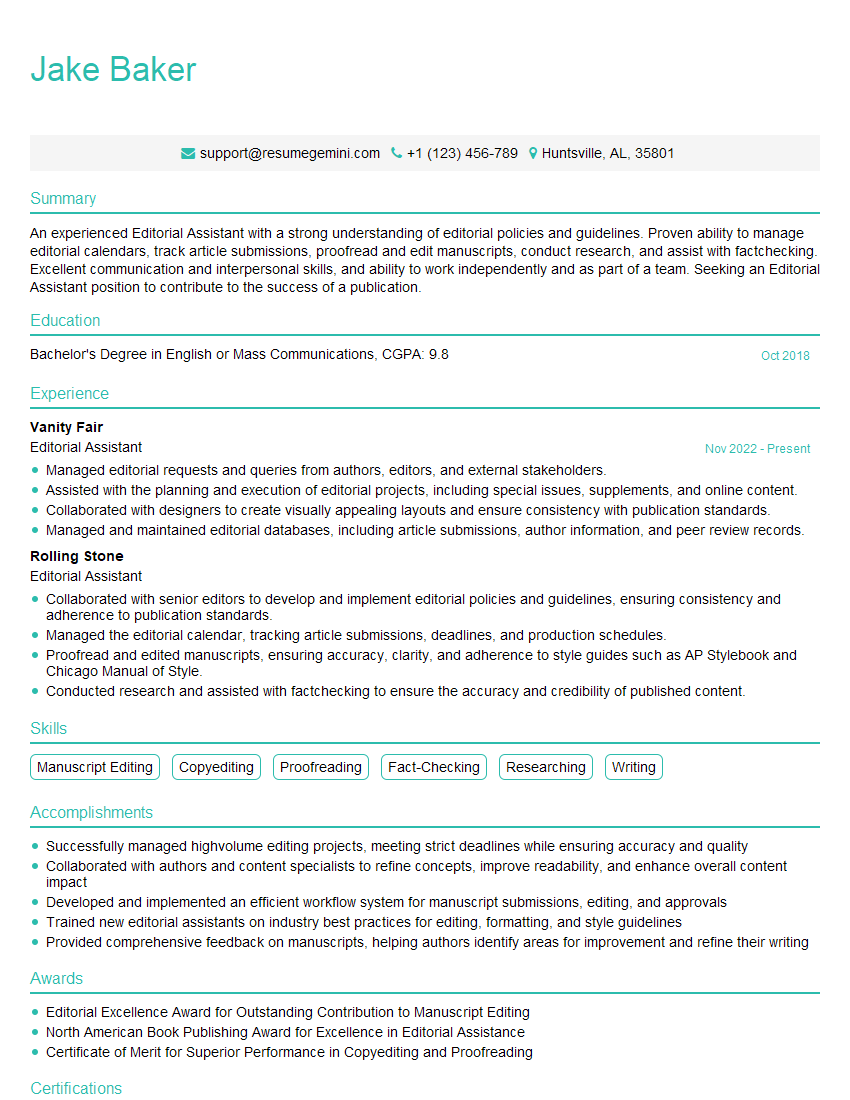
Editorial Assistant Resume Sample
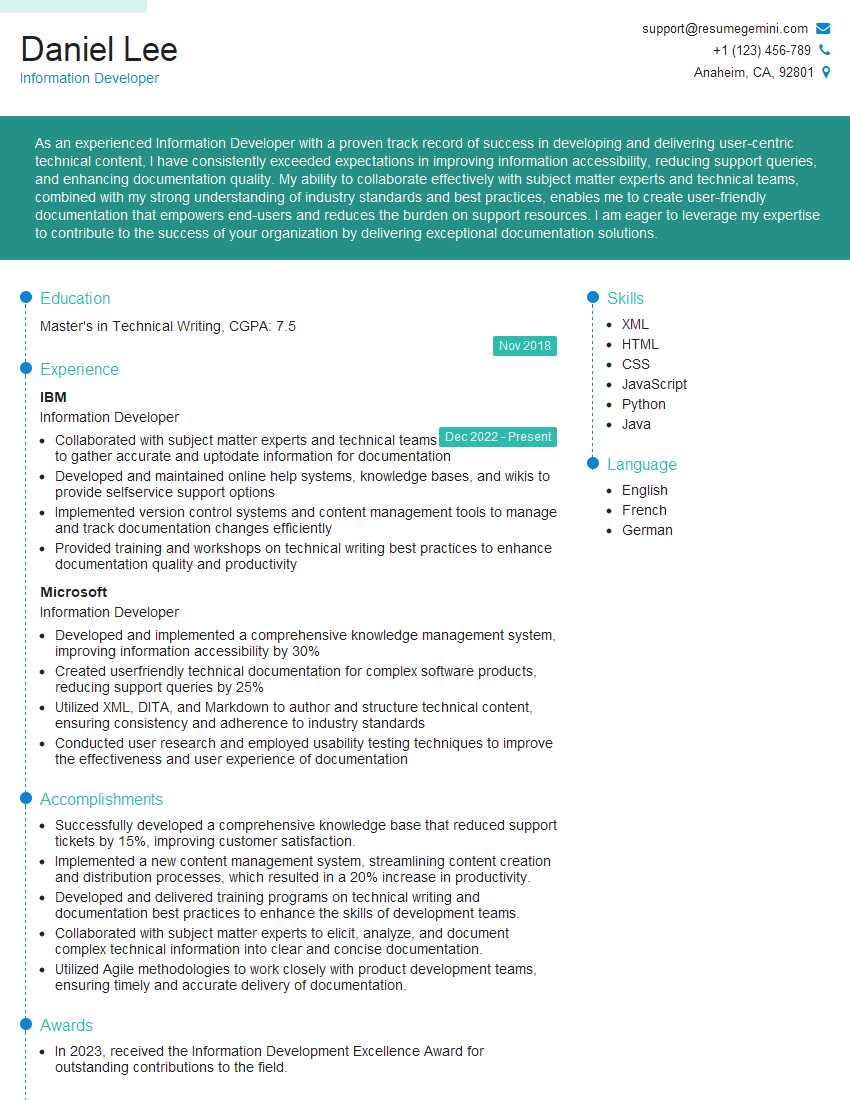
Information Developer Resume Sample
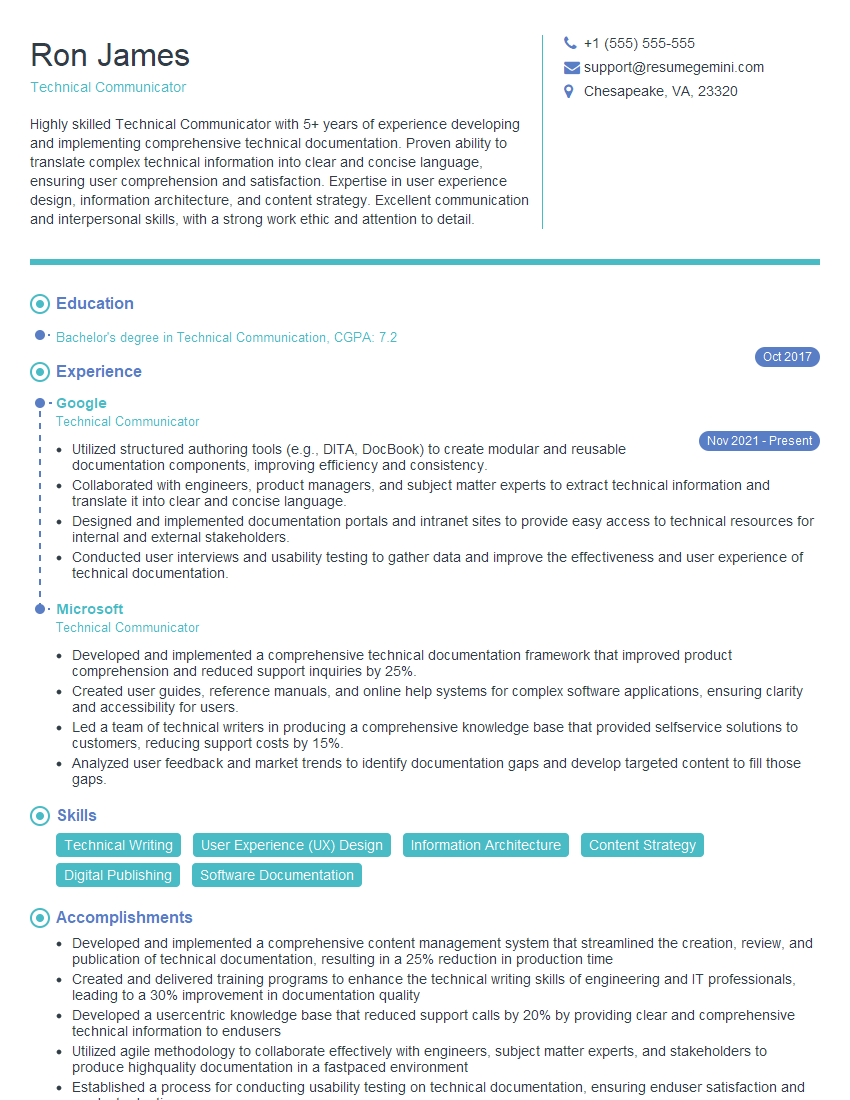
Technical Communicator Resume Sample

Technical Writer Resume Sample
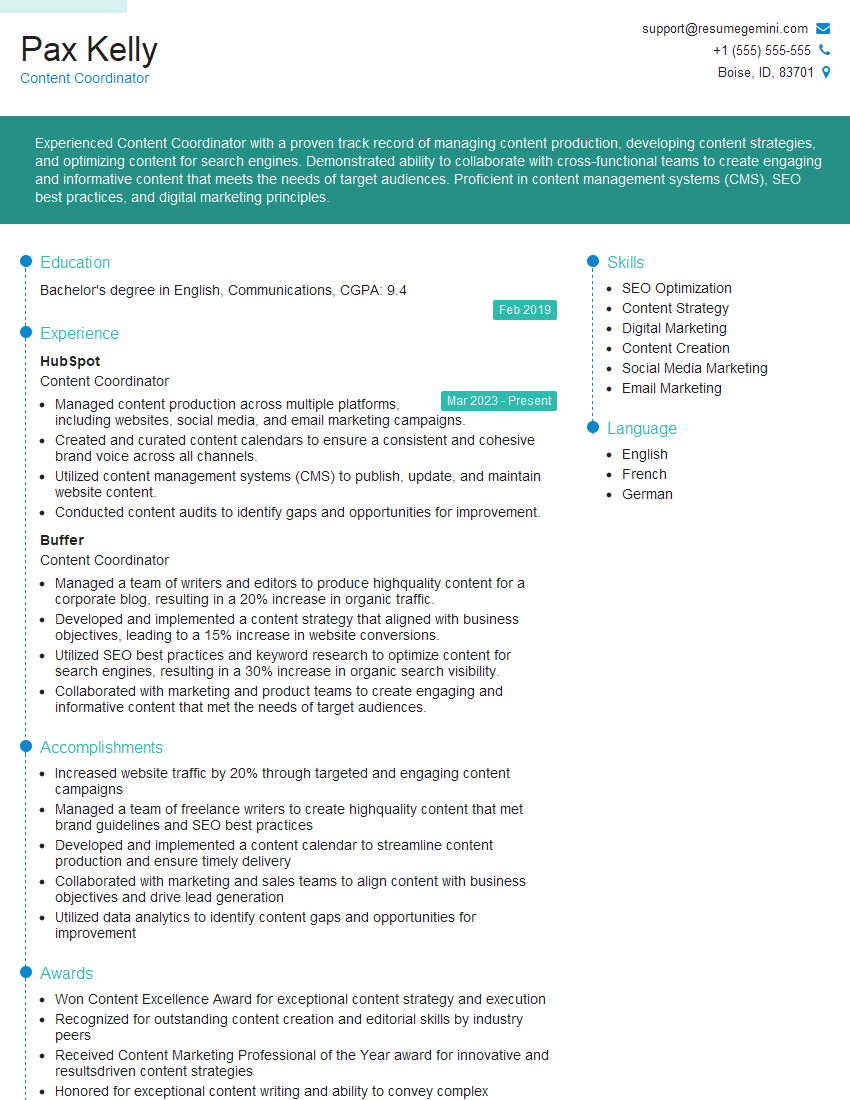
Content Coordinator Resume Sample
Explore more articles
Users Rating of Our Blogs
Share Your Experience
We value your feedback! Please rate our content and share your thoughts (optional).
What Readers Say About Our Blog
Amazing blog
Interesting Article, I liked the depth of knowledge you’ve shared.
Helpful, thanks for sharing.